
 15
15presentation
College Essay Thesis Builder Slides
Build stronger academic arguments with a college essay thesis builder featuring guided examples, revision prompts, and editable PowerPoint and Google Slides.
Google SlidesPowerPoint
presentation · English
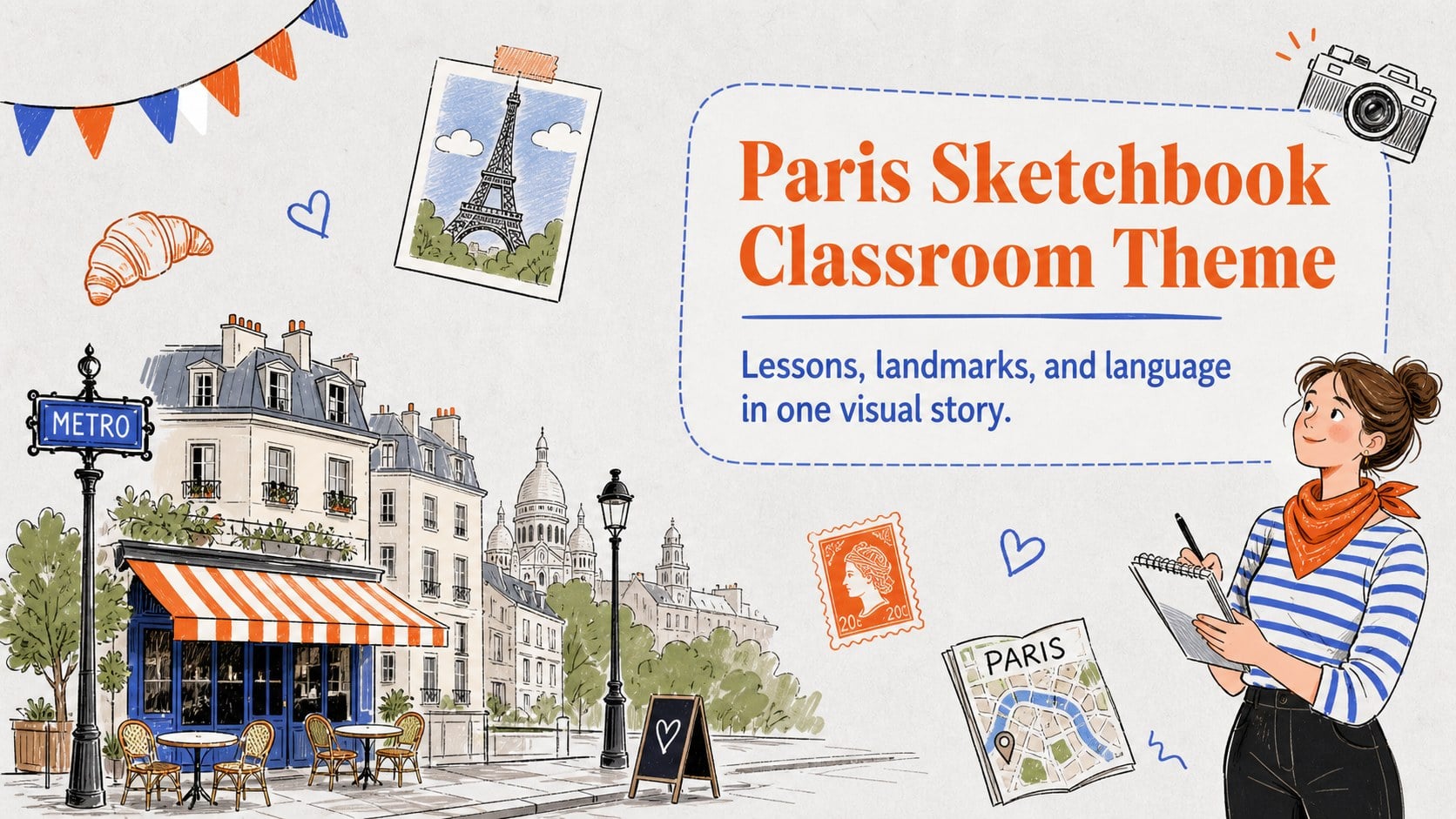
Create lively lessons and travel stories with this Paris sketchbook classroom theme, featuring cute gray illustrations for PowerPoint and Google Slides.

Design notes
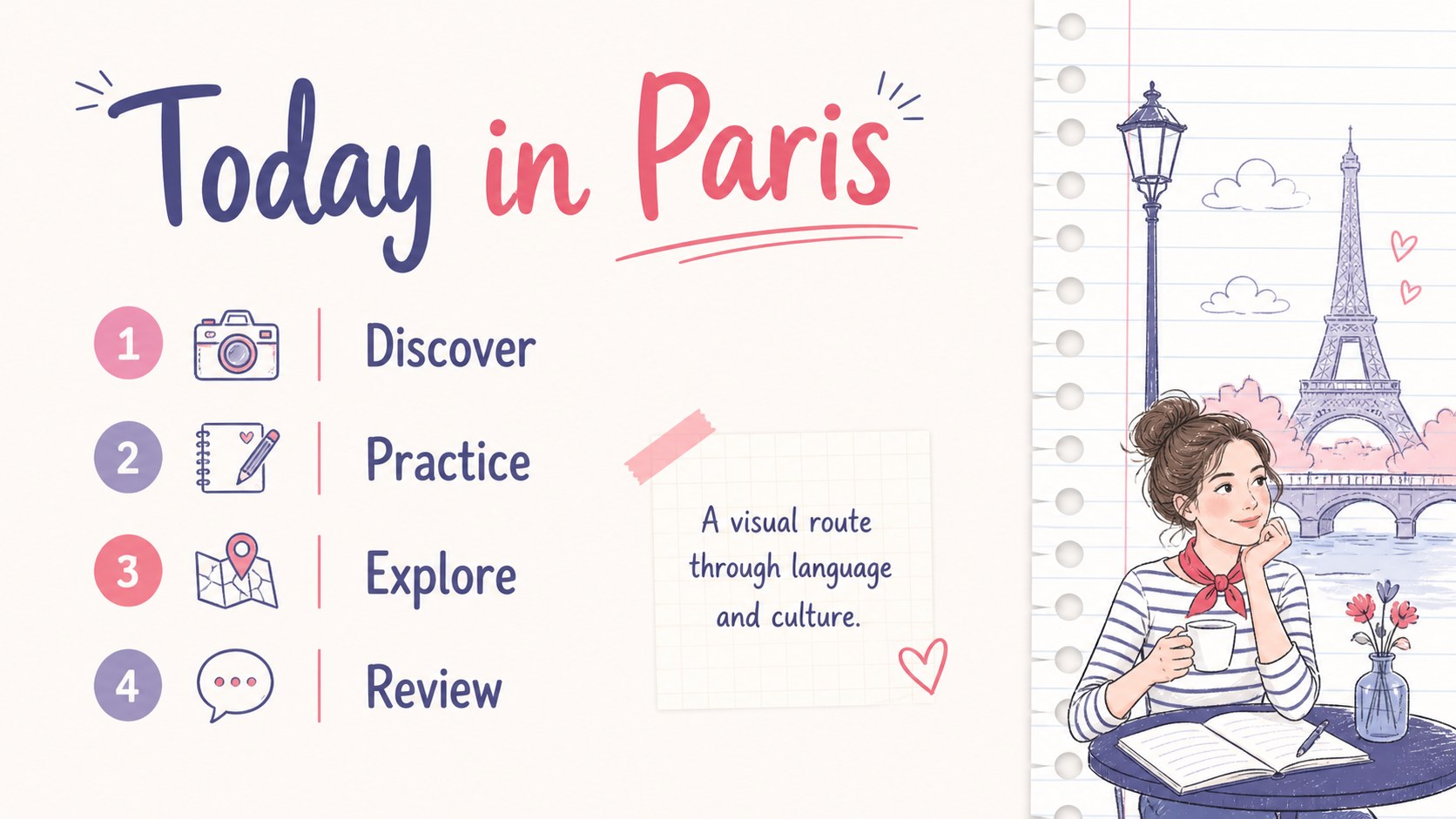
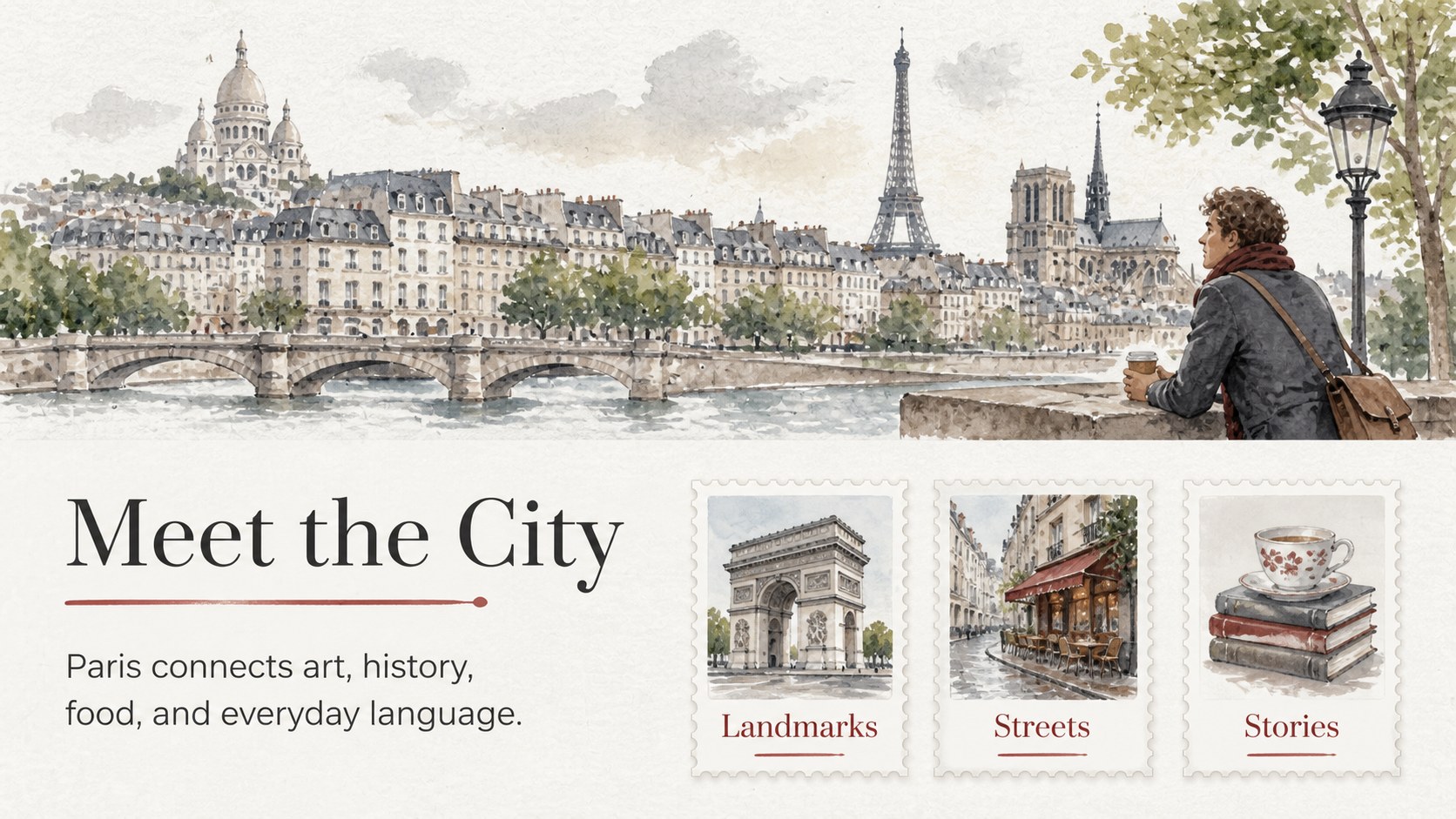
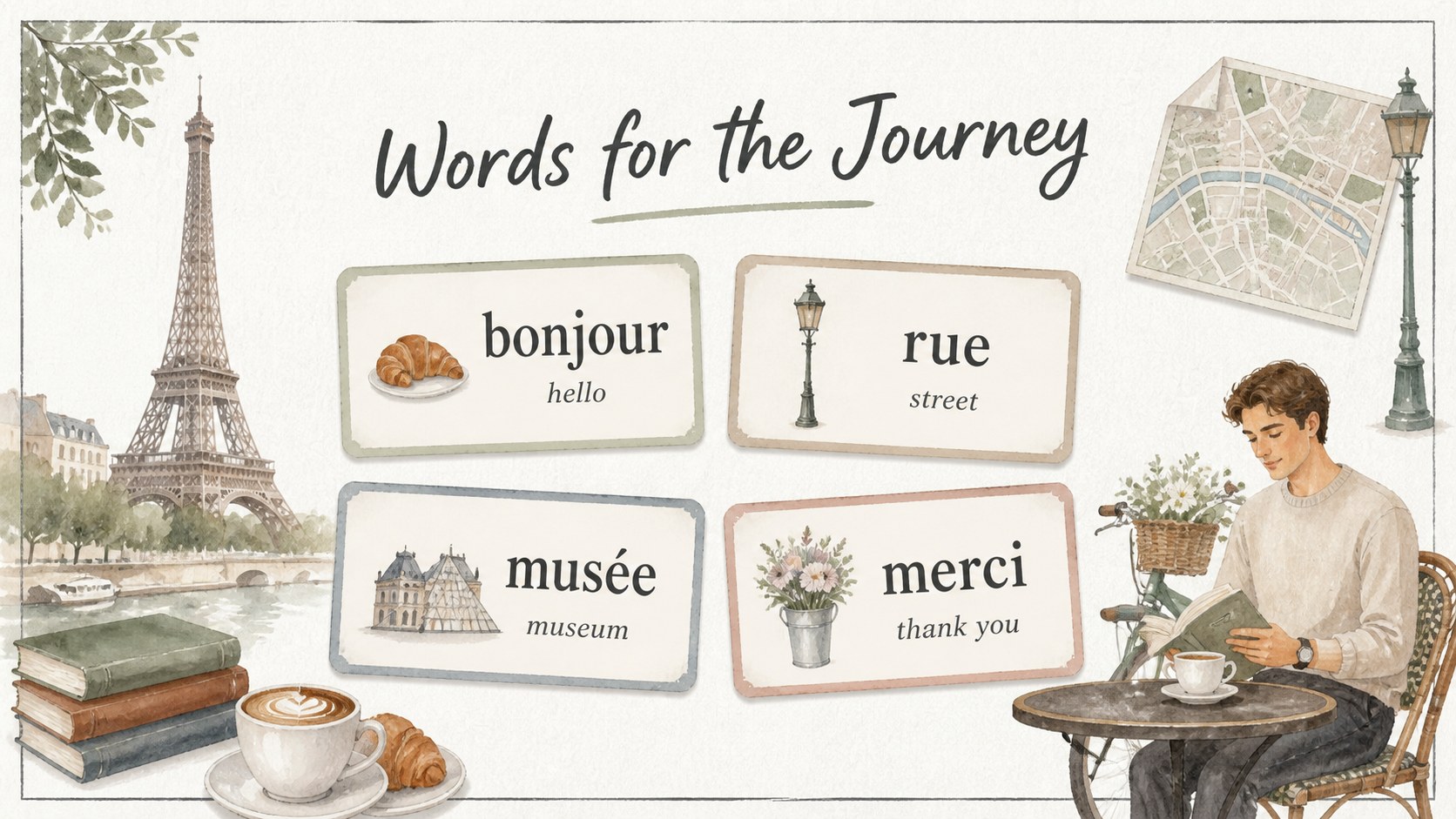
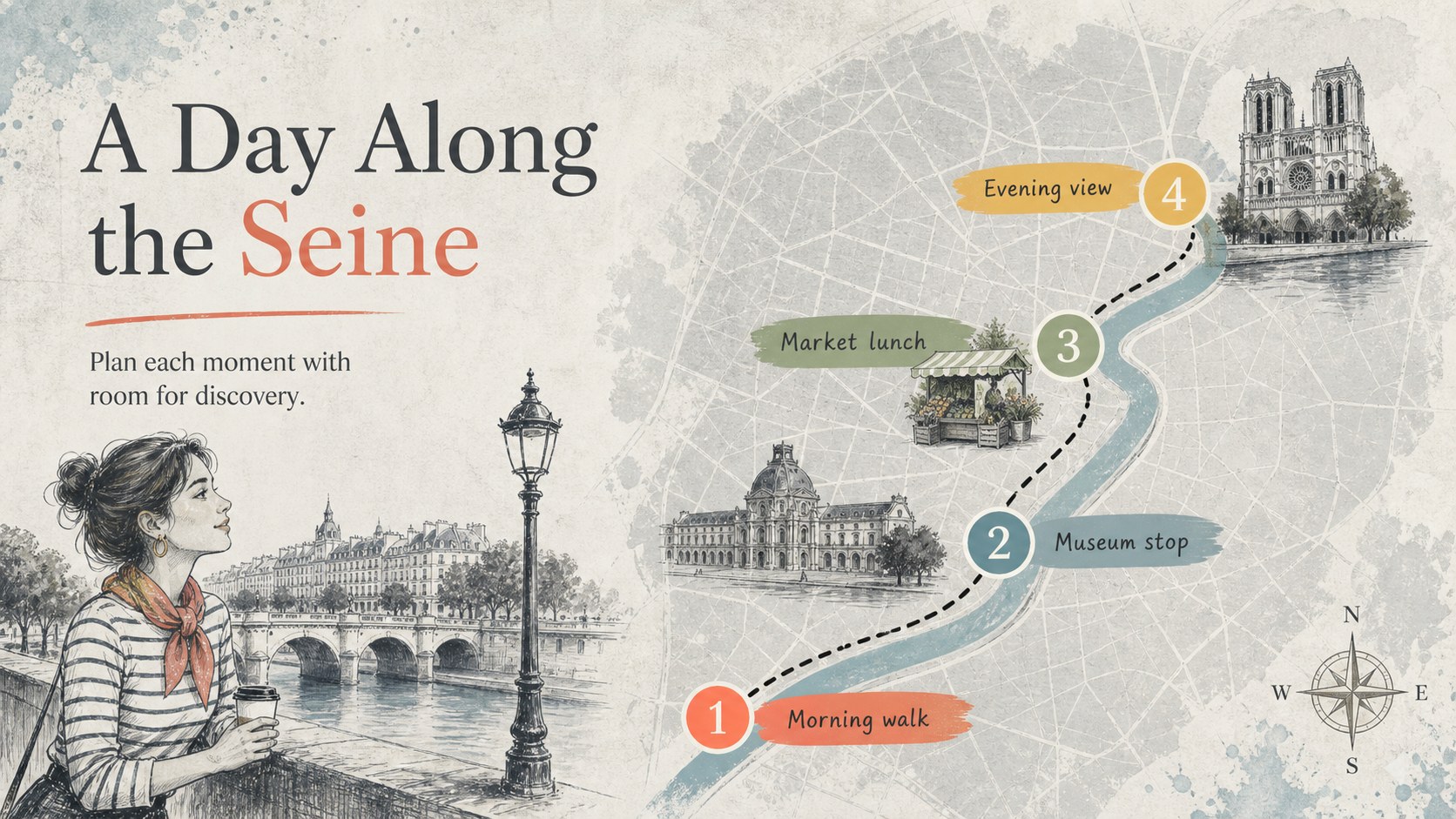
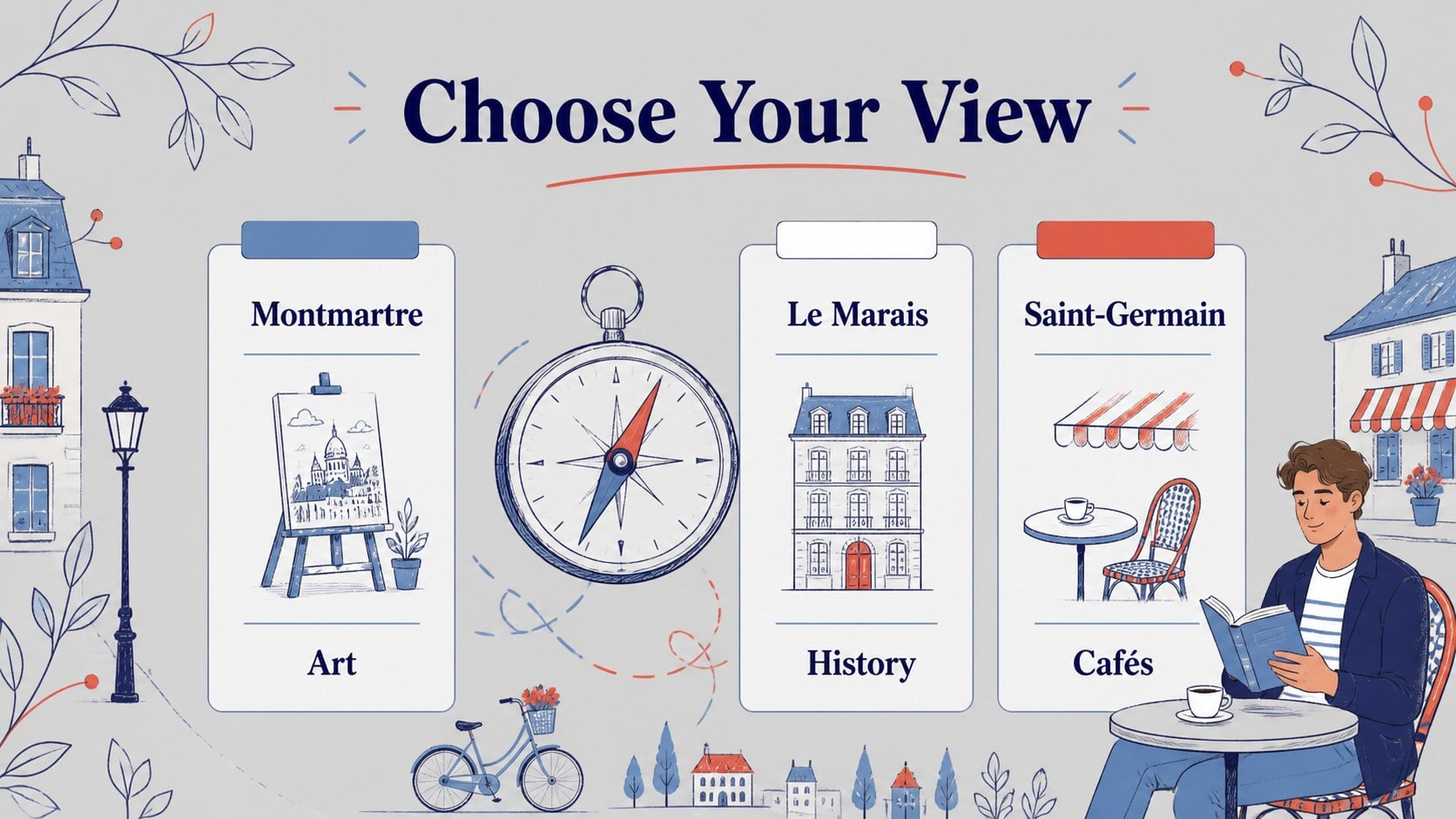
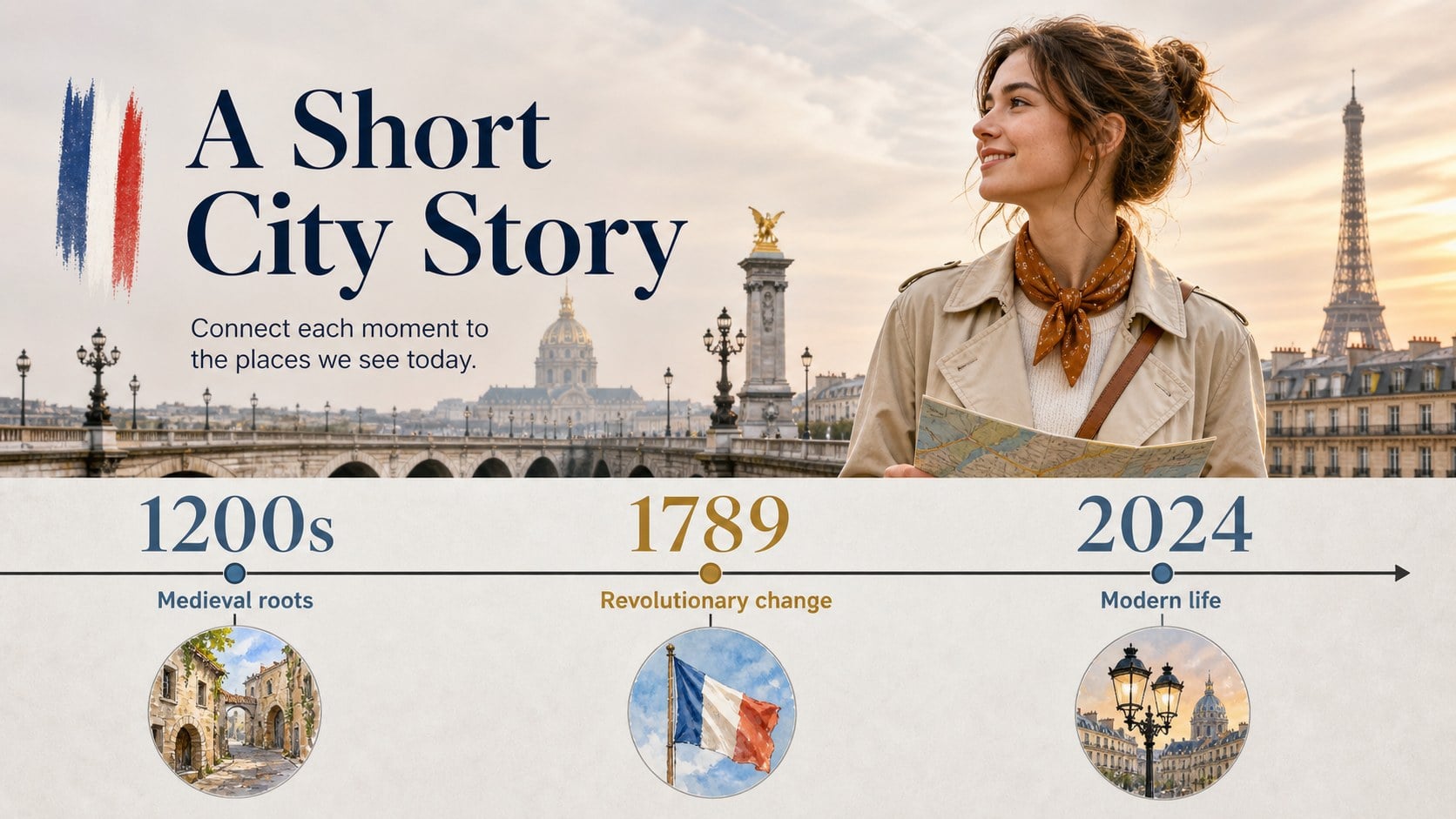
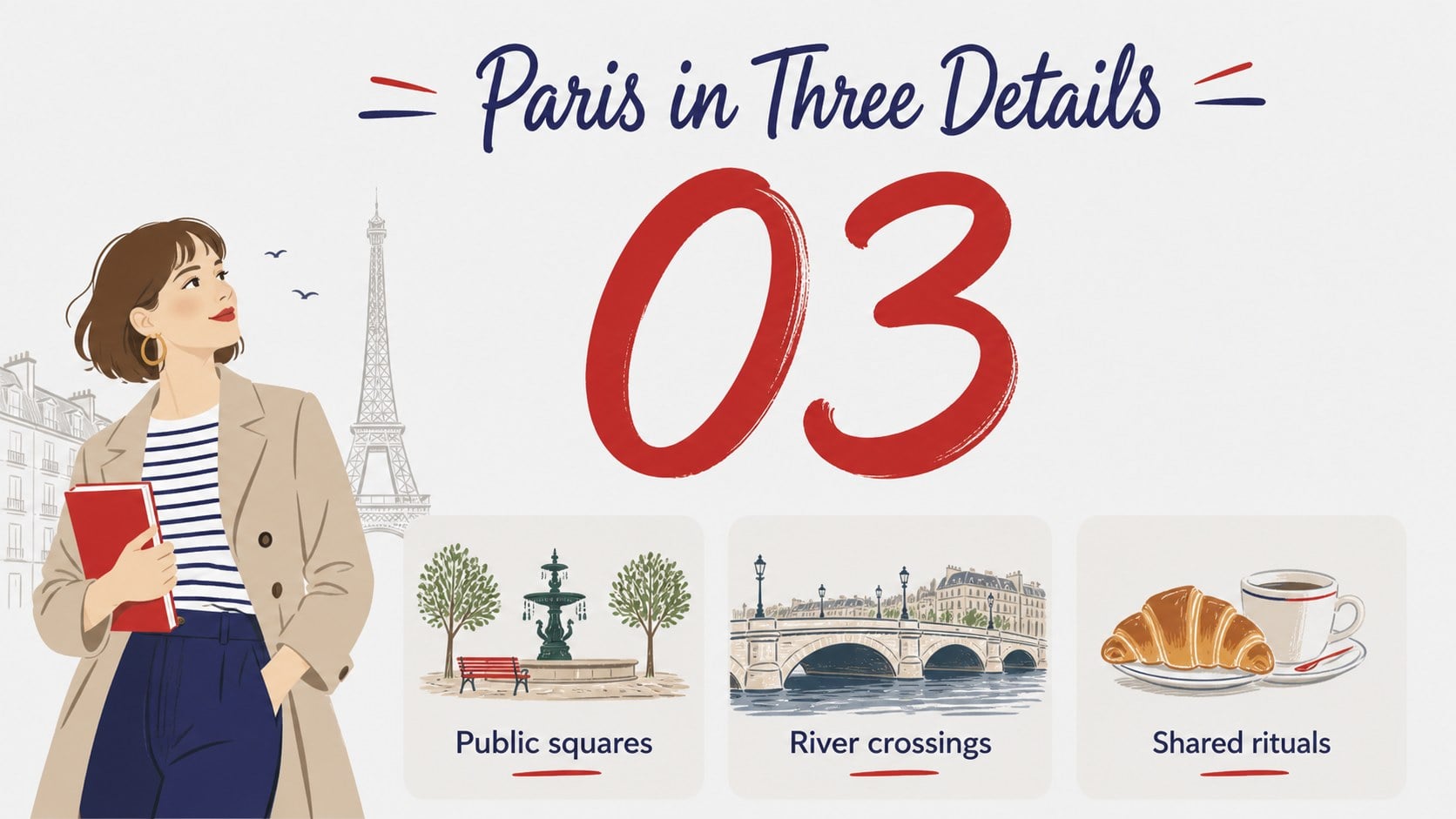
Paris Sketchbook Classroom Theme brings a playful illustrated feel to lessons, cultural talks, travel itineraries, and creative business presentations. Its soft gray foundation, colorful doodles, and approachable Paris-inspired details create a polished setting for content without overwhelming the message. Use this paris sketchbook classroom theme to introduce French vocabulary, map a city adventure, share landmarks, or frame a lighthearted brand story.
Inside the deck are 15 editable 16:9 slides for PowerPoint and Google Slides. The layouts include a cover, agenda, image-led introduction, vocabulary cards, comparison panels, map-style planning, timeline, fact blocks, quote space, chart layout, two-column lesson page, activity prompt, recap, and closing slide. Rework the text, illustrations, charts, and color accents to suit a classroom, workshop, or personal project. The visual system is especially useful for a French culture lesson presentation, a Paris travel itinerary slideshow, or an engaging language activity.
This template is designed for teachers, students, tour planners, cultural organizations, and presenters who want an inviting visual identity with plenty of room for clear information. Add your own photos, lesson notes, schedules, or statistics while preserving the friendly gray-and-colorful aesthetic.
Perfect for: French culture lesson; Paris travel itinerary; Beginner language workshop; European landmarks report; Cultural event presentation.
Frequently asked questions
Can I edit this template in PowerPoint? Yes. The deck is designed for PowerPoint and can be adapted with your own wording, photos, charts, and colors. Standard text and shape editing tools are enough for most customizations.
Practical details
Yes. The deck is designed for PowerPoint and can be adapted with your own wording, photos, charts, and colors. Standard text and shape editing tools are enough for most customizations.
Yes, you can open or import the presentation in Google Slides and continue editing the layouts there. Check fonts and image placement after importing, since some elements may render slightly differently.
Yes. Replace the accent colors or adjust the gray tones to match your lesson, organization, or brand. Keeping one neutral base with a small set of bright accents will preserve the intended visual balance.
It works well for vocabulary, cultural facts, travel routes, landmark reports, classroom activities, and visual storytelling. The included layouts also support simple timelines, comparisons, charts, and recap pages.
Keep exploring
15Build stronger academic arguments with a college essay thesis builder featuring guided examples, revision prompts, and editable PowerPoint and Google Slides.
 15
15Build an engaging World UFO Day session with this flying saucer history lesson deck, featuring retro green-and-brown slides for PowerPoint and Google Slides.
 14
14Plan a memorable Lunar New Year campaign with the 2036 Dragon Year Celebration Theme, featuring bold red-and-yellow slides for lessons and events.
 15
15Build a thoughtful classroom discussion with this interfaith awareness lesson deck, featuring editable blue-and-white slides for PowerPoint and Google Slides.
 15
15Use this environmental awareness lesson deck to teach climate action through illustrated activities, discussion prompts, and ready-to-edit visuals.
 15
15Build playful lessons and party stories with a kid-friendly zombie celebration theme in purple, green and pastel blue for PowerPoint and Google Slides.
 15
15Build eerie lessons, campaigns, and story pitches with an undead survival scenario theme featuring editable slides for PowerPoint and Google Slides.
 16
16Turn environmental research into a clear story with a Watercolor Ecology Presentation Theme for PowerPoint and Google Slides in calming green and blue.