
 15
15presentation
College Essay Thesis Builder Slides
Build stronger academic arguments with a college essay thesis builder featuring guided examples, revision prompts, and editable PowerPoint and Google Slides.
Google SlidesPowerPoint
presentation · English
Make gravity and orbital motion easier to grasp with an Orbital Forces Physics Classroom Deck featuring animated blue visuals for middle school learners.
Design notes
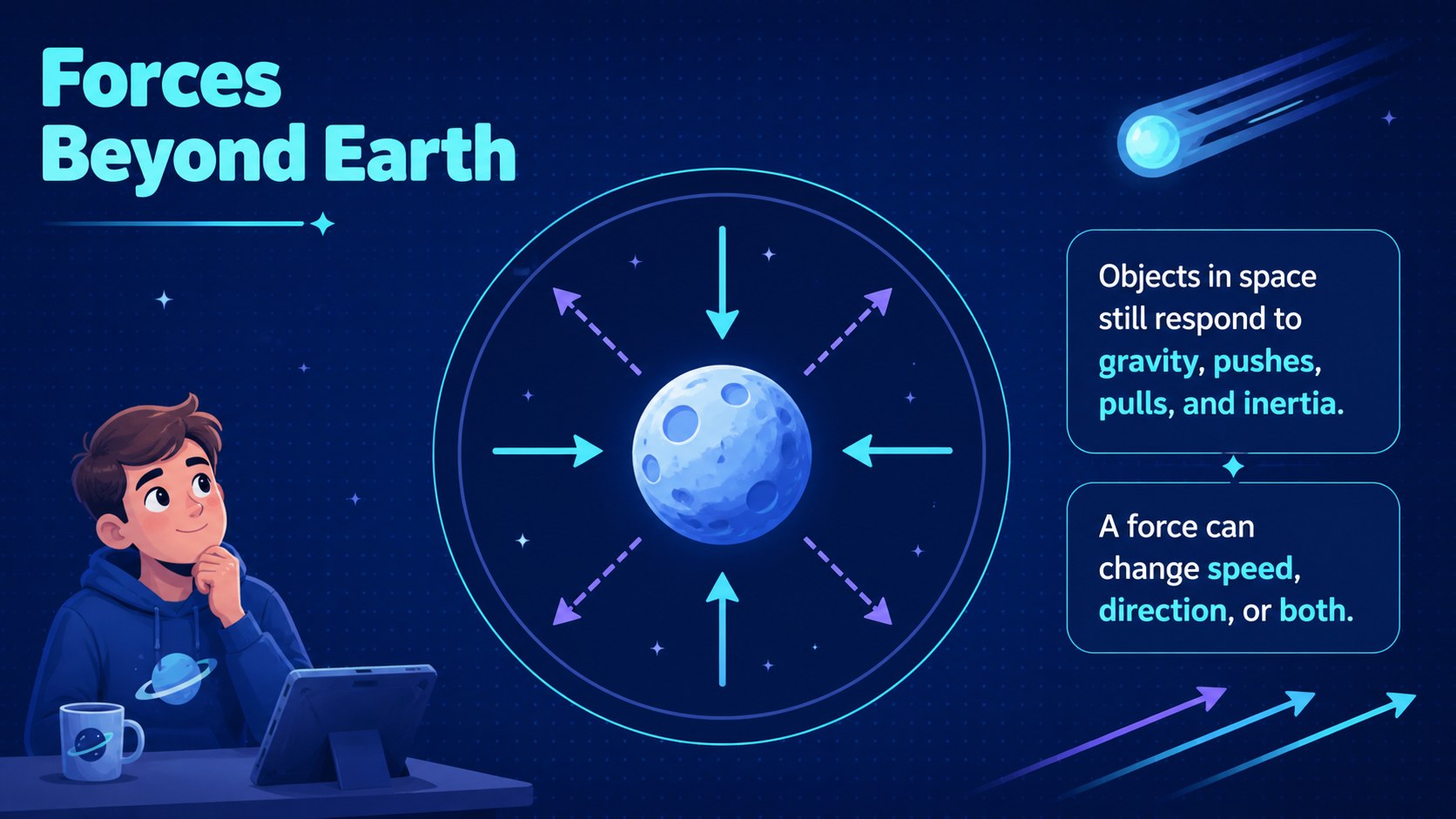
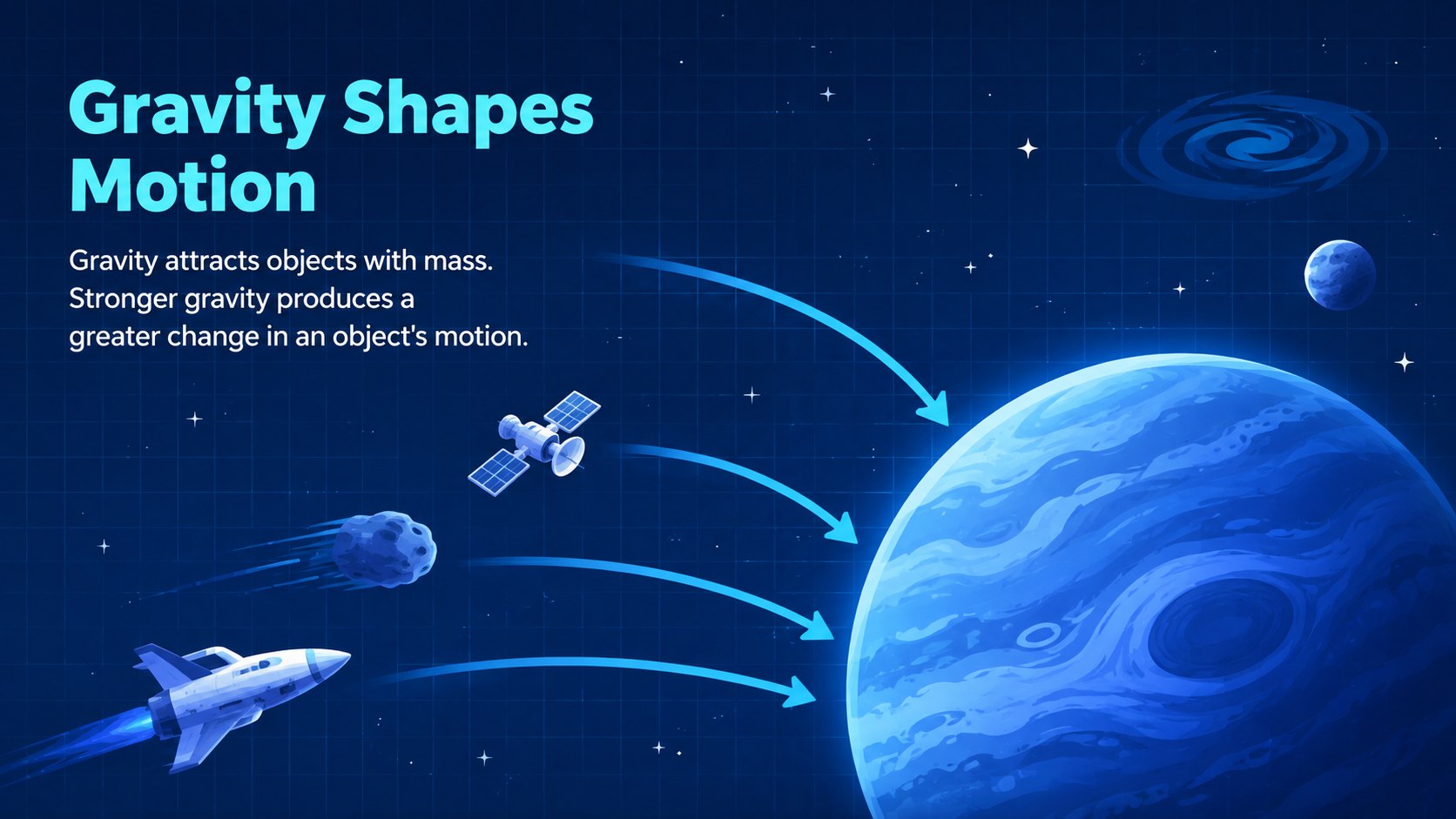
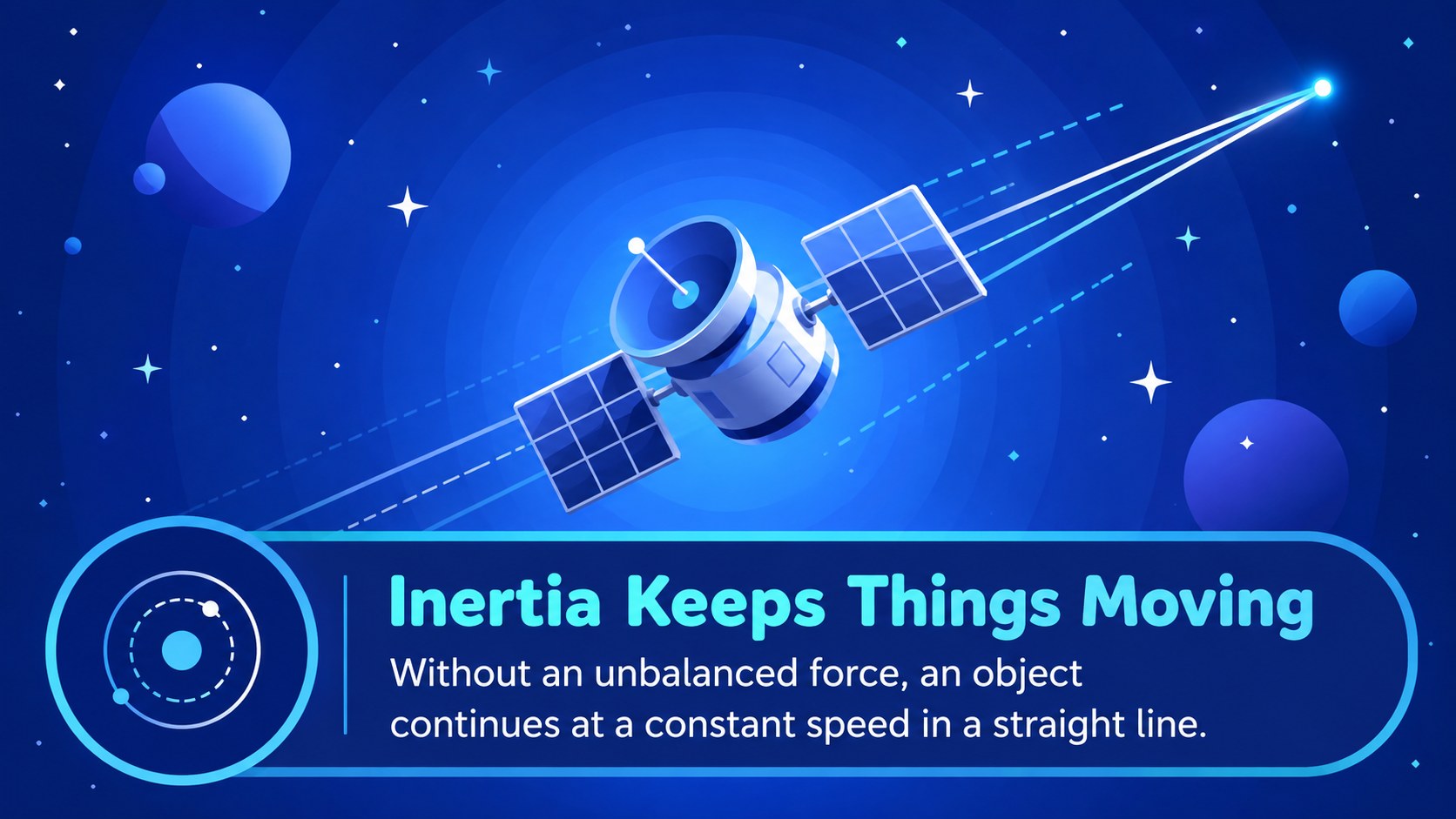
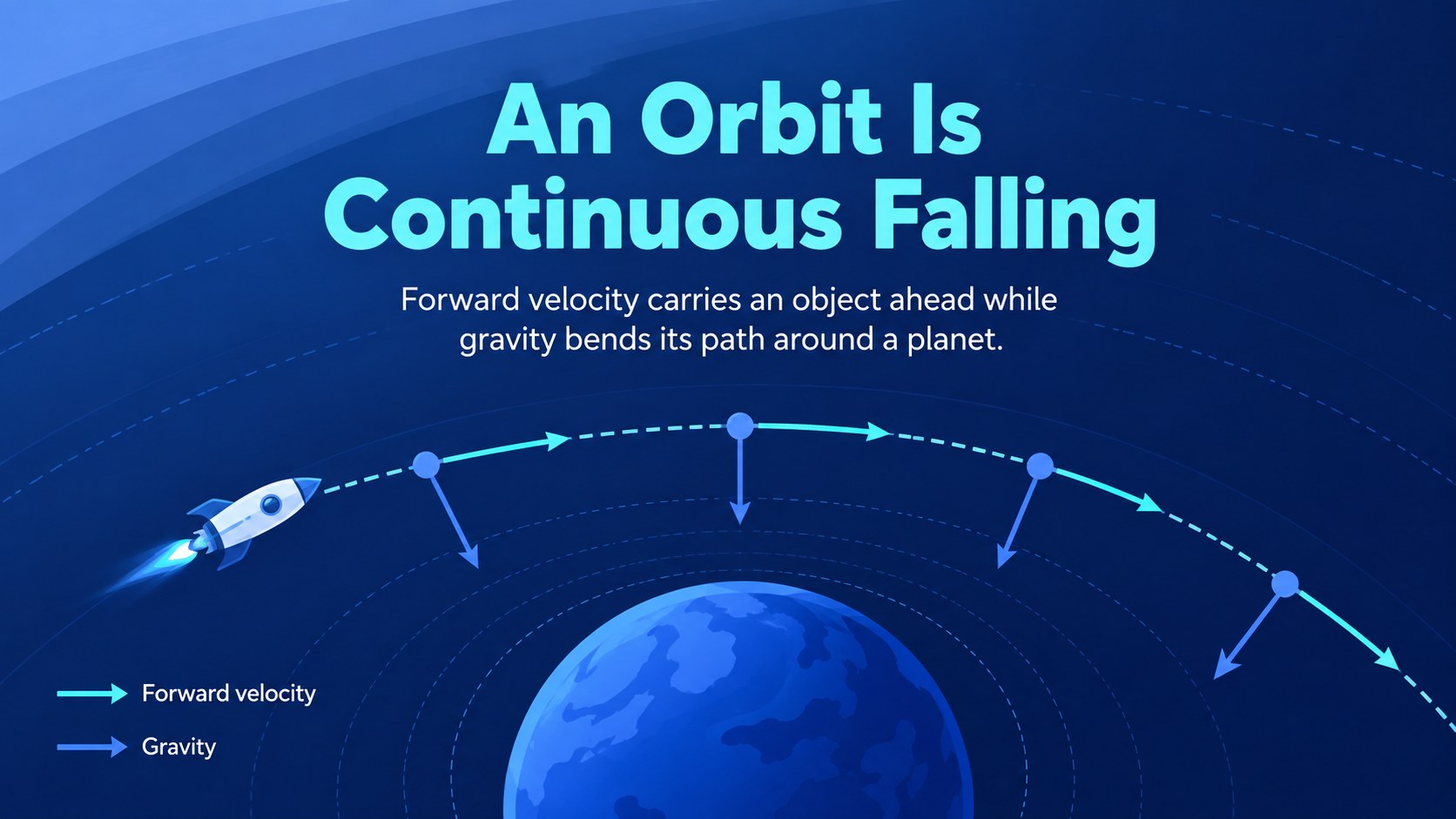
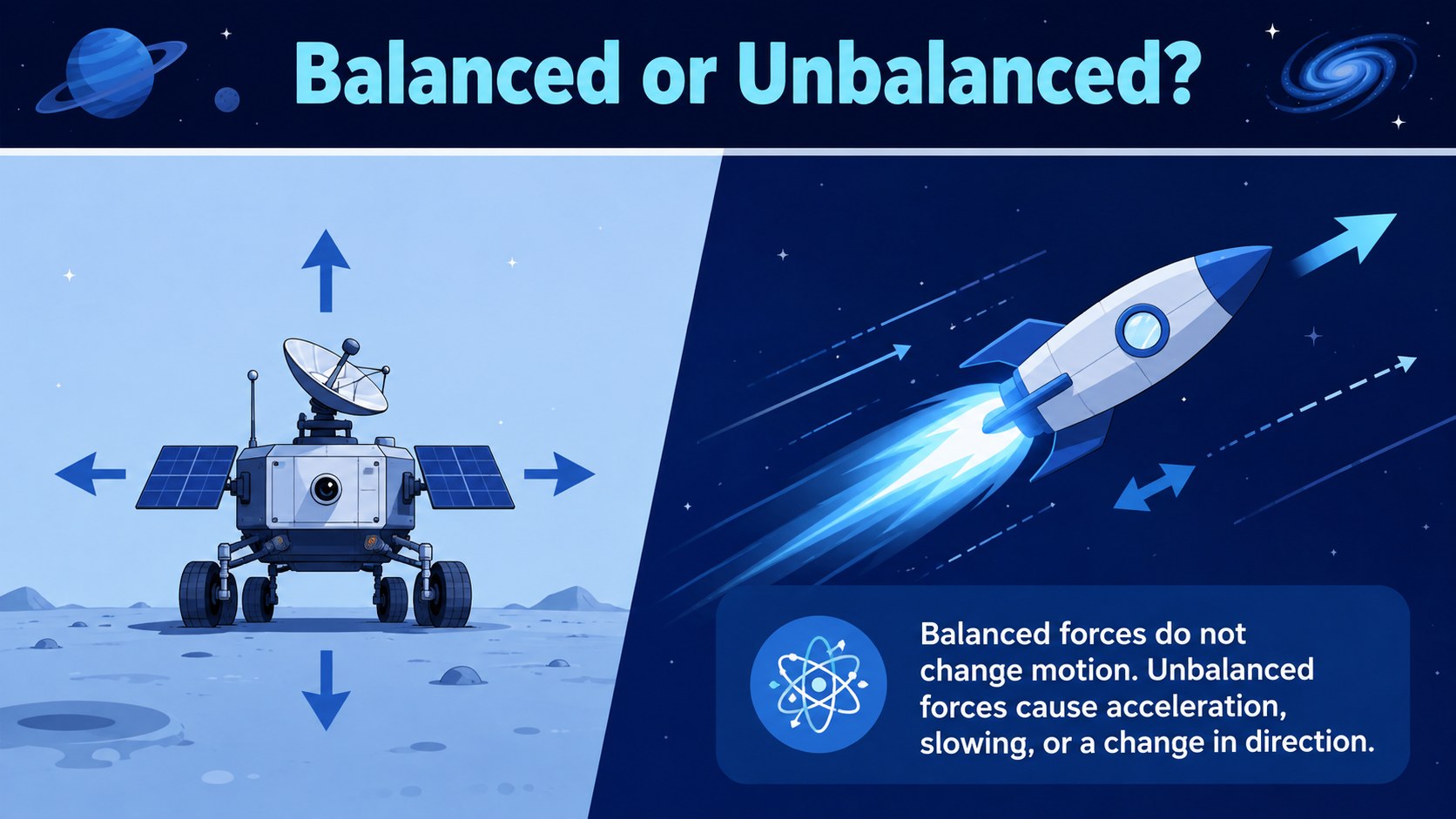
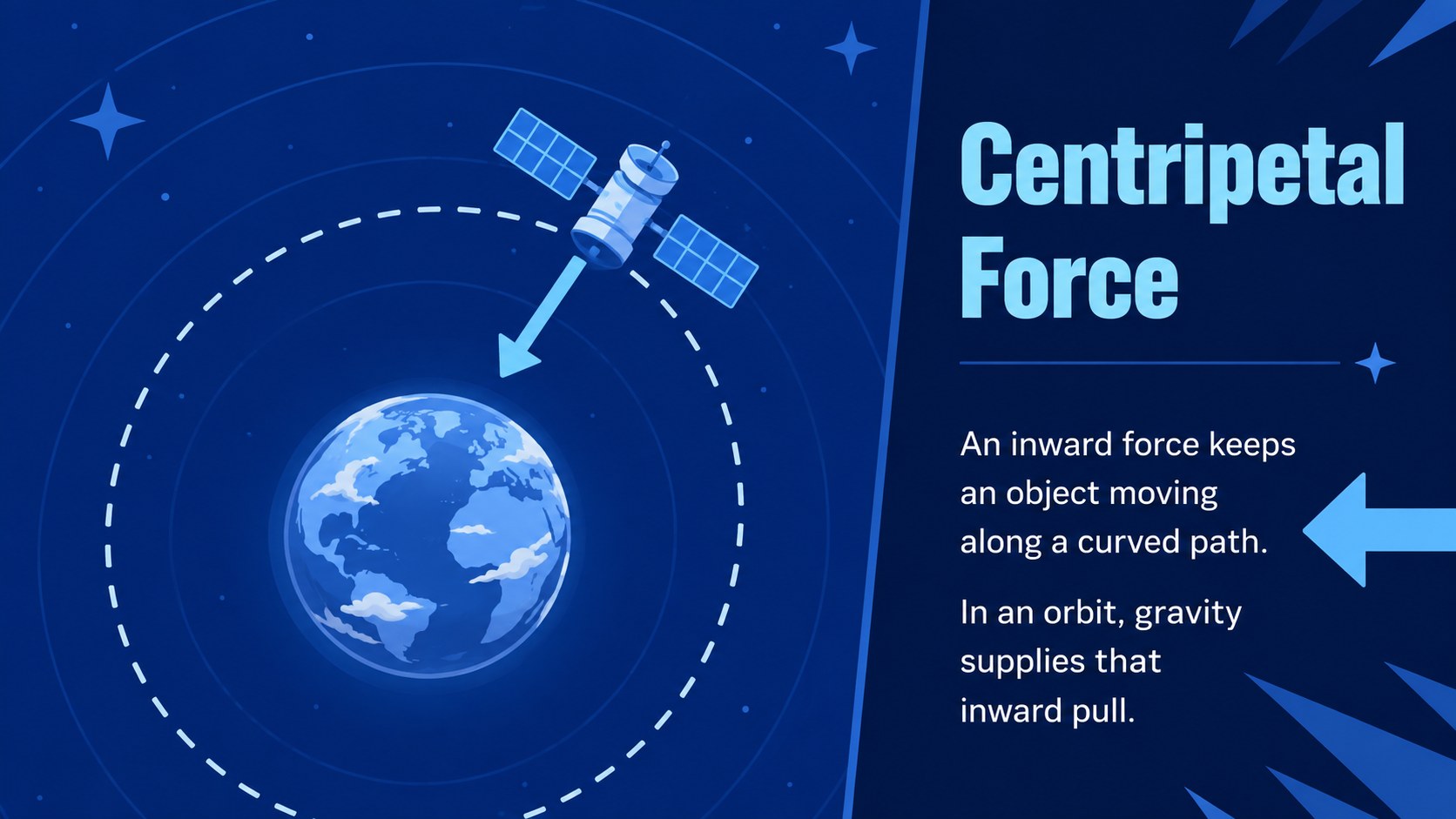
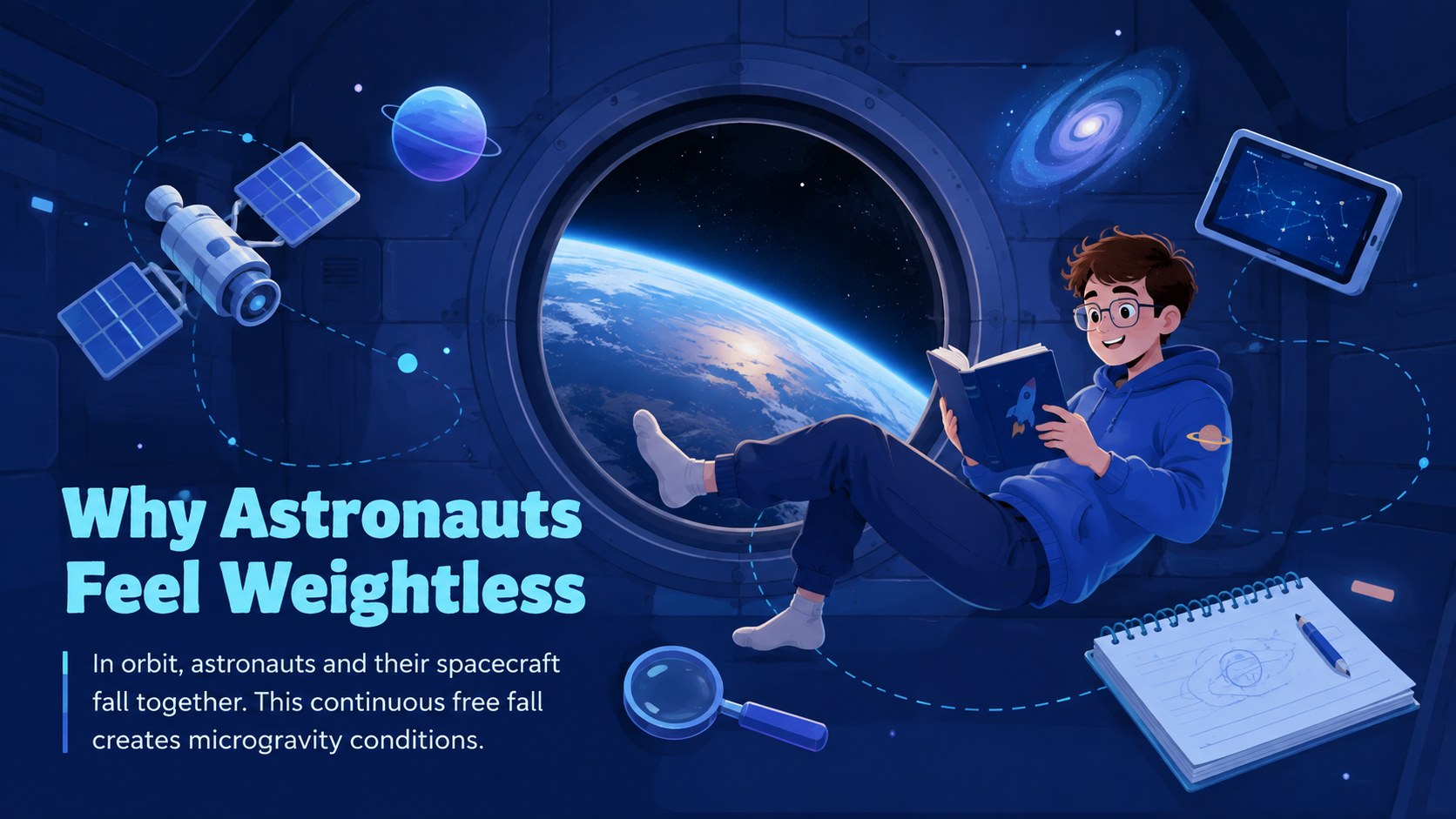
Bring abstract space physics down to earth with the Orbital Forces Physics Classroom Deck, a lively teaching resource for explaining how objects move beyond our planet. Its energetic blue palette, illustrated spacecraft, orbital diagrams, and motion-inspired details help students connect familiar force concepts with satellites, astronauts, and planetary systems.
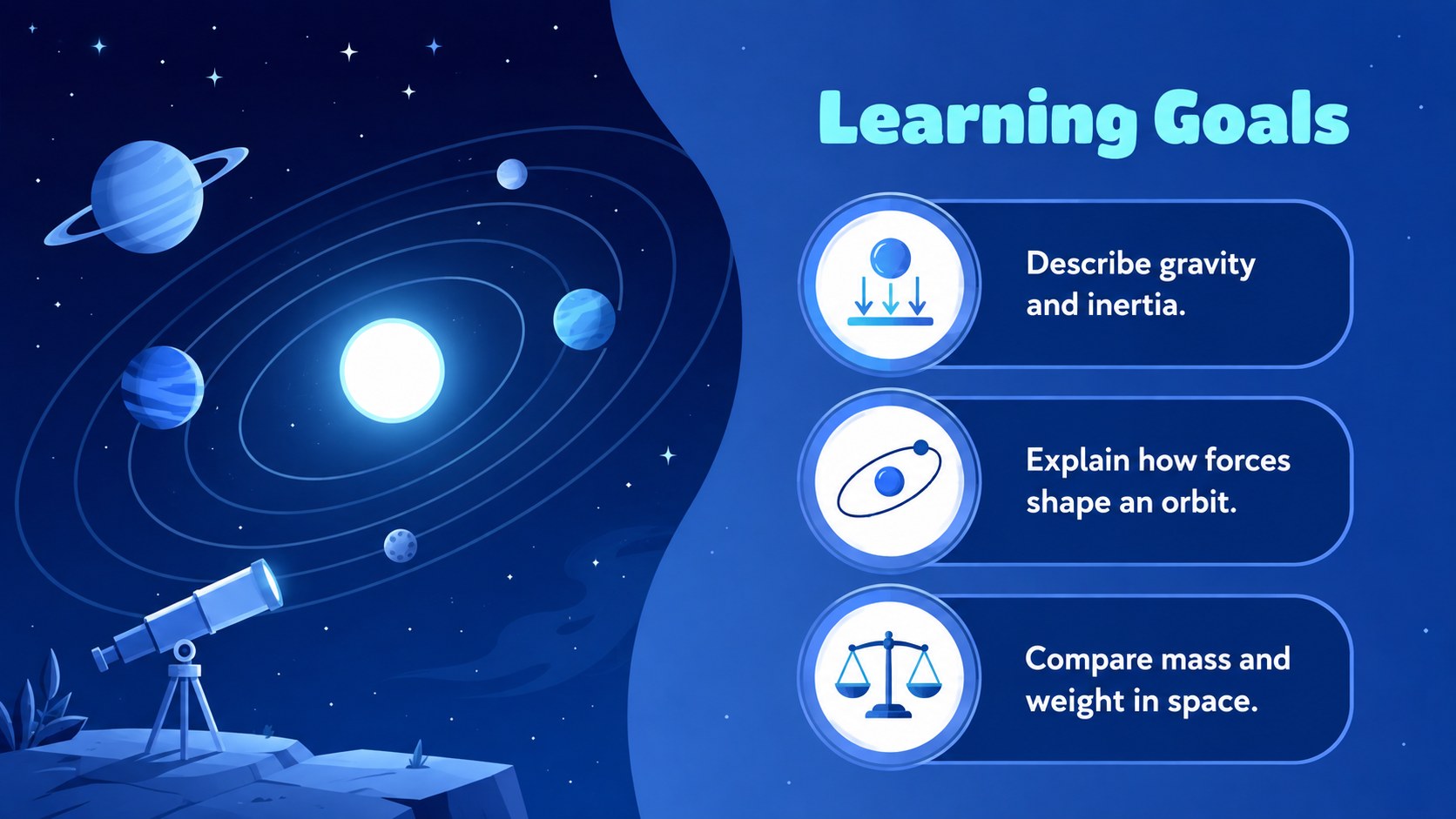
Inside, educators will find structured layouts for learning goals, gravity and inertia explanations, mass-versus-weight comparisons, orbital motion diagrams, microgravity discussions, quick knowledge checks, and a mission-based class challenge. Use it as a gravity and orbit lesson template or adapt the sequence into an animated orbital motion lesson. Clear visual hierarchy leaves room for definitions, worked examples, discussion prompts, and student predictions without making the science feel crowded.
This deck is designed for middle school science teachers, STEM instructors, tutors, and homeschool educators introducing forces in an astronomy context. It also works as a satellite motion teaching presentation for enrichment activities or cross-curricular space units. Every slide can be edited in PowerPoint or Google Slides, including text, colors, diagrams, and illustrations. Add your own equations, classroom data, video links, or assessment questions to align the material with local standards and student ability levels.
Perfect for: middle school physics lesson; space science unit introduction; satellite motion classroom activity; gravity concept review; STEM enrichment workshop.
Frequently asked questions
Can I edit the diagrams and lesson text? Yes. The headings, explanations, shapes, orbital diagrams, and visual elements are customizable, so you can adjust terminology and difficulty for your class.
Practical details
Yes. The headings, explanations, shapes, orbital diagrams, and visual elements are customizable, so you can adjust terminology and difficulty for your class.
The deck is designed for PowerPoint and Google Slides. Some transitions, fonts, or object positions may vary slightly between platforms, so review the slides before presenting.
Yes. Select the concept slides you need, remove optional activities, and use the exit ticket as a quick assessment. The modular structure supports both brief reviews and multi-session lessons.
Replace the sample definitions and questions with your required vocabulary, standards, and calculations. You can also add local assessment prompts, spacecraft examples, or links to classroom demonstrations.
Keep exploring
15Build stronger academic arguments with a college essay thesis builder featuring guided examples, revision prompts, and editable PowerPoint and Google Slides.
 15
15Build an engaging World UFO Day session with this flying saucer history lesson deck, featuring retro green-and-brown slides for PowerPoint and Google Slides.
 14
14Plan a memorable Lunar New Year campaign with the 2036 Dragon Year Celebration Theme, featuring bold red-and-yellow slides for lessons and events.
 15
15Build a thoughtful classroom discussion with this interfaith awareness lesson deck, featuring editable blue-and-white slides for PowerPoint and Google Slides.
 15
15Use this environmental awareness lesson deck to teach climate action through illustrated activities, discussion prompts, and ready-to-edit visuals.
 15
15Build playful lessons and party stories with a kid-friendly zombie celebration theme in purple, green and pastel blue for PowerPoint and Google Slides.
 15
15Build eerie lessons, campaigns, and story pitches with an undead survival scenario theme featuring editable slides for PowerPoint and Google Slides.
 16
16Turn environmental research into a clear story with a Watercolor Ecology Presentation Theme for PowerPoint and Google Slides in calming green and blue.