
 15
15presentation
College Essay Thesis Builder Slides
Build stronger academic arguments with a college essay thesis builder featuring guided examples, revision prompts, and editable PowerPoint and Google Slides.
Google SlidesPowerPoint
presentation · English
Build focus and problem-solving skills with an orange puzzle path activity for young learners, ready to edit in PowerPoint or Google Slides.
Design notes
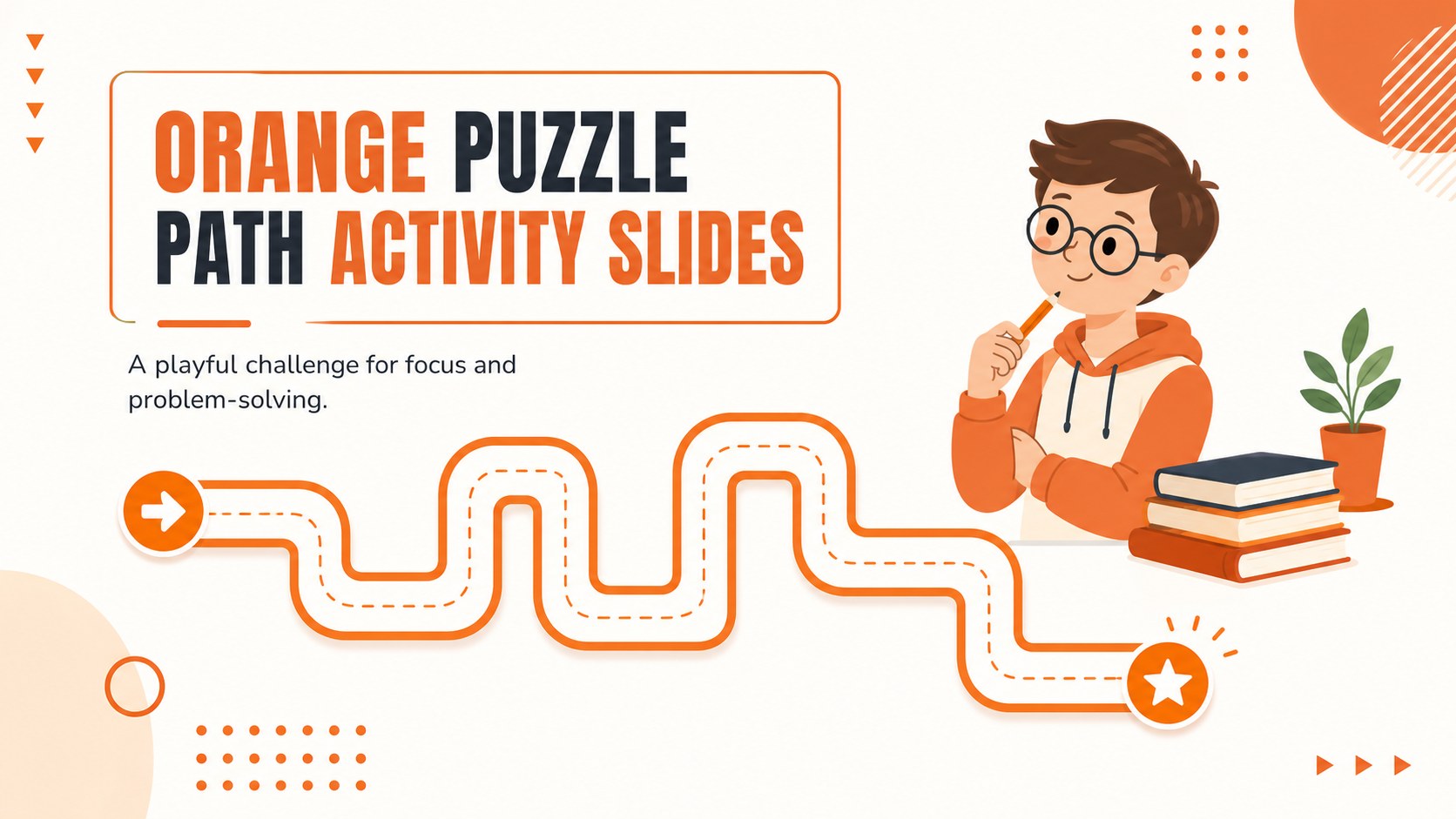
Make classroom practice more active with Orange Puzzle Path Activity Slides, a bright, illustrated resource for early learners. The orange-and-white design combines friendly puzzle graphics with clear spaces for directions, challenges, and student responses, making it easy to introduce a short learning game or an end-of-lesson activity.
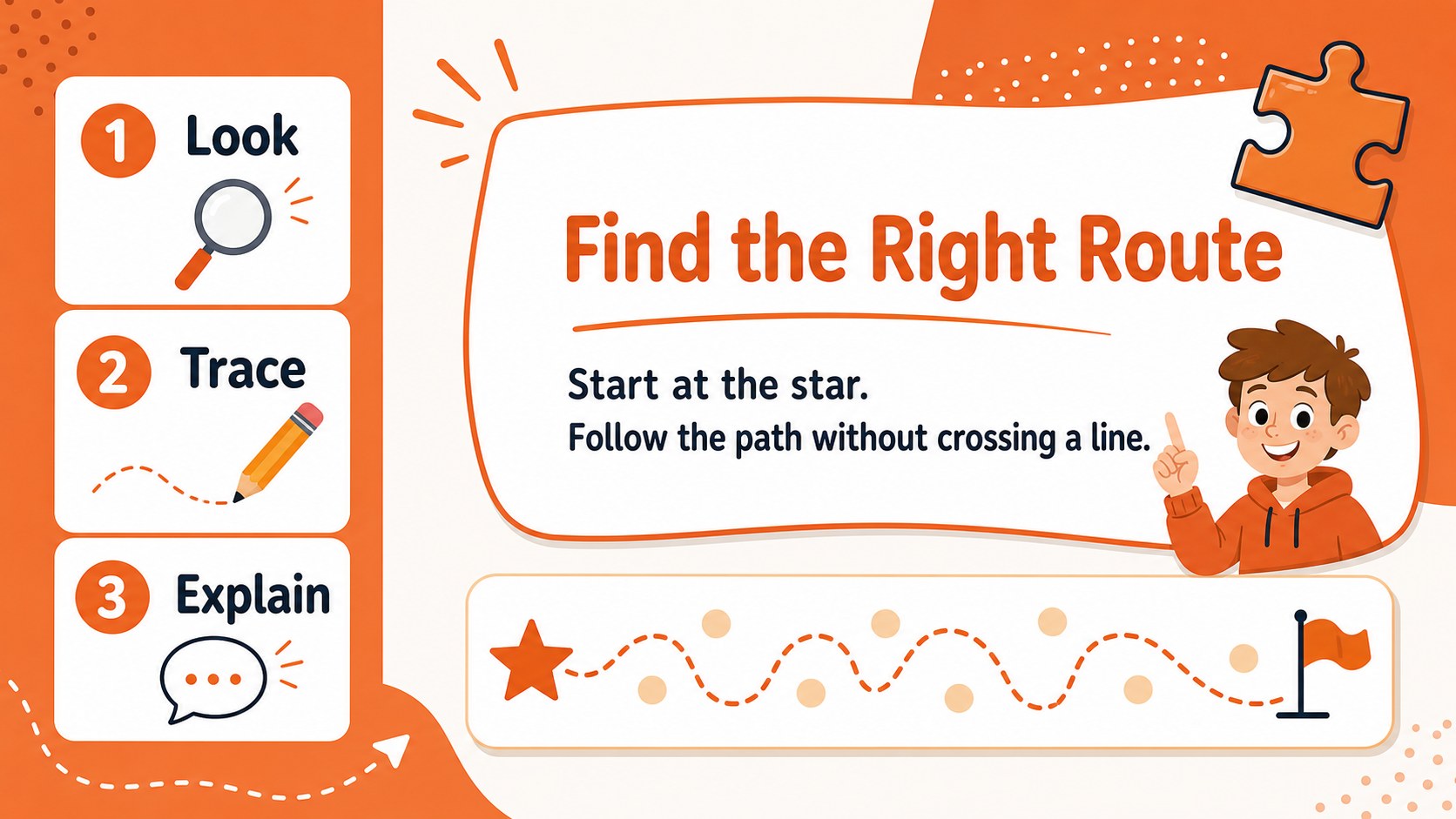
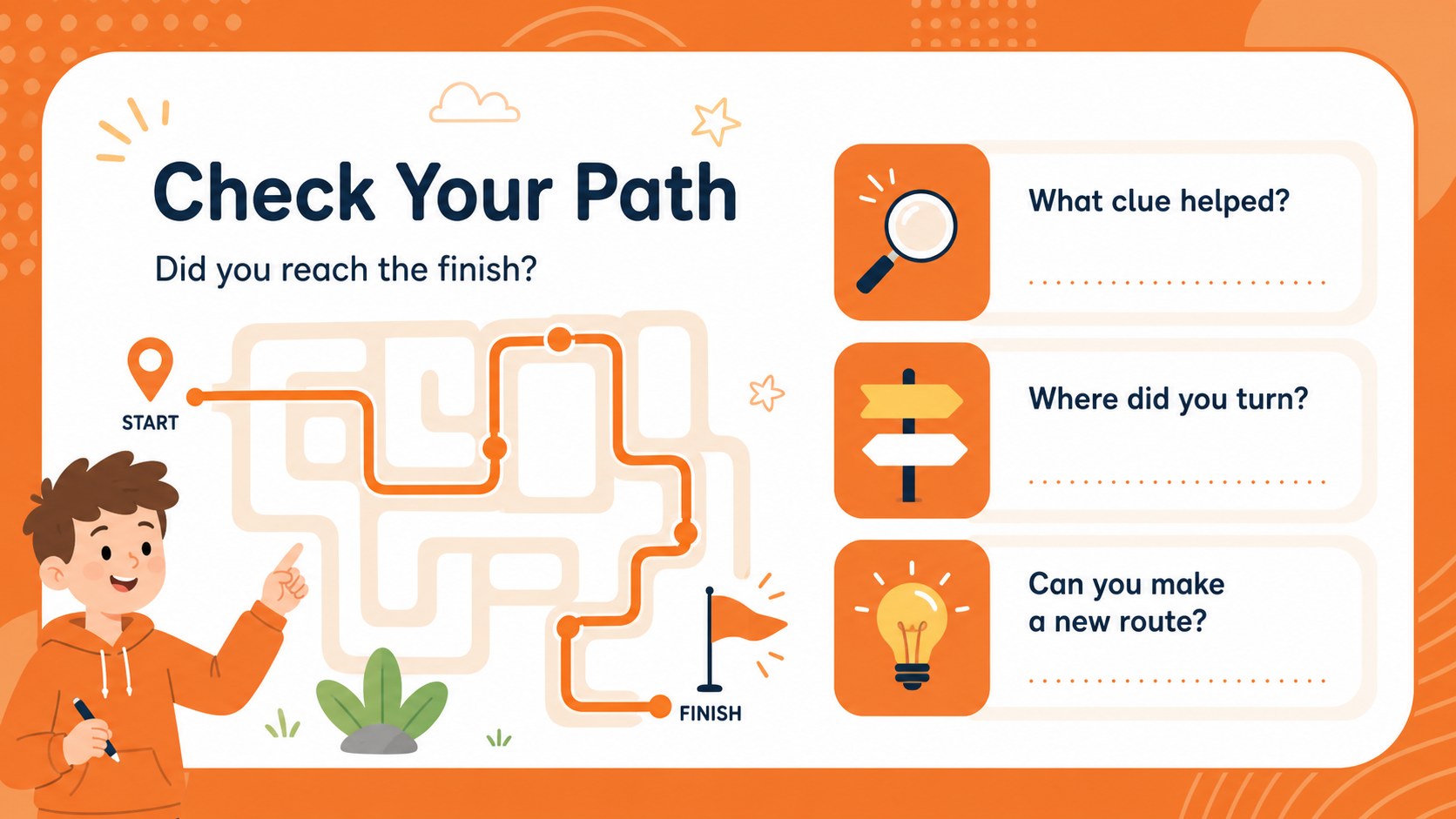
Inside, you will find three editable 16:9 slides for presenting a path challenge, explaining how to begin, and reviewing the solution. The layouts work well for an interactive worksheet presentation, a projected classroom warm-up, or a small-group problem-solving station. Teachers can replace the path, add directional prompts, adjust the difficulty, and include vocabulary or counting tasks while keeping the energetic visual style.
This deck is designed for kindergarten and primary school teachers, tutors, homeschool educators, and activity leaders who need a quick visual learning resource. Edit the text, shapes, colors, and illustrations in PowerPoint or Google Slides, then share the finished activity digitally or print selected pages for individual practice. The Nunito Sans and Staatliches font pairing supports readable instructions with playful display headings, while the orange and white palette keeps every challenge easy to scan.
Perfect for: kindergarten morning warm-up; small-group problem-solving station; primary math practice; homeschool activity session; projected end-of-lesson game.
Frequently asked questions
Can I edit the activity in PowerPoint? Yes. You can modify the wording, shapes, paths, colors, and supporting graphics in PowerPoint. The layouts are also suitable for exporting as printable activity pages.
Practical details
Yes. You can modify the wording, shapes, paths, colors, and supporting graphics in PowerPoint. The layouts are also suitable for exporting as printable activity pages.
Yes, the deck can be opened and customized in Google Slides. You can change the instructions, duplicate challenge layouts, and present the activity directly from your browser.
Change the path complexity, add counting or vocabulary prompts, and provide more or fewer visual clues. Younger learners can solve a simple route together, while older primary students can explain their strategy or create a new challenge.
Yes. Select the activity pages and export them to PDF for classroom handouts or individual practice. Keep the orange-and-white palette for a consistent look, or adjust the colors to match your lesson materials.
Keep exploring
15Build stronger academic arguments with a college essay thesis builder featuring guided examples, revision prompts, and editable PowerPoint and Google Slides.
 15
15Build an engaging World UFO Day session with this flying saucer history lesson deck, featuring retro green-and-brown slides for PowerPoint and Google Slides.
 14
14Plan a memorable Lunar New Year campaign with the 2036 Dragon Year Celebration Theme, featuring bold red-and-yellow slides for lessons and events.
 15
15Build a thoughtful classroom discussion with this interfaith awareness lesson deck, featuring editable blue-and-white slides for PowerPoint and Google Slides.
 15
15Use this environmental awareness lesson deck to teach climate action through illustrated activities, discussion prompts, and ready-to-edit visuals.
 15
15Build playful lessons and party stories with a kid-friendly zombie celebration theme in purple, green and pastel blue for PowerPoint and Google Slides.
 15
15Build eerie lessons, campaigns, and story pitches with an undead survival scenario theme featuring editable slides for PowerPoint and Google Slides.
 16
16Turn environmental research into a clear story with a Watercolor Ecology Presentation Theme for PowerPoint and Google Slides in calming green and blue.