
 15
15presentation
College Essay Thesis Builder Slides
Build stronger academic arguments with a college essay thesis builder featuring guided examples, revision prompts, and editable PowerPoint and Google Slides.
Google SlidesPowerPoint
presentation · English
Turn group thinking into clear next steps with this Orange Idea Mapping Workshop for vibrant, organized sessions in PowerPoint and Google Slides.

Design notes
The Orange Idea Mapping Workshop turns open-ended discussion into an organized visual process. Designed with lively orange and yellow geometry, this deck gives students, educators, and project teams an engaging space to collect suggestions, connect themes, and identify practical next steps. Its abstract shapes and clean Poppins typography balance playful energy with easy-to-follow communication.
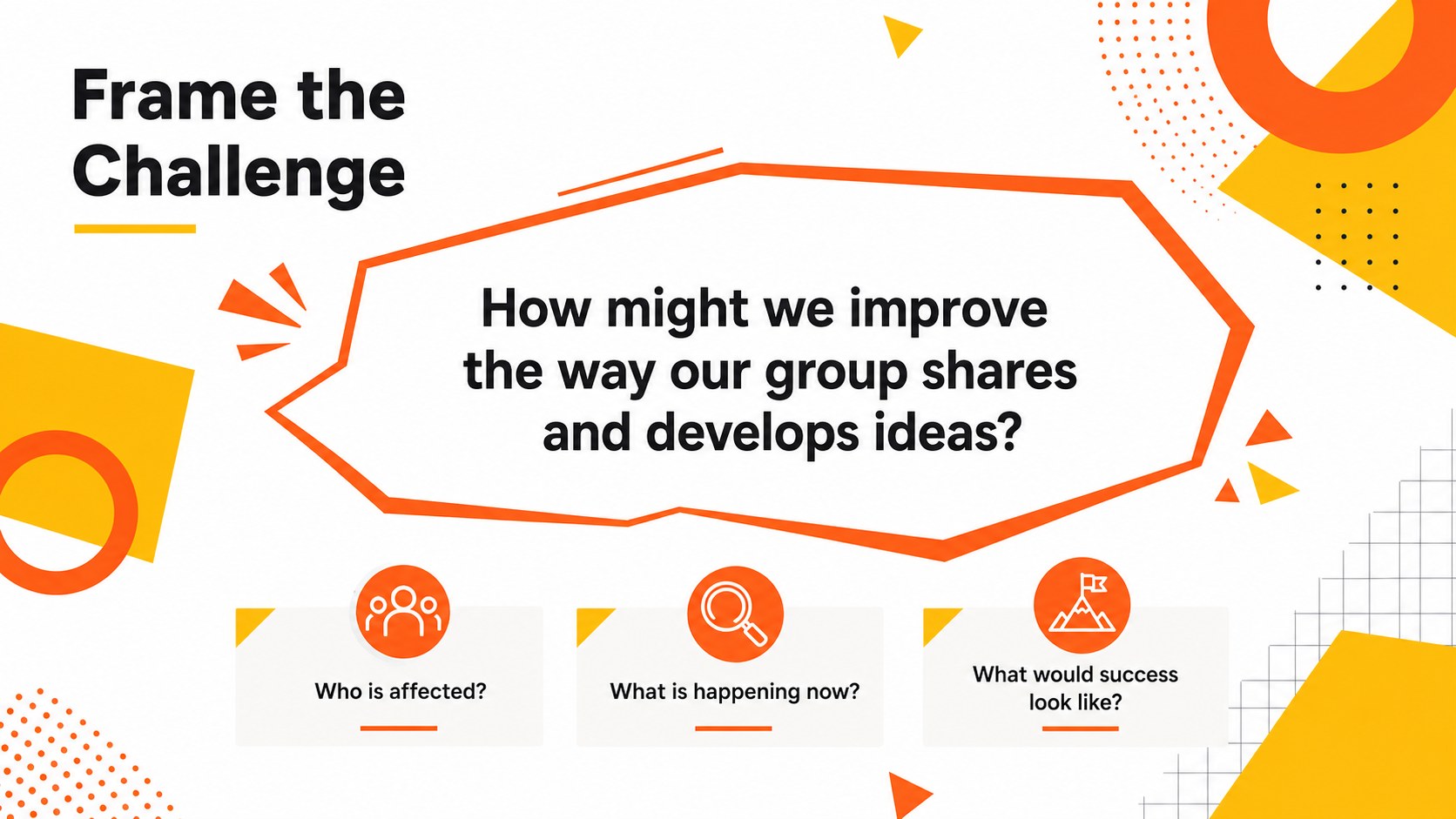
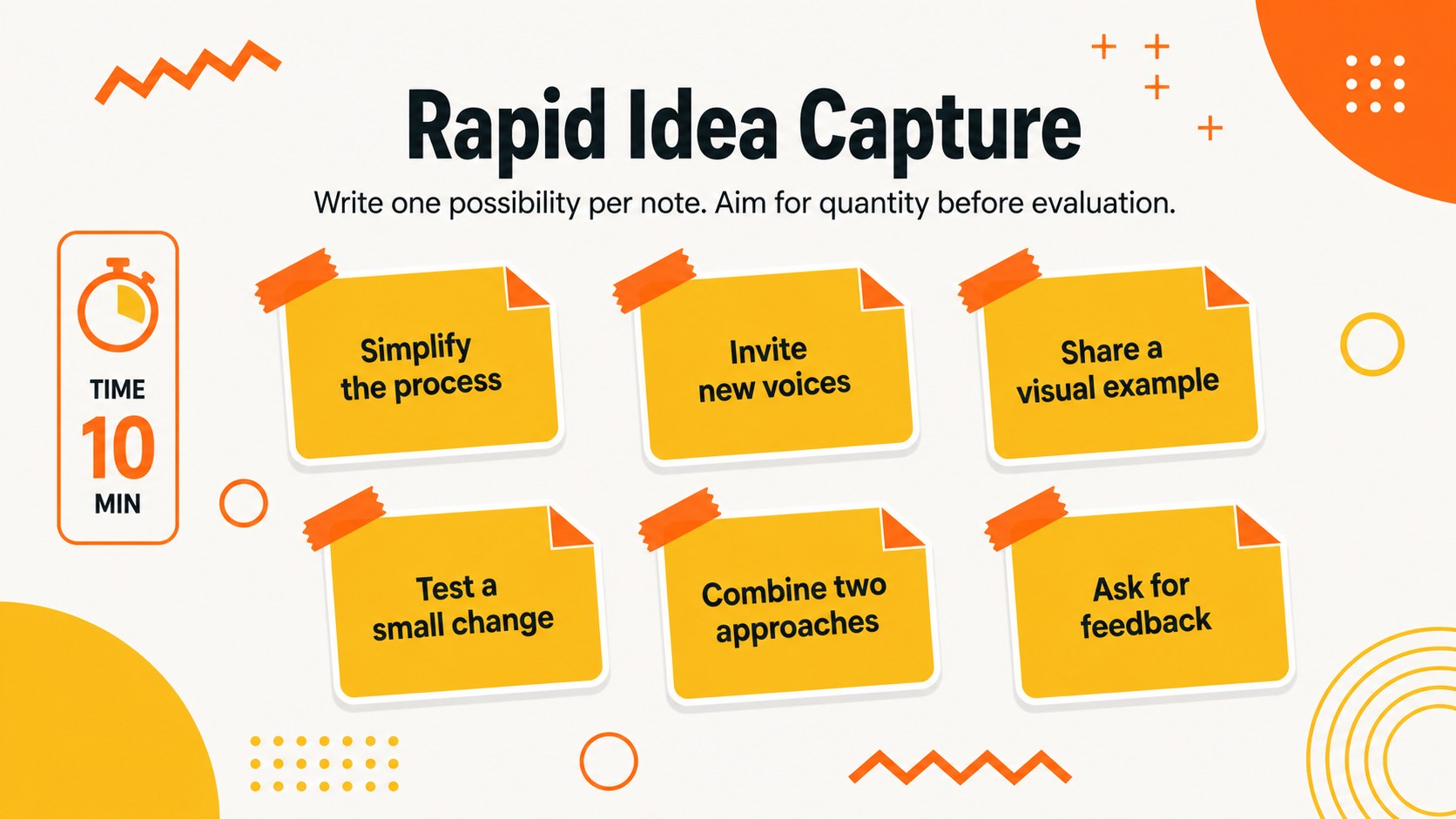
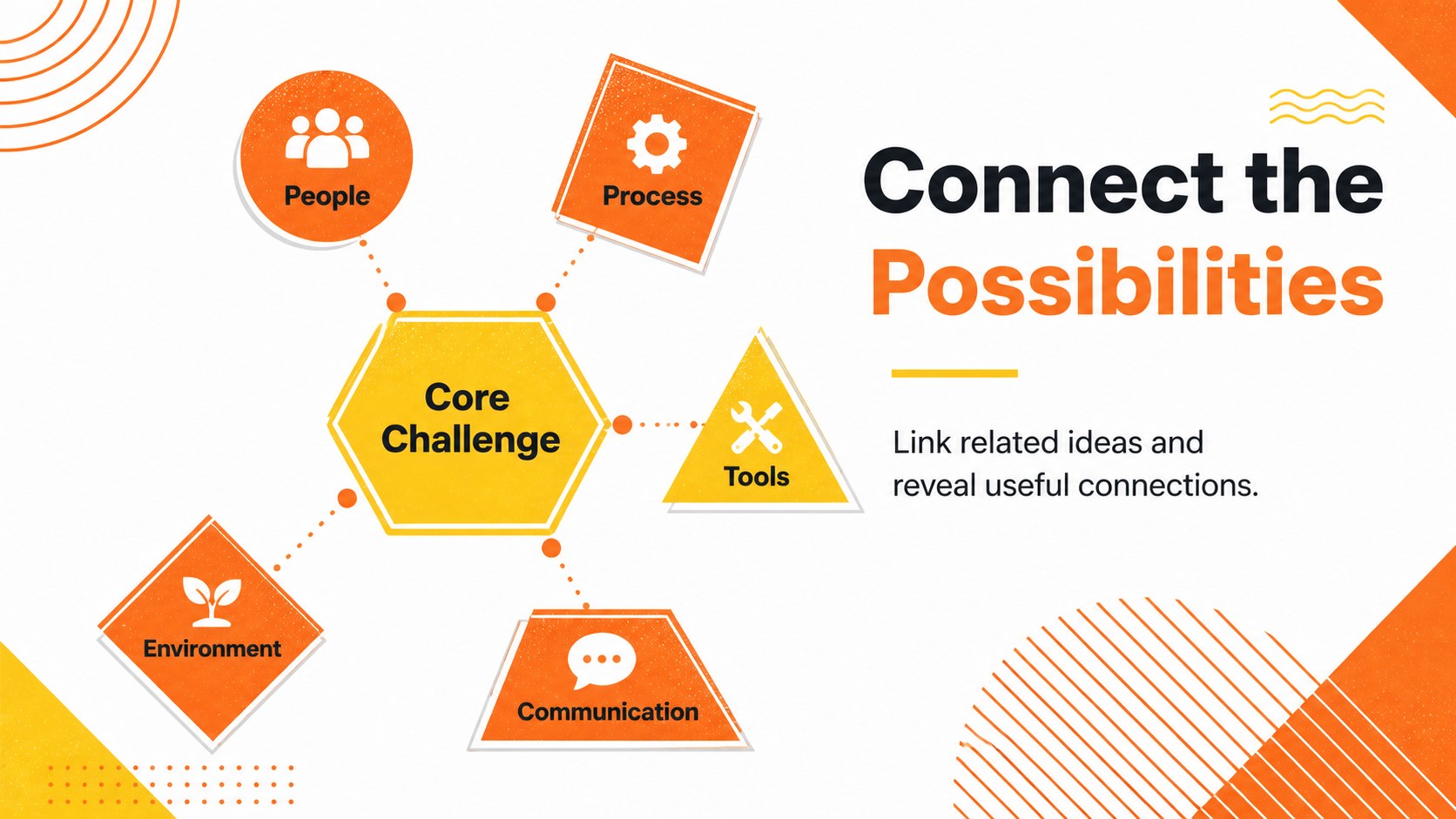
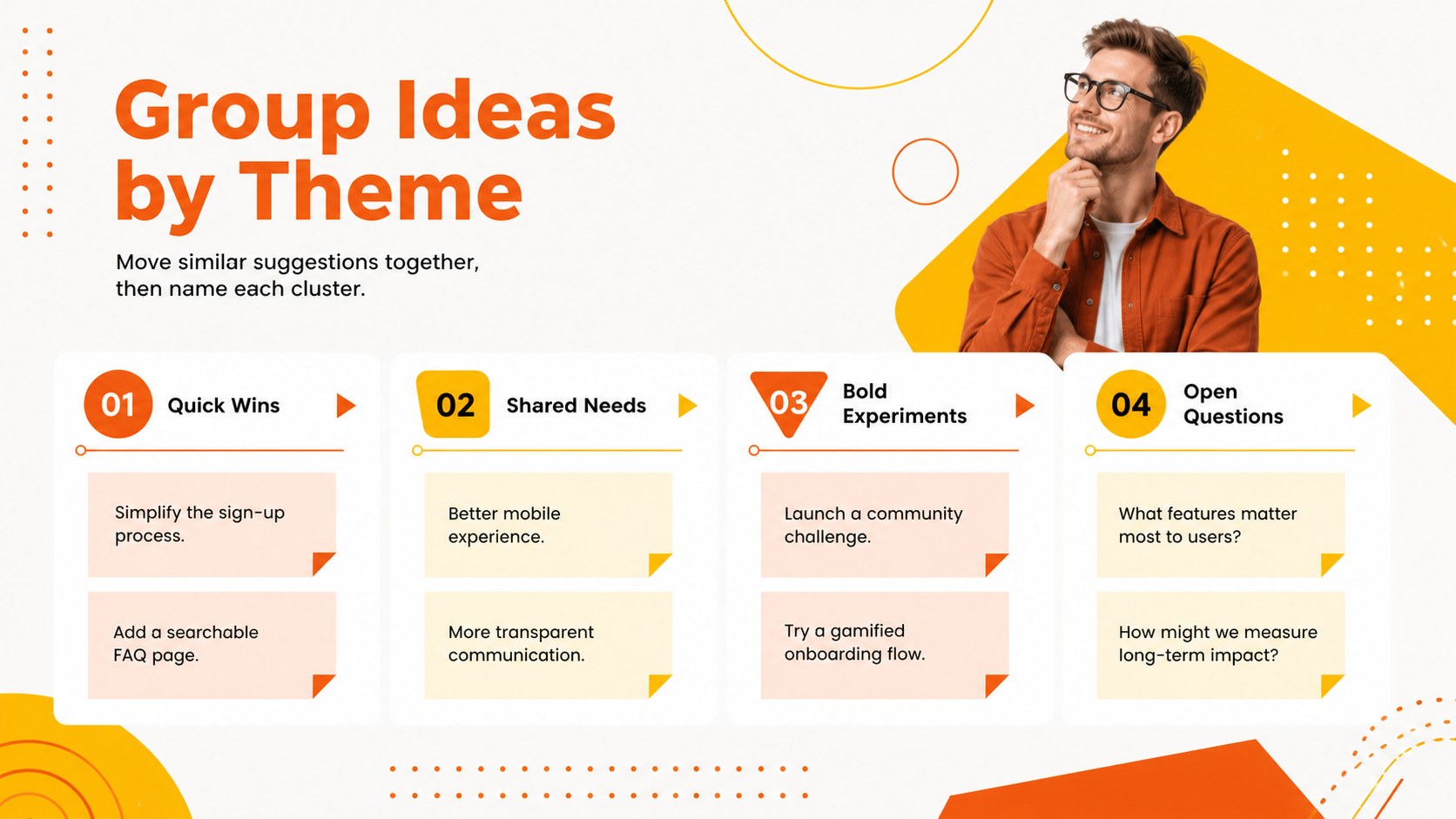
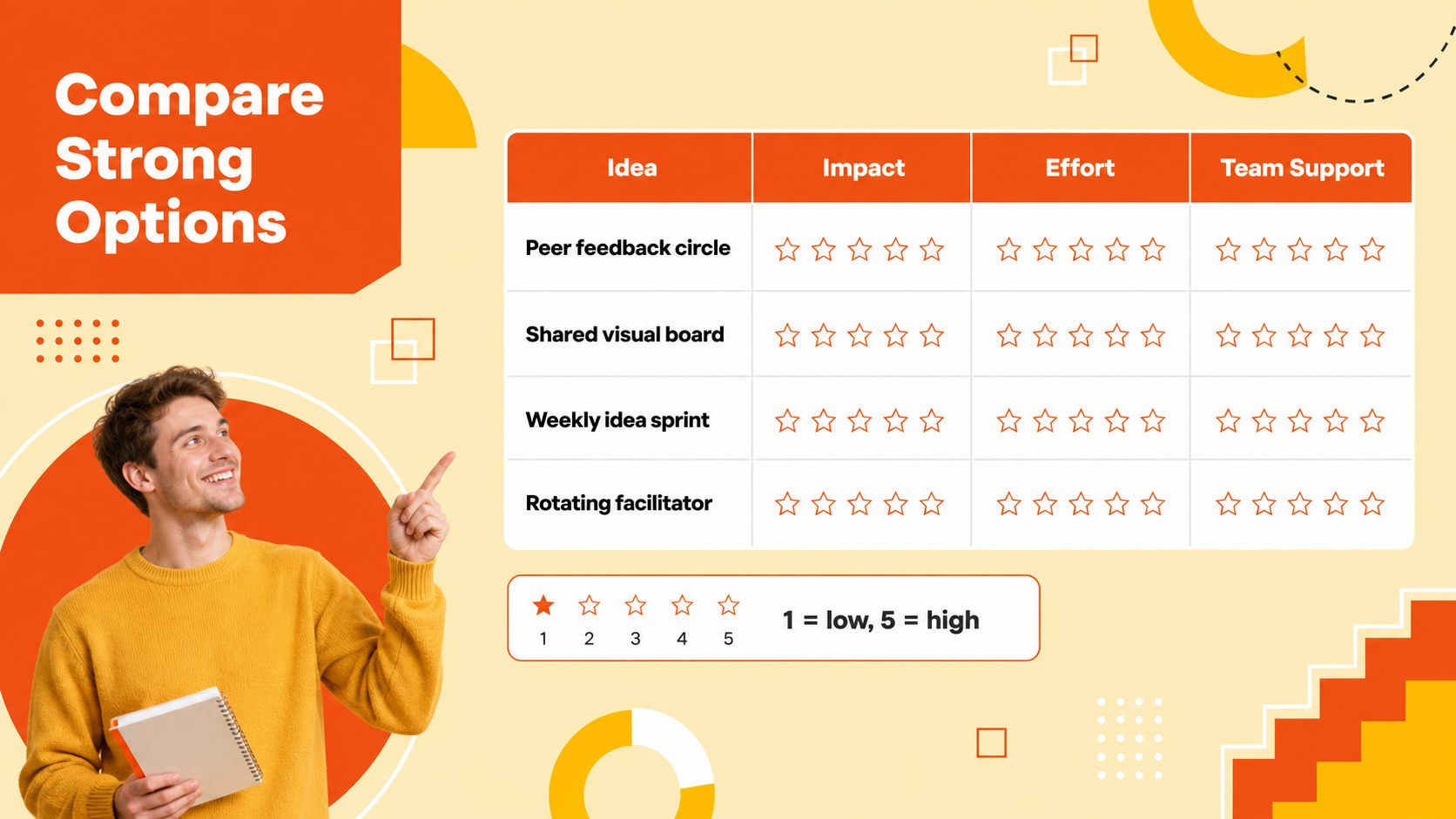
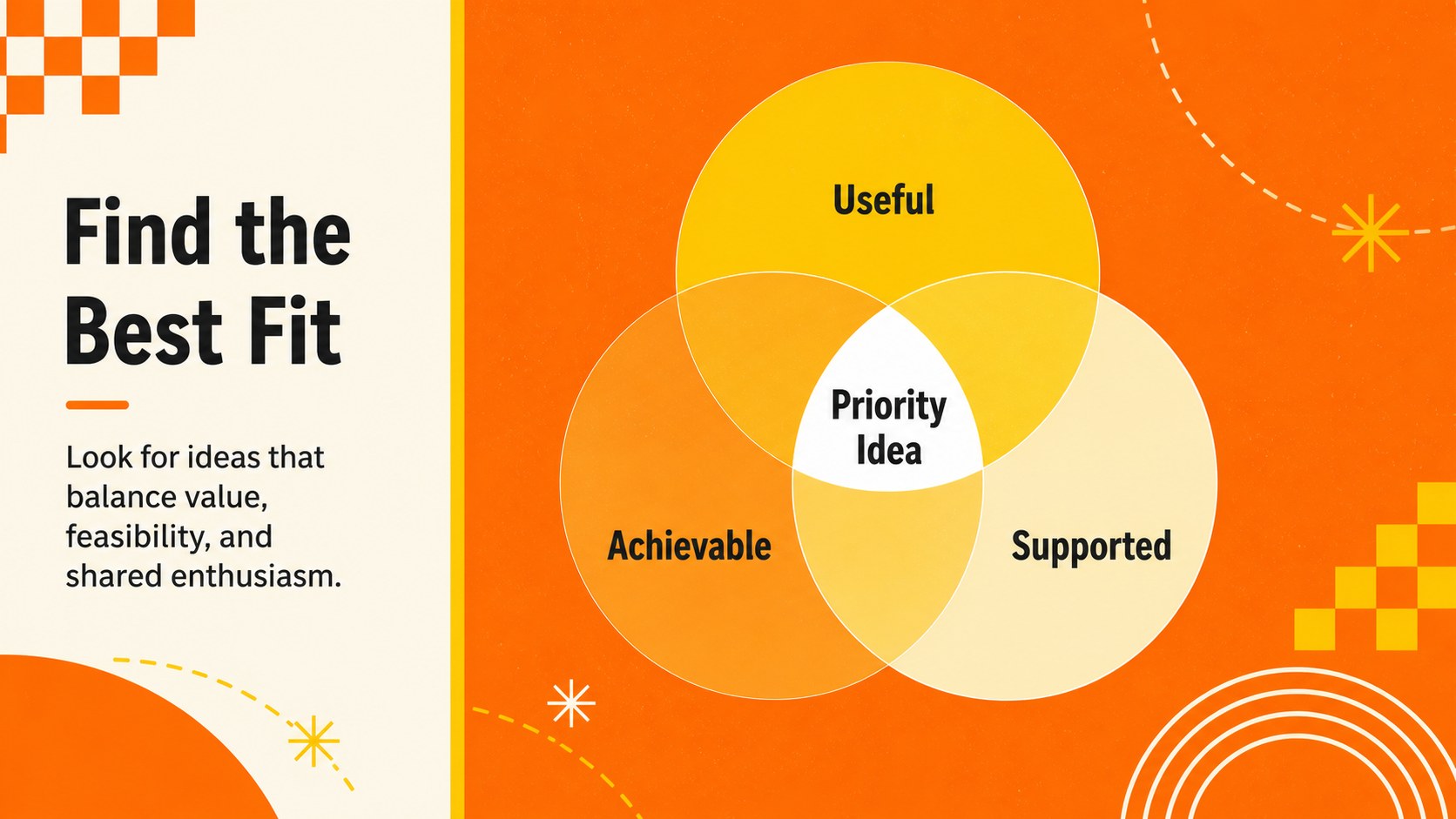
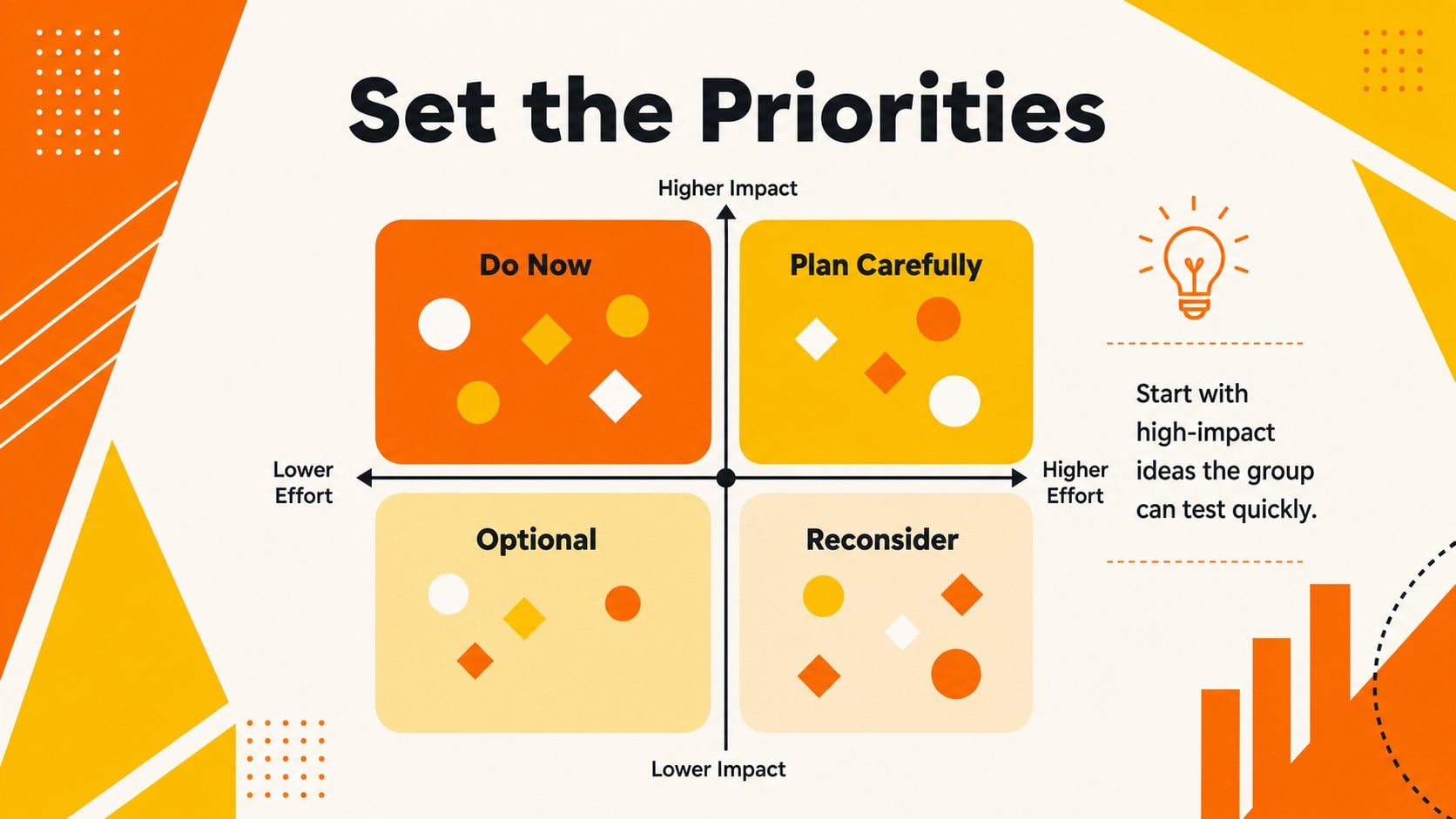
The 15-slide geometric brainstorming presentation template includes a workshop agenda, challenge definition, rapid idea capture, mind map, affinity groups, comparison matrix, Venn diagram, priority dashboard, action plan, and reflection page. Flexible charts, frames, lines, and shape-based infographics help presenters explain relationships without overcrowding the screen. These orange yellow workshop slides can be customized with project details, class topics, research findings, or team branding while preserving a consistent visual rhythm.
Use this student group ideation deck for classroom assignments, design-thinking activities, club planning, research collaboration, creative workshops, or early project discovery. Every slide uses a widescreen 16:9 layout and can be edited in PowerPoint or Google Slides. Change colors, move geometric elements, replace examples, add transitions, and adapt the prompts to suit different age groups or disciplines. Whether participants are generating possibilities or choosing one direction, the deck keeps the session focused, visible, and ready for action.
Perfect for: classroom brainstorming session; student group assignment; design-thinking workshop; research project planning; team idea prioritization; club activity planning.
Frequently asked questions
Can I edit every part of the workshop slides? Yes. Text, colors, geometric shapes, diagrams, and charts can be adjusted to match your topic, audience, or organization.
Practical details
Yes. Text, colors, geometric shapes, diagrams, and charts can be adjusted to match your topic, audience, or organization.
The deck is designed for Microsoft PowerPoint and Google Slides. Both platforms support the widescreen layouts and standard editable elements used throughout the template.
Yes. Replace the sample prompts with shorter questions, simplify the comparison criteria, and use familiar classroom topics while keeping the visual idea-mapping structure.
Use the theme color controls in PowerPoint or Google Slides to update the accent colors consistently. Maintain strong contrast between text and backgrounds so every slide remains readable.
Keep exploring
15Build stronger academic arguments with a college essay thesis builder featuring guided examples, revision prompts, and editable PowerPoint and Google Slides.
 15
15Build an engaging World UFO Day session with this flying saucer history lesson deck, featuring retro green-and-brown slides for PowerPoint and Google Slides.
 14
14Plan a memorable Lunar New Year campaign with the 2036 Dragon Year Celebration Theme, featuring bold red-and-yellow slides for lessons and events.
 15
15Build a thoughtful classroom discussion with this interfaith awareness lesson deck, featuring editable blue-and-white slides for PowerPoint and Google Slides.
 15
15Use this environmental awareness lesson deck to teach climate action through illustrated activities, discussion prompts, and ready-to-edit visuals.
 15
15Build playful lessons and party stories with a kid-friendly zombie celebration theme in purple, green and pastel blue for PowerPoint and Google Slides.
 15
15Build eerie lessons, campaigns, and story pitches with an undead survival scenario theme featuring editable slides for PowerPoint and Google Slides.
 16
16Turn environmental research into a clear story with a Watercolor Ecology Presentation Theme for PowerPoint and Google Slides in calming green and blue.