
 15
15presentation
College Essay Thesis Builder Slides
Build stronger academic arguments with a college essay thesis builder featuring guided examples, revision prompts, and editable PowerPoint and Google Slides.
Google SlidesPowerPoint
presentation · English
Build an ocean exploration classroom deck with pastel marine illustrations, hands-on lesson slides, and editable layouts for PowerPoint and Google Slides.
Design notes
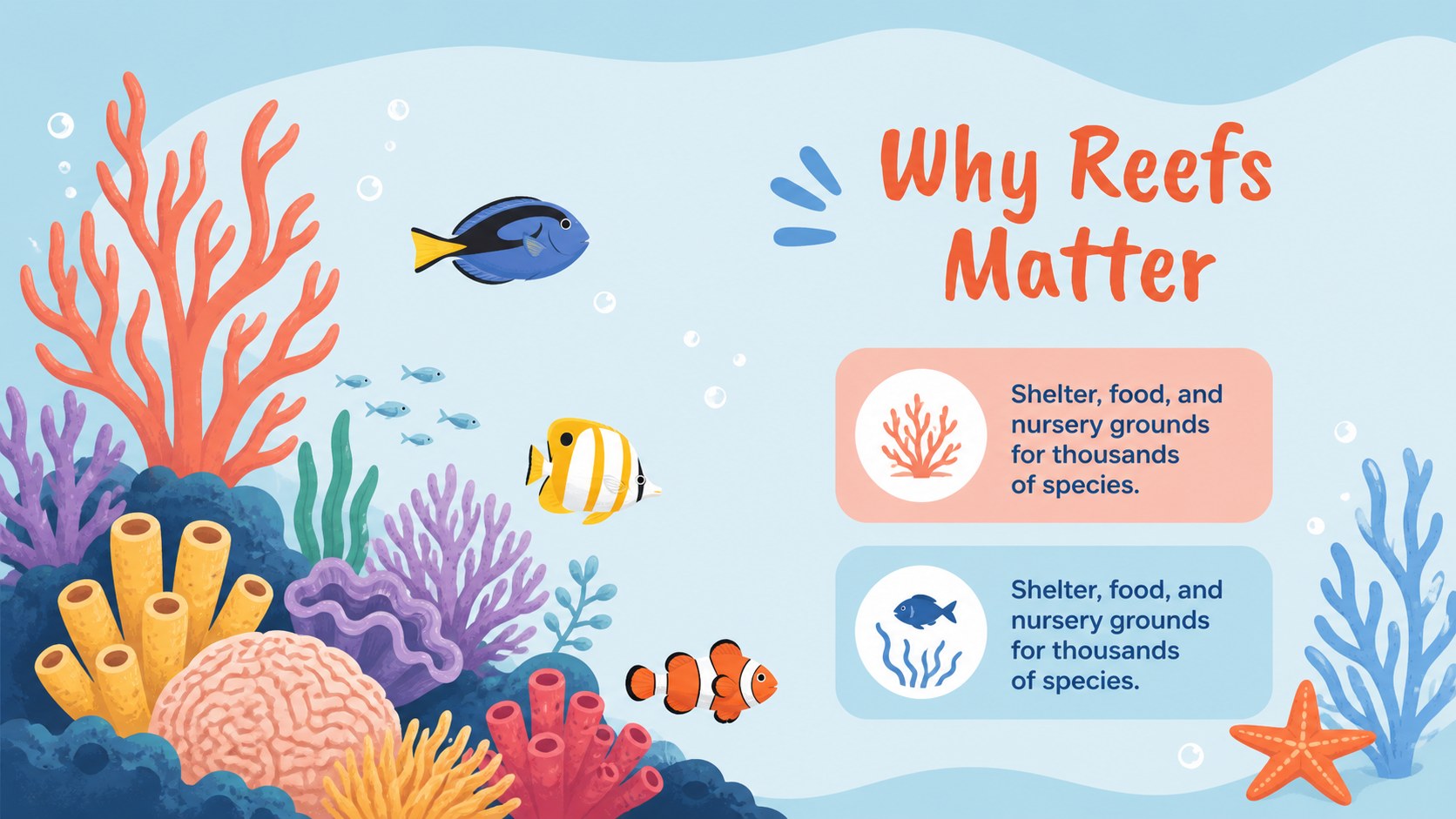
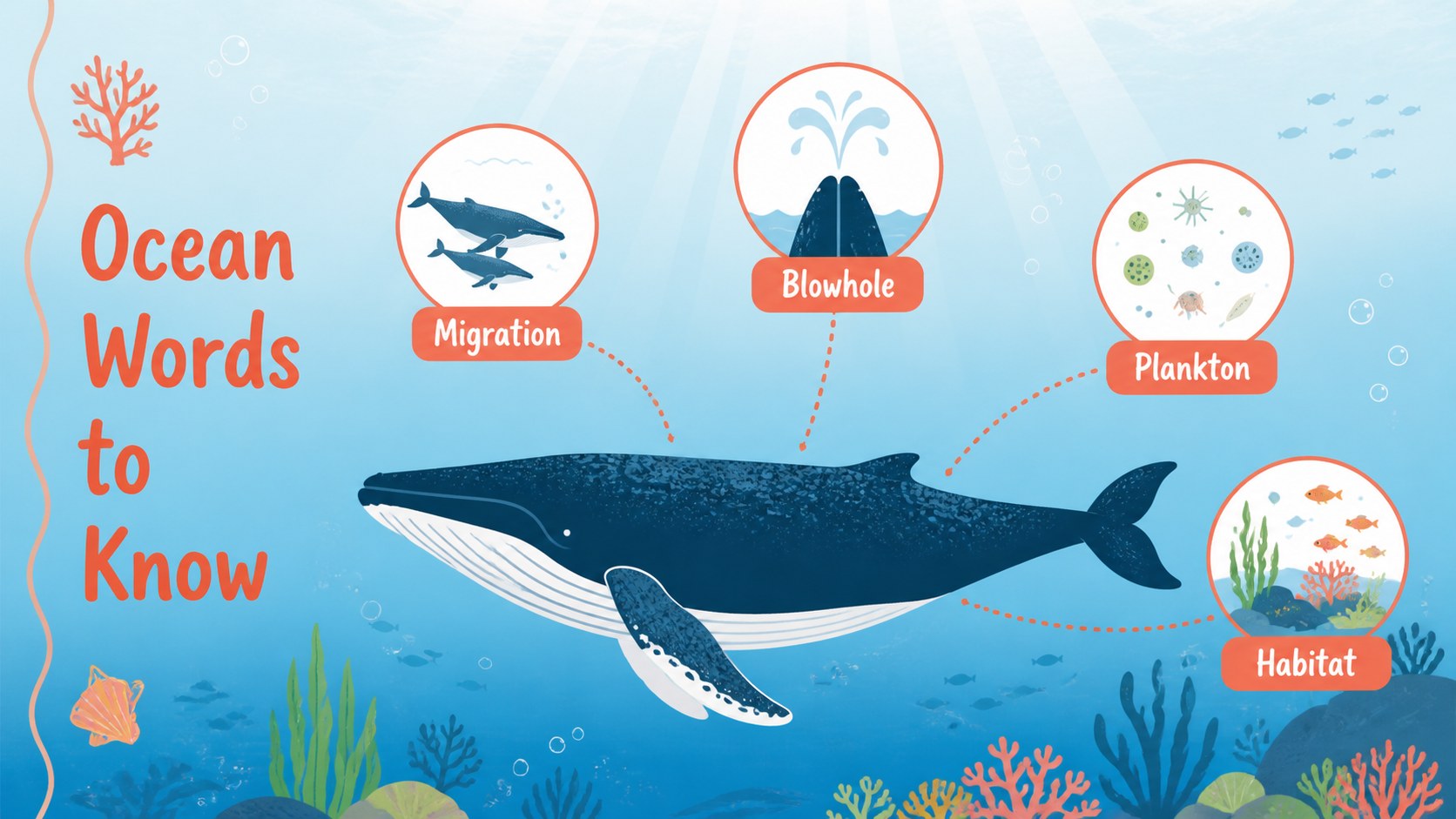
Make marine science memorable with an ocean exploration classroom deck designed for lively lessons, field trip preparation, and underwater discovery activities. Soft blue, coral, and pastel accents create a welcoming learning environment, while illustrated sea life gives every topic a playful visual anchor. The layout works well for elementary and secondary classrooms that need clear explanations without losing students’ attention.
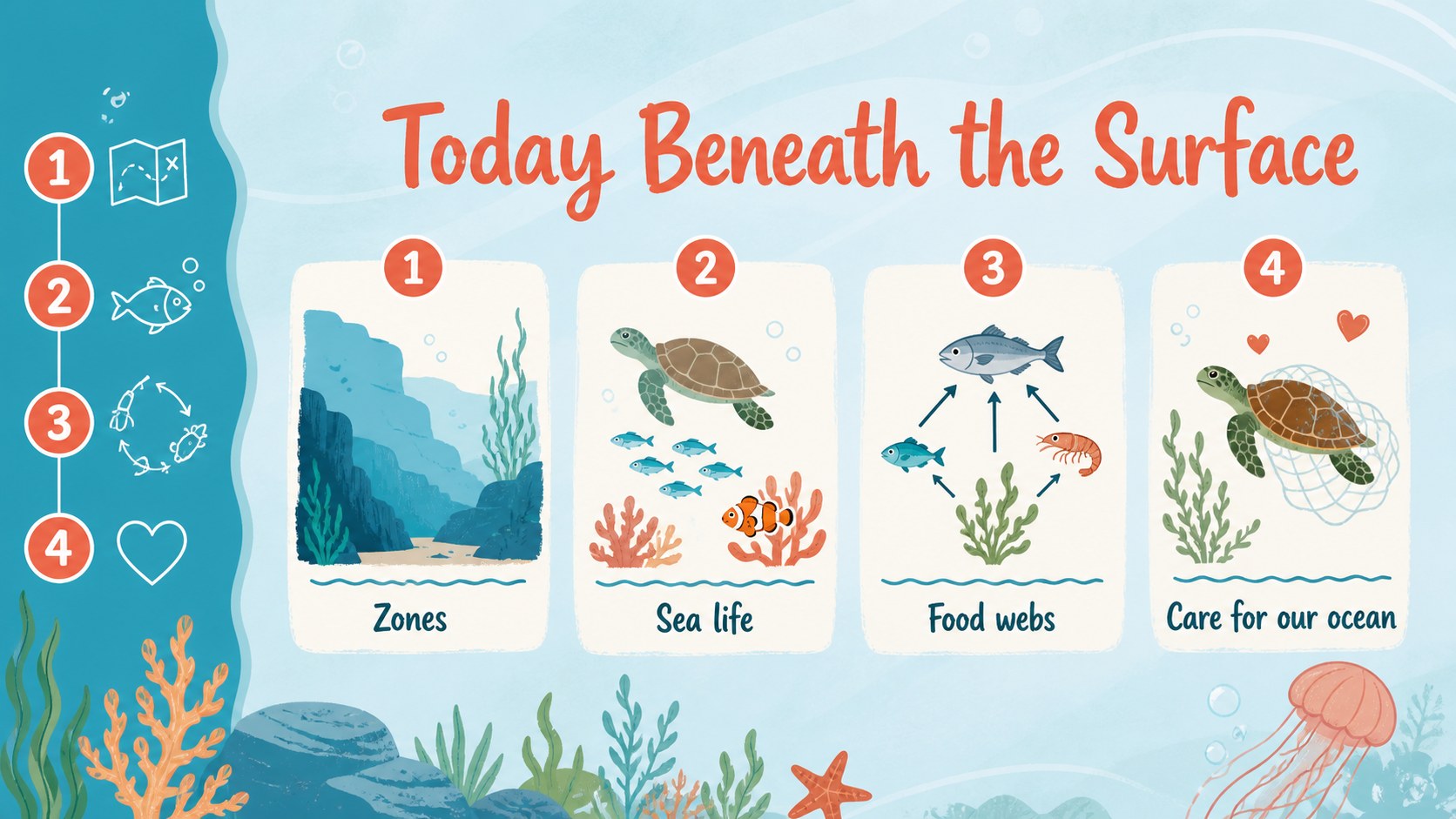
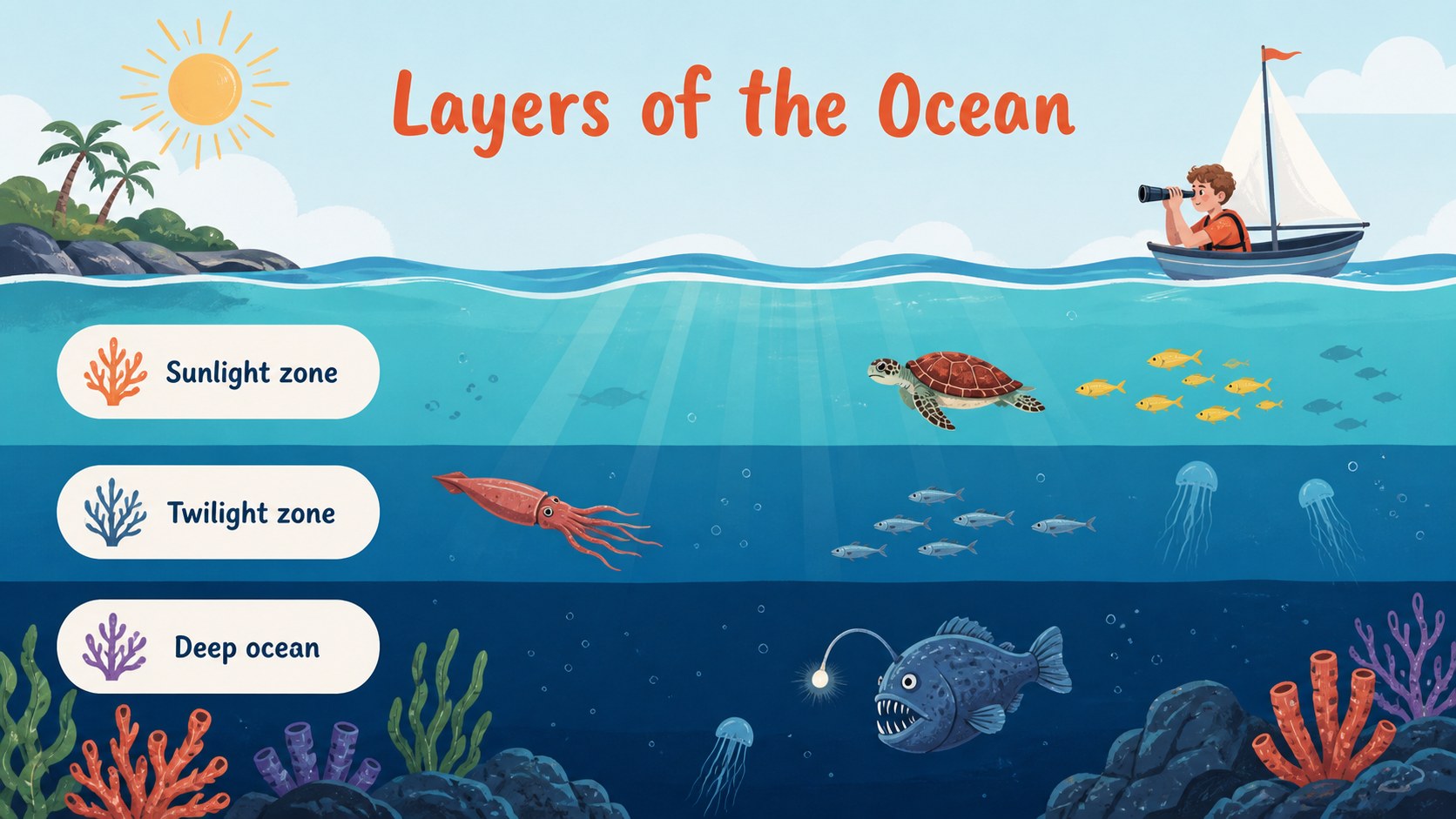
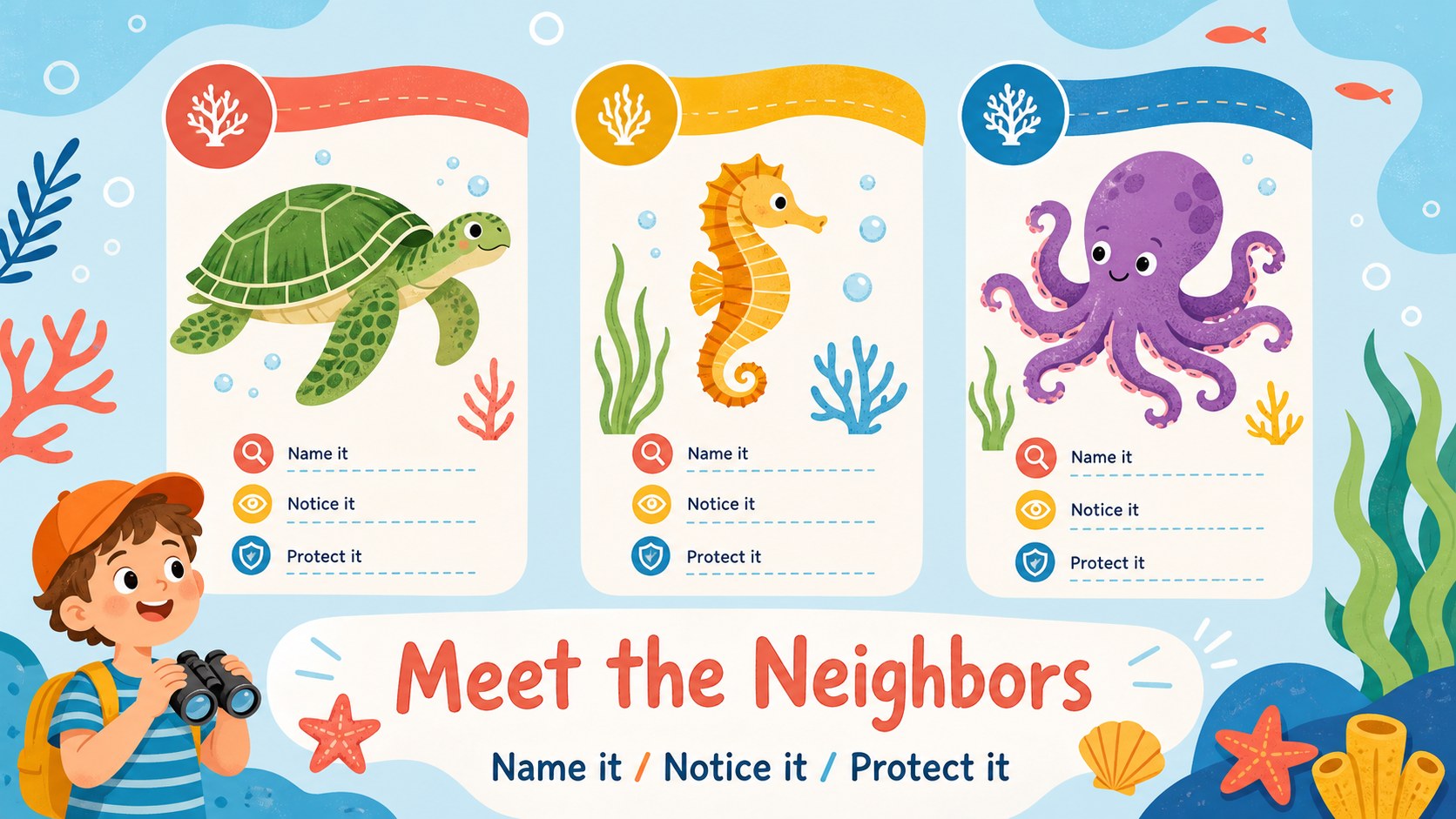
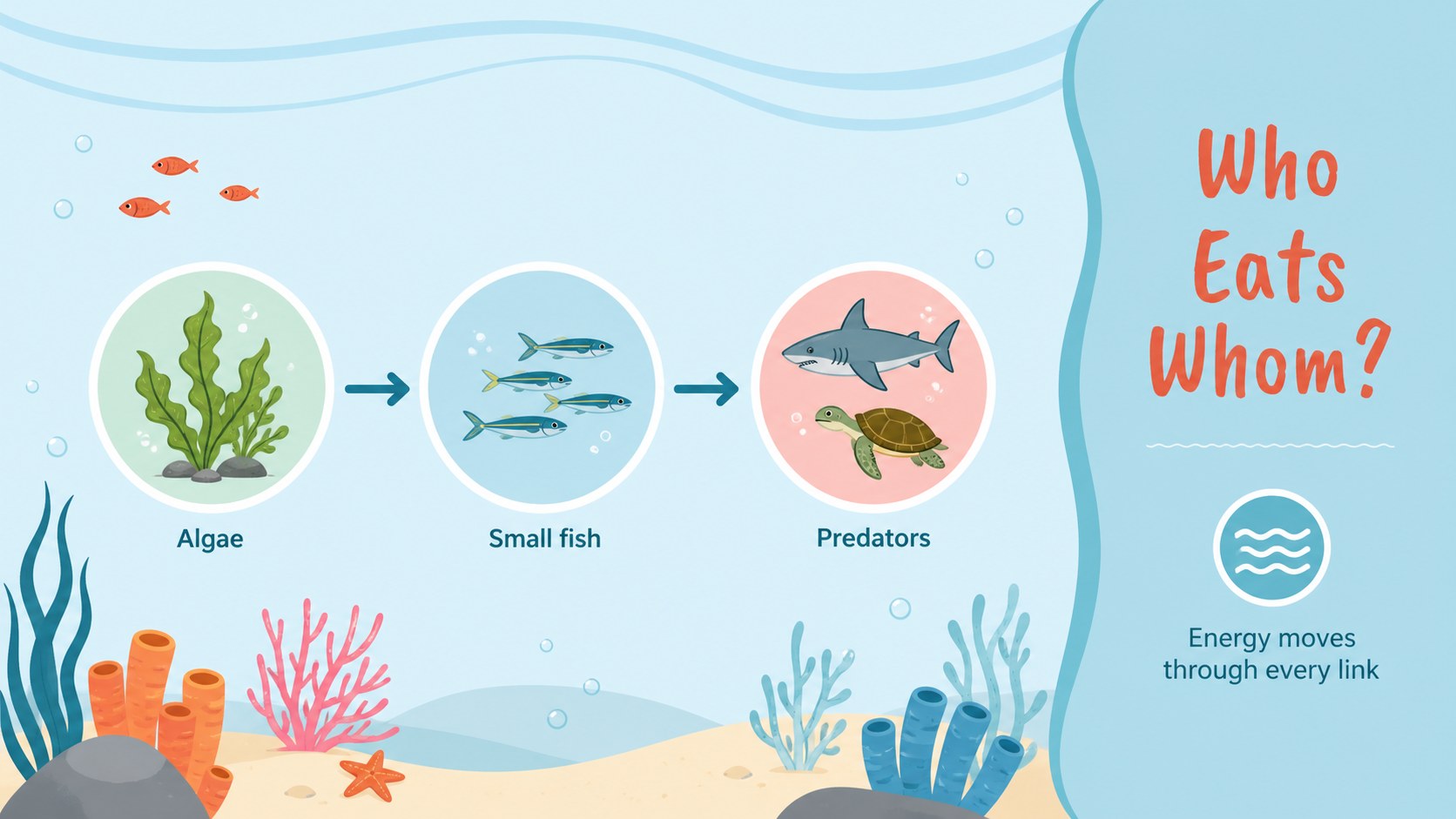
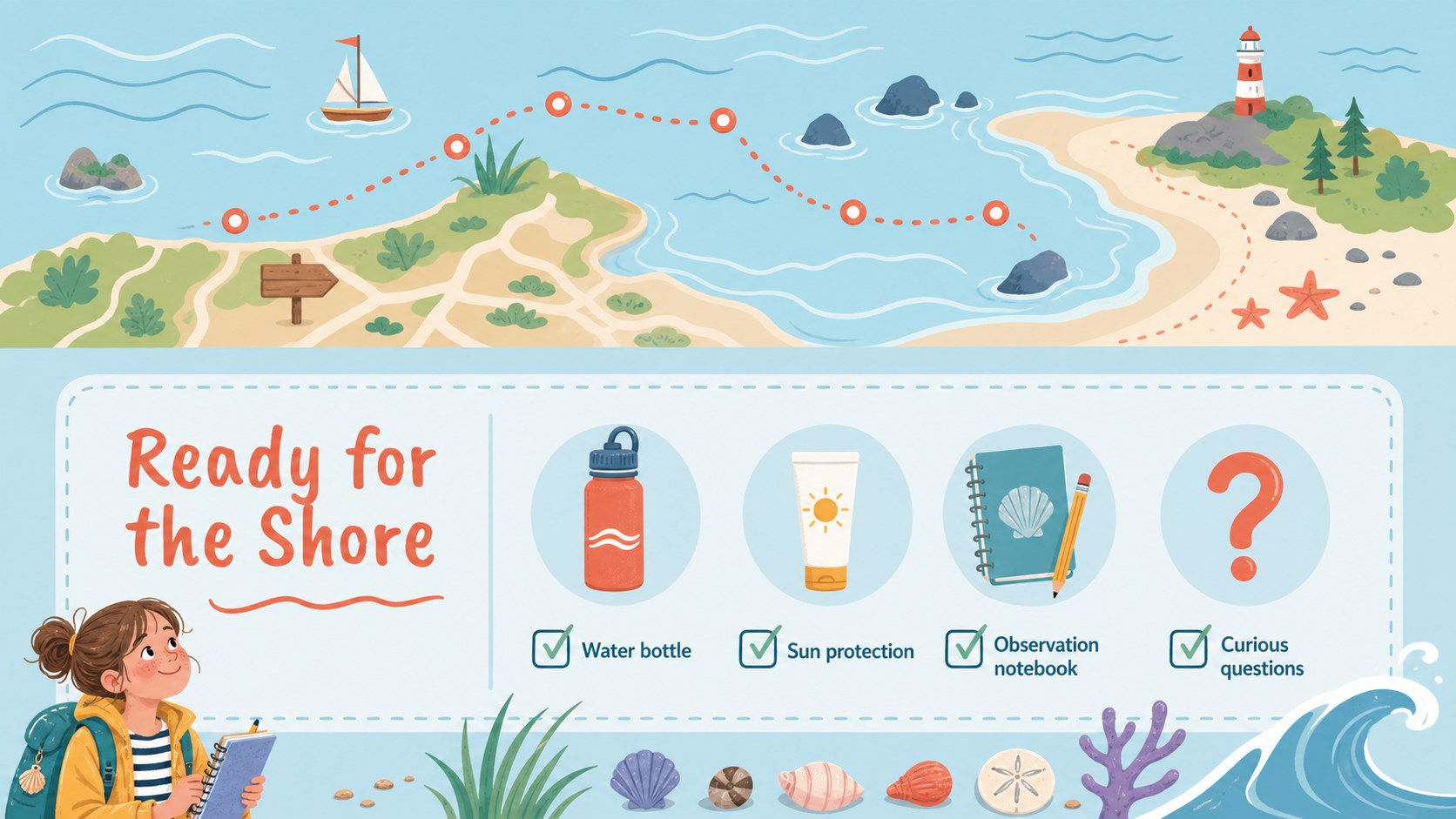
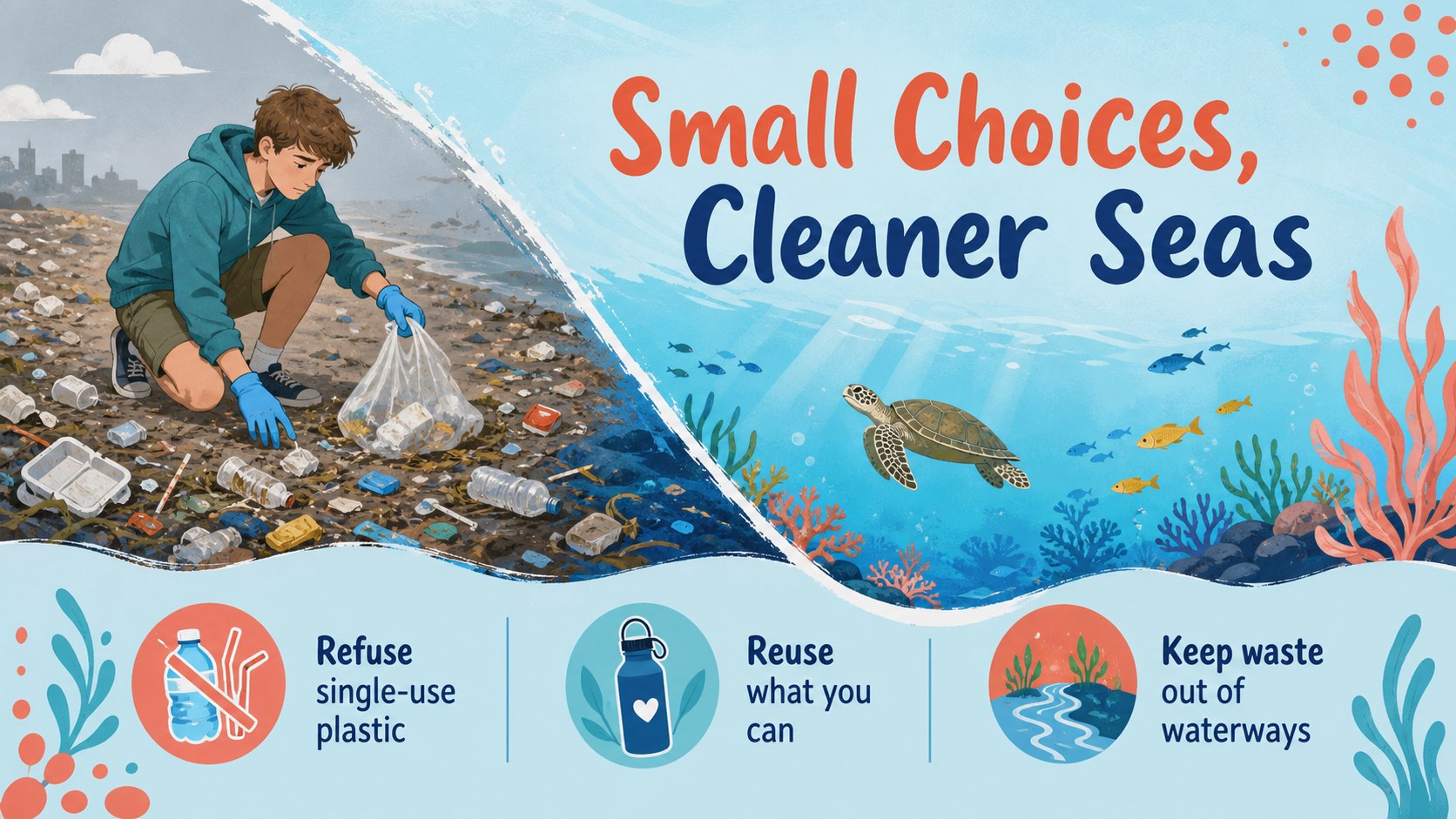
Inside, you’ll find more than 25 editable slides for introducing ocean zones, identifying marine animals, explaining food chains, presenting conservation ideas, and organizing a day by the sea. Use the activity pages for observation prompts, quick quizzes, vocabulary, or group discussion. Charts, diagrams, frames, shapes, and transition-ready layouts make it simple to adapt the deck to different subjects and age groups.
This marine biology lesson presentation supports teachers, museum educators, science clubs, and trip coordinators. Edit the text, colors, illustrations, and data in PowerPoint or Google Slides, then add your own photos or classroom instructions. It is also useful as an ocean ecosystem lesson deck, an underwater science presentation, or a field trip briefing for students and families.
Perfect for: elementary marine science lesson; secondary ocean ecosystem unit; aquarium education workshop; student field trip briefing; environmental conservation activity.
Frequently asked questions
Can I edit this deck in PowerPoint and Google Slides? Yes. The presentation is designed for both PowerPoint and Google Slides. You can change headings, body copy, diagrams, colors, illustrations, and slide order in either platform.
Practical details
Yes. The presentation is designed for both PowerPoint and Google Slides. You can change headings, body copy, diagrams, colors, illustrations, and slide order in either platform.
Yes. Its friendly illustrations and modular layouts can support elementary introductions as well as more detailed secondary lessons. Replace the sample text with age-appropriate vocabulary, activities, or scientific data.
Use the layouts for ocean zones, marine animals, coral reefs, food webs, pollution, conservation, and field trip planning. The activity and diagram slides also work for quizzes, observations, and group discussions.
Yes. Image placeholders, frames, and editable text areas make it easy to add photographs, maps, schedules, logos, or contact details. Keep the soft marine palette for a cohesive classroom presentation.
Keep exploring
15Build stronger academic arguments with a college essay thesis builder featuring guided examples, revision prompts, and editable PowerPoint and Google Slides.
 15
15Build an engaging World UFO Day session with this flying saucer history lesson deck, featuring retro green-and-brown slides for PowerPoint and Google Slides.
 14
14Plan a memorable Lunar New Year campaign with the 2036 Dragon Year Celebration Theme, featuring bold red-and-yellow slides for lessons and events.
 15
15Build a thoughtful classroom discussion with this interfaith awareness lesson deck, featuring editable blue-and-white slides for PowerPoint and Google Slides.
 15
15Use this environmental awareness lesson deck to teach climate action through illustrated activities, discussion prompts, and ready-to-edit visuals.
 15
15Build playful lessons and party stories with a kid-friendly zombie celebration theme in purple, green and pastel blue for PowerPoint and Google Slides.
 15
15Build eerie lessons, campaigns, and story pitches with an undead survival scenario theme featuring editable slides for PowerPoint and Google Slides.
 16
16Turn environmental research into a clear story with a Watercolor Ecology Presentation Theme for PowerPoint and Google Slides in calming green and blue.