
 15
15presentation
College Essay Thesis Builder Slides
Build stronger academic arguments with a college essay thesis builder featuring guided examples, revision prompts, and editable PowerPoint and Google Slides.
Google SlidesPowerPoint
presentation · English
Bring marine topics to life with an Ocean Adventure Story Deck, pairing playful blue-and-yellow visuals with lessons, projects, and creative talks.
Design notes
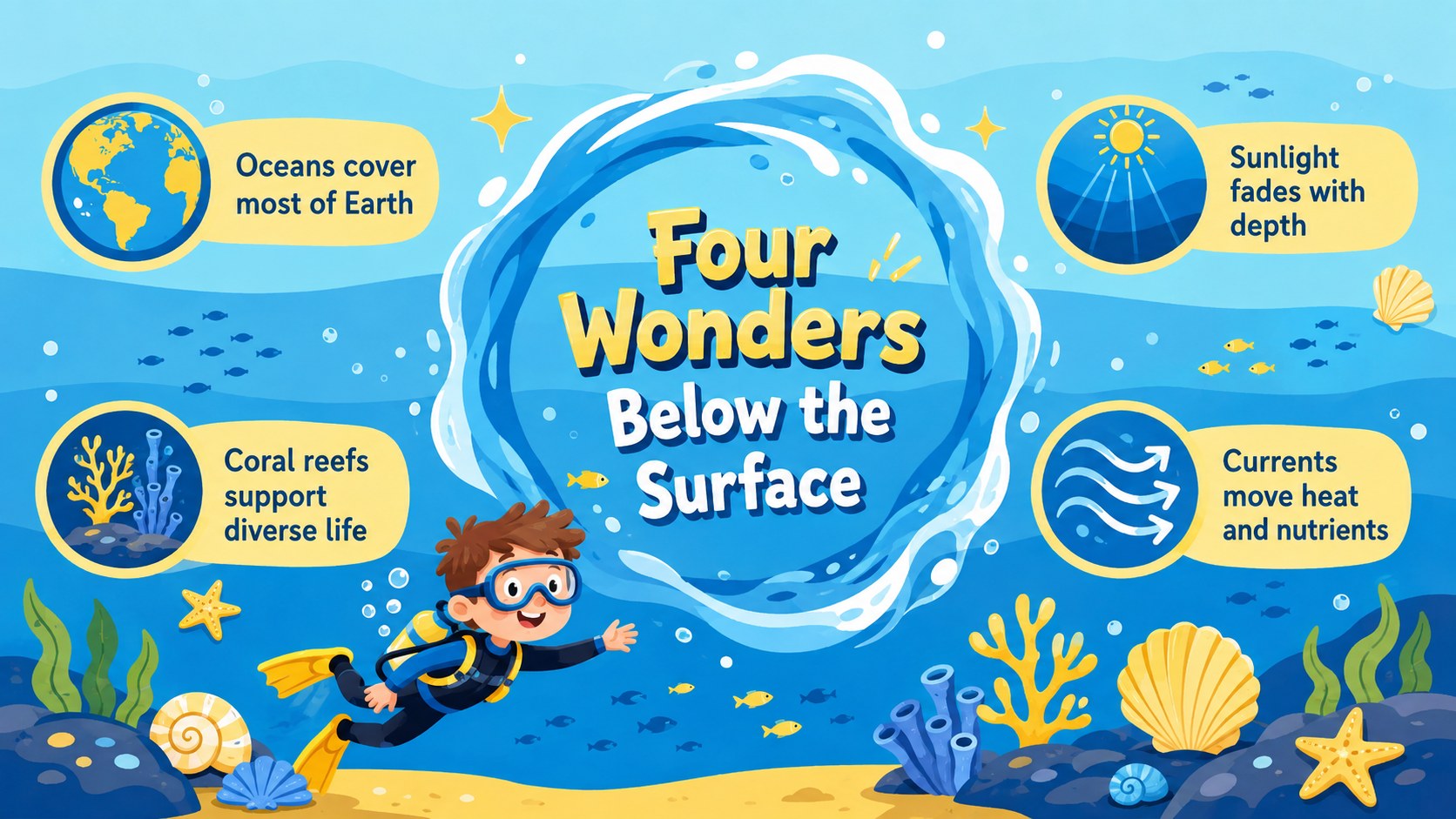
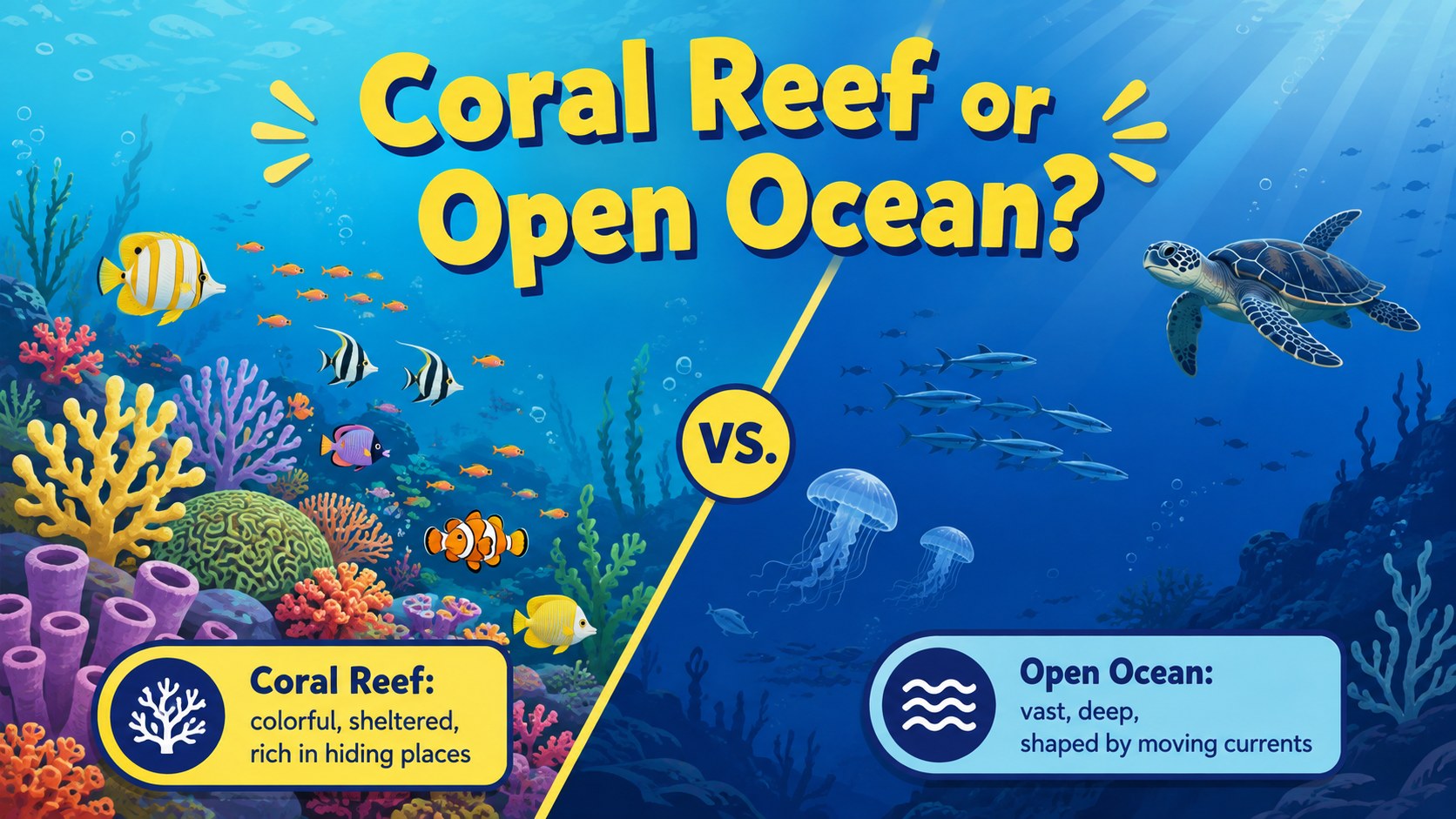
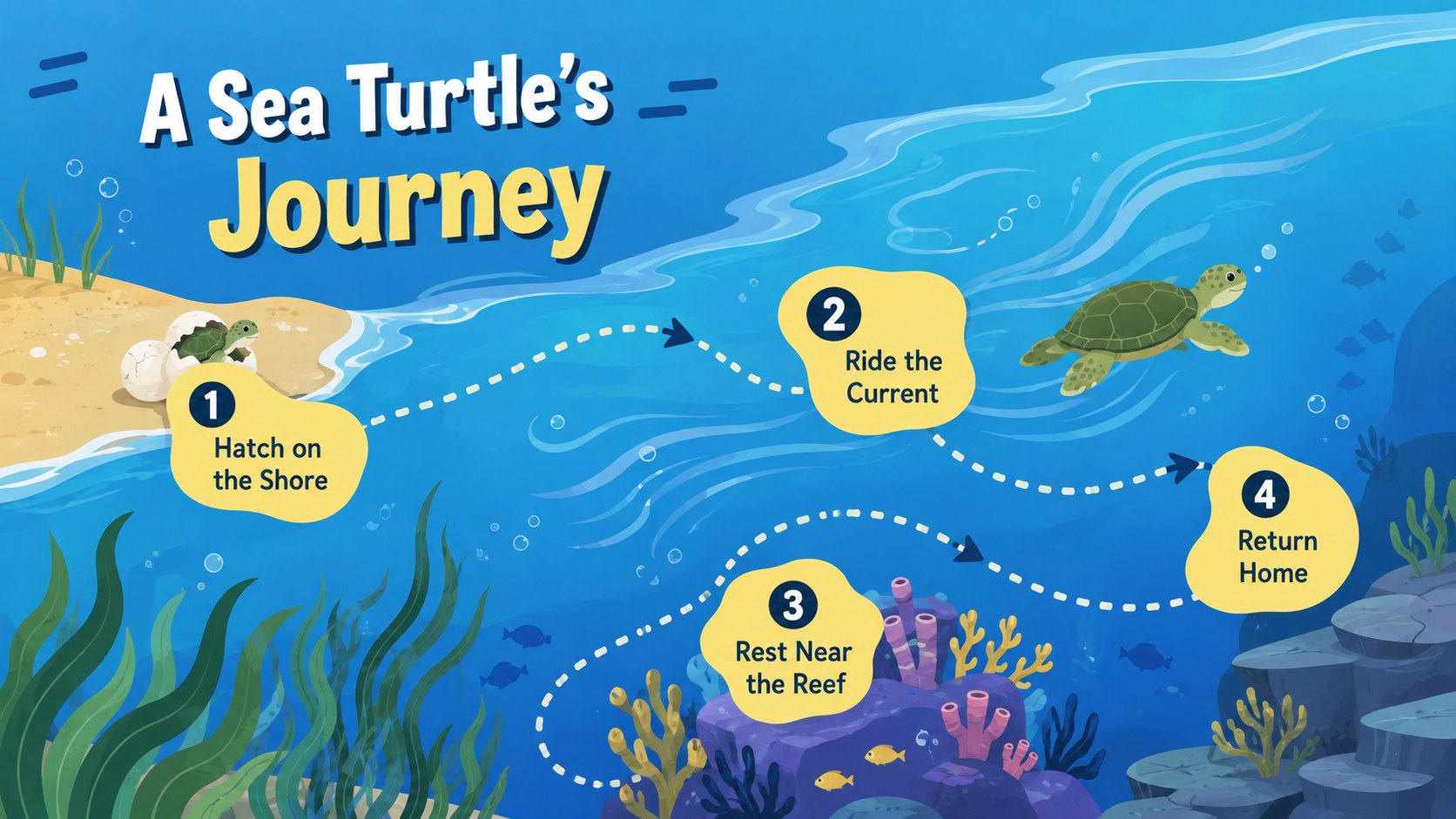
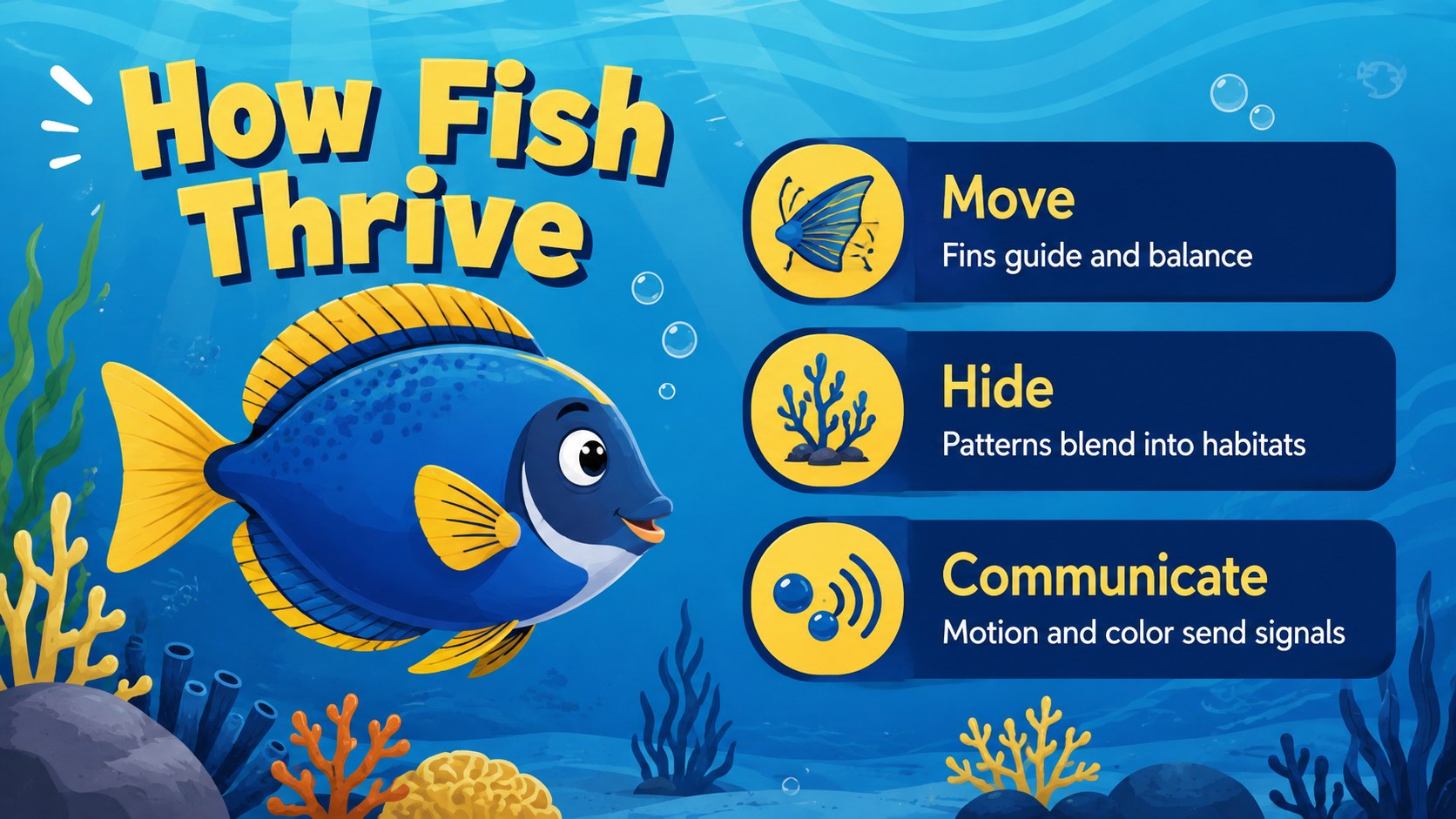
Set the scene for a colorful journey beneath the waves with this Ocean Adventure Story Deck. Its cheerful blue-and-yellow palette, original sea-life illustrations, and animated storybook mood give presenters an inviting way to introduce lessons, creative ideas, or project updates. Use it as an illustrated ocean presentation template whenever a subject benefits from friendly visuals and a clear narrative flow.
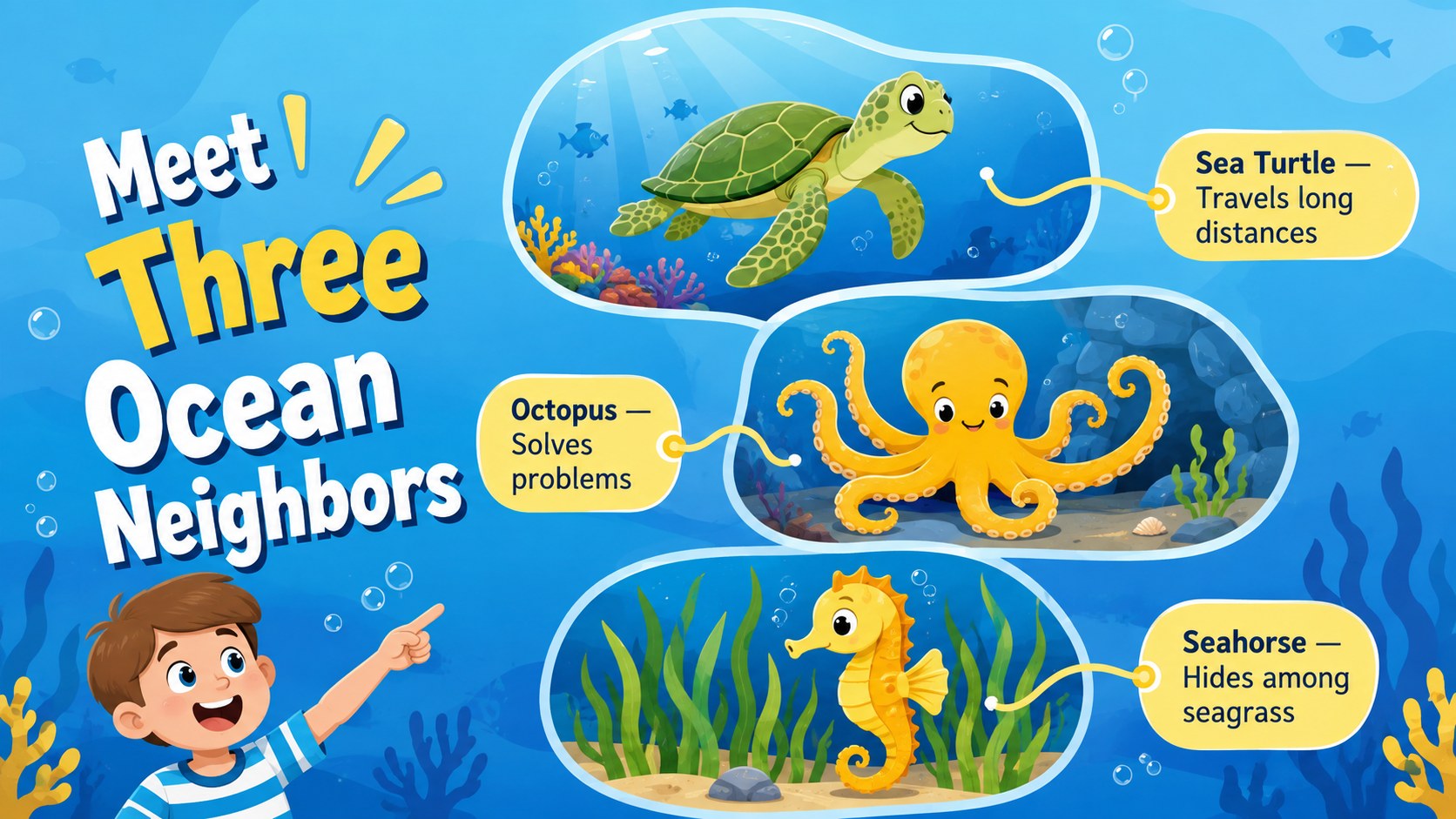
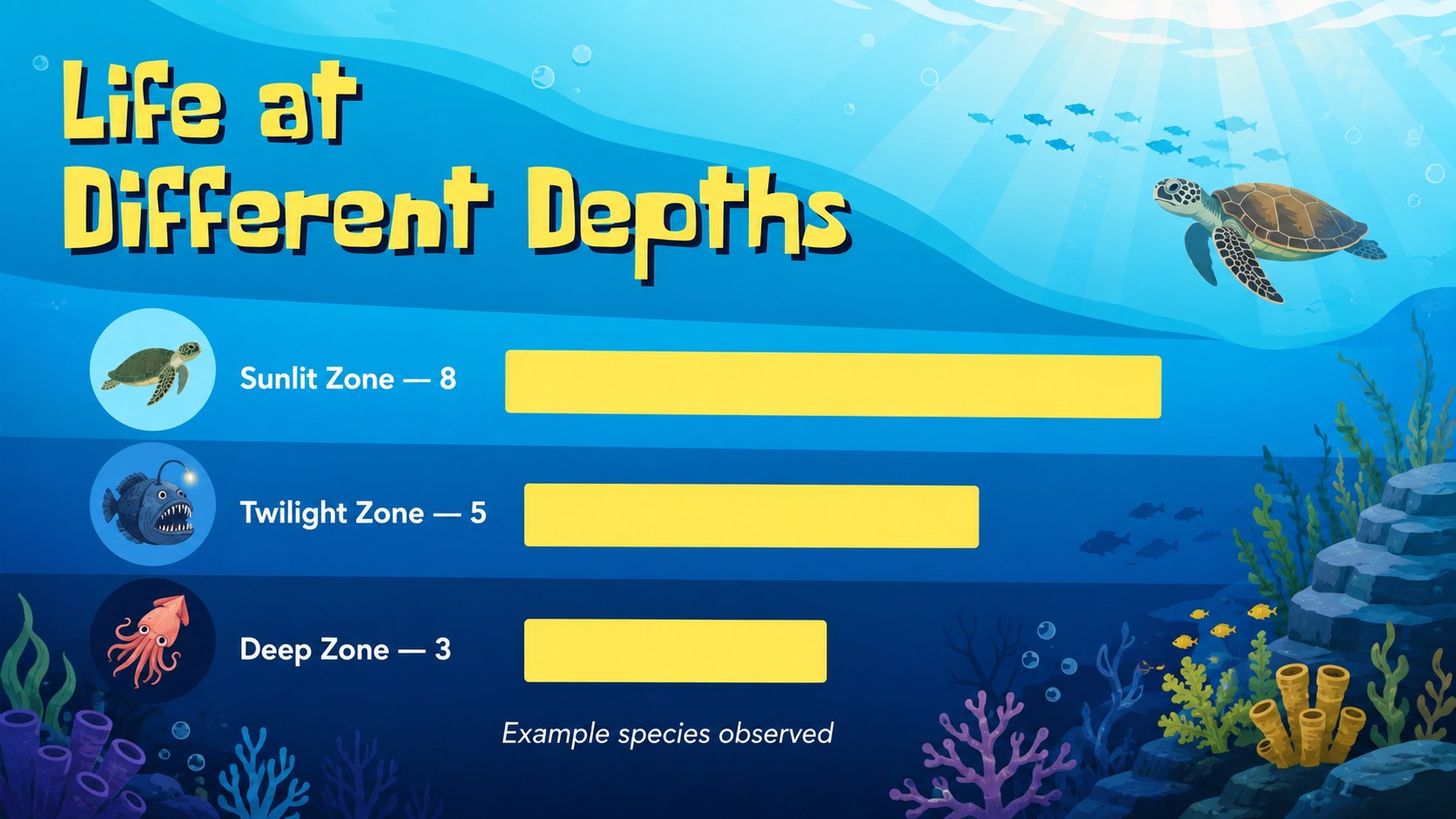
The deck includes layouts for opening questions, topic overviews, character introductions, key facts, comparisons, timelines, image-led stories, simple charts, and closing reflections. Each slide balances readable content with bubbles, coral, fish, and other playful marine details. Colors, typography, illustrations, and text can be adjusted to suit different age groups or presentation goals in PowerPoint and Google Slides.
Teachers can adapt these sea life lesson slides for ocean habitats, conservation units, reading activities, or classroom storytelling. Students can build an underwater story presentation for a book report or science project, while nonprofit teams and creative professionals can reshape the same visual system for family programs, campaign concepts, and lighthearted updates. The varied layouts support both short talks and complete narratives without losing the deck's energetic underwater character.
Perfect for: ocean habitat lesson; student science project; underwater story activity; marine conservation workshop; children's book report; family program presentation.
Frequently asked questions
Can I edit the illustrations and text? Yes. Replace the sample wording, recolor design elements, and reposition editable graphics to match your topic. You can also duplicate or remove layouts as your presentation changes.
Practical details
Yes. Replace the sample wording, recolor design elements, and reposition editable graphics to match your topic. You can also duplicate or remove layouts as your presentation changes.
The deck is designed for PowerPoint and Google Slides. Some fonts or transition effects may vary slightly between the two platforms, so review the final presentation before presenting.
Yes. Keep sentences short and illustration-led for younger learners, or add more detailed facts, charts, and discussion prompts for older students and adult audiences.
Use the theme color controls in PowerPoint or Google Slides to update the main blue and yellow tones. Check text contrast after making changes so every slide remains easy to read.
Keep exploring
15Build stronger academic arguments with a college essay thesis builder featuring guided examples, revision prompts, and editable PowerPoint and Google Slides.
 15
15Build an engaging World UFO Day session with this flying saucer history lesson deck, featuring retro green-and-brown slides for PowerPoint and Google Slides.
 14
14Plan a memorable Lunar New Year campaign with the 2036 Dragon Year Celebration Theme, featuring bold red-and-yellow slides for lessons and events.
 15
15Build a thoughtful classroom discussion with this interfaith awareness lesson deck, featuring editable blue-and-white slides for PowerPoint and Google Slides.
 15
15Use this environmental awareness lesson deck to teach climate action through illustrated activities, discussion prompts, and ready-to-edit visuals.
 15
15Build playful lessons and party stories with a kid-friendly zombie celebration theme in purple, green and pastel blue for PowerPoint and Google Slides.
 15
15Build eerie lessons, campaigns, and story pitches with an undead survival scenario theme featuring editable slides for PowerPoint and Google Slides.
 16
16Turn environmental research into a clear story with a Watercolor Ecology Presentation Theme for PowerPoint and Google Slides in calming green and blue.