
 15
15presentation
College Essay Thesis Builder Slides
Build stronger academic arguments with a college essay thesis builder featuring guided examples, revision prompts, and editable PowerPoint and Google Slides.
Google SlidesPowerPoint
presentation · English
Build comparison confidence with Number Comparison Practice Sheets in a cheerful yellow vintage style, editable in PowerPoint or Google Slides.
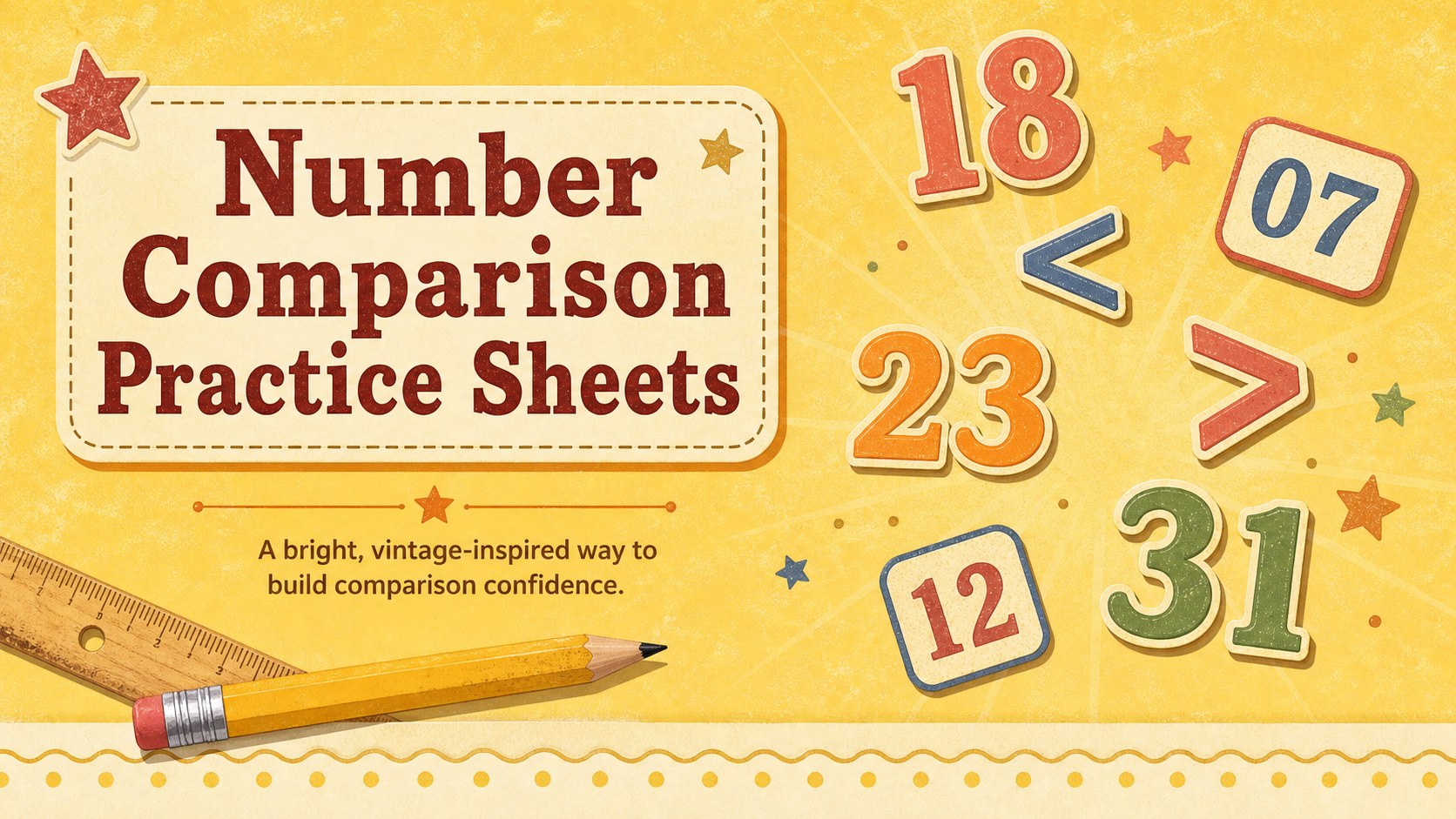
Design notes
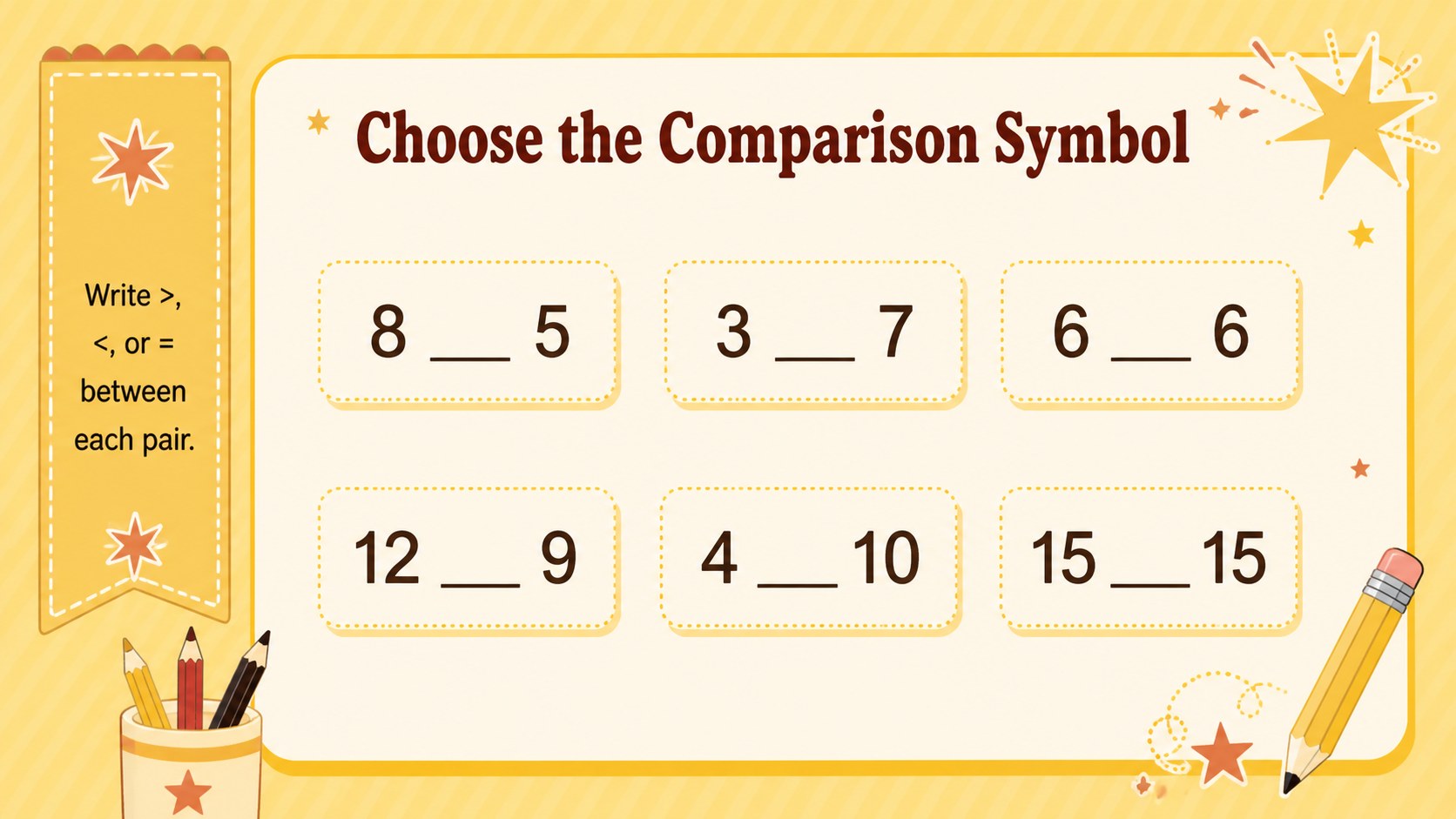
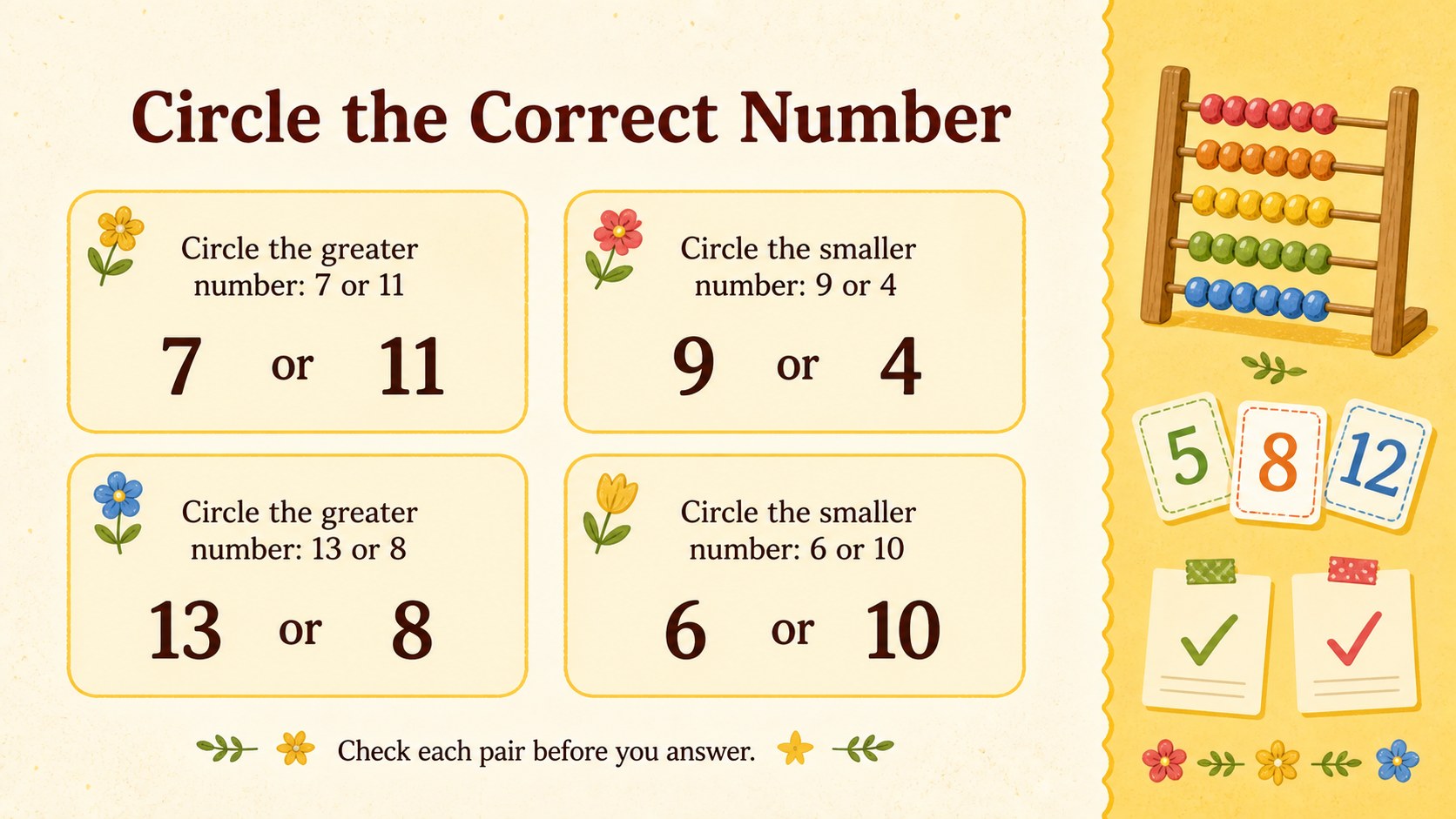
Make early math practice more approachable with Number Comparison Practice Sheets designed for clear, focused learning. The cheerful yellow palette and playful vintage details bring warmth to each activity without distracting from the numbers. Learners can compare values, choose the correct symbol, and explain which number is greater or smaller.
Inside are three ready-to-use activity layouts with comparison questions, answer spaces, and bold visual cues. The slides can be edited in PowerPoint or Google Slides, making it simple to change number ranges, duplicate exercises, adjust instructions, or adapt the challenge level. Use them as a comparing numbers worksheet for elementary classes, display them during a guided lesson, or export selected pages for printed practice.
These number comparison activities for first grade also work well for kindergarten extension tasks, second-grade review, tutoring, homeschool lessons, and math intervention groups. Teachers can introduce the greater than, less than, and equal signs before students complete the exercises independently or with a partner. The familiar structure supports repeated practice, while the editable format makes differentiation straightforward. Whether used for morning work, a learning station, homework, or a quick assessment, this yellow vintage math activity set helps children build accuracy and confidence with number relationships.
Perfect for: first-grade guided math lesson; elementary learning station; kindergarten extension activity; second-grade skills review; homeschool math practice; quick comparison assessment.
Frequently asked questions
Can I change the numbers and comparison questions? Yes. Edit the number pairs, symbols, directions, and answer spaces directly in PowerPoint or Google Slides to match your learners' current skill level.
Practical details
Yes. Edit the number pairs, symbols, directions, and answer spaces directly in PowerPoint or Google Slides to match your learners' current skill level.
The template is designed for Microsoft PowerPoint and Google Slides. Both formats allow you to present the activities digitally or prepare them for printing.
Yes. Export the finished slides as a PDF and select the scaling option that best fits your paper size. Review the print preview first to confirm margins and text size.
Use smaller values for beginners, add two- or three-digit numbers for extra challenge, or replace selected questions with equal-value pairs. You can also duplicate a slide to create separate practice sets for different groups.
Keep exploring
15Build stronger academic arguments with a college essay thesis builder featuring guided examples, revision prompts, and editable PowerPoint and Google Slides.
 15
15Build an engaging World UFO Day session with this flying saucer history lesson deck, featuring retro green-and-brown slides for PowerPoint and Google Slides.
 14
14Plan a memorable Lunar New Year campaign with the 2036 Dragon Year Celebration Theme, featuring bold red-and-yellow slides for lessons and events.
 15
15Build a thoughtful classroom discussion with this interfaith awareness lesson deck, featuring editable blue-and-white slides for PowerPoint and Google Slides.
 15
15Use this environmental awareness lesson deck to teach climate action through illustrated activities, discussion prompts, and ready-to-edit visuals.
 15
15Build playful lessons and party stories with a kid-friendly zombie celebration theme in purple, green and pastel blue for PowerPoint and Google Slides.
 15
15Build eerie lessons, campaigns, and story pitches with an undead survival scenario theme featuring editable slides for PowerPoint and Google Slides.
 16
16Turn environmental research into a clear story with a Watercolor Ecology Presentation Theme for PowerPoint and Google Slides in calming green and blue.