
 15
15presentation
College Essay Thesis Builder Slides
Build stronger academic arguments with a college essay thesis builder featuring guided examples, revision prompts, and editable PowerPoint and Google Slides.
Google SlidesPowerPoint
presentation · English
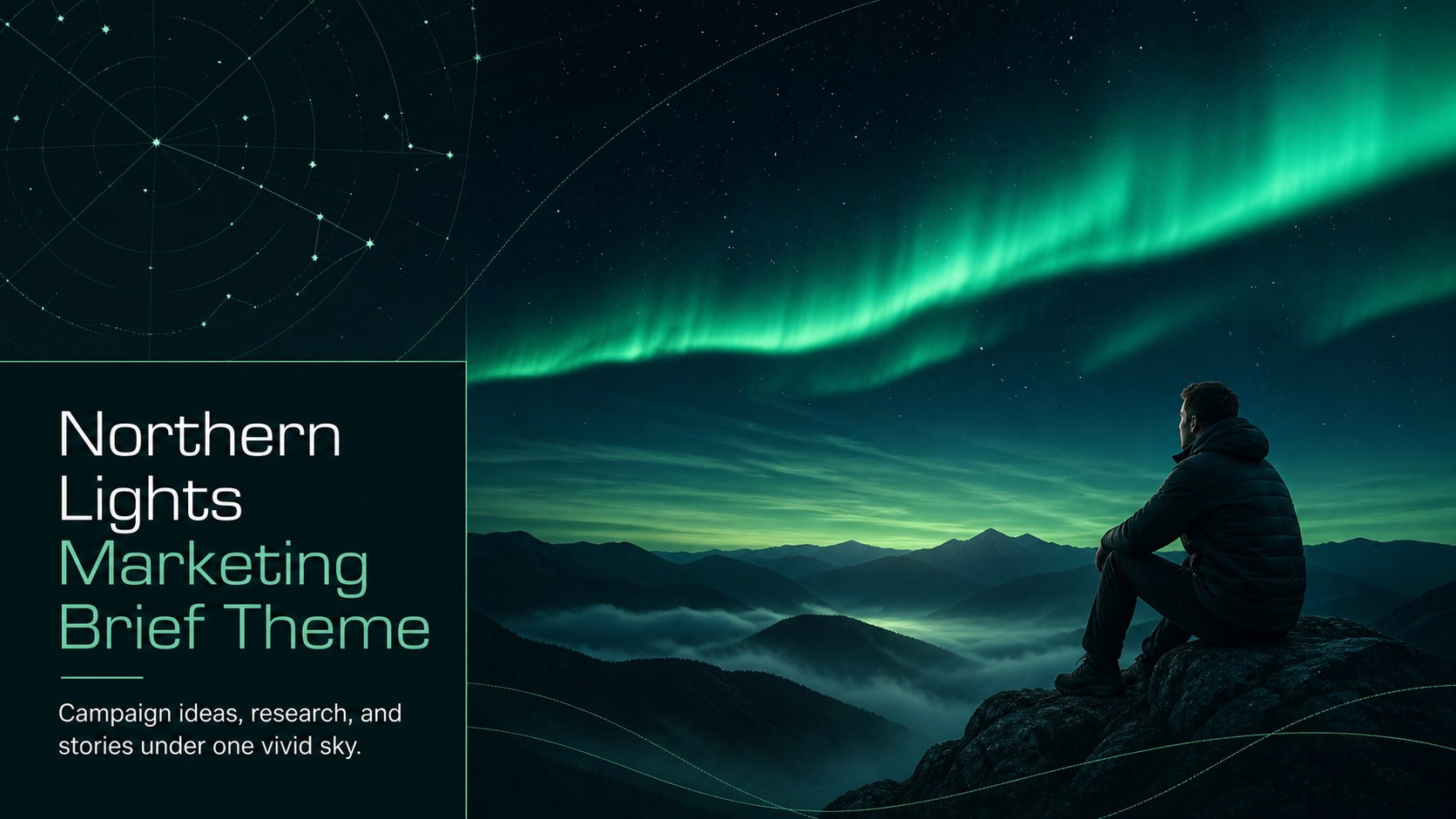
Build a memorable northern lights marketing brief with dark green visuals, editable layouts, and flexible slides for campaigns, lessons, and reports.


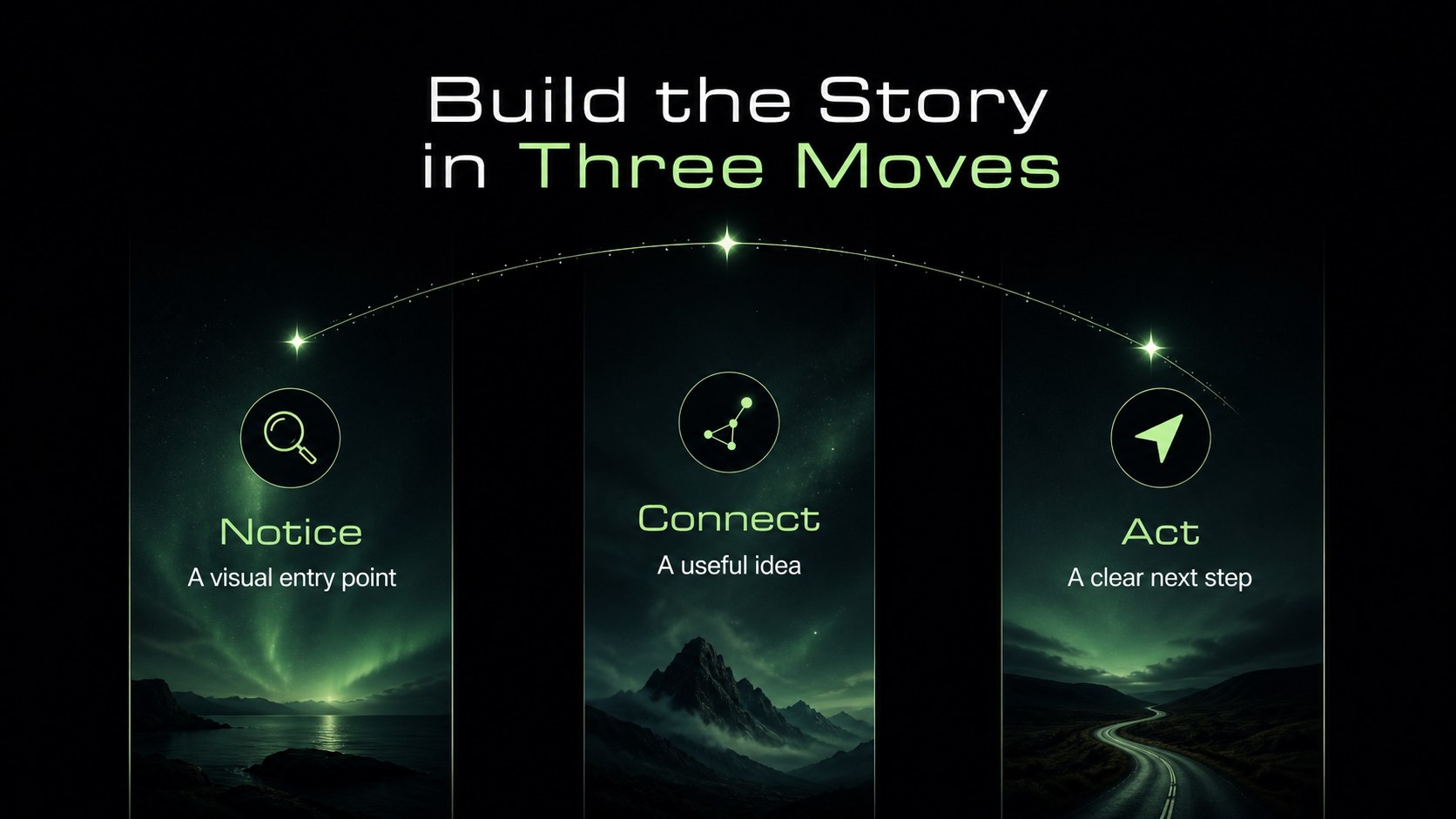
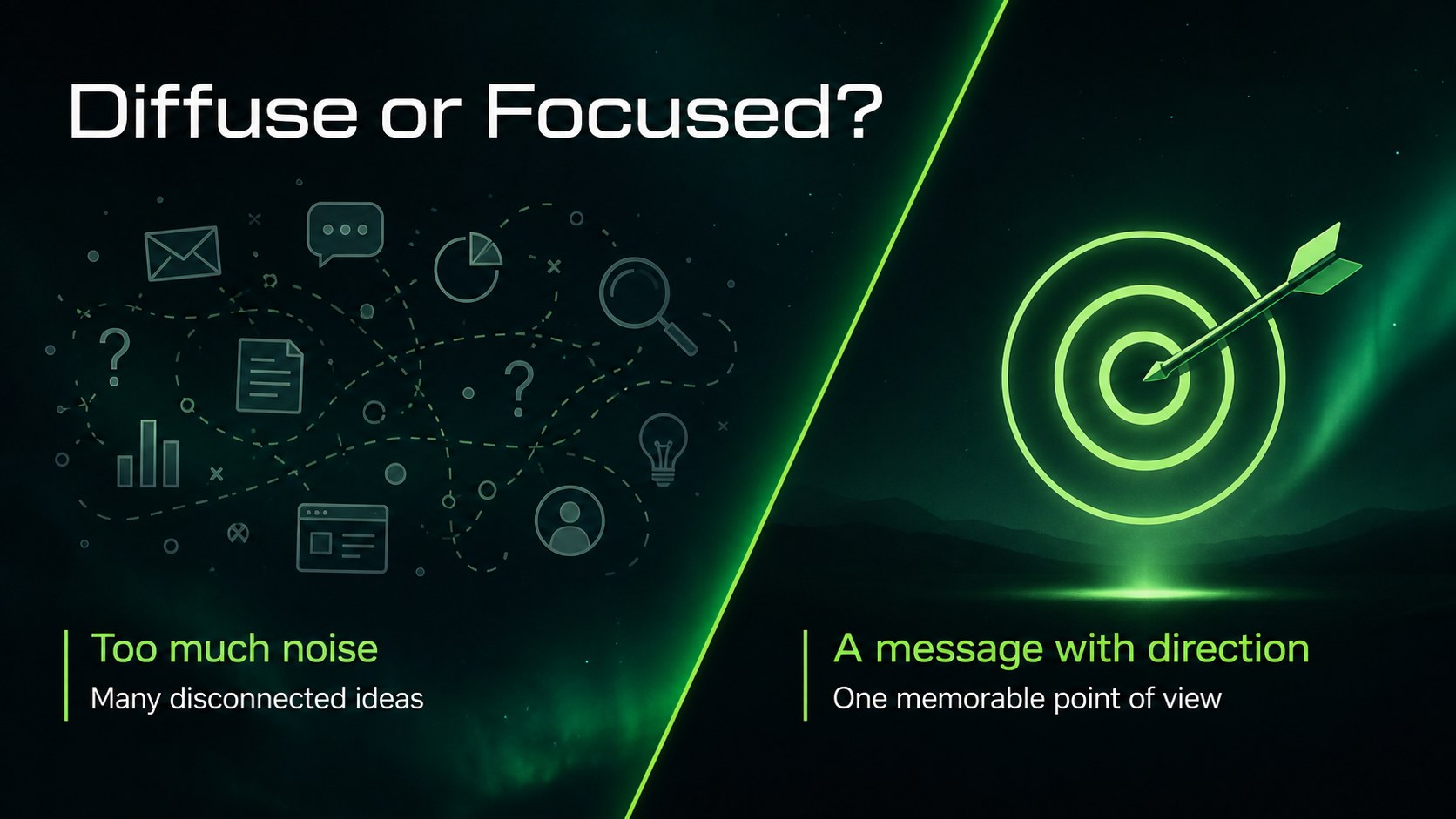
Design notes
Shape a compelling northern lights marketing brief with a presentation system inspired by the glow of the night sky. This dark green presentation theme combines spacious layouts, atmospheric imagery, and crisp typography to help educators, marketers, science communicators, and creative teams explain ideas with confidence. Use it for a campaign overview, research summary, editorial newsletter, or visual lesson without losing a clean, organized look.
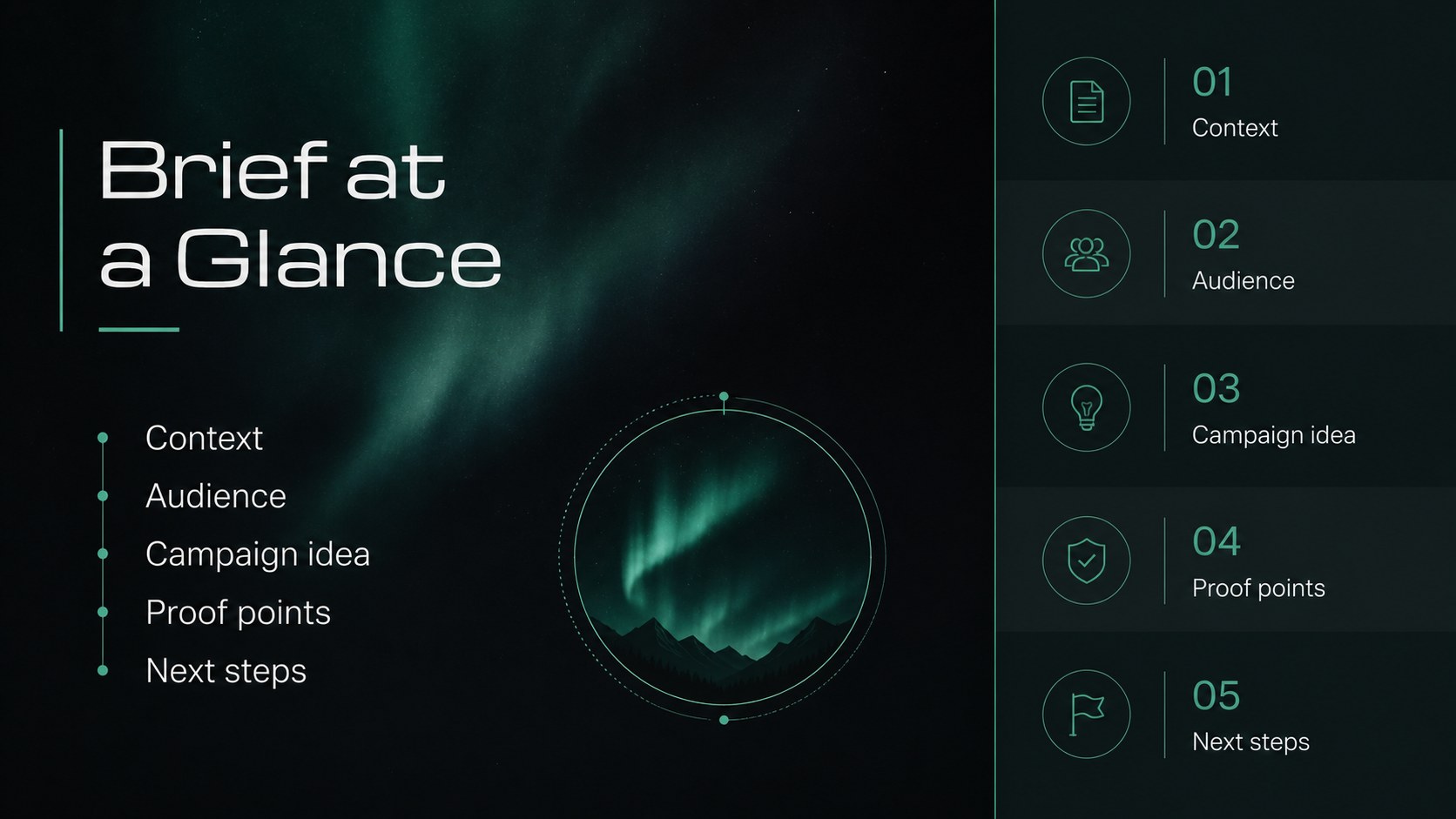
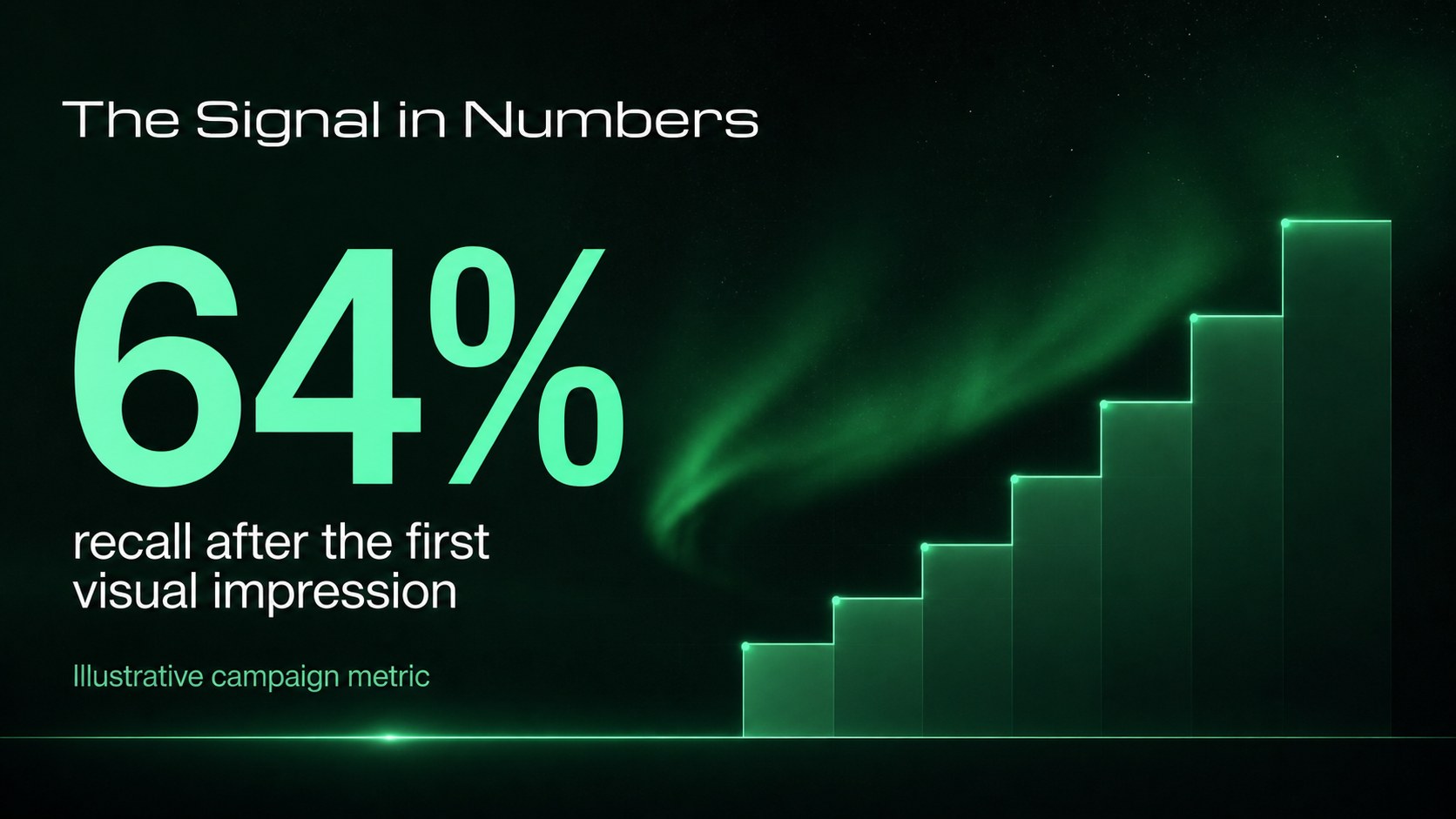
Inside, you will find more than 25 adaptable slides for introductions, agendas, image-led stories, data highlights, comparison sections, timelines, quotes, and closing takeaways. The layout system supports an astronomy marketing template, campaign reporting, educational storytelling, and branded content planning. Charts, tables, frames, lines, and geometric accents make complex information easier to scan, while the black and green palette creates a distinctive space-inspired atmosphere.
Edit the deck in Google Slides or PowerPoint. Swap imagery, adjust the green highlights, rewrite the copy, and rearrange sections to match your project. Arimo and Michroma provide a modern contrast that stays readable on screen and in exported documents. The result is an aurora campaign report template that feels polished, memorable, and easy to adapt.
Perfect for: marketing campaign briefing; science classroom lesson; astronomy newsletter; campaign performance report; creative concept pitch.
Frequently asked questions
Can I edit this theme in Google Slides? Yes. The presentation can be opened and customized in Google Slides, with editable text, layouts, shapes, and visual elements. You can also export the finished deck to common presentation formats.
Practical details
Yes. The presentation can be opened and customized in Google Slides, with editable text, layouts, shapes, and visual elements. You can also export the finished deck to common presentation formats.
Yes. Versions are available for Google Slides and PowerPoint. The exact editing controls may differ slightly between platforms, but the core layouts and visual direction remain consistent.
You can replace the green accents, backgrounds, and other theme colors to match a brand or classroom project. Keep strong contrast between text and backgrounds so the deck remains readable.
The layouts support campaign plans, newsletter content, astronomy topics, educational explanations, performance reports, and visual storytelling. Use the image-led slides for atmosphere and the chart or table layouts for measurable information.
Keep exploring
15Build stronger academic arguments with a college essay thesis builder featuring guided examples, revision prompts, and editable PowerPoint and Google Slides.
 15
15Build an engaging World UFO Day session with this flying saucer history lesson deck, featuring retro green-and-brown slides for PowerPoint and Google Slides.
 14
14Plan a memorable Lunar New Year campaign with the 2036 Dragon Year Celebration Theme, featuring bold red-and-yellow slides for lessons and events.
 15
15Build a thoughtful classroom discussion with this interfaith awareness lesson deck, featuring editable blue-and-white slides for PowerPoint and Google Slides.
 15
15Use this environmental awareness lesson deck to teach climate action through illustrated activities, discussion prompts, and ready-to-edit visuals.
 15
15Build playful lessons and party stories with a kid-friendly zombie celebration theme in purple, green and pastel blue for PowerPoint and Google Slides.
 15
15Build eerie lessons, campaigns, and story pitches with an undead survival scenario theme featuring editable slides for PowerPoint and Google Slides.
 16
16Turn environmental research into a clear story with a Watercolor Ecology Presentation Theme for PowerPoint and Google Slides in calming green and blue.