
 15
15presentation
College Essay Thesis Builder Slides
Build stronger academic arguments with a college essay thesis builder featuring guided examples, revision prompts, and editable PowerPoint and Google Slides.
Google SlidesPowerPoint
presentation · English
Build clearer biology lessons with a neural pathways classroom deck featuring editable diagrams, gentle grey visuals, and flexible layouts for students.

Design notes
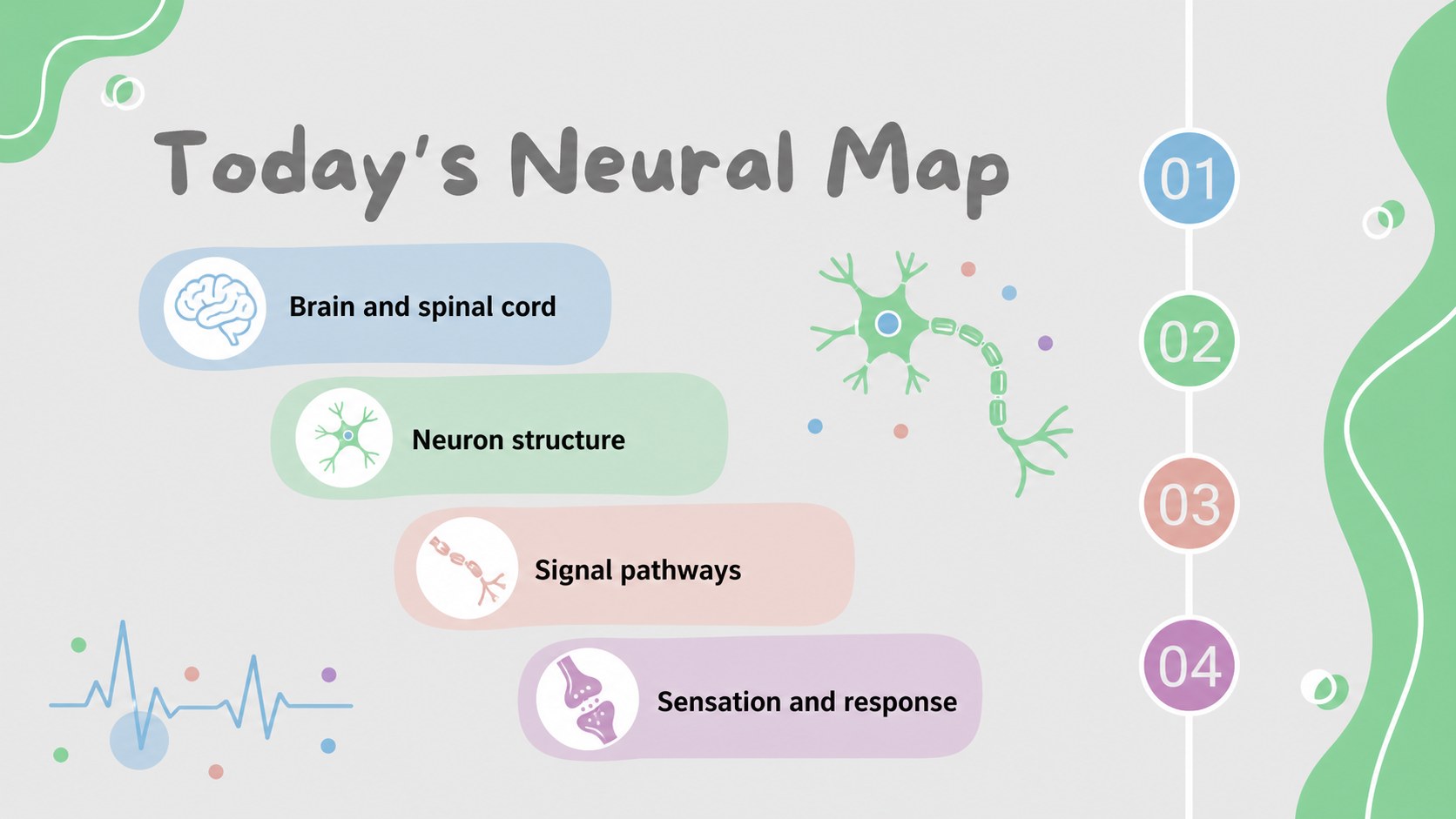
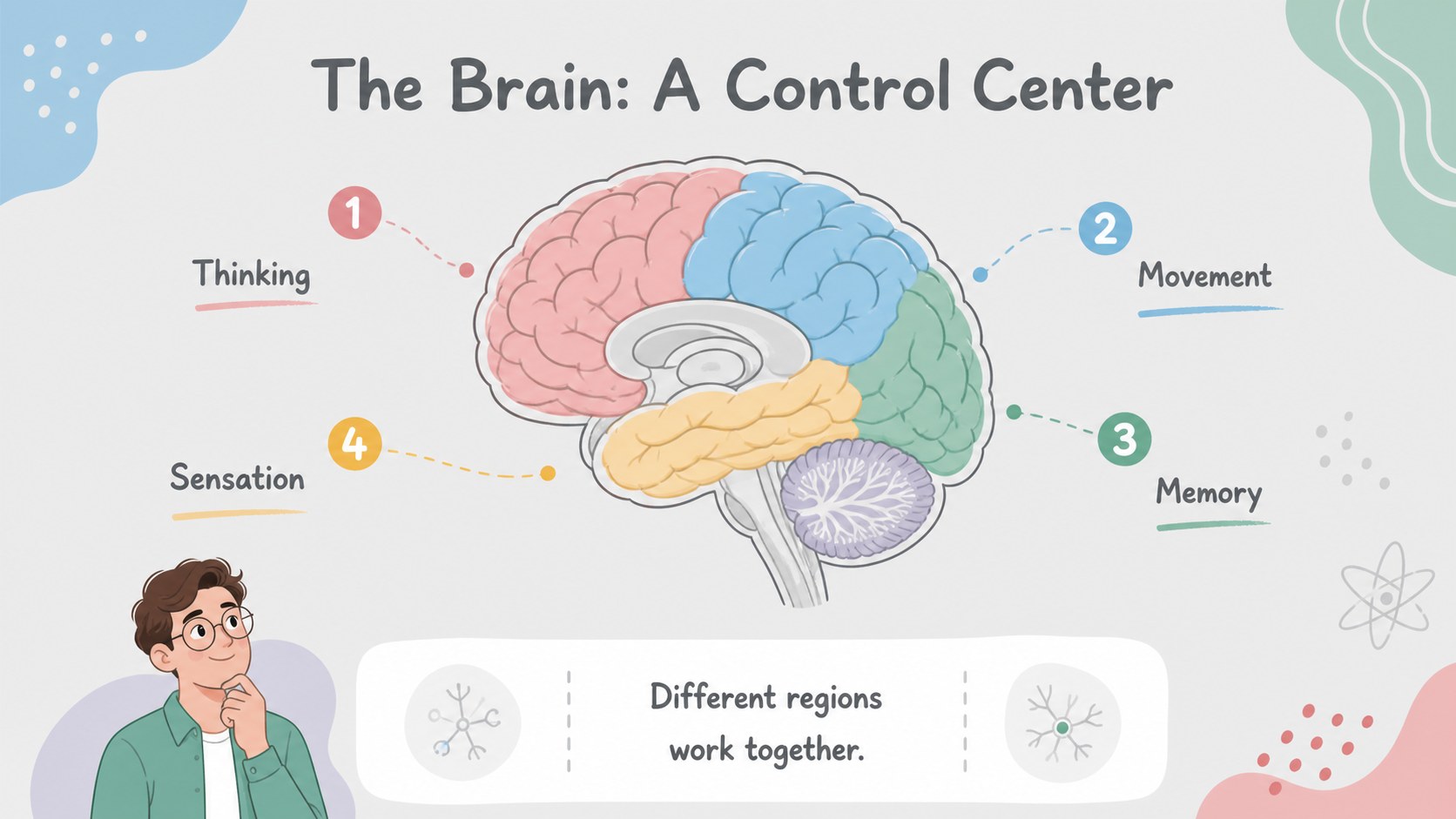
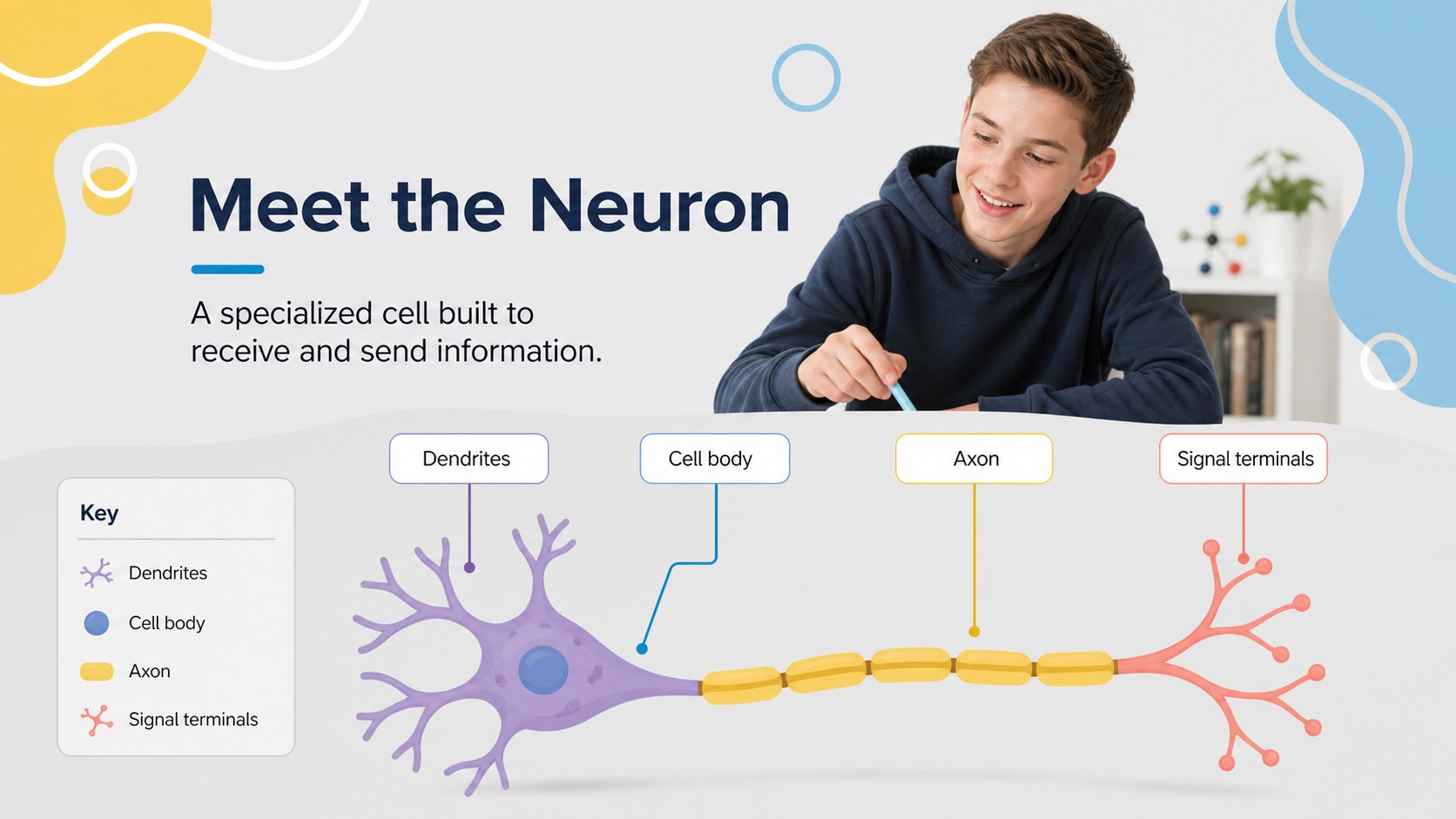
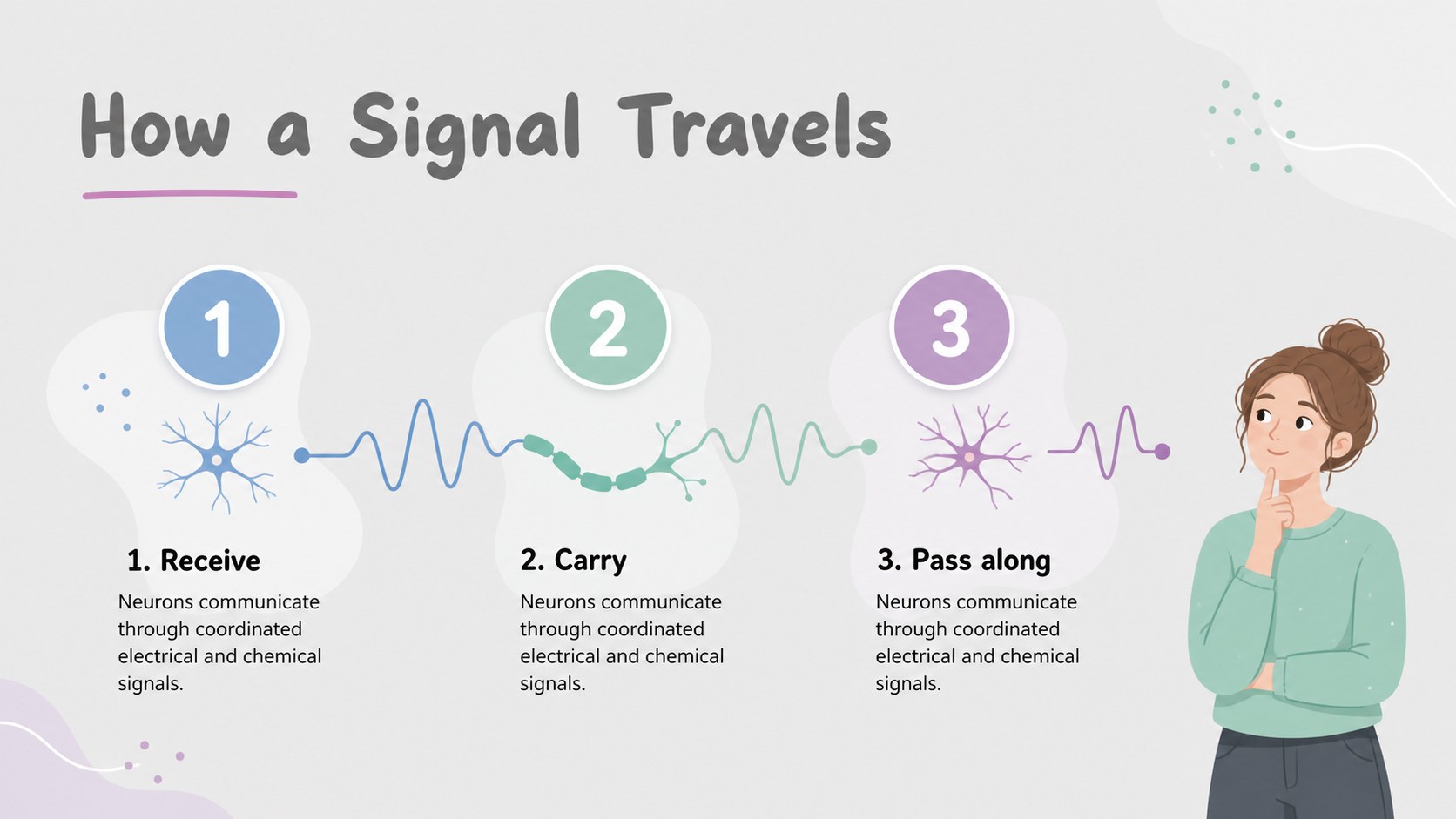
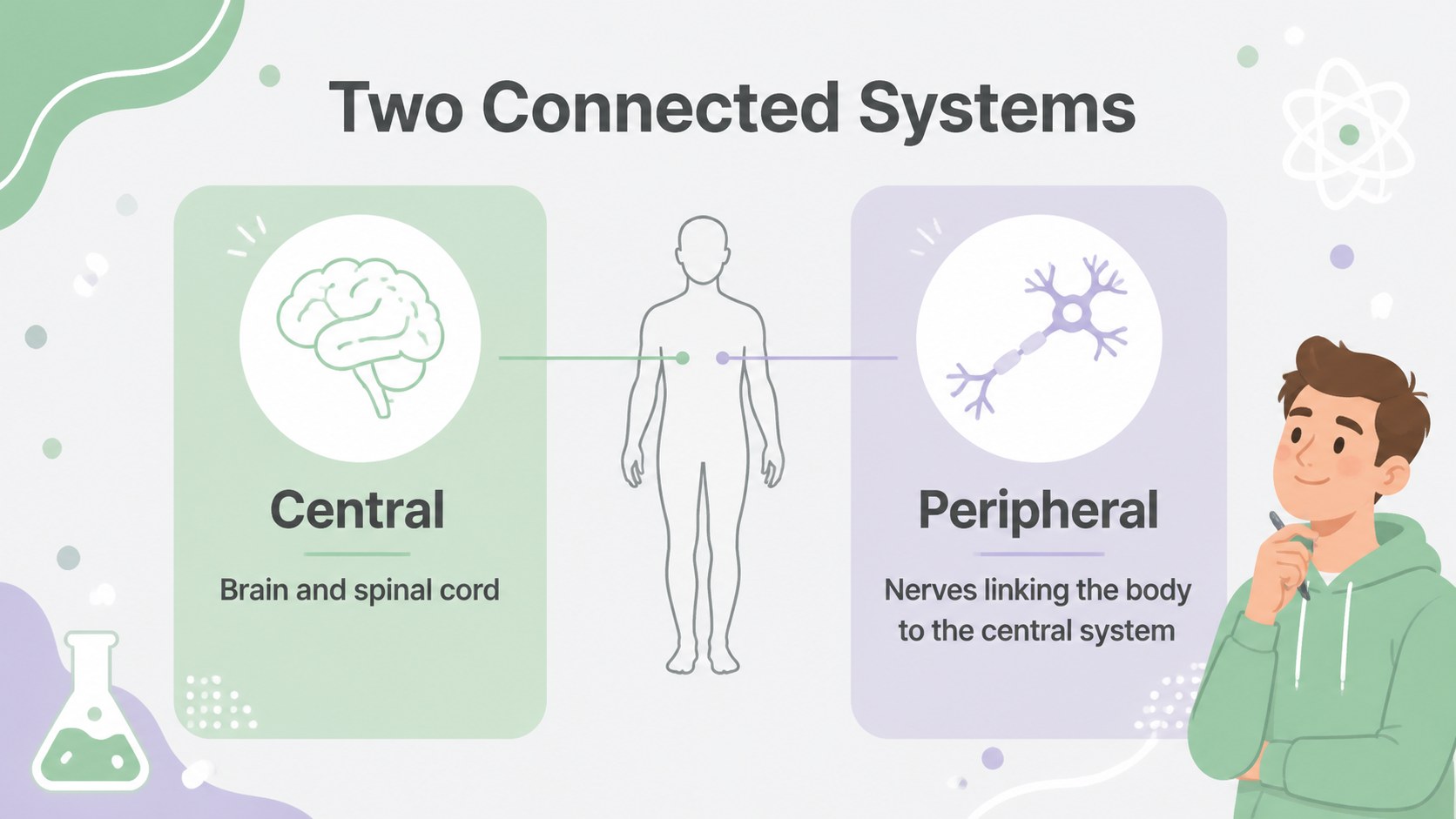
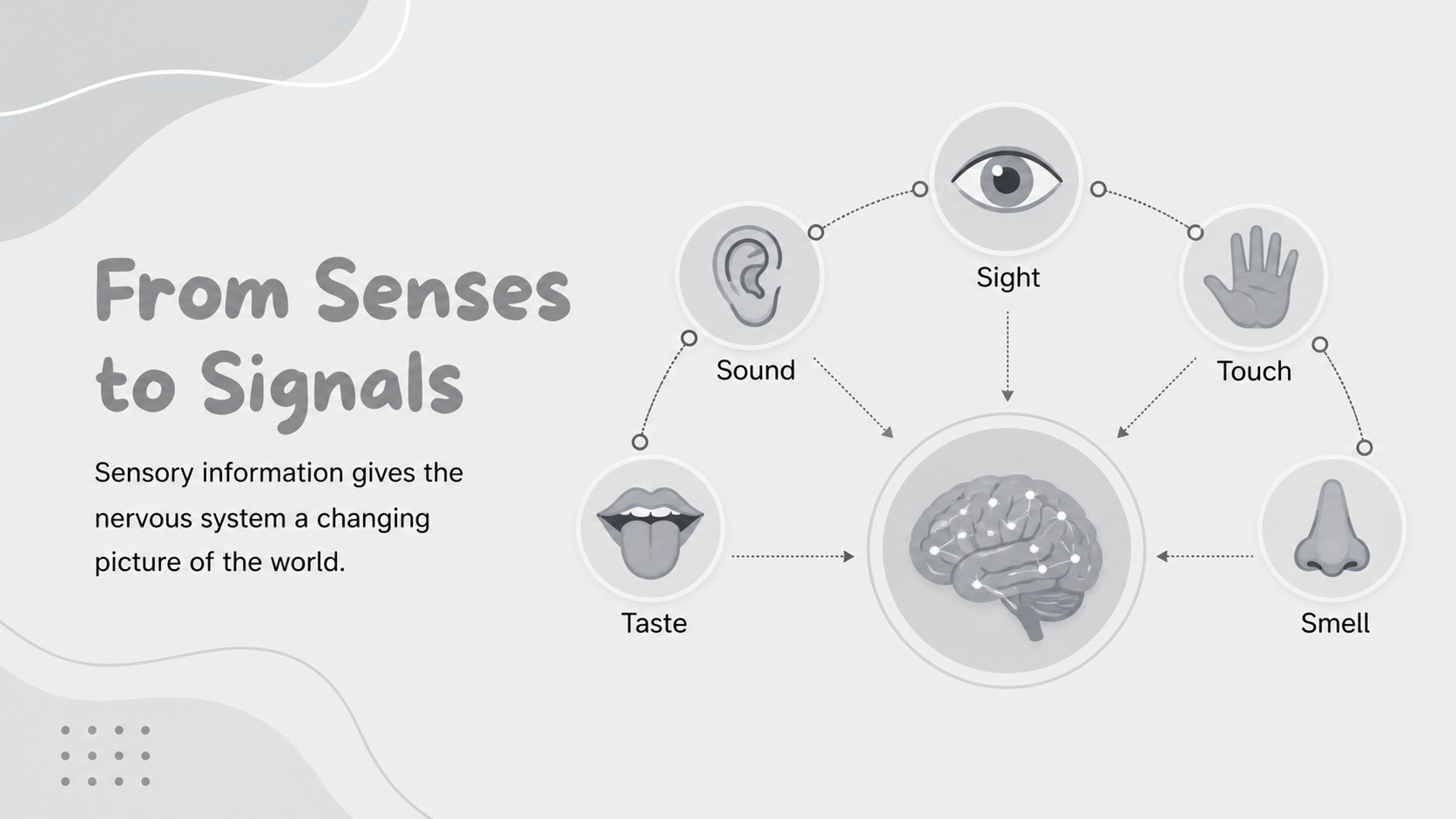
Make biology lessons easier to follow with a neural pathways classroom deck designed for clear explanations, visual structure, and student-friendly pacing. The calm grey palette, soft pastel accents, and abstract illustrations create a focused setting for introducing the brain, spinal cord, neurons, and communication across the nervous system. Use the layouts to explain how signals travel, compare central and peripheral systems, or connect anatomy to everyday reactions.
Inside, you’ll find 20 editable 16:9 slides with diagram-ready spaces, comparison layouts, labeled visuals, section dividers, summary pages, and room for discussion prompts. The design works well for a neural communication lesson, a middle school science presentation, or an introductory anatomy unit. Add charts, arrows, icons, examples, and your own classroom language with ’s drag-and-drop editor. You can also adjust fonts, colors, images, animations, and speaker notes, then export the finished presentation for PowerPoint or Google Slides.
This template is made for teachers, tutors, student presenters, and remote learning sessions. Use it to introduce new material, review key terms, guide a group activity, or create a concise study recap. Its organized visual system keeps technical information approachable without losing the wonder of how the body processes sensation, movement, and response.
Perfect for: middle school biology lesson; introductory anatomy lecture; neural communication activity; remote science class; student study recap.
Frequently asked questions
Can I edit this template? Yes. Open the template to change the text, diagrams, colors, images, fonts, and animations using the drag-and-drop editor. You can also add speaker notes and collaboration comments.
Practical details
Yes. Open the template to change the text, diagrams, colors, images, fonts, and animations using the drag-and-drop editor. You can also add speaker notes and collaboration comments.
Yes. After opening the design, export it as a PowerPoint file or save an editable copy to Google Drive for Google Slides. Some animations-specific elements may need adjustment after export.
The visual style is approachable for middle school and introductory biology audiences. Teachers can simplify the wording, replace technical examples, and add review questions to match the class level.
Yes. lets you replace the palette while preserving the layout and illustration system. Keep the soft contrast if the slides will be projected or viewed during remote learning.
Keep exploring
15Build stronger academic arguments with a college essay thesis builder featuring guided examples, revision prompts, and editable PowerPoint and Google Slides.
 15
15Build an engaging World UFO Day session with this flying saucer history lesson deck, featuring retro green-and-brown slides for PowerPoint and Google Slides.
 14
14Plan a memorable Lunar New Year campaign with the 2036 Dragon Year Celebration Theme, featuring bold red-and-yellow slides for lessons and events.
 15
15Build a thoughtful classroom discussion with this interfaith awareness lesson deck, featuring editable blue-and-white slides for PowerPoint and Google Slides.
 15
15Use this environmental awareness lesson deck to teach climate action through illustrated activities, discussion prompts, and ready-to-edit visuals.
 15
15Build playful lessons and party stories with a kid-friendly zombie celebration theme in purple, green and pastel blue for PowerPoint and Google Slides.
 15
15Build eerie lessons, campaigns, and story pitches with an undead survival scenario theme featuring editable slides for PowerPoint and Google Slides.
 16
16Turn environmental research into a clear story with a Watercolor Ecology Presentation Theme for PowerPoint and Google Slides in calming green and blue.