
 15
15presentation
College Essay Thesis Builder Slides
Build stronger academic arguments with a college essay thesis builder featuring guided examples, revision prompts, and editable PowerPoint and Google Slides.
Google SlidesPowerPoint
presentation · English
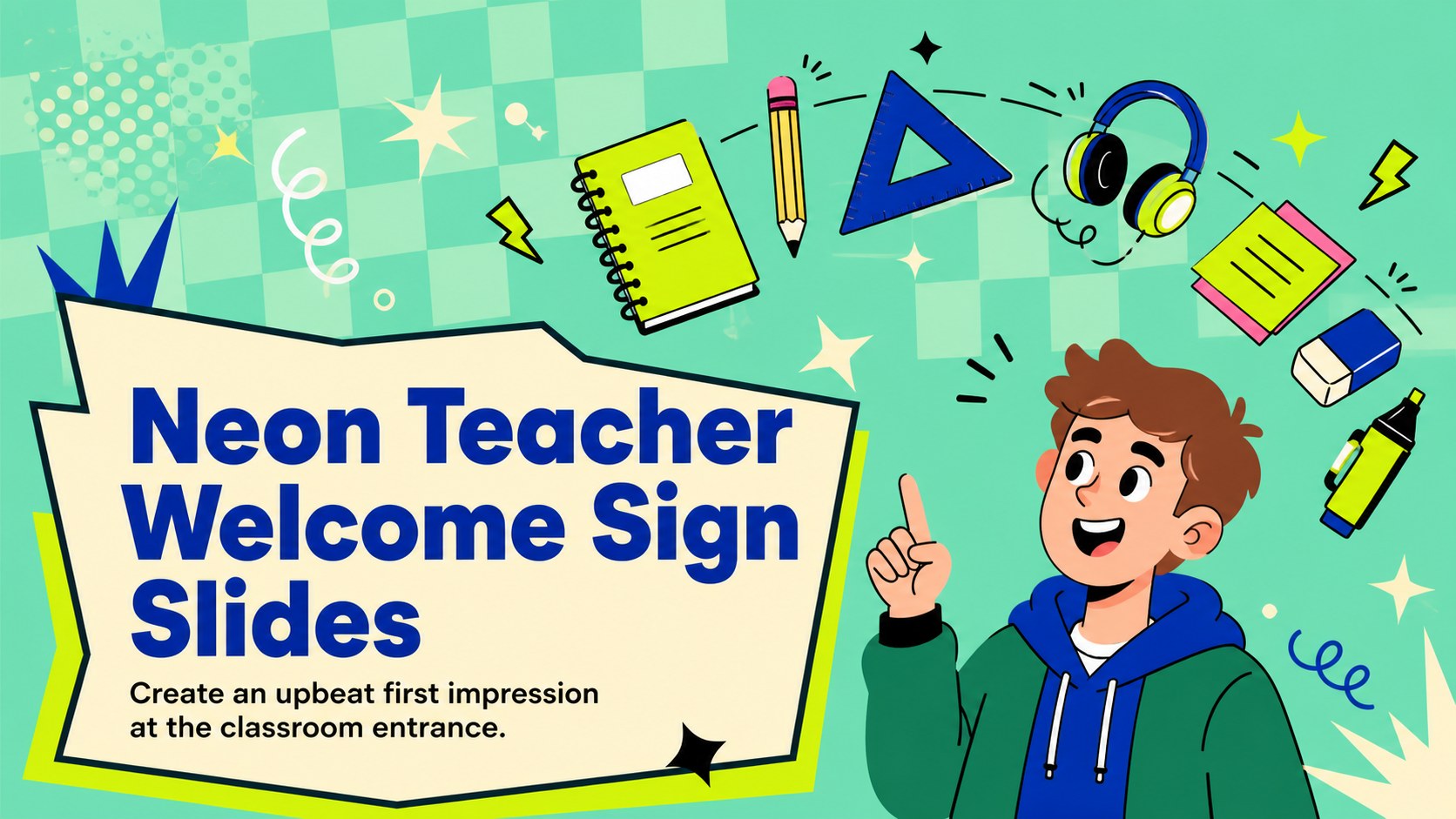
Set a cheerful tone from day one with a neon teacher welcome sign, featuring three editable classroom posters for PowerPoint and Google Slides.

Design notes
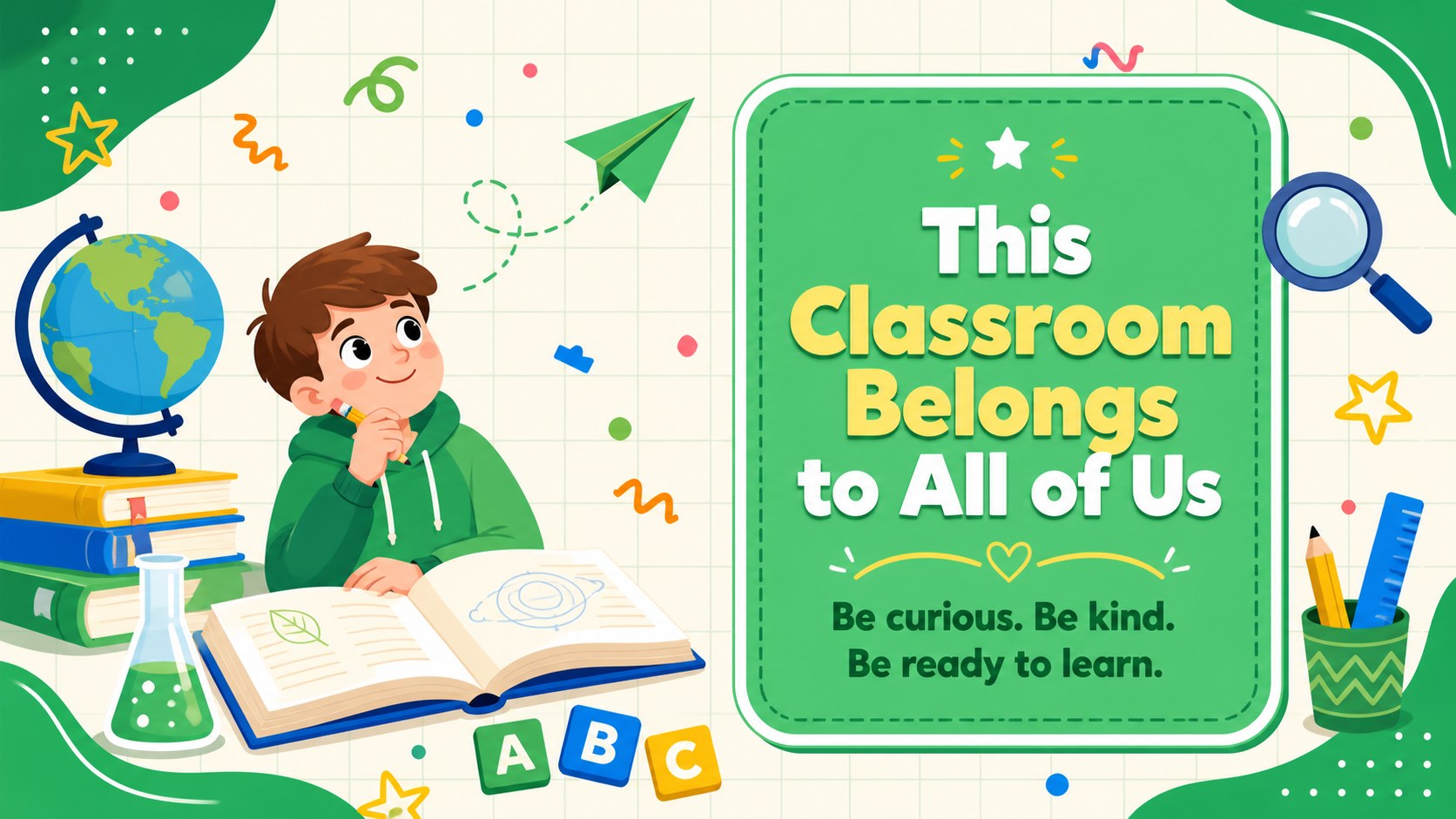
Create a lively entrance for a new class with this neon teacher welcome sign collection. Bright green accents, energetic illustrated details, and friendly messages help turn an ordinary doorway into a positive first point of contact. The playful visual style works across elementary, middle, and high school settings while remaining clear enough for students and families to read at a glance.
Inside are three coordinated poster designs with distinct welcome messages and flexible text areas. Use them as an editable classroom entrance poster, adapt the wording for a specific grade or subject, and add a teacher name, room number, or class motto. Every layout can be personalized in PowerPoint or Google Slides, including the fonts, colors, shapes, and illustrated decorations. The slides can be presented digitally or exported for printing at the size required by your school.
This back to school door sign template is designed for teachers preparing for the first day, open house, orientation, or a midyear classroom refresh. It also works as a neon classroom poster for teachers who want an encouraging message in a hallway, homeroom, library, tutoring space, or learning center. Use the full set across several rooms or choose one design as the visual anchor for your classroom entrance.
Perfect for: first day classroom entrance; school open house display; student orientation welcome; hallway door decoration; midyear classroom refresh.
Frequently asked questions
Can I edit the welcome messages and teacher details? Yes. Replace every message and add a teacher name, grade, subject, room number, or class motto directly in PowerPoint or Google Slides.
Practical details
Yes. Replace every message and add a teacher name, grade, subject, room number, or class motto directly in PowerPoint or Google Slides.
Yes. Adjust the page dimensions for your preferred paper size, then export the finished design as a PDF for printing. Check your printer settings before producing larger copies.
The template is designed for PowerPoint and Google Slides. Fonts or spacing may vary slightly between platforms, so review each poster before presenting or exporting it.
Yes. Recolor the backgrounds, typography, shapes, and decorative illustrations to coordinate with a classroom theme or school colors while preserving strong text contrast.
Keep exploring
15Build stronger academic arguments with a college essay thesis builder featuring guided examples, revision prompts, and editable PowerPoint and Google Slides.
 15
15Build an engaging World UFO Day session with this flying saucer history lesson deck, featuring retro green-and-brown slides for PowerPoint and Google Slides.
 14
14Plan a memorable Lunar New Year campaign with the 2036 Dragon Year Celebration Theme, featuring bold red-and-yellow slides for lessons and events.
 15
15Build a thoughtful classroom discussion with this interfaith awareness lesson deck, featuring editable blue-and-white slides for PowerPoint and Google Slides.
 15
15Use this environmental awareness lesson deck to teach climate action through illustrated activities, discussion prompts, and ready-to-edit visuals.
 15
15Build playful lessons and party stories with a kid-friendly zombie celebration theme in purple, green and pastel blue for PowerPoint and Google Slides.
 15
15Build eerie lessons, campaigns, and story pitches with an undead survival scenario theme featuring editable slides for PowerPoint and Google Slides.
 16
16Turn environmental research into a clear story with a Watercolor Ecology Presentation Theme for PowerPoint and Google Slides in calming green and blue.