
 15
15presentation
College Essay Thesis Builder Slides
Build stronger academic arguments with a college essay thesis builder featuring guided examples, revision prompts, and editable PowerPoint and Google Slides.
Google SlidesPowerPoint
presentation · English
Run engaging professional learning sessions with a Neon Faculty Development Workshop for PowerPoint and Google Slides, featuring 16 editable blue layouts.


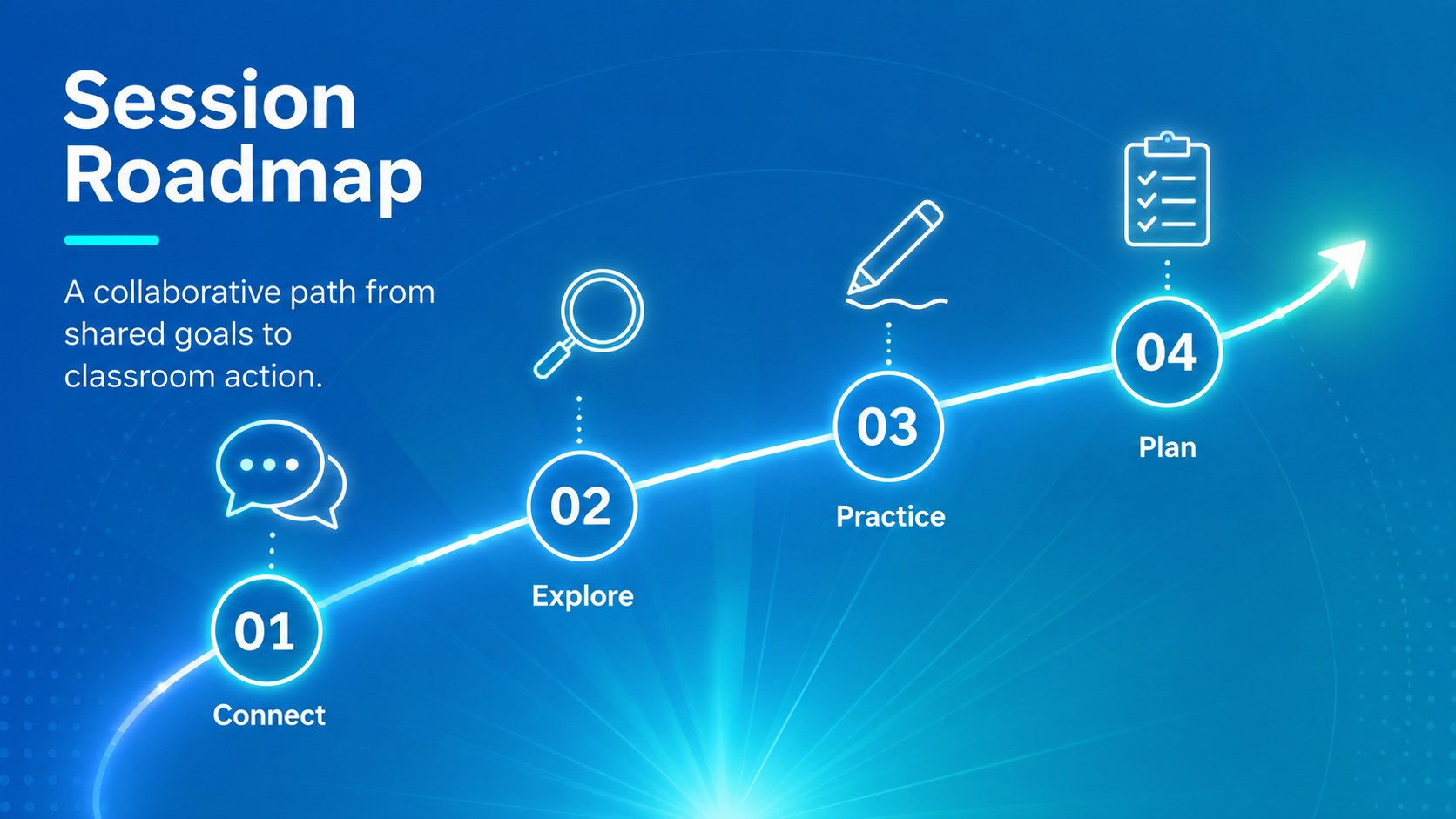
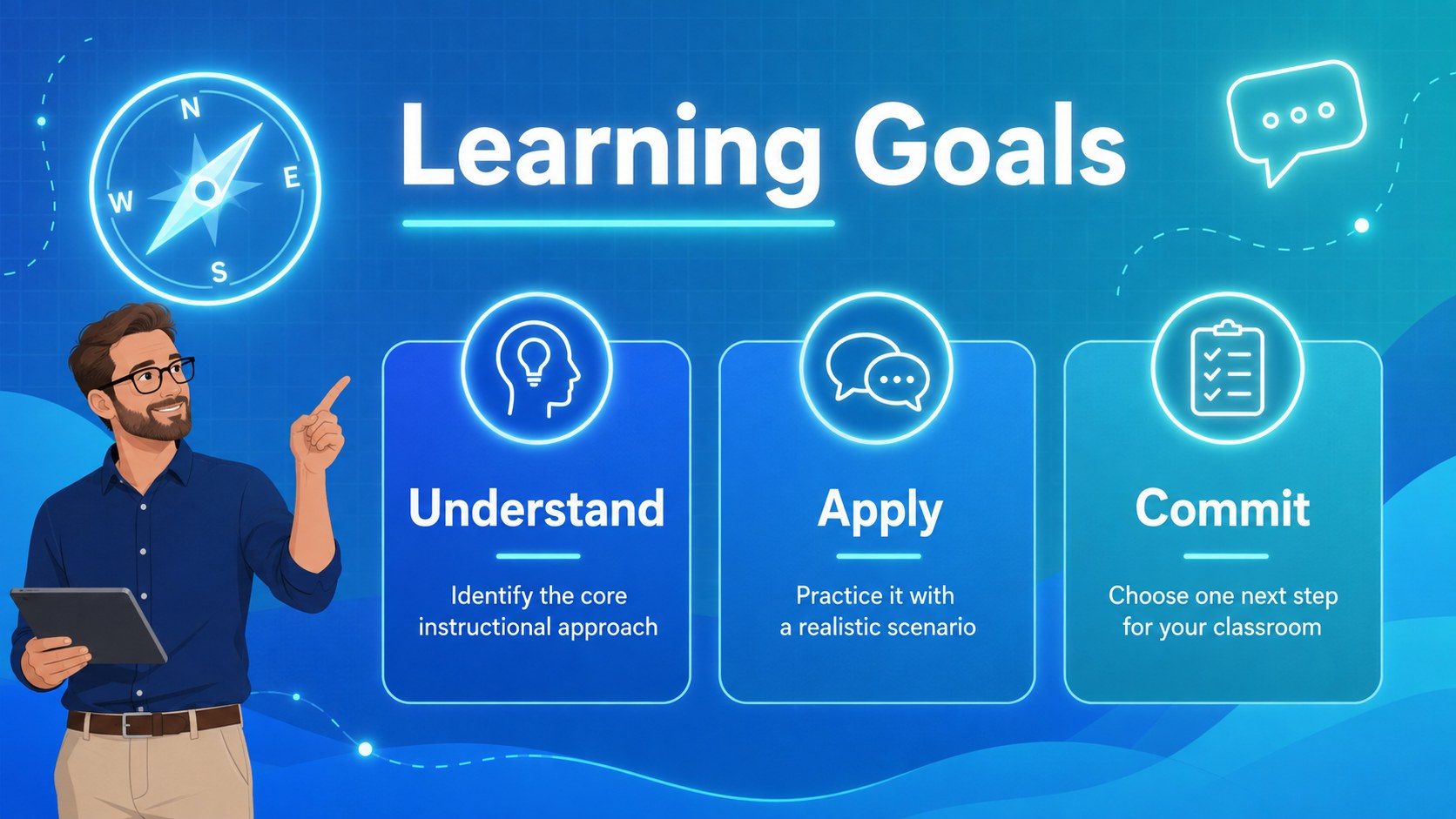
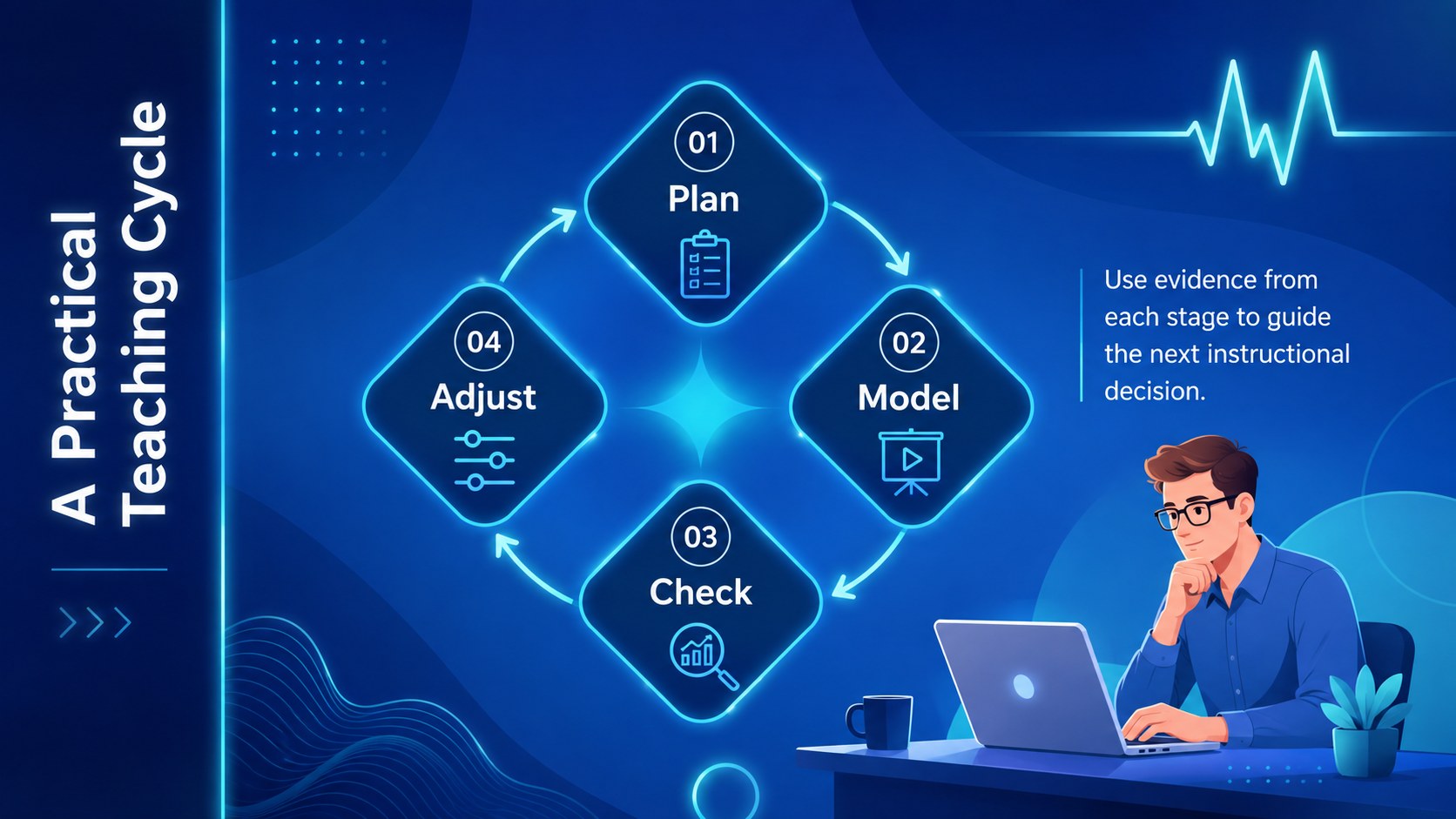
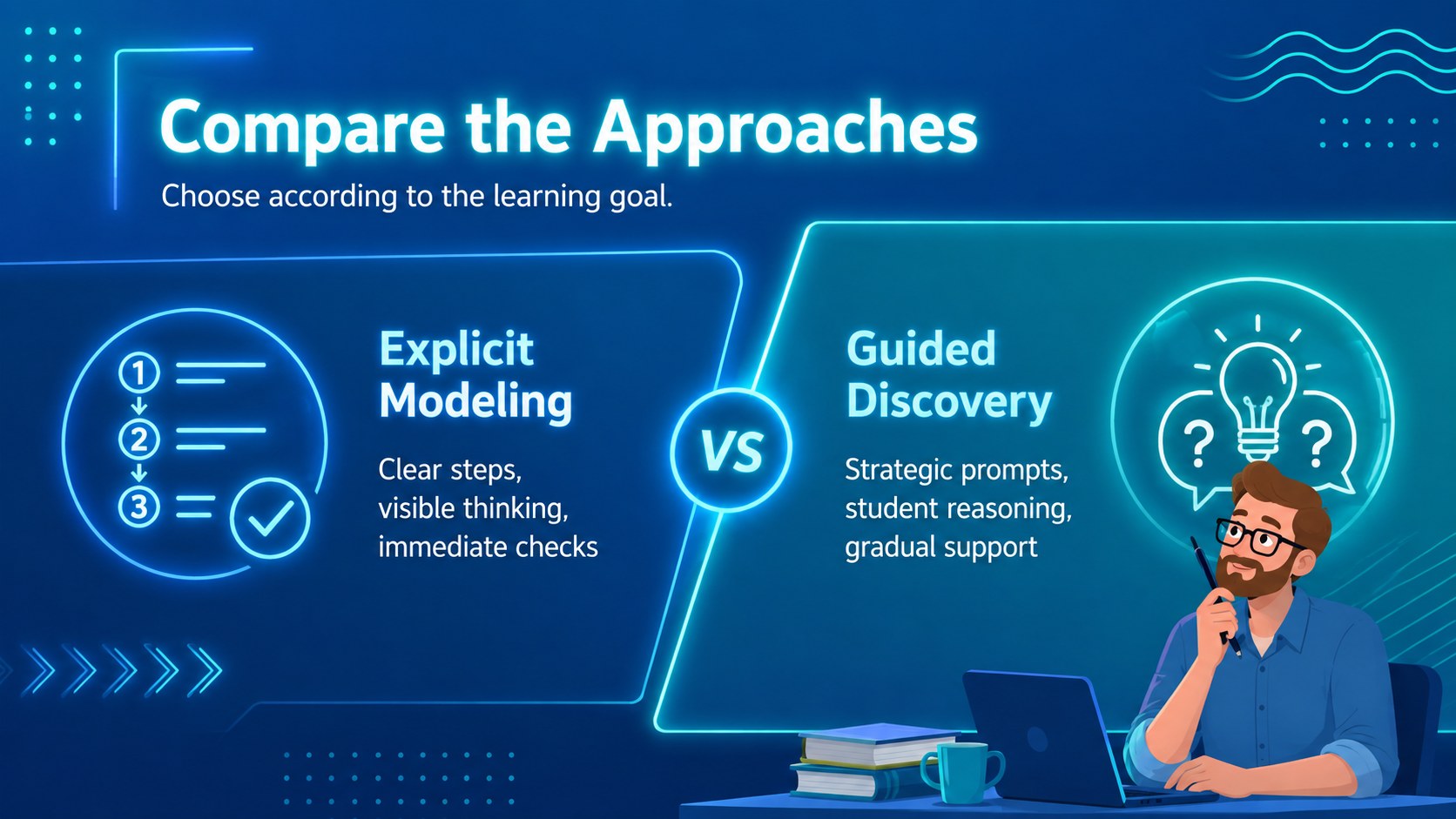
Design notes
The Neon Faculty Development Workshop helps instructional leaders deliver practical, energetic learning sessions without losing clarity. Designed as a blue neon education presentation, it combines animated accents, modern gradients, and clean typography to keep educators focused on strategies they can use in the classroom. Every layout can be edited in PowerPoint or Google Slides to match your school, district, or training program.
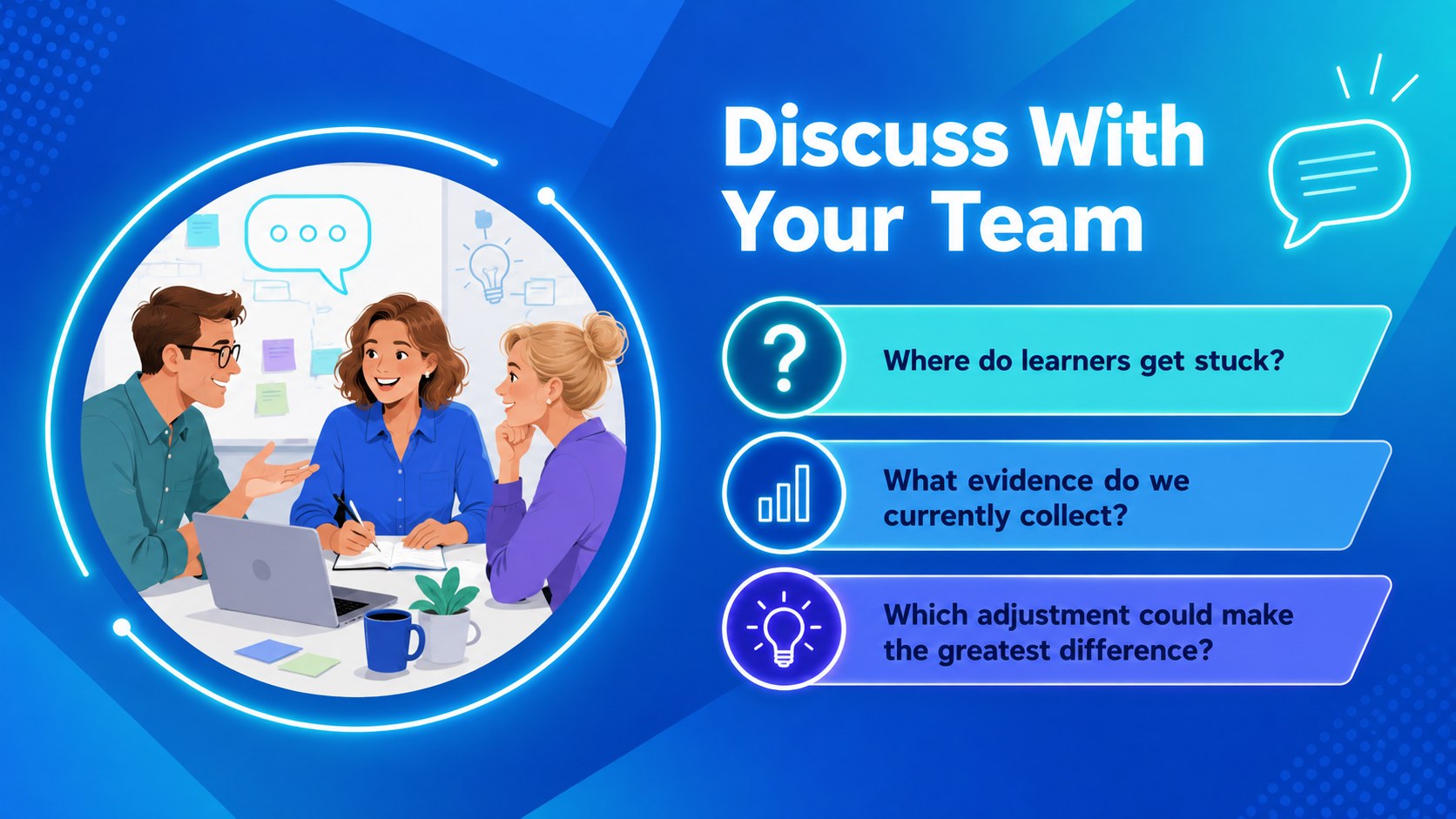
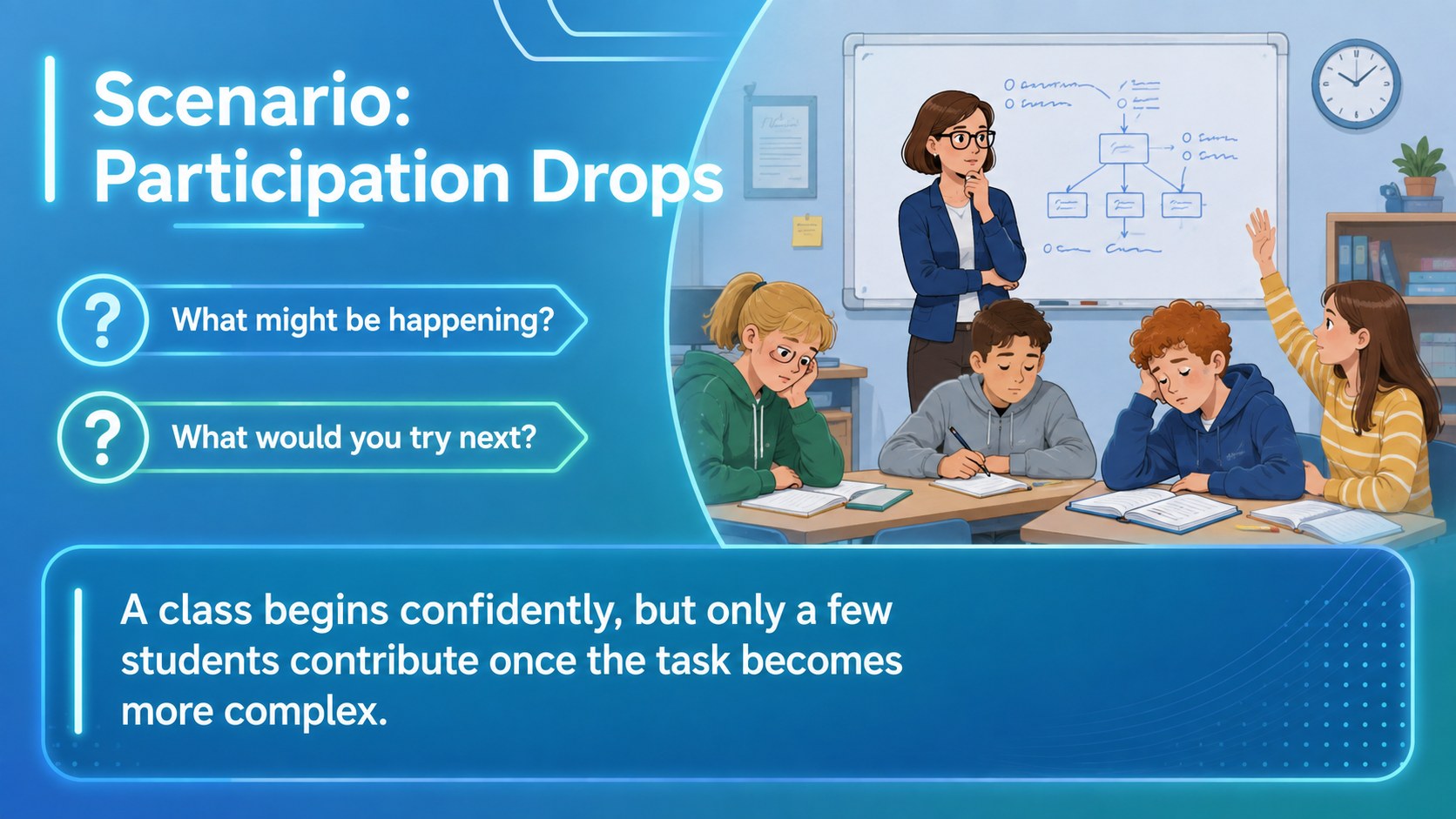
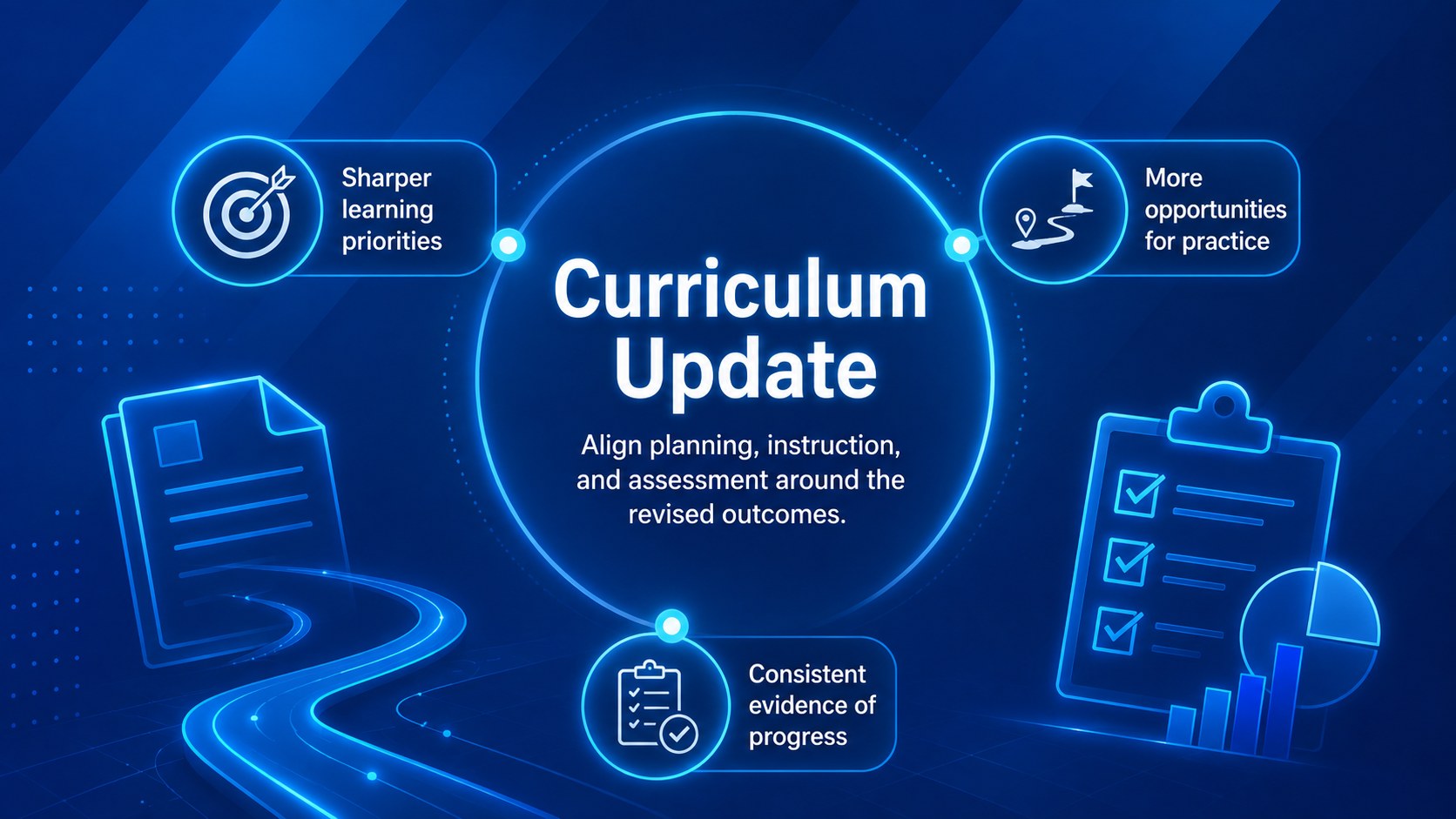
The 16-slide deck includes a welcome screen, learning goals, session agenda, instructional framework, strategy comparison, group discussion, classroom scenario, curriculum update, implementation timeline, reflection activity, action plan, resource list, and closing recap. Flexible charts, text blocks, diagrams, and activity prompts make it suitable for both presentation-led instruction and collaborative work. Use the interactive educator workshop slides as provided or rearrange them to fit a shorter webinar or a full professional learning day.
This teacher professional development presentation is built for instructional coaches, school administrators, department heads, curriculum specialists, and education consultants. It works well for onboarding new faculty, introducing teaching methods, reviewing assessment practices, supporting technology integration, or planning curriculum changes. The vivid blue palette creates an upbeat atmosphere, while the minimalist structure keeps detailed information readable. Add local examples, school policies, facilitator notes, and participant tasks to create a polished workshop that reflects your specific learning goals.
Perfect for: teacher professional learning day; new faculty onboarding; instructional coaching workshop; curriculum update session; education webinar; school staff training.
Frequently asked questions
Can I edit the workshop content? Yes. All headings, activity prompts, diagrams, colors, and supporting text can be customized to reflect your training goals and school context.
Practical details
Yes. All headings, activity prompts, diagrams, colors, and supporting text can be customized to reflect your training goals and school context.
The template is designed for PowerPoint and Google Slides. Review fonts, animations, and transitions after importing so the presentation displays consistently on your chosen platform.
Yes. Reorder or remove slides to create a brief staff meeting, a focused webinar, or a multi-part professional learning program without changing the overall visual system.
Replace sample content with your own examples, learning objectives, policies, and facilitator notes. You can also adjust accent colors and imagery while retaining the blue gradient foundation.
Keep exploring
15Build stronger academic arguments with a college essay thesis builder featuring guided examples, revision prompts, and editable PowerPoint and Google Slides.
 15
15Build an engaging World UFO Day session with this flying saucer history lesson deck, featuring retro green-and-brown slides for PowerPoint and Google Slides.
 14
14Plan a memorable Lunar New Year campaign with the 2036 Dragon Year Celebration Theme, featuring bold red-and-yellow slides for lessons and events.
 15
15Build a thoughtful classroom discussion with this interfaith awareness lesson deck, featuring editable blue-and-white slides for PowerPoint and Google Slides.
 15
15Use this environmental awareness lesson deck to teach climate action through illustrated activities, discussion prompts, and ready-to-edit visuals.
 15
15Build playful lessons and party stories with a kid-friendly zombie celebration theme in purple, green and pastel blue for PowerPoint and Google Slides.
 15
15Build eerie lessons, campaigns, and story pitches with an undead survival scenario theme featuring editable slides for PowerPoint and Google Slides.
 16
16Turn environmental research into a clear story with a Watercolor Ecology Presentation Theme for PowerPoint and Google Slides in calming green and blue.