
 15
15presentation
College Essay Thesis Builder Slides
Build stronger academic arguments with a college essay thesis builder featuring guided examples, revision prompts, and editable PowerPoint and Google Slides.
Google SlidesPowerPoint
presentation · English
Present complex technical ideas with a neon engineering innovation hub deck featuring editable blue-black layouts for PowerPoint and Google Slides.


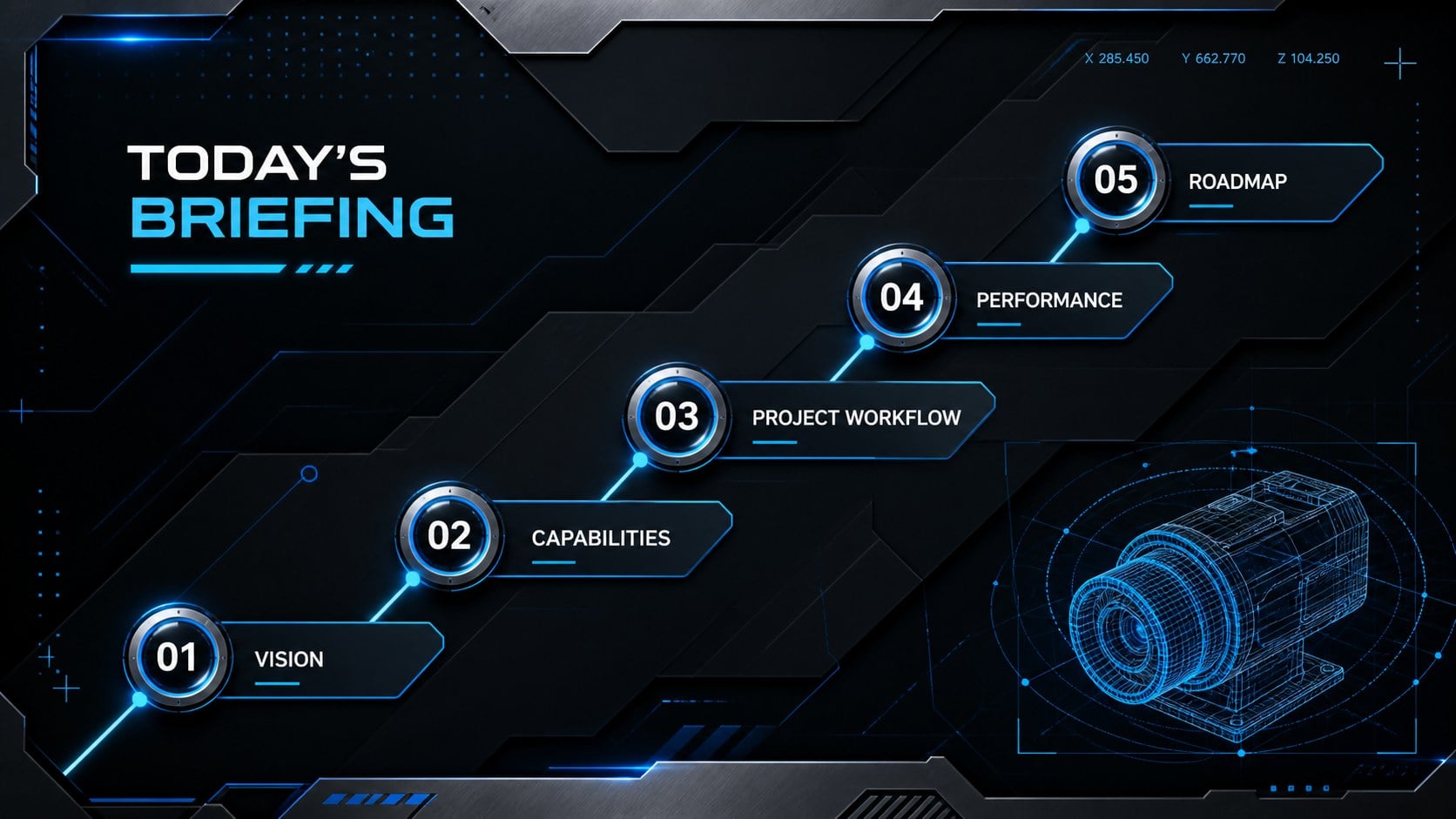
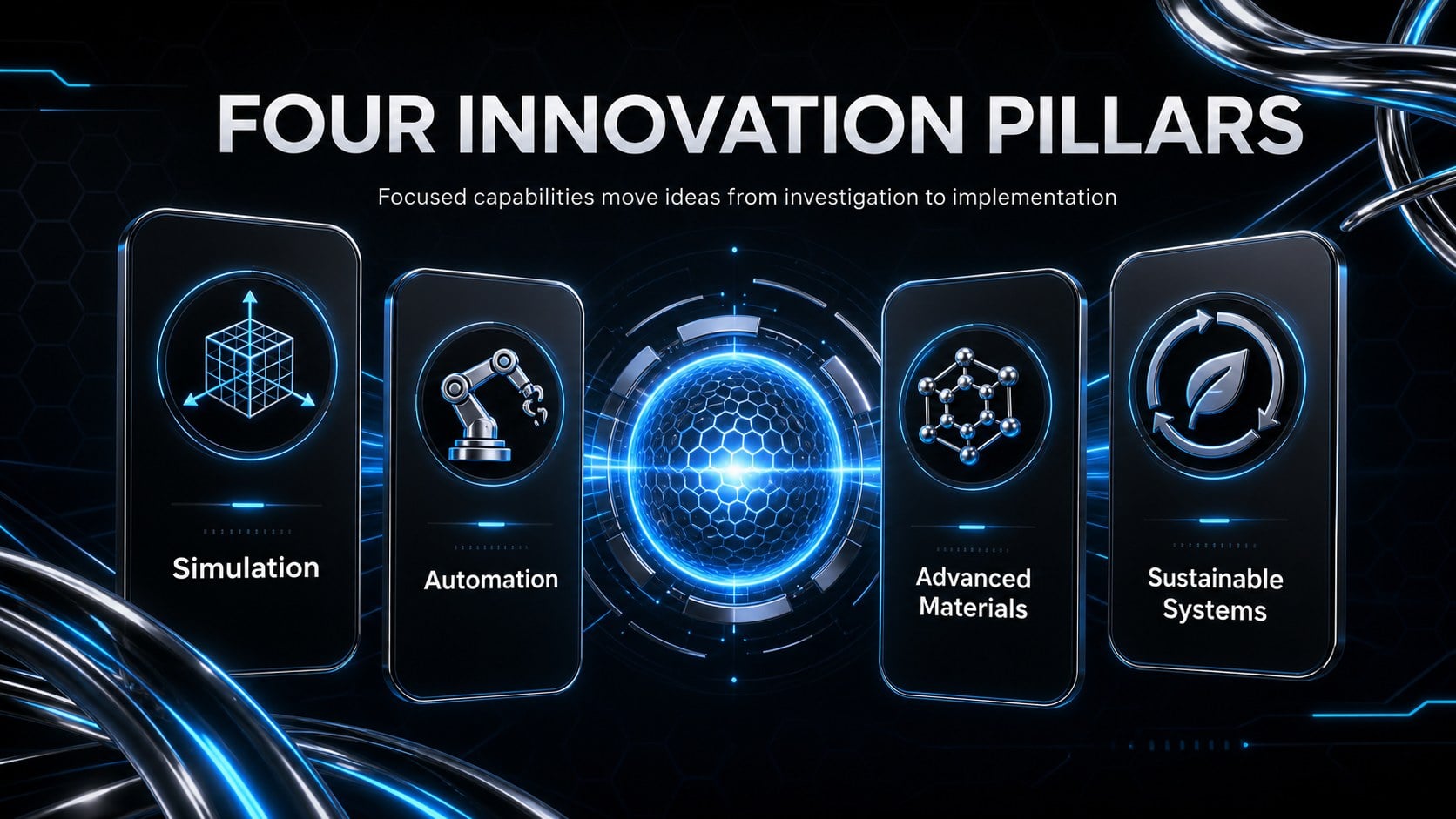
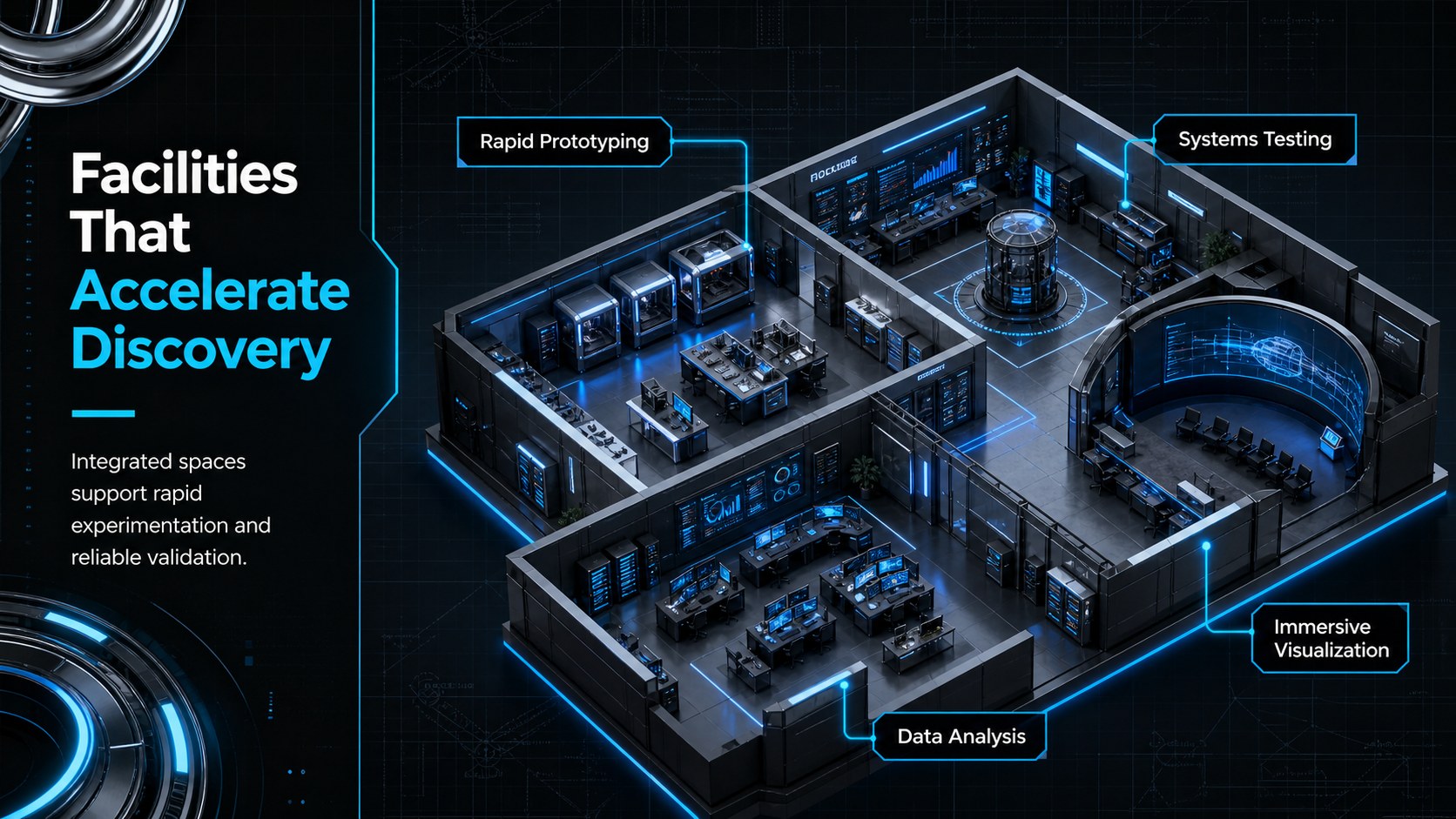


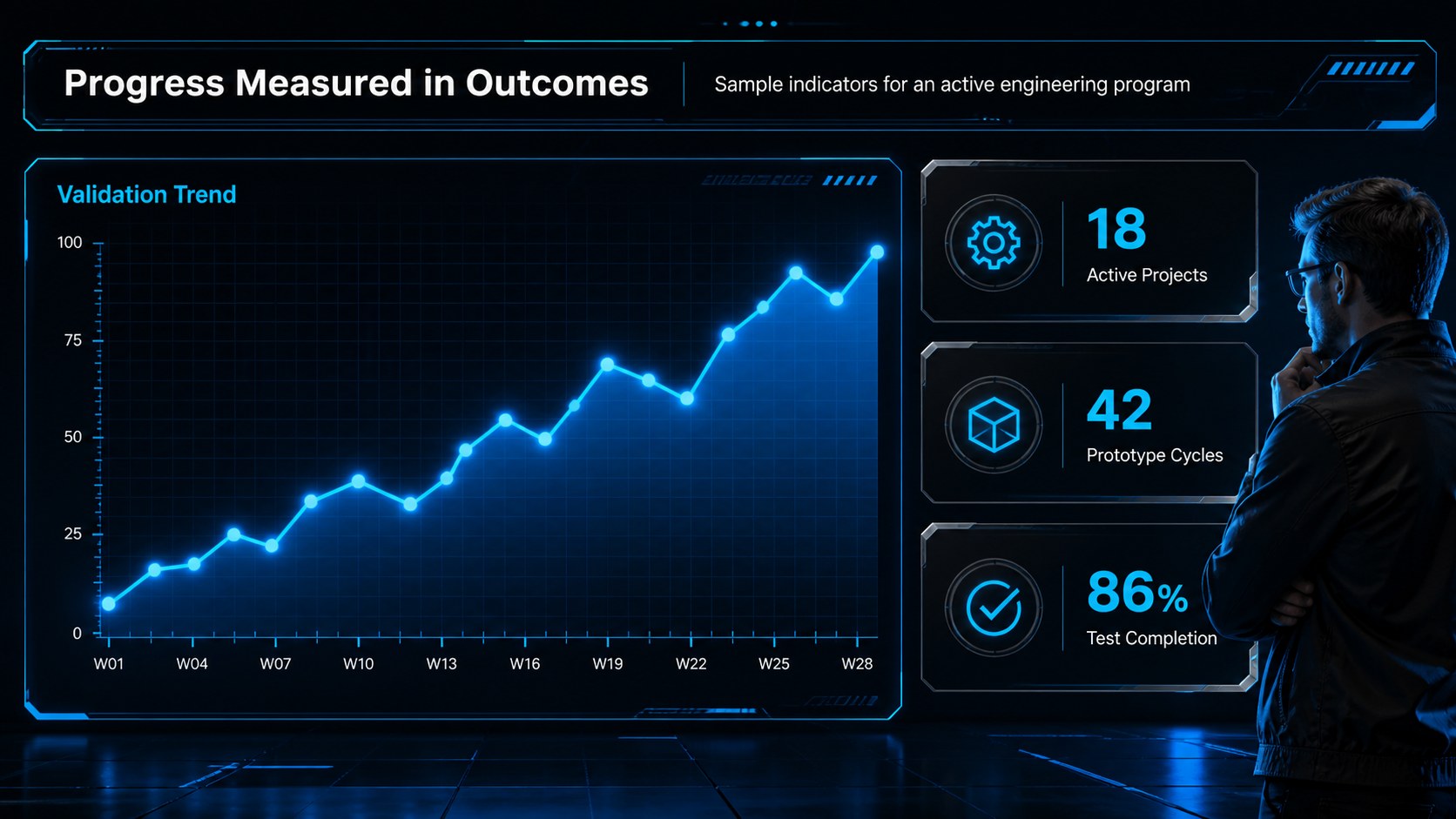

Design notes
Turn ambitious technical concepts into a focused visual story with this neon engineering innovation hub deck. Deep black backgrounds, electric blue highlights, metallic details, translucent panels, and dimensional graphics create a forward-looking setting without sacrificing readability. Use it to introduce a facility, explain an engineering program, or communicate the potential of a new research initiative.
Inside, you will find adaptable layouts for objectives, innovation pillars, laboratory capabilities, project workflows, digital twins, performance metrics, team profiles, partnership models, and development roadmaps. The design also works as an advanced manufacturing presentation deck when you need to connect equipment, processes, data, and outcomes. Chart-ready pages and organized content areas help simplify complicated information for mixed technical and nontechnical audiences.
These technology research center slides suit university departments, STEM educators, research institutes, engineering consultancies, industrial laboratories, and technology startups. They can support open-house presentations, funding discussions, curriculum overviews, internal project reviews, or stakeholder briefings. Dedicated digital twin project slides make it easier to show how virtual models, sensor data, and physical systems work together.
Every slide can be edited in PowerPoint or Google Slides. Replace the sample wording, adjust diagrams and charts, insert project imagery, and apply your organization’s typography while retaining the blue, black, neon, and titanium-inspired visual system.
Perfect for: engineering center introduction; research funding briefing; advanced manufacturing overview; STEM program presentation; digital twin project review; technology partnership proposal.
Frequently asked questions
Practical details
The slides are designed for PowerPoint and Google Slides. Core layouts, text blocks, colors, diagrams, and charts can be edited in either platform.
Yes. You can replace the accent colors, background shades, and metallic details to match an institution or company identity while keeping the high-contrast visual structure.
Replace the sample content with project objectives, facility images, workflow stages, performance data, and team details. The modular layouts can be reordered or duplicated for short briefings and longer research presentations.
Yes. Use the overview, process, metric, and roadmap layouts to translate specialized material into concise visual sections. Simplifying labels and limiting each slide to one key message will improve accessibility.
Keep exploring
15Build stronger academic arguments with a college essay thesis builder featuring guided examples, revision prompts, and editable PowerPoint and Google Slides.
 15
15Build an engaging World UFO Day session with this flying saucer history lesson deck, featuring retro green-and-brown slides for PowerPoint and Google Slides.
 14
14Plan a memorable Lunar New Year campaign with the 2036 Dragon Year Celebration Theme, featuring bold red-and-yellow slides for lessons and events.
 15
15Build a thoughtful classroom discussion with this interfaith awareness lesson deck, featuring editable blue-and-white slides for PowerPoint and Google Slides.
 15
15Use this environmental awareness lesson deck to teach climate action through illustrated activities, discussion prompts, and ready-to-edit visuals.
 15
15Build playful lessons and party stories with a kid-friendly zombie celebration theme in purple, green and pastel blue for PowerPoint and Google Slides.
 15
15Build eerie lessons, campaigns, and story pitches with an undead survival scenario theme featuring editable slides for PowerPoint and Google Slides.
 16
16Turn environmental research into a clear story with a Watercolor Ecology Presentation Theme for PowerPoint and Google Slides in calming green and blue.