
 15
15presentation
College Essay Thesis Builder Slides
Build stronger academic arguments with a college essay thesis builder featuring guided examples, revision prompts, and editable PowerPoint and Google Slides.
Google SlidesPowerPoint
presentation · English
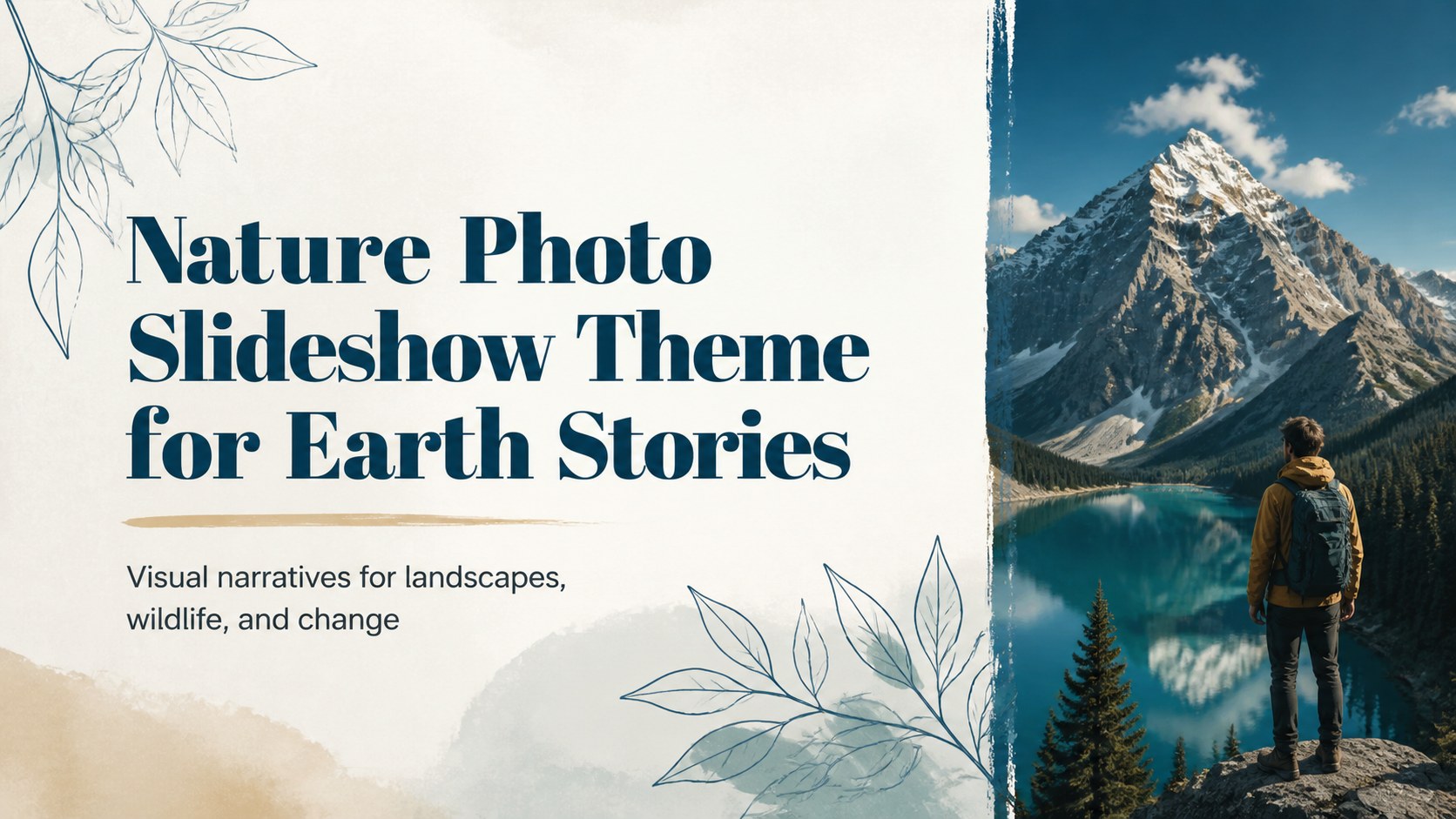
Build an engaging nature photo slideshow theme for lessons, reports, and campaigns with vivid landscapes, flexible layouts, and easy editing.
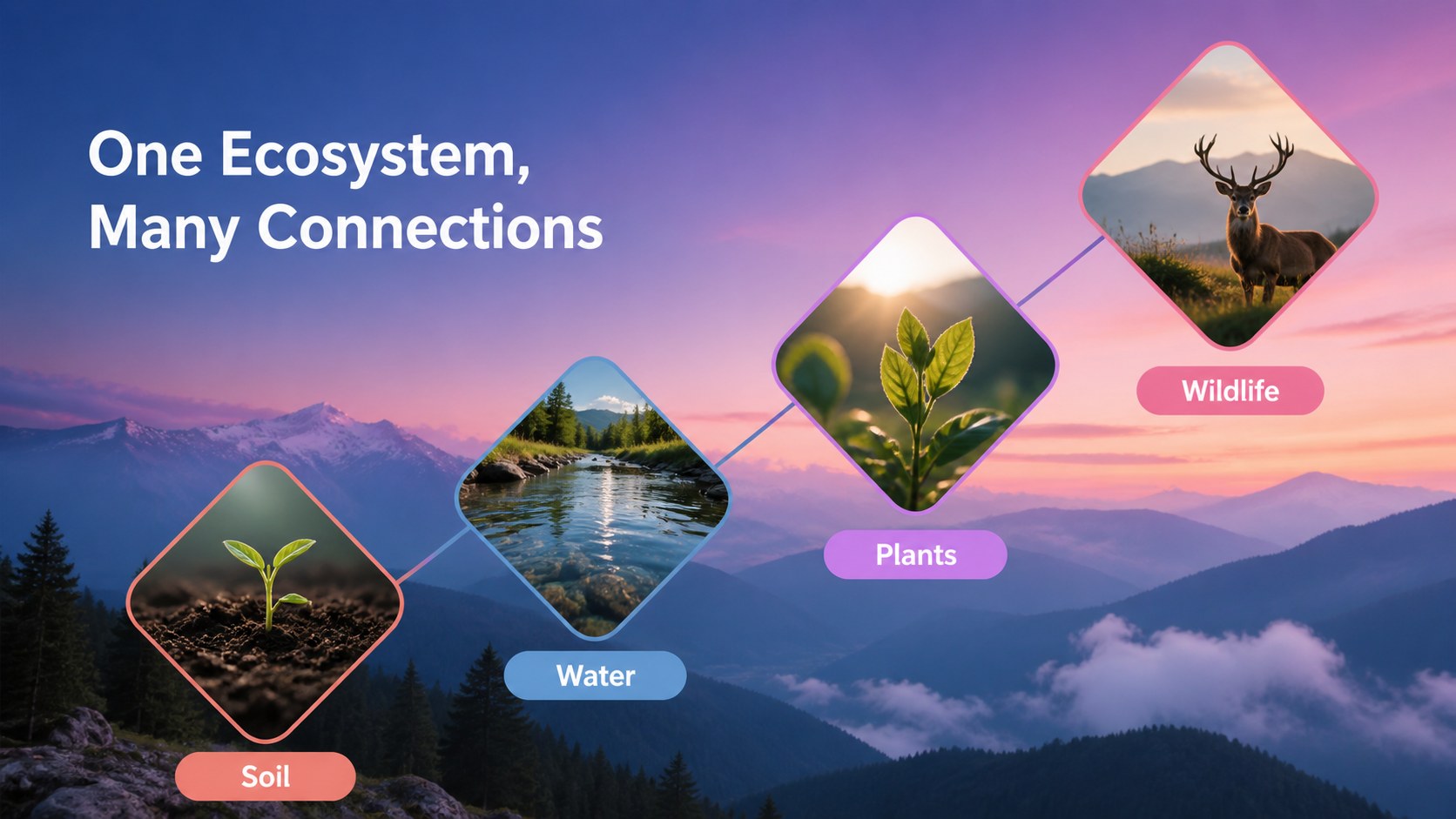
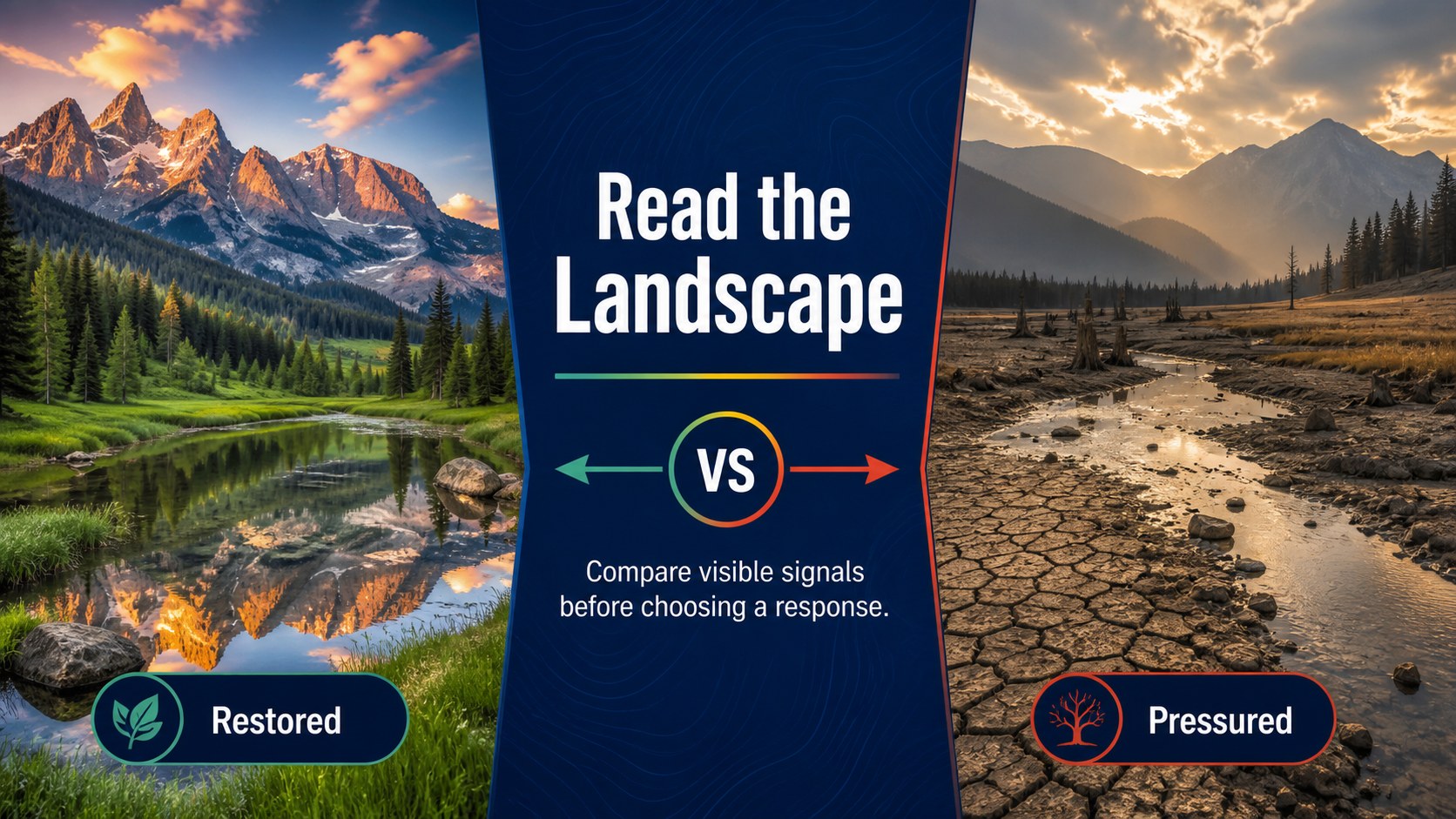
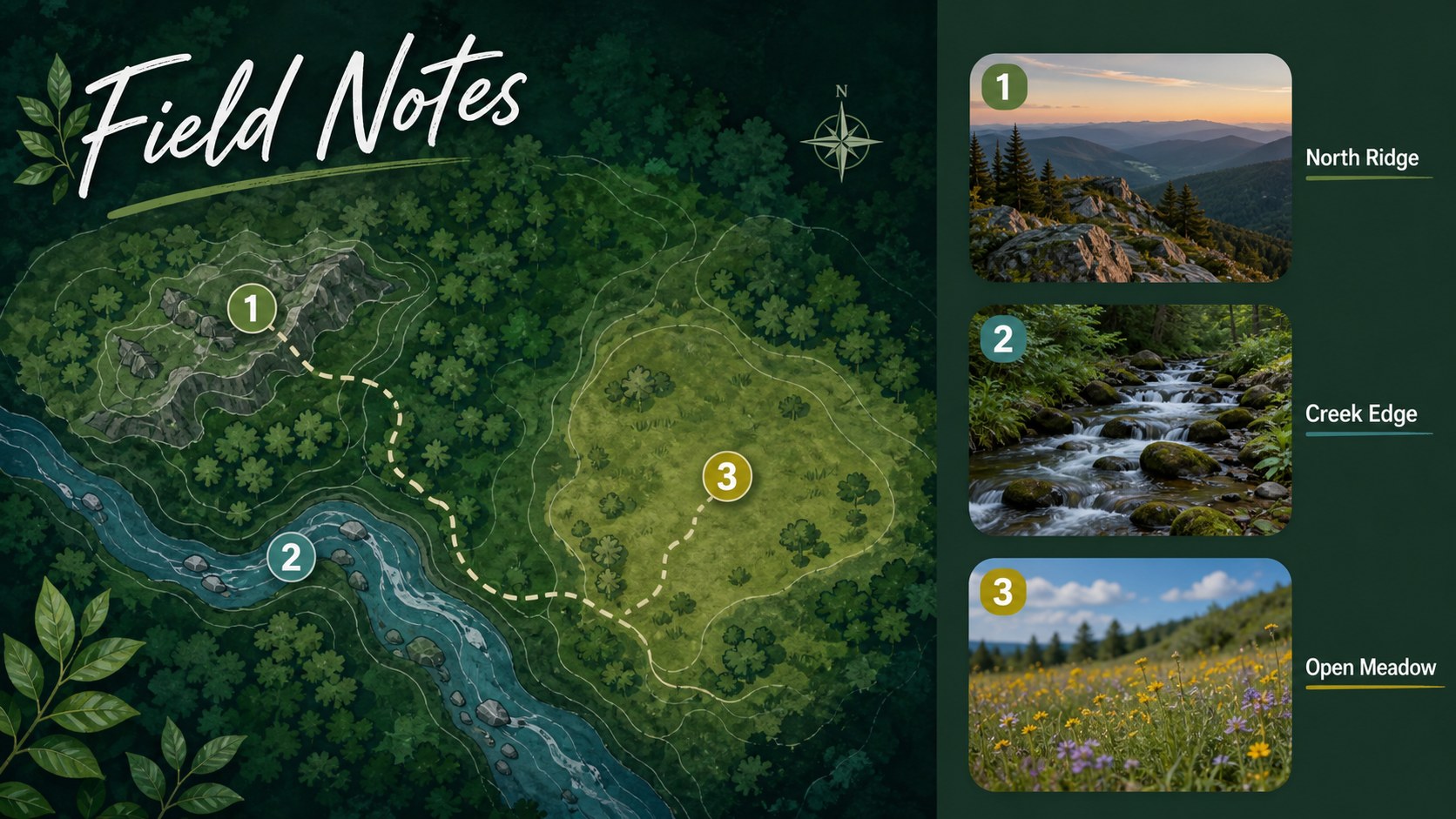
Design notes
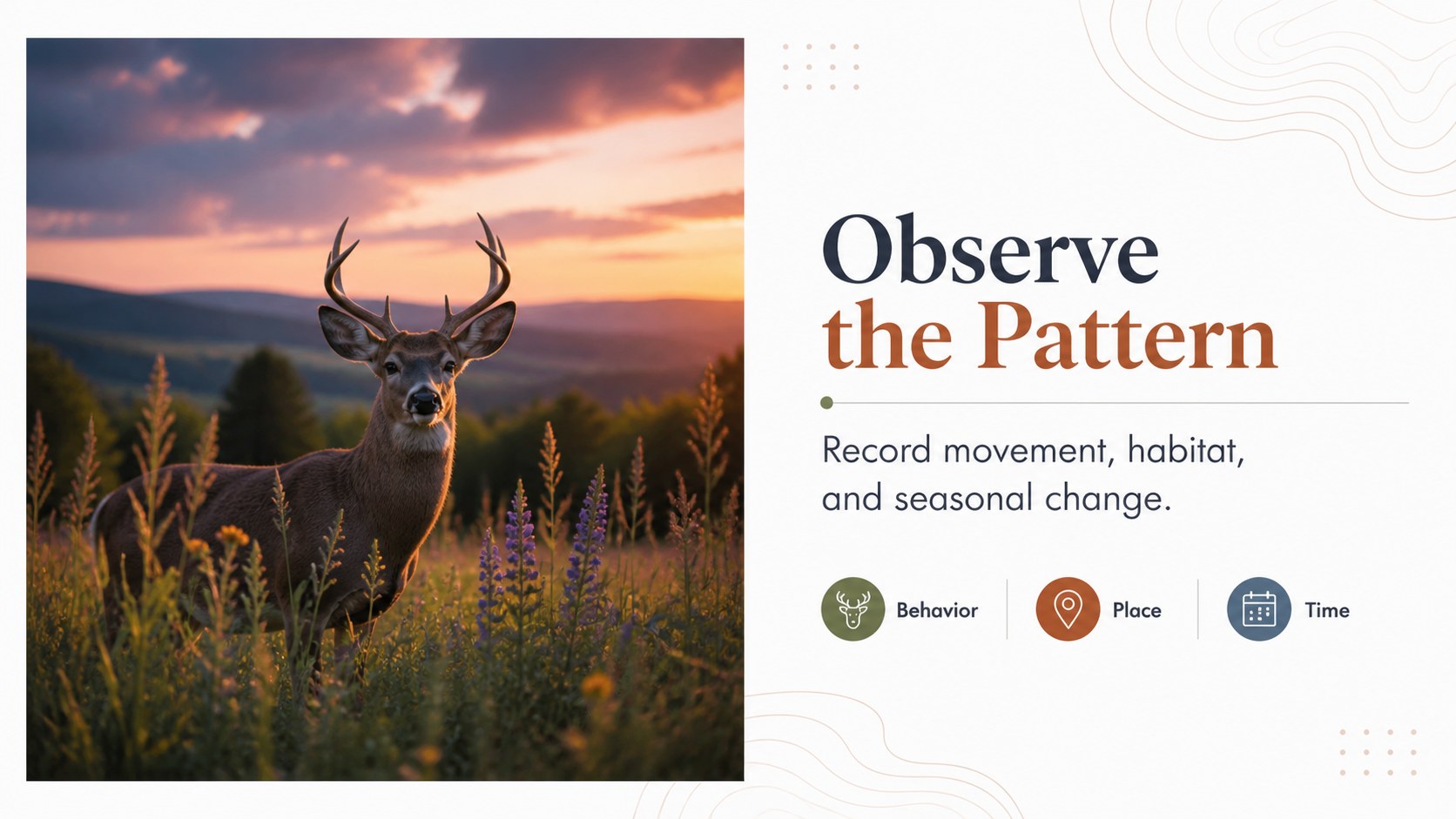
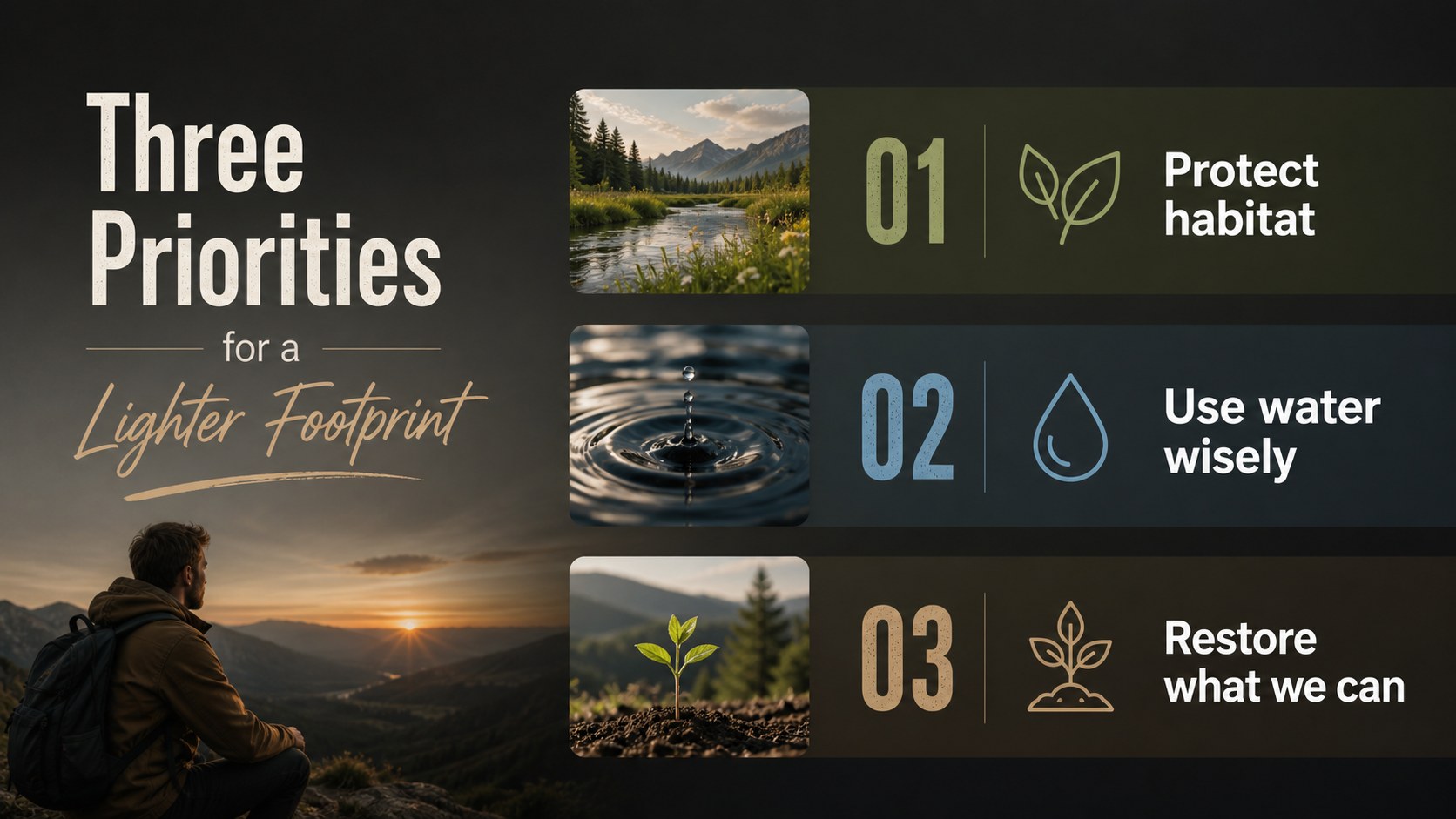
Bring landscapes, wildlife, and environmental ideas into focus with this nature photo slideshow theme for Earth stories. Designed around vivid photography and a lively multicolored palette, the deck helps presenters create an emotional connection without sacrificing clarity. Use it to introduce a conservation project, explain an ecosystem, share field observations, or shape a compelling sustainability narrative.
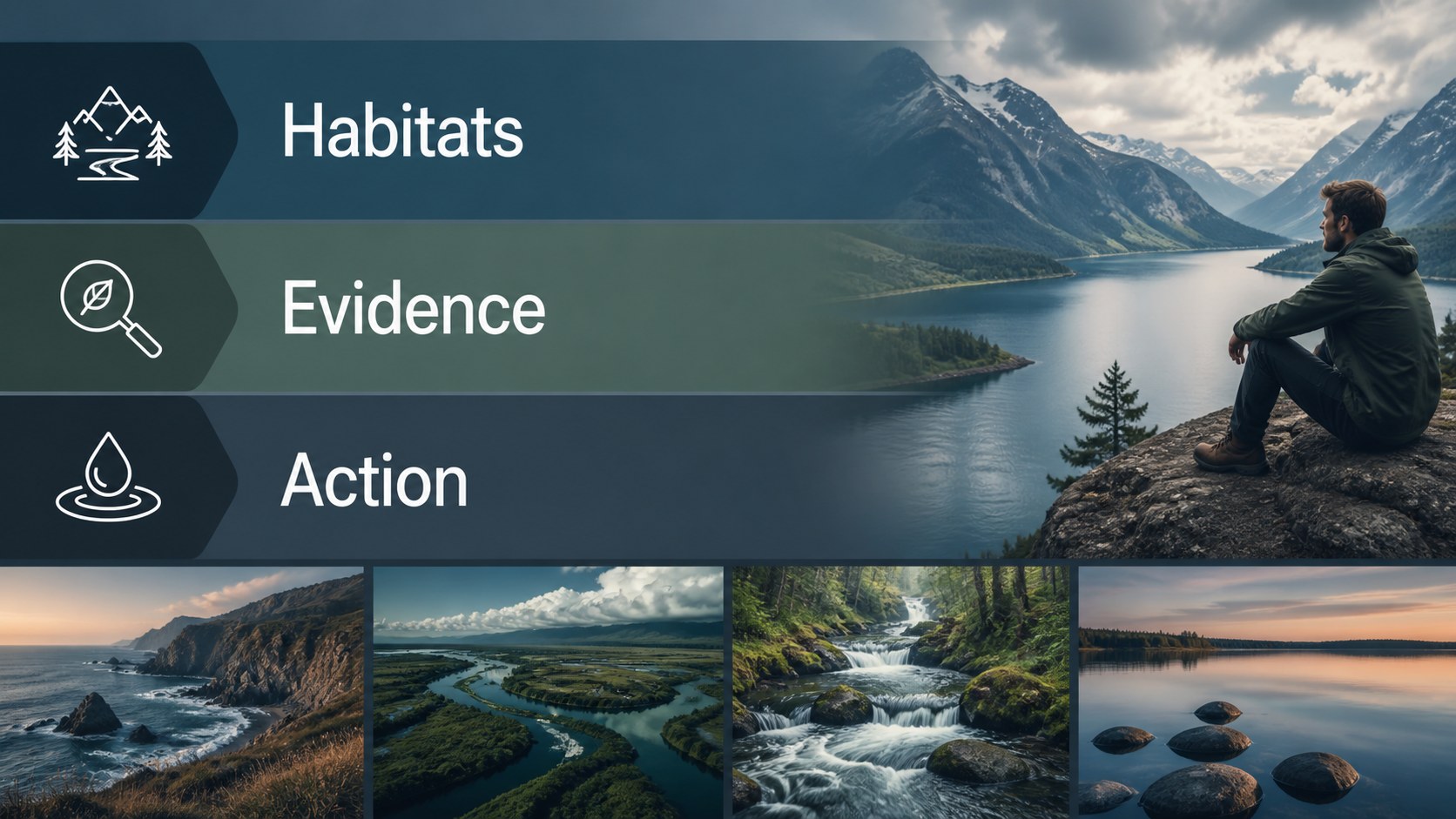
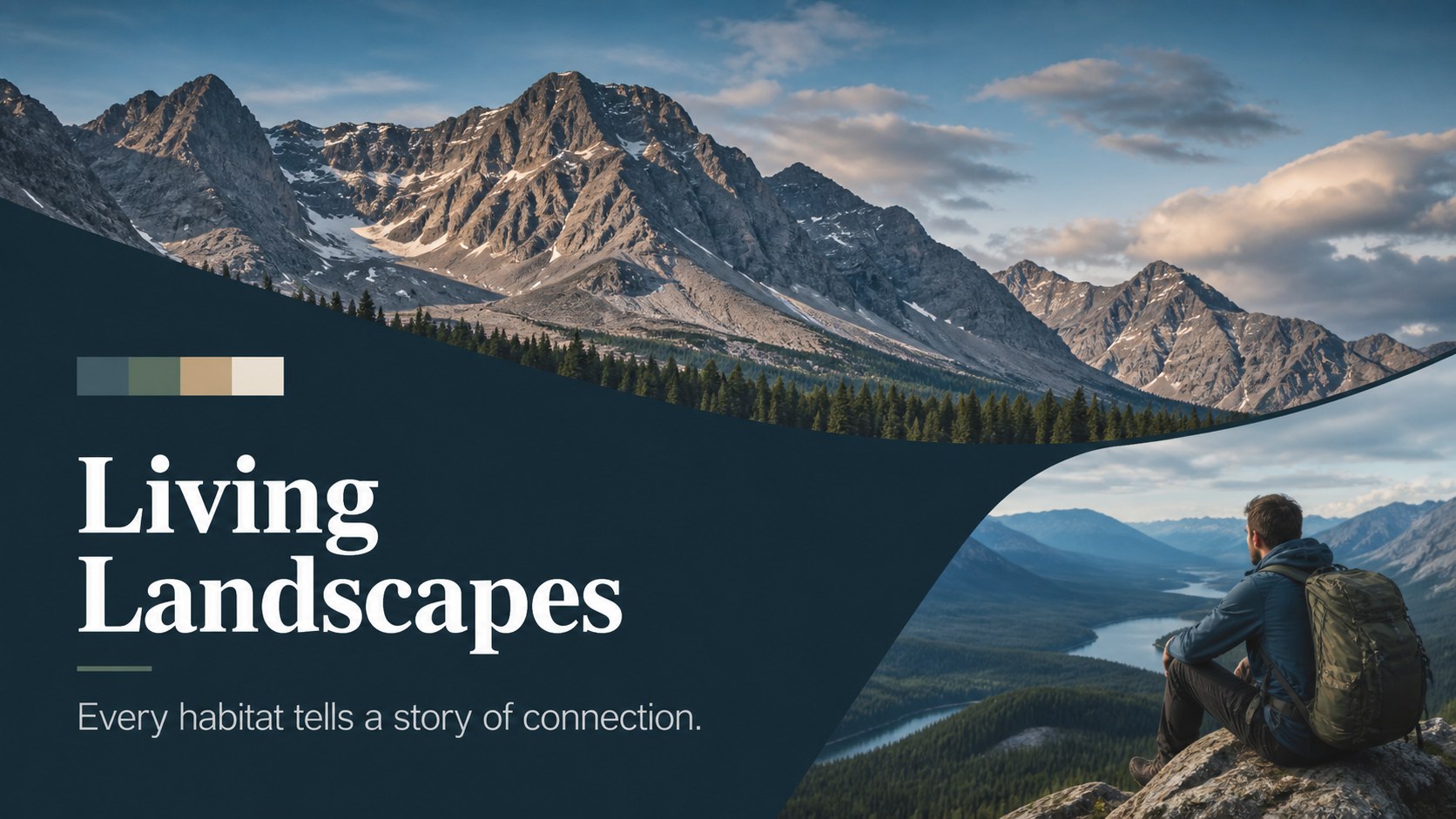
Inside, you will find 15 editable 16:9 slides covering a title page, agenda, image-led section breaks, fact panels, comparison layouts, data visualization, a timeline, and a closing statement. The visual system combines generous image areas, crisp typography, colorful accents, and simple graphic shapes that can be adapted to different subjects. Charts, frames, icons, and text blocks make it easy to turn research into a polished environmental storytelling presentation.
This deck is useful for teachers, nonprofit teams, science communicators, travel presenters, students, and creative professionals. Edit it, then export to PowerPoint or Google Slides when you need a familiar presentation format. It also works well as a wildlife photography deck, sustainability report presentation, or classroom ecology project.
Perfect for: classroom ecology project; wildlife photography showcase; conservation campaign briefing; sustainability report; environmental field study; travel nature story.
Frequently asked questions
Can I edit this deck? Yes. The template is designed for editing, so you can replace photos, update text, adjust colors, and rearrange layouts with drag-and-drop controls. also lets you add animations, notes, charts, and media.
Practical details
Yes. The template is designed for editing, so you can replace photos, update text, adjust colors, and rearrange layouts with drag-and-drop controls. also lets you add animations, notes, charts, and media.
Yes. After opening the design, use the Share menu to export a PowerPoint file or save an editable copy to Google Drive. Review fonts and image placement after conversion because some features may not transfer exactly.
The preview represents the intended photo-led visual style, while available image elements depend on the template version licensing. You can replace any image with your own wildlife, landscape, or fieldwork photography.
Yes. The deck includes space for research summaries, comparisons, timelines, and simple data visuals. Keep detailed methodology or dense tables in supporting slides so the photography remains balanced with the evidence.
Keep exploring
15Build stronger academic arguments with a college essay thesis builder featuring guided examples, revision prompts, and editable PowerPoint and Google Slides.
 15
15Build an engaging World UFO Day session with this flying saucer history lesson deck, featuring retro green-and-brown slides for PowerPoint and Google Slides.
 14
14Plan a memorable Lunar New Year campaign with the 2036 Dragon Year Celebration Theme, featuring bold red-and-yellow slides for lessons and events.
 15
15Build a thoughtful classroom discussion with this interfaith awareness lesson deck, featuring editable blue-and-white slides for PowerPoint and Google Slides.
 15
15Use this environmental awareness lesson deck to teach climate action through illustrated activities, discussion prompts, and ready-to-edit visuals.
 15
15Build playful lessons and party stories with a kid-friendly zombie celebration theme in purple, green and pastel blue for PowerPoint and Google Slides.
 15
15Build eerie lessons, campaigns, and story pitches with an undead survival scenario theme featuring editable slides for PowerPoint and Google Slides.
 16
16Turn environmental research into a clear story with a Watercolor Ecology Presentation Theme for PowerPoint and Google Slides in calming green and blue.