
 15
15presentation
College Essay Thesis Builder Slides
Build stronger academic arguments with a college essay thesis builder featuring guided examples, revision prompts, and editable PowerPoint and Google Slides.
Google SlidesPowerPoint
presentation · English
Teach Martin Luther King Jr.'s civil rights legacy with an editable mlk civil rights lesson deck in brown, blue and beige for PowerPoint or Google Slides.


Design notes
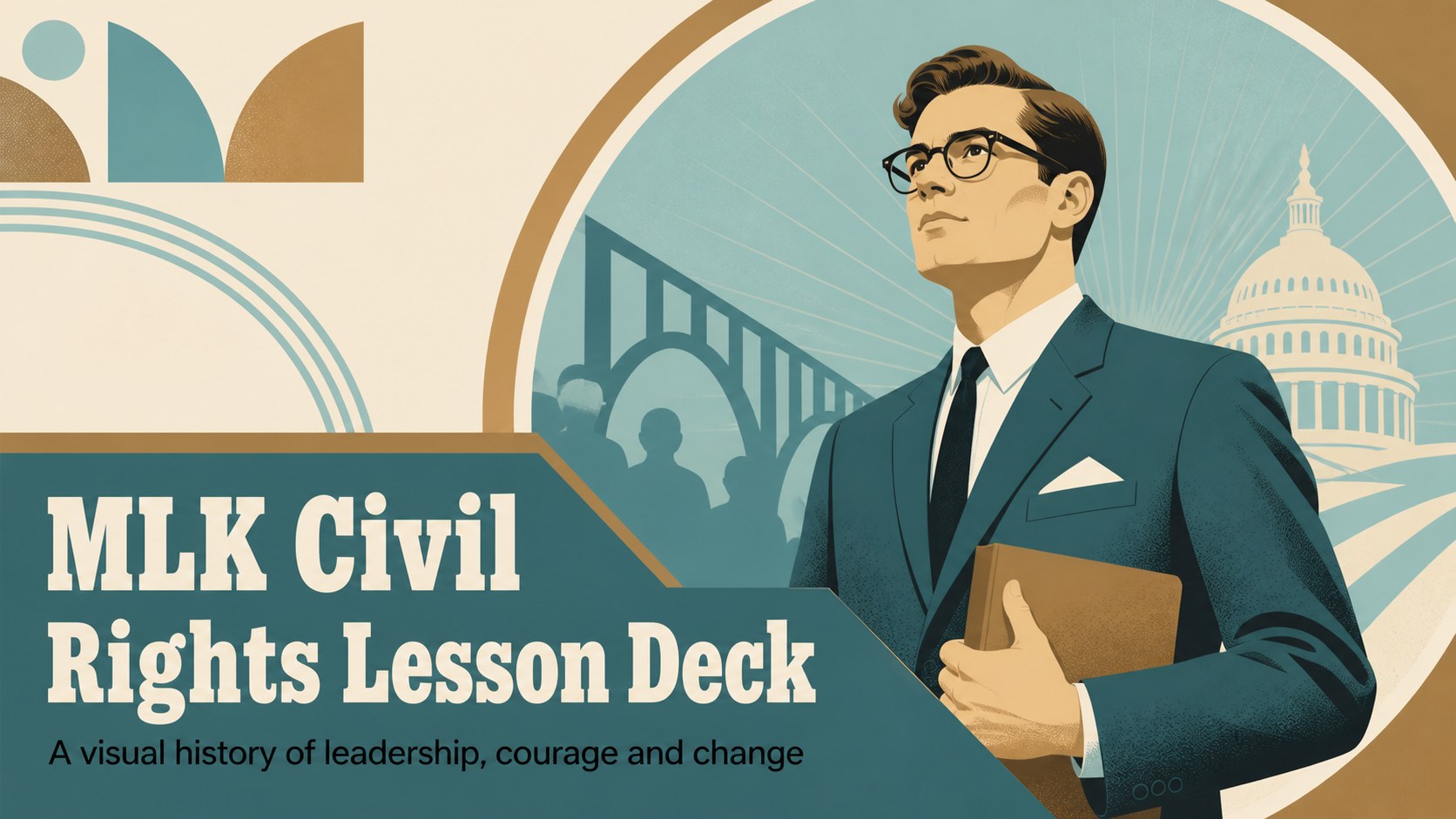
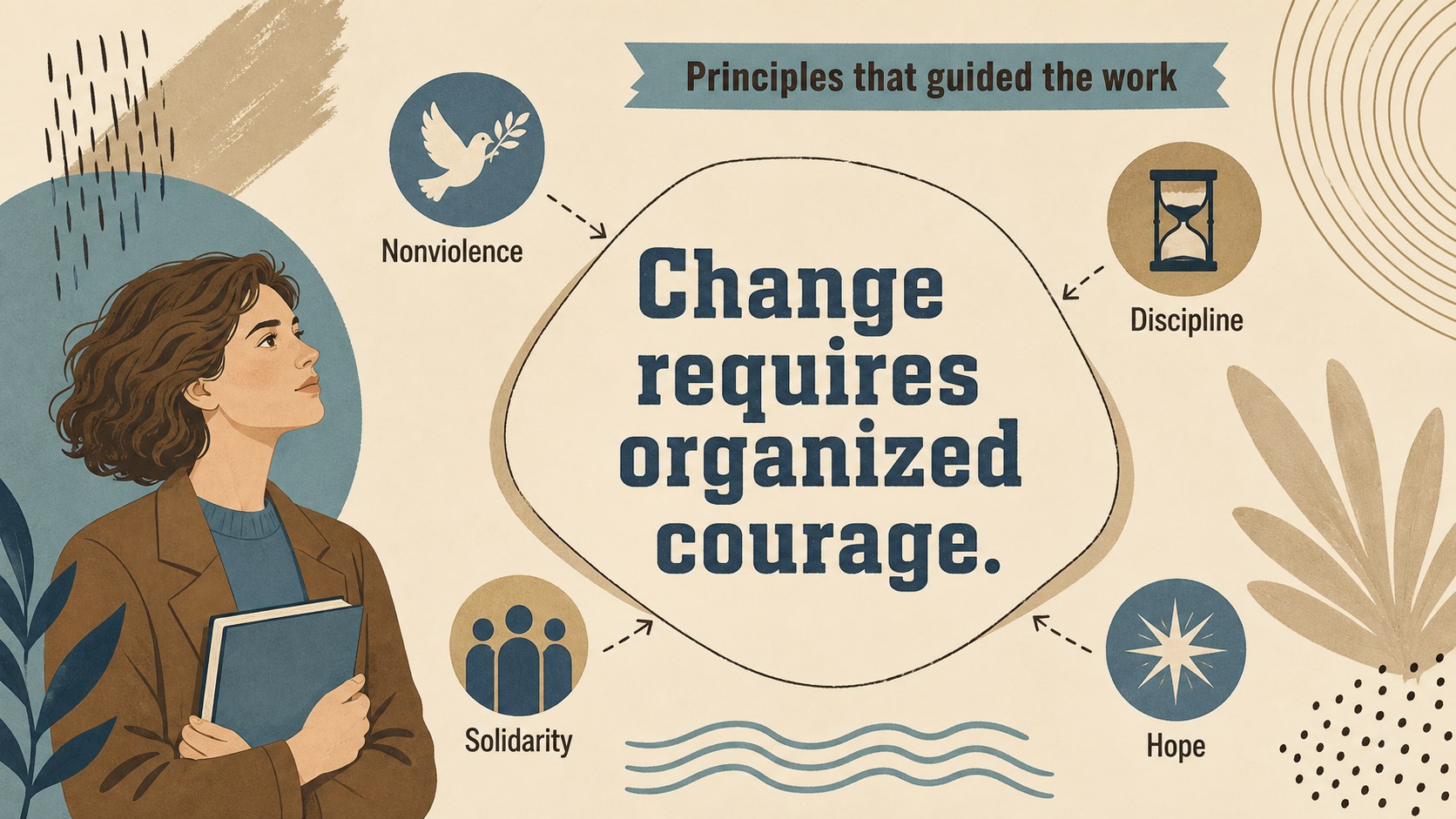
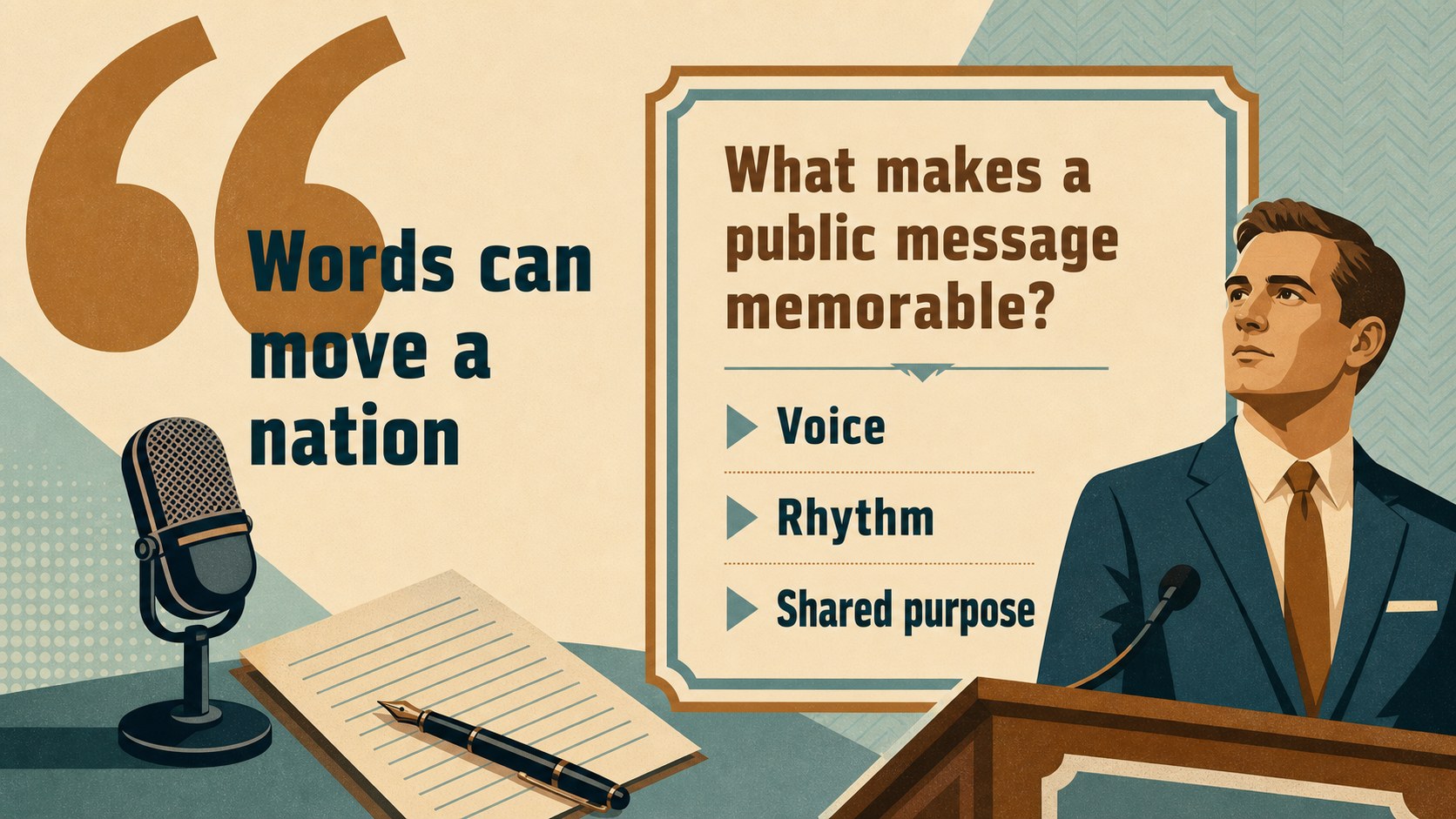
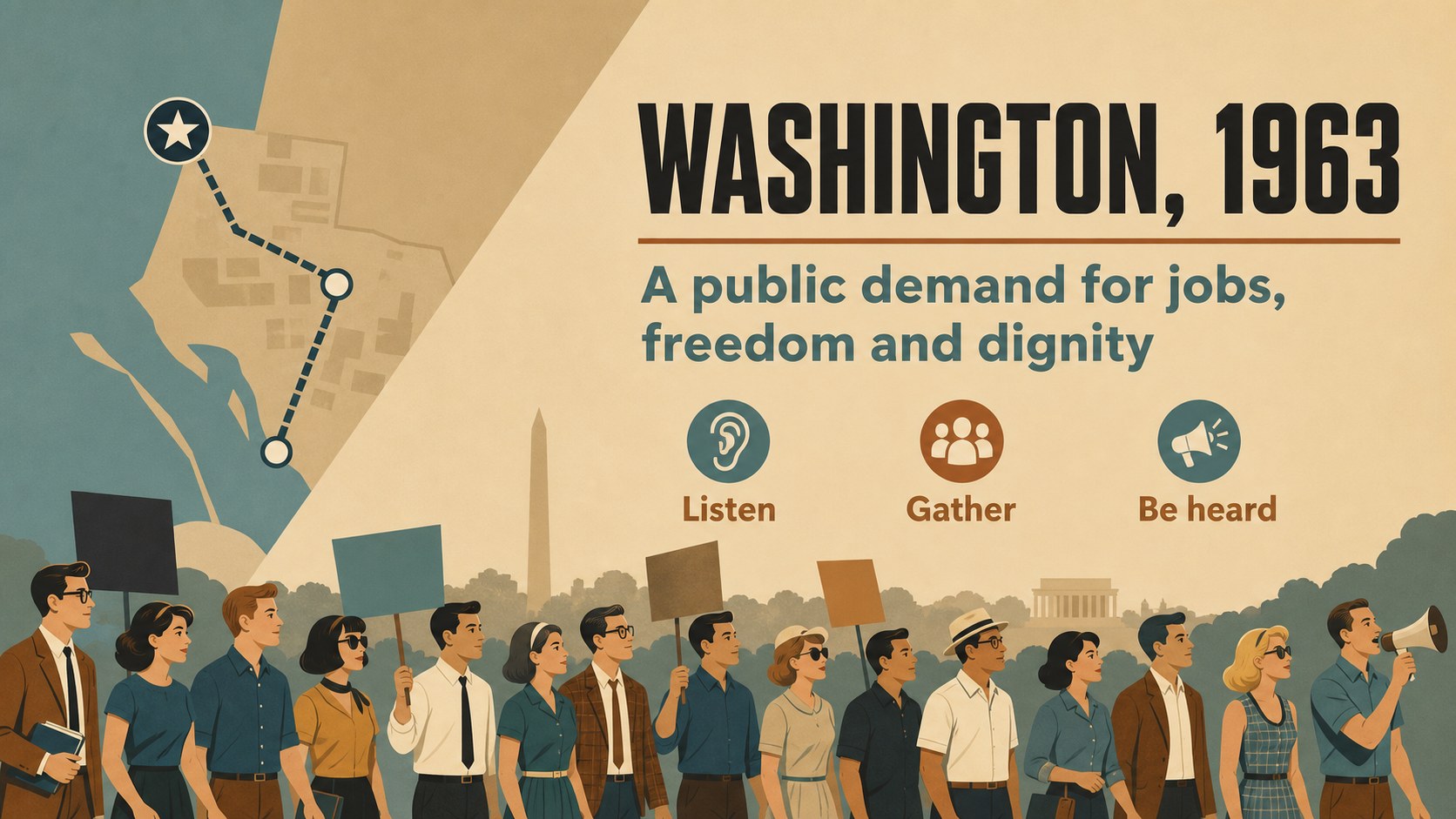
Make a meaningful history presentation with this mlk civil rights lesson deck, designed to explain Martin Luther King Jr.'s life, leadership and continuing influence. Its warm brown, blue and beige palette, flat illustrative artwork and bold display typography create a thoughtful visual setting for classroom instruction, museum talks, community programs and commemorative events.
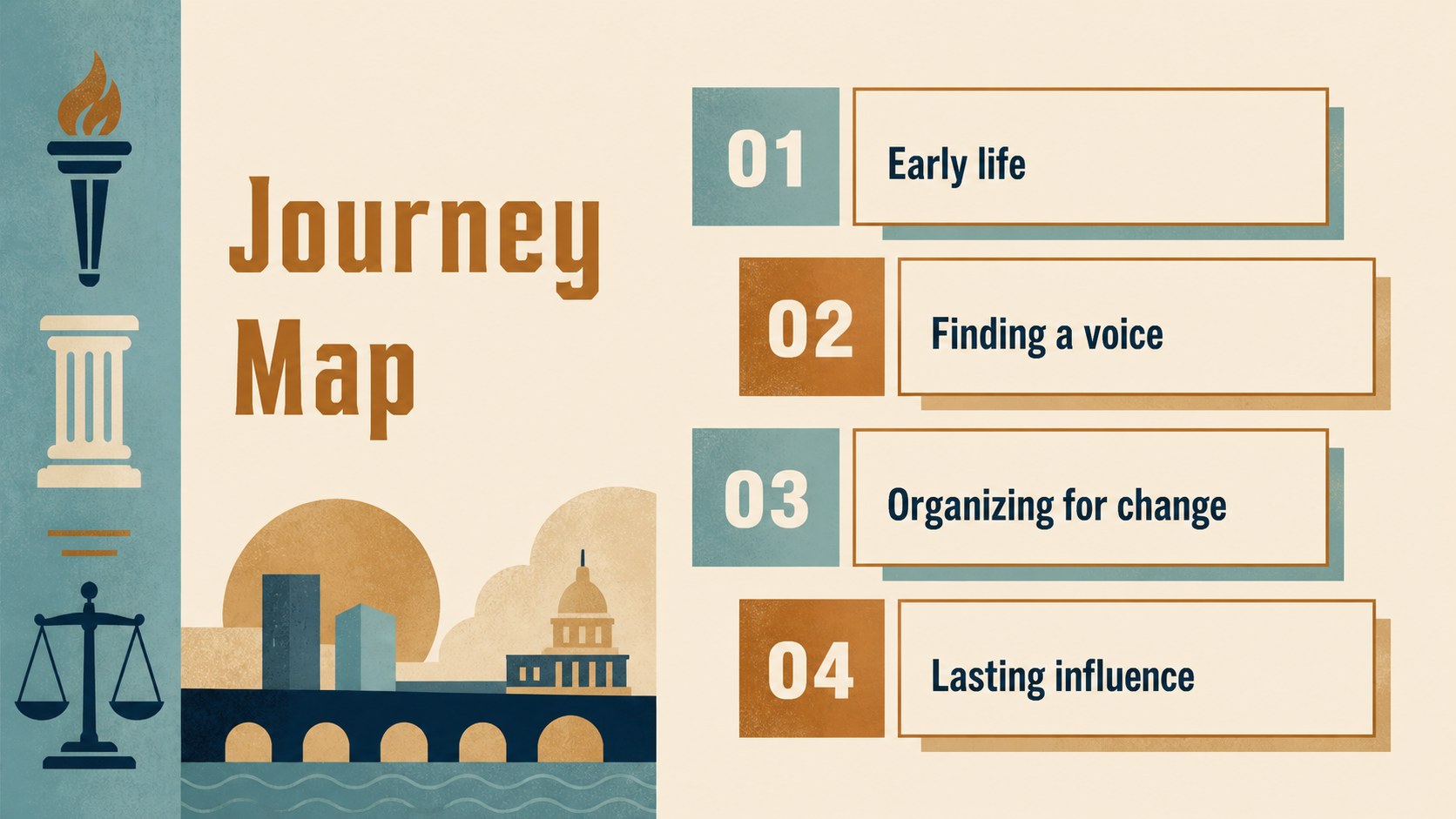
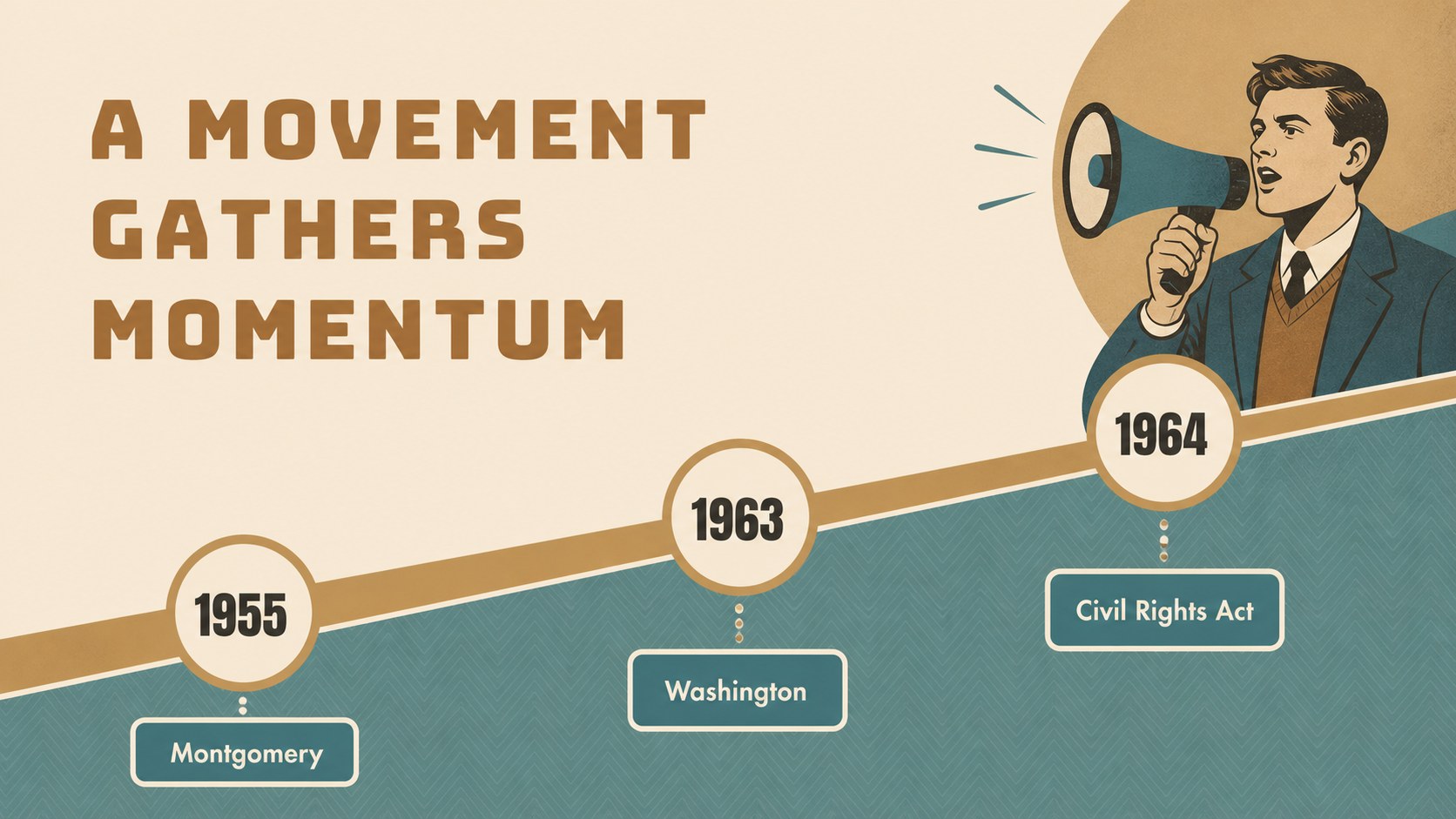
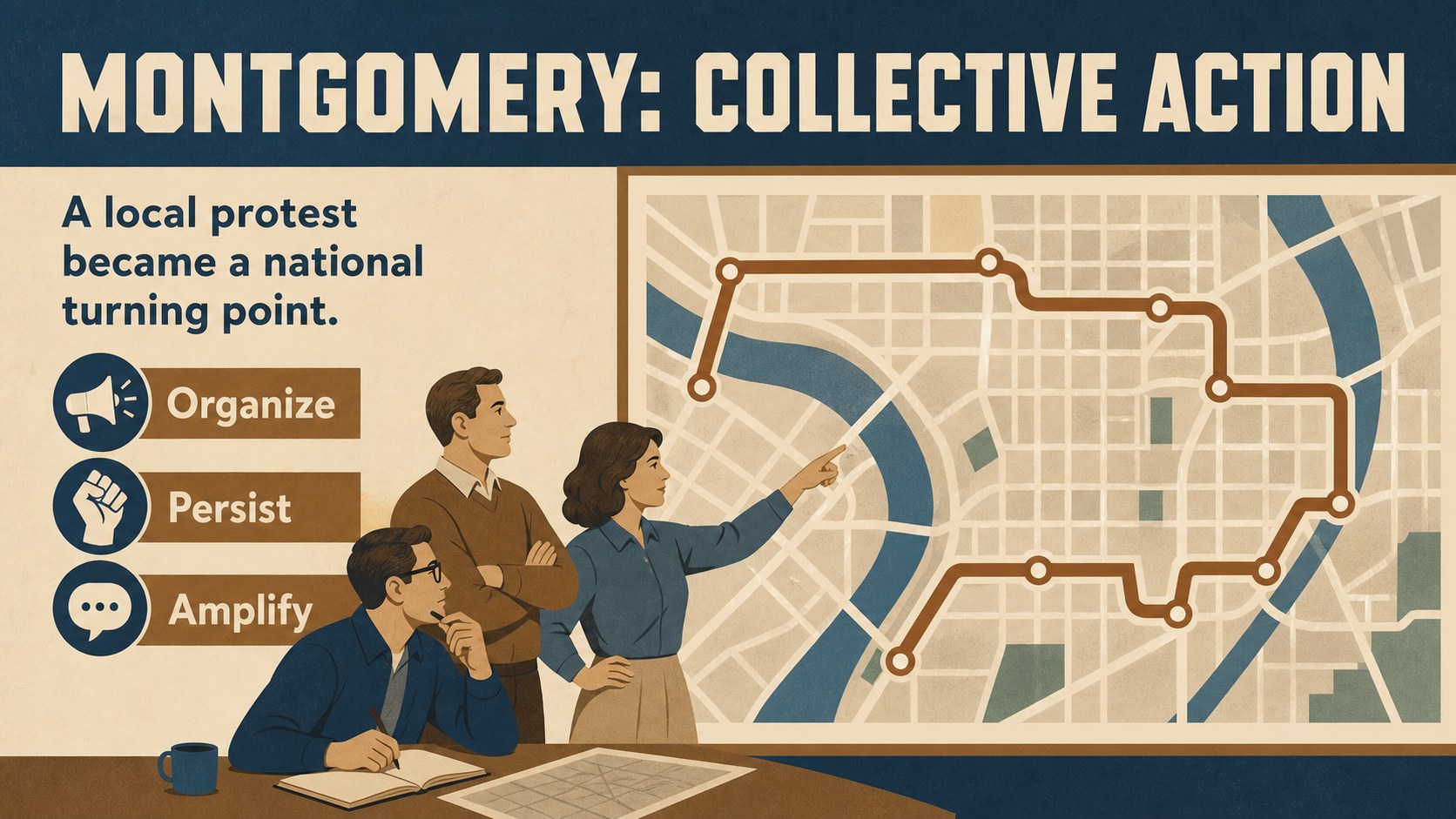
The 15-slide presentation includes a cover, section dividers, biography layouts, quote-focused pages, timeline compositions, image-and-text arrangements, discussion prompts and a closing reflection. Short sample copy can be replaced with lesson notes, source references, historical photographs or speaker talking points. The layouts are built for clear storytelling, helping audiences connect key events with the broader movement for racial justice and civic action.
Use the mlk civil rights lesson deck in PowerPoint or Google Slides, then adjust colors, fonts, illustrations and text to match your curriculum or organization. It works well for middle and high school educators, college instructors, history students, nonprofit teams and public speakers who need an editable Martin Luther King Jr. presentation. Present a concise biography, lead a civil rights classroom discussion or create a remembrance program with a cohesive, easy-to-edit visual structure.
Perfect for: middle school history lesson; high school civil rights unit; Black History Month program; museum education talk; community remembrance event.
Frequently asked questions
Can I edit this deck in PowerPoint? Yes. The presentation is designed for PowerPoint and can be customized with your own text, images, colors and speaker notes. Standard slide elements can be rearranged or removed as needed.
Practical details
Yes. The presentation is designed for PowerPoint and can be customized with your own text, images, colors and speaker notes. Standard slide elements can be rearranged or removed as needed.
Yes, you can open and edit the deck in Google Slides. After importing it, review fonts, spacing and transitions because some presentation features may render differently.
Absolutely. Replace the sample copy with age-appropriate explanations, vocabulary, primary sources and discussion questions. The timeline, quote and reflection layouts can support both introductory and advanced lessons.
Yes. The palette can be adjusted while preserving the original illustrative character. You can also update the typography and add school, museum or organization branding where appropriate.
Keep exploring
15Build stronger academic arguments with a college essay thesis builder featuring guided examples, revision prompts, and editable PowerPoint and Google Slides.
 15
15Build an engaging World UFO Day session with this flying saucer history lesson deck, featuring retro green-and-brown slides for PowerPoint and Google Slides.
 14
14Plan a memorable Lunar New Year campaign with the 2036 Dragon Year Celebration Theme, featuring bold red-and-yellow slides for lessons and events.
 15
15Build a thoughtful classroom discussion with this interfaith awareness lesson deck, featuring editable blue-and-white slides for PowerPoint and Google Slides.
 15
15Use this environmental awareness lesson deck to teach climate action through illustrated activities, discussion prompts, and ready-to-edit visuals.
 15
15Build playful lessons and party stories with a kid-friendly zombie celebration theme in purple, green and pastel blue for PowerPoint and Google Slides.
 15
15Build eerie lessons, campaigns, and story pitches with an undead survival scenario theme featuring editable slides for PowerPoint and Google Slides.
 16
16Turn environmental research into a clear story with a Watercolor Ecology Presentation Theme for PowerPoint and Google Slides in calming green and blue.