
 15
15presentation
College Essay Thesis Builder Slides
Build stronger academic arguments with a college essay thesis builder featuring guided examples, revision prompts, and editable PowerPoint and Google Slides.
Google SlidesPowerPoint
document · English
Build accurate citations and concise source notes with an MLA source annotation organizer for research papers in PowerPoint and Google Slides.
Design notes
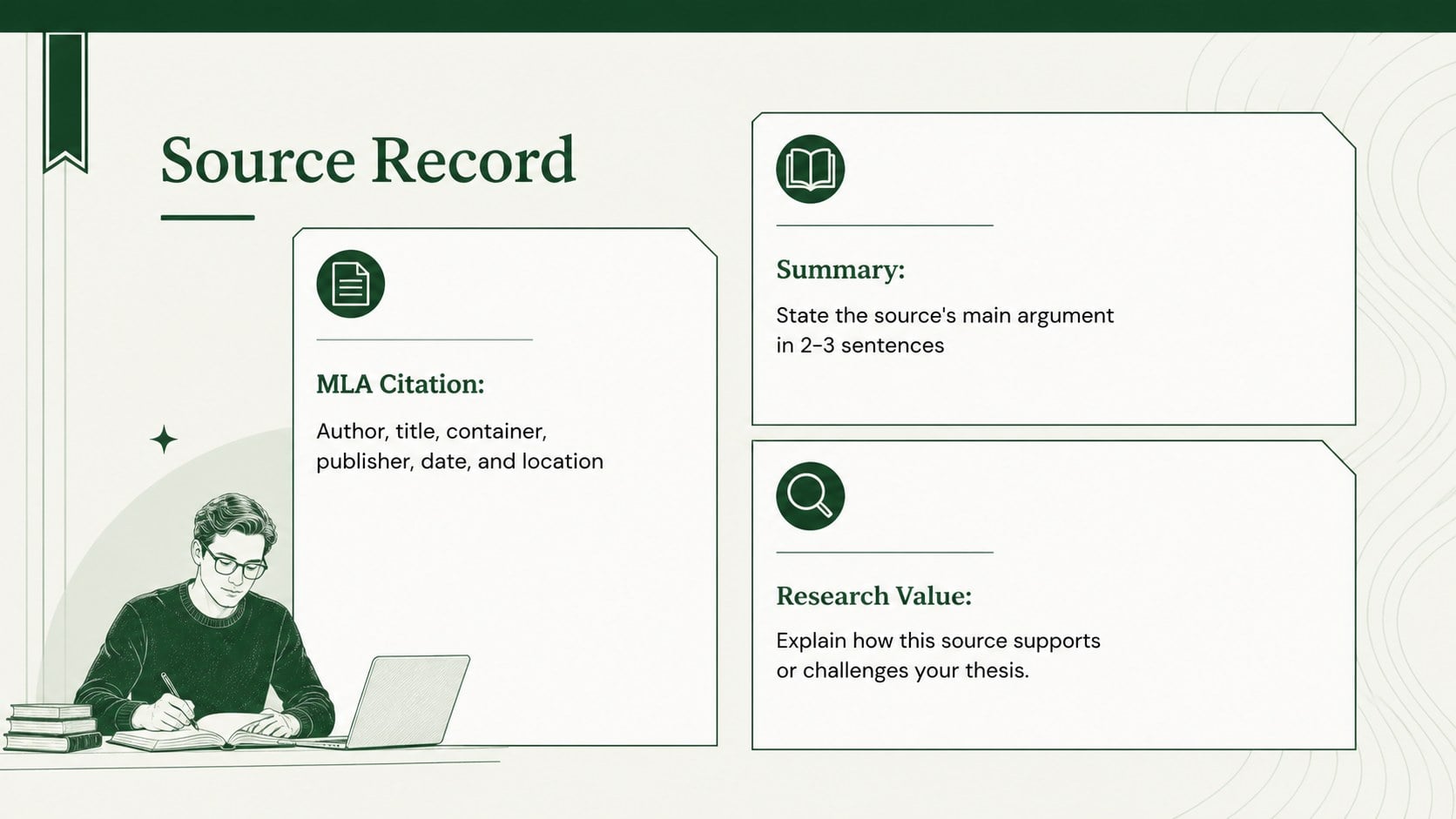
Turn scattered research notes into a clear academic workflow with this MLA source annotation organizer. Built for PowerPoint and Google Slides, the green-and-white deck separates citation details, source summaries, credibility checks, and reflection prompts into readable sections. Its restrained typography and portrait-inspired page panels bring the order of a formal bibliography to a flexible 16:9 presentation format.
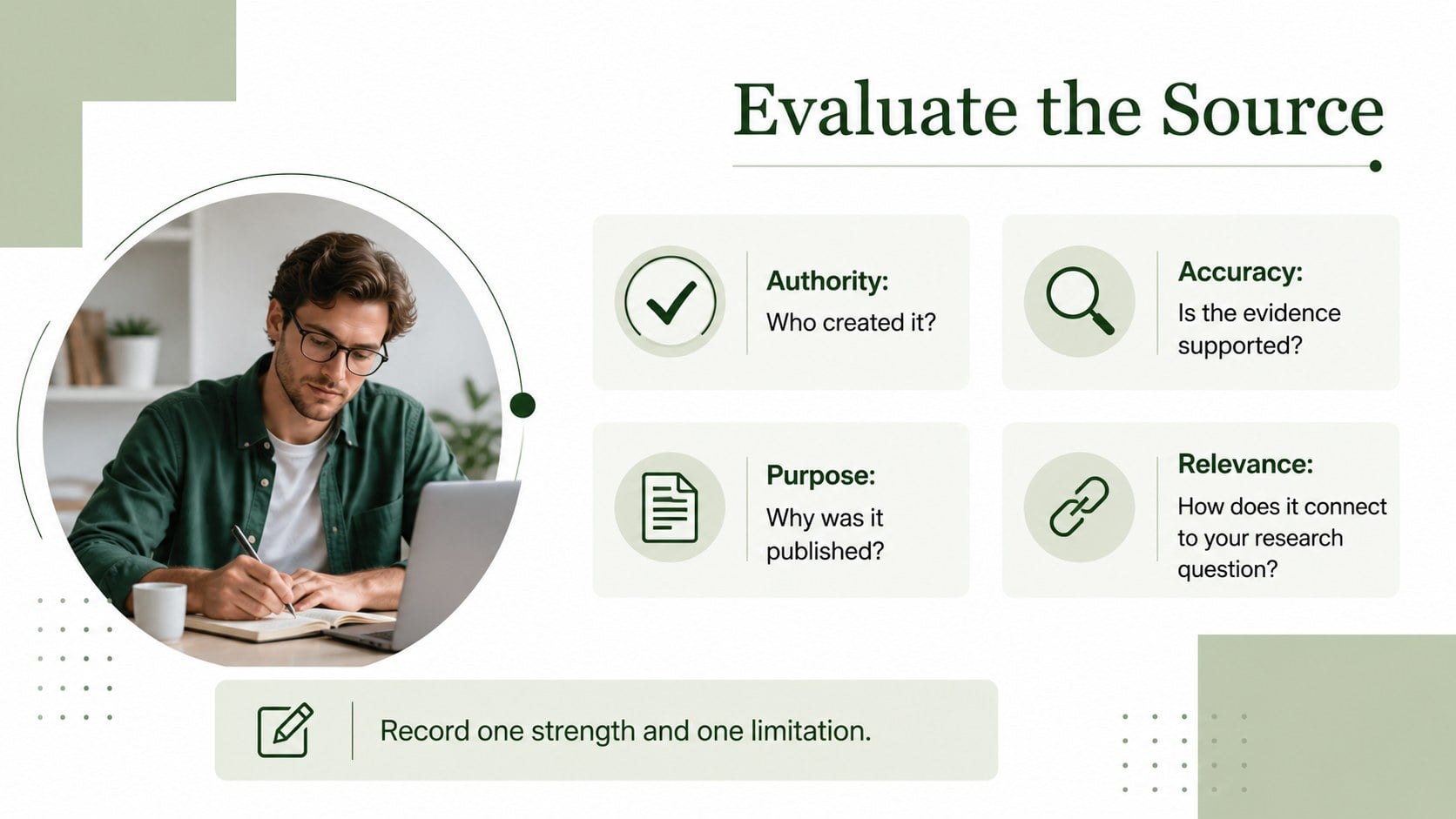
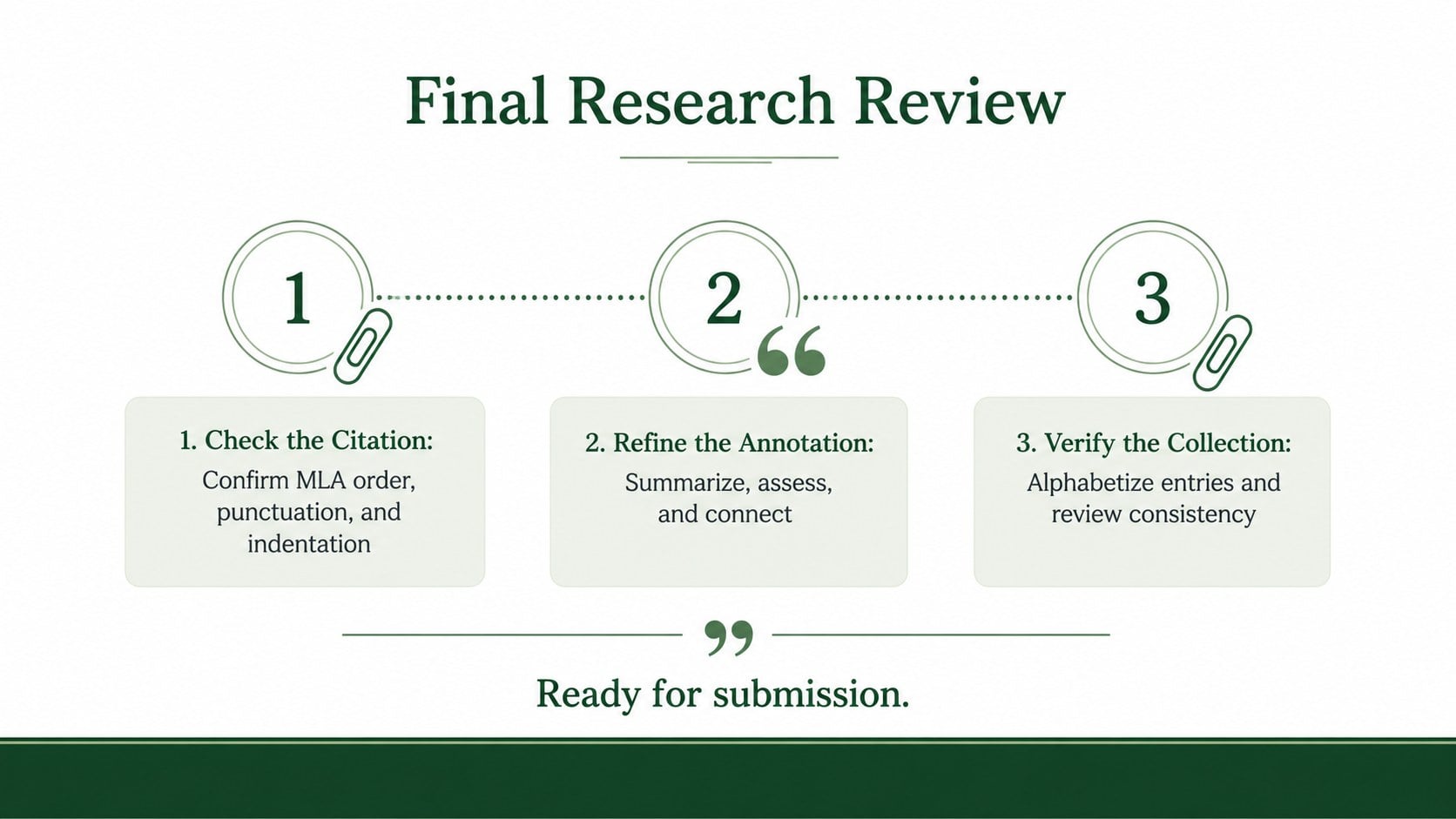
The deck includes a title page, a repeatable citation-and-commentary layout, a source evaluation page, and a final review checklist. Use the MLA citation and annotation slides to record each author, publication title, container, date, URL or DOI, then explain the source's argument and relevance. Prompt areas also help students identify evidence, bias, authority, and connections to a thesis. Every text block, divider, and green accent can be edited while preserving a polished minimalist structure.
Designed for secondary students, university researchers, instructors, tutors, and writing centers, this college research bibliography organizer works for essays, literature reviews, capstone projects, and seminar presentations. It can also serve as a student source credibility checklist during research conferences or peer review. Duplicate the source page for longer projects, reorder sections to match an assignment rubric, and present progress on screen or export pages for submission. The result is a practical system for building stronger annotations without losing track of MLA details.
Perfect for: research paper source tracking; university literature review; classroom citation workshop; capstone research planning; peer source evaluation.
Frequently asked questions
Can I edit every section of the organizer? Yes. The headings, citation fields, annotation prompts, colors, and page order can be adjusted in PowerPoint or Google Slides. Source pages can also be duplicated for projects with longer reading lists.
Practical details
Yes. The headings, citation fields, annotation prompts, colors, and page order can be adjusted in PowerPoint or Google Slides. Source pages can also be duplicated for projects with longer reading lists.
Yes. It is designed for editing and presenting in PowerPoint and Google Slides. Minor font substitutions may occur if a typeface is not installed on your device.
Yes. You can replace prompts, add rubric criteria, shorten evaluation sections, or include fields requested by an instructor. The minimalist layout is structured to remain readable after these changes.
No. It provides clearly labeled spaces for citation elements and annotation notes, but students should verify punctuation, capitalization, and formatting against current MLA guidance. This makes the deck useful as both an organizer and a review tool.
Keep exploring
15Build stronger academic arguments with a college essay thesis builder featuring guided examples, revision prompts, and editable PowerPoint and Google Slides.
 15
15Build an engaging World UFO Day session with this flying saucer history lesson deck, featuring retro green-and-brown slides for PowerPoint and Google Slides.
 14
14Plan a memorable Lunar New Year campaign with the 2036 Dragon Year Celebration Theme, featuring bold red-and-yellow slides for lessons and events.
 15
15Build a thoughtful classroom discussion with this interfaith awareness lesson deck, featuring editable blue-and-white slides for PowerPoint and Google Slides.
 15
15Use this environmental awareness lesson deck to teach climate action through illustrated activities, discussion prompts, and ready-to-edit visuals.
 15
15Build playful lessons and party stories with a kid-friendly zombie celebration theme in purple, green and pastel blue for PowerPoint and Google Slides.
 15
15Build eerie lessons, campaigns, and story pitches with an undead survival scenario theme featuring editable slides for PowerPoint and Google Slides.
 16
16Turn environmental research into a clear story with a Watercolor Ecology Presentation Theme for PowerPoint and Google Slides in calming green and blue.