
 15
15presentation
College Essay Thesis Builder Slides
Build stronger academic arguments with a college essay thesis builder featuring guided examples, revision prompts, and editable PowerPoint and Google Slides.
Google SlidesPowerPoint
presentation · English
Build clear, polished class summaries with the Minimal Study Notes Slide Deck, a soft scrapbook-style template for PowerPoint and Google Slides.
Design notes
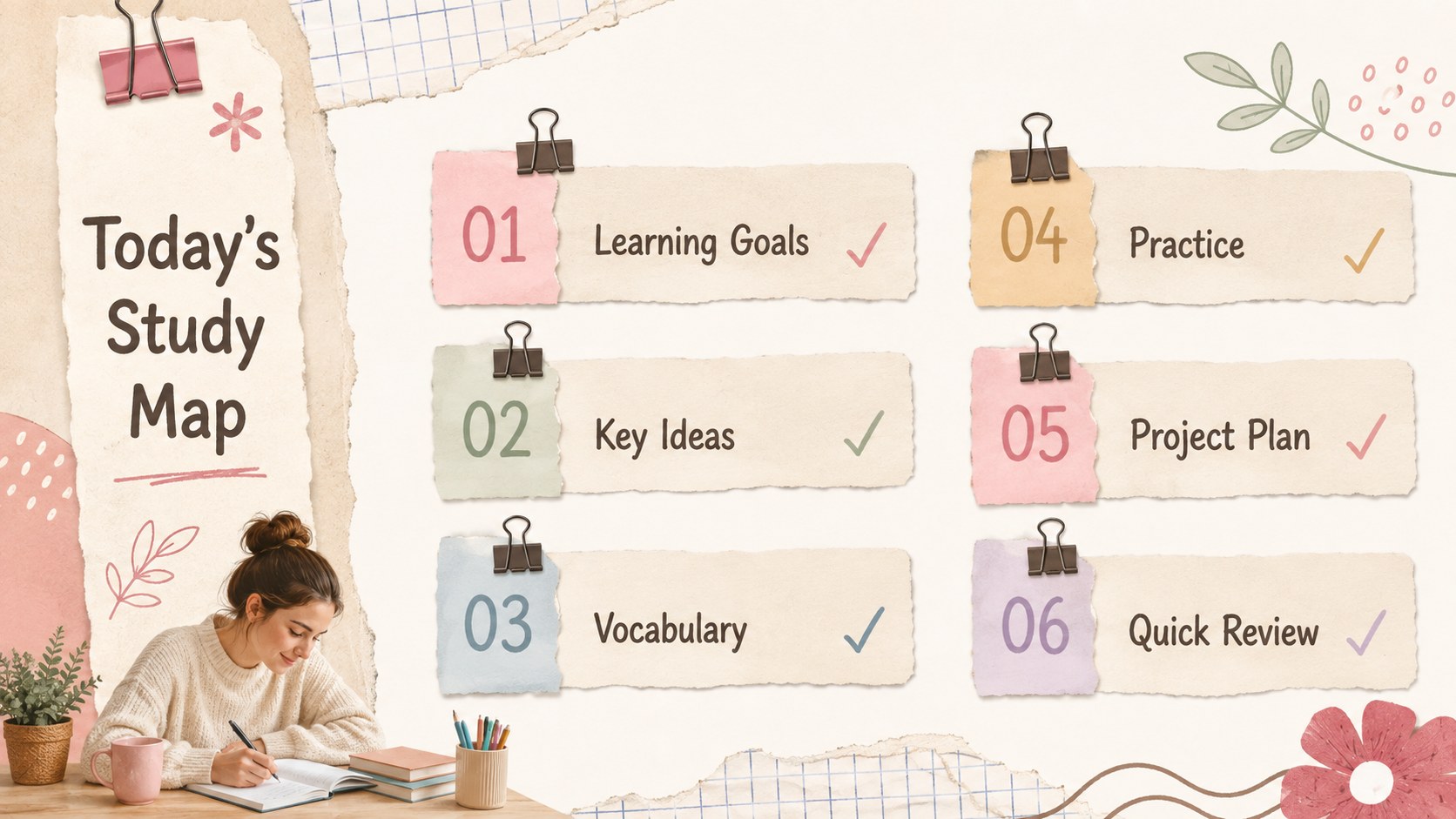
Turn everyday class material into organized, inviting pages with the Minimal Study Notes Slide Deck. Designed around a warm white canvas with blush pink, beige, cocoa brown, and colorful accents, this academic template balances clean structure with a relaxed scrapbook character. Paper textures, handwritten details, simple illustrations, and tidy typography help information feel approachable without distracting from the lesson.
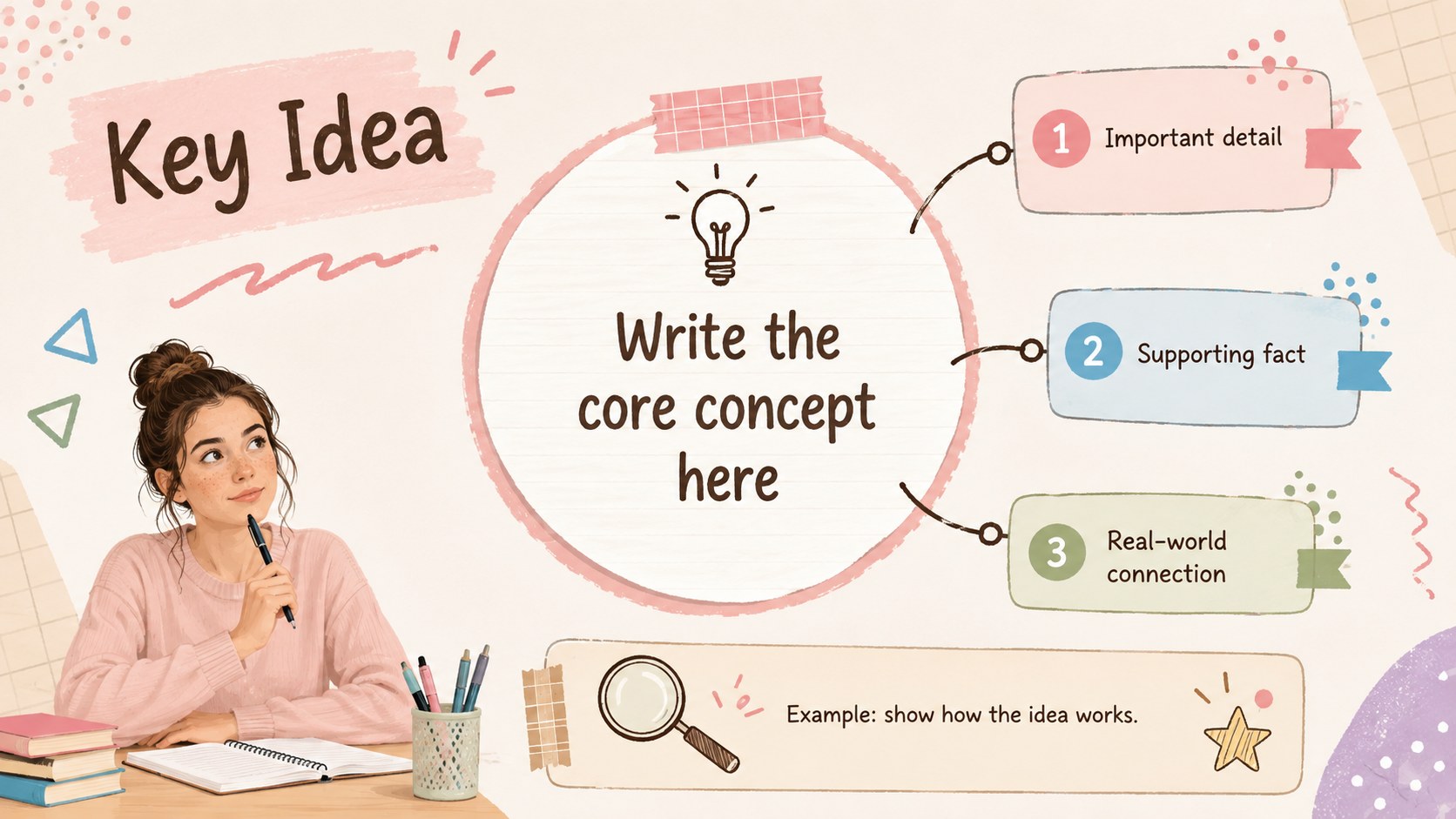
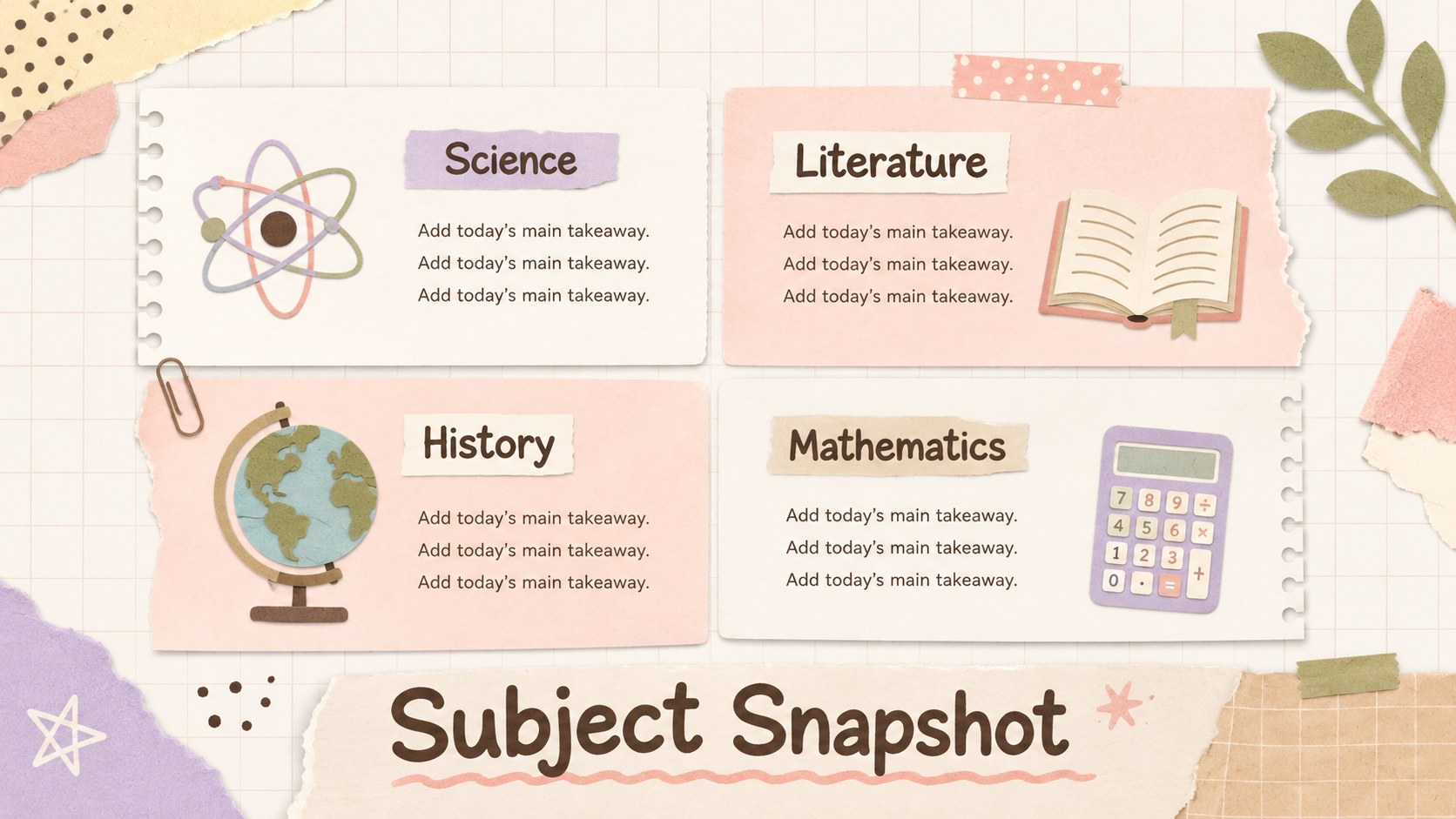
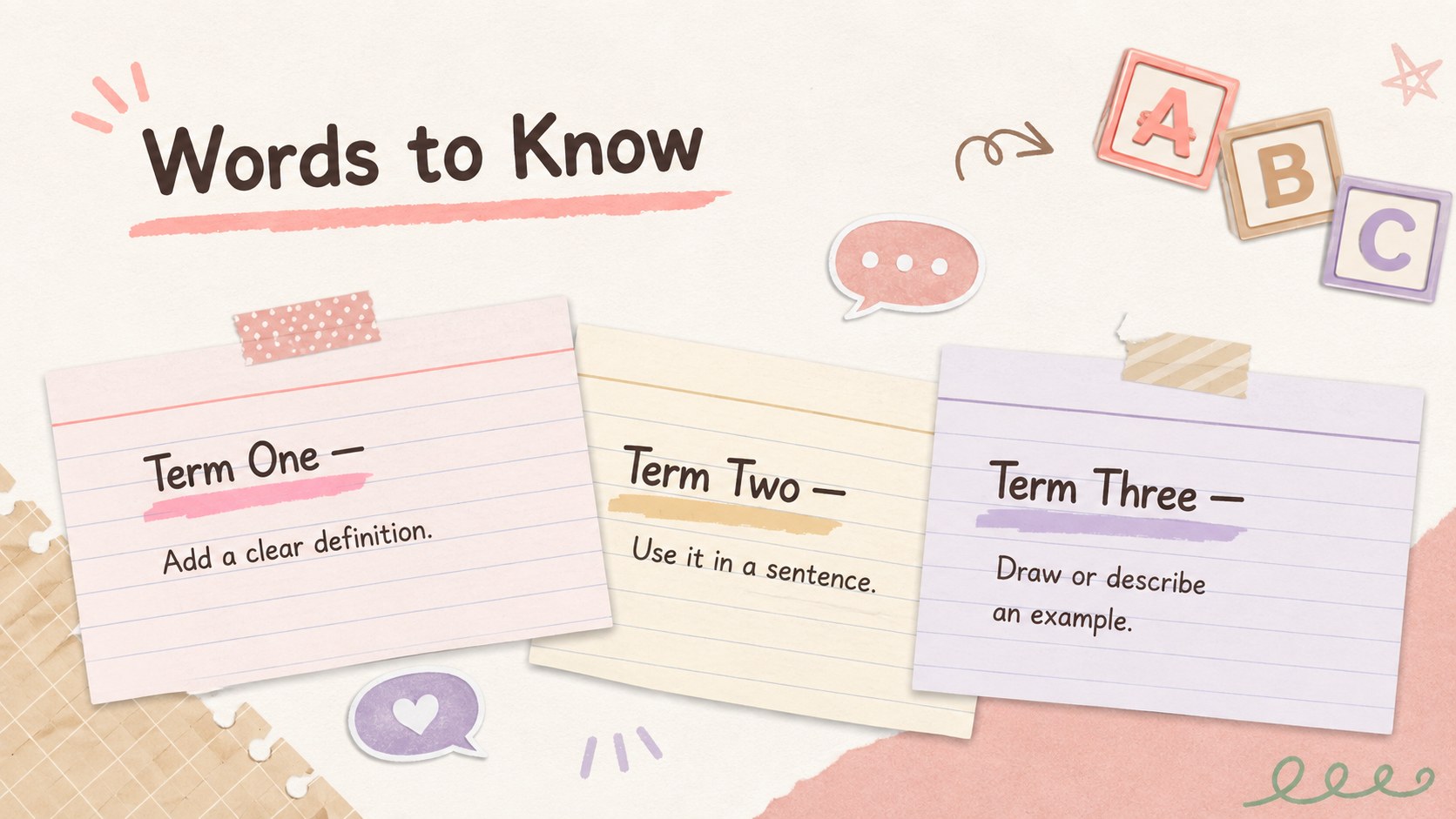
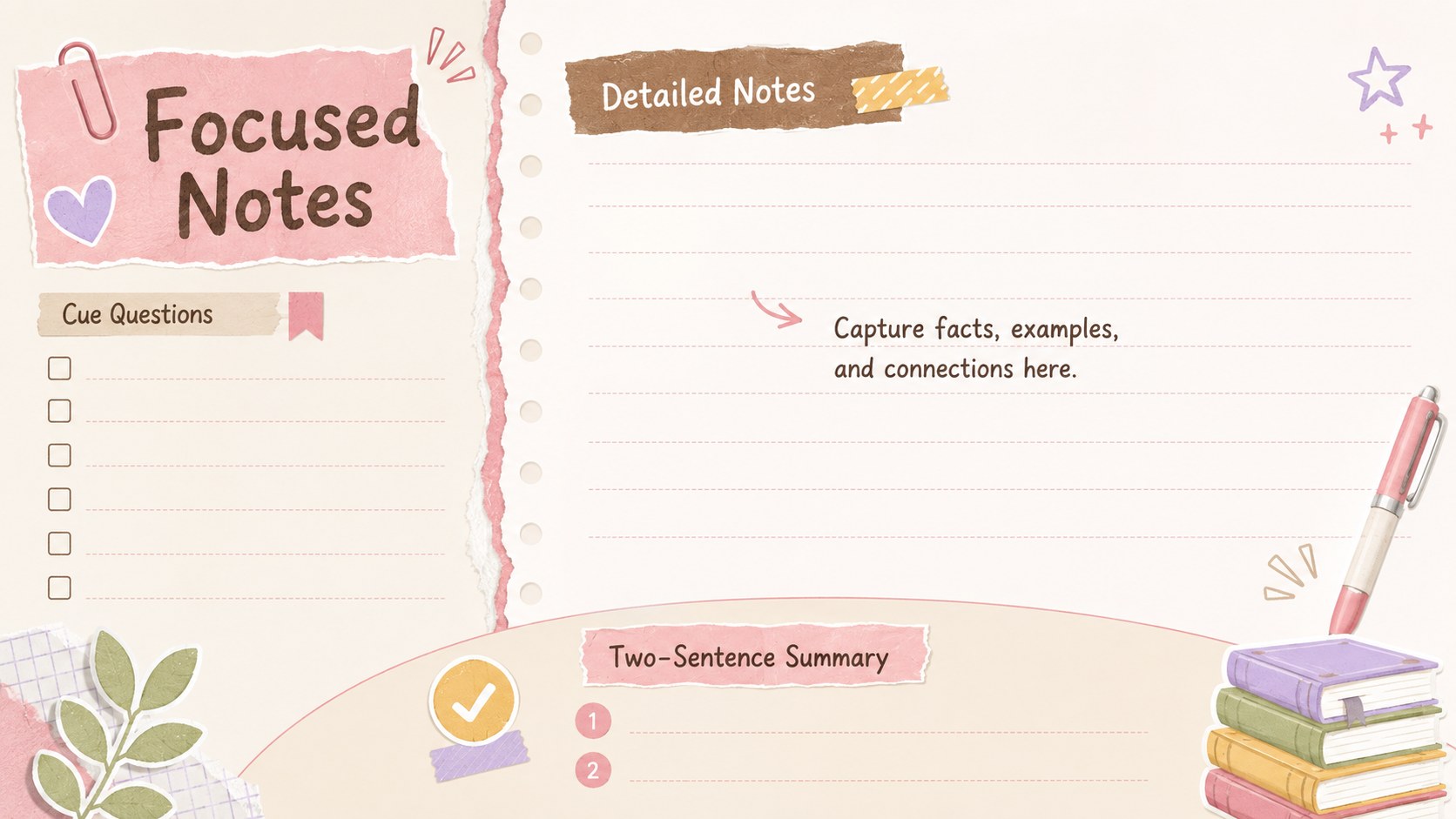
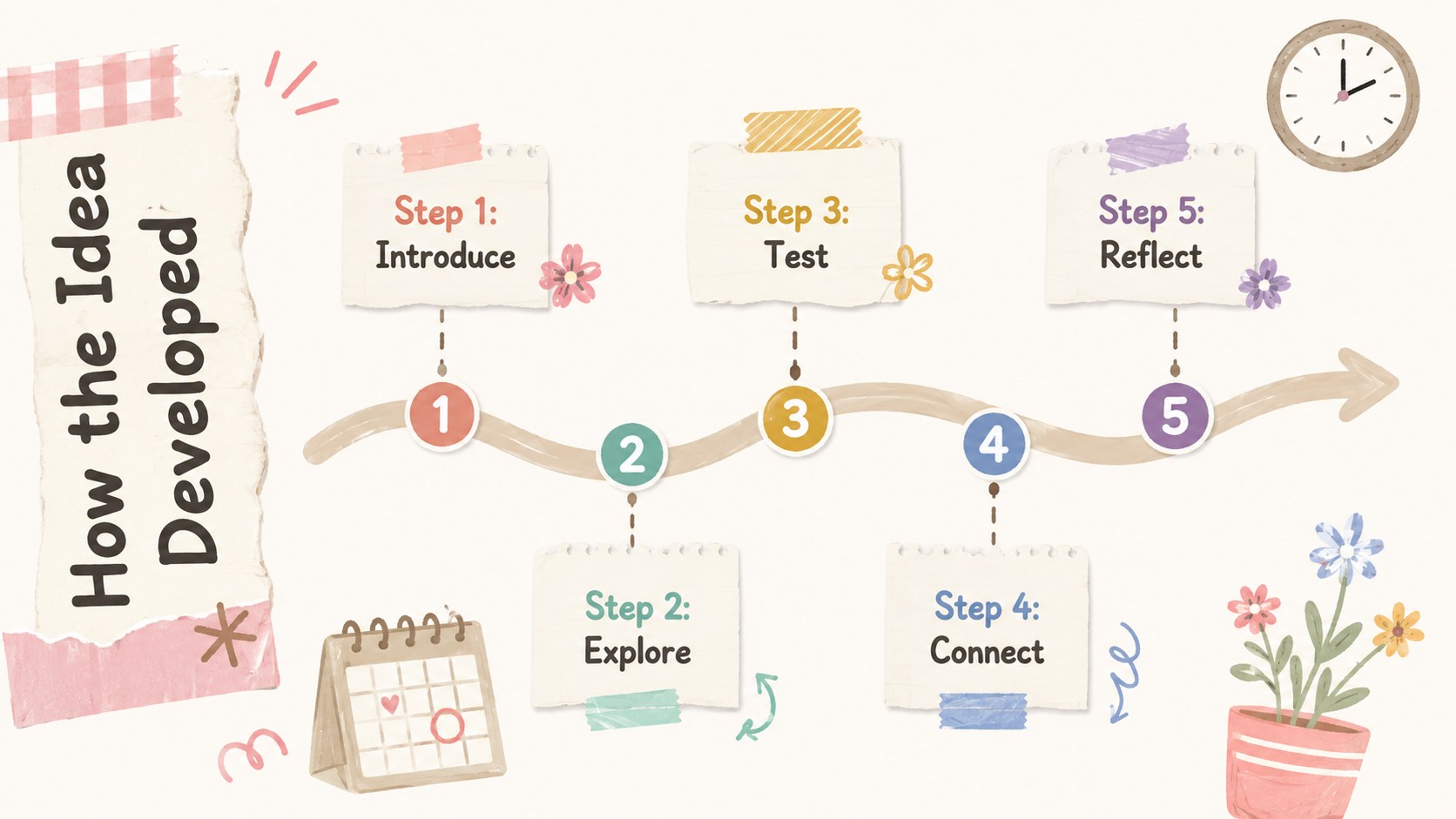
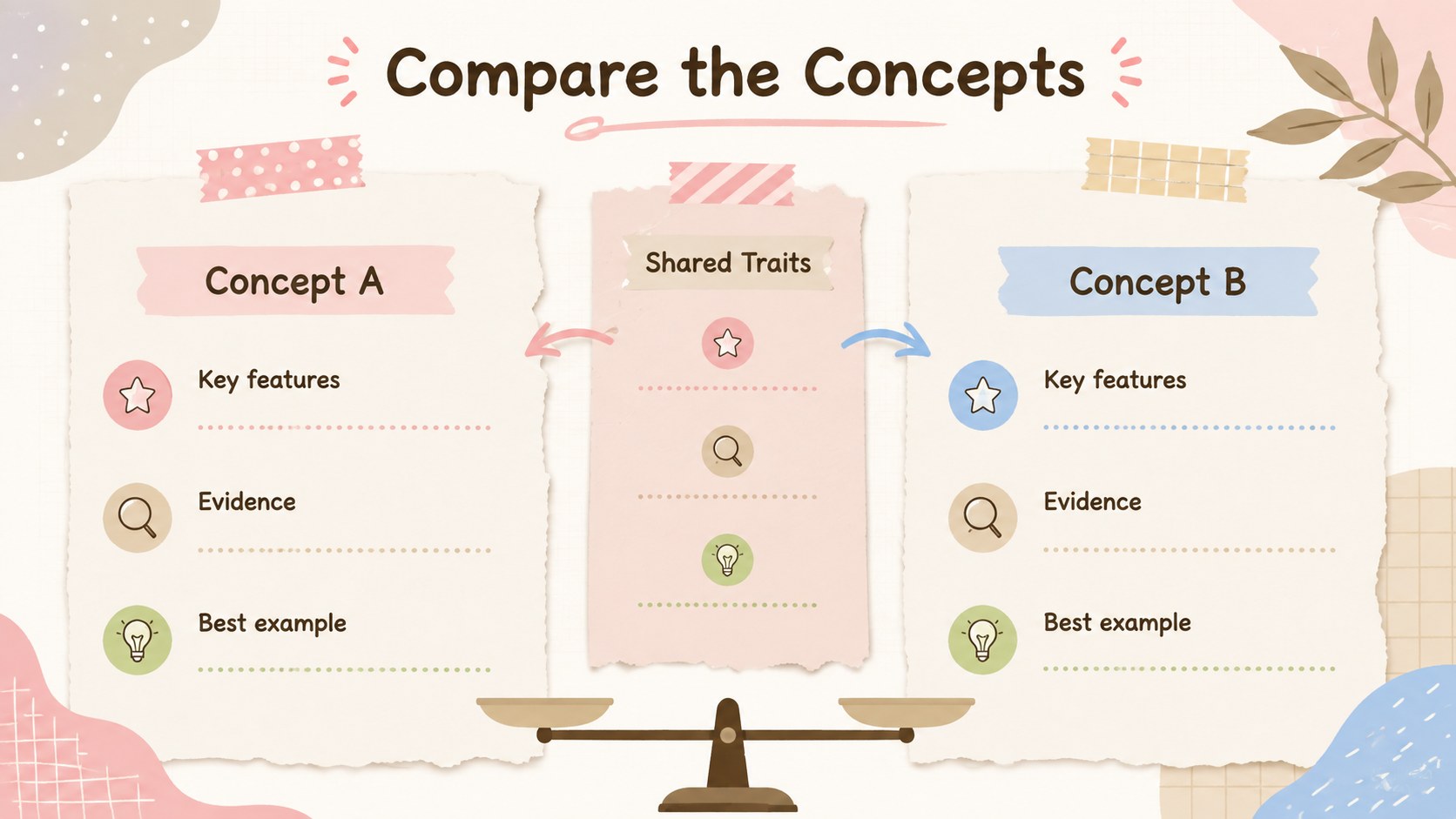
The deck includes 15 adaptable layouts for an agenda, learning goals, key concepts, vocabulary, structured notes, timelines, comparisons, diagrams, project planning, revision checklists, and final takeaways. Use it as a pastel class notes presentation template, build student revision summary slides, or turn each layout into an editable lesson recap deck. Charts, text areas, labels, and visual organizers can be adjusted to suit different subjects and grade levels.
This Minimal Study Notes Slide Deck works well for middle school and high school students, teachers, tutors, study groups, and homeschool educators. Customize the colors, fonts, images, and text directly in PowerPoint or Google Slides. The flexible layouts support science reviews, literature notes, history summaries, research projects, exam preparation, and classroom presentations while maintaining a cohesive notebook-inspired look.
Perfect for: class lesson summaries; exam revision guides; student research presentations; subject vocabulary reviews; homeschool study plans; tutoring session notes.
Frequently asked questions
Can I edit every element in this study notes deck? Yes. Text, colors, fonts, illustrations, shapes, and page arrangements can be customized to match a subject, class, or personal study system.
Practical details
Yes. Text, colors, fonts, illustrations, shapes, and page arrangements can be customized to match a subject, class, or personal study system.
The template is designed for PowerPoint and Google Slides. Some font spacing or image placement may need a small adjustment when moving between platforms.
Yes. The flexible note, comparison, timeline, vocabulary, and project layouts can support science, history, literature, languages, and other classroom topics.
Replace the default blush pink, beige, brown, white, and colorful accents through the theme color settings. Keep strong contrast between text and paper-style backgrounds for comfortable reading.
Keep exploring
15Build stronger academic arguments with a college essay thesis builder featuring guided examples, revision prompts, and editable PowerPoint and Google Slides.
 15
15Build an engaging World UFO Day session with this flying saucer history lesson deck, featuring retro green-and-brown slides for PowerPoint and Google Slides.
 14
14Plan a memorable Lunar New Year campaign with the 2036 Dragon Year Celebration Theme, featuring bold red-and-yellow slides for lessons and events.
 15
15Build a thoughtful classroom discussion with this interfaith awareness lesson deck, featuring editable blue-and-white slides for PowerPoint and Google Slides.
 15
15Use this environmental awareness lesson deck to teach climate action through illustrated activities, discussion prompts, and ready-to-edit visuals.
 15
15Build playful lessons and party stories with a kid-friendly zombie celebration theme in purple, green and pastel blue for PowerPoint and Google Slides.
 15
15Build eerie lessons, campaigns, and story pitches with an undead survival scenario theme featuring editable slides for PowerPoint and Google Slides.
 16
16Turn environmental research into a clear story with a Watercolor Ecology Presentation Theme for PowerPoint and Google Slides in calming green and blue.