
 15
15presentation
College Essay Thesis Builder Slides
Build stronger academic arguments with a college essay thesis builder featuring guided examples, revision prompts, and editable PowerPoint and Google Slides.
Google SlidesPowerPoint
presentation · English
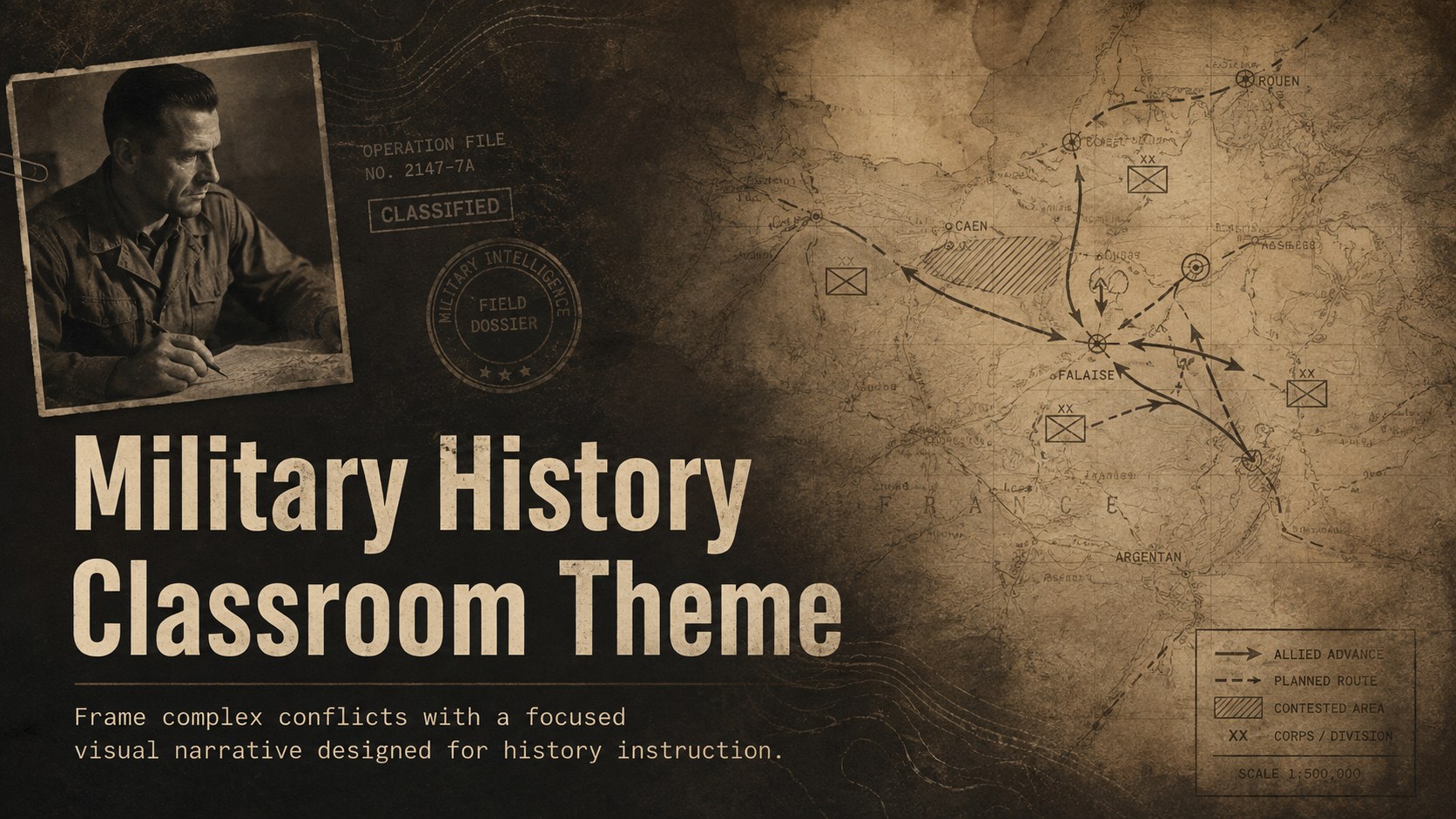
Build clear, compelling lessons with a Military History Classroom Theme in a bold brown palette, ready to customize in PowerPoint or Google Slides.
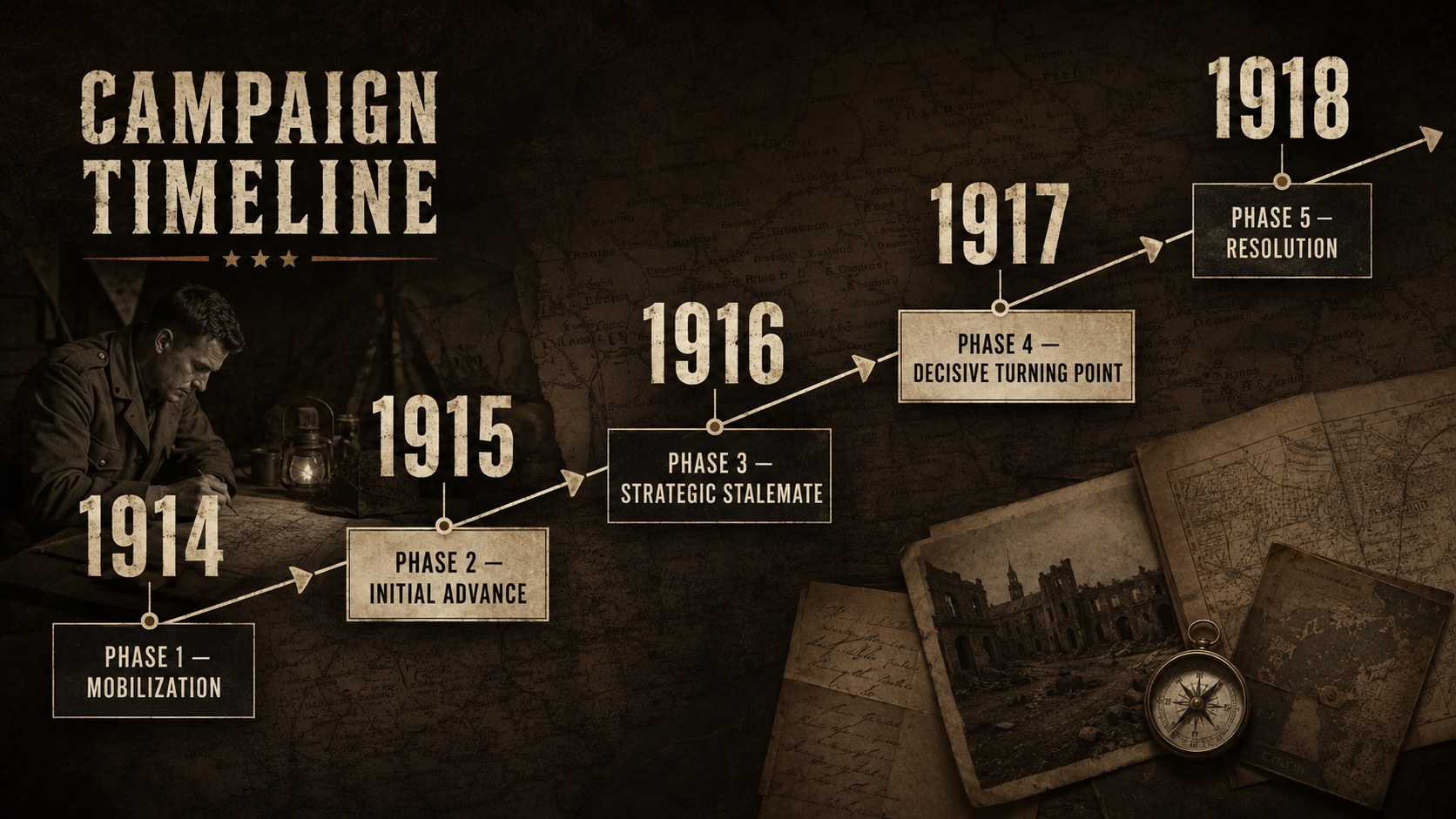
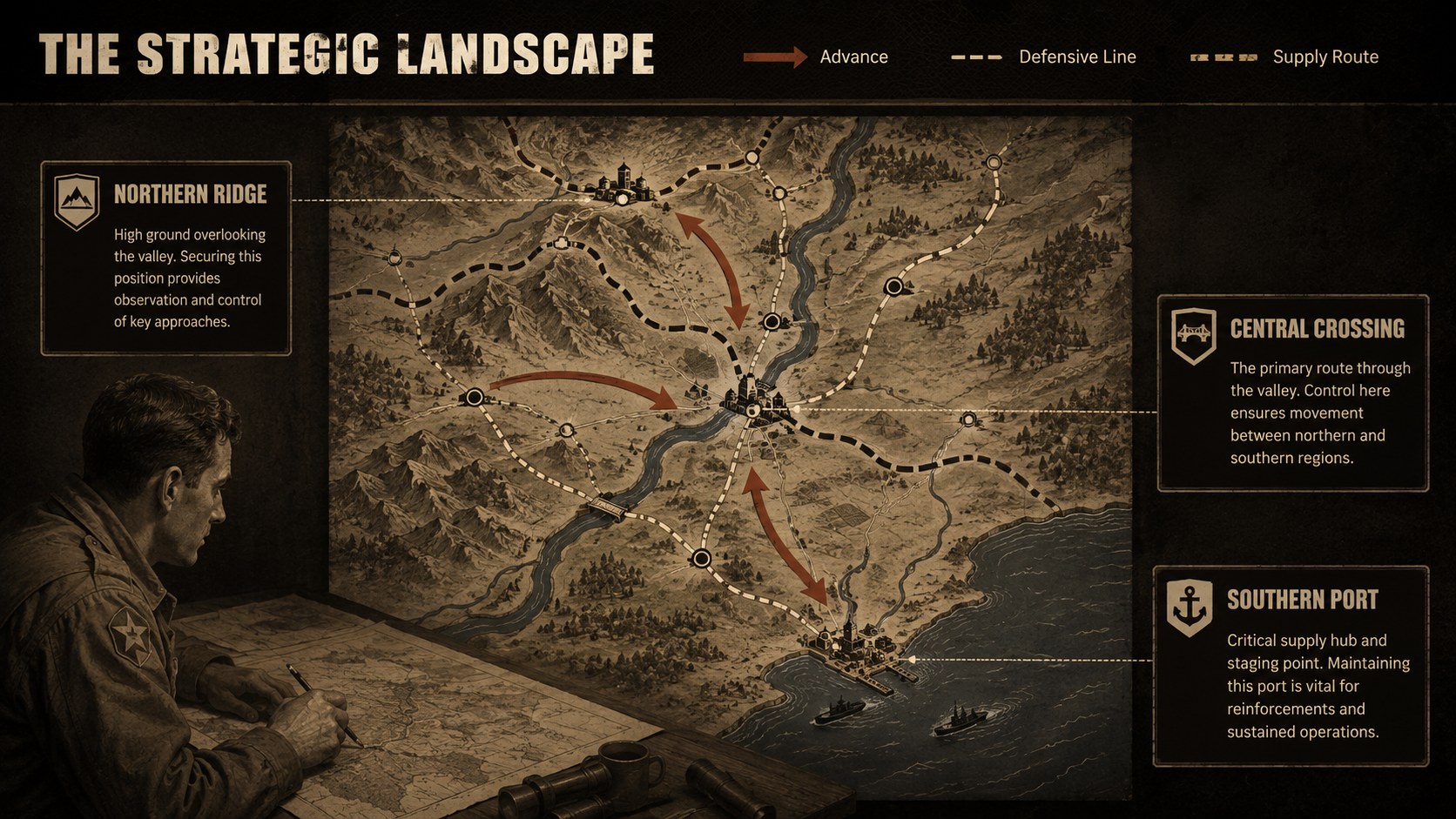
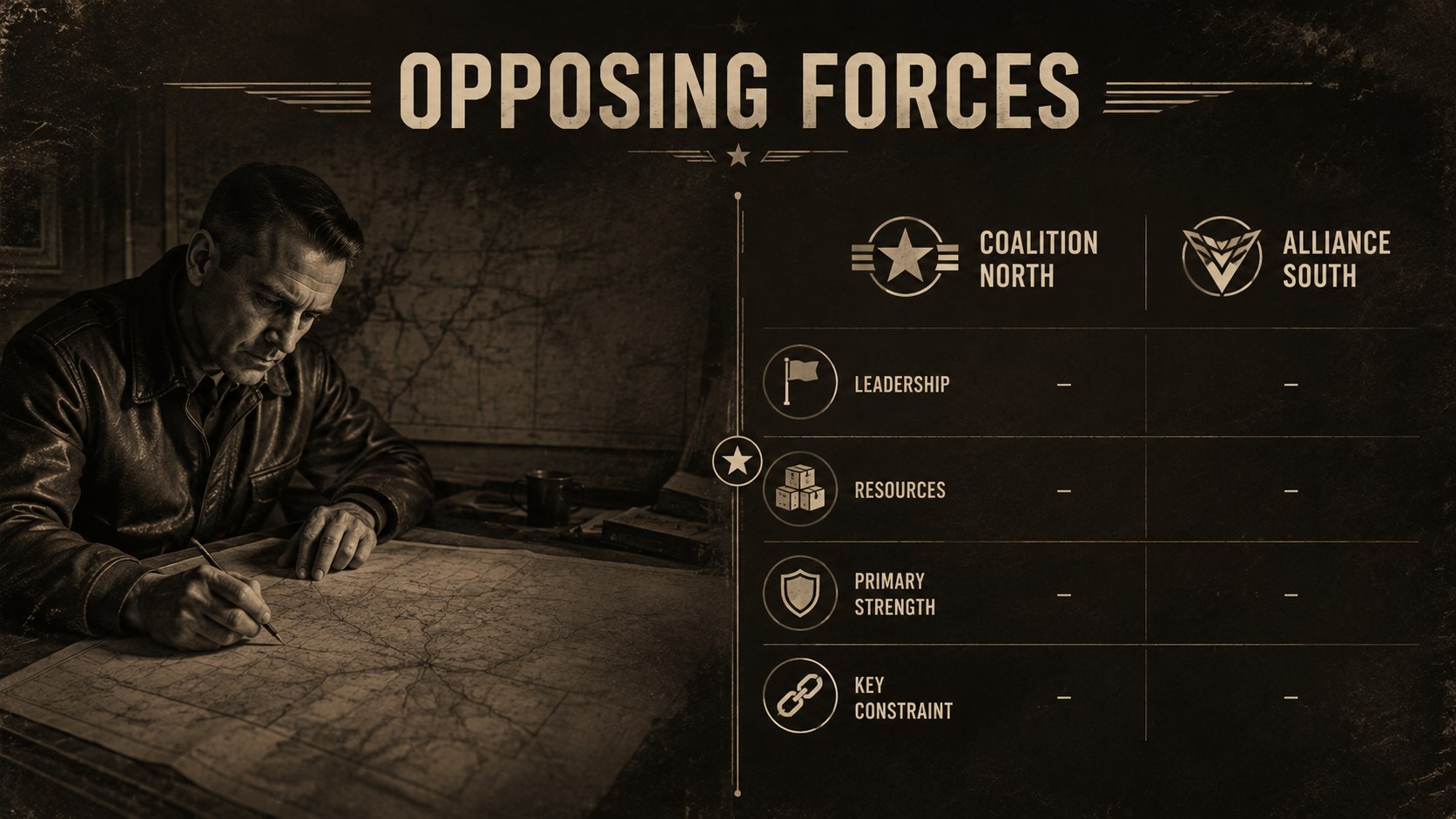
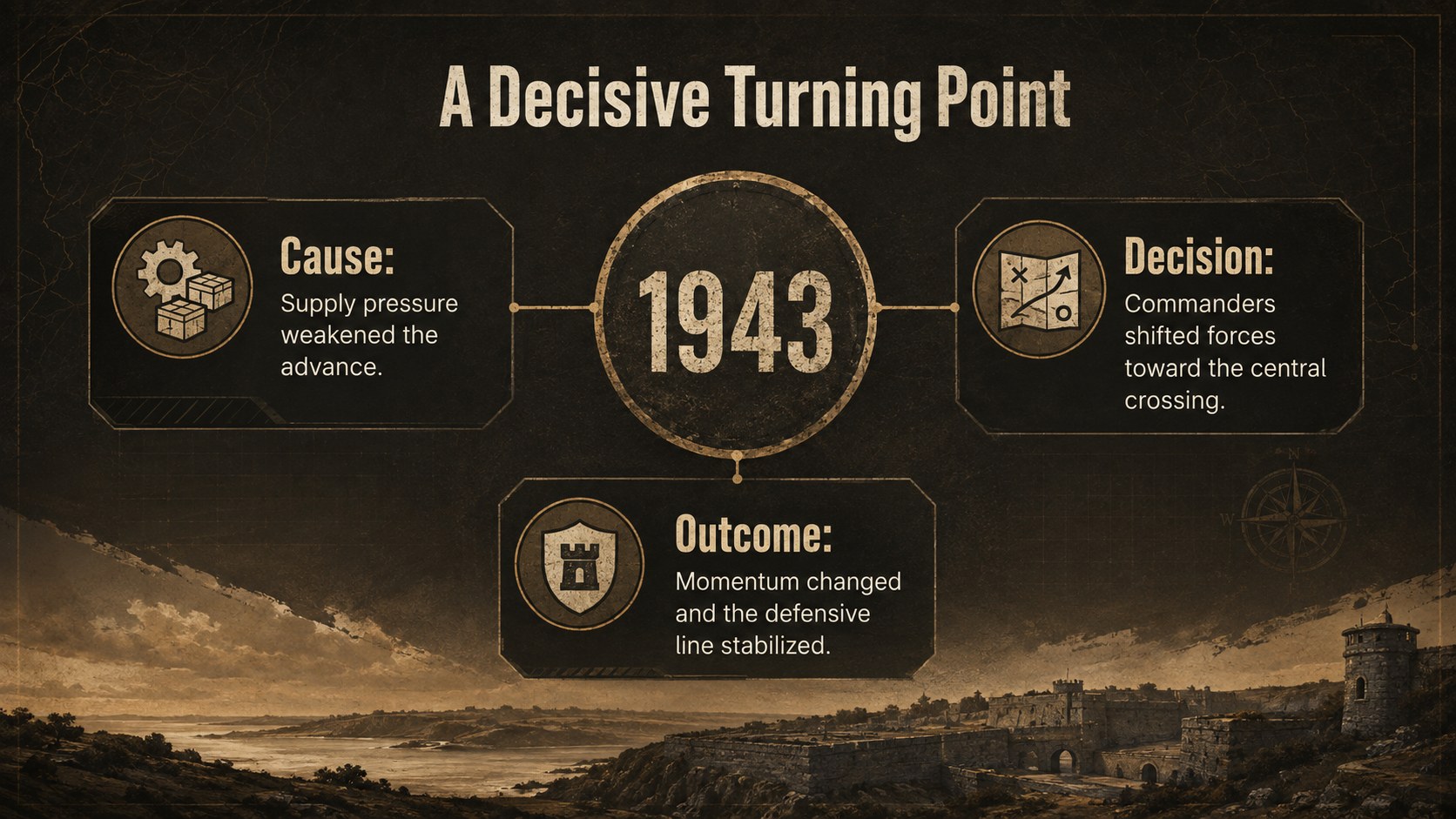
Design notes
The Military History Classroom Theme gives educators a structured, visually authoritative way to explain wars, campaigns, and their wider consequences. Its rich brown palette, strong typography, and archival-inspired details establish a serious atmosphere without distracting from the lesson. Use this brown military history presentation to connect key events, locations, decisions, and outcomes through a clear narrative.
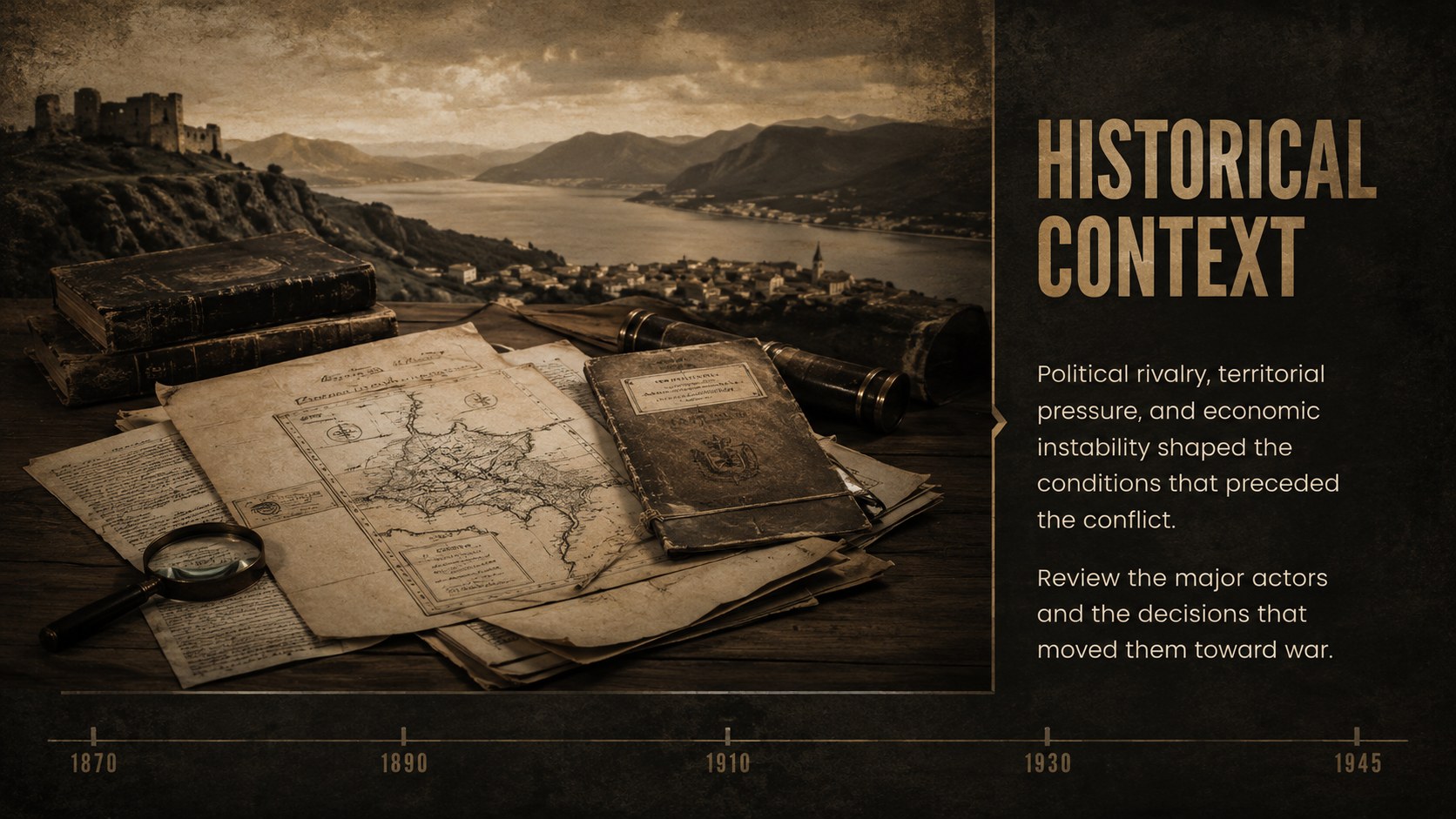
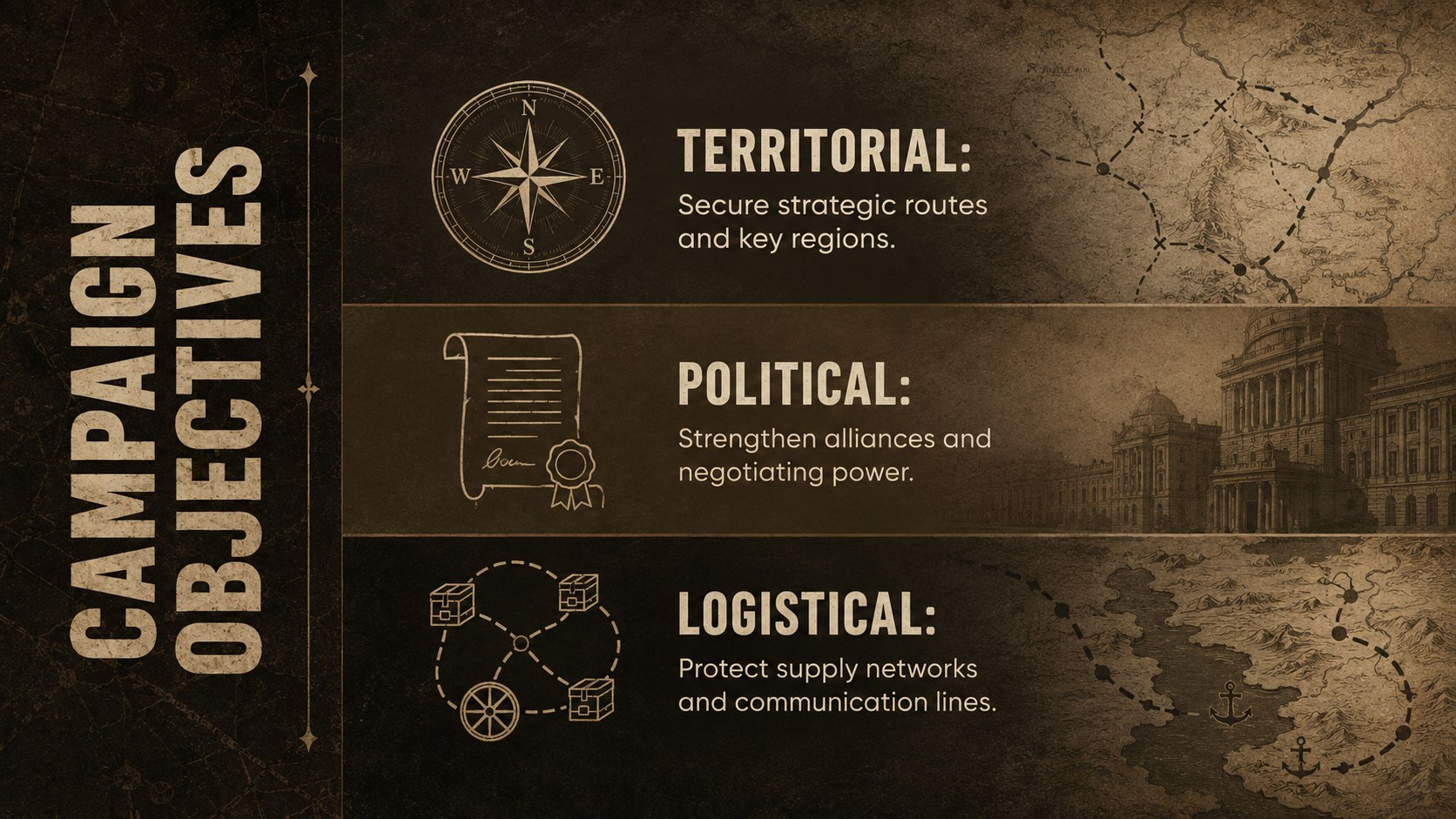
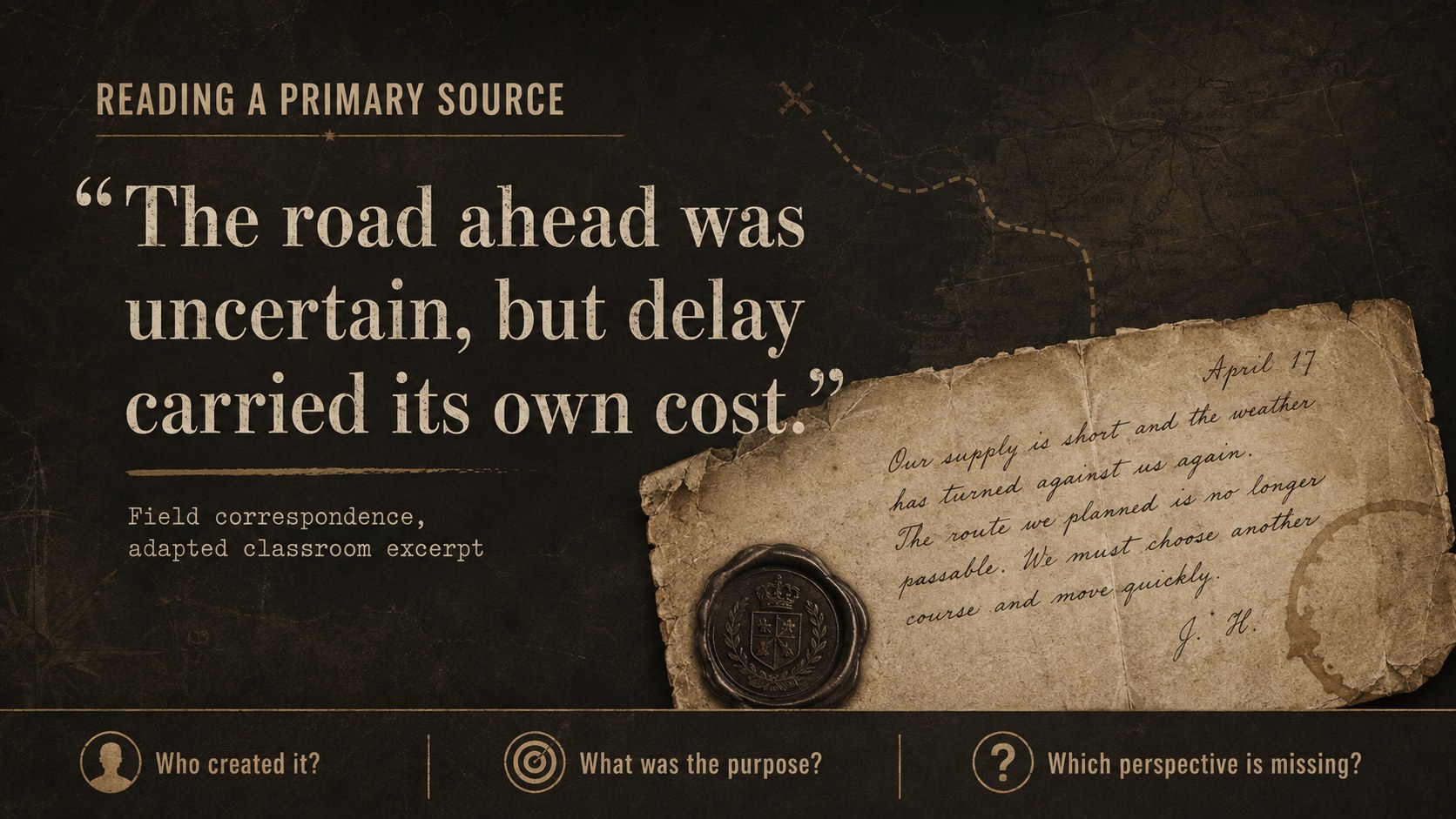
The 15-slide deck includes layouts for an opening overview, historical context, campaign objectives, a military campaign timeline template, regional maps, opposing forces, strategic turning points, primary-source analysis, casualty data, civilian impact, and postwar consequences. Image areas, charts, quotations, and comparison tables can all be adapted to suit a specific period or curriculum. The varied formats also make the theme useful as a conflict studies PowerPoint template for lectures, seminars, and student-led reports.
Designed for history teachers, university lecturers, museum educators, researchers, and students, the slides work in both PowerPoint and Google Slides. Replace the sample wording, adjust the chronology, add sourced photographs, and modify the brown color accents to match your topic. Whether the lesson examines an ancient battle, a world war, or a regional campaign, this theme helps present sensitive historical material with clarity, context, and visual consistency.
Perfect for: world war history lesson; military campaign lecture; battle strategy analysis; conflict studies seminar; museum education talk; student history report.
Frequently asked questions
Can I edit this theme in PowerPoint and Google Slides? Yes. All text, colors, images, charts, and layout elements can be edited in PowerPoint or Google Slides. Font availability may vary slightly between the two platforms.
Practical details
Yes. All text, colors, images, charts, and layout elements can be edited in PowerPoint or Google Slides. Font availability may vary slightly between the two platforms.
Yes. Replace the sample timelines, maps, quotations, and data with material from any ancient, modern, or regional conflict. The layouts are flexible enough for both broad surveys and focused campaign studies.
Use the theme color controls in PowerPoint or Google Slides to adjust the brown, black, cream, and muted accent colors. Keep strong contrast between text and backgrounds to preserve readability.
Yes. The deck includes dedicated structures for campaign routes, chronological events, strategic phases, and geographic context. You can replace the sample visuals with your own sourced maps and historical data.
Keep exploring
15Build stronger academic arguments with a college essay thesis builder featuring guided examples, revision prompts, and editable PowerPoint and Google Slides.
 15
15Build an engaging World UFO Day session with this flying saucer history lesson deck, featuring retro green-and-brown slides for PowerPoint and Google Slides.
 14
14Plan a memorable Lunar New Year campaign with the 2036 Dragon Year Celebration Theme, featuring bold red-and-yellow slides for lessons and events.
 15
15Build a thoughtful classroom discussion with this interfaith awareness lesson deck, featuring editable blue-and-white slides for PowerPoint and Google Slides.
 15
15Use this environmental awareness lesson deck to teach climate action through illustrated activities, discussion prompts, and ready-to-edit visuals.
 15
15Build playful lessons and party stories with a kid-friendly zombie celebration theme in purple, green and pastel blue for PowerPoint and Google Slides.
 15
15Build eerie lessons, campaigns, and story pitches with an undead survival scenario theme featuring editable slides for PowerPoint and Google Slides.
 16
16Turn environmental research into a clear story with a Watercolor Ecology Presentation Theme for PowerPoint and Google Slides in calming green and blue.