
 15
15presentation
College Essay Thesis Builder Slides
Build stronger academic arguments with a college essay thesis builder featuring guided examples, revision prompts, and editable PowerPoint and Google Slides.
Google SlidesPowerPoint
presentation · English
Create a polished holiday photo slideshow with violet night skies, elegant layouts, and editable PowerPoint or Google Slides pages for seasonal storytelling.








Design notes
Bring seasonal stories together with Midnight Holiday Wishes Slide Deck, a refined presentation design for family updates, festive events, and end-of-year classroom moments. Its violet and purple palette, deep evening backgrounds, elegant serif typography, and charming holiday details create a warm atmosphere without overwhelming your photos or key messages. Use it for a holiday photo slideshow, a greeting presentation, or a thoughtful recap of the year.
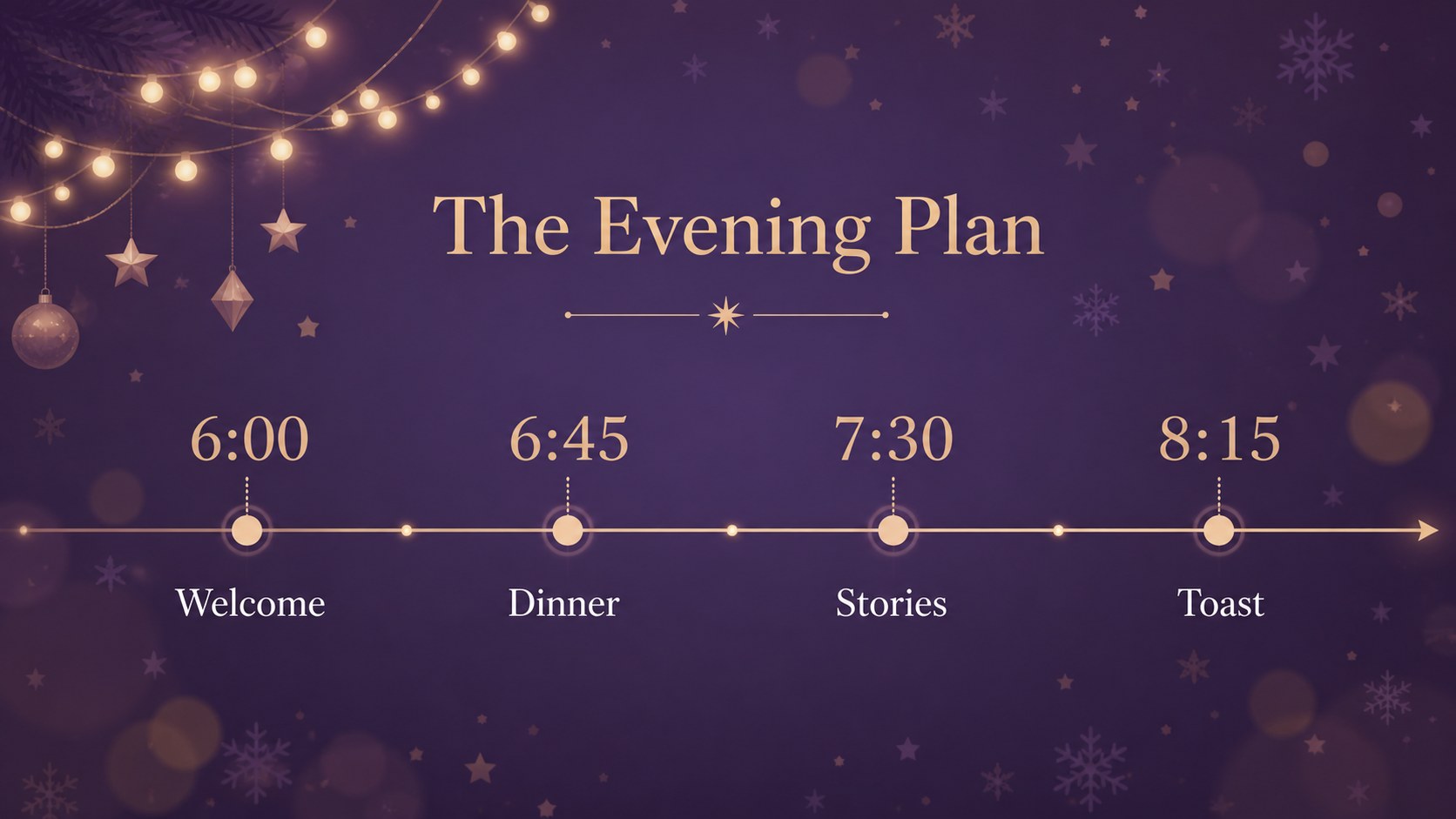
The 16:9 deck includes 16 adaptable layouts for cover pages, agendas, image collages, quotes, schedules, comparisons, charts, timelines, and closing messages. Replace the sample wording, images, colors, and data with a few edits, then rearrange or duplicate pages to match your story. A useful set of coordinated icons and editable visual elements helps you build family holiday greeting decks, winter classroom celebration slides, or an editable Christmas party agenda with a consistent look.
This template is designed for teachers, families, community organizers, and anyone preparing a seasonal presentation. Edit it in Google Slides or PowerPoint, export the finished work to PDF or JPG, and present it on a widescreen display. The layout is fully editable, and the public-domain license lets you use the design for personal, educational, or professional projects without keeping a credit slide.
Perfect for: family holiday photo slideshow; school winter celebration; Christmas party planning; community year-end recap; seasonal greeting presentation.
Frequently asked questions
Can I edit the deck in Google Slides? Yes. Upload or open the presentation in Google Slides and replace the sample text, photos, colors, and charts. You can also reorder, duplicate, or remove layouts as needed.
Practical details
Yes. Upload or open the presentation in Google Slides and replace the sample text, photos, colors, and charts. You can also reorder, duplicate, or remove layouts as needed.
Yes, the deck is provided as an editable PowerPoint presentation. Text, images, icons, and most design elements can be adjusted directly on your computer.
Yes. Swap in your own photos and adjust the purple and violet accents to match your event or personal style. The layouts are built to support both single images and photo collages.
You can export the completed deck as a PDF or JPG for sharing, printing, or displaying on a screen. Keep the 16:9 format for the most consistent presentation on widescreen devices.
Keep exploring
15Build stronger academic arguments with a college essay thesis builder featuring guided examples, revision prompts, and editable PowerPoint and Google Slides.
 15
15Build an engaging World UFO Day session with this flying saucer history lesson deck, featuring retro green-and-brown slides for PowerPoint and Google Slides.
 14
14Plan a memorable Lunar New Year campaign with the 2036 Dragon Year Celebration Theme, featuring bold red-and-yellow slides for lessons and events.
 15
15Build a thoughtful classroom discussion with this interfaith awareness lesson deck, featuring editable blue-and-white slides for PowerPoint and Google Slides.
 15
15Use this environmental awareness lesson deck to teach climate action through illustrated activities, discussion prompts, and ready-to-edit visuals.
 15
15Build playful lessons and party stories with a kid-friendly zombie celebration theme in purple, green and pastel blue for PowerPoint and Google Slides.
 15
15Build eerie lessons, campaigns, and story pitches with an undead survival scenario theme featuring editable slides for PowerPoint and Google Slides.
 16
16Turn environmental research into a clear story with a Watercolor Ecology Presentation Theme for PowerPoint and Google Slides in calming green and blue.