
 15
15presentation
College Essay Thesis Builder Slides
Build stronger academic arguments with a college essay thesis builder featuring guided examples, revision prompts, and editable PowerPoint and Google Slides.
Google SlidesPowerPoint
presentation · English
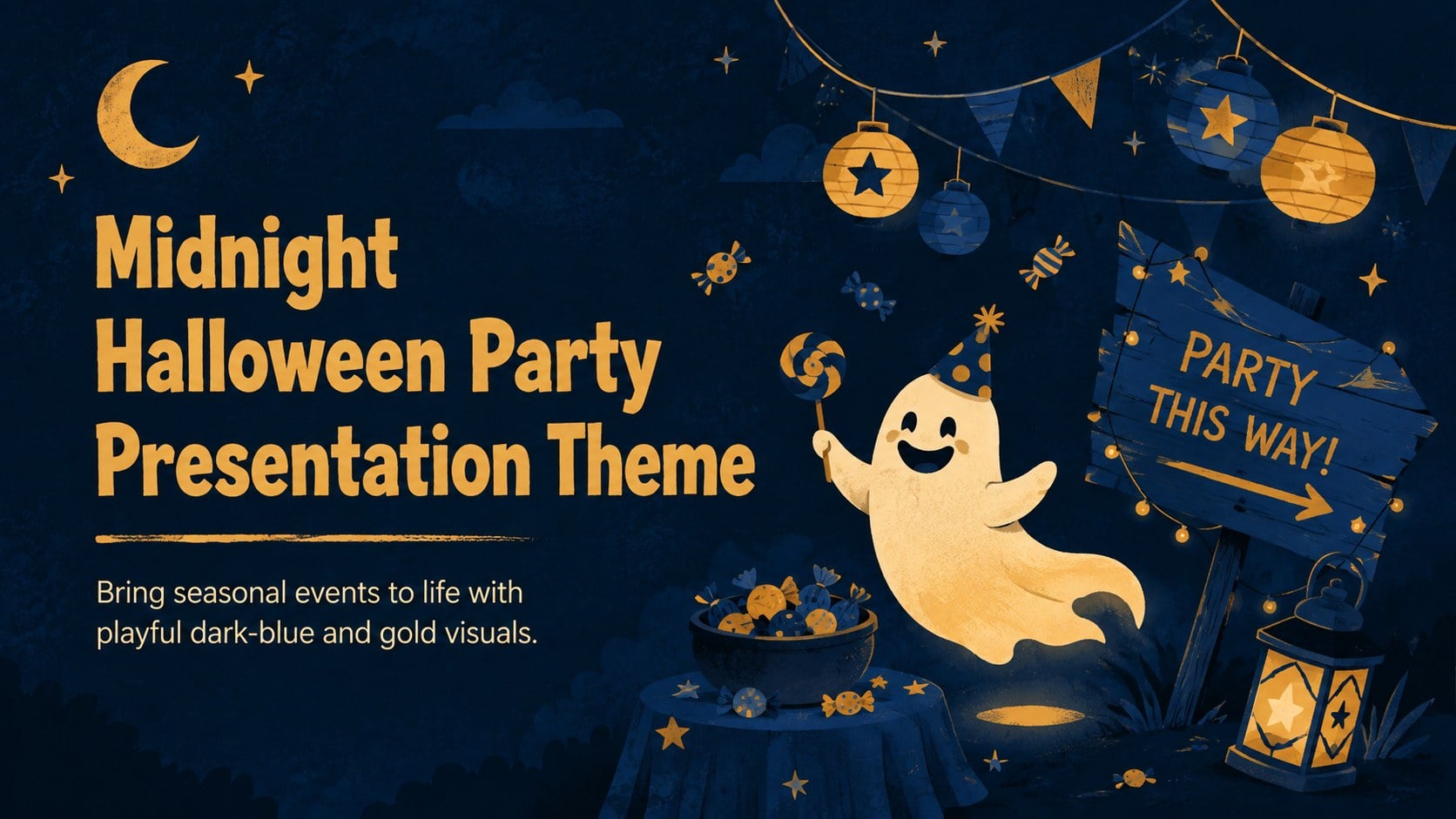
Set the scene with a midnight Halloween party presentation theme featuring playful dark-blue and gold visuals for lessons, campaigns, quizzes, and events.
Design notes
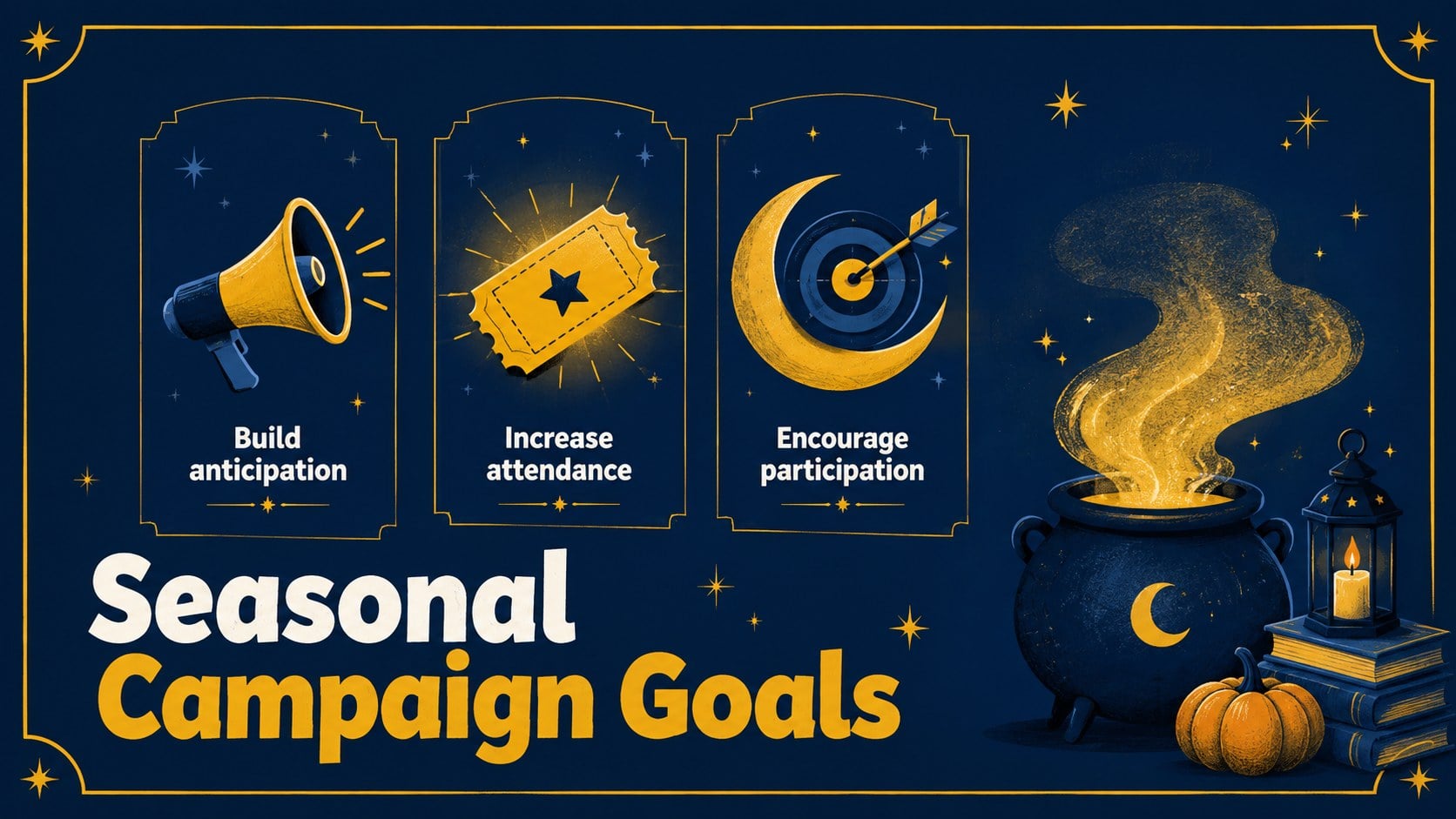
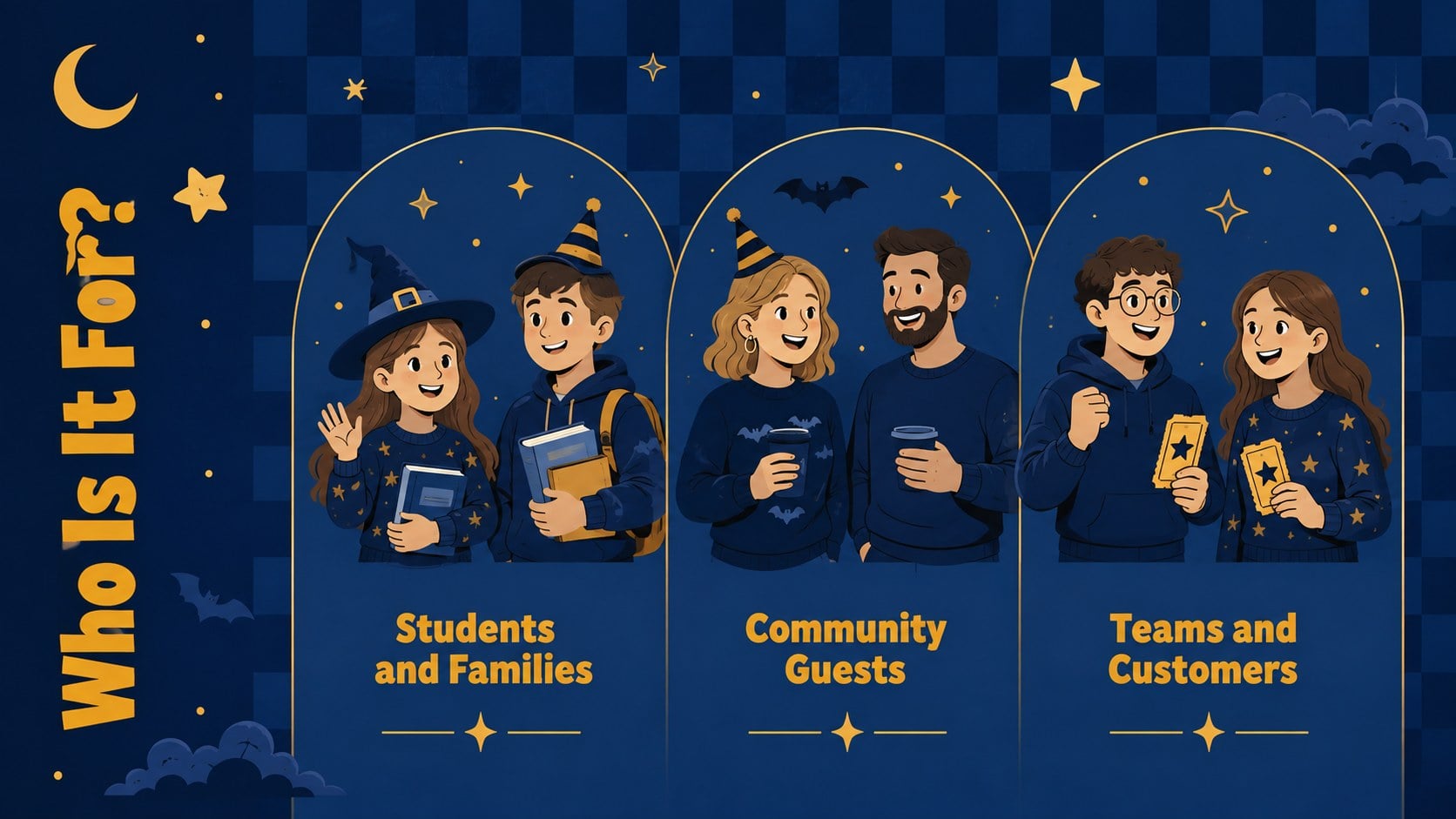
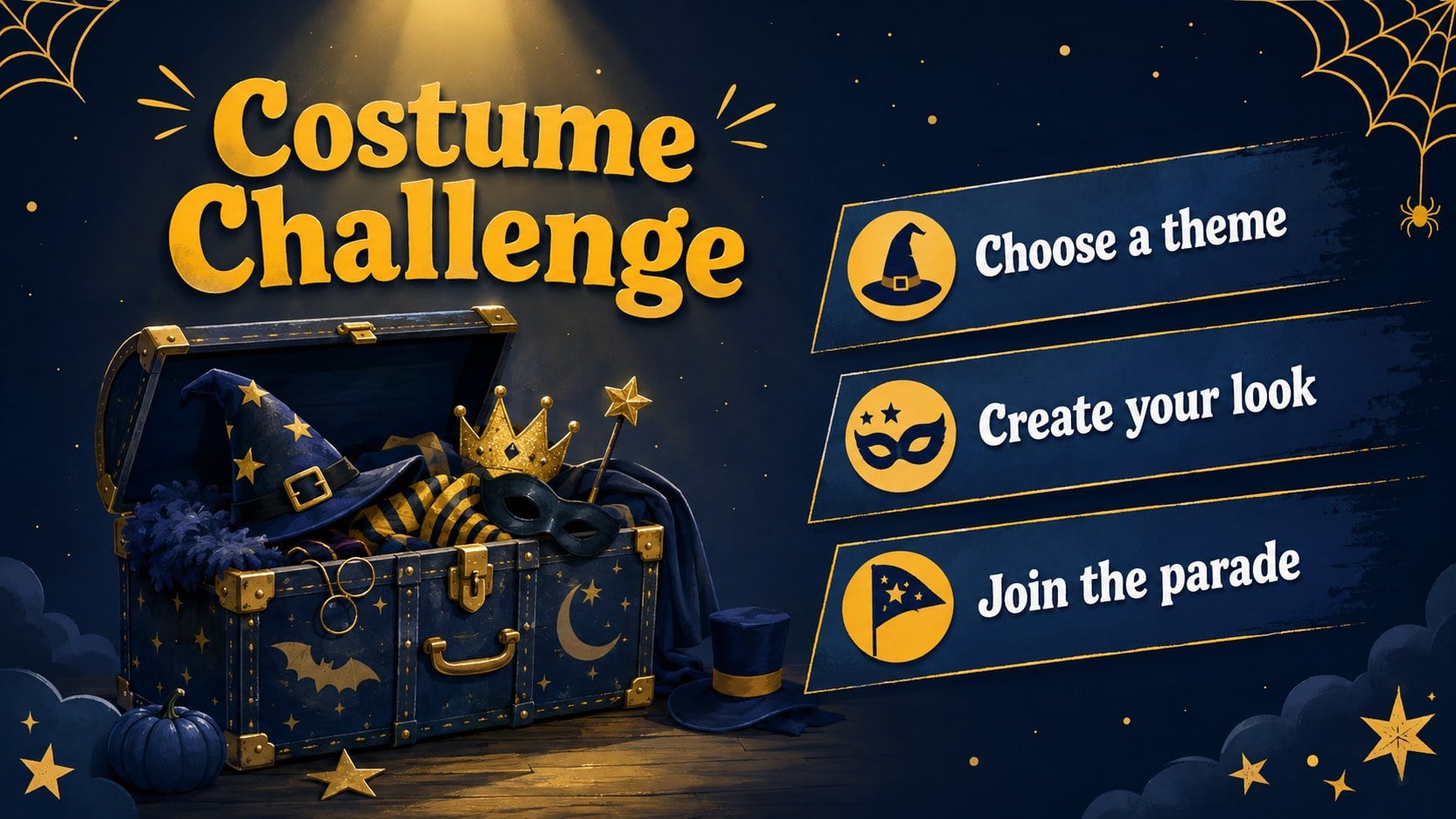
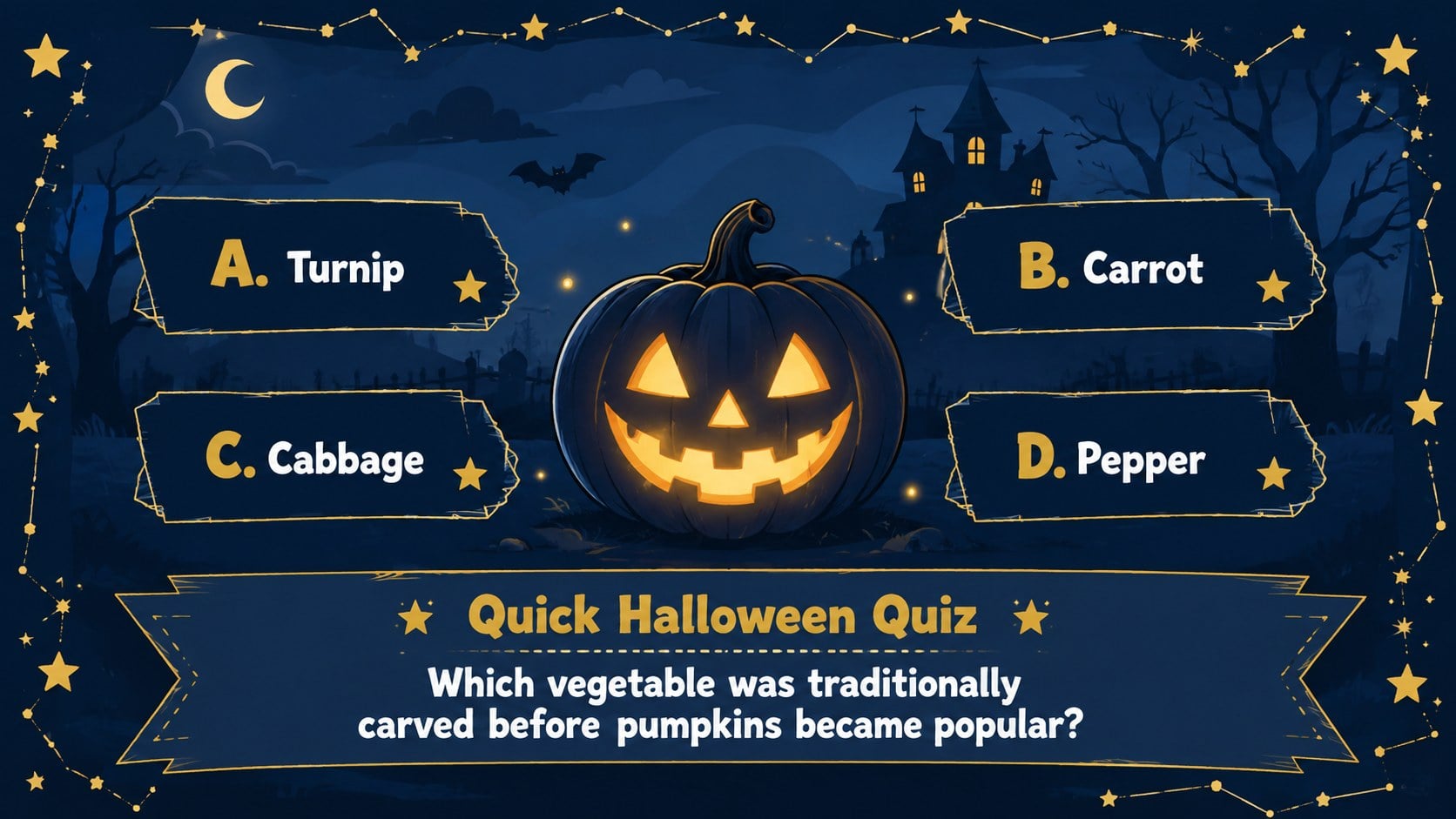
Create a spirited seasonal presentation with the Midnight Halloween Party Presentation Theme, a playful collection of illustrated layouts in deep blue, golden yellow, and warm accent tones. Its moonlit atmosphere balances cute Halloween details with clear, practical content areas, making it suitable for audiences of all ages.
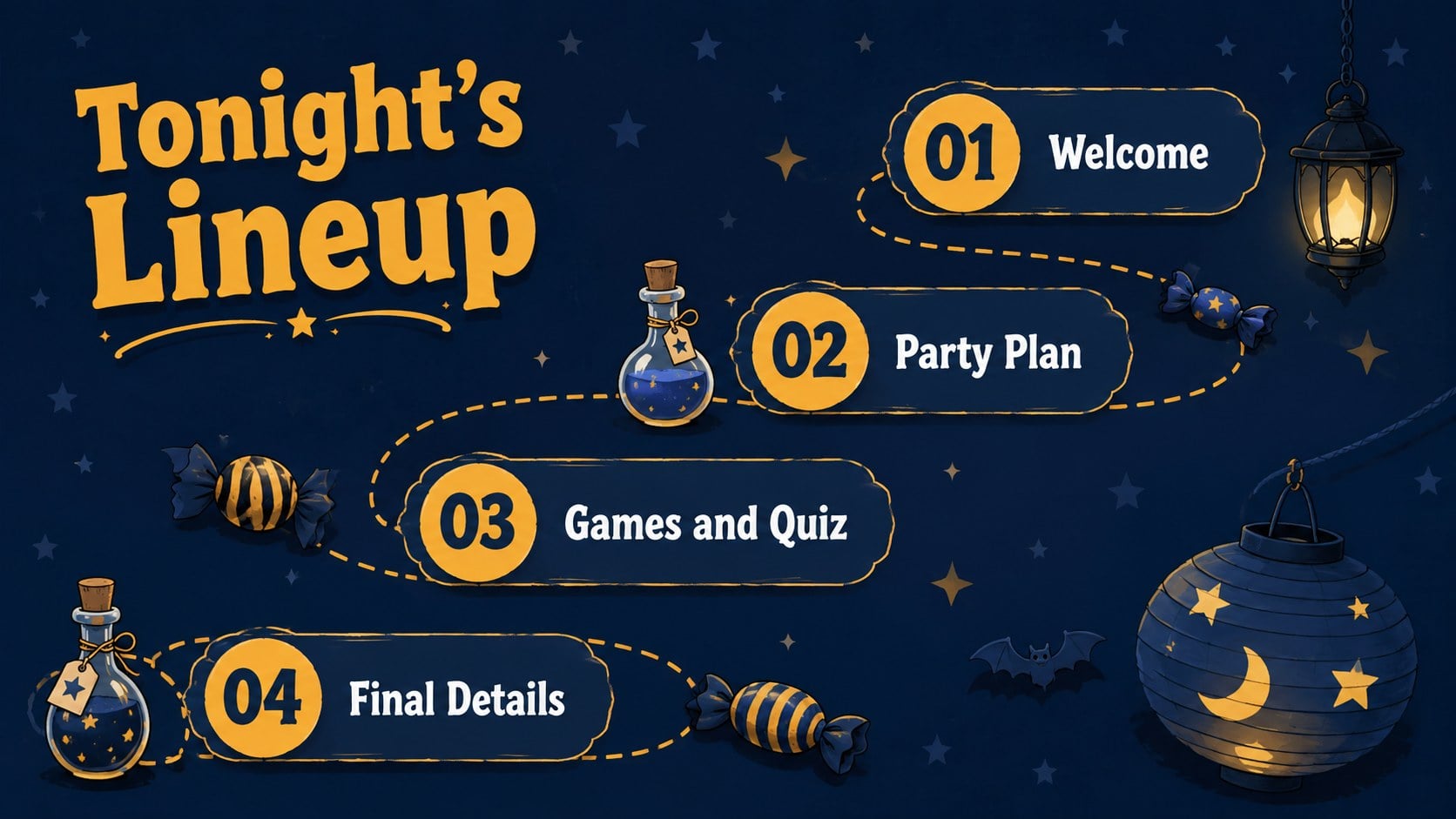
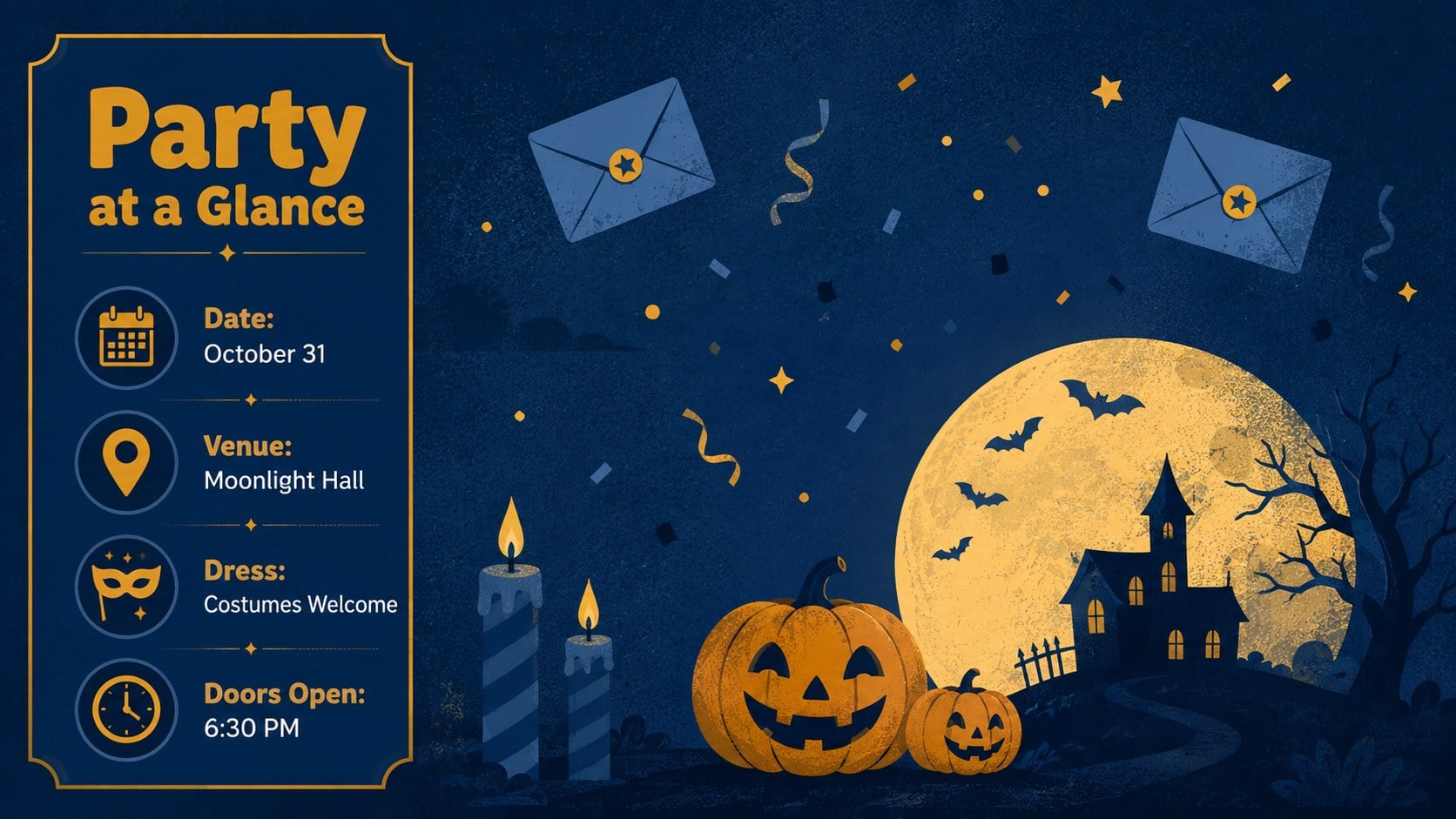
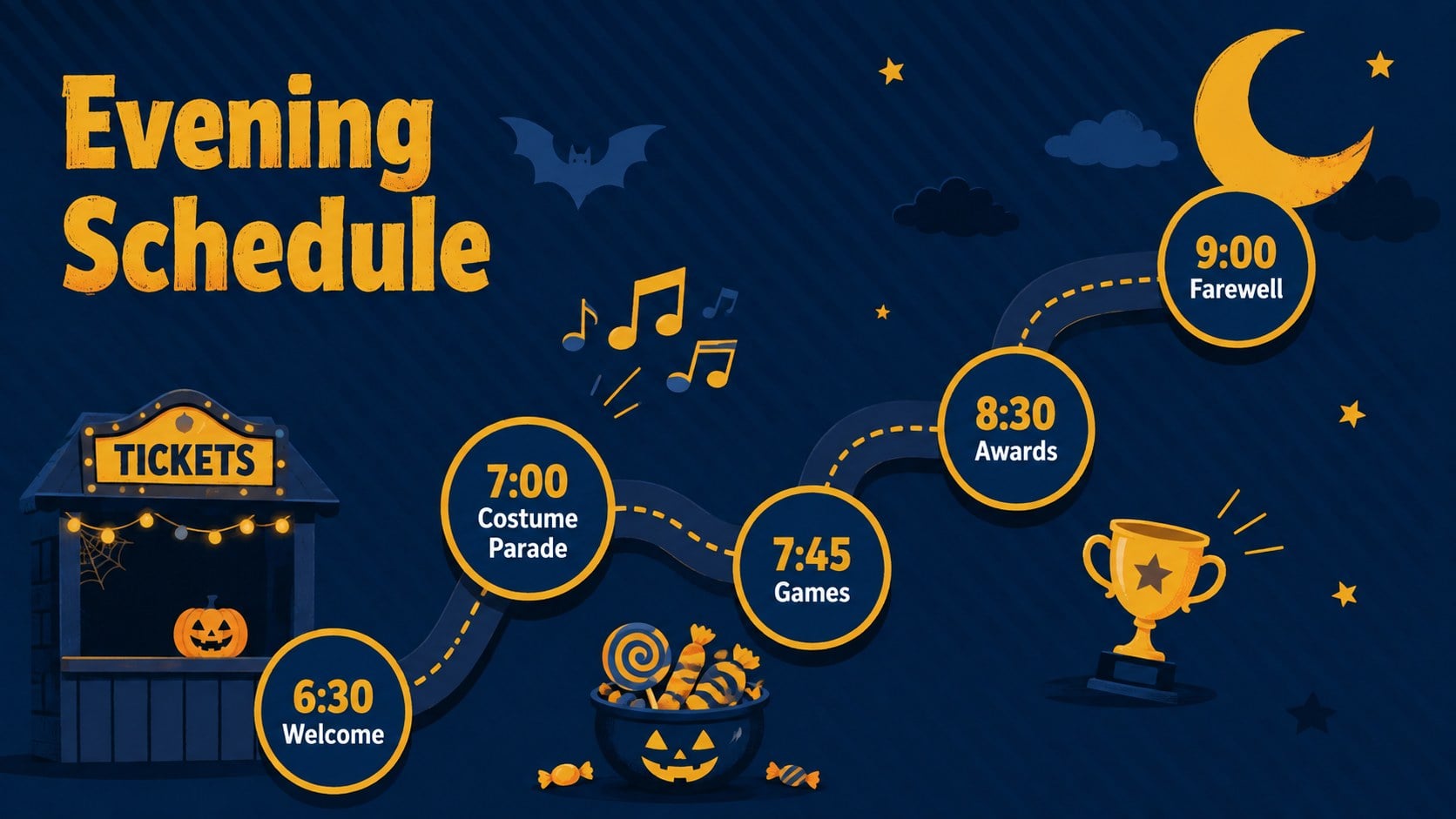
The deck includes more than 25 customizable layouts for opening messages, agendas, event details, campaign goals, schedules, quizzes, timelines, statistics, image galleries, and closing remarks. Friendly ghosts, glowing moons, stars, pumpkins, candy, and whimsical haunted-house imagery give this cute Halloween PowerPoint template a lively identity without making information difficult to read. Editable typography, colors, charts, shapes, transitions, and image frames help each slide adapt to your story.
Use the theme as a Halloween event planning presentation for party schedules, venue information, costume contests, menus, or entertainment announcements. Educators can turn it into a classroom Halloween quiz deck, while marketing teams can build seasonal promotions, social campaign summaries, or October newsletters. It also works as a dark blue Halloween Google Slides theme for community gatherings and workplace celebrations. Every layout can be edited in PowerPoint or Google Slides, shared digitally, or exported for presenting and printing.
Perfect for: Halloween party planning; classroom Halloween quiz; seasonal marketing campaign; costume contest briefing; October team celebration; community event schedule.
Frequently asked questions
Can I edit the colors and illustrations? Yes. You can adjust the color palette, typography, shapes, and illustration placement to match a school, company, or event identity. Decorative elements can also be removed when a simpler layout is needed.
Practical details
Yes. You can adjust the color palette, typography, shapes, and illustration placement to match a school, company, or event identity. Decorative elements can also be removed when a simpler layout is needed.
The template is designed for Microsoft PowerPoint and Google Slides. Some fonts, transitions, or visual effects may display slightly differently between the two platforms.
Yes. The layouts support lesson introductions, vocabulary activities, visual prompts, polls, and Halloween quizzes. Educators can replace party-focused wording with age-appropriate learning content.
Replace the sample copy with your date, venue, schedule, menu, contest rules, and contact details. Reorder or duplicate layouts to create a complete event presentation.
Keep exploring
15Build stronger academic arguments with a college essay thesis builder featuring guided examples, revision prompts, and editable PowerPoint and Google Slides.
 15
15Build an engaging World UFO Day session with this flying saucer history lesson deck, featuring retro green-and-brown slides for PowerPoint and Google Slides.
 14
14Plan a memorable Lunar New Year campaign with the 2036 Dragon Year Celebration Theme, featuring bold red-and-yellow slides for lessons and events.
 15
15Build a thoughtful classroom discussion with this interfaith awareness lesson deck, featuring editable blue-and-white slides for PowerPoint and Google Slides.
 15
15Use this environmental awareness lesson deck to teach climate action through illustrated activities, discussion prompts, and ready-to-edit visuals.
 15
15Build playful lessons and party stories with a kid-friendly zombie celebration theme in purple, green and pastel blue for PowerPoint and Google Slides.
 15
15Build eerie lessons, campaigns, and story pitches with an undead survival scenario theme featuring editable slides for PowerPoint and Google Slides.
 16
16Turn environmental research into a clear story with a Watercolor Ecology Presentation Theme for PowerPoint and Google Slides in calming green and blue.