
 15
15presentation
College Essay Thesis Builder Slides
Build stronger academic arguments with a college essay thesis builder featuring guided examples, revision prompts, and editable PowerPoint and Google Slides.
Google SlidesPowerPoint
presentation · English
Teach cell biology with clear middle school cell biology slides for structure, function, and discovery. Edit the green deck in PowerPoint or Google Slides.
Design notes
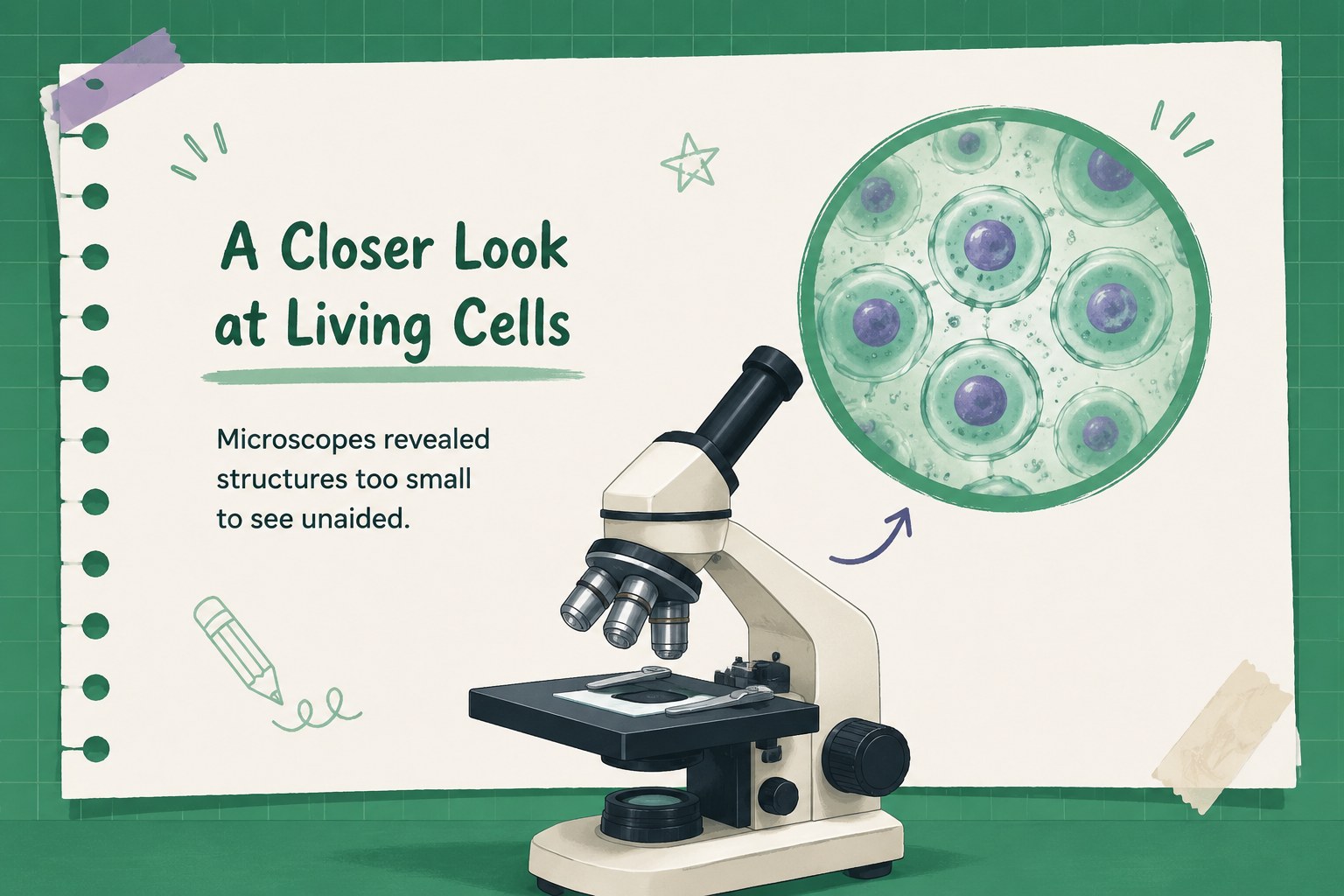
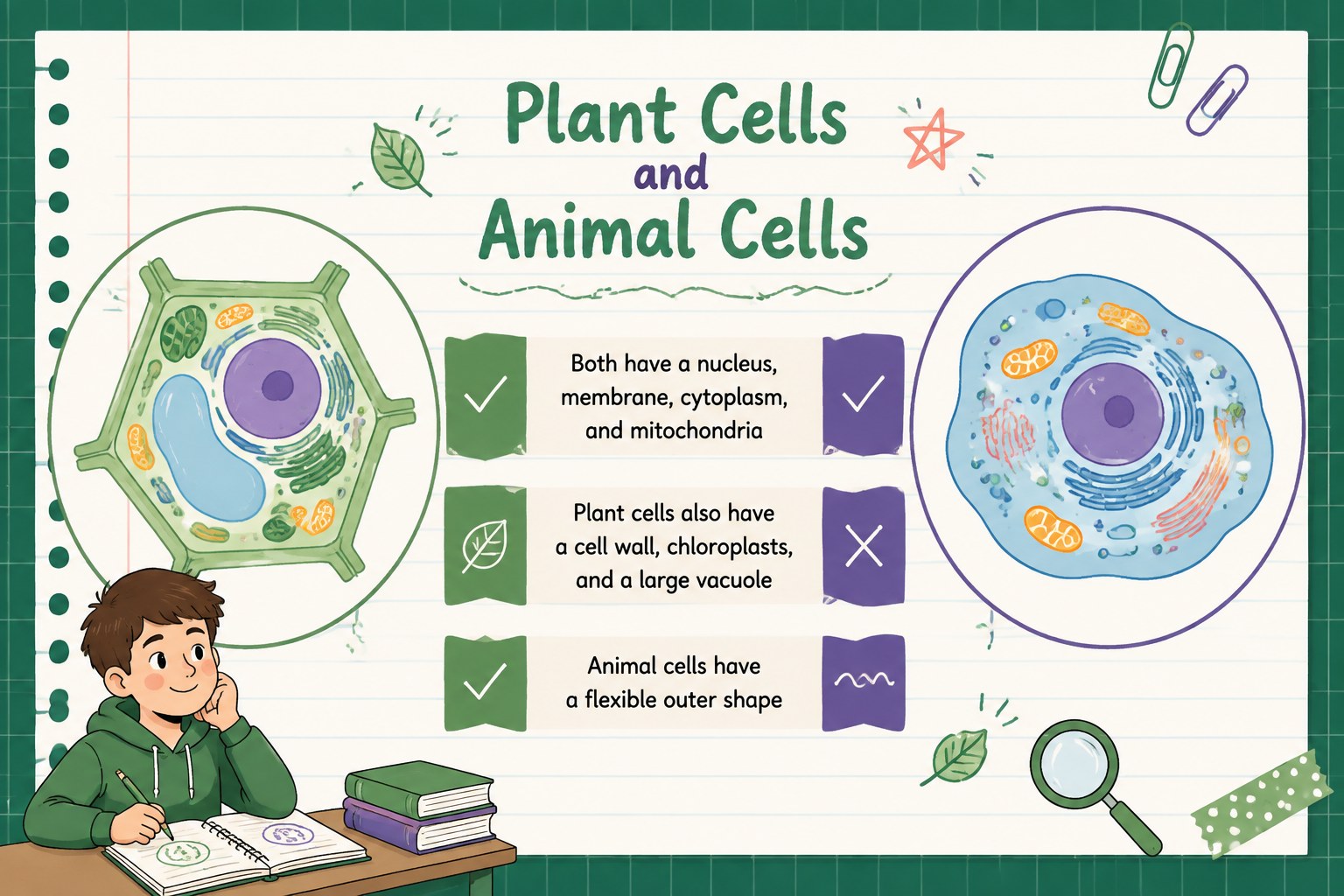
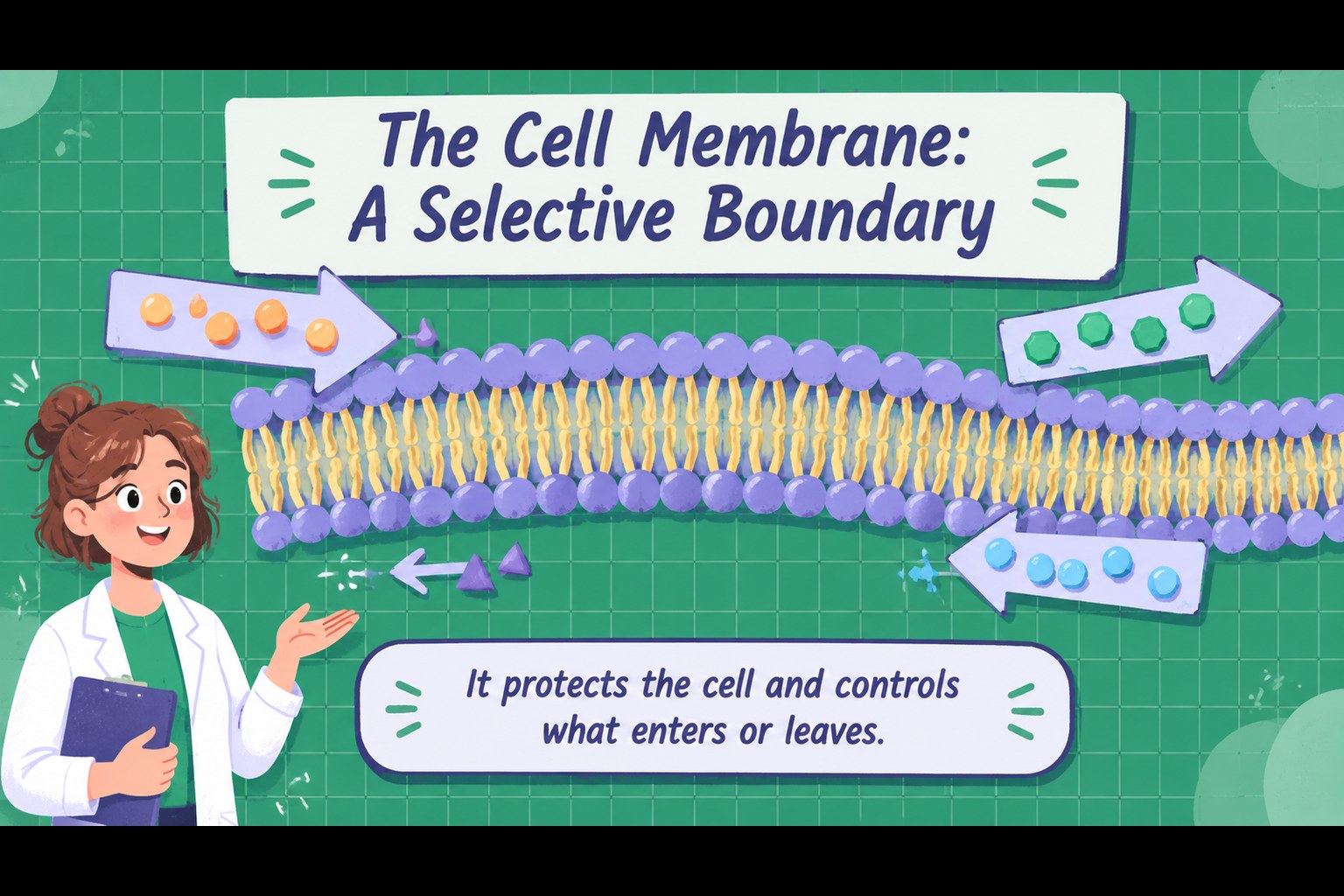
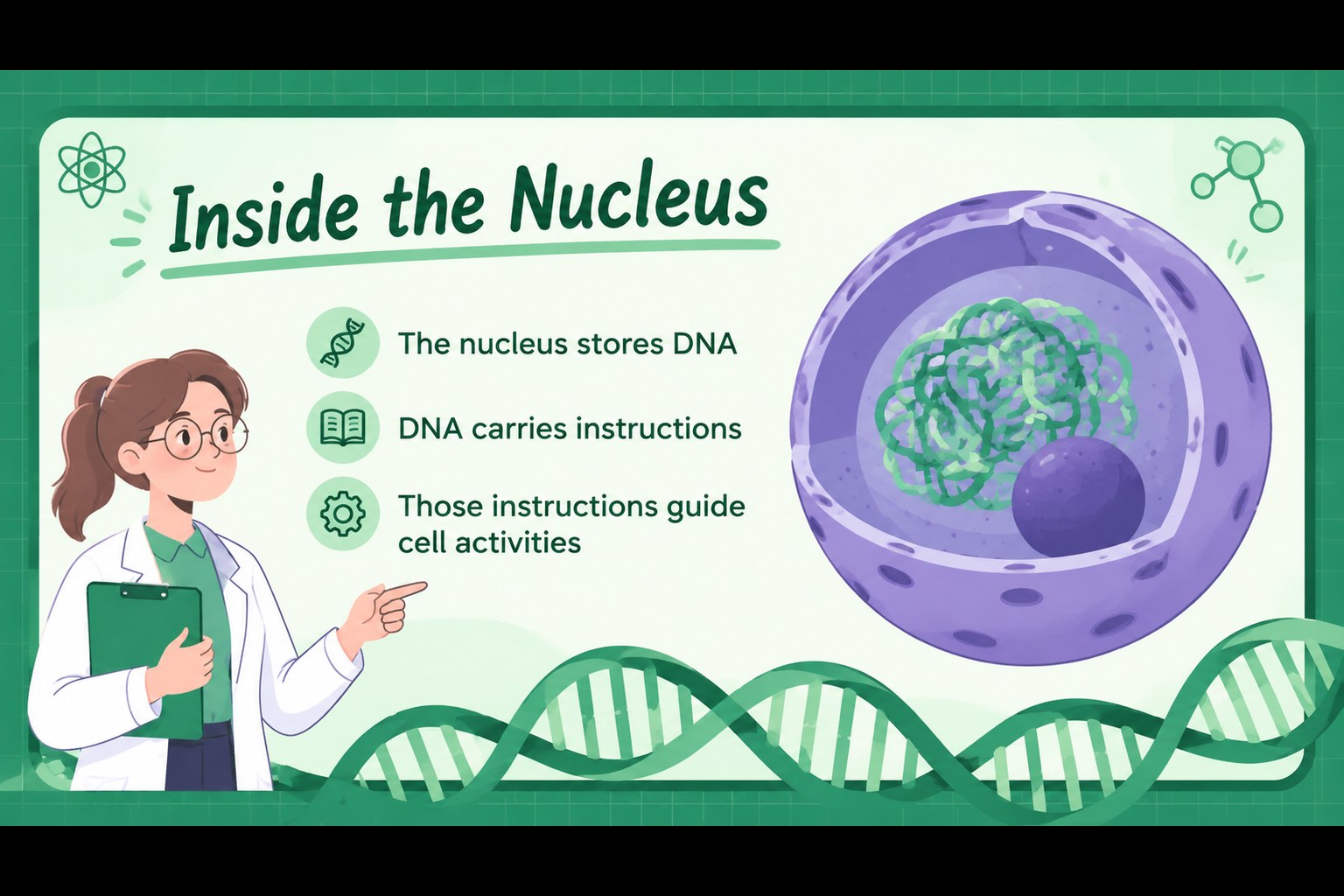
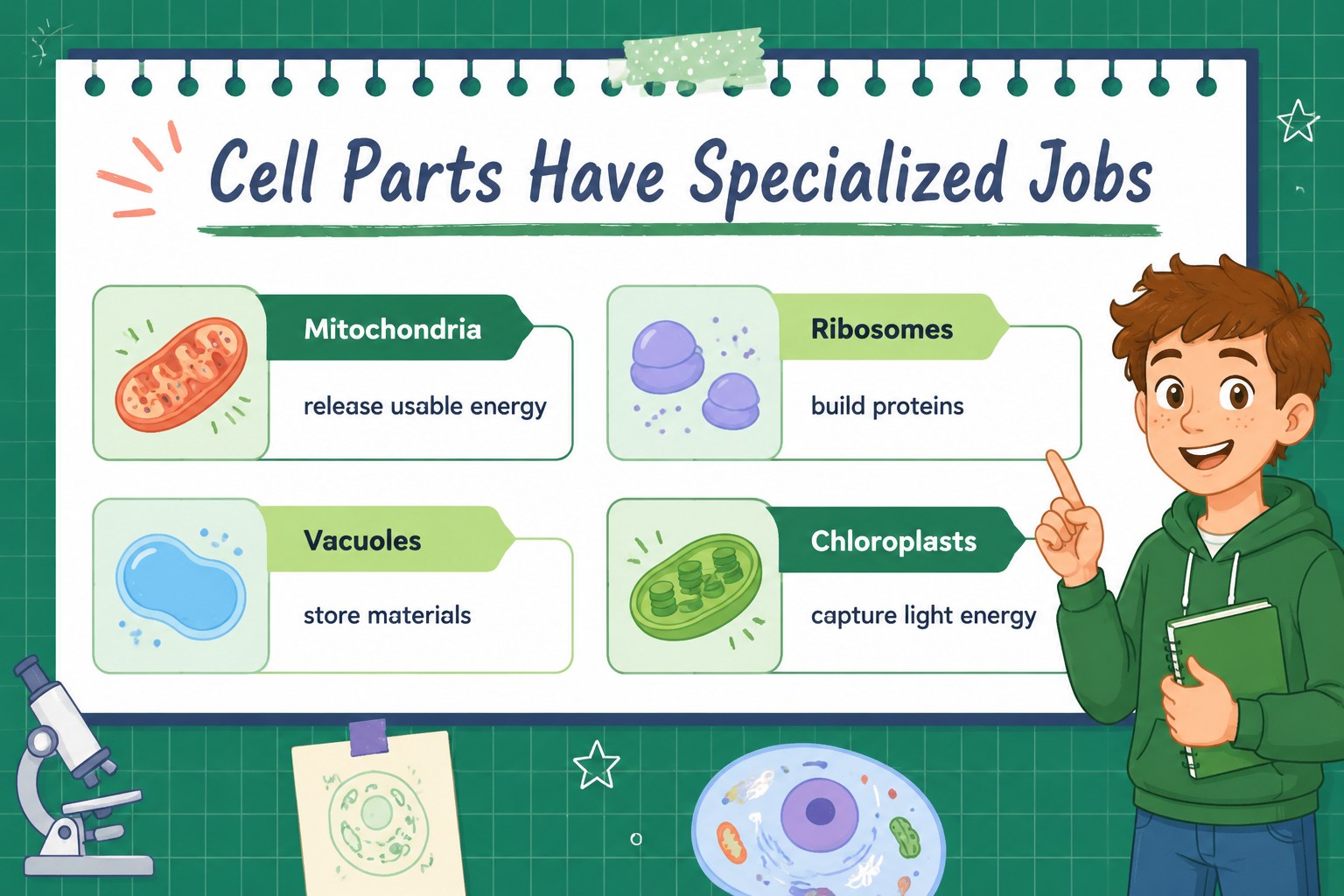
Make microscopic science easier to understand with Middle School Cell Biology Slides, a green illustrated deck for teachers introducing the foundations of life science. The visual layouts help students connect cell parts, biological functions, and key discoveries through clear explanations and memorable diagrams.
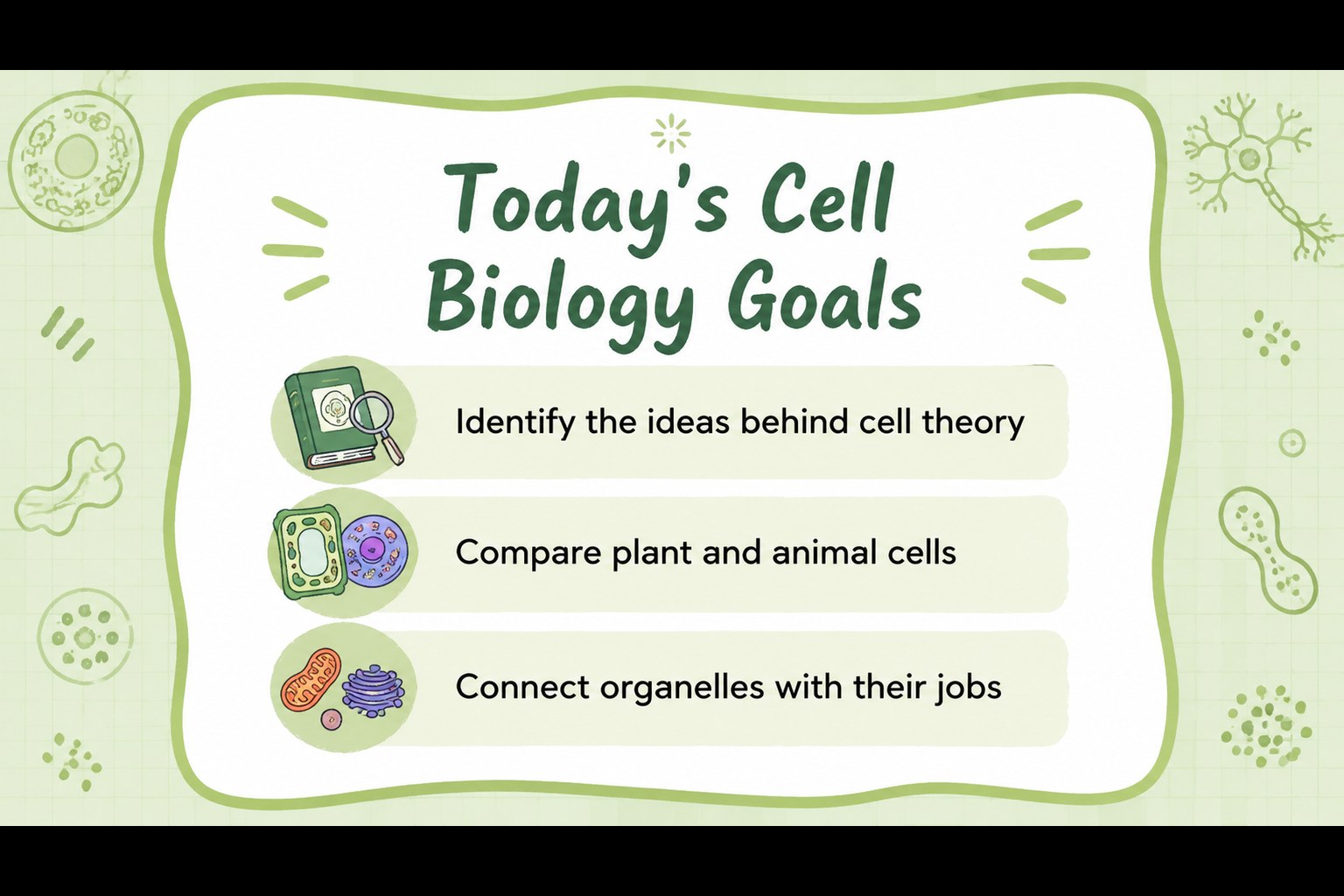
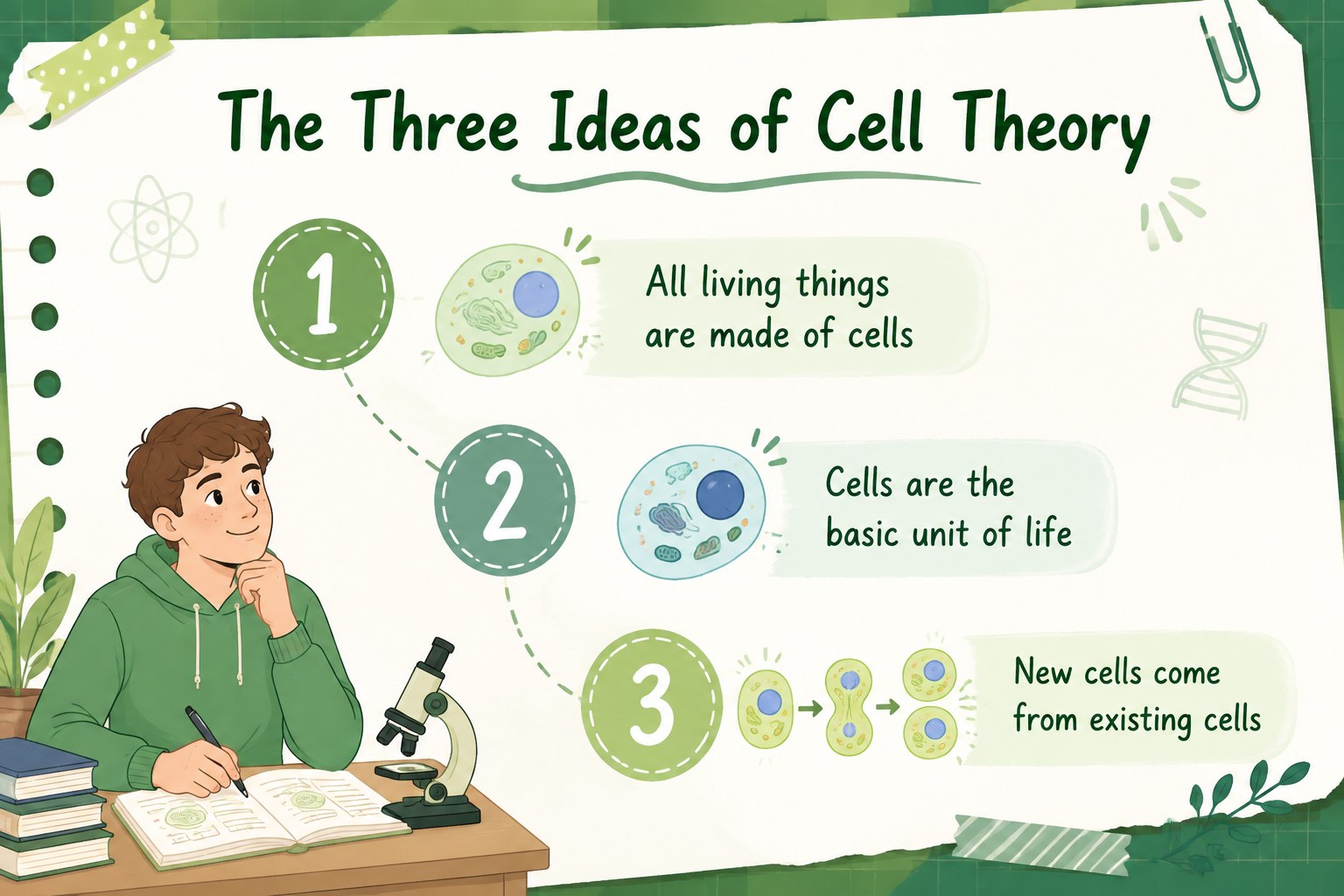
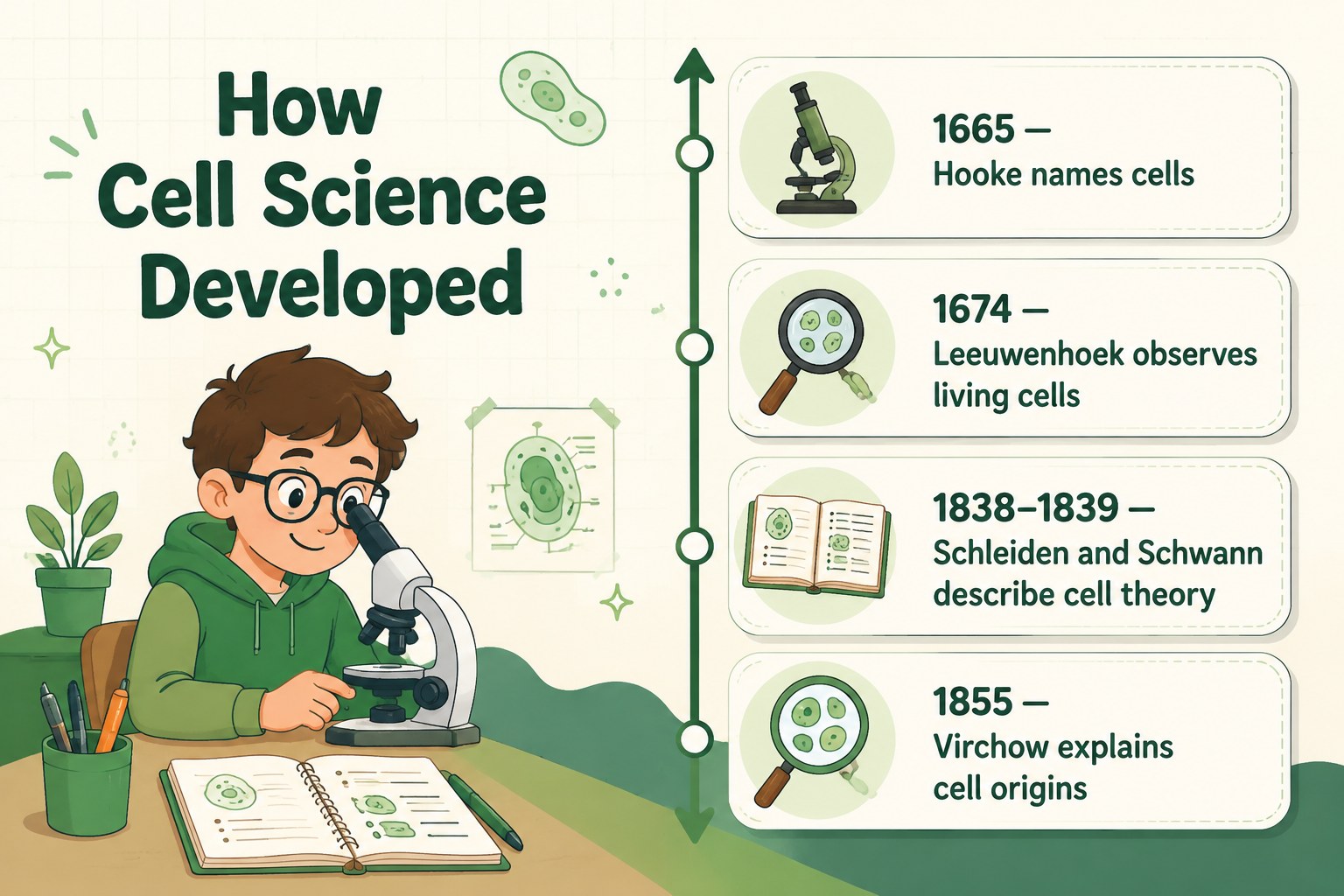
Inside, you’ll find 15 editable 16:9 slides for a complete classroom sequence: an engaging cover, learning goals, cell theory overview, historical milestones, plant and animal cell comparisons, organelle explanations, structure-and-function diagrams, review questions, and a closing summary. Doodles, notebook-inspired details, simple shapes, and green accents create an approachable look while keeping the information easy to scan. Use the layouts for teacher-led instruction, student presentations, group review, or an independent biology assignment.
These middle school cell biology slides work well for science teachers, tutors, homeschool instructors, and educators preparing a biology unit. Update the text, add local curriculum standards, replace diagrams, or include your own class activities. The template is compatible with PowerPoint and Google Slides, so you can adapt the deck to your existing teaching workflow and present it online or in person.
Perfect for: middle school biology unit; cell organelle review lesson; teacher-led science presentation; homeschool life science class; student biology project.
Frequently asked questions
Can I edit these slides in PowerPoint? Yes. The presentation can be downloaded as a PowerPoint file and edited with standard text, shape, image, and color tools. Replace examples or add curriculum-specific notes to match your class.
Practical details
Yes. The presentation can be downloaded as a PowerPoint file and edited with standard text, shape, image, and color tools. Replace examples or add curriculum-specific notes to match your class.
Yes, you can open and edit the deck in Google Slides. This makes it practical for remote teaching, shared classroom projects, and browser-based preparation.
Yes. Change the accent colors, fonts, illustrations, and wording while keeping the existing visual system. You can also add diagrams or activities for a specific grade level.
The deck covers cell theory, historical discoveries, plant and animal cells, major organelles, and the relationship between structure and function. It also includes review and summary layouts.
Keep exploring
15Build stronger academic arguments with a college essay thesis builder featuring guided examples, revision prompts, and editable PowerPoint and Google Slides.
 15
15Build an engaging World UFO Day session with this flying saucer history lesson deck, featuring retro green-and-brown slides for PowerPoint and Google Slides.
 14
14Plan a memorable Lunar New Year campaign with the 2036 Dragon Year Celebration Theme, featuring bold red-and-yellow slides for lessons and events.
 15
15Build a thoughtful classroom discussion with this interfaith awareness lesson deck, featuring editable blue-and-white slides for PowerPoint and Google Slides.
 15
15Use this environmental awareness lesson deck to teach climate action through illustrated activities, discussion prompts, and ready-to-edit visuals.
 15
15Build playful lessons and party stories with a kid-friendly zombie celebration theme in purple, green and pastel blue for PowerPoint and Google Slides.
 15
15Build eerie lessons, campaigns, and story pitches with an undead survival scenario theme featuring editable slides for PowerPoint and Google Slides.
 16
16Turn environmental research into a clear story with a Watercolor Ecology Presentation Theme for PowerPoint and Google Slides in calming green and blue.