
 15
15presentation
College Essay Thesis Builder Slides
Build stronger academic arguments with a college essay thesis builder featuring guided examples, revision prompts, and editable PowerPoint and Google Slides.
Google SlidesPowerPoint
presentation · English
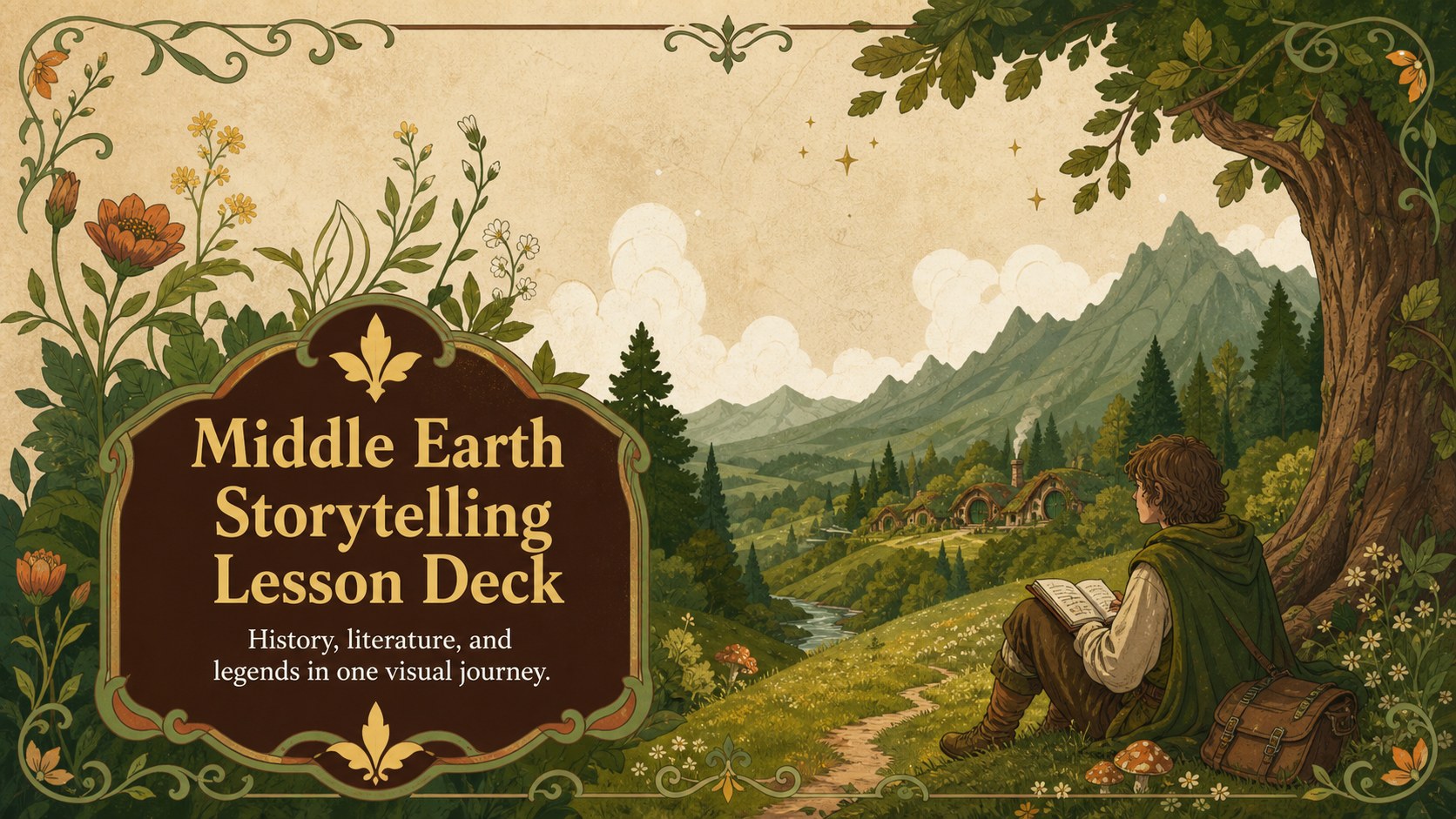
Build an engaging middle earth storytelling lesson deck for history or literature classes with editable PowerPoint and Google Slides layouts in green and…
Design notes
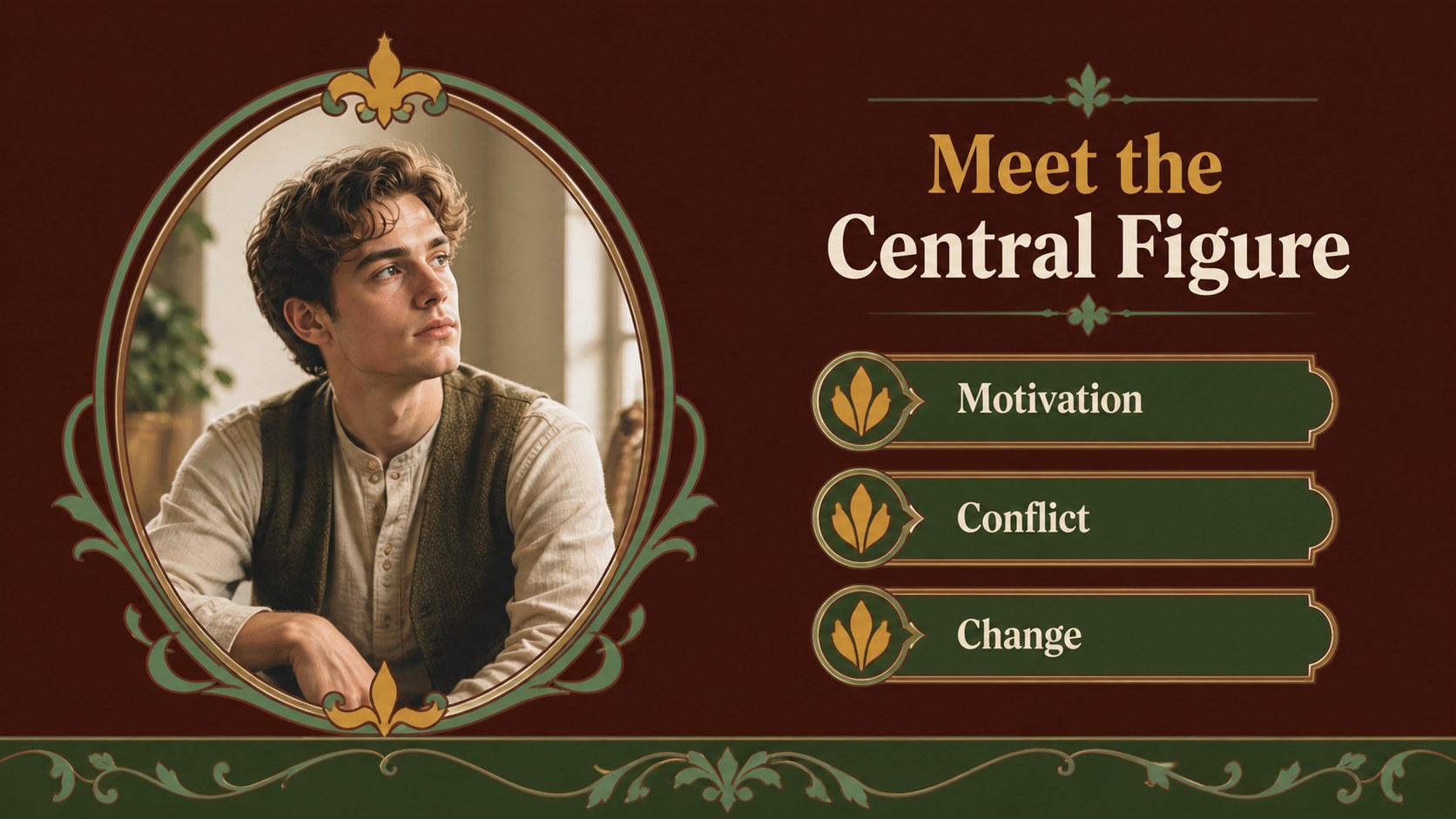
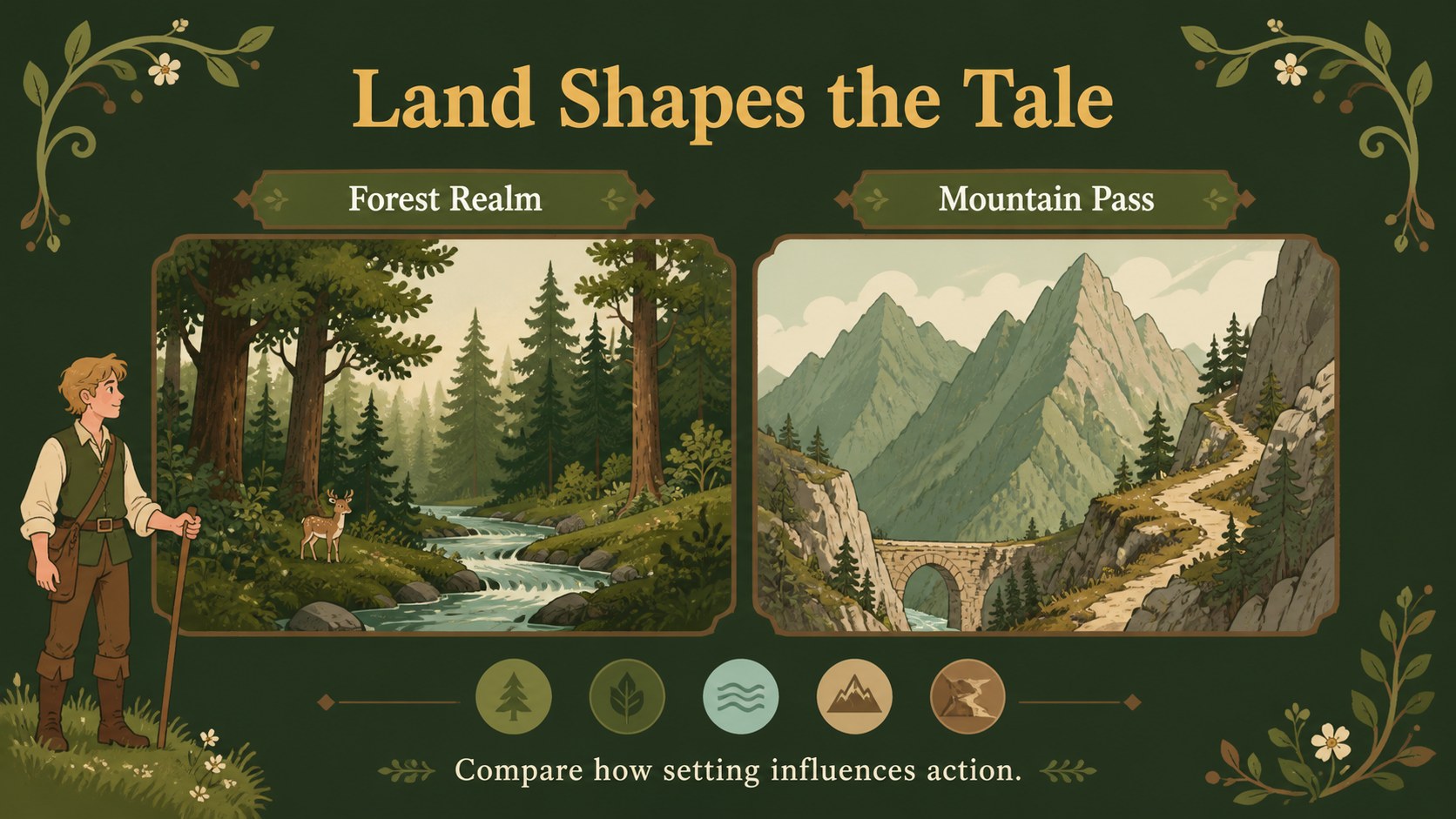
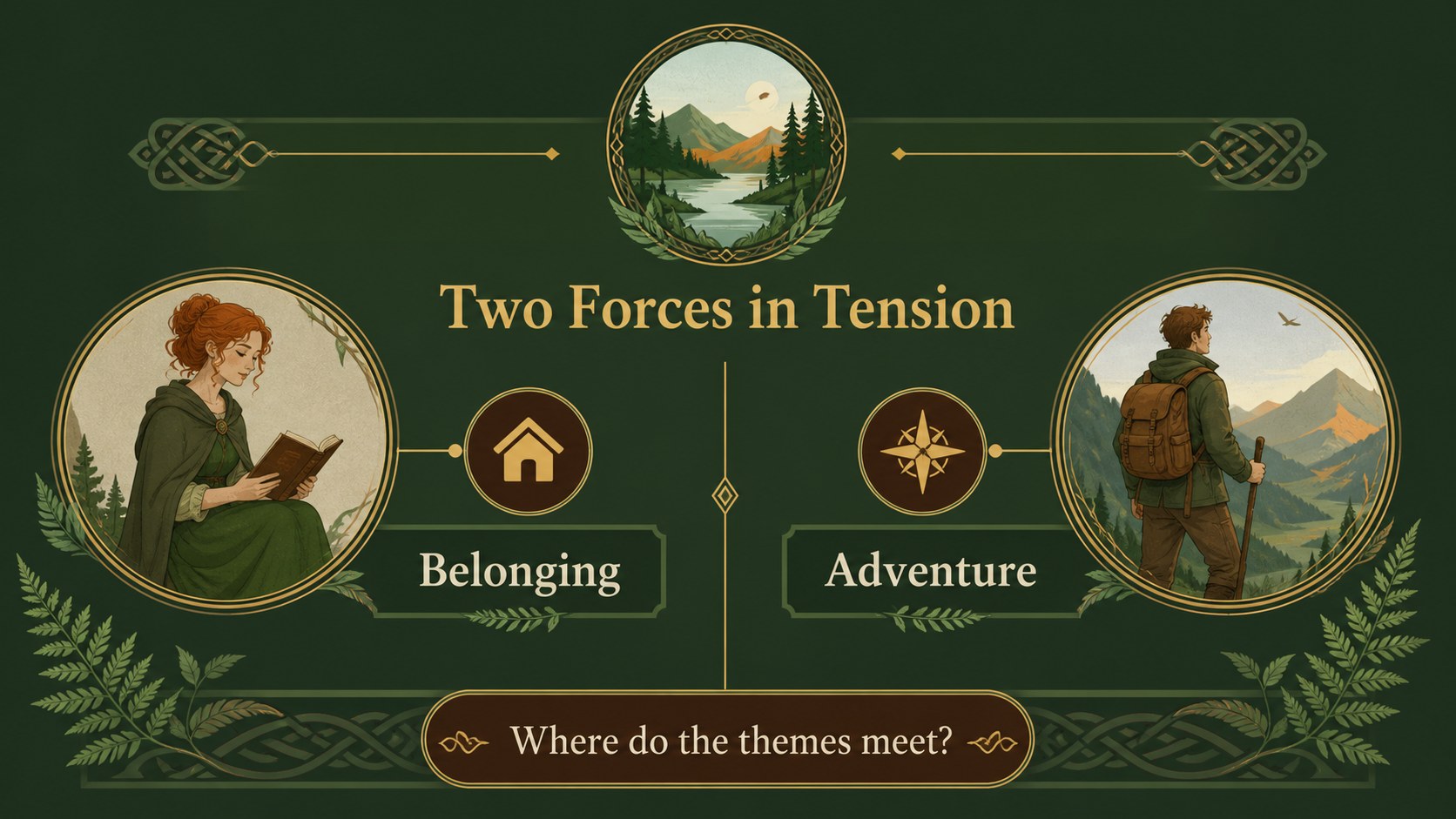
Bring legends, landscapes, and historical context together in a middle earth storytelling lesson deck designed for memorable classroom presentations. The green and brown palette, botanical illustrations, and Art Nouveau-inspired details create a warm medieval fantasy atmosphere without sacrificing readability. Use it to introduce a literary world, explain a historical period, compare characters, or guide students through a creative research project.
Inside, you will find more than 25 adaptable slide layouts, including a cover, agenda, chapter dividers, text sections, image frames, comparison pages, timelines, quote layouts, map-style compositions, and closing slides. Charts, lines, shapes, and editable text areas make it easy to organize evidence and visual references. The deck works with PowerPoint and Google Slides, and animations or transitions can be adjusted to suit your teaching style.
This resource is made for middle and high school teachers, literature instructors, history educators, homeschool families, and students preparing a fantasy literature presentation. Use the atmospheric design for a medieval history classroom deck, a mythology and folklore lesson, or a structured book report with a storybook visual identity. Replace the sample wording, images, and colors as needed while keeping the distinctive illustrated nature theme.
Perfect for: medieval history lesson; fantasy literature unit; folklore research presentation; book report for secondary students; creative writing workshop; homeschool humanities class.
Frequently asked questions
Can I edit this deck in PowerPoint? Yes. The presentation is designed for PowerPoint editing, including text, images, shapes, colors, and slide order. You can also save a customized version as a PPTX file for classroom use.
Practical details
Yes. The presentation is designed for PowerPoint editing, including text, images, shapes, colors, and slide order. You can also save a customized version as a PPTX file for classroom use.
Yes, you can open or import the presentation in Google Slides and modify the editable elements there. Check fonts and animations after importing because some effects may behave differently between applications.
Yes. Replace the sample headings, illustrations, and examples with material for history, mythology, folklore, or creative writing. The layouts are flexible enough for lectures, student projects, and visual research summaries.
Yes. You can adjust the green and brown palette, swap the typefaces, and revise decorative elements while preserving the illustrated Art Nouveau character. Use high-contrast text colors when presenting in a bright classroom.
Keep exploring
15Build stronger academic arguments with a college essay thesis builder featuring guided examples, revision prompts, and editable PowerPoint and Google Slides.
 15
15Build an engaging World UFO Day session with this flying saucer history lesson deck, featuring retro green-and-brown slides for PowerPoint and Google Slides.
 14
14Plan a memorable Lunar New Year campaign with the 2036 Dragon Year Celebration Theme, featuring bold red-and-yellow slides for lessons and events.
 15
15Build a thoughtful classroom discussion with this interfaith awareness lesson deck, featuring editable blue-and-white slides for PowerPoint and Google Slides.
 15
15Use this environmental awareness lesson deck to teach climate action through illustrated activities, discussion prompts, and ready-to-edit visuals.
 15
15Build playful lessons and party stories with a kid-friendly zombie celebration theme in purple, green and pastel blue for PowerPoint and Google Slides.
 15
15Build eerie lessons, campaigns, and story pitches with an undead survival scenario theme featuring editable slides for PowerPoint and Google Slides.
 16
16Turn environmental research into a clear story with a Watercolor Ecology Presentation Theme for PowerPoint and Google Slides in calming green and blue.