
 15
15presentation
College Essay Thesis Builder Slides
Build stronger academic arguments with a college essay thesis builder featuring guided examples, revision prompts, and editable PowerPoint and Google Slides.
Google SlidesPowerPoint
presentation · English
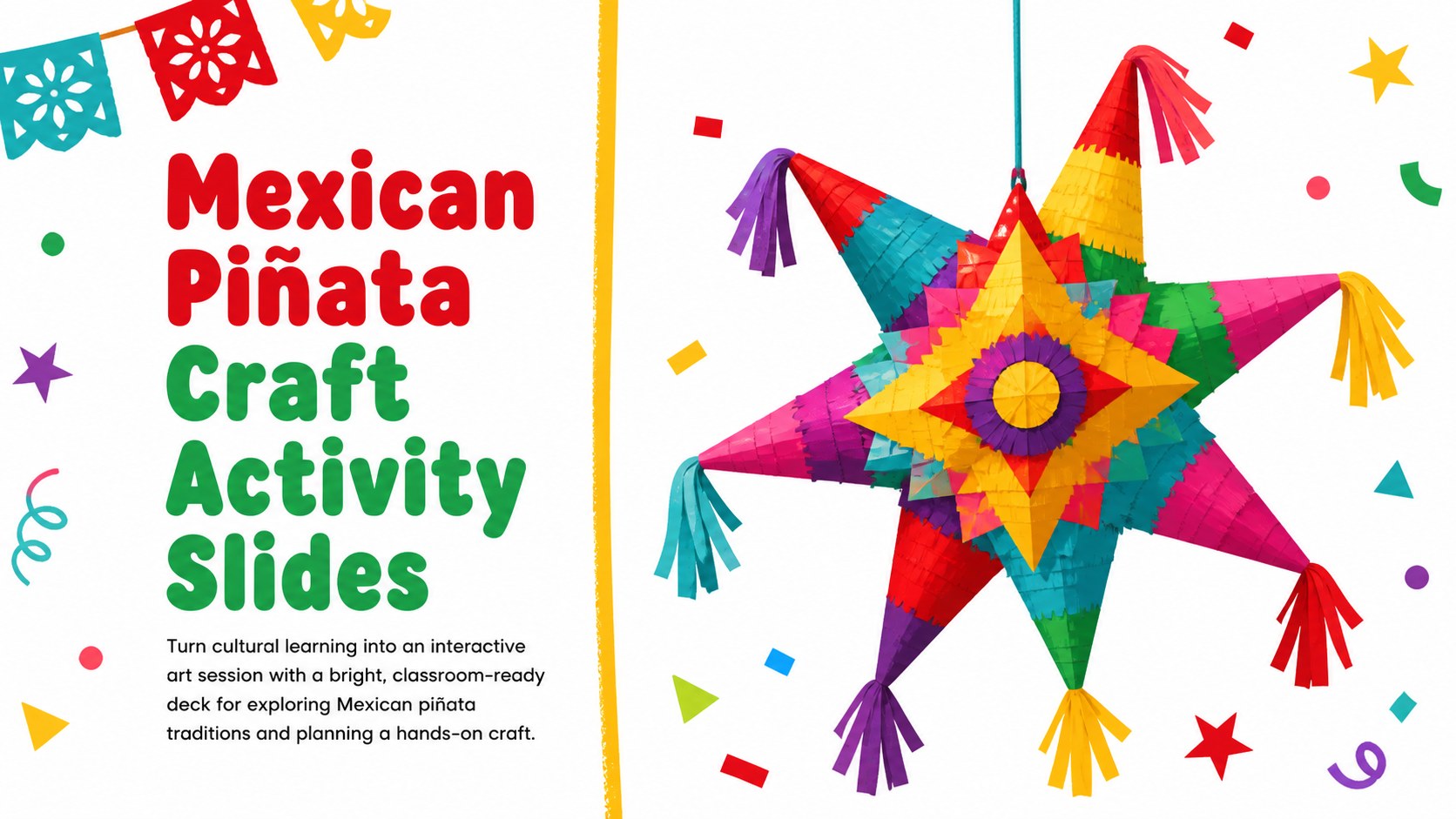
Plan a lively cultural arts lesson with Mexican piñata craft activity slides for PowerPoint and Google Slides, featuring colorful layouts and hands-on…
Design notes
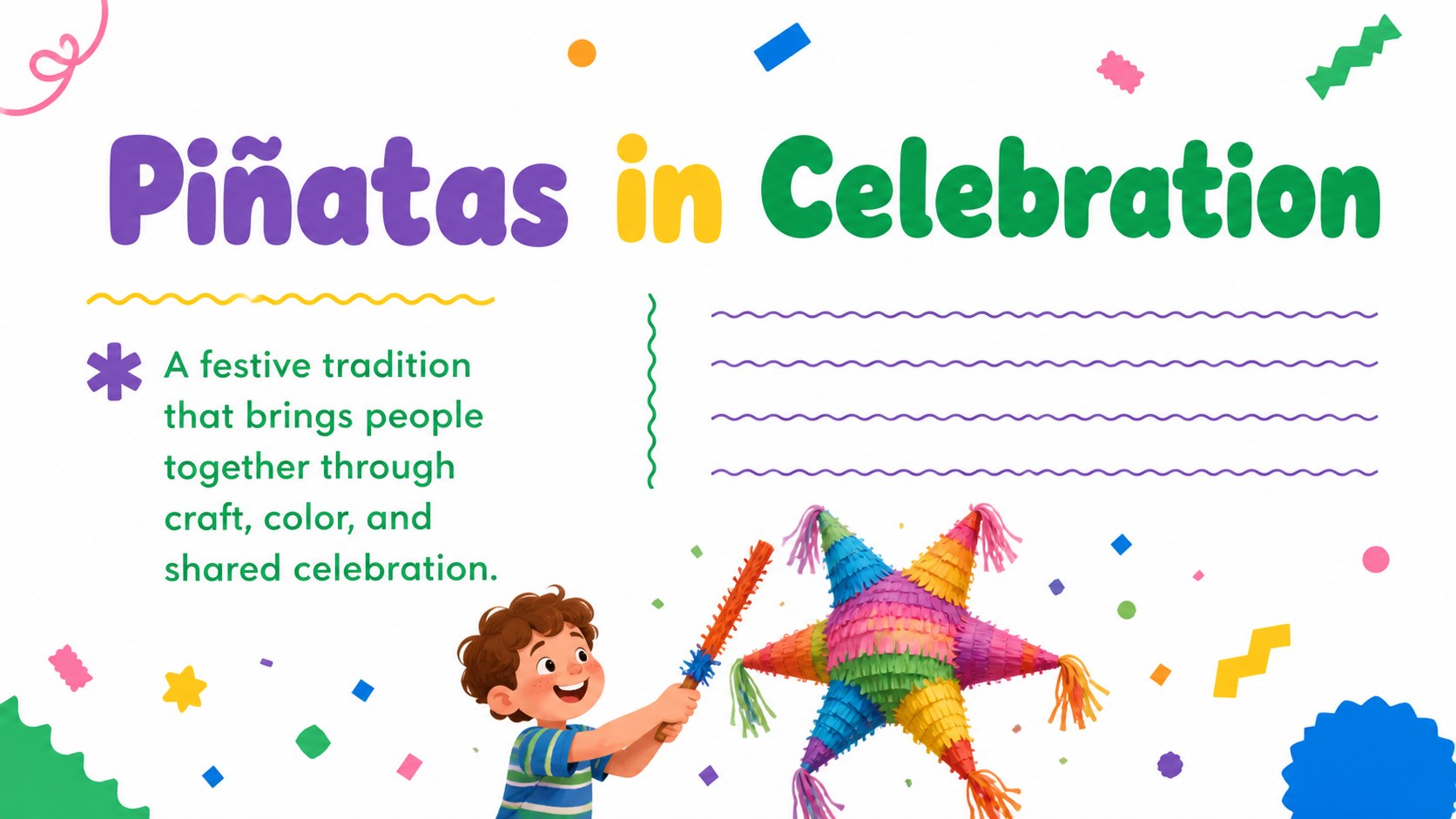
Make cultural learning more interactive with Mexican piñata craft activity slides designed for teachers, workshop leaders, and community educators. The colorful white-based design uses playful shapes, energetic accents, and clear layouts to help students explore a traditional Mexican celebration while preparing for a creative making session.
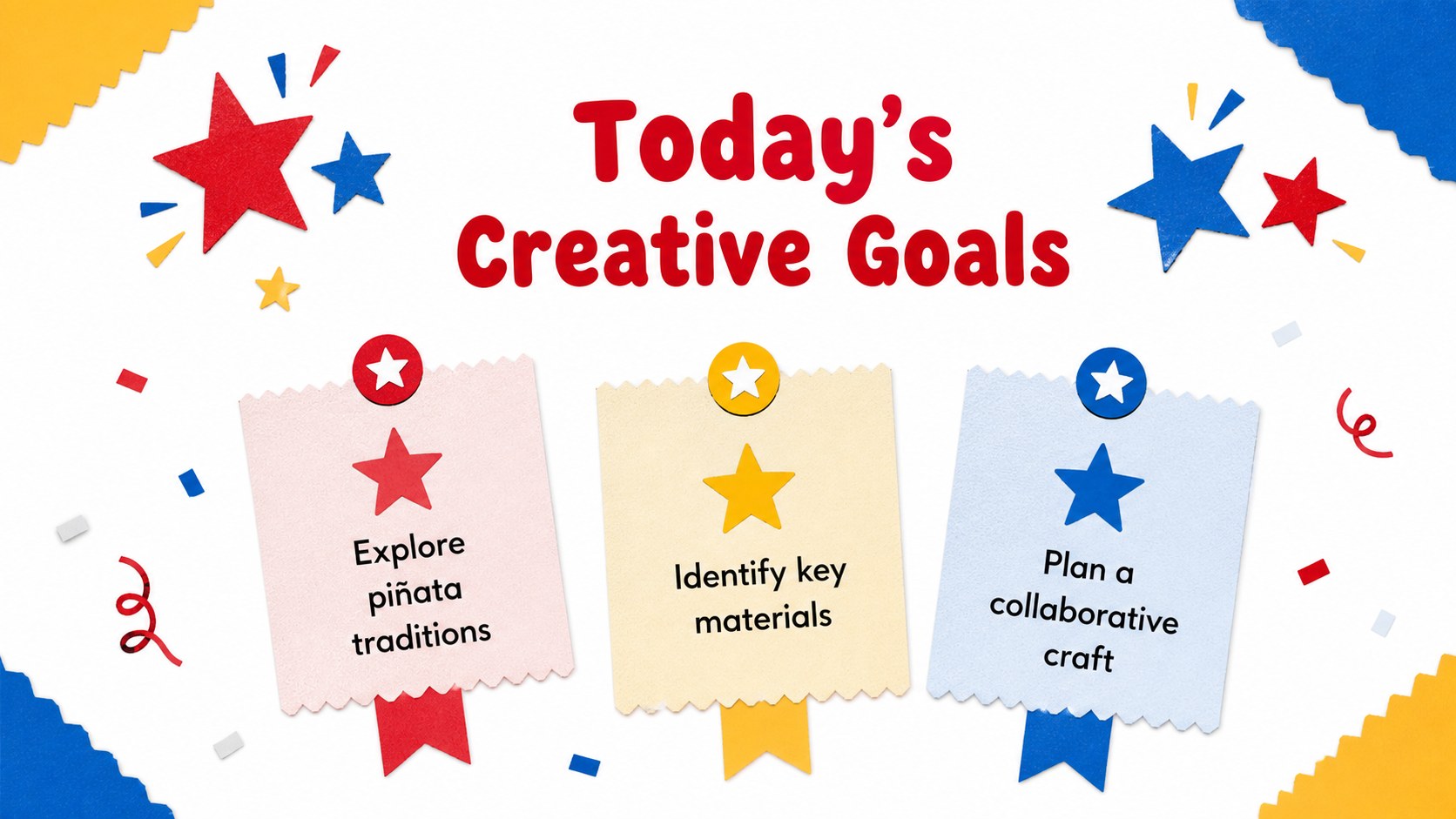
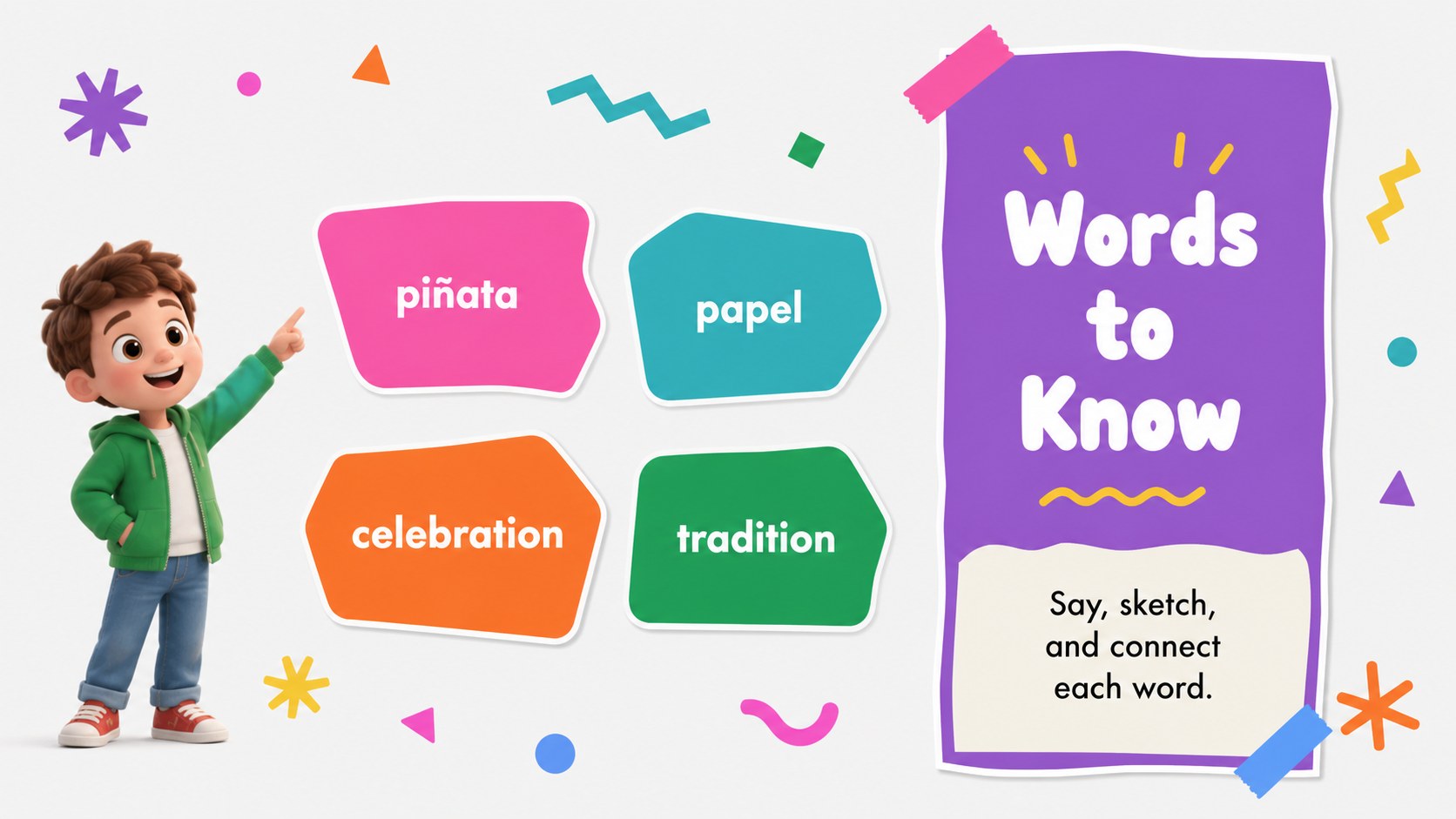
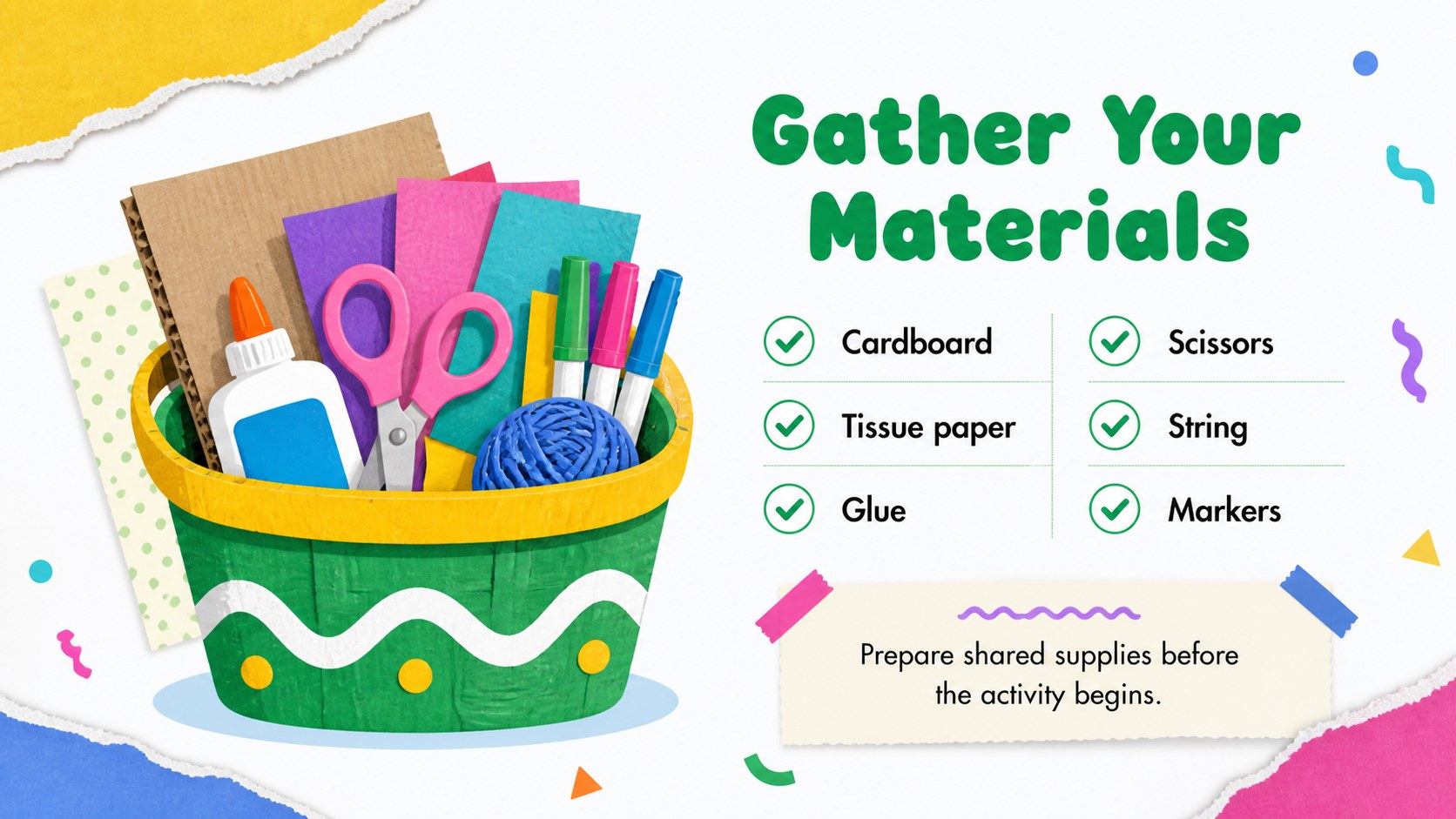
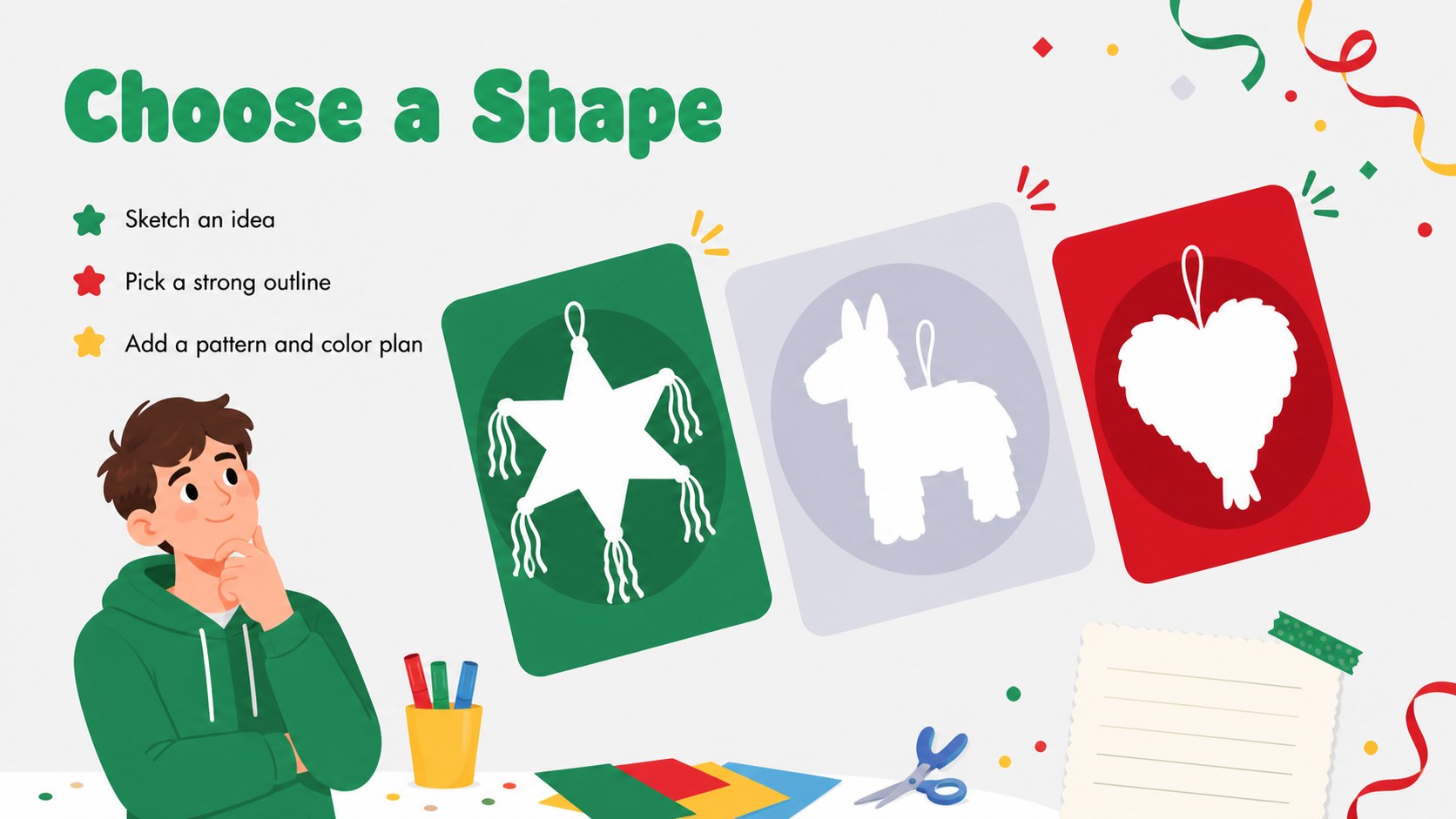
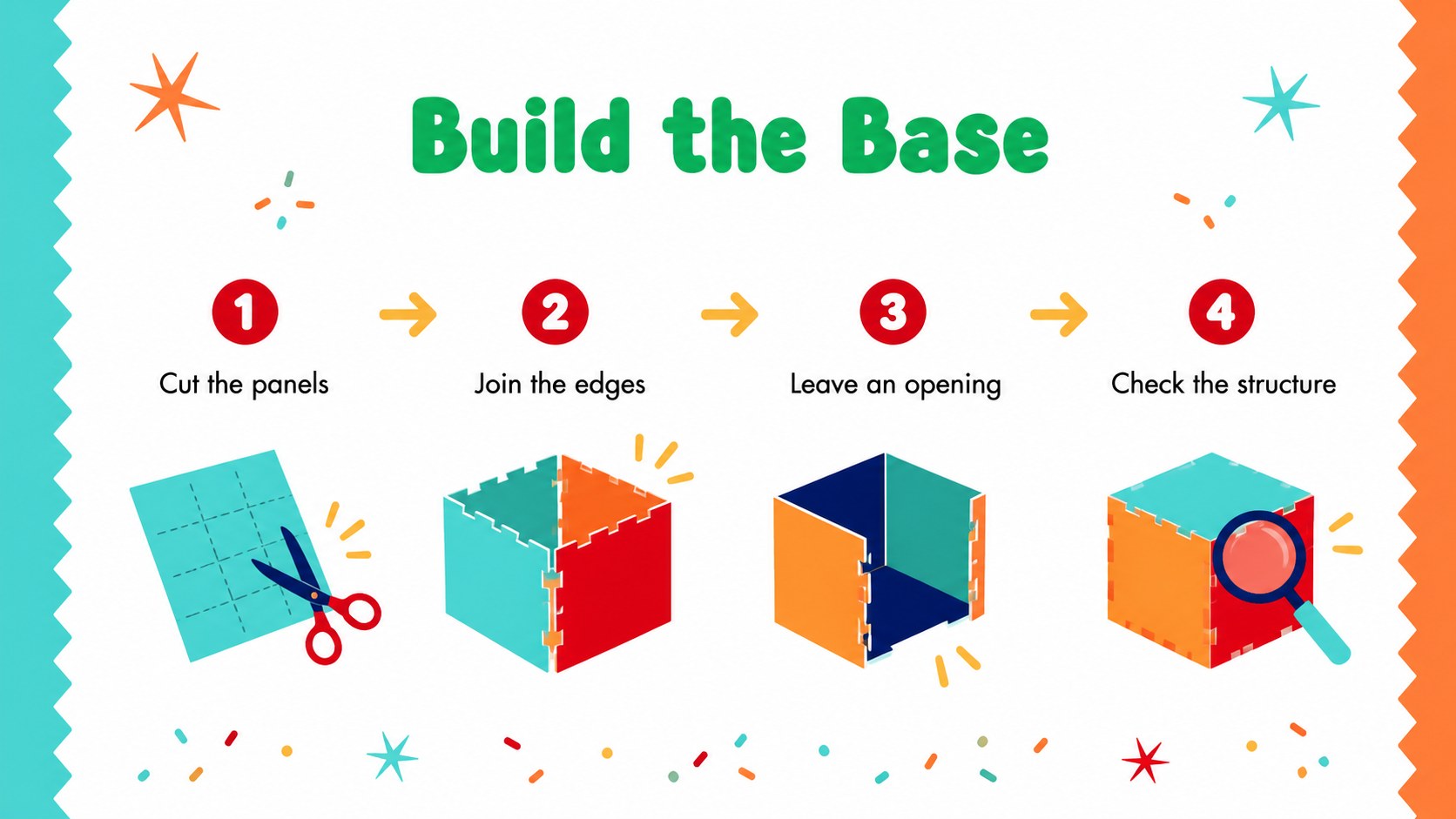
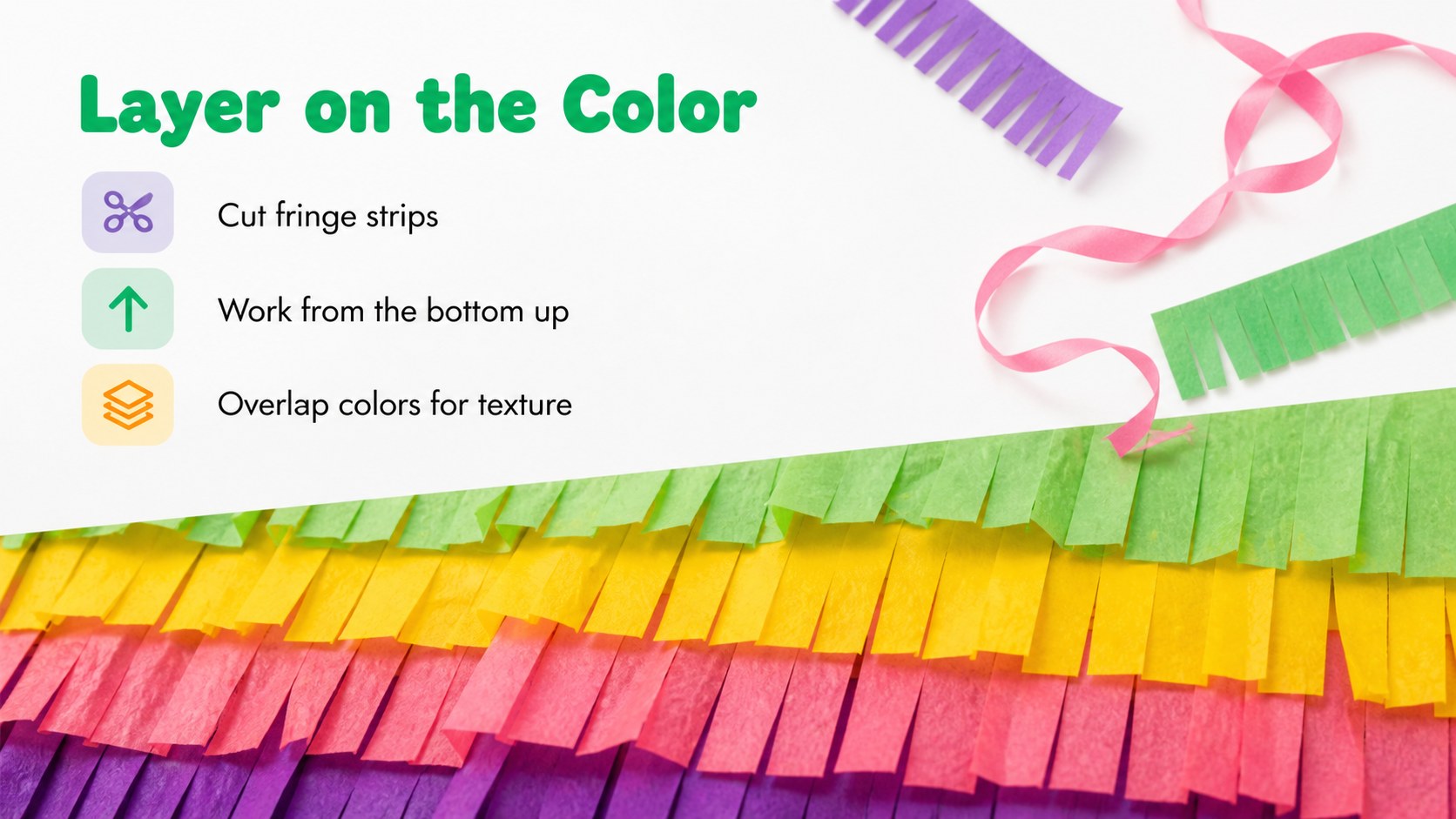
Inside, you will find 15 editable 16:9 slides for introducing the topic, outlining learning goals, presenting cultural context, reviewing materials, explaining construction steps, organizing group work, and reflecting on the finished project. Dedicated layouts can support a classroom craft lesson, Hispanic Heritage Month activity, cultural arts workshop, or family event. Use the deck to add discussion prompts, safety reminders, vocabulary, photos, diagrams, or step-by-step instructions.
The presentation works with PowerPoint and Google Slides, making it simple to adjust text, colors, shapes, images, and lesson details. Teachers can use the Mexican piñata craft lesson template for elementary or middle school activities, while workshop facilitators can adapt the slides for community programming. Add your own examples and timing notes to create a memorable, welcoming session centered on creativity, cultural respect, and collaborative learning.
Perfect for: Hispanic Heritage Month classroom lesson; Elementary cultural arts project; Community craft workshop; Family cultural celebration; After-school creative activity.
Frequently asked questions
Can I edit these slides in PowerPoint? Yes. The deck can be opened and customized in PowerPoint. You can change the wording, add images, adjust the colors, and rearrange the activity sequence.
Practical details
Yes. The deck can be opened and customized in PowerPoint. You can change the wording, add images, adjust the colors, and rearrange the activity sequence.
Yes, it is suitable for Google Slides as well as PowerPoint. Import the presentation into Google Drive, then edit the text, shapes, images, and layout elements online.
Use it for a cultural arts lesson, a Hispanic Heritage Month activity, or a guided piñata-making workshop. The layouts support background information, materials lists, process steps, group instructions, and reflection questions.
Yes. Simplify the vocabulary and instructions for younger learners, or add research prompts and cultural discussion questions for older students. The editable layouts let you tailor the pacing and level of detail.
Keep exploring
15Build stronger academic arguments with a college essay thesis builder featuring guided examples, revision prompts, and editable PowerPoint and Google Slides.
 15
15Build an engaging World UFO Day session with this flying saucer history lesson deck, featuring retro green-and-brown slides for PowerPoint and Google Slides.
 14
14Plan a memorable Lunar New Year campaign with the 2036 Dragon Year Celebration Theme, featuring bold red-and-yellow slides for lessons and events.
 15
15Build a thoughtful classroom discussion with this interfaith awareness lesson deck, featuring editable blue-and-white slides for PowerPoint and Google Slides.
 15
15Use this environmental awareness lesson deck to teach climate action through illustrated activities, discussion prompts, and ready-to-edit visuals.
 15
15Build playful lessons and party stories with a kid-friendly zombie celebration theme in purple, green and pastel blue for PowerPoint and Google Slides.
 15
15Build eerie lessons, campaigns, and story pitches with an undead survival scenario theme featuring editable slides for PowerPoint and Google Slides.
 16
16Turn environmental research into a clear story with a Watercolor Ecology Presentation Theme for PowerPoint and Google Slides in calming green and blue.