
 15
15presentation
College Essay Thesis Builder Slides
Build stronger academic arguments with a college essay thesis builder featuring guided examples, revision prompts, and editable PowerPoint and Google Slides.
Google SlidesPowerPoint
presentation · English
Create a merdeka celebration deck for Malaysia Independence Day with a calm gray-and-blue layout for lessons, events, timelines, and team briefings.


Design notes
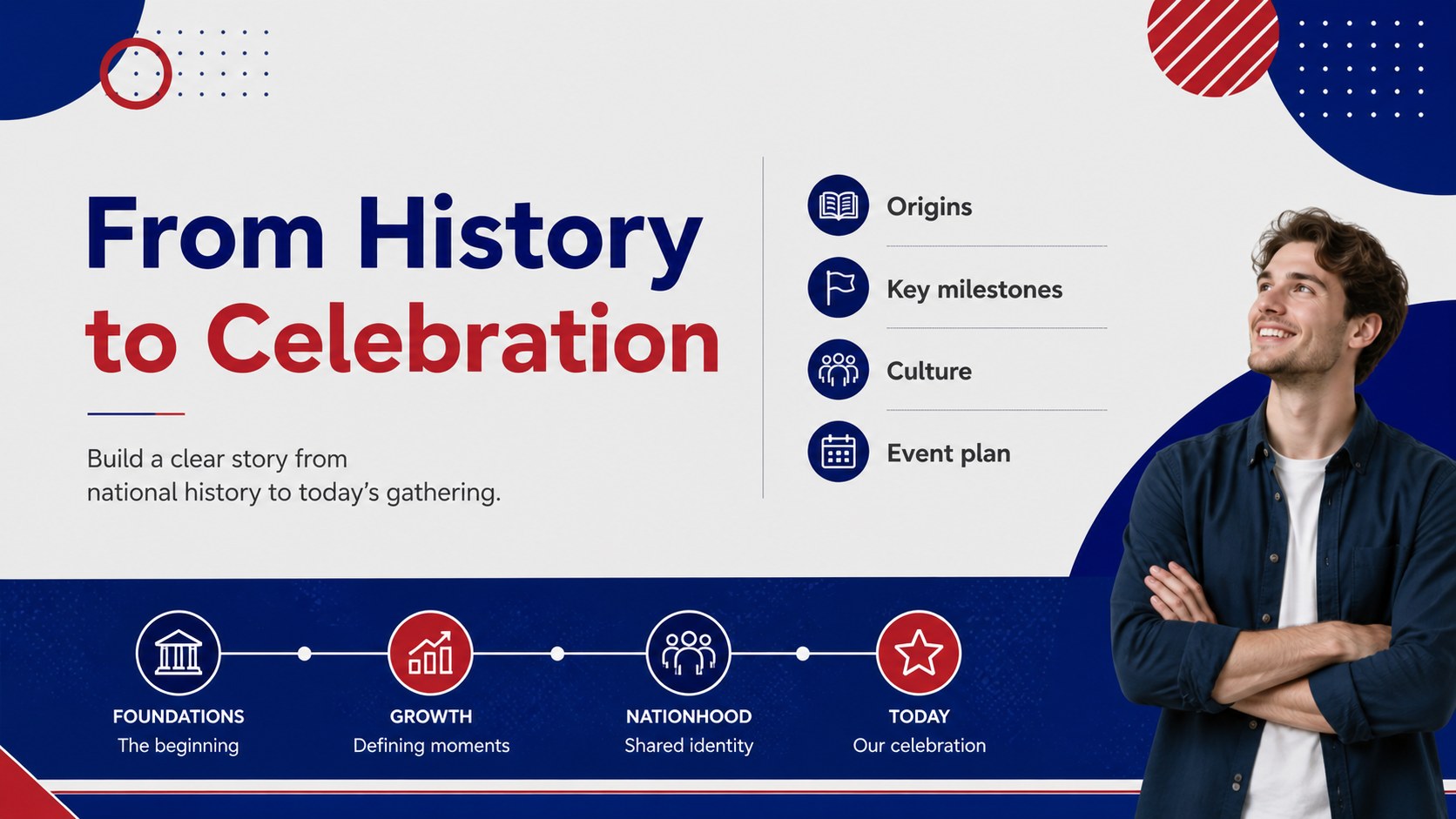
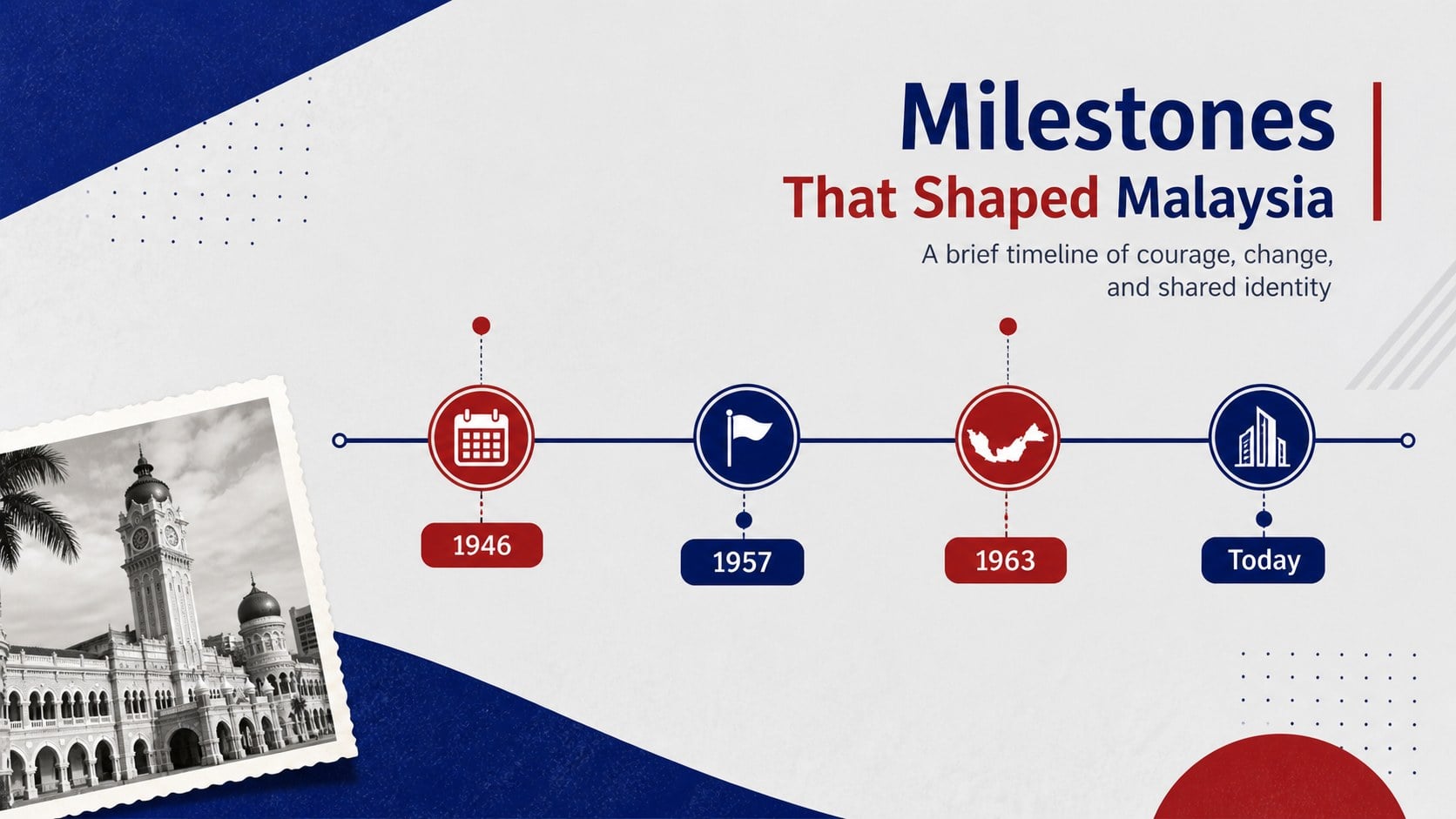
This merdeka celebration deck gives educators, event organizers, and communication teams a polished way to present Malaysia Independence Day. Its restrained gray-and-blue palette, bold shapes, and clean modern spacing create a respectful visual setting for historical context, cultural highlights, and celebration plans.
The 20-slide, 16:9 layout includes an opening title, agenda, historical overview, key milestones, regional culture sections, event schedule, speaker notes, image-led feature pages, data visuals, and a closing message. Use it for Malaysia Independence Day lesson slides, a Merdeka event presentation, or Malaysia history timeline slides. Replace the sample text, photos, charts, and icons to match your audience and occasion.
The template works well for primary and secondary classrooms, community programs, museum talks, office communications, and public event coordination. Every element can be adjusted in PowerPoint or Google Slides, including typography, colors, diagrams, photo frames, and layouts. Add national symbols, local images, presenter details, or participation instructions while keeping the calm visual system intact. The deck is designed for clear storytelling and easy reuse across educational, civic, and corporate settings.
Perfect for: school history lesson; Merdeka community event; museum cultural talk; office national day briefing; public celebration schedule.
Frequently asked questions
Can I edit this deck in PowerPoint? Yes. The slides are designed for PowerPoint and can be customized with your own text, photos, colors, charts, and speaker details. You can also rearrange or duplicate layouts for a longer presentation.
Practical details
Yes. The slides are designed for PowerPoint and can be customized with your own text, photos, colors, charts, and speaker details. You can also rearrange or duplicate layouts for a longer presentation.
Yes, you can use the presentation in Google Slides. After importing it, check fonts, image crops, and transitions, then update the content directly in the browser.
Yes. Replace the historical examples, agenda items, and event schedule with details for your audience. The layouts support lessons, cultural programs, staff briefings, and community celebrations.
You can change the typography, gray-and-blue palette, diagrams, image frames, icons, and page order. Add local photography, speaker information, maps, or participation instructions while preserving the modern structure.
Keep exploring
15Build stronger academic arguments with a college essay thesis builder featuring guided examples, revision prompts, and editable PowerPoint and Google Slides.
 15
15Build an engaging World UFO Day session with this flying saucer history lesson deck, featuring retro green-and-brown slides for PowerPoint and Google Slides.
 14
14Plan a memorable Lunar New Year campaign with the 2036 Dragon Year Celebration Theme, featuring bold red-and-yellow slides for lessons and events.
 15
15Build a thoughtful classroom discussion with this interfaith awareness lesson deck, featuring editable blue-and-white slides for PowerPoint and Google Slides.
 15
15Use this environmental awareness lesson deck to teach climate action through illustrated activities, discussion prompts, and ready-to-edit visuals.
 15
15Build playful lessons and party stories with a kid-friendly zombie celebration theme in purple, green and pastel blue for PowerPoint and Google Slides.
 15
15Build eerie lessons, campaigns, and story pitches with an undead survival scenario theme featuring editable slides for PowerPoint and Google Slides.
 16
16Turn environmental research into a clear story with a Watercolor Ecology Presentation Theme for PowerPoint and Google Slides in calming green and blue.