
 15
15presentation
College Essay Thesis Builder Slides
Build stronger academic arguments with a college essay thesis builder featuring guided examples, revision prompts, and editable PowerPoint and Google Slides.
Google SlidesPowerPoint
presentation · English
Create a calm, practical mental wellbeing awareness workshop with editable PowerPoint and Google Slides layouts in a fresh green and violet style.
Design notes
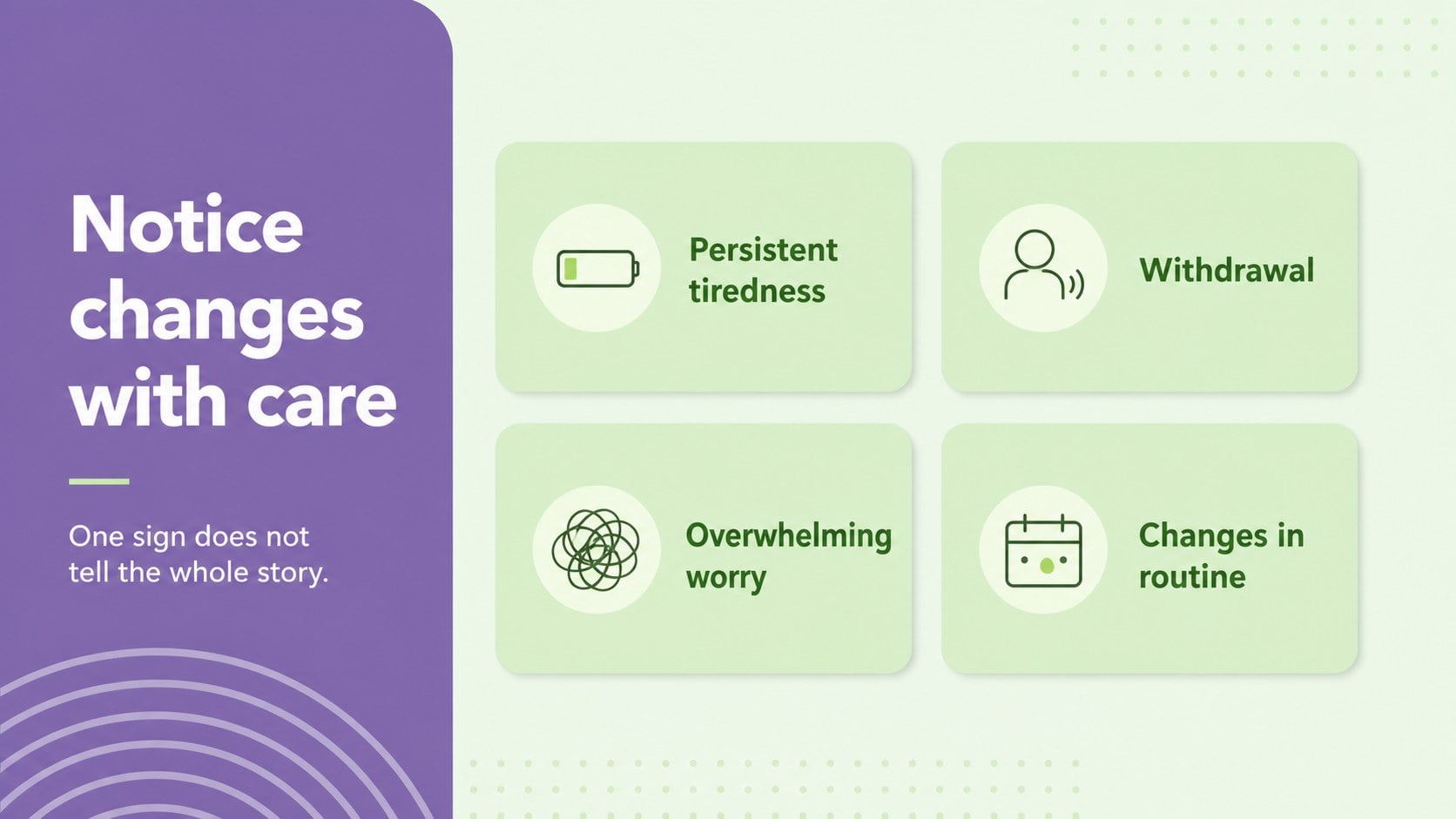
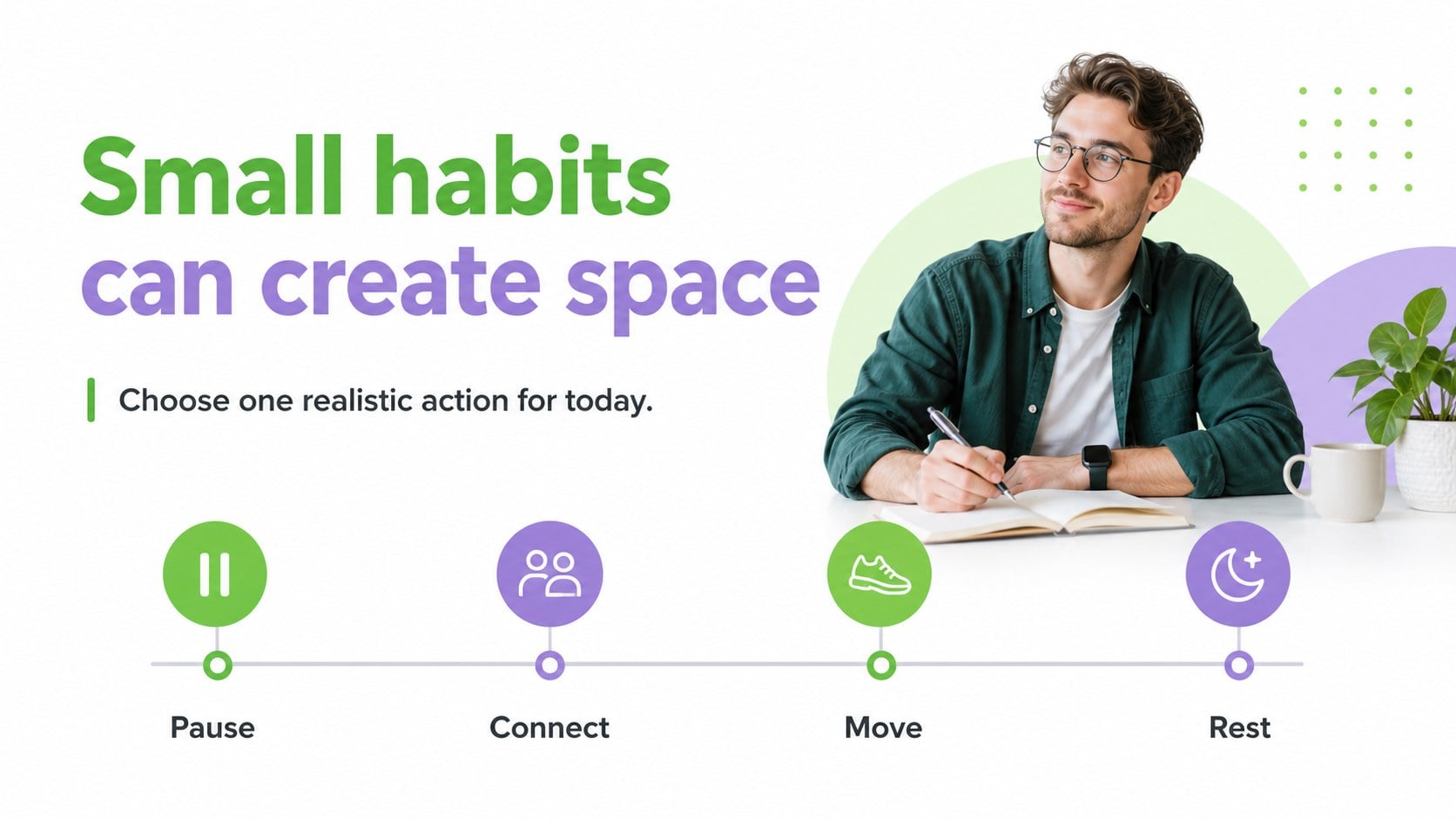
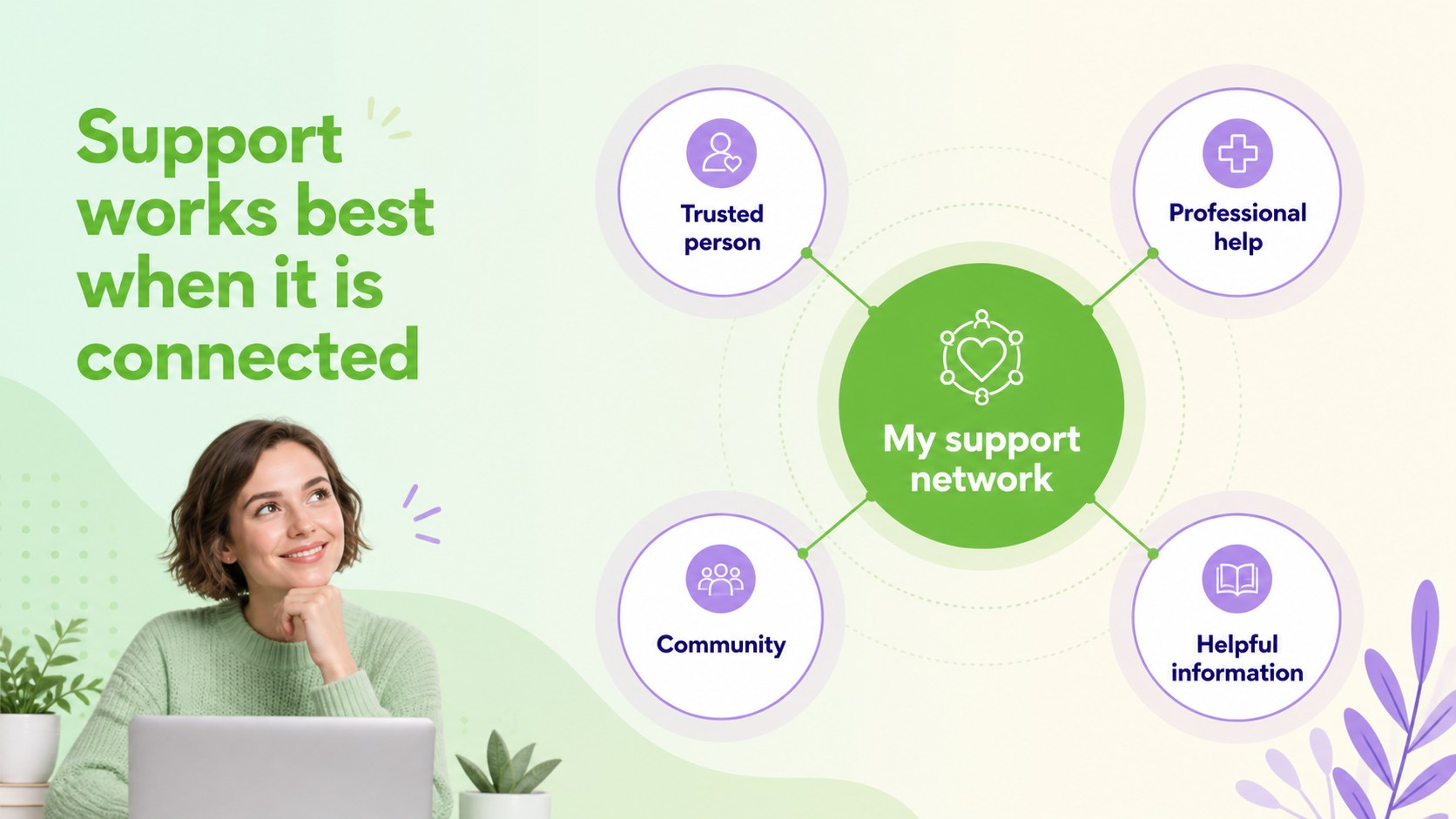
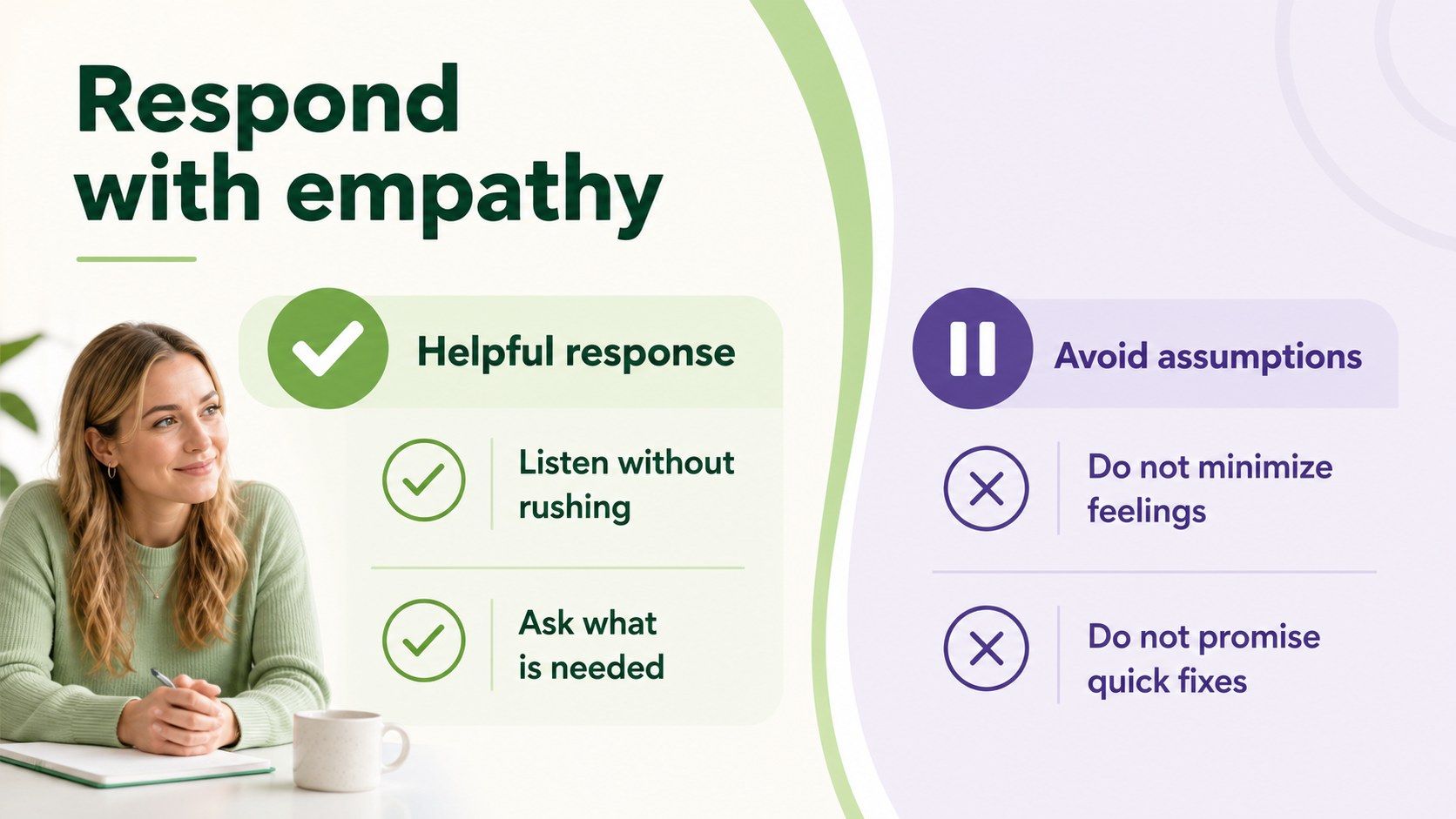
Mental wellbeing deserves a presentation format that feels approachable, structured, and easy to follow. Mental Wellbeing Awareness Workshop Slides gives educators, counselors, healthcare teams, and community organizers a calm visual foundation for conversations about emotional health, support networks, and everyday coping strategies. Its refreshing green and violet palette creates a reassuring atmosphere while the simple layouts keep the message readable.
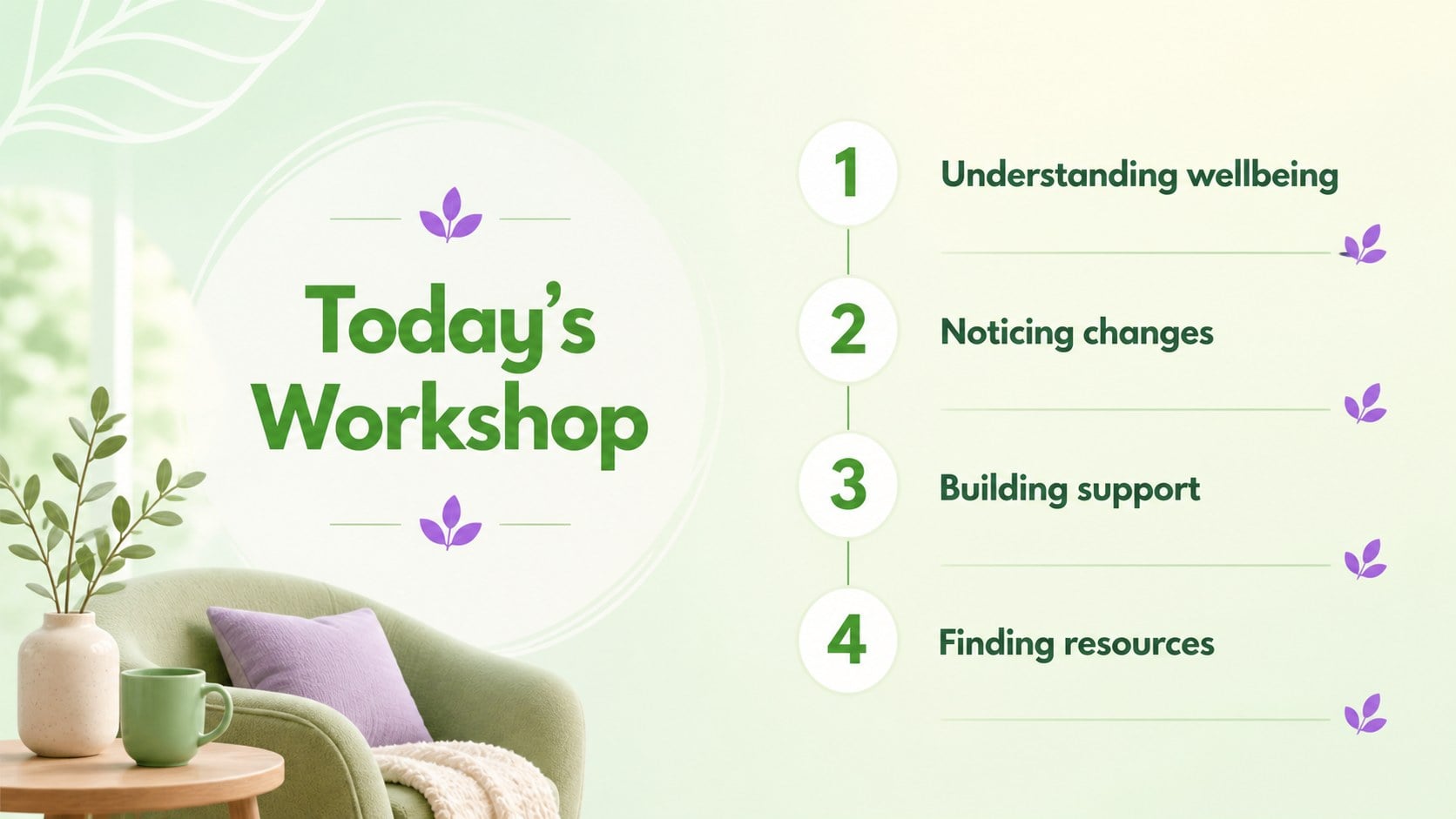
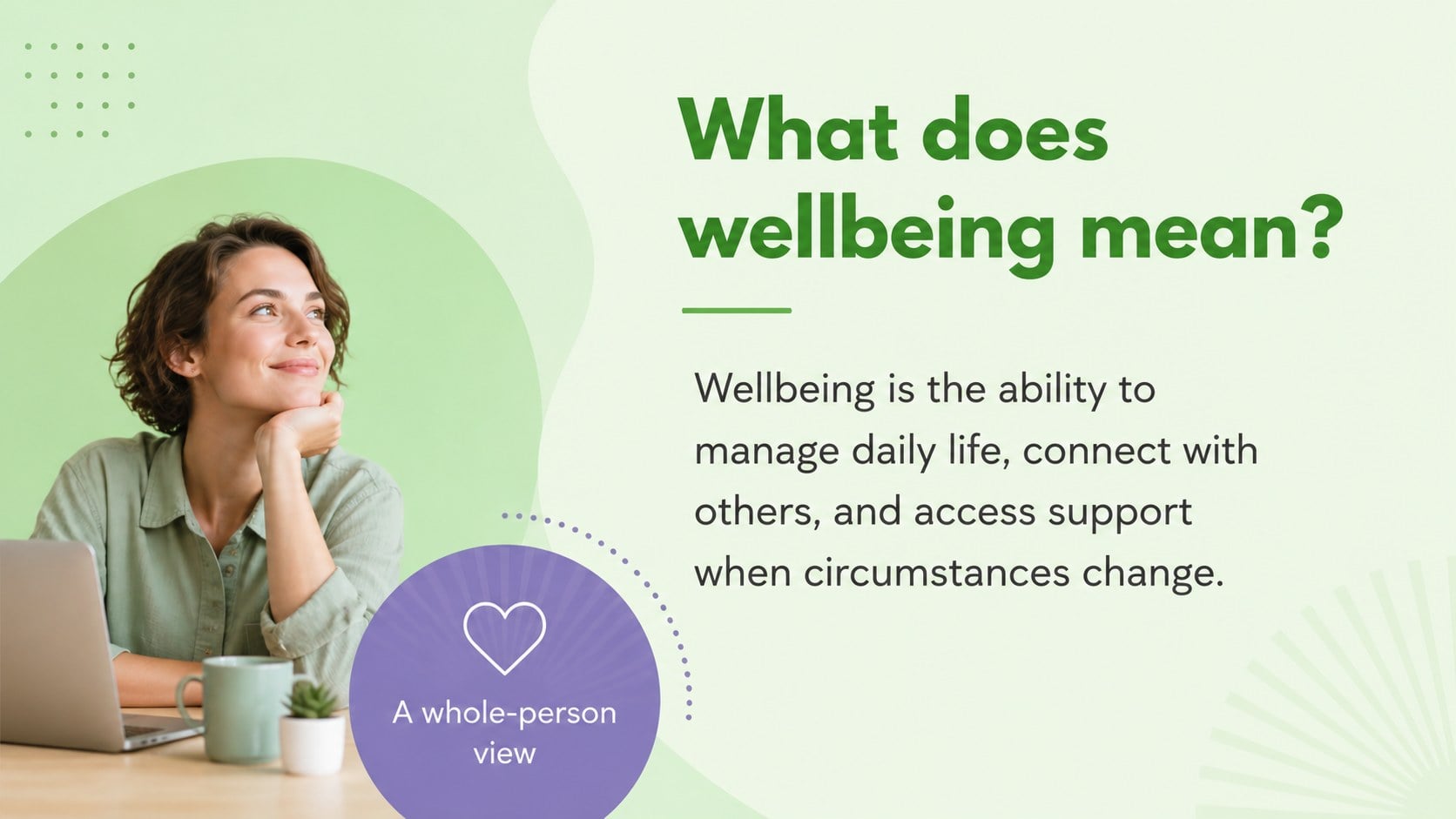
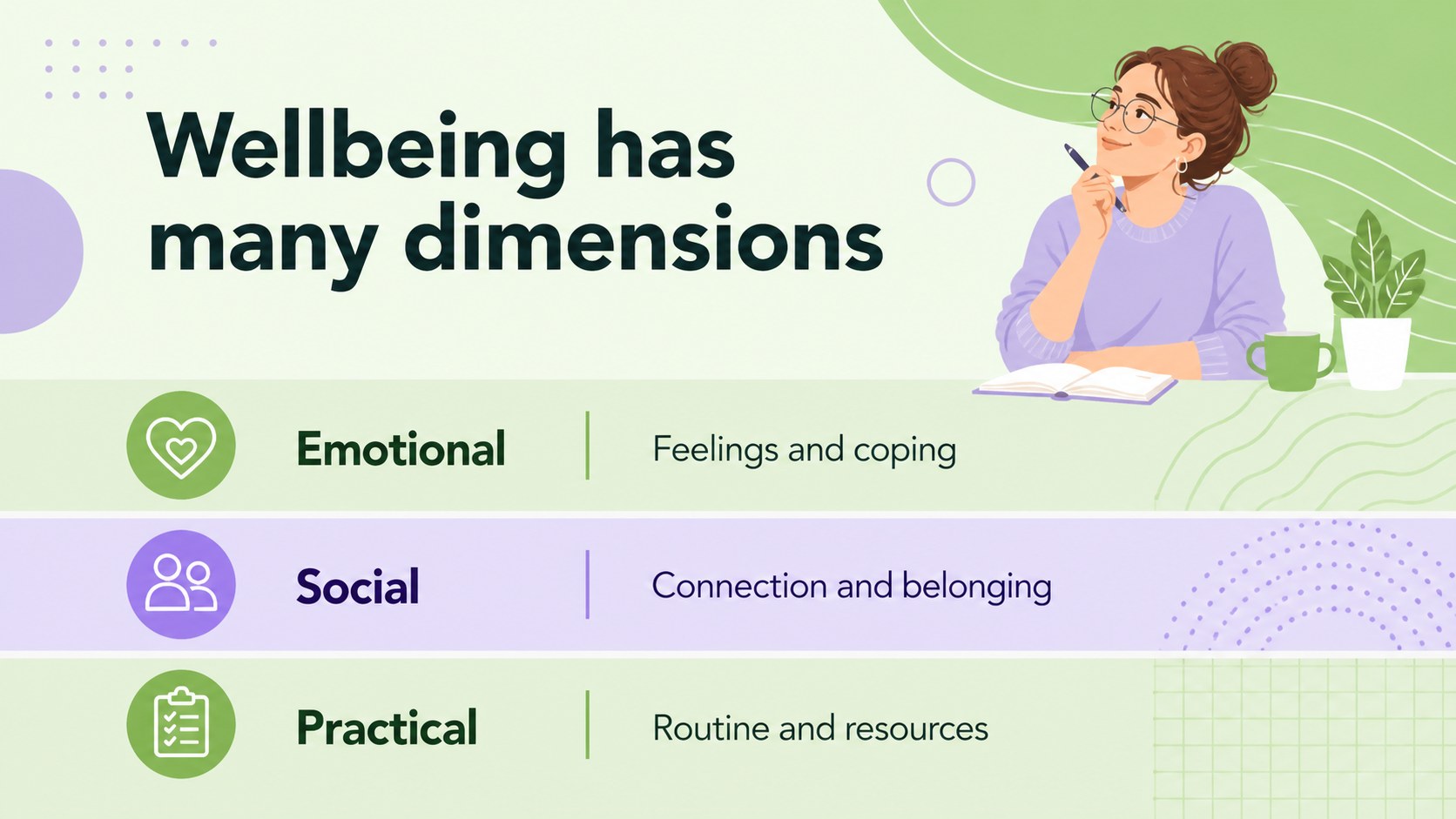
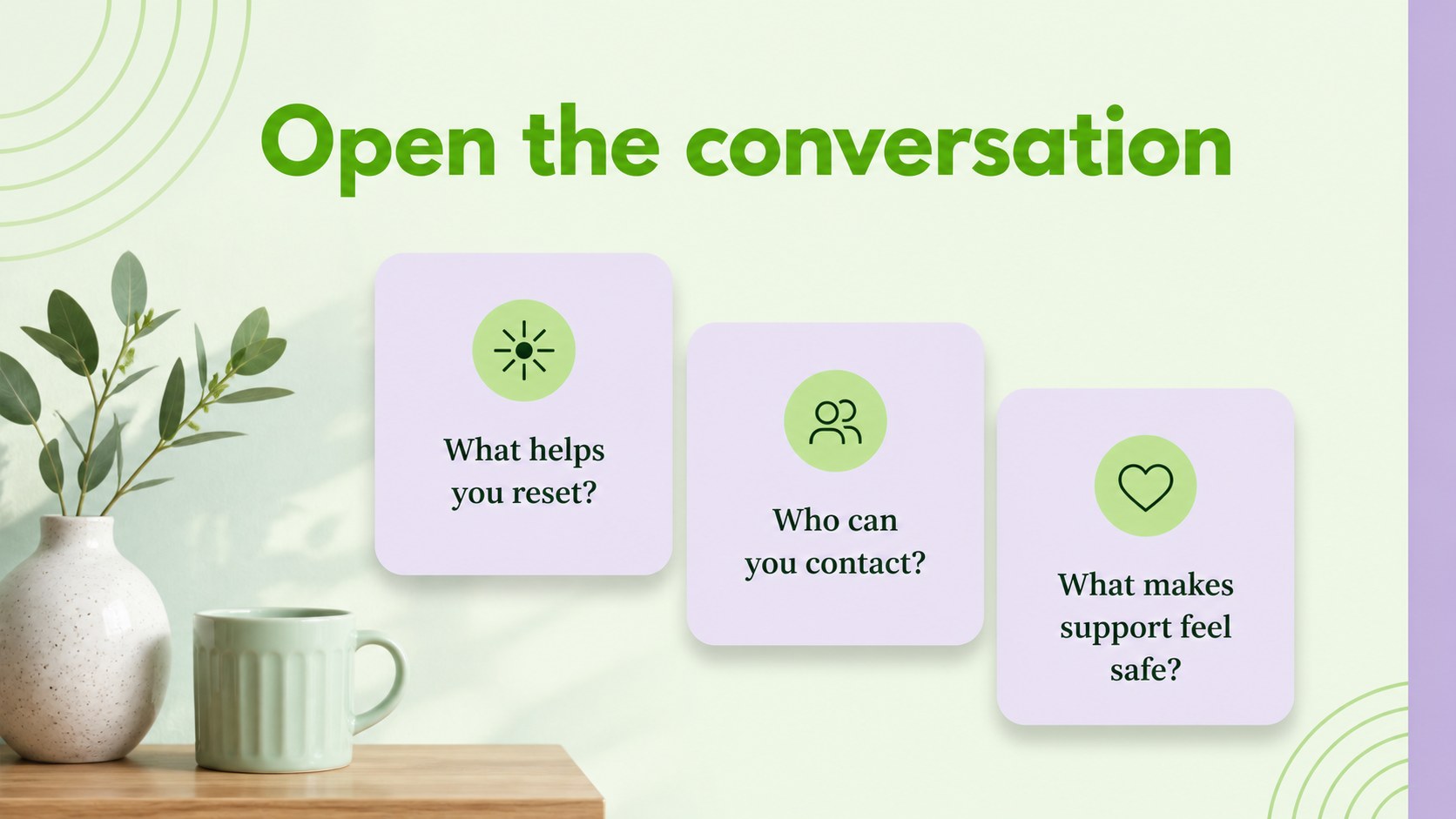
Use this mental wellbeing workshop deck for classroom sessions, staff discussions, awareness events, or guided resource sharing. The 15-slide format includes a cover, agenda, definition and context layouts, key signs, supportive habits, discussion prompts, practical resources, and a closing reflection. Editable text areas, charts, frames, lines, and shapes make it easy to adapt the material to different audiences and levels of sensitivity.
The design is especially useful for a student mental health presentation, a workplace wellbeing discussion, or a mental health awareness lesson. Replace sample copy with local services, organization policies, helpline details, or facilitator notes. The files work in PowerPoint and Google Slides, making collaboration and presenting straightforward across classrooms, offices, and community settings. Use animation and transitions selectively to maintain a composed, respectful pace.
Perfect for: school wellbeing workshop; employee support discussion; community awareness event; counseling resource session; healthcare education briefing.
Frequently asked questions
Can I edit these slides in PowerPoint? Yes. The presentation is designed for PowerPoint editing, including text, colors, shapes, charts, and layout elements. You can also add speaker notes and adjust transitions for your session.
Practical details
Yes. The presentation is designed for PowerPoint editing, including text, colors, shapes, charts, and layout elements. You can also add speaker notes and adjust transitions for your session.
Yes, you can open and edit the deck in Google Slides. Review fonts, spacing, and animations after importing, then replace the sample resources with information relevant to your audience.
The green and violet palette and the included type styles can be changed to match your organization or event. Keep strong contrast and generous spacing when adapting the deck for sensitive educational content.
You can use it for emotional wellbeing, stress management, supportive habits, warning signs, help-seeking, and community resources. Add region-specific contacts, safeguarding information, or facilitator prompts as needed.
Keep exploring
15Build stronger academic arguments with a college essay thesis builder featuring guided examples, revision prompts, and editable PowerPoint and Google Slides.
 15
15Build an engaging World UFO Day session with this flying saucer history lesson deck, featuring retro green-and-brown slides for PowerPoint and Google Slides.
 14
14Plan a memorable Lunar New Year campaign with the 2036 Dragon Year Celebration Theme, featuring bold red-and-yellow slides for lessons and events.
 15
15Build a thoughtful classroom discussion with this interfaith awareness lesson deck, featuring editable blue-and-white slides for PowerPoint and Google Slides.
 15
15Use this environmental awareness lesson deck to teach climate action through illustrated activities, discussion prompts, and ready-to-edit visuals.
 15
15Build playful lessons and party stories with a kid-friendly zombie celebration theme in purple, green and pastel blue for PowerPoint and Google Slides.
 15
15Build eerie lessons, campaigns, and story pitches with an undead survival scenario theme featuring editable slides for PowerPoint and Google Slides.
 16
16Turn environmental research into a clear story with a Watercolor Ecology Presentation Theme for PowerPoint and Google Slides in calming green and blue.