
 15
15presentation
College Essay Thesis Builder Slides
Build stronger academic arguments with a college essay thesis builder featuring guided examples, revision prompts, and editable PowerPoint and Google Slides.
Google SlidesPowerPoint
presentation · English
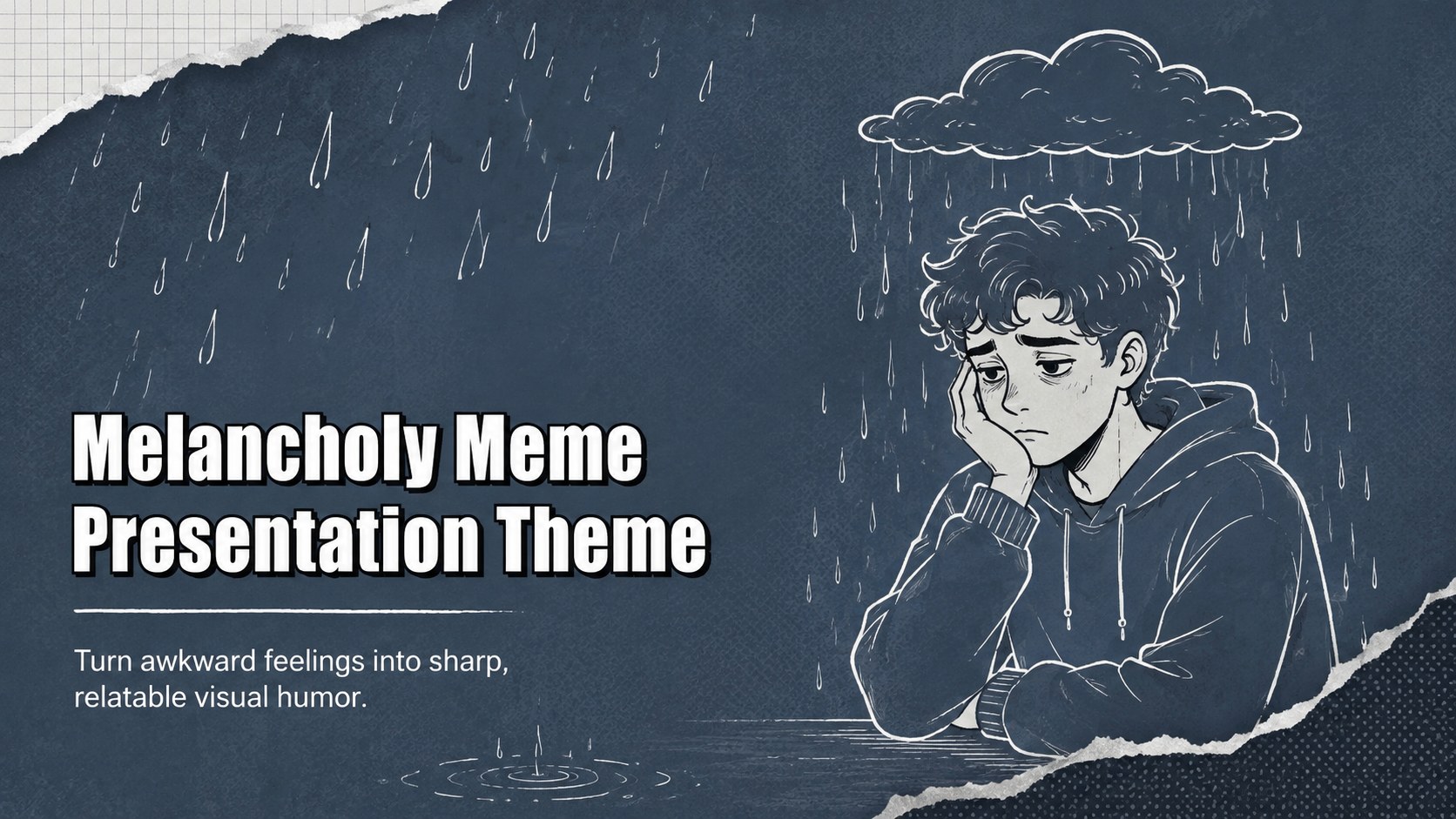
Build a Melancholy Meme Presentation Theme for relatable reactions and classroom humor, with editable grey-blue layouts for PowerPoint and Google Slides.


Design notes
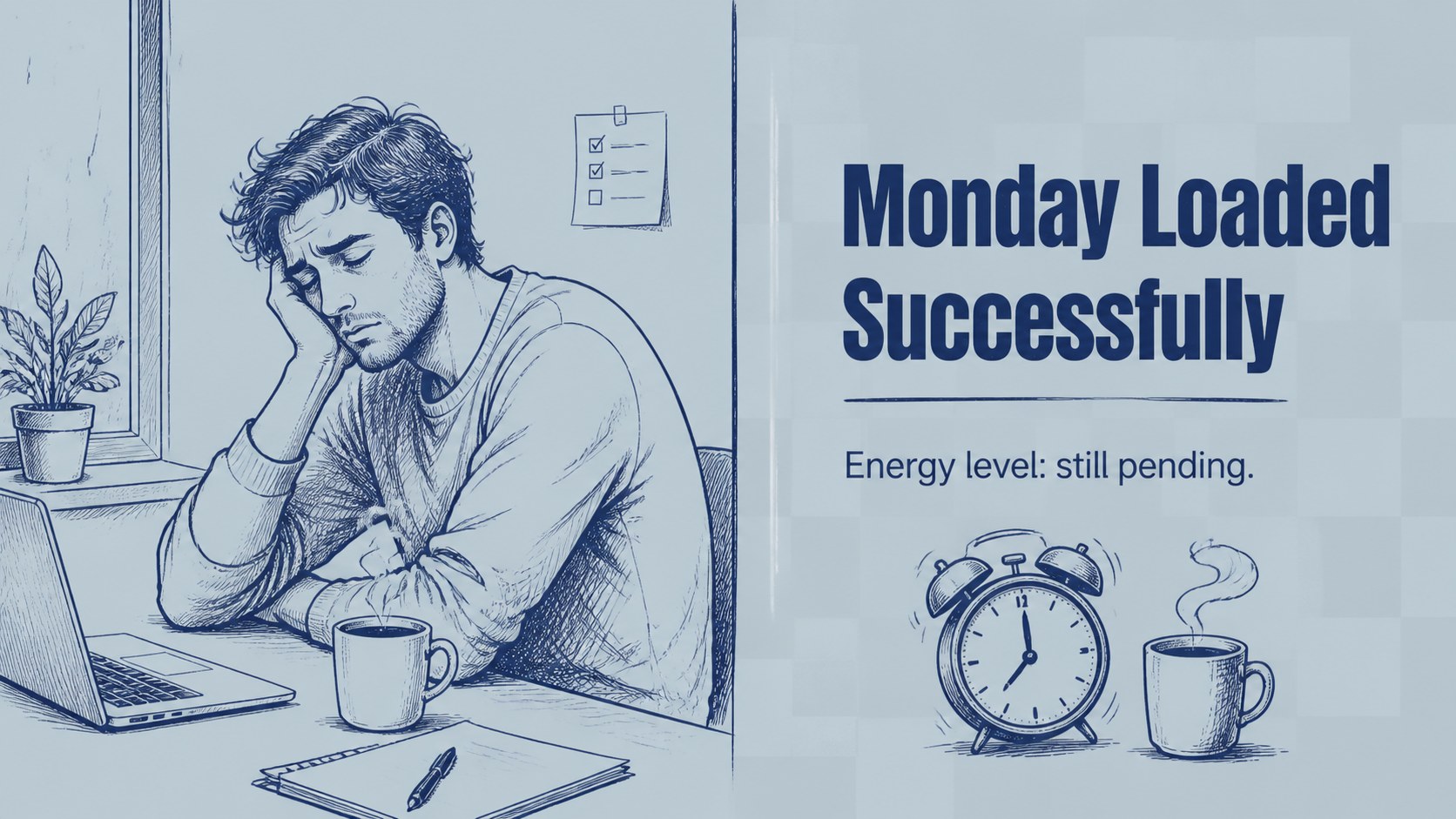
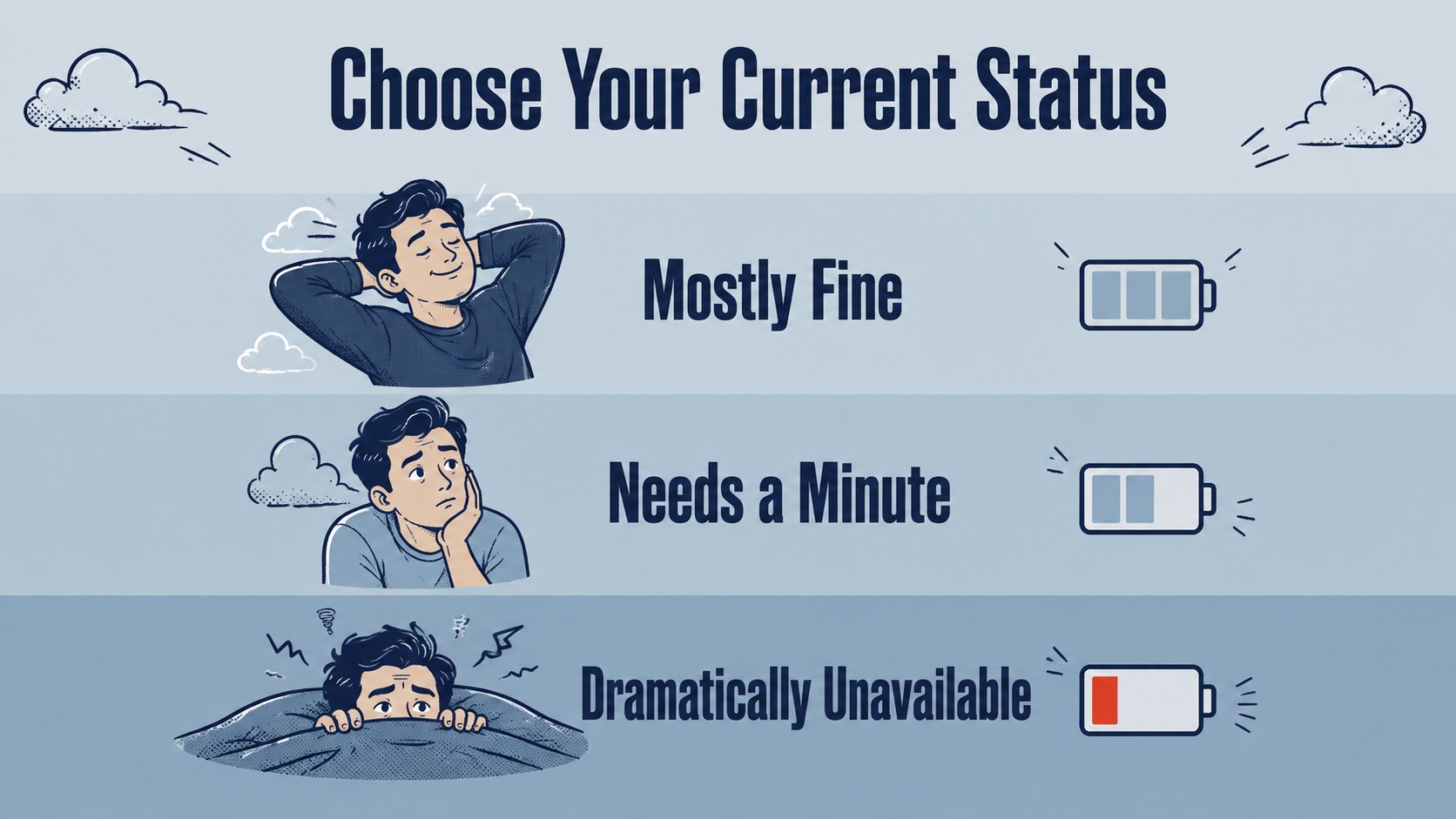
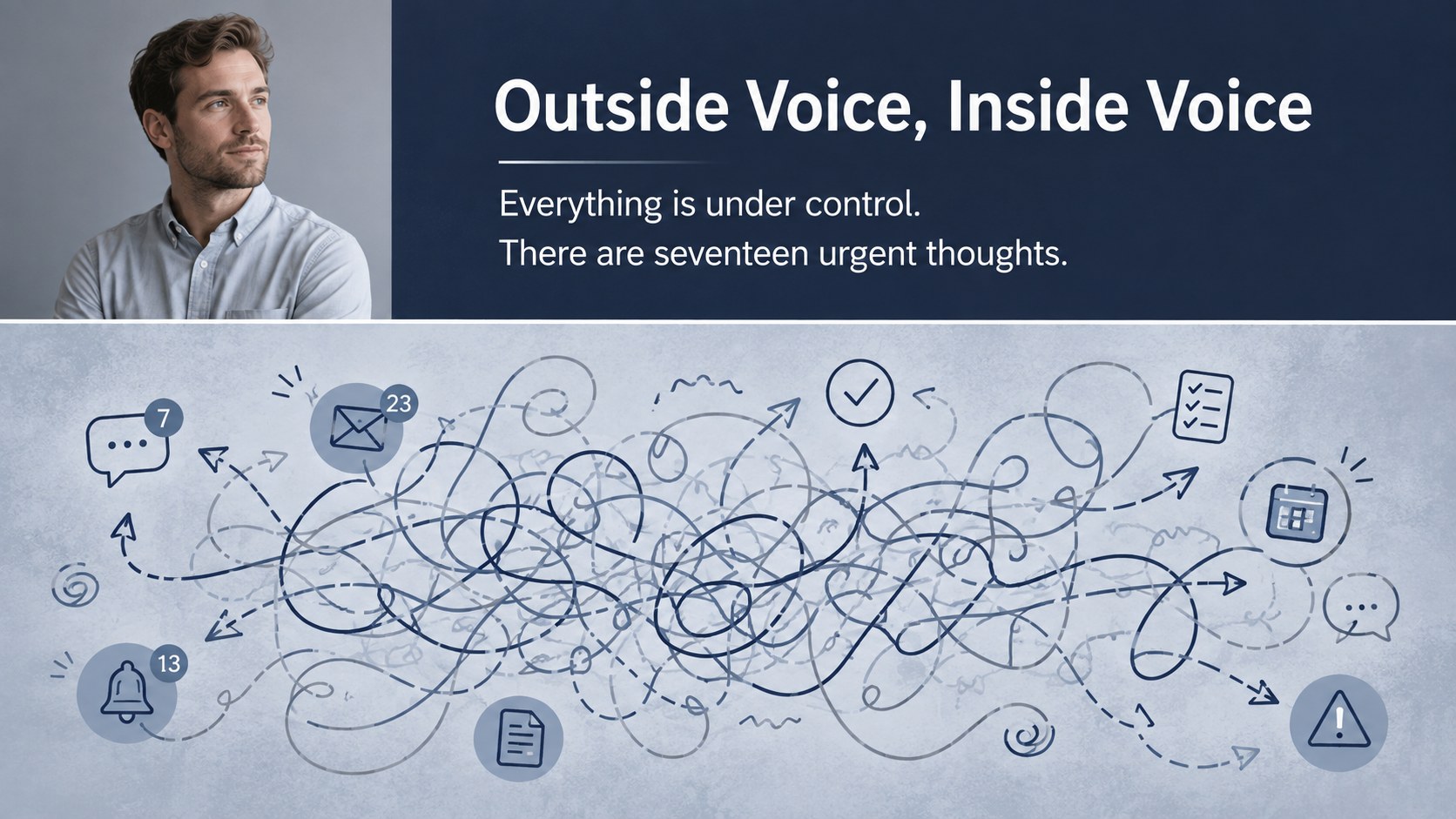
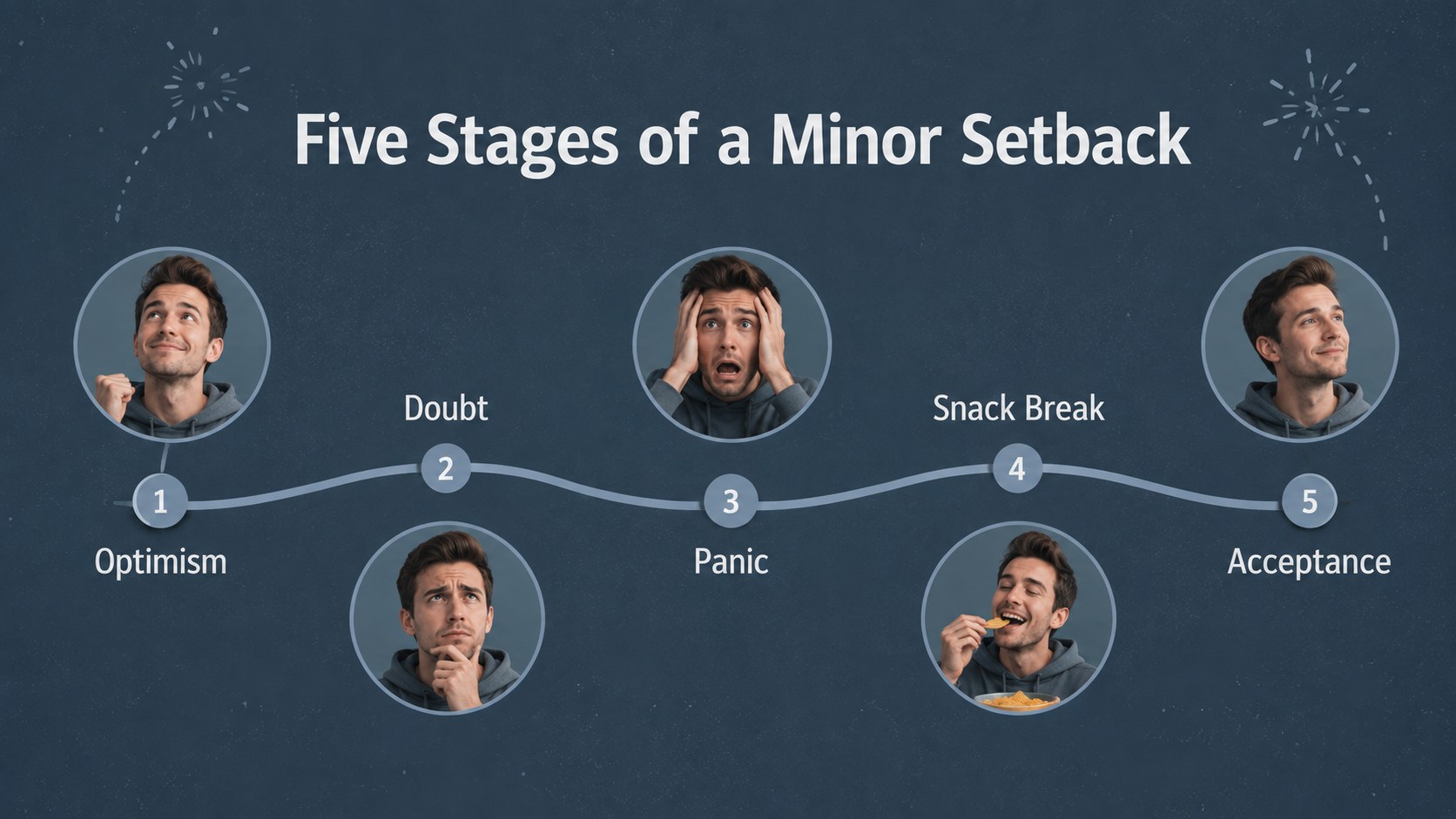
The Melancholy Meme Presentation Theme turns disappointment, awkward pauses, and low-energy moments into relatable visual humor. Designed with muted grey and blue tones, bold typography, doodle accents, and expressive photo placeholders, it gives every reaction enough space to land without making the presentation feel cluttered.
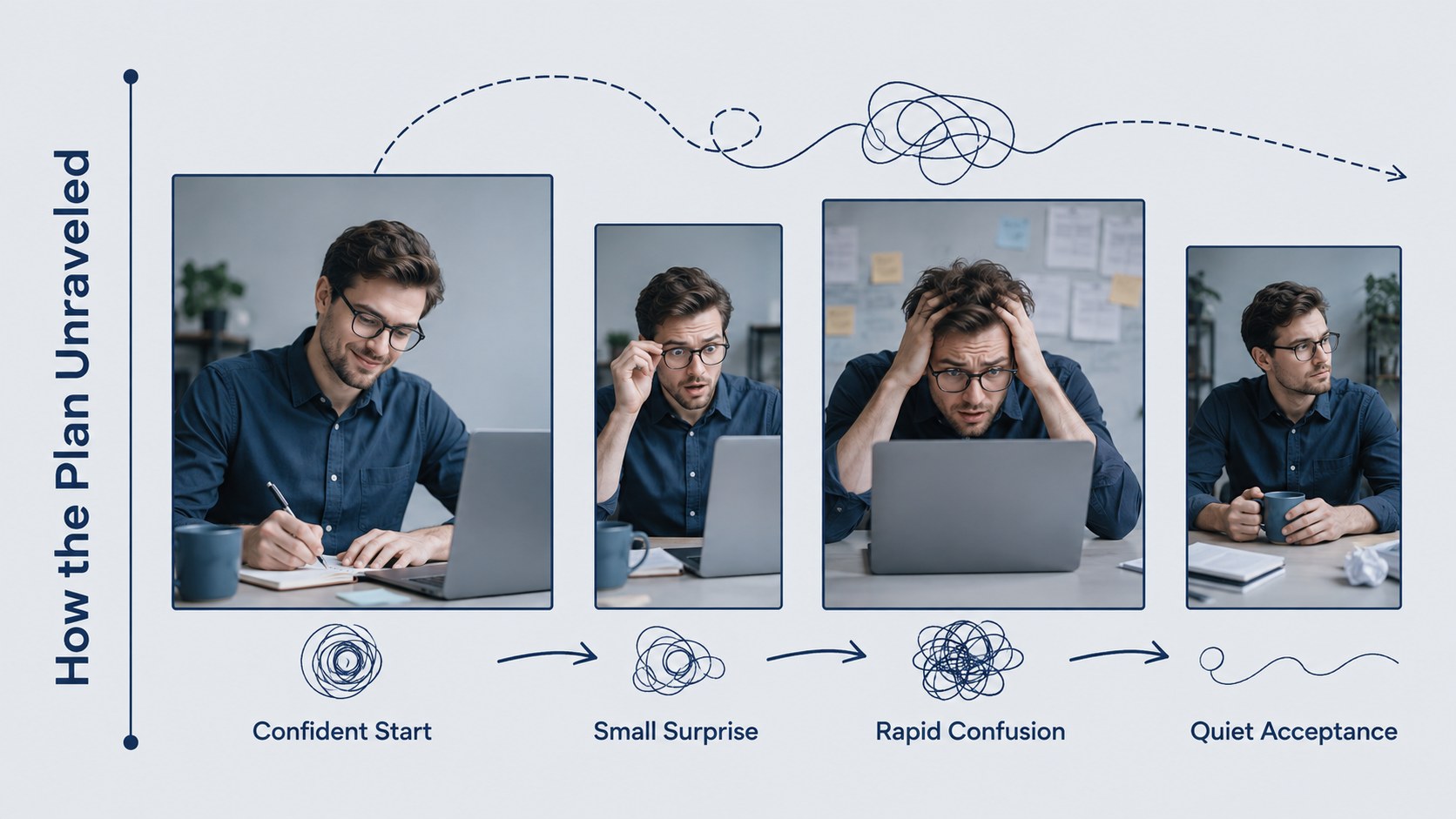
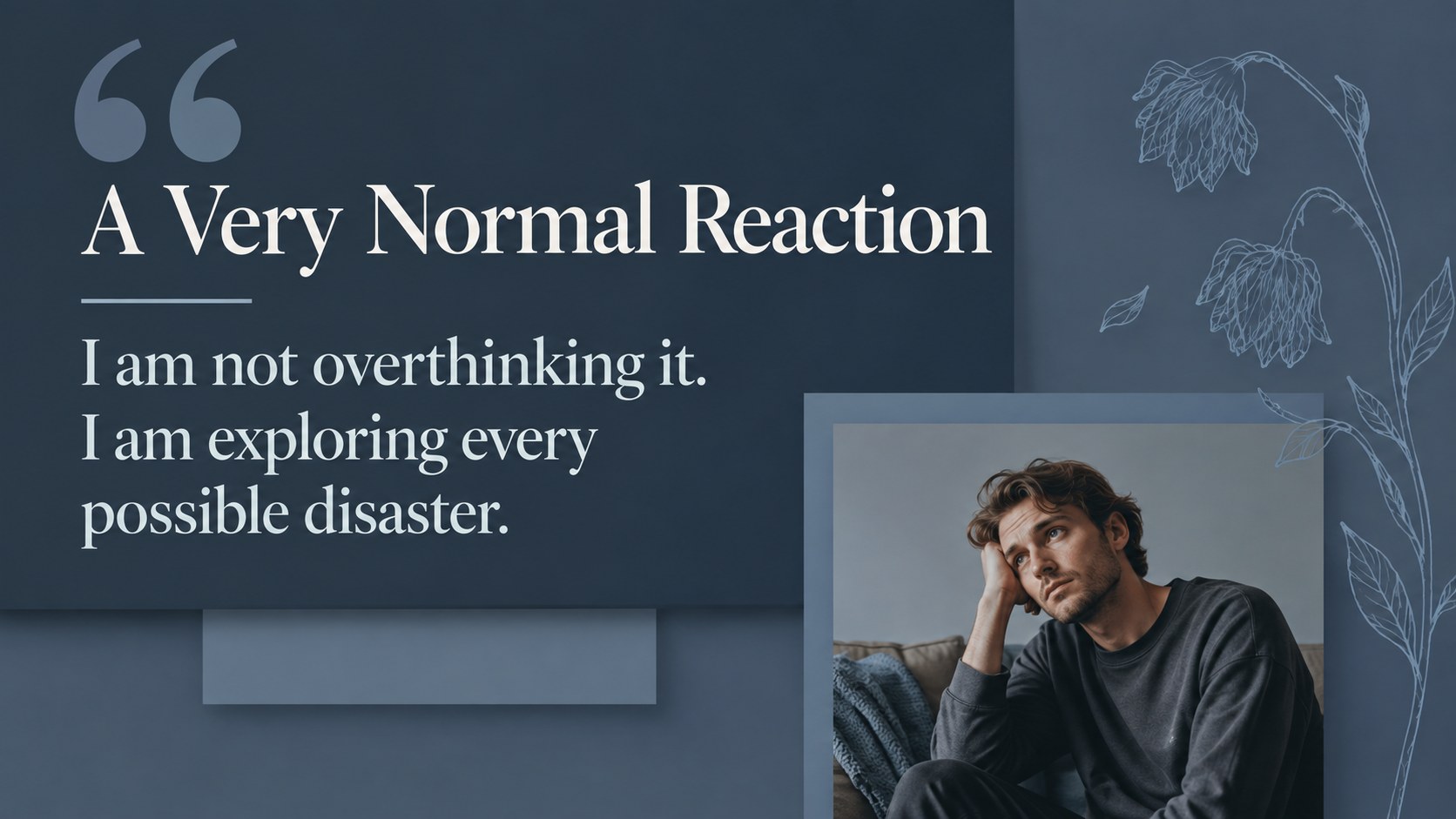
Inside, you will find 15 adaptable layouts for punchlines, mood comparisons, reaction sequences, captions, quotes, timelines, and closing messages. Use the editable reaction meme slide deck to replace images, rewrite captions, adjust colors, and rearrange graphic elements in PowerPoint or Google Slides. The included mix of single-image compositions, split panels, and multi-frame pages makes it easy to vary the pacing while maintaining one cohesive style.
This grey blue humor presentation works well for students, teachers, content creators, social media teams, and coworkers who want to make a difficult or familiar situation more approachable. It can become a meme presentation for classroom discussions, an informal workplace recap, a humorous project retrospective, or a collection of reactions for an online community. Add your own photographs or illustrations, keep captions concise, and customize the emotional tone from mildly disappointed to dramatically defeated.
Perfect for: classroom discussion opener; humorous project retrospective; social media reaction roundup; informal team presentation; student storytelling activity.
Frequently asked questions
Can I edit every caption and image? Yes. All headlines, captions, photo placeholders, colors, and decorative elements can be adjusted to fit your story or audience.
Practical details
Yes. All headlines, captions, photo placeholders, colors, and decorative elements can be adjusted to fit your story or audience.
The theme is designed for Microsoft PowerPoint and Google Slides. Import the file into your preferred platform and edit it with the standard presentation tools.
Replace the sample visuals with your own photos or illustrations, then write short captions that match the intended reaction. You can also change the grey-blue palette while preserving strong contrast between text and imagery.
Yes, provided the images and jokes suit the audience. The flexible layouts can support classroom prompts, lighthearted team recaps, project retrospectives, and internal social content.
Keep exploring
15Build stronger academic arguments with a college essay thesis builder featuring guided examples, revision prompts, and editable PowerPoint and Google Slides.
 15
15Build an engaging World UFO Day session with this flying saucer history lesson deck, featuring retro green-and-brown slides for PowerPoint and Google Slides.
 14
14Plan a memorable Lunar New Year campaign with the 2036 Dragon Year Celebration Theme, featuring bold red-and-yellow slides for lessons and events.
 15
15Build a thoughtful classroom discussion with this interfaith awareness lesson deck, featuring editable blue-and-white slides for PowerPoint and Google Slides.
 15
15Use this environmental awareness lesson deck to teach climate action through illustrated activities, discussion prompts, and ready-to-edit visuals.
 15
15Build playful lessons and party stories with a kid-friendly zombie celebration theme in purple, green and pastel blue for PowerPoint and Google Slides.
 15
15Build eerie lessons, campaigns, and story pitches with an undead survival scenario theme featuring editable slides for PowerPoint and Google Slides.
 16
16Turn environmental research into a clear story with a Watercolor Ecology Presentation Theme for PowerPoint and Google Slides in calming green and blue.