
 15
15presentation
College Essay Thesis Builder Slides
Build stronger academic arguments with a college essay thesis builder featuring guided examples, revision prompts, and editable PowerPoint and Google Slides.
Google SlidesPowerPoint
presentation · English
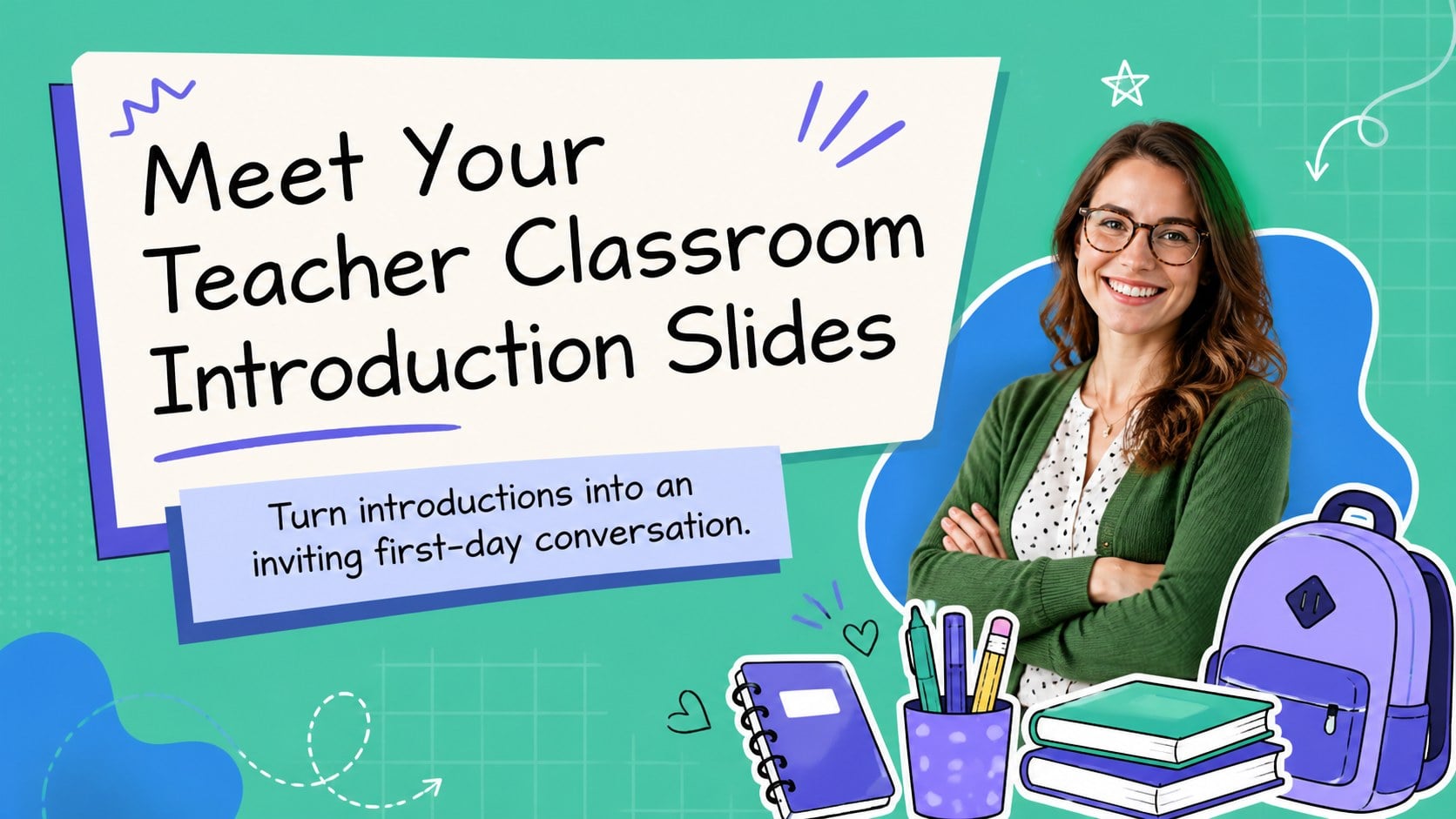
Build first-day connections with Meet Your Teacher Classroom Introduction Slides, a colorful, editable deck for PowerPoint and Google Slides.



Design notes
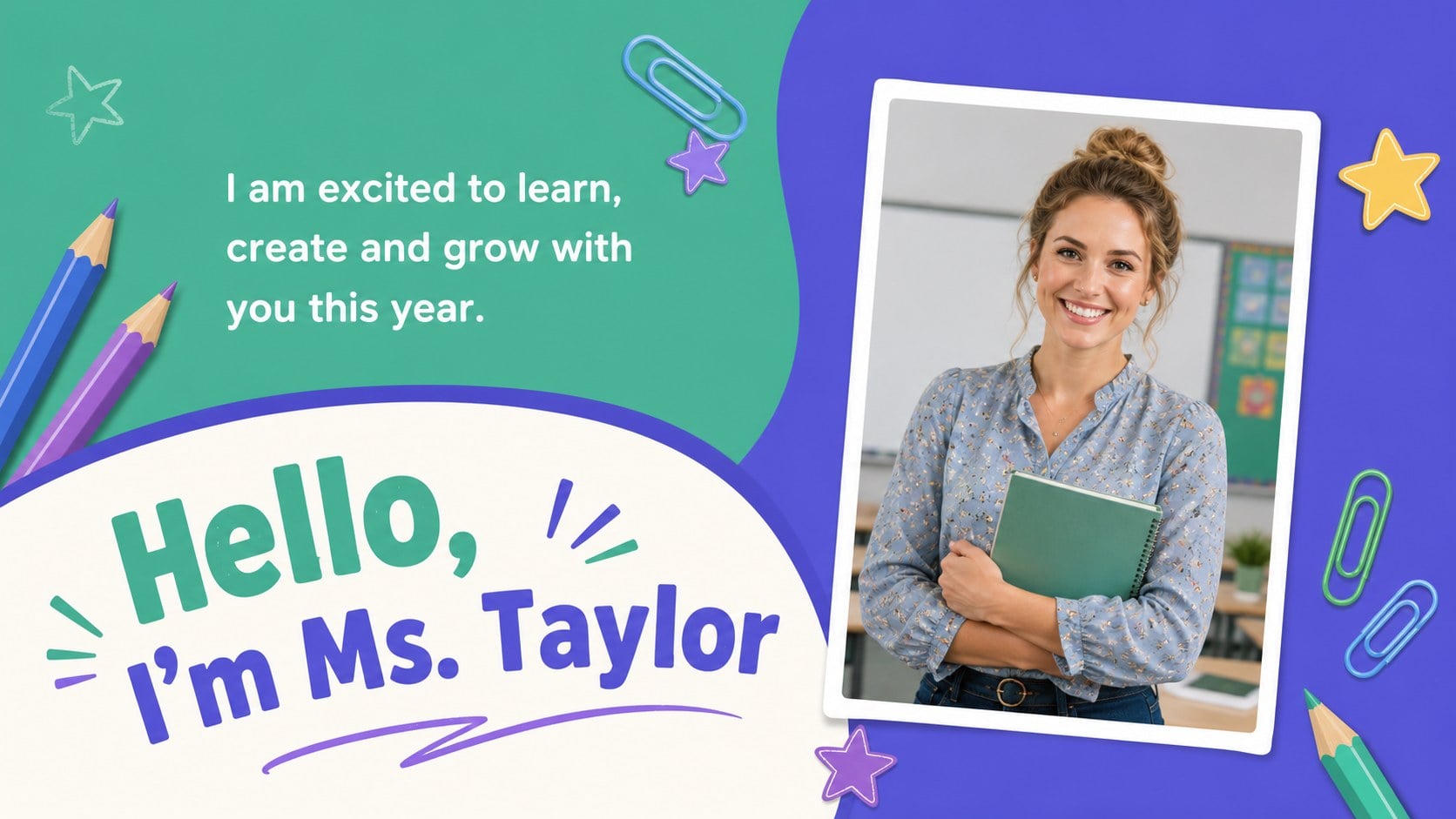
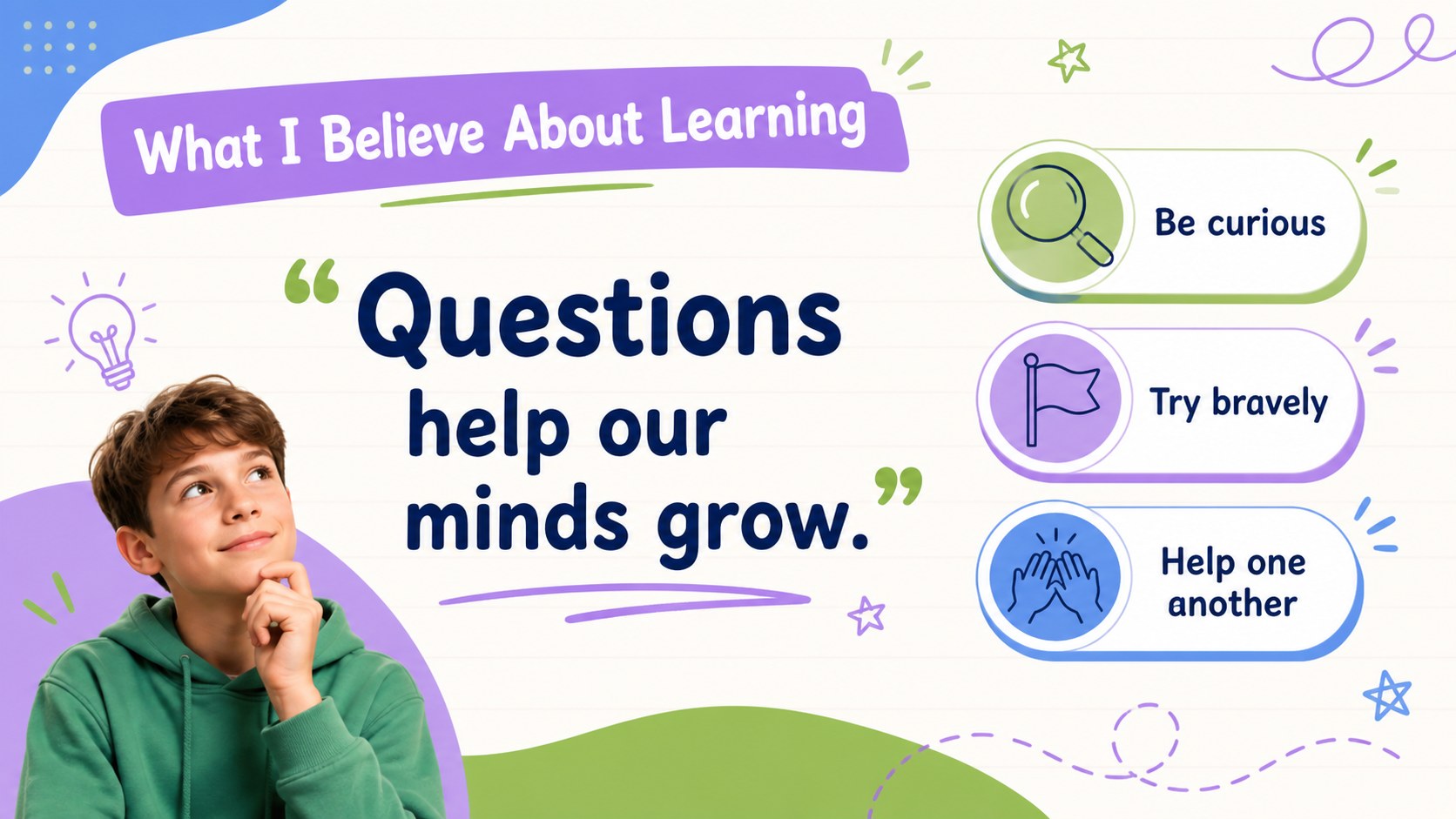
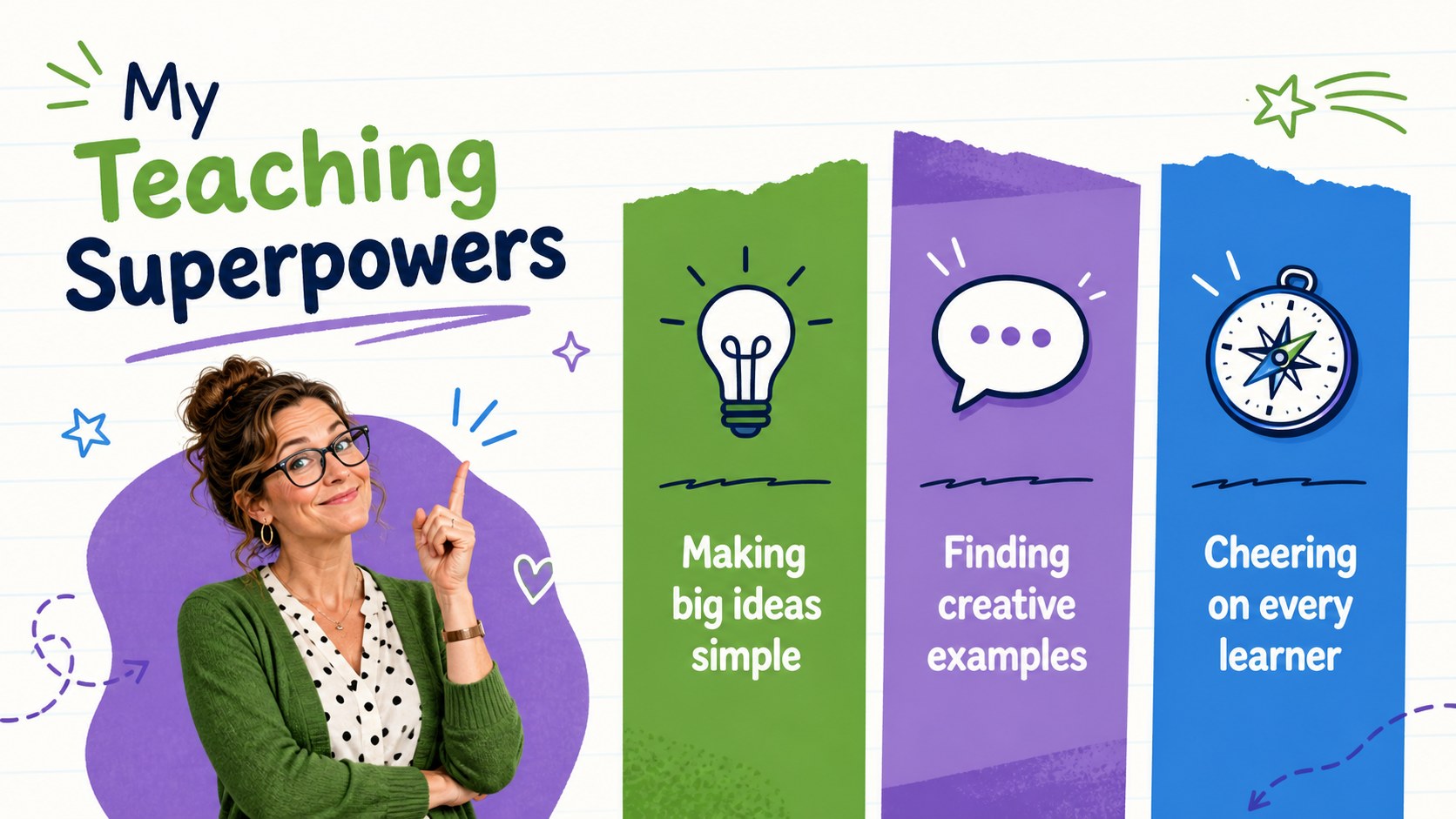
Meet Your Teacher Classroom Introduction Slides help educators begin a new term with a personal, welcoming presentation. The lively green, violet and blue palette pairs hand-drawn accents with friendly typography, giving teachers an approachable way to introduce themselves without losing classroom polish. Use this first day teacher introduction presentation to help students discover who you are, what you enjoy and what they can expect in your class.
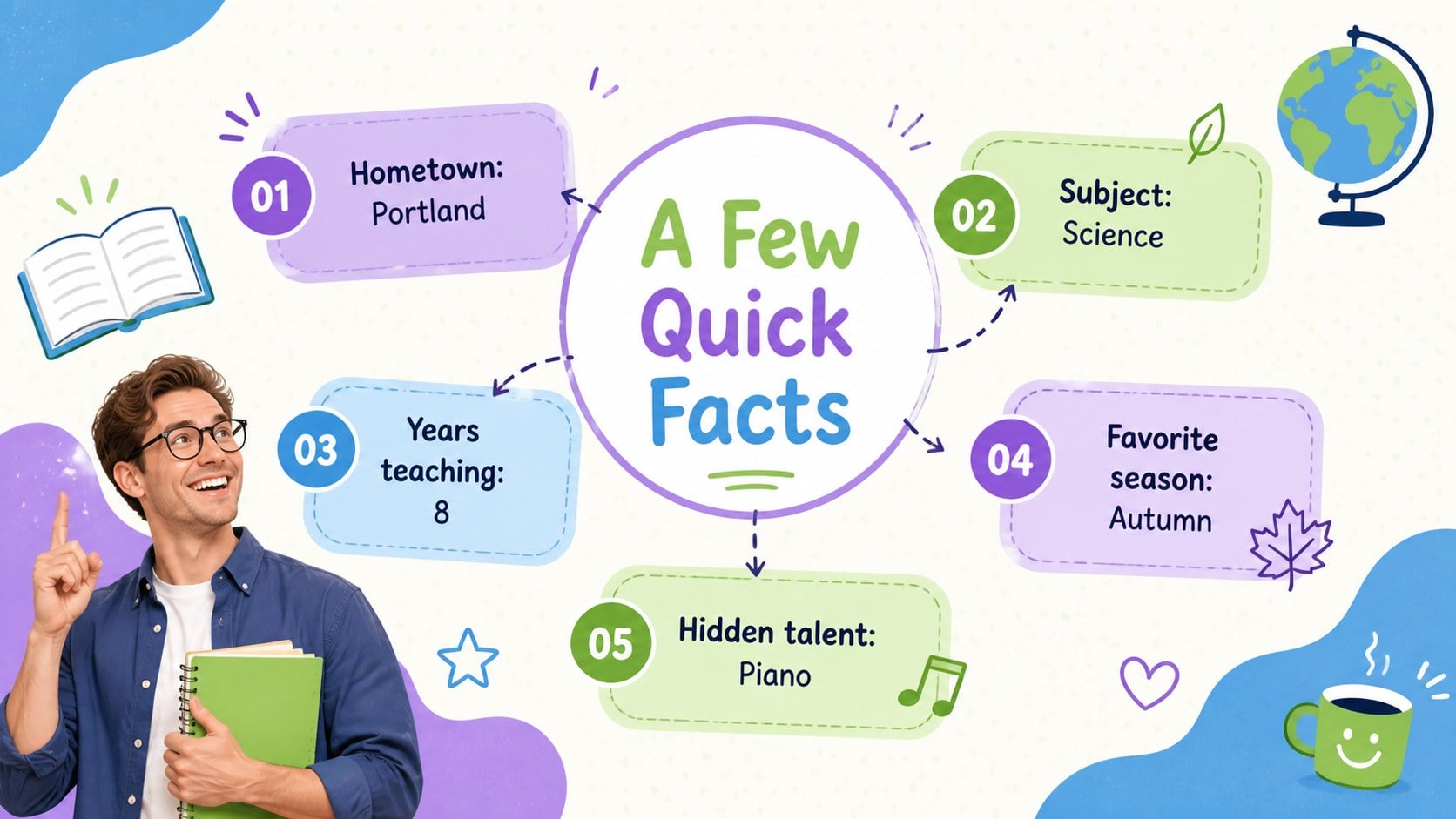
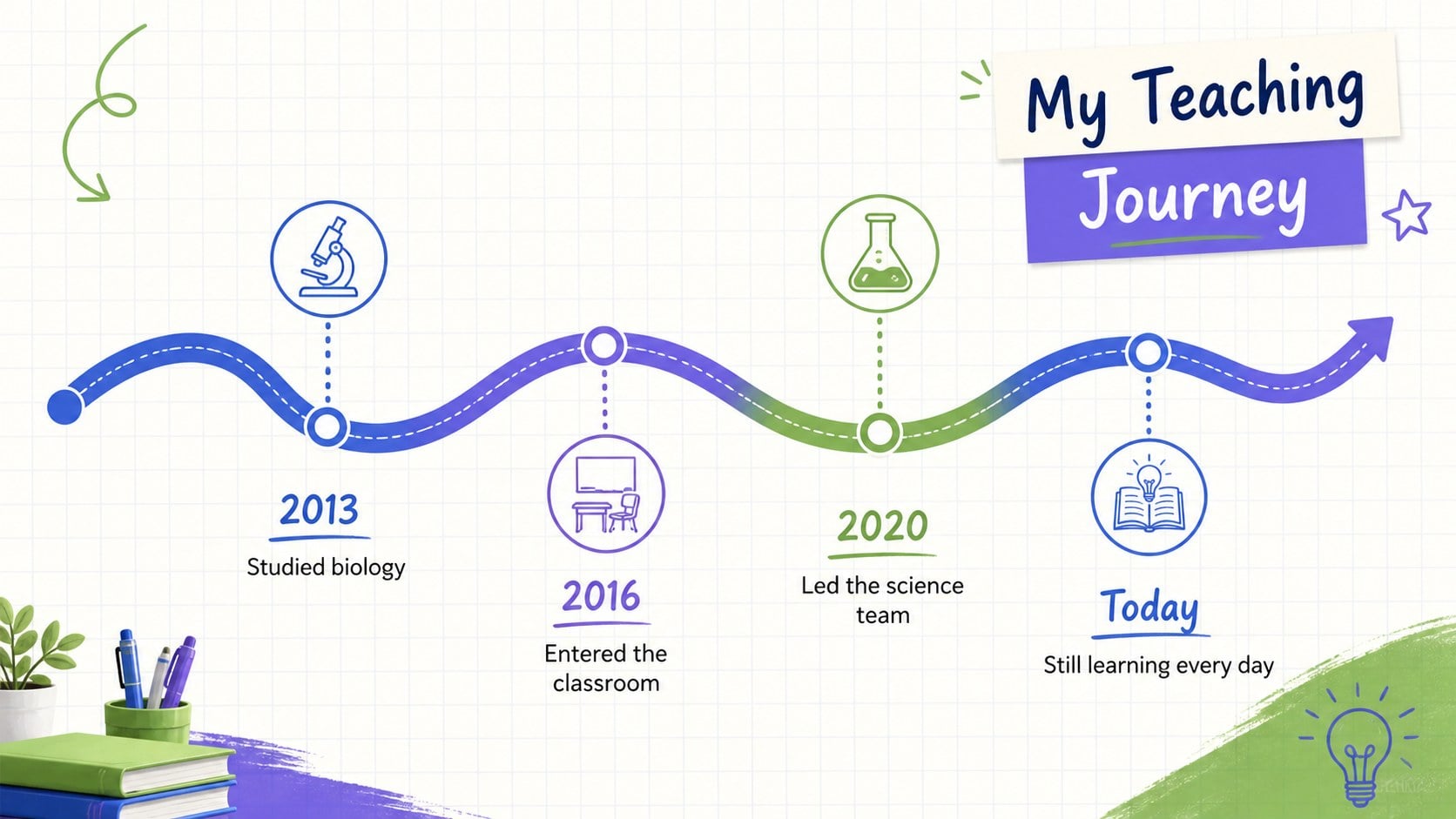
The deck includes layouts for quick facts, favorite things, hobbies, education, career milestones, teaching philosophy, classroom values and personal goals. There is also space for photographs, memorable stories, a two-truths-and-a-tale activity, contact details and a closing question slide. These editable teacher biography slides can be adapted with your own text, images, colors and fonts in PowerPoint or Google Slides. Icons, doodles, timelines and structured content areas make information easy to scan while preserving the playful visual style.
Designed for elementary, middle and high school educators, the template works equally well for homeroom introductions, back-to-school night, virtual class welcomes and substitute teacher profiles. It can also serve as a classroom welcome presentation template for counselors, librarians, tutors and education support staff. Add transitions, speaker notes, audio or video where supported, then present in person or share the completed deck digitally with students and families.
Perfect for: first day class introduction; back-to-school night; virtual classroom welcome; substitute teacher profile; family orientation session.
Frequently asked questions
Can I edit these slides in PowerPoint and Google Slides? Yes. Every layout can be edited in PowerPoint or Google Slides, including the text, photographs, colors and fonts. Some transitions or font substitutions may vary slightly between platforms.
Practical details
Yes. Every layout can be edited in PowerPoint or Google Slides, including the text, photographs, colors and fonts. Some transitions or font substitutions may vary slightly between platforms.
Replace the sample details with your own biography, favorites, teaching experience and classroom expectations. Add personal photographs or school-approved images, then adjust the activities to suit the age of your students.
Yes. The playful design is especially effective for elementary and middle school classes, while the structured layouts can be simplified for younger learners or refined for high school students.
Yes. Slides can be deleted, duplicated or reordered without affecting the rest of the presentation. This makes it easy to create a short classroom welcome or a more detailed back-to-school profile.
Keep exploring
15Build stronger academic arguments with a college essay thesis builder featuring guided examples, revision prompts, and editable PowerPoint and Google Slides.
 15
15Build an engaging World UFO Day session with this flying saucer history lesson deck, featuring retro green-and-brown slides for PowerPoint and Google Slides.
 14
14Plan a memorable Lunar New Year campaign with the 2036 Dragon Year Celebration Theme, featuring bold red-and-yellow slides for lessons and events.
 15
15Build a thoughtful classroom discussion with this interfaith awareness lesson deck, featuring editable blue-and-white slides for PowerPoint and Google Slides.
 15
15Use this environmental awareness lesson deck to teach climate action through illustrated activities, discussion prompts, and ready-to-edit visuals.
 15
15Build playful lessons and party stories with a kid-friendly zombie celebration theme in purple, green and pastel blue for PowerPoint and Google Slides.
 15
15Build eerie lessons, campaigns, and story pitches with an undead survival scenario theme featuring editable slides for PowerPoint and Google Slides.
 16
16Turn environmental research into a clear story with a Watercolor Ecology Presentation Theme for PowerPoint and Google Slides in calming green and blue.