
 15
15presentation
College Essay Thesis Builder Slides
Build stronger academic arguments with a college essay thesis builder featuring guided examples, revision prompts, and editable PowerPoint and Google Slides.
Google SlidesPowerPoint
presentation · English
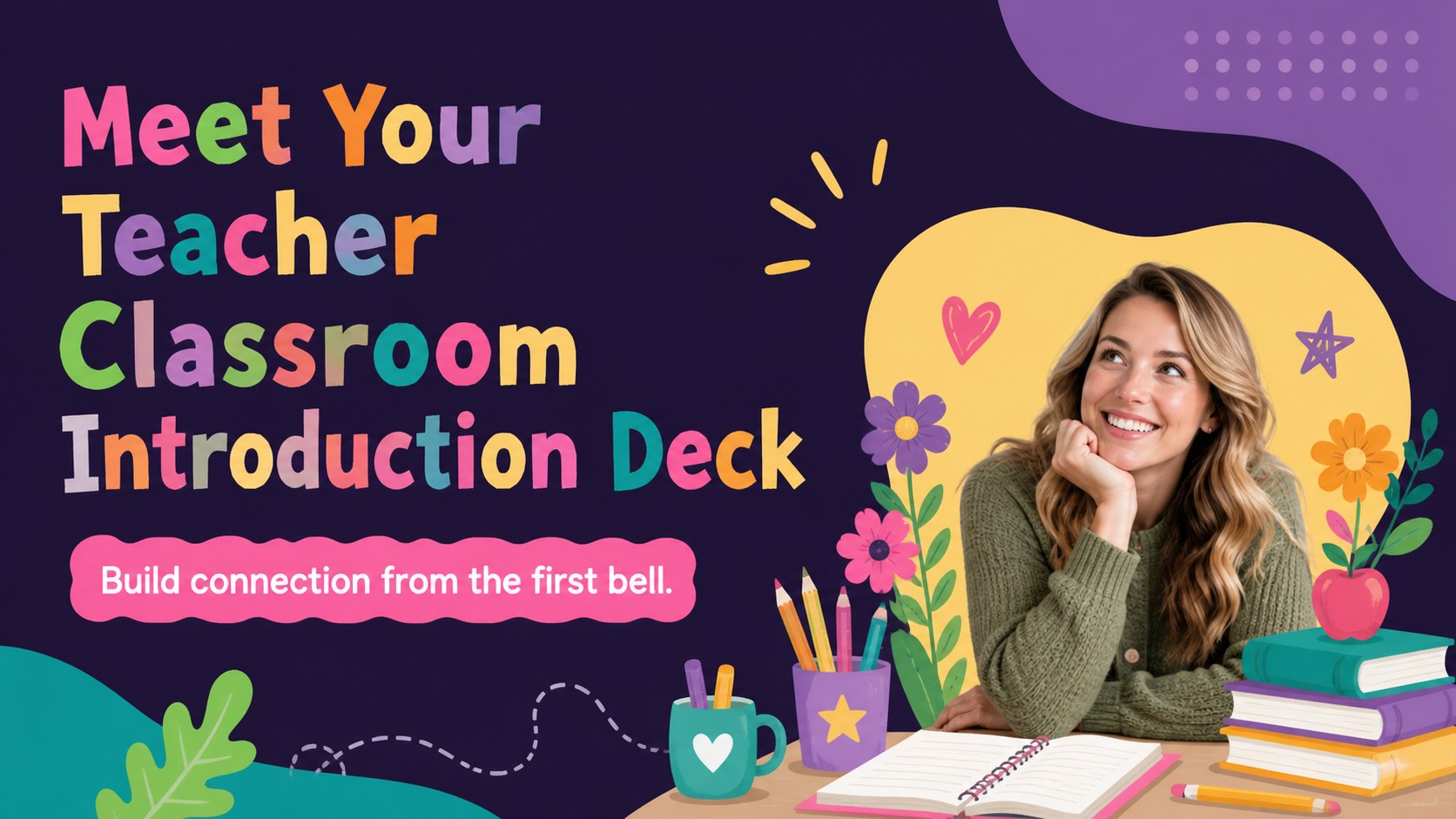
Create a warm first-day welcome with a meet your teacher classroom introduction featuring colorful illustrated slides for PowerPoint and Google Slides.
Design notes
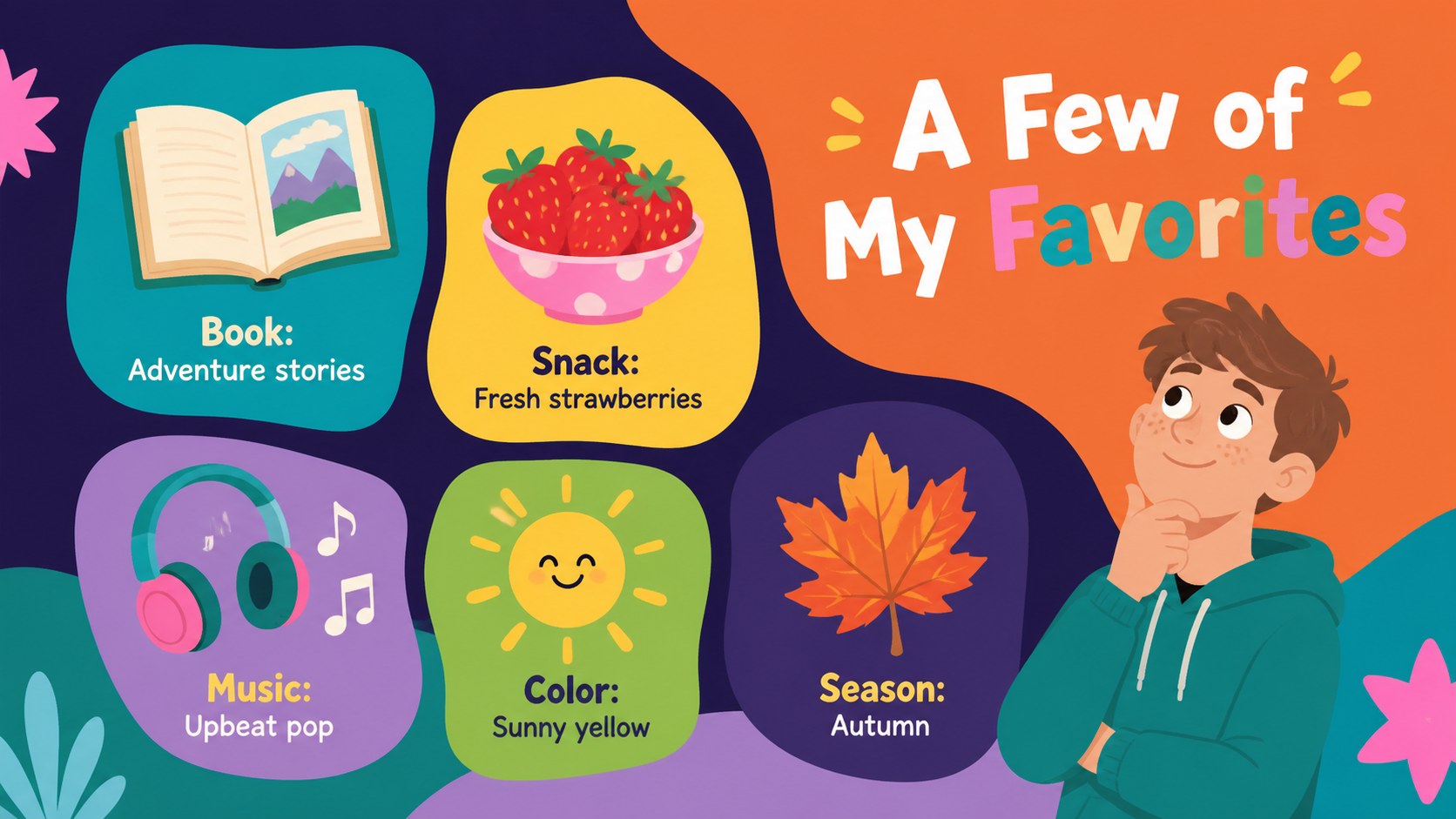
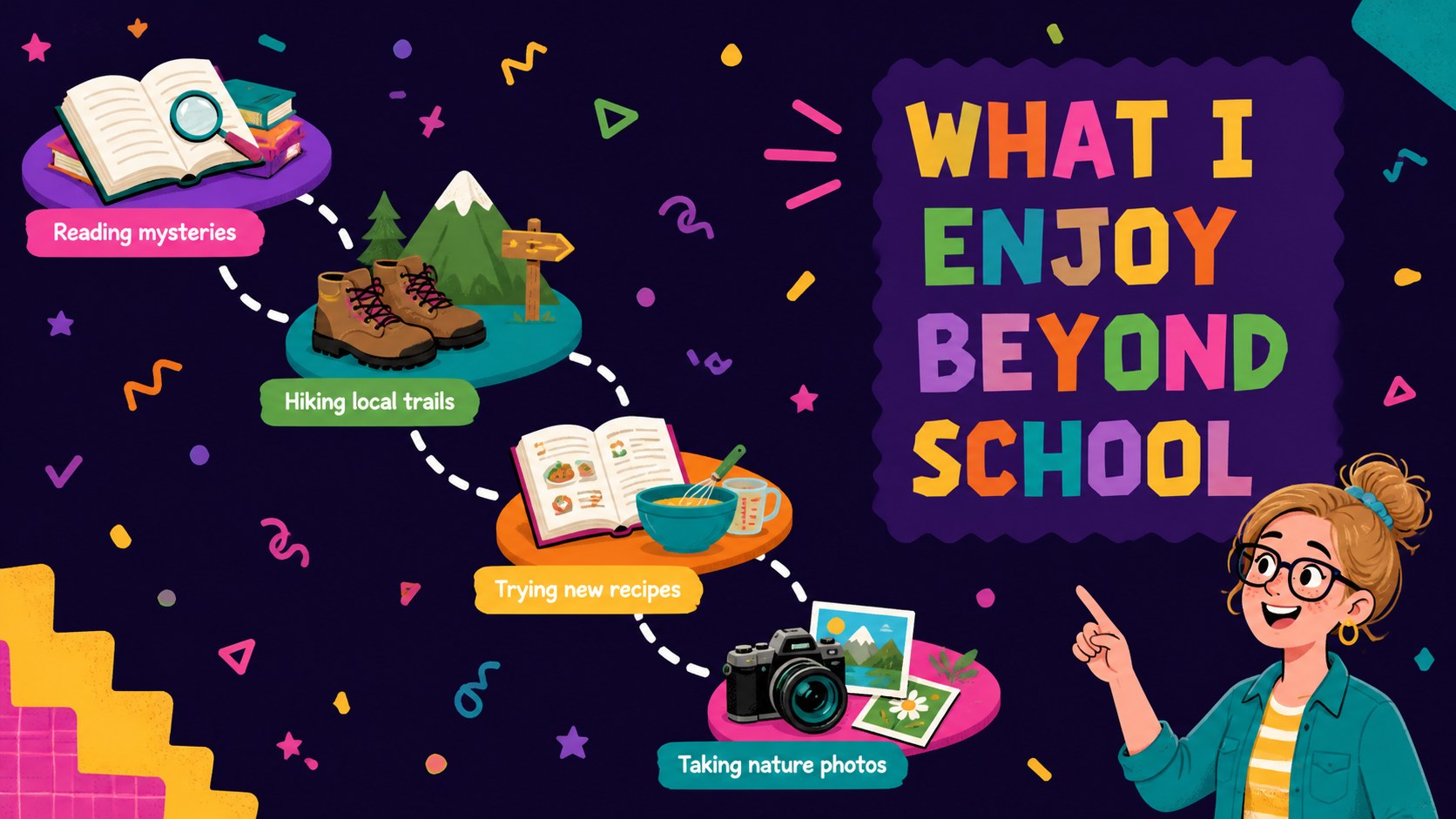
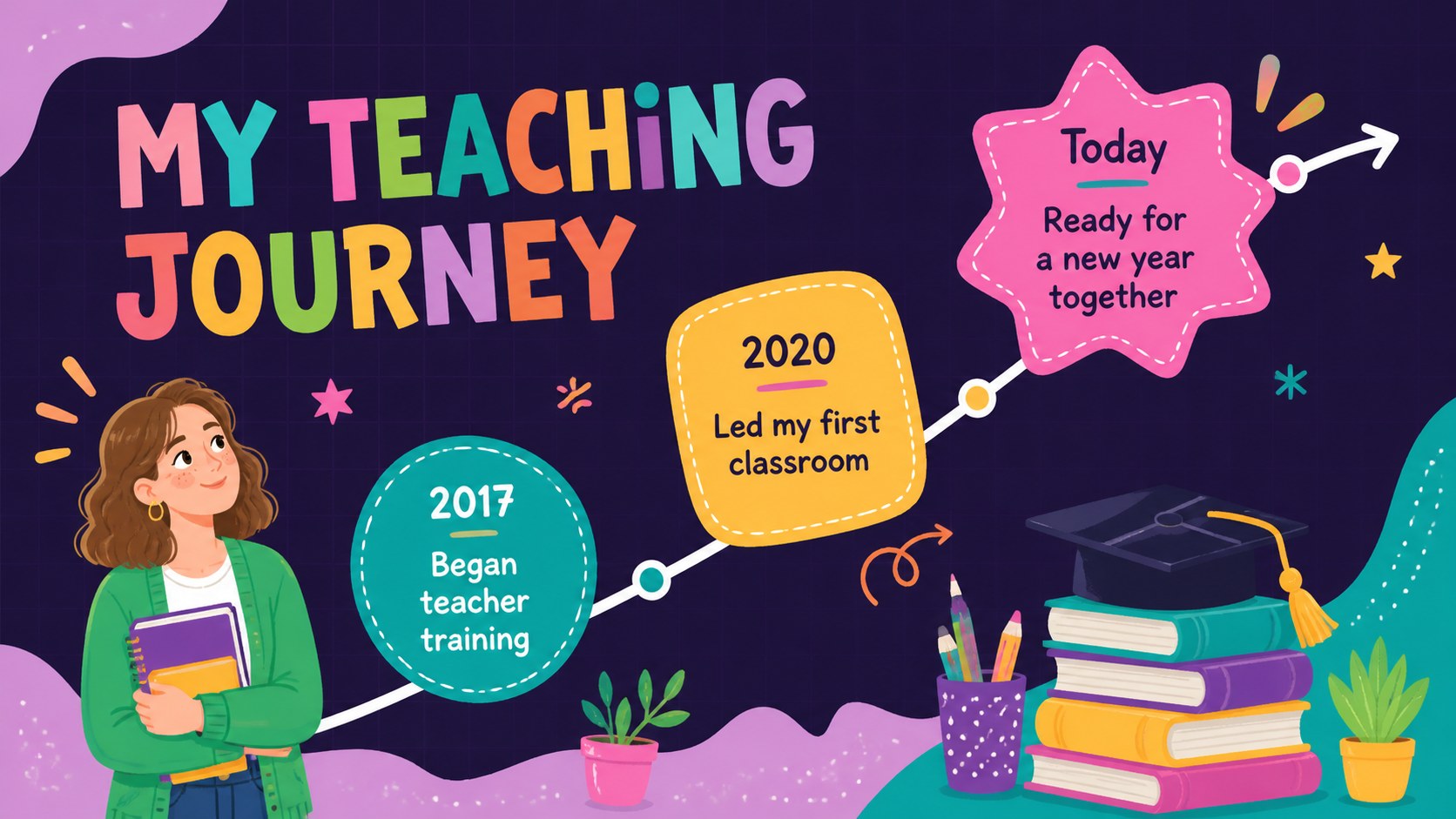
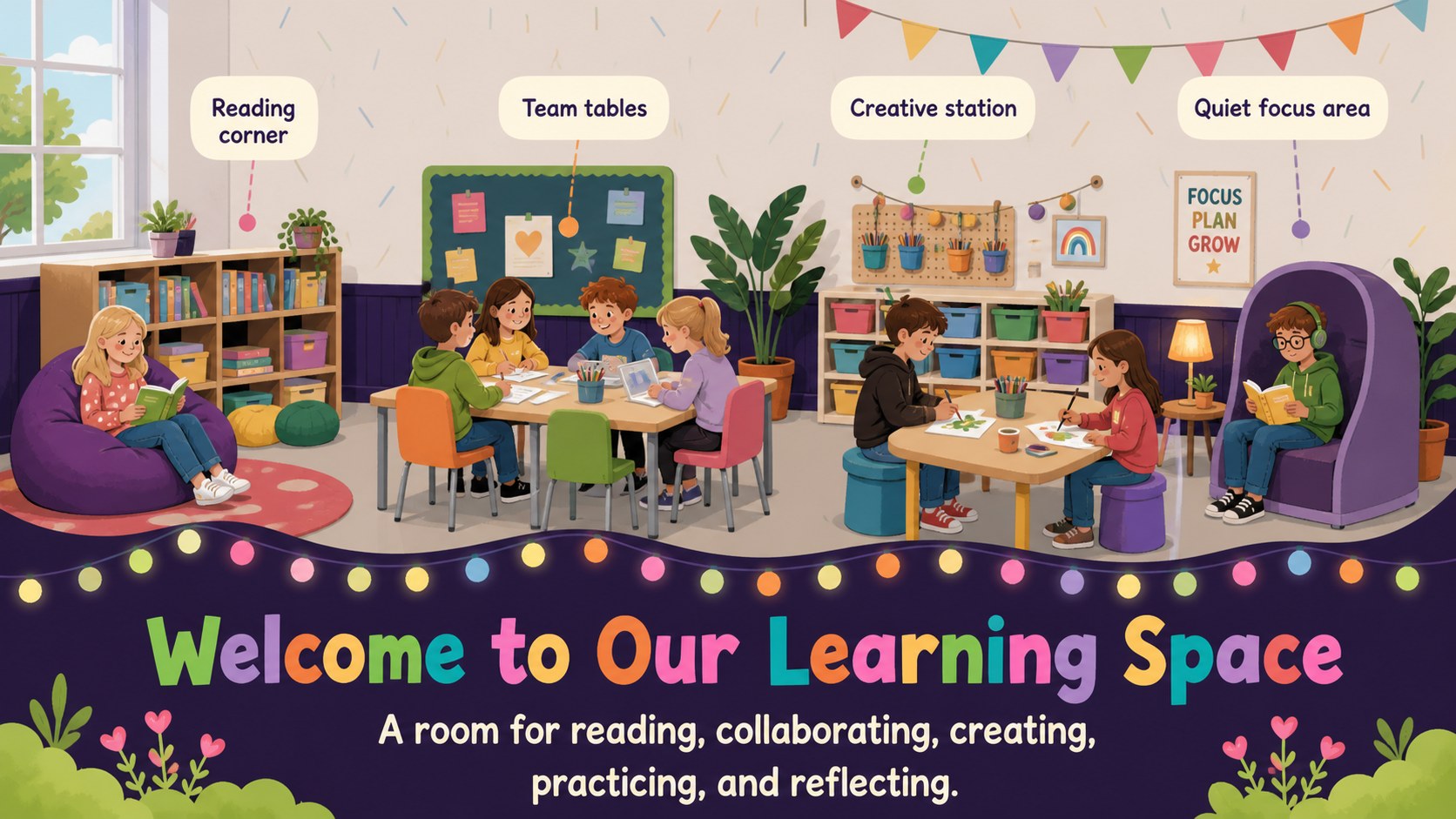
A meet your teacher classroom introduction gives students a friendly, structured way to learn who will guide them through the school year. With lively illustrations, floral accents, and a bright multicolored palette, this deck helps educators turn a standard introduction into an inviting first-day conversation. Add personal details, favorite things, teaching experience, and a few surprising facts to make the session memorable.
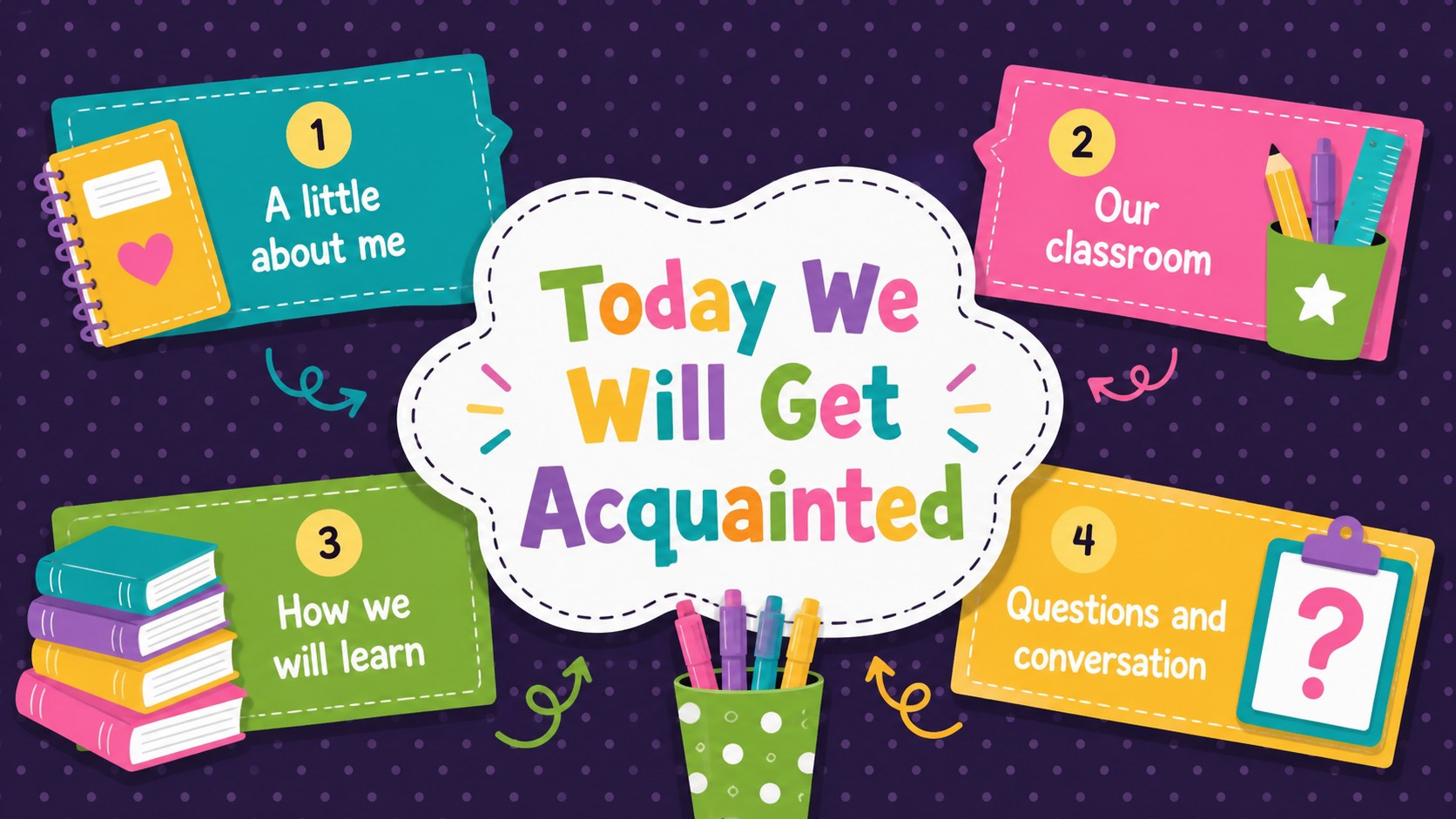
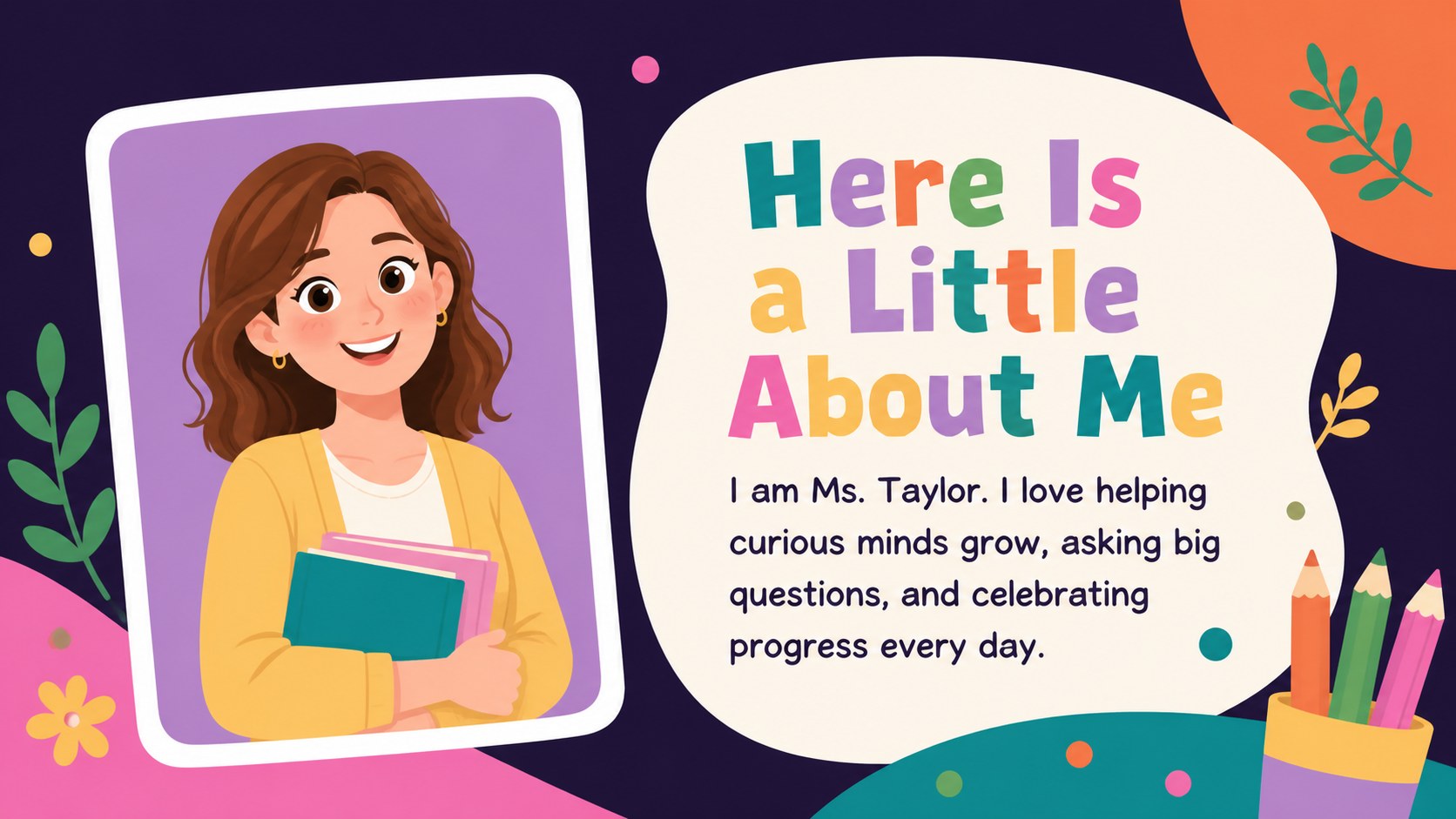
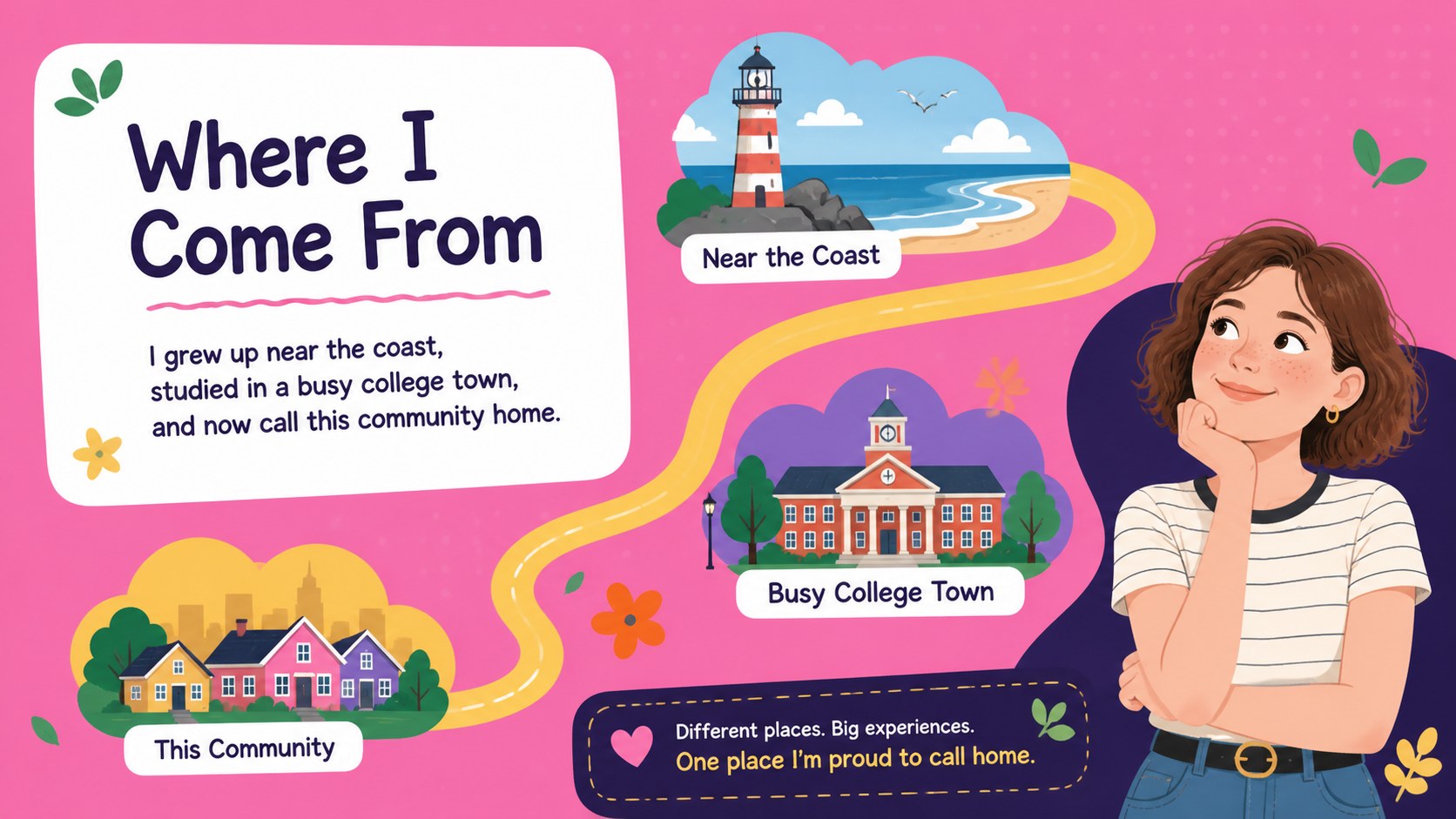
The 15-slide teacher introduction presentation for students includes a cover, welcome agenda, personal snapshot, hometown, favorites, hobbies, teaching journey, classroom overview, expectations, daily routines, learning goals, communication details, fun facts, student quiz, and closing message. Every layout is editable, so teachers can replace the sample wording, adjust colors, insert photos, and reorganize sections. The widescreen format works in both PowerPoint and Google Slides.
Designed for elementary and middle school educators, substitute teachers, teaching assistants, and specialists, these first day classroom welcome slides also work for family orientation nights or a new teacher joining midyear. Use the editable teacher about me slides to establish familiarity, explain how the classroom works, and invite students to participate. The playful visual style remains polished enough for families while feeling approachable and age-appropriate for young learners.
Perfect for: first day teacher introduction; meet the teacher night; family classroom orientation; midyear teacher welcome; substitute teacher introduction.
Frequently asked questions
Can I edit the slides with my own information? Yes. Replace the sample text with your biography, favorites, routines, contact details, and classroom expectations. You can also change fonts, colors, illustrations, and slide order.
Practical details
Yes. Replace the sample text with your biography, favorites, routines, contact details, and classroom expectations. You can also change fonts, colors, illustrations, and slide order.
Yes. The deck is designed for editing and presenting in both PowerPoint and Google Slides. Review font and image placement after importing to ensure everything appears as intended.
Yes. Swap the sample image areas for a portrait, classroom photo, pet picture, or hobby image. Use clear, high-resolution files and confirm that you have permission to display them.
The colorful illustrated style is especially suitable for elementary and middle school students. Educators can simplify the wording for younger classes or add more detailed expectations for older learners.
Keep exploring
15Build stronger academic arguments with a college essay thesis builder featuring guided examples, revision prompts, and editable PowerPoint and Google Slides.
 15
15Build an engaging World UFO Day session with this flying saucer history lesson deck, featuring retro green-and-brown slides for PowerPoint and Google Slides.
 14
14Plan a memorable Lunar New Year campaign with the 2036 Dragon Year Celebration Theme, featuring bold red-and-yellow slides for lessons and events.
 15
15Build a thoughtful classroom discussion with this interfaith awareness lesson deck, featuring editable blue-and-white slides for PowerPoint and Google Slides.
 15
15Use this environmental awareness lesson deck to teach climate action through illustrated activities, discussion prompts, and ready-to-edit visuals.
 15
15Build playful lessons and party stories with a kid-friendly zombie celebration theme in purple, green and pastel blue for PowerPoint and Google Slides.
 15
15Build eerie lessons, campaigns, and story pitches with an undead survival scenario theme featuring editable slides for PowerPoint and Google Slides.
 16
16Turn environmental research into a clear story with a Watercolor Ecology Presentation Theme for PowerPoint and Google Slides in calming green and blue.