
 15
15presentation
College Essay Thesis Builder Slides
Build stronger academic arguments with a college essay thesis builder featuring guided examples, revision prompts, and editable PowerPoint and Google Slides.
Google SlidesPowerPoint
presentation · English
Build a memorable medieval museum visit planner with soft pastel watercolor slides for school trips, artifact notes, route maps, and reflection.
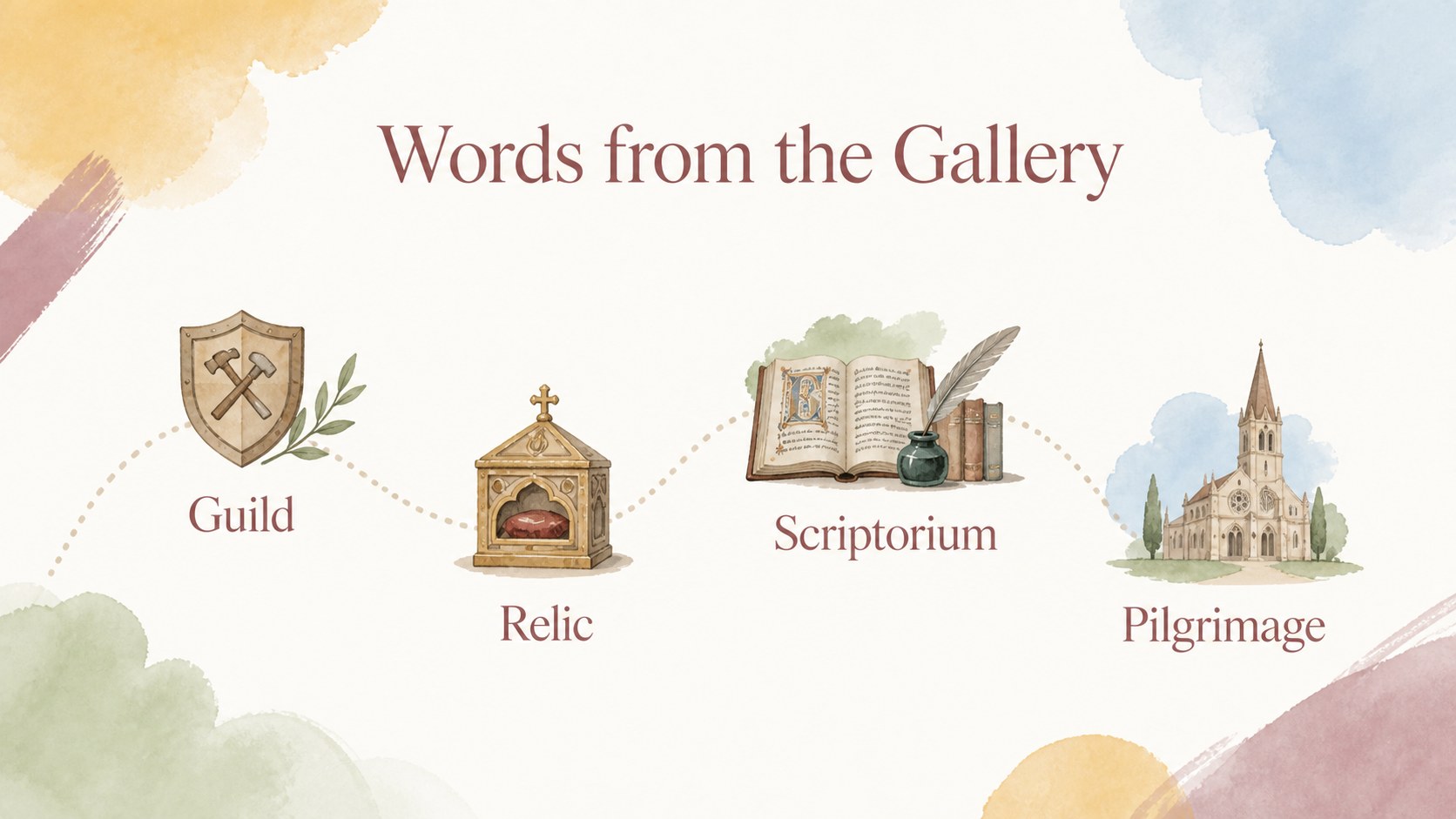
Design notes
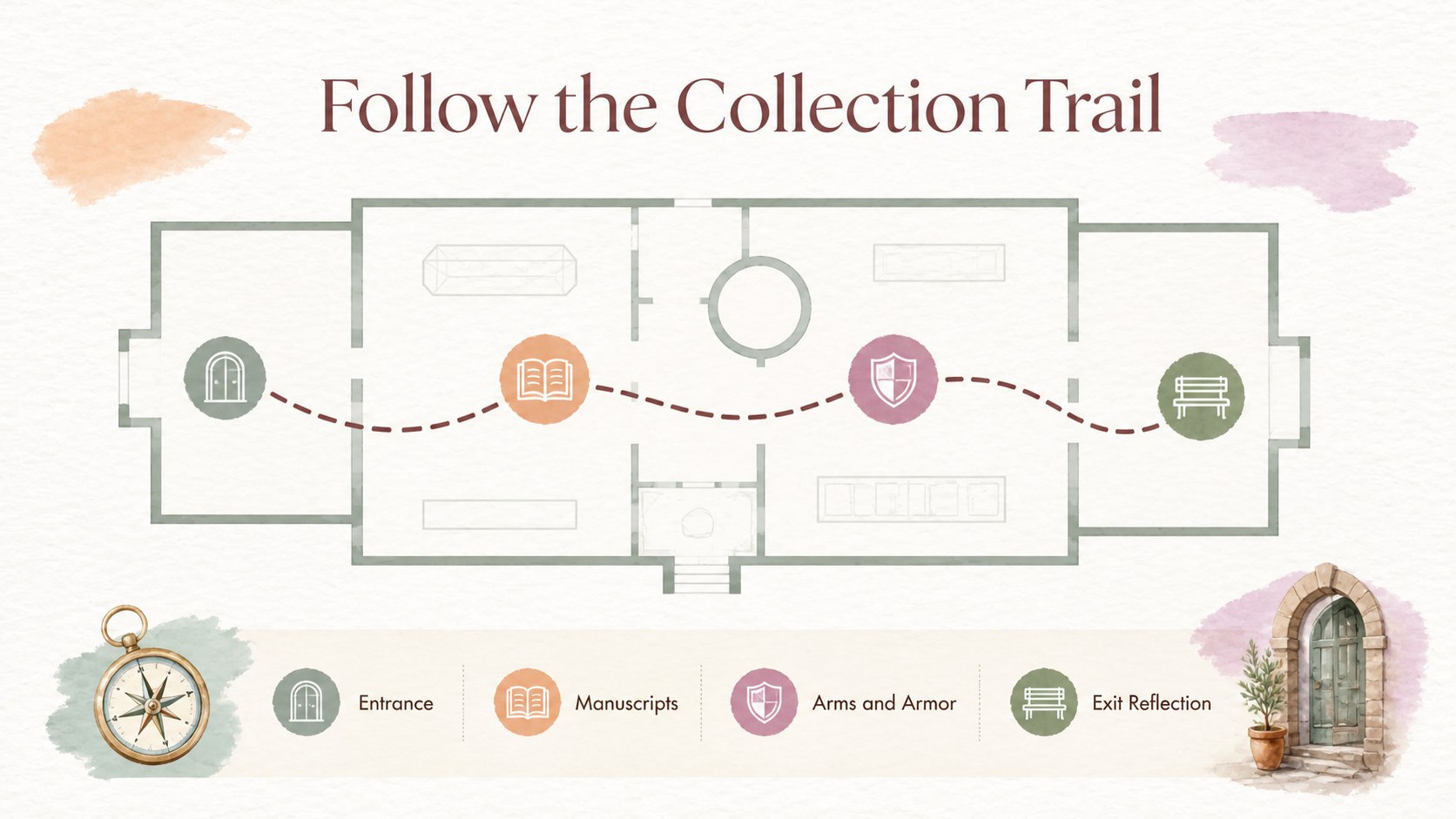
Make a medieval museum visit easier to plan, present, and remember with this soft pastel watercolor slide deck. Designed for teachers and students, it combines a light minimalist layout with gentle abstract details that keep historical content approachable and visually engaging. Use the presentation before the trip to introduce the era, during the visit to guide observation, or afterward to organize discoveries and discussion.
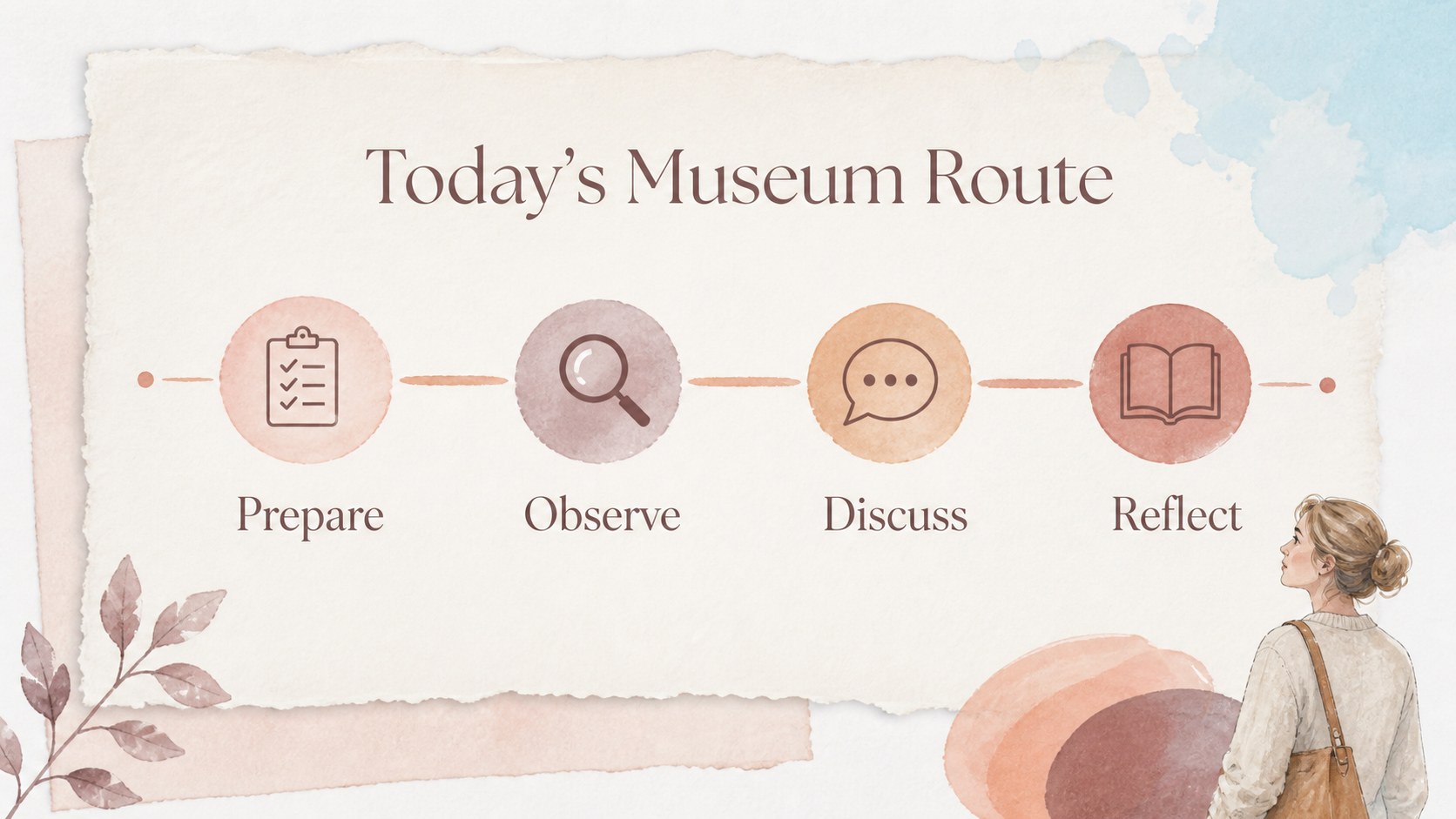
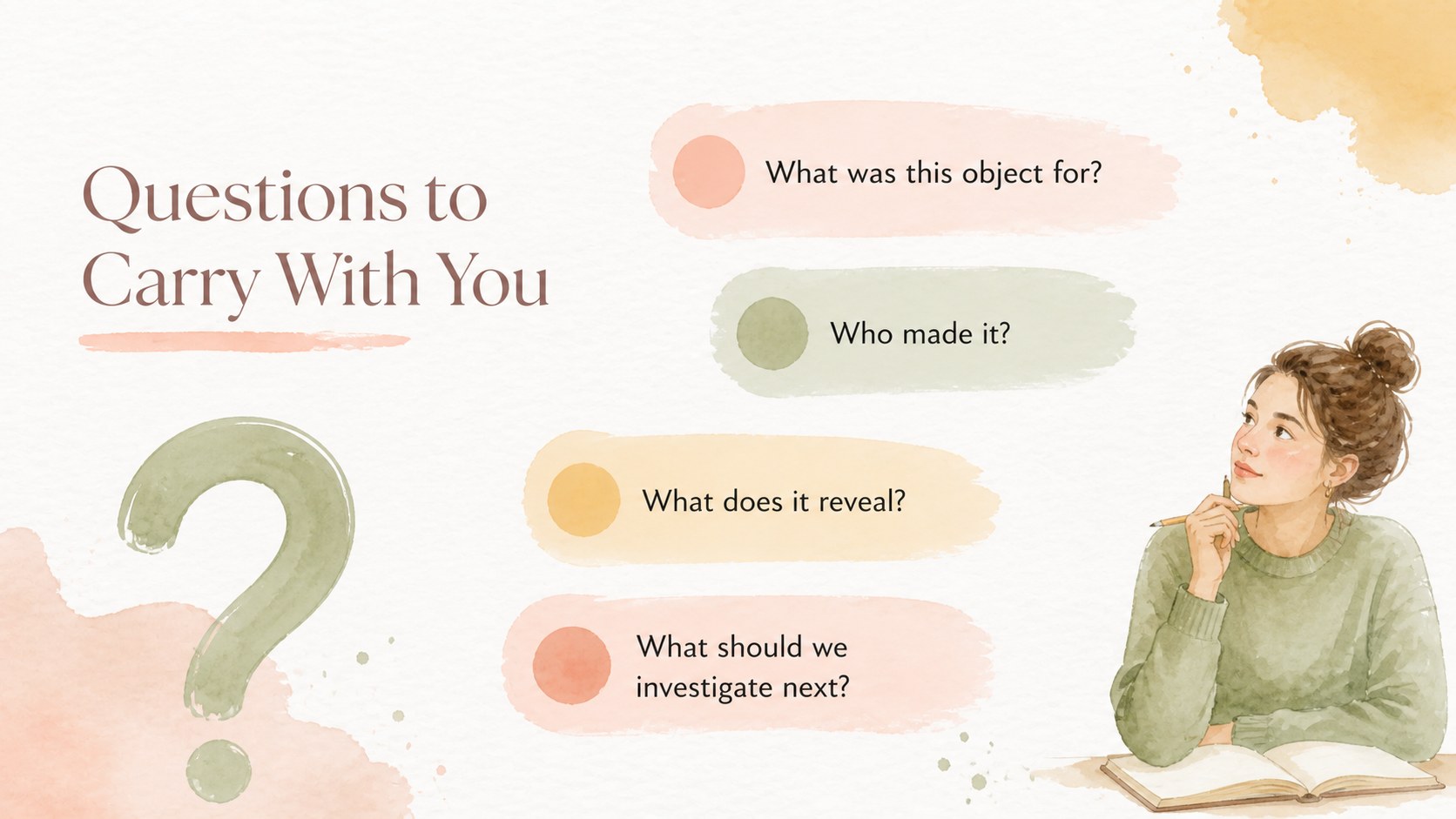
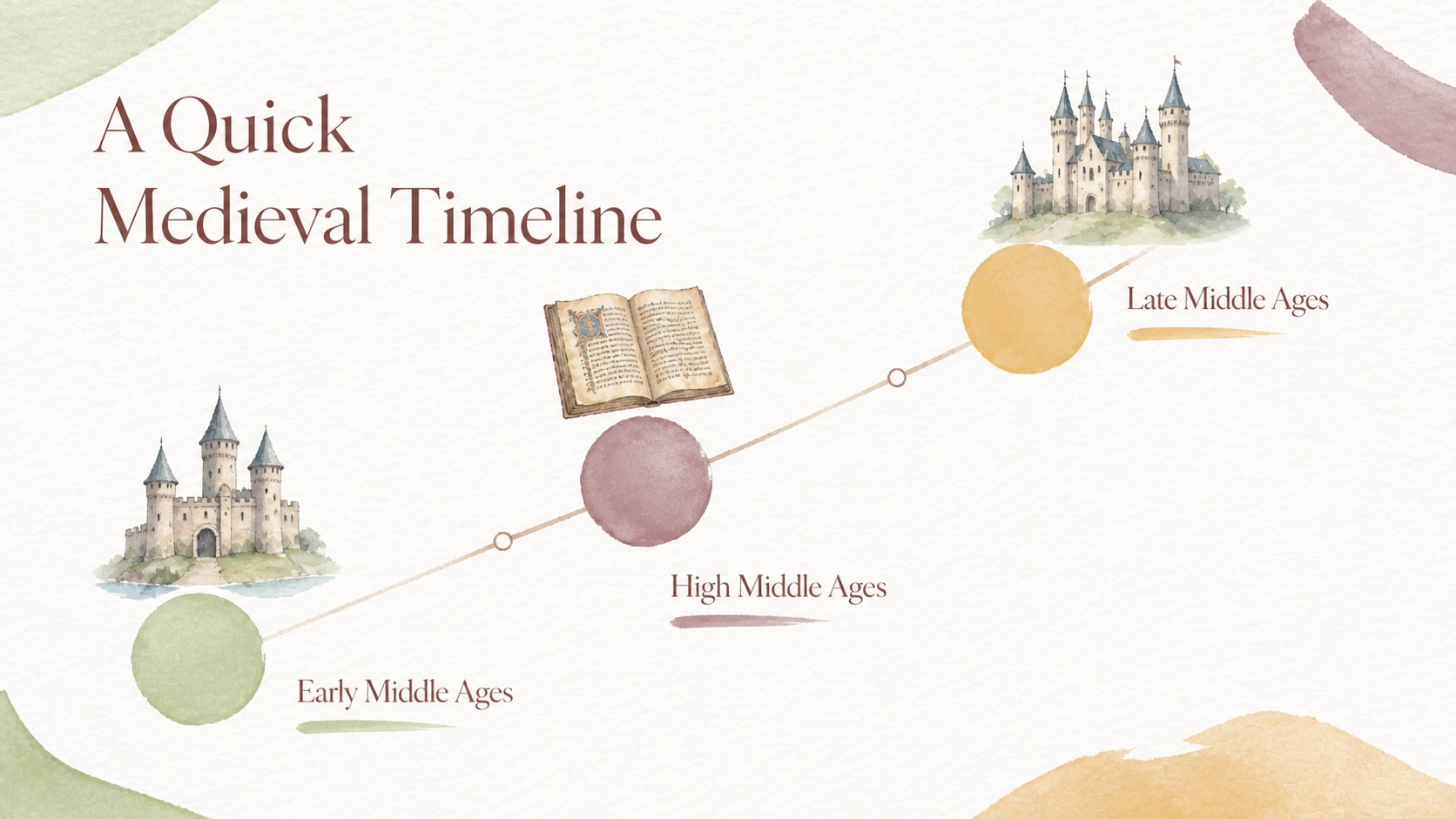
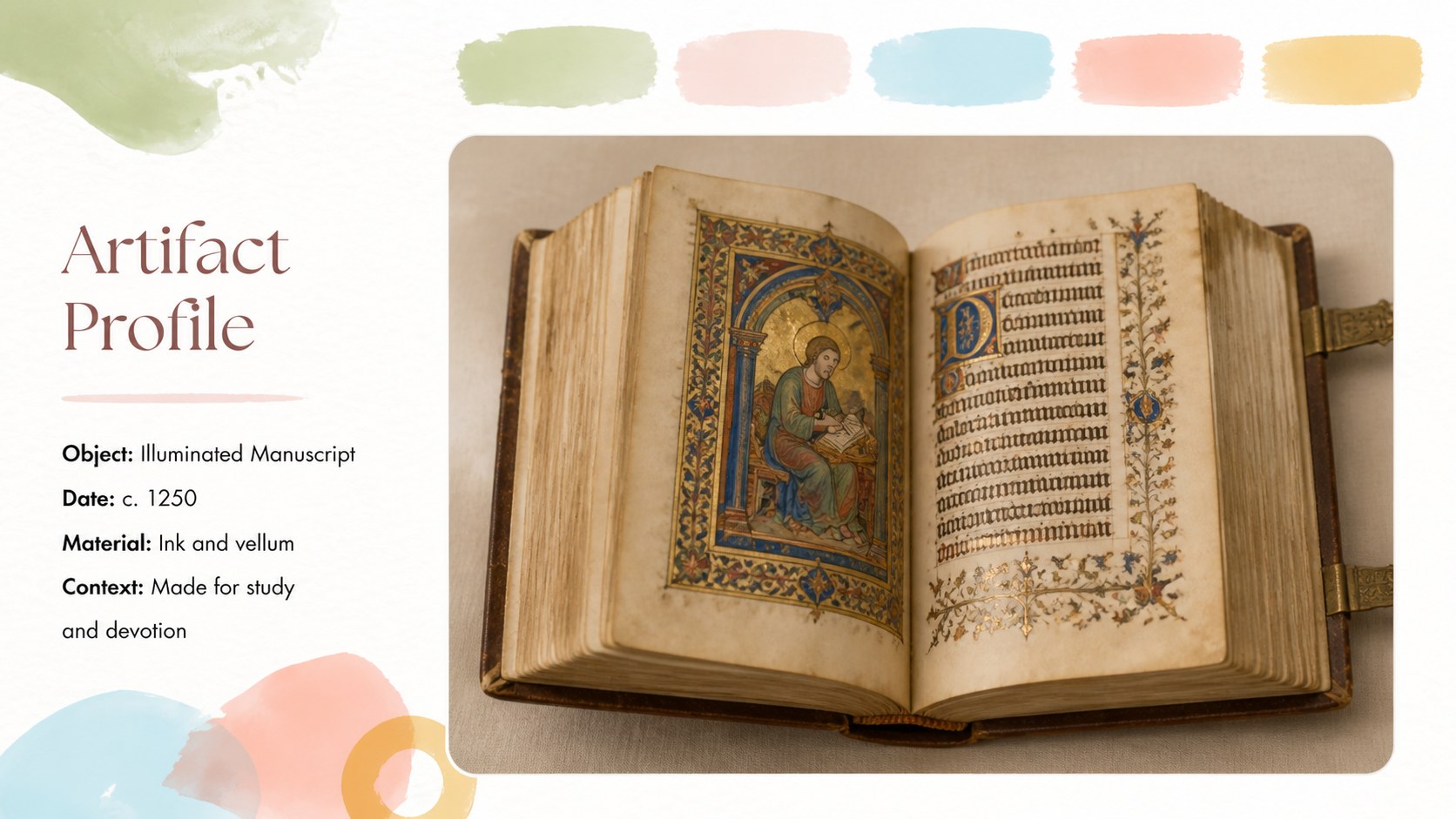
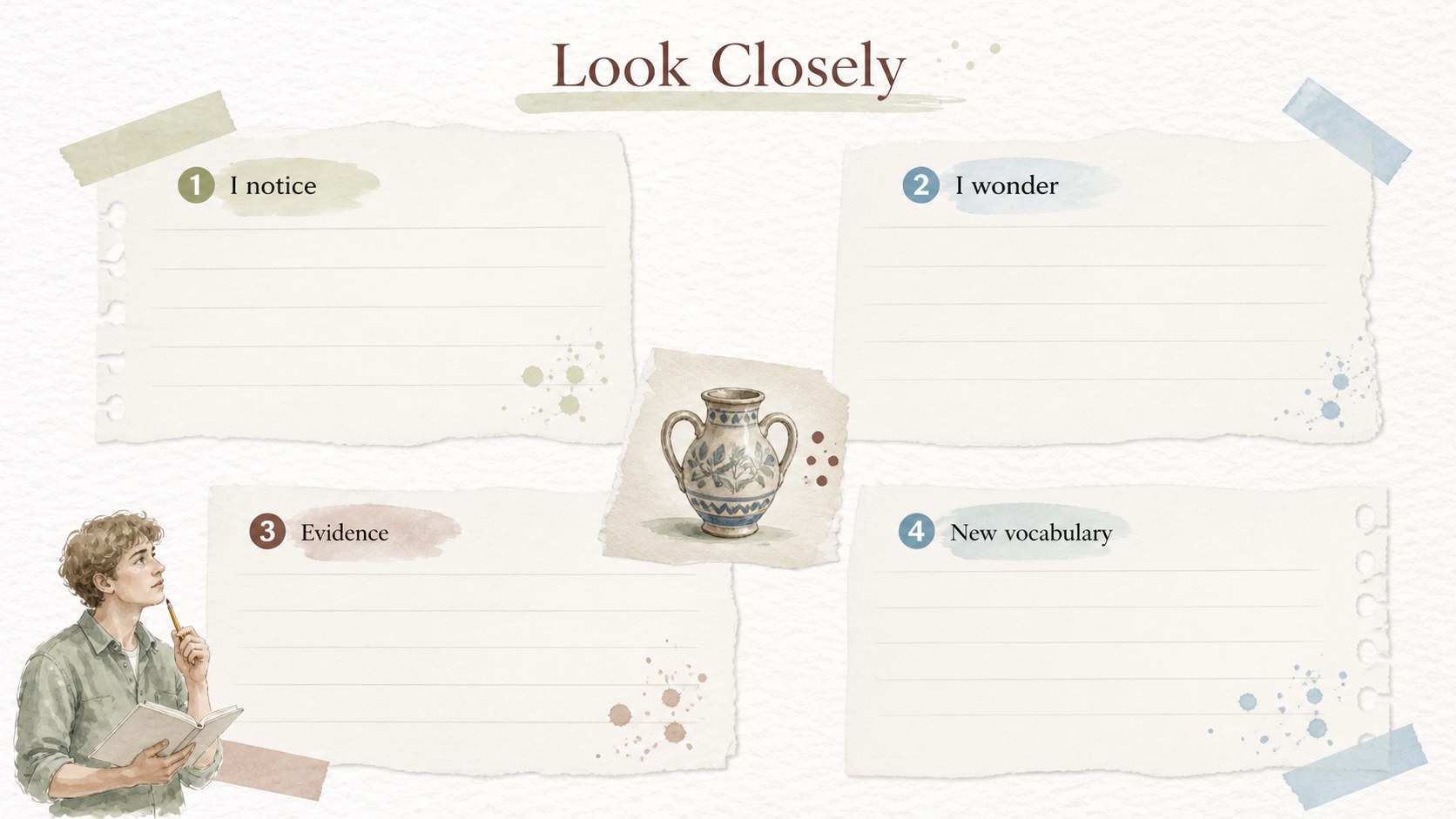
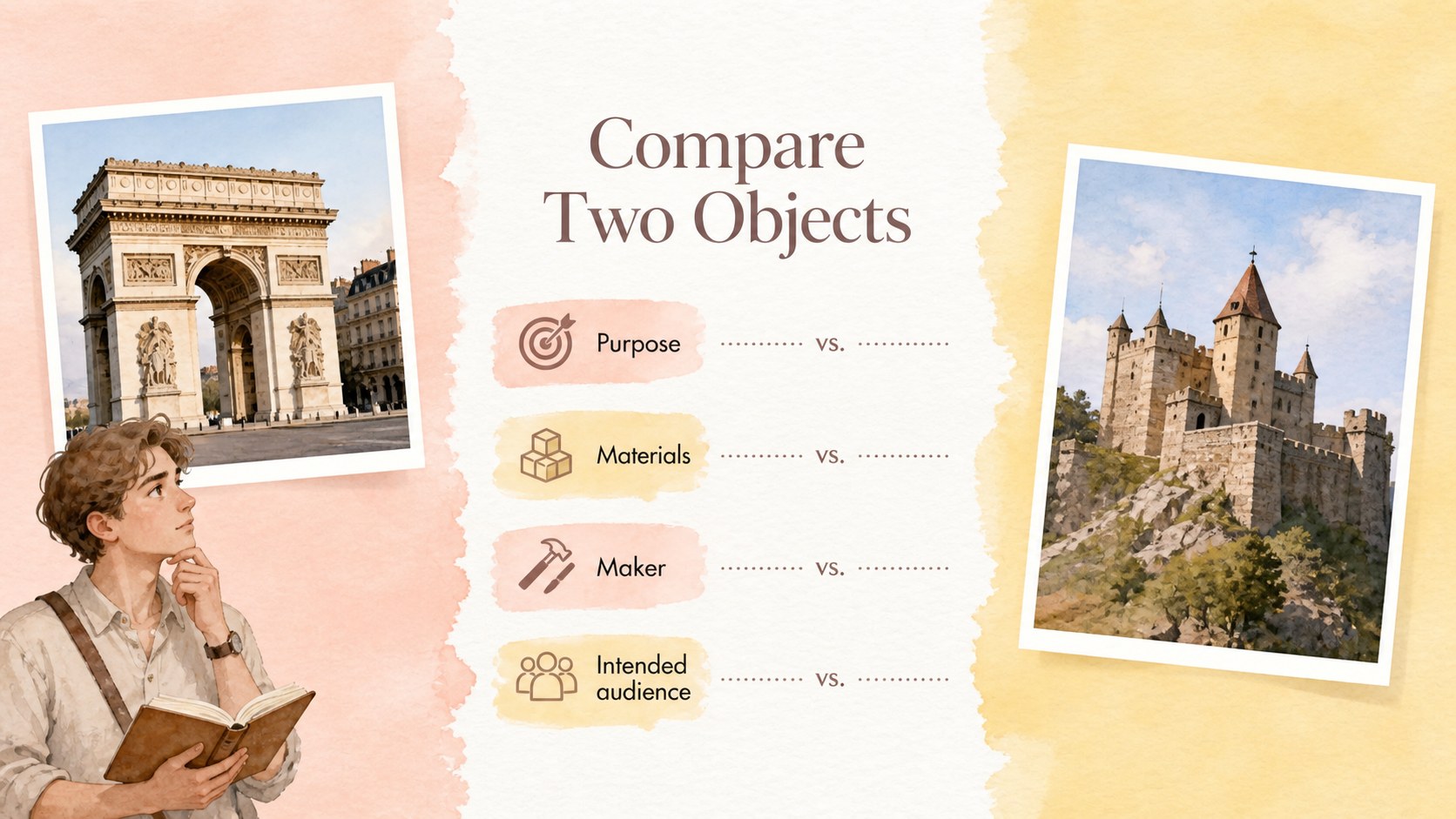
Inside, you will find editable layouts for a trip overview, learning goals, museum route, important dates, artifact profiles, observation notes, comparison activities, and reflection prompts. The structure also works well as a medieval history classroom presentation or a visual field trip itinerary. Charts, timelines, image frames, map areas, and text sections help turn research into a clear story without overwhelming younger audiences.
This deck is a practical fit for middle school and high school educators, museum educators, homeschool groups, and student project teams. Customize the wording, images, colors, and lesson details in PowerPoint or Google Slides. Use it for a classroom briefing, a guided museum worksheet presentation, or a final report that connects medieval objects with the wider historical context.
Perfect for: middle school museum briefing; high school medieval history project; guided artifact observation activity; homeschool history excursion; museum educator lesson; post-trip student report.
Frequently asked questions
Can I edit this template in PowerPoint? Yes. The layouts are designed for PowerPoint editing, including text, images, shapes, and color adjustments. Replace the sample material with your museum details, lesson goals, and student activities.
Practical details
Yes. The layouts are designed for PowerPoint editing, including text, images, shapes, and color adjustments. Replace the sample material with your museum details, lesson goals, and student activities.
Yes, you can open and customize the deck in Google Slides. Check the imported fonts and image placements after uploading, then adjust any elements that need fine-tuning.
Add the museum name, visit schedule, room numbers, route map, featured artifacts, and classroom questions. You can also change the historical period or adapt the reflection pages for individual or group work.
It suits middle school and high school teachers, museum educators, homeschool instructors, and student teams. The layouts can support pre-trip preparation, guided observation, or a post-visit report.
Keep exploring
15Build stronger academic arguments with a college essay thesis builder featuring guided examples, revision prompts, and editable PowerPoint and Google Slides.
 15
15Build an engaging World UFO Day session with this flying saucer history lesson deck, featuring retro green-and-brown slides for PowerPoint and Google Slides.
 14
14Plan a memorable Lunar New Year campaign with the 2036 Dragon Year Celebration Theme, featuring bold red-and-yellow slides for lessons and events.
 15
15Build a thoughtful classroom discussion with this interfaith awareness lesson deck, featuring editable blue-and-white slides for PowerPoint and Google Slides.
 15
15Use this environmental awareness lesson deck to teach climate action through illustrated activities, discussion prompts, and ready-to-edit visuals.
 15
15Build playful lessons and party stories with a kid-friendly zombie celebration theme in purple, green and pastel blue for PowerPoint and Google Slides.
 15
15Build eerie lessons, campaigns, and story pitches with an undead survival scenario theme featuring editable slides for PowerPoint and Google Slides.
 16
16Turn environmental research into a clear story with a Watercolor Ecology Presentation Theme for PowerPoint and Google Slides in calming green and blue.