
 15
15presentation
College Essay Thesis Builder Slides
Build stronger academic arguments with a college essay thesis builder featuring guided examples, revision prompts, and editable PowerPoint and Google Slides.
Google SlidesPowerPoint
presentation · English
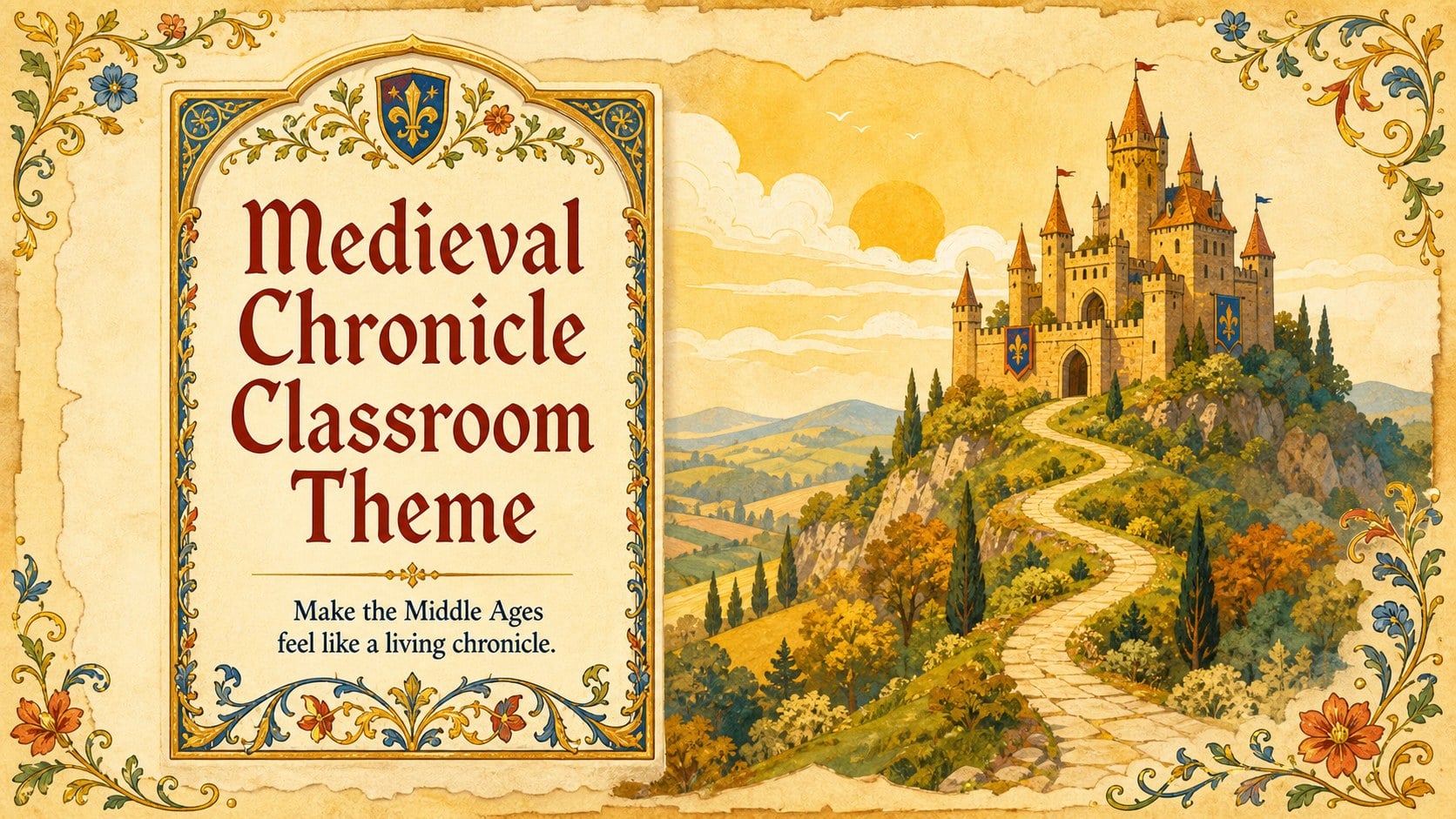
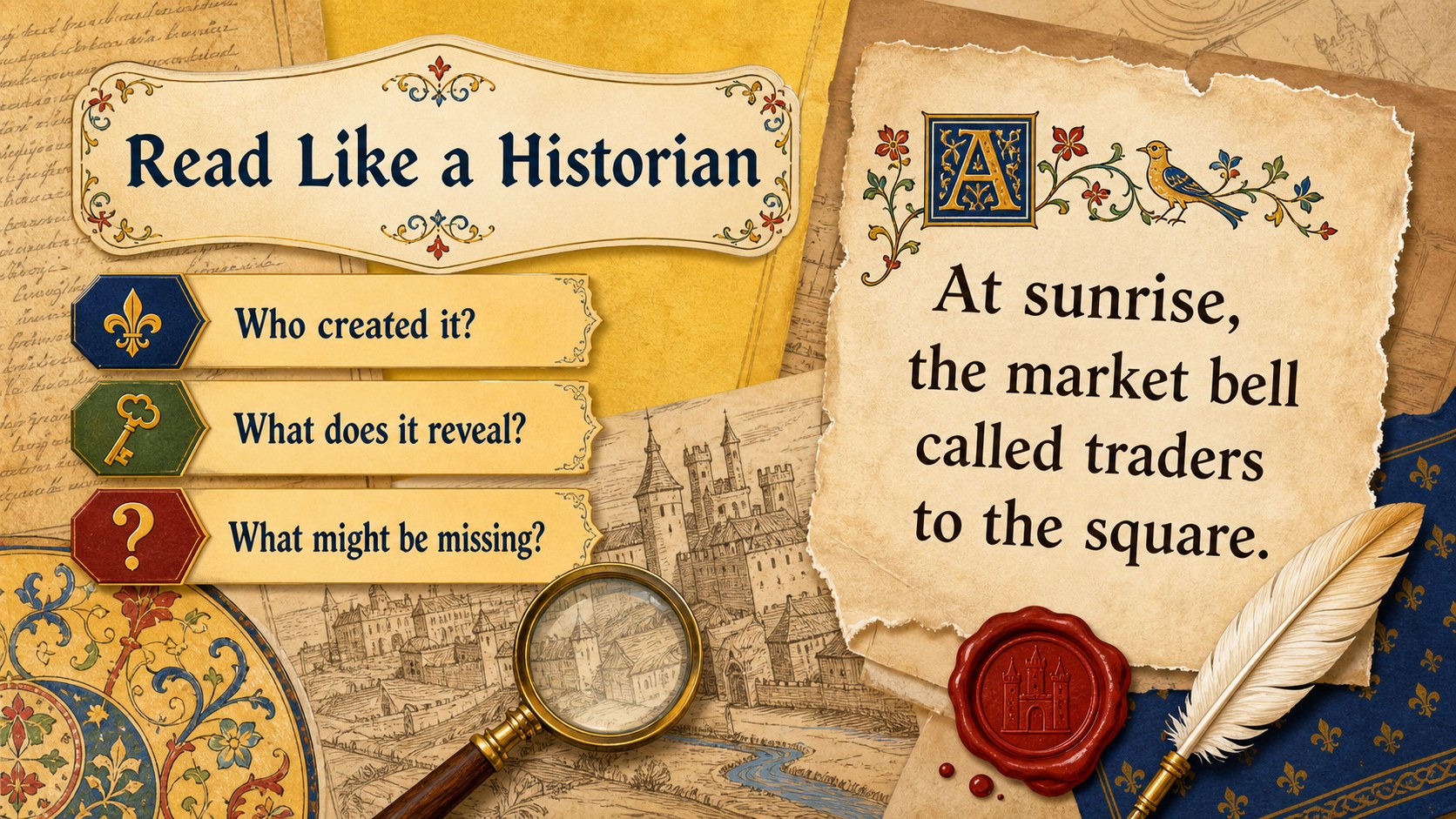
A medieval chronicle classroom theme that turns history lessons into vivid tales with warm yellow artwork for PowerPoint and Google Slides.
Design notes
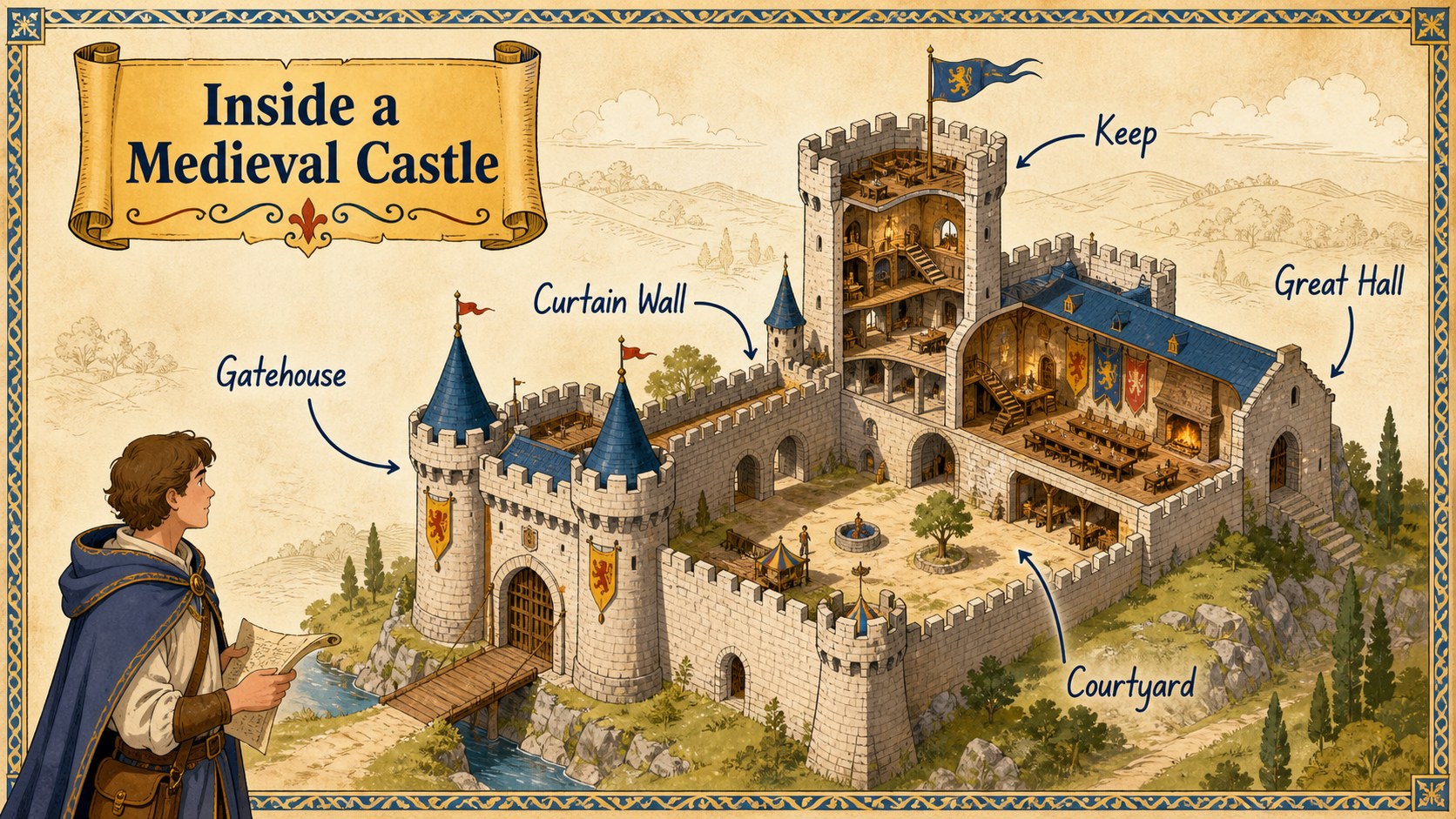
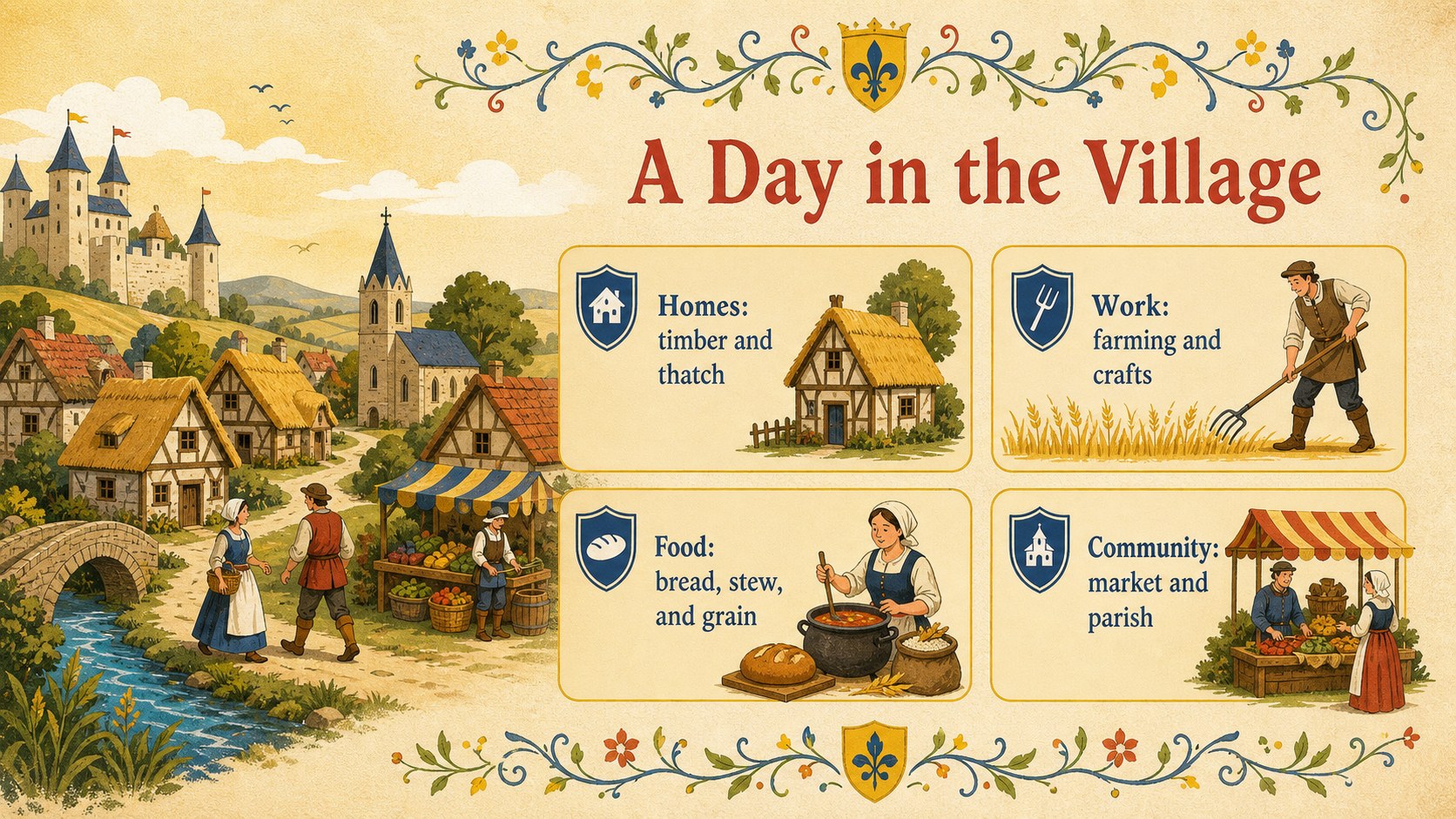
Turn historical facts into an unfolding classroom narrative with this medieval chronicle classroom theme. Warm yellow pages, hand-drawn details, decorative borders, and manuscript-inspired typography create an inviting old-world atmosphere without sacrificing readability. Use it as a medieval history lesson presentation or adapt it for literature, folklore, and creative writing.
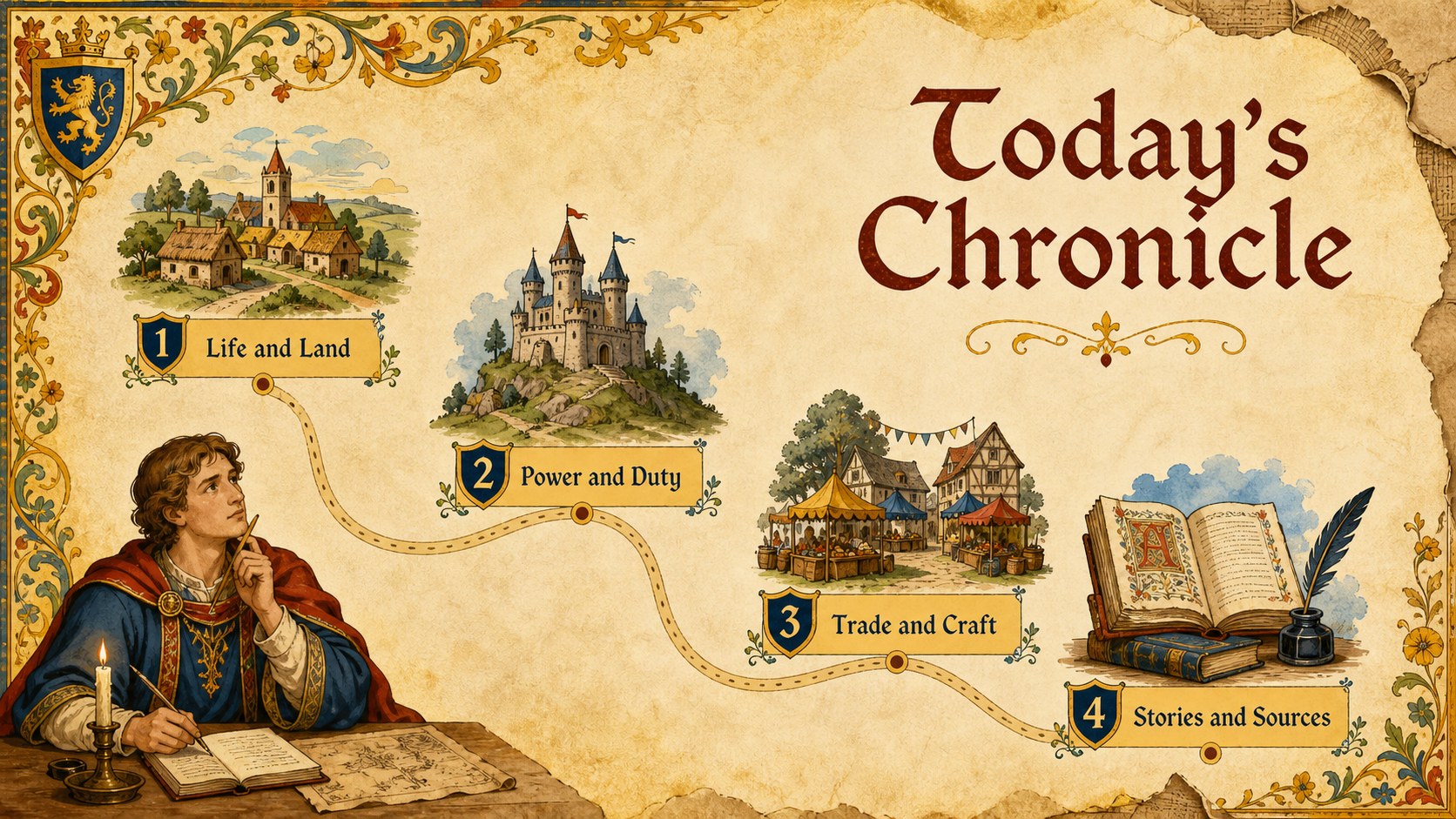
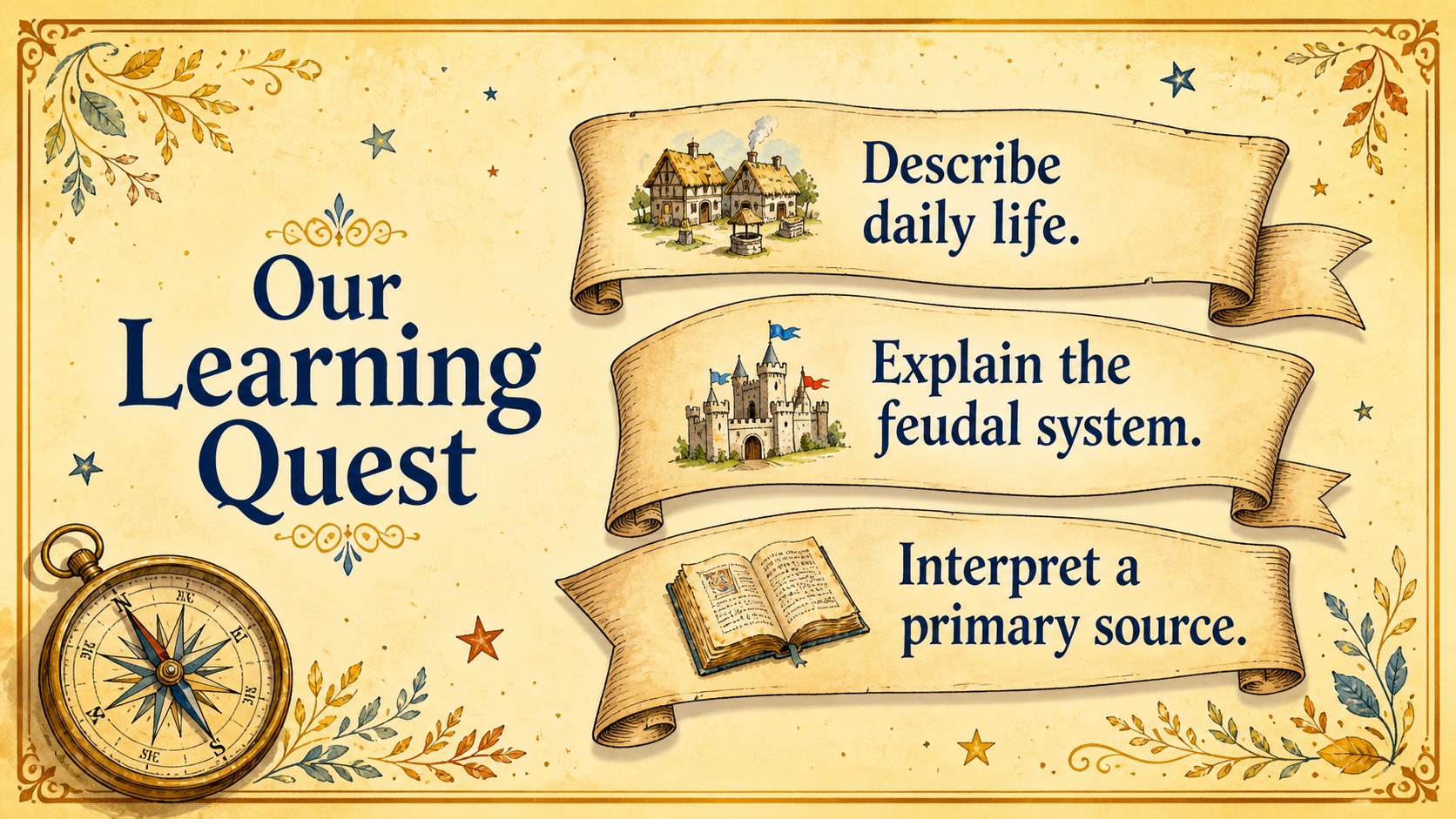
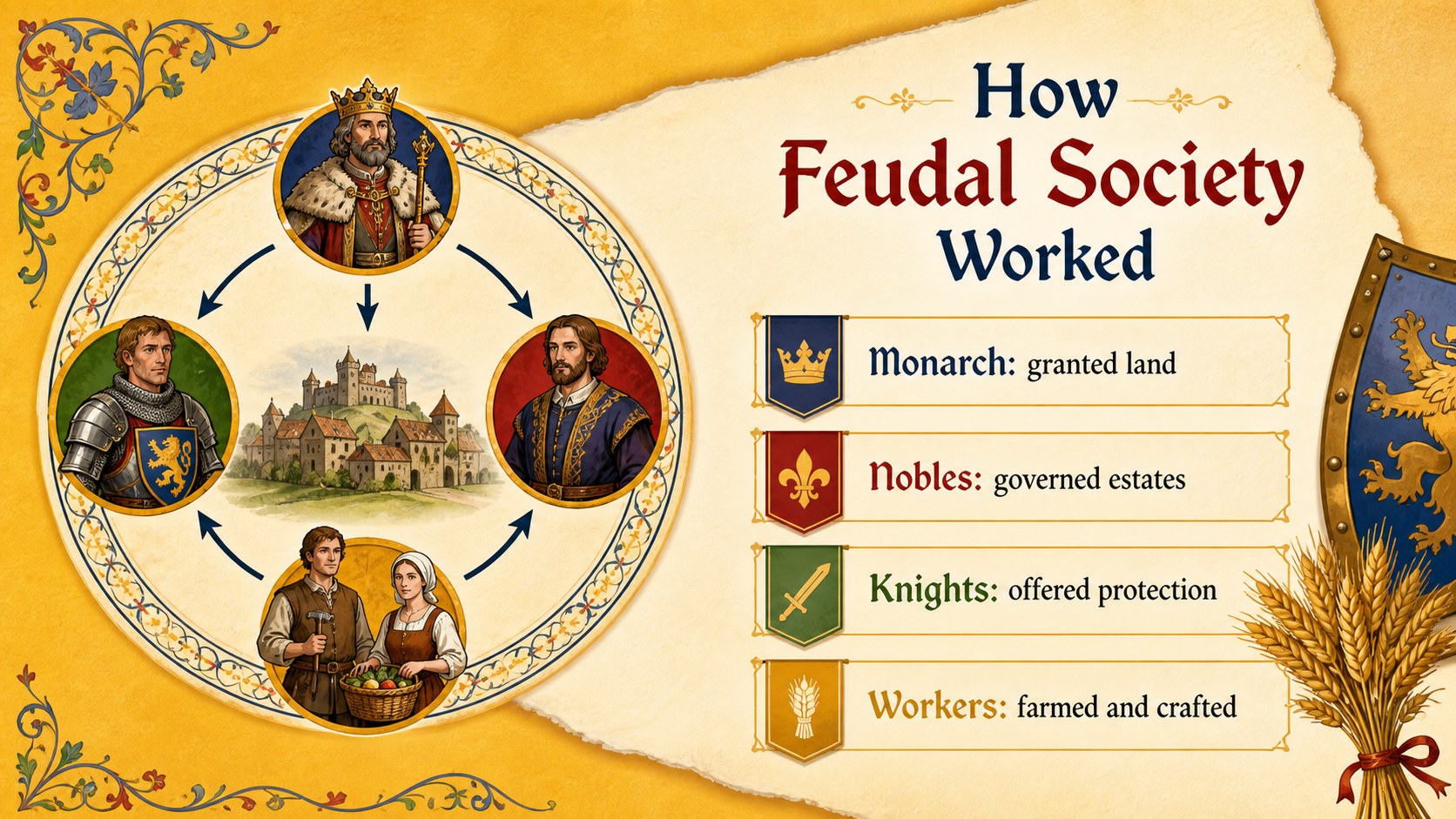
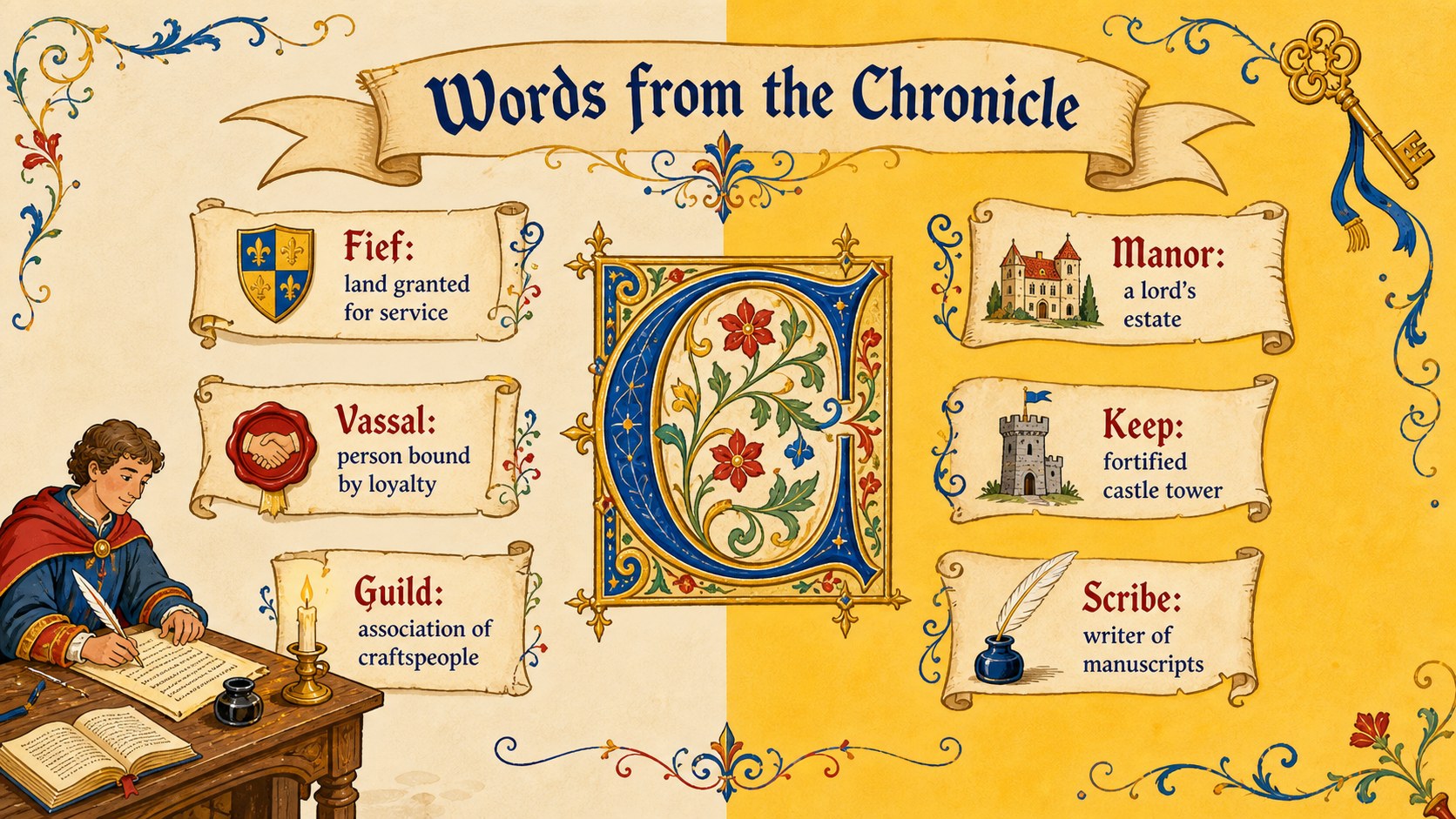
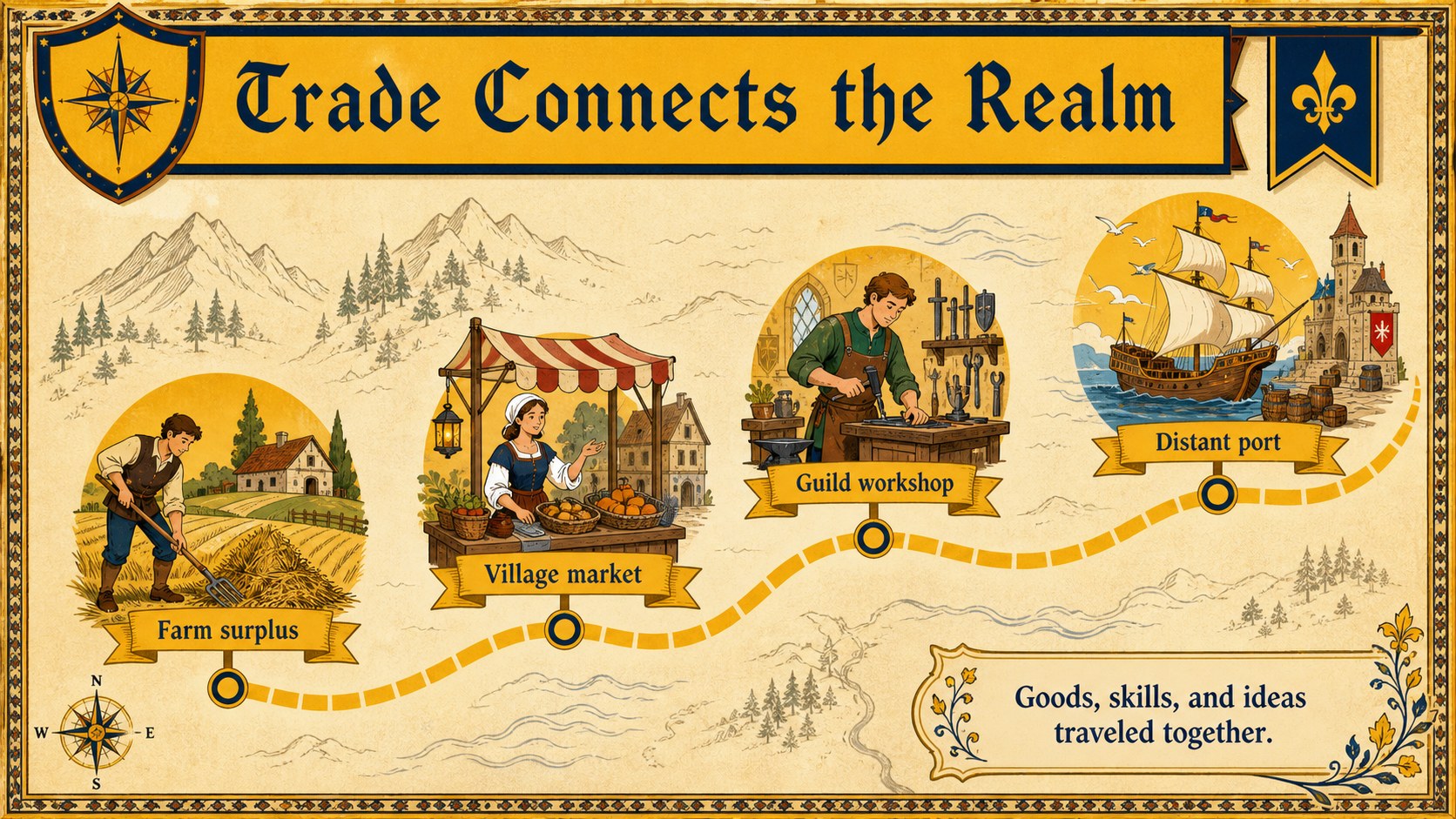
The deck includes layouts for an opening hook, lesson objectives, a chapter agenda, character profiles, castle life, social structure, maps, timelines, vocabulary, source analysis, discussion questions, and a closing reflection. Flexible text areas support short explanations as well as image-led teaching. Charts, diagrams, and comparison pages help students organize information while maintaining the illustrated chronicle style.
Designed for elementary, middle, and high school educators, these Middle Ages classroom deck layouts also suit student projects, museum workshops, library programs, and historical storytelling activities. Teachers can customize colors, wording, illustrations, and page order in PowerPoint or Google Slides. The illuminated manuscript slide theme works especially well for lessons on feudal Europe, medieval communities, legends, architecture, and primary sources. Add your own images, maps, quotations, or research findings to build a cohesive presentation that feels imaginative, structured, and age-appropriate.
Perfect for: Middle Ages history lesson; medieval literature class; student history project; historical storytelling workshop; feudal society review; museum education program.
Frequently asked questions
Can I edit this template in PowerPoint and Google Slides? Yes. All slide text, colors, images, and layout elements can be adjusted in PowerPoint or Google Slides. Font substitution may be needed if a decorative typeface is not installed on your device.
Practical details
Yes. All slide text, colors, images, and layout elements can be adjusted in PowerPoint or Google Slides. Font substitution may be needed if a decorative typeface is not installed on your device.
Replace the sample chapter headings with your lesson units, then add relevant maps, artifacts, quotations, or historical figures. The layouts can be reordered for topics such as castles, feudalism, literature, religion, trade, or daily life.
Yes. The illustrated pages and clear content blocks work well for elementary and middle school classes. For younger learners, shorten the text and use more images, vocabulary callouts, and guided questions.
Yes. Students can adapt the chapter, profile, timeline, map, and reflection layouts for individual or group assignments. Provide source and citation requirements separately if the project includes outside research.
Keep exploring
15Build stronger academic arguments with a college essay thesis builder featuring guided examples, revision prompts, and editable PowerPoint and Google Slides.
 15
15Build an engaging World UFO Day session with this flying saucer history lesson deck, featuring retro green-and-brown slides for PowerPoint and Google Slides.
 14
14Plan a memorable Lunar New Year campaign with the 2036 Dragon Year Celebration Theme, featuring bold red-and-yellow slides for lessons and events.
 15
15Build a thoughtful classroom discussion with this interfaith awareness lesson deck, featuring editable blue-and-white slides for PowerPoint and Google Slides.
 15
15Use this environmental awareness lesson deck to teach climate action through illustrated activities, discussion prompts, and ready-to-edit visuals.
 15
15Build playful lessons and party stories with a kid-friendly zombie celebration theme in purple, green and pastel blue for PowerPoint and Google Slides.
 15
15Build eerie lessons, campaigns, and story pitches with an undead survival scenario theme featuring editable slides for PowerPoint and Google Slides.
 16
16Turn environmental research into a clear story with a Watercolor Ecology Presentation Theme for PowerPoint and Google Slides in calming green and blue.