
 15
15presentation
College Essay Thesis Builder Slides
Build stronger academic arguments with a college essay thesis builder featuring guided examples, revision prompts, and editable PowerPoint and Google Slides.
Google SlidesPowerPoint
presentation · English
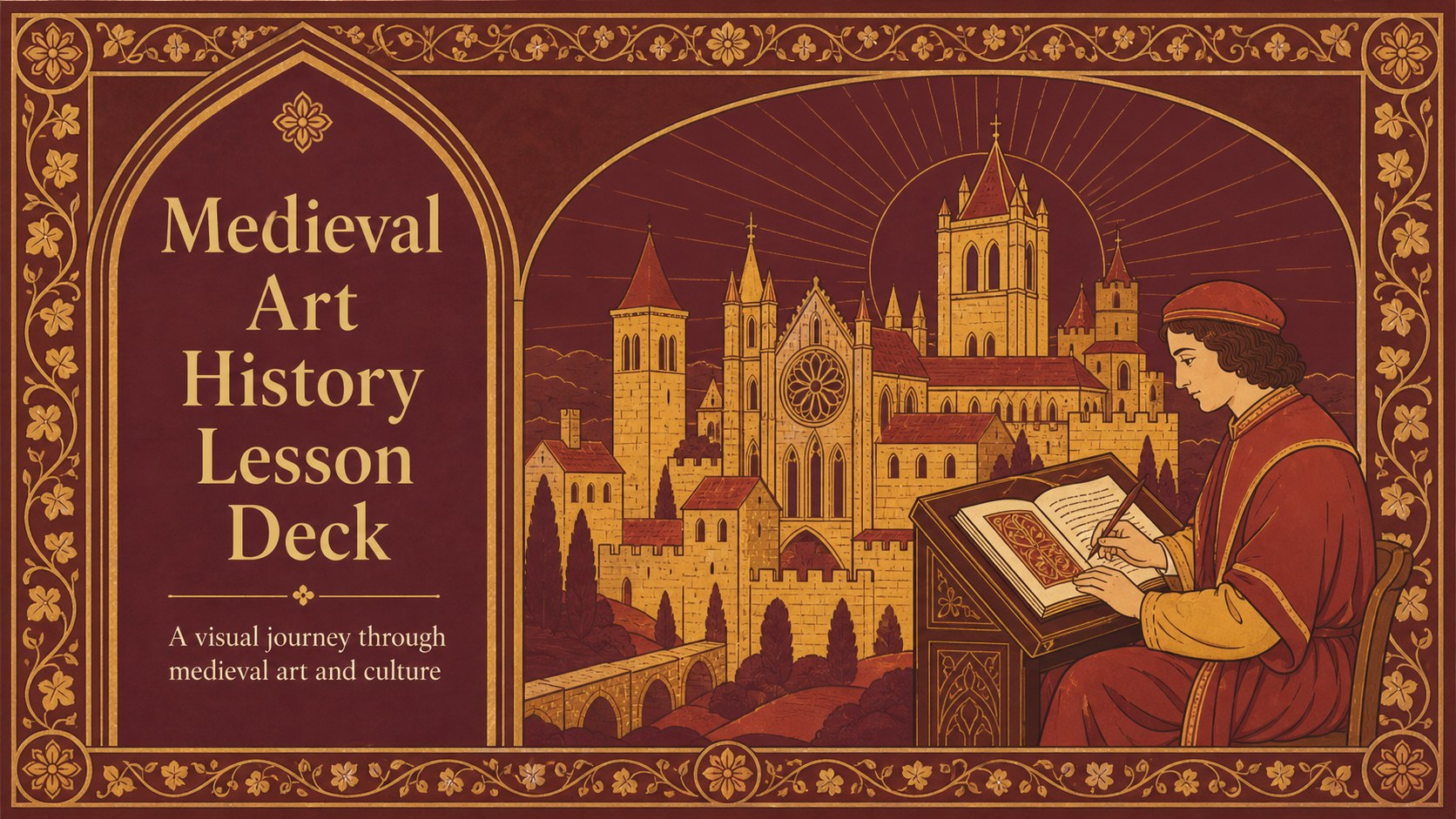
Teach medieval art with a vivid lesson deck for secondary classrooms, featuring floral illustrations, red and yellow accents, and editable slides.
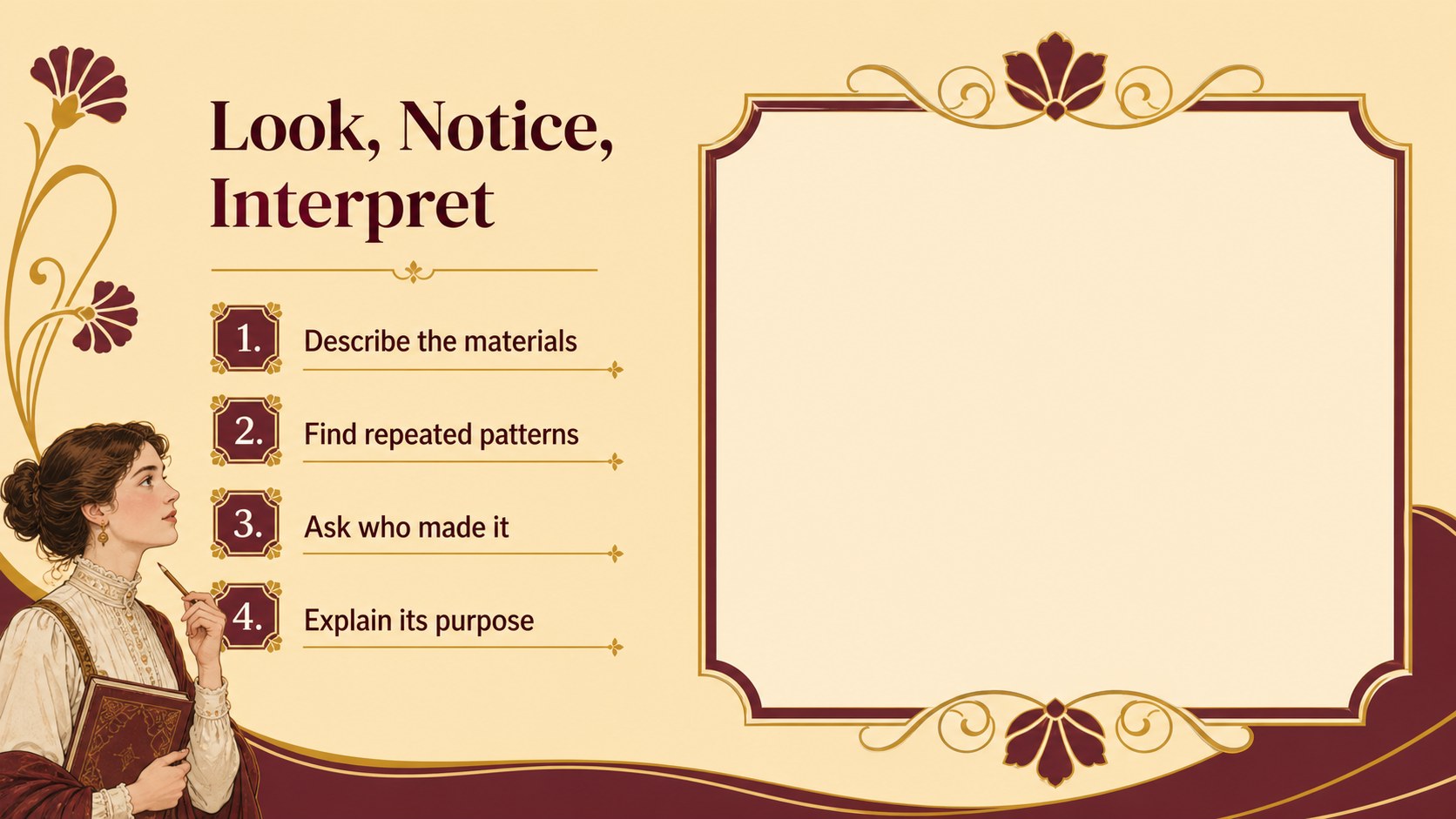
Design notes
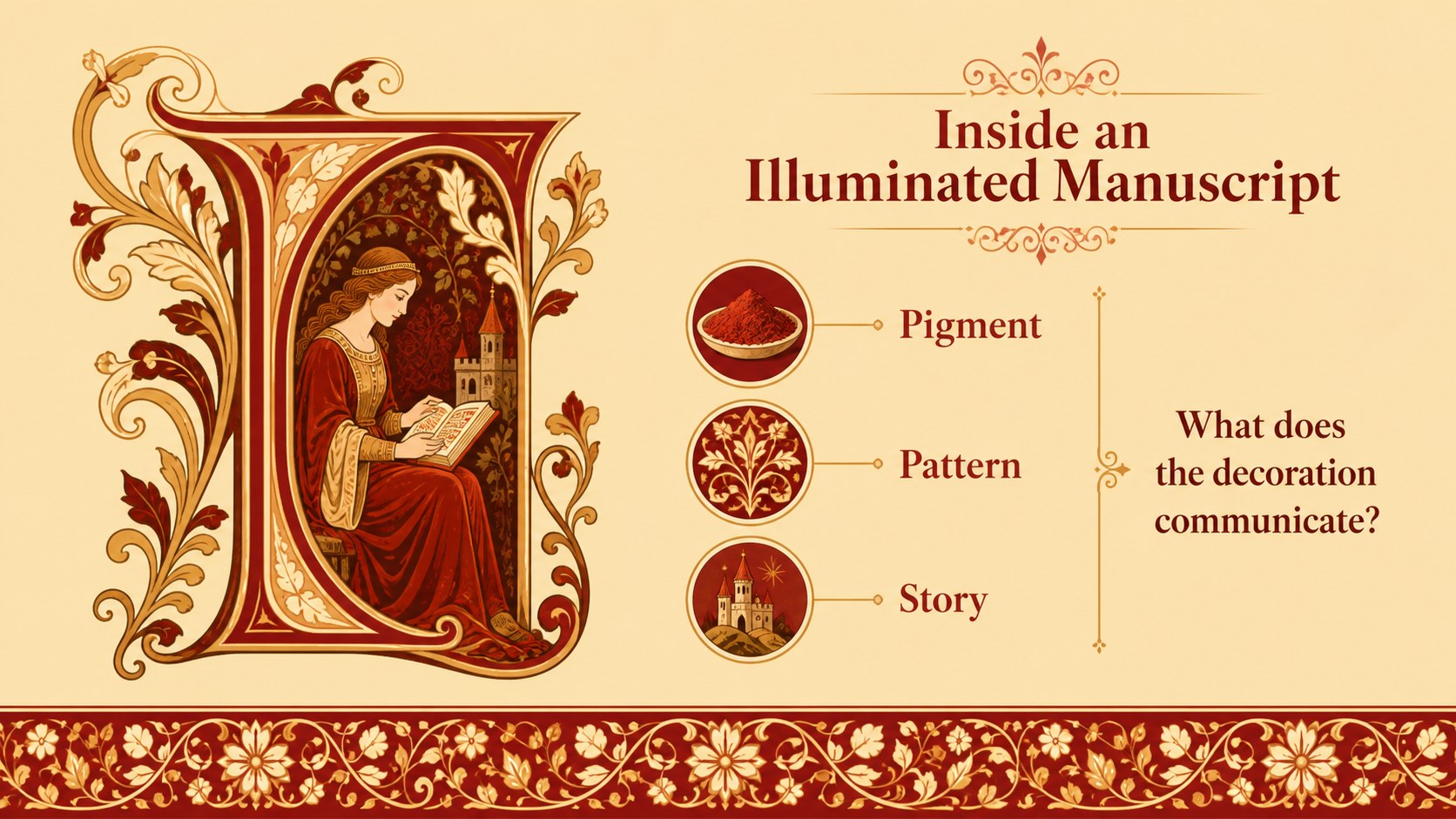
Make medieval art history easier to teach with a visually rich slide deck designed for middle school and high school classrooms. The presentation uses an Art Nouveau-inspired system of floral ornaments, decorative frames, warm red and yellow accents, and clear layouts to make complex historical ideas easier to follow. It is a practical choice for teachers building a medieval art history lesson deck, a period-based art survey, or a visual humanities unit.
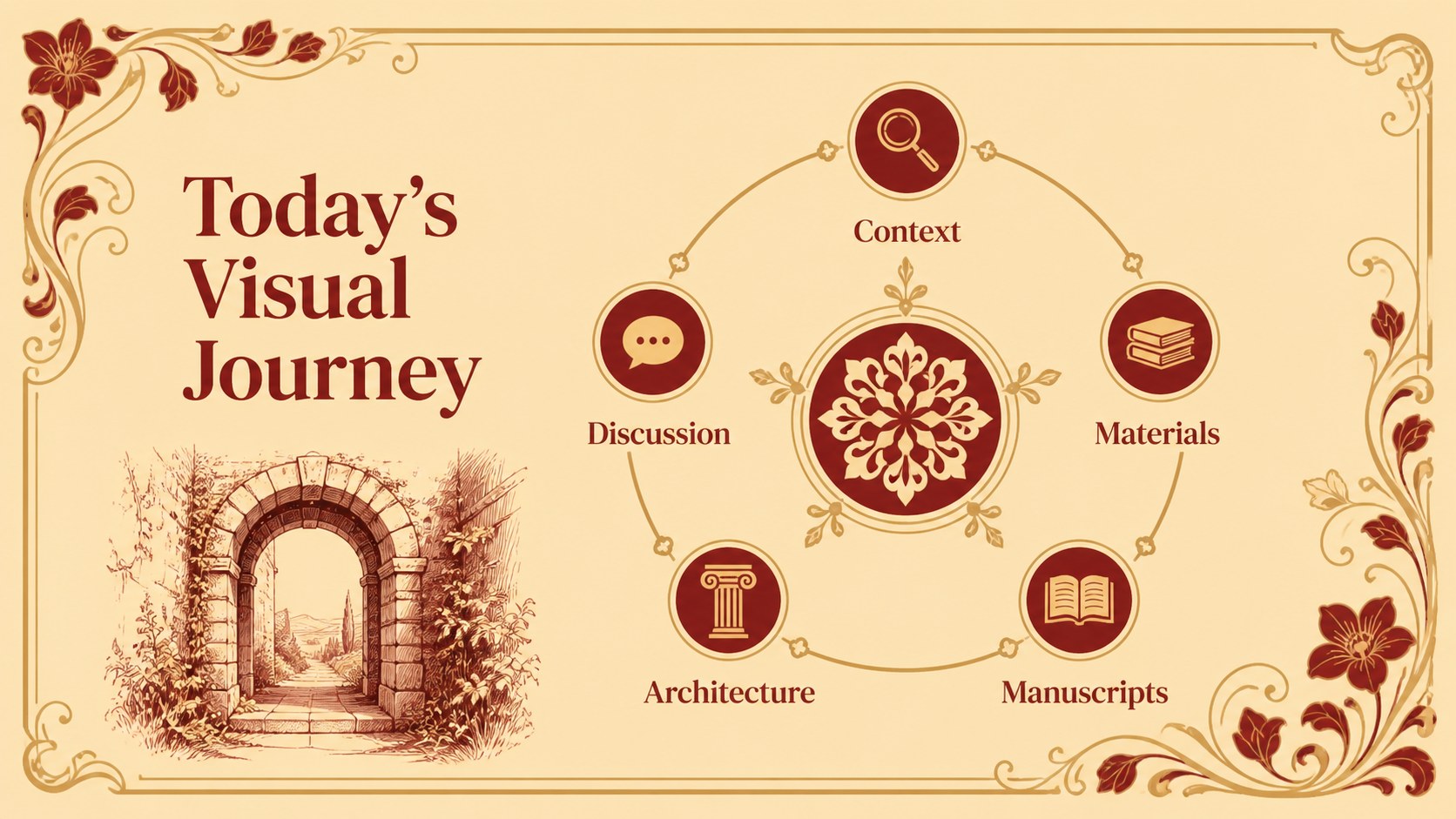
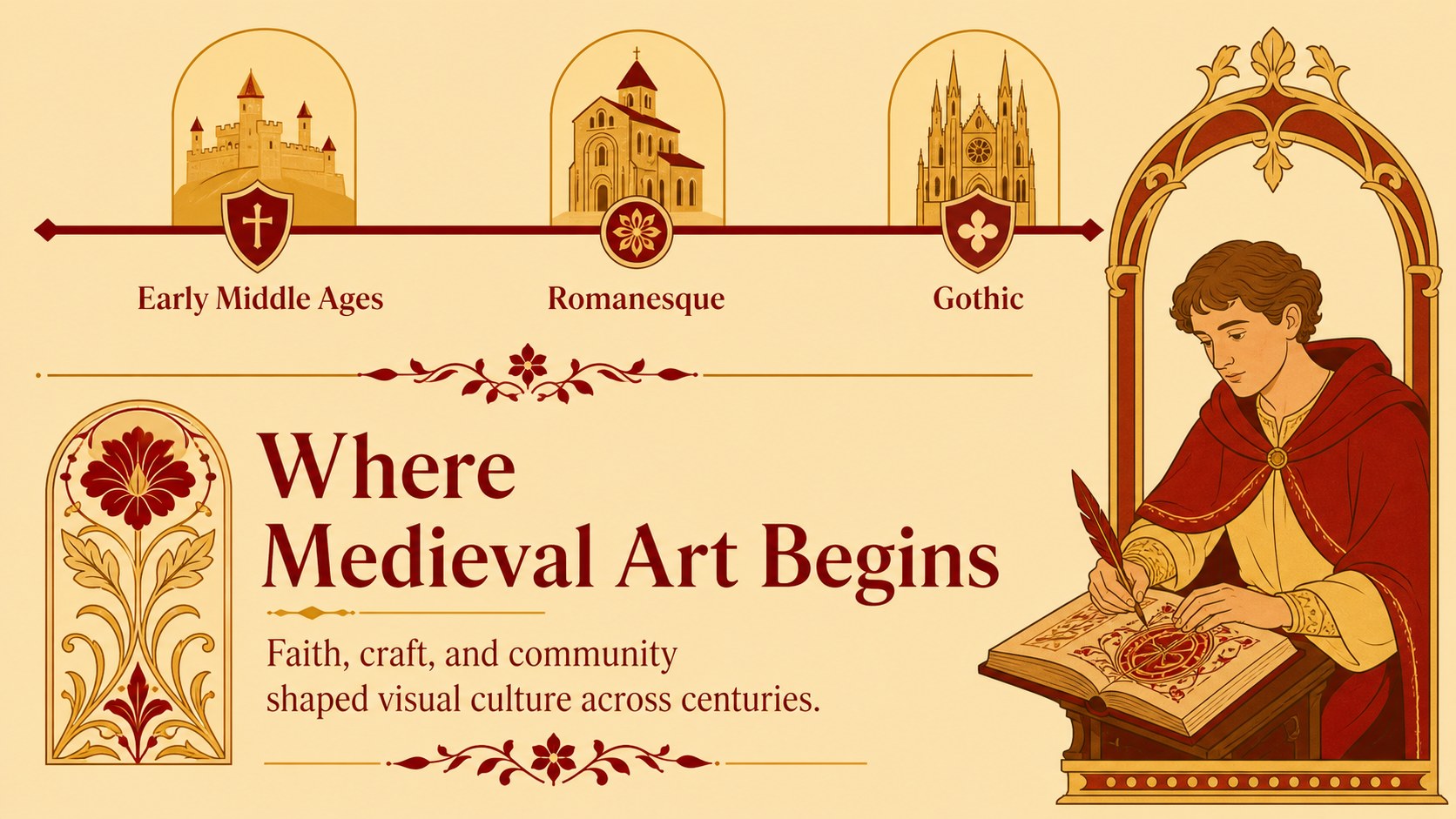
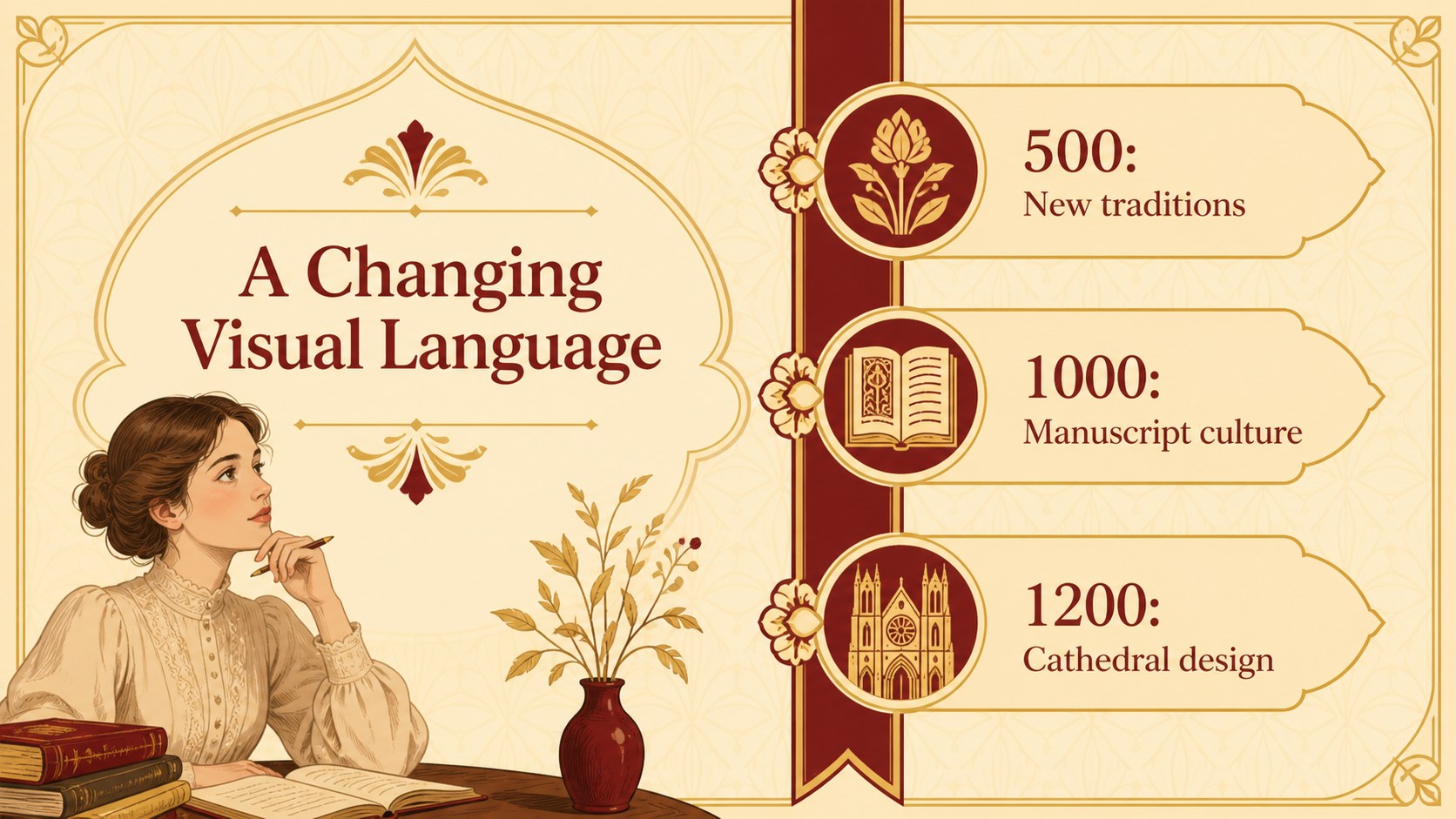
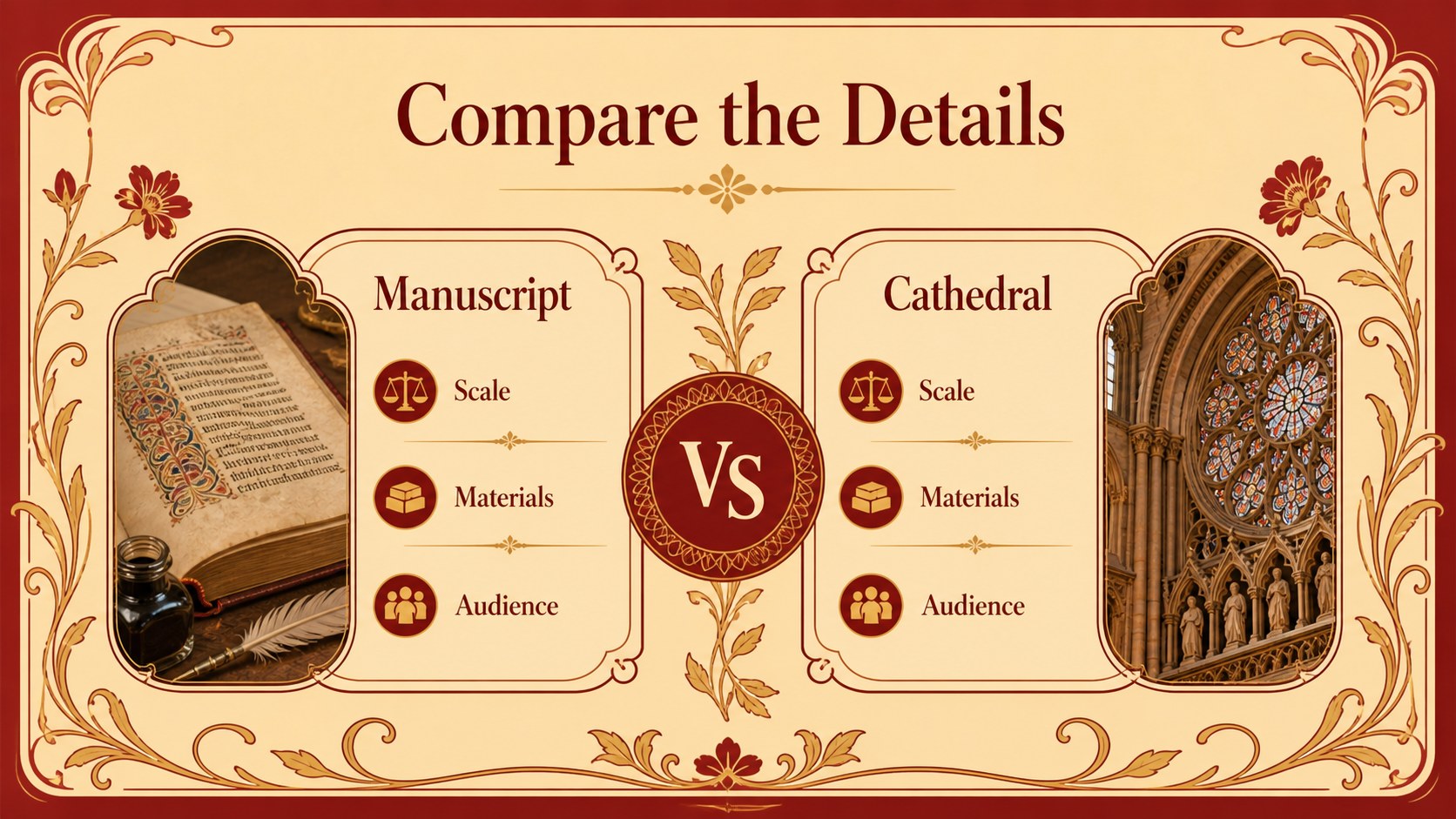
Inside, you will find more than 25 editable slide layouts for introducing the era, explaining religious and cultural context, comparing artistic techniques, presenting notable works, and guiding classroom discussion. Timeline, comparison, image-caption, quote, gallery, and conclusion layouts help you structure a complete lesson without starting from a blank page. Charts, shapes, frames, and transition effects support different teaching styles, while the balanced typography keeps the content readable.
The deck is available for Google Slides and PowerPoint. Customize colors, illustrations, images, labels, and notes to suit your curriculum or presentation length. It works well for art history teachers, student research projects, museum education sessions, and classroom presentations about medieval visual culture. The template uses DM Serif Display and Lato for an expressive but accessible typographic pairing.
Perfect for: high school art history lesson; middle school medieval culture unit; illuminated manuscript classroom presentation; museum education workshop; student medieval art research project.
Frequently asked questions
Can I edit this medieval art history lesson deck in Google Slides? Yes. The deck is designed for Google Slides and includes editable text, shapes, colors, and image areas. You can adjust the layouts in your browser without specialized design software.
Practical details
Yes. The deck is designed for Google Slides and includes editable text, shapes, colors, and image areas. You can adjust the layouts in your browser without specialized design software.
Yes. It is available for Google Slides and PowerPoint. Some animation or font behavior may vary slightly between platforms, so review the finished file before presenting.
You can change the accent colors, background treatments, typography, illustrations, and photographs. Keeping the warm palette preserves the original visual character, while custom colors can align the deck with your school or museum branding.
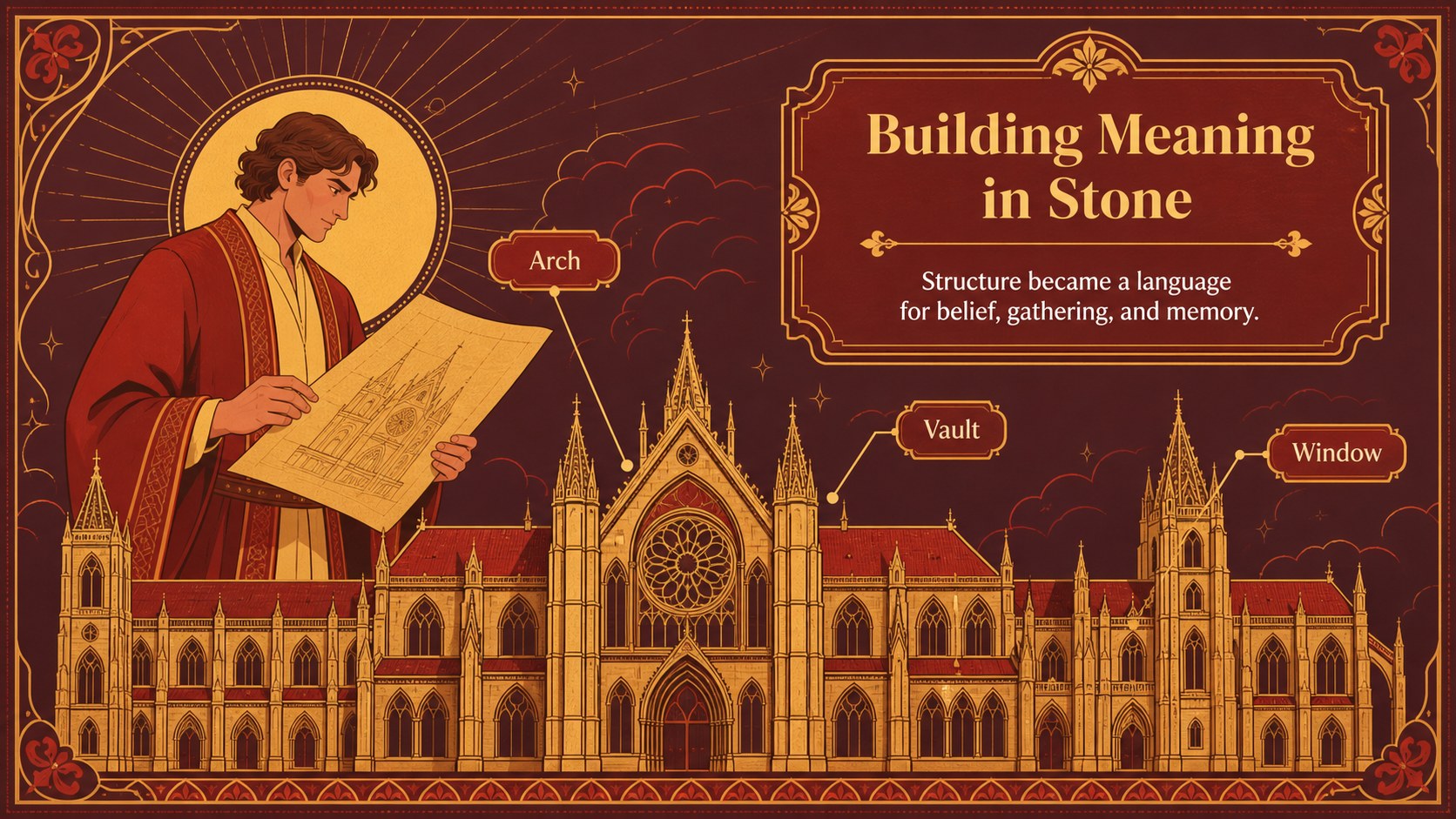
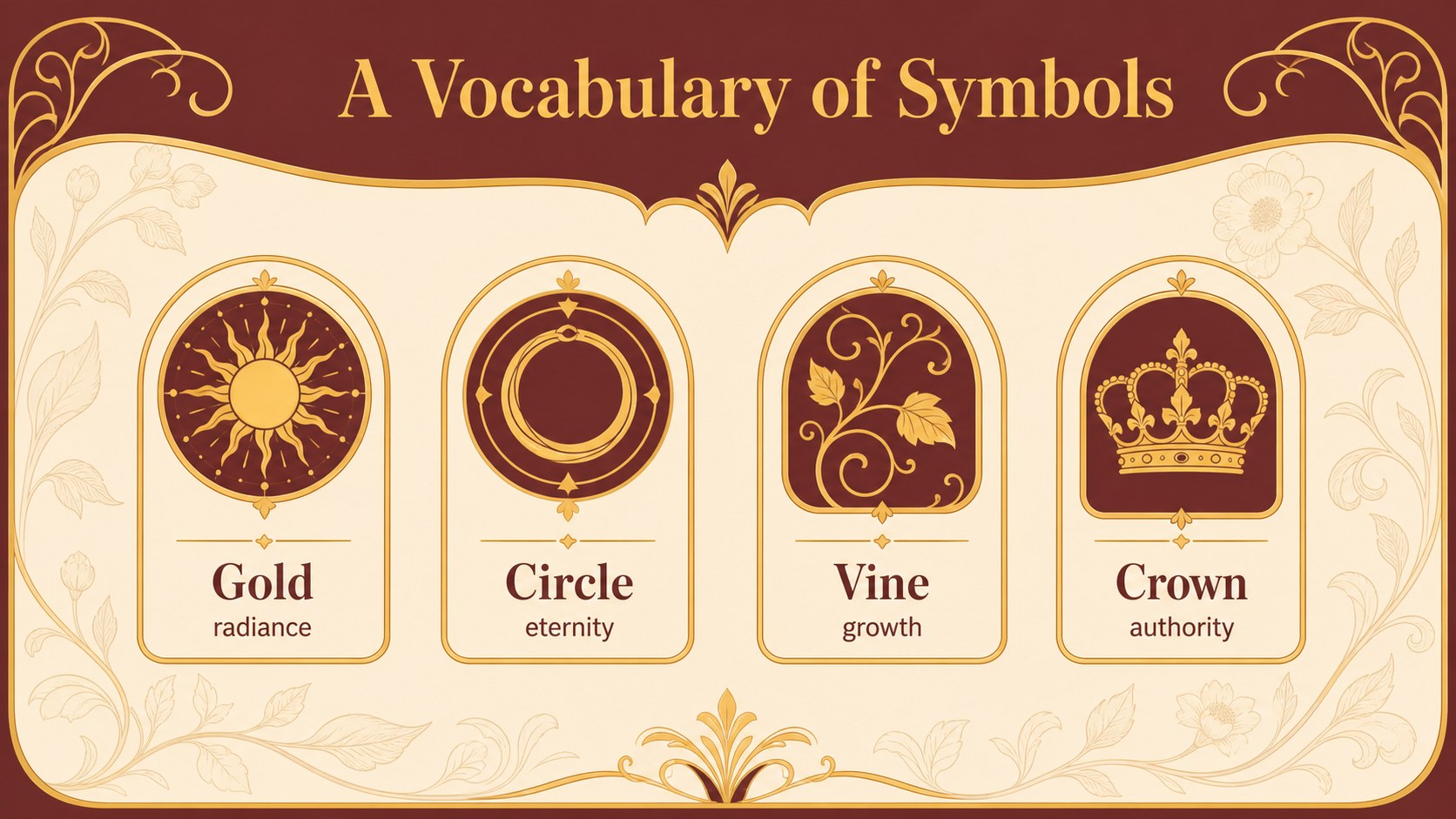
The layouts support historical context, illuminated manuscripts, religious imagery, medieval architecture, symbolism, timelines, artwork comparisons, and review questions. Add your own examples and notes to match the class level and curriculum.
Keep exploring
15Build stronger academic arguments with a college essay thesis builder featuring guided examples, revision prompts, and editable PowerPoint and Google Slides.
 15
15Build an engaging World UFO Day session with this flying saucer history lesson deck, featuring retro green-and-brown slides for PowerPoint and Google Slides.
 14
14Plan a memorable Lunar New Year campaign with the 2036 Dragon Year Celebration Theme, featuring bold red-and-yellow slides for lessons and events.
 15
15Build a thoughtful classroom discussion with this interfaith awareness lesson deck, featuring editable blue-and-white slides for PowerPoint and Google Slides.
 15
15Use this environmental awareness lesson deck to teach climate action through illustrated activities, discussion prompts, and ready-to-edit visuals.
 15
15Build playful lessons and party stories with a kid-friendly zombie celebration theme in purple, green and pastel blue for PowerPoint and Google Slides.
 15
15Build eerie lessons, campaigns, and story pitches with an undead survival scenario theme featuring editable slides for PowerPoint and Google Slides.
 16
16Turn environmental research into a clear story with a Watercolor Ecology Presentation Theme for PowerPoint and Google Slides in calming green and blue.