
 15
15presentation
College Essay Thesis Builder Slides
Build stronger academic arguments with a college essay thesis builder featuring guided examples, revision prompts, and editable PowerPoint and Google Slides.
Google SlidesPowerPoint
presentation · English
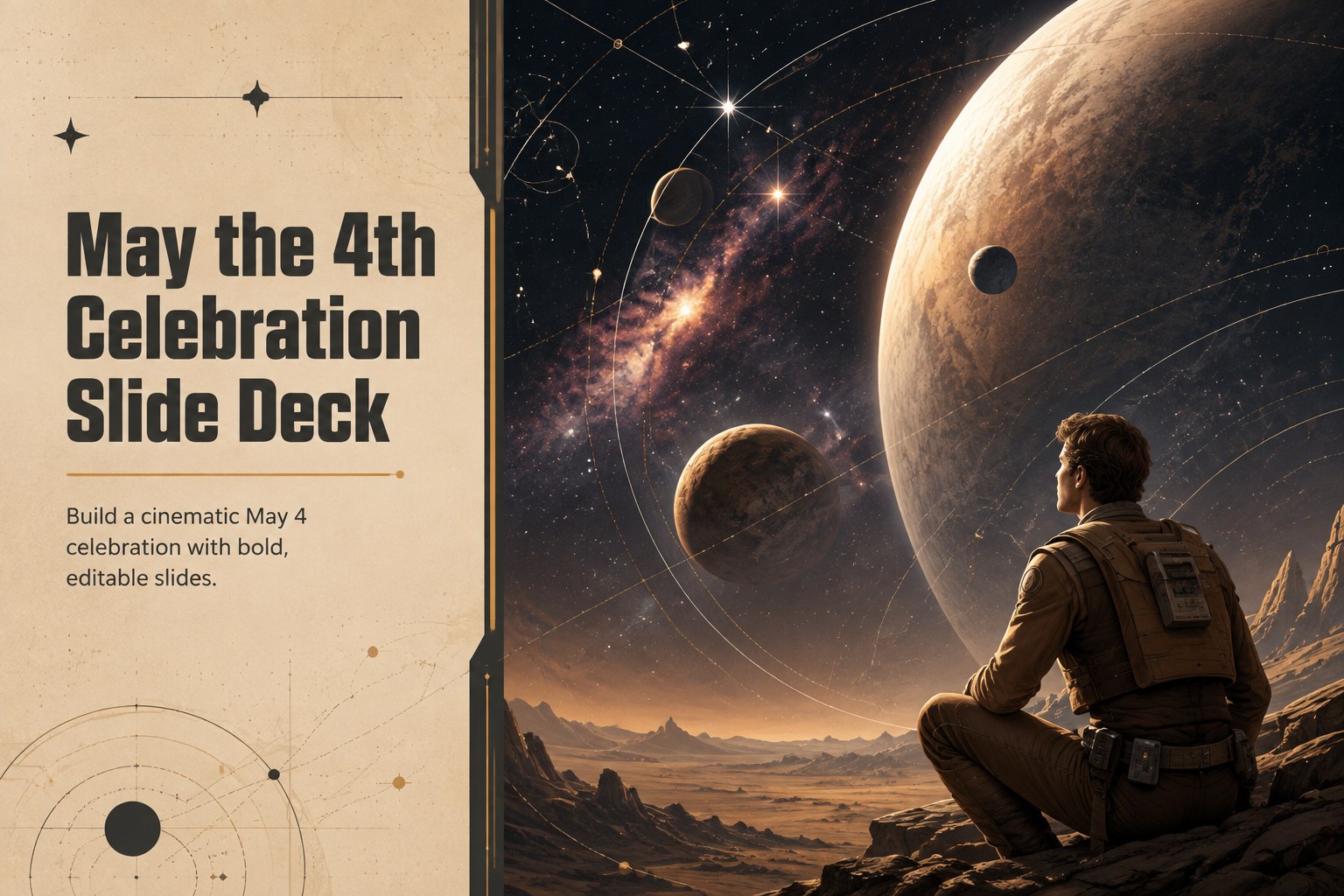
Plan a memorable May the 4th event with a bold, photo-led slide deck for PowerPoint and Google Slides, featuring editable layouts in beige and black.


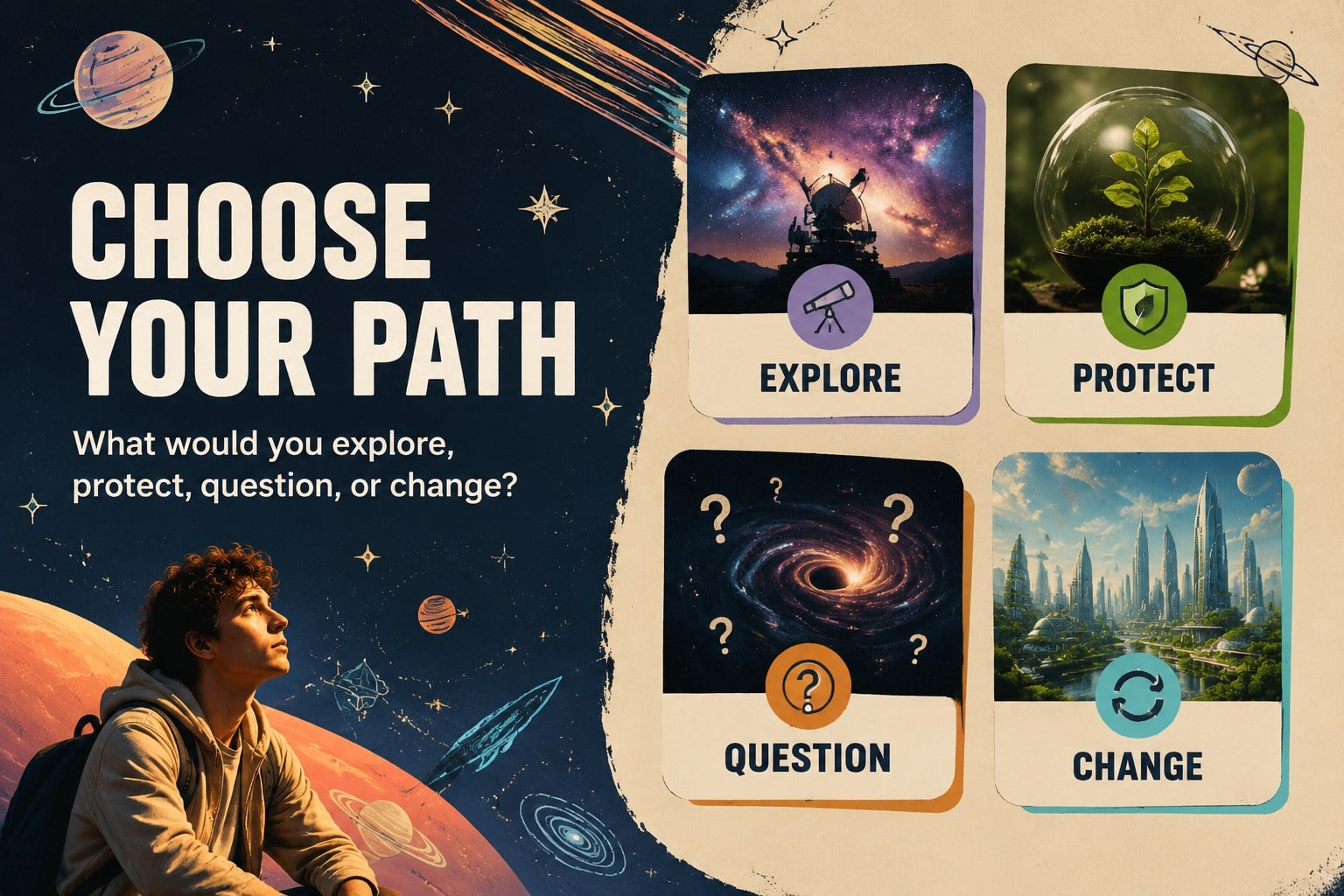

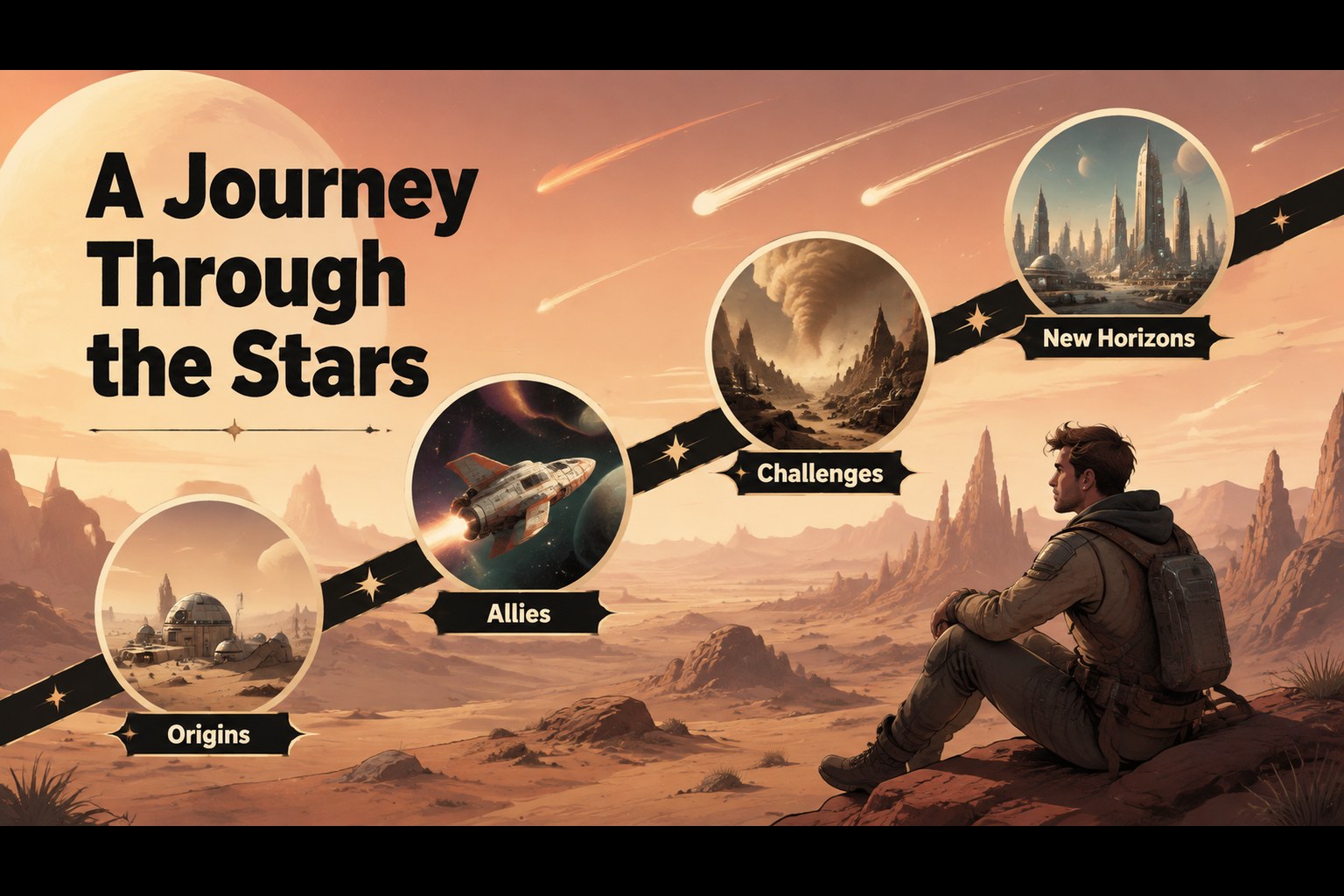
Design notes
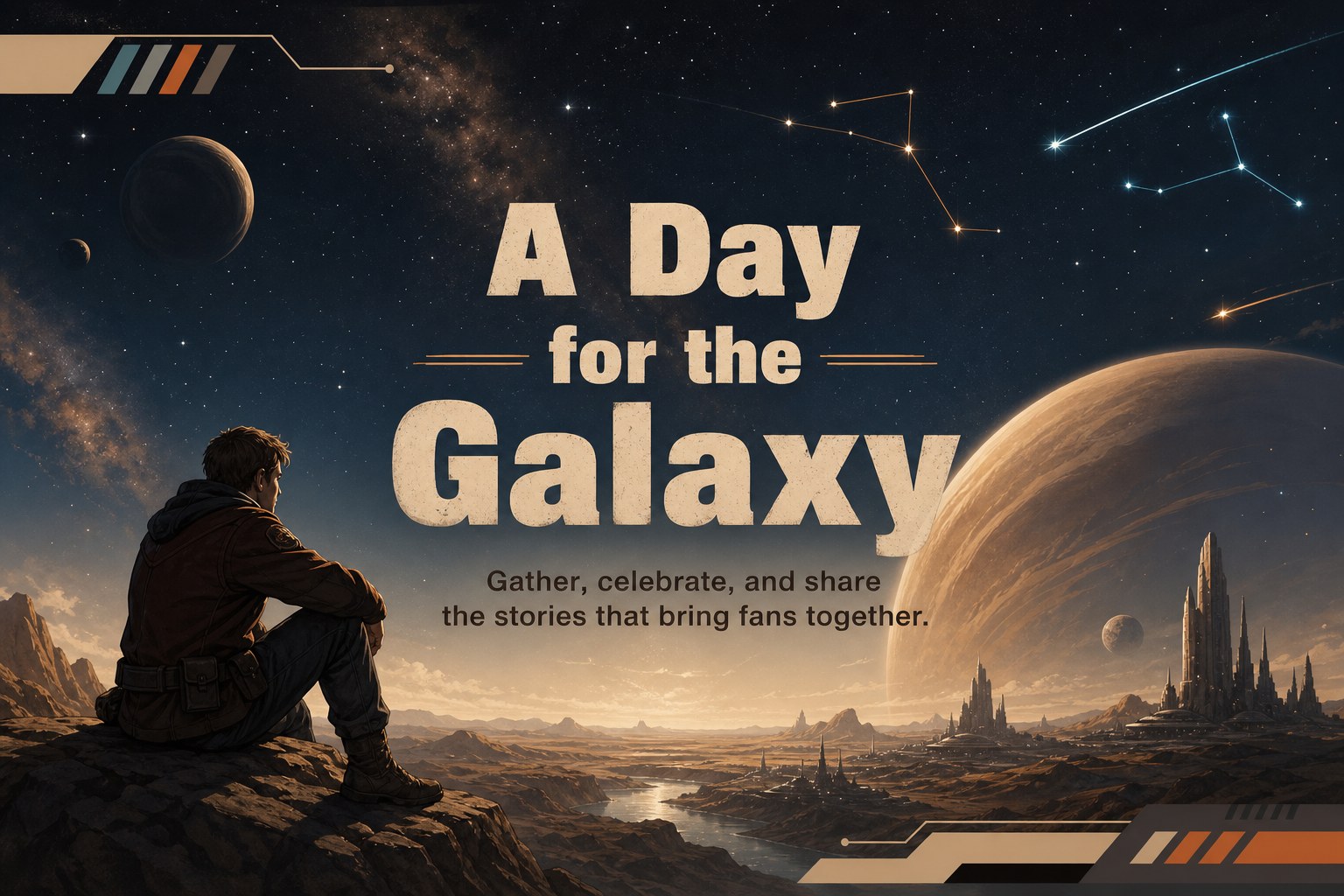
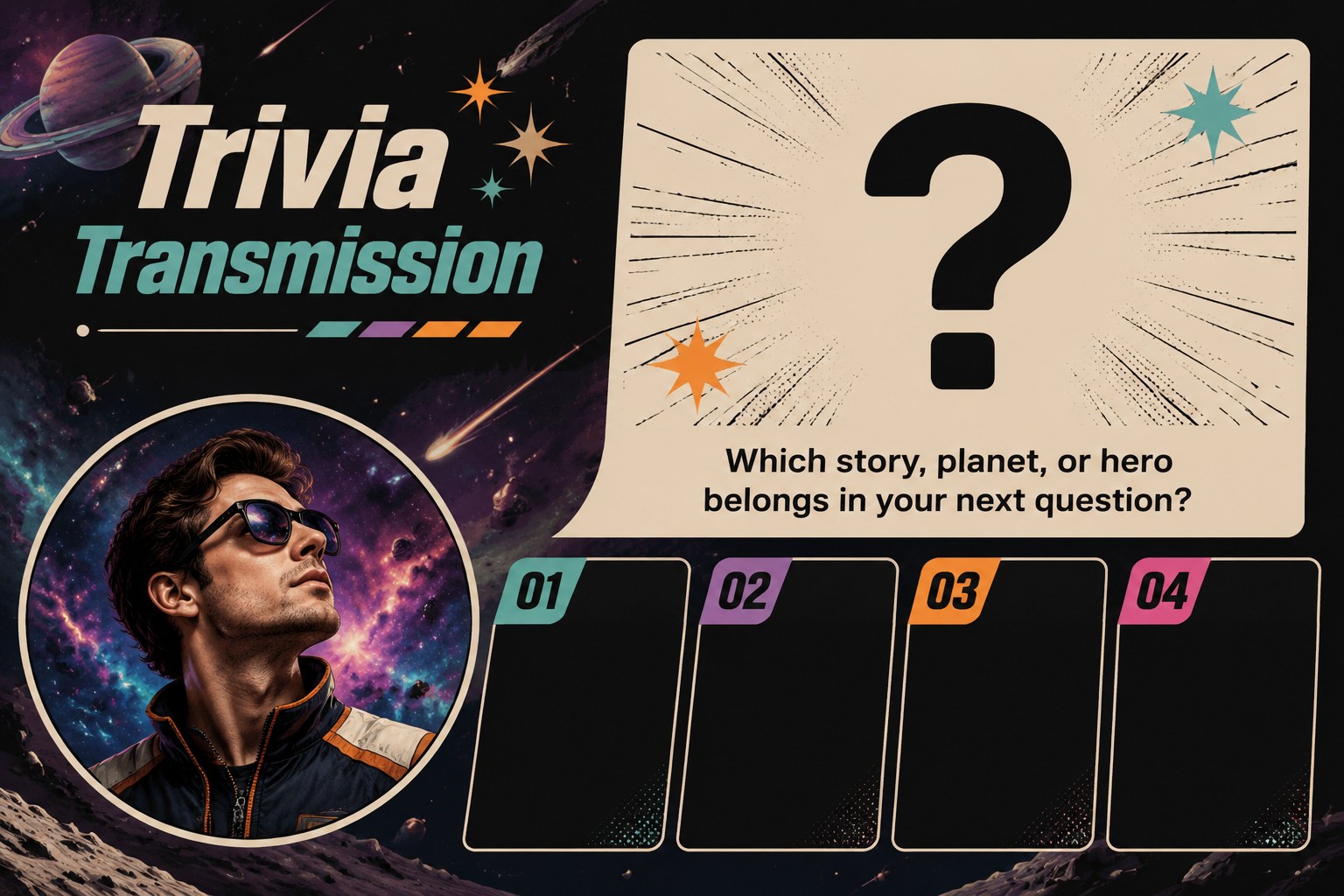
May the 4th Celebration Slide Deck brings a cinematic, photo-led look to one of the most recognizable themed dates on the calendar. Its beige, black, and colorful accent palette creates a dramatic backdrop for event details, trivia, schedules, quotes, and community moments while keeping the visual system easy to adapt. The layouts use strong typography, illustrated space-inspired details, and high-contrast image areas for a polished presentation with a playful edge.
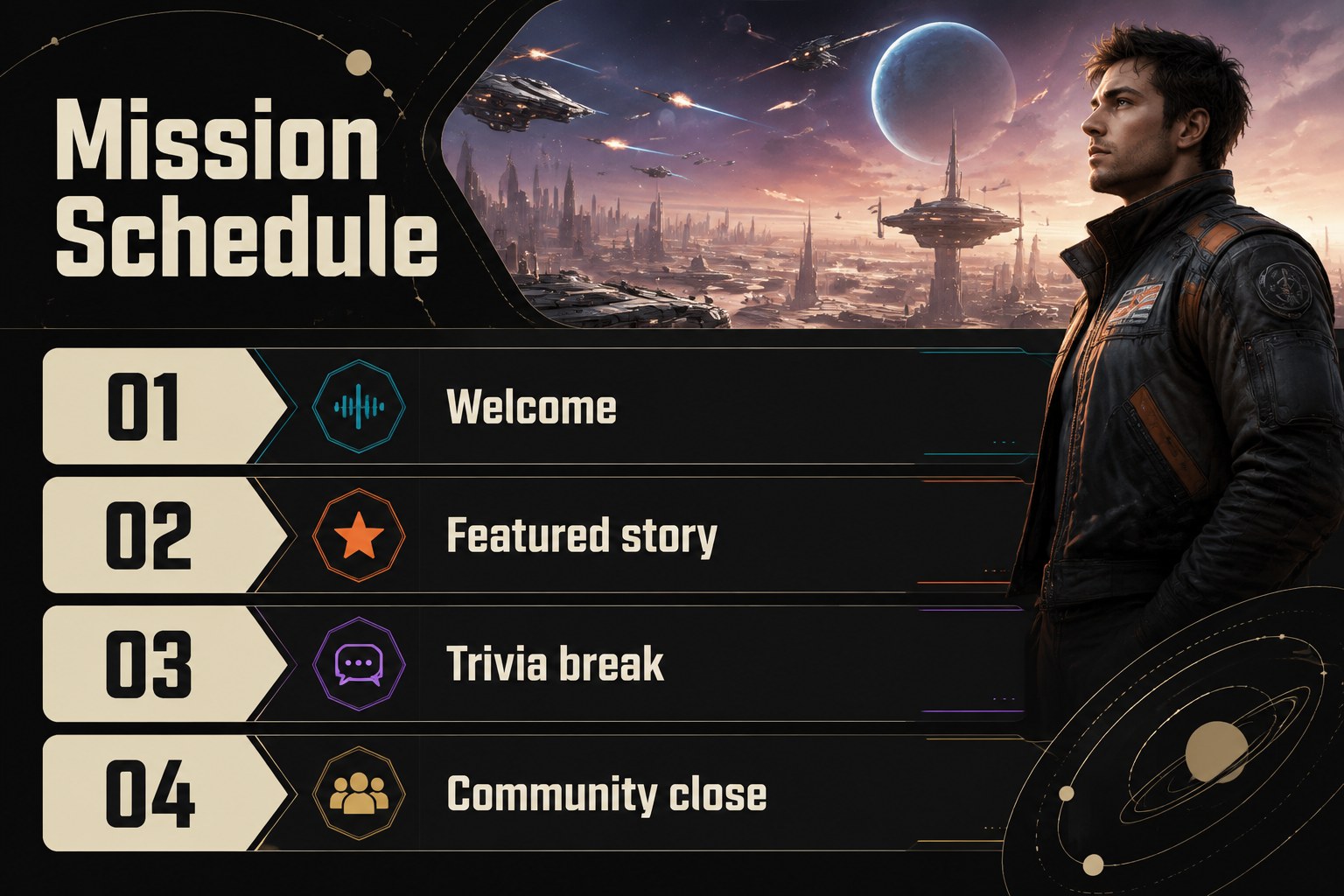
Inside, you will find 15 editable 16:9 slides for introducing a May the 4th program, presenting themed activities, spotlighting favorite characters or stories, sharing participation guidelines, and ending with a memorable closing message. Add your own photographs, replace the suggested copy, adjust the color accents, and rearrange sections in PowerPoint or Google Slides. The deck works well as a may the 4th event presentation for classrooms, fan communities, libraries, cinemas, offices, and social gatherings.
Use it for a themed lesson, a movie-night announcement, a trivia session, a community celebration, or an internal team event with a creative twist. The structure is flexible enough for both short announcements and fuller programs, while the bold editorial styling gives every slide a distinct sense of occasion.
Perfect for: themed classroom lesson; fan club gathering; movie night announcement; May 4 trivia session; library community event.
Frequently asked questions
Can I edit this deck in PowerPoint? Yes. The presentation is designed for PowerPoint and uses editable text, image areas, shapes, and layout elements. Replace the sample copy and media directly in the PPTX file.
Practical details
Yes. The presentation is designed for PowerPoint and uses editable text, image areas, shapes, and layout elements. Replace the sample copy and media directly in the PPTX file.
Yes. Upload the PowerPoint file to Google Drive and open it with Google Slides to create an editable version. Review fonts and image positioning after conversion because some formatting can vary between applications.
Yes. Use the agenda, trivia, discussion, timeline, and closing layouts for a themed lesson or student event. Adjust the language and imagery to match the age group and school guidelines.
Yes. The beige and black foundation can be retained while accent colors, photographs, illustrations, and typography are changed to suit your event. Keeping strong contrast between text and backgrounds will preserve the intended visual impact.
Keep exploring
15Build stronger academic arguments with a college essay thesis builder featuring guided examples, revision prompts, and editable PowerPoint and Google Slides.
 15
15Build an engaging World UFO Day session with this flying saucer history lesson deck, featuring retro green-and-brown slides for PowerPoint and Google Slides.
 14
14Plan a memorable Lunar New Year campaign with the 2036 Dragon Year Celebration Theme, featuring bold red-and-yellow slides for lessons and events.
 15
15Build a thoughtful classroom discussion with this interfaith awareness lesson deck, featuring editable blue-and-white slides for PowerPoint and Google Slides.
 15
15Use this environmental awareness lesson deck to teach climate action through illustrated activities, discussion prompts, and ready-to-edit visuals.
 15
15Build playful lessons and party stories with a kid-friendly zombie celebration theme in purple, green and pastel blue for PowerPoint and Google Slides.
 15
15Build eerie lessons, campaigns, and story pitches with an undead survival scenario theme featuring editable slides for PowerPoint and Google Slides.
 16
16Turn environmental research into a clear story with a Watercolor Ecology Presentation Theme for PowerPoint and Google Slides in calming green and blue.