
 15
15presentation
College Essay Thesis Builder Slides
Build stronger academic arguments with a college essay thesis builder featuring guided examples, revision prompts, and editable PowerPoint and Google Slides.
Google SlidesPowerPoint
presentation · English
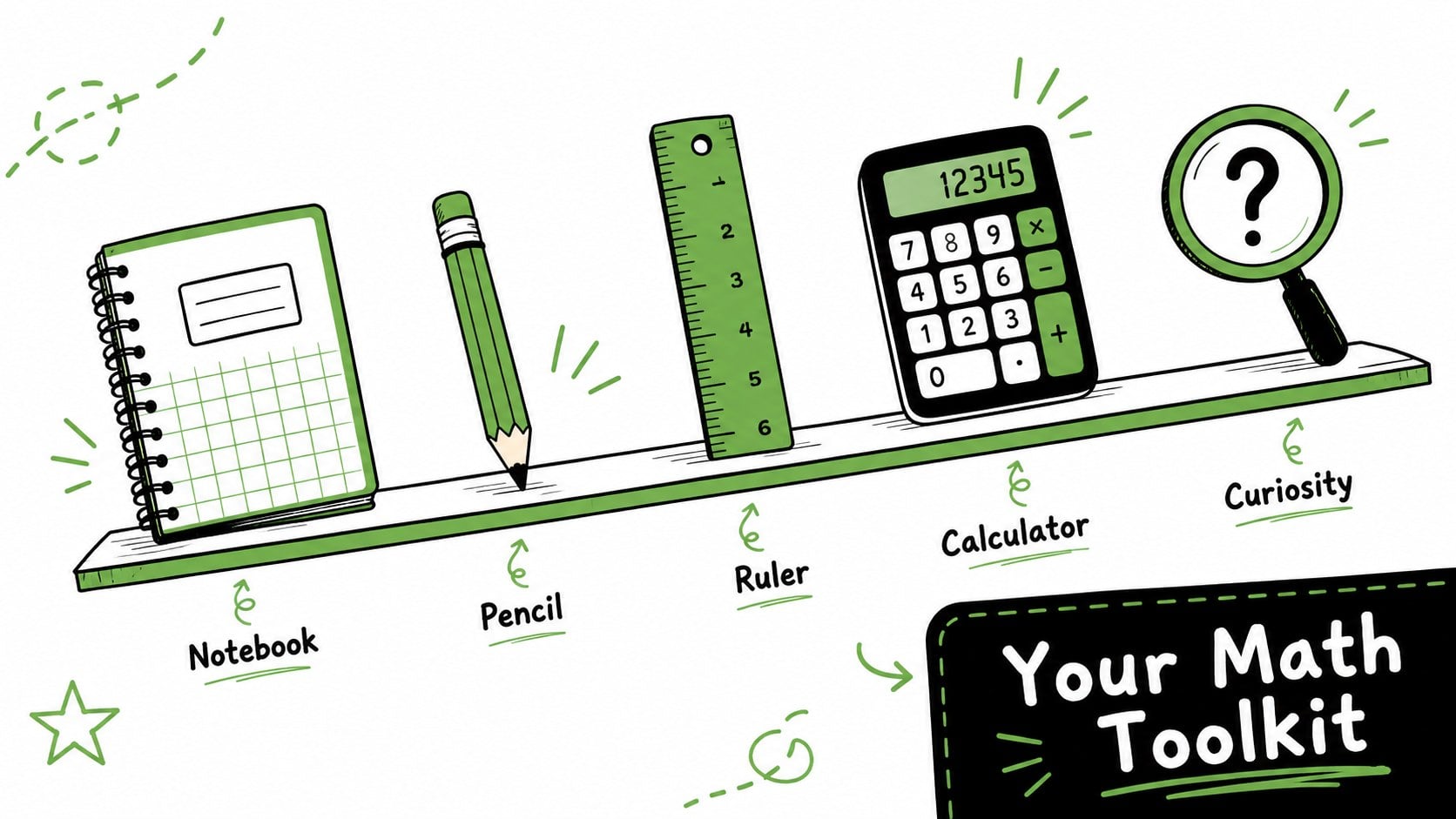
Start the term with a Math Classroom Kickoff Deck featuring cheerful green-and-black doodles, editable lesson layouts, and activities for young learners.
Design notes
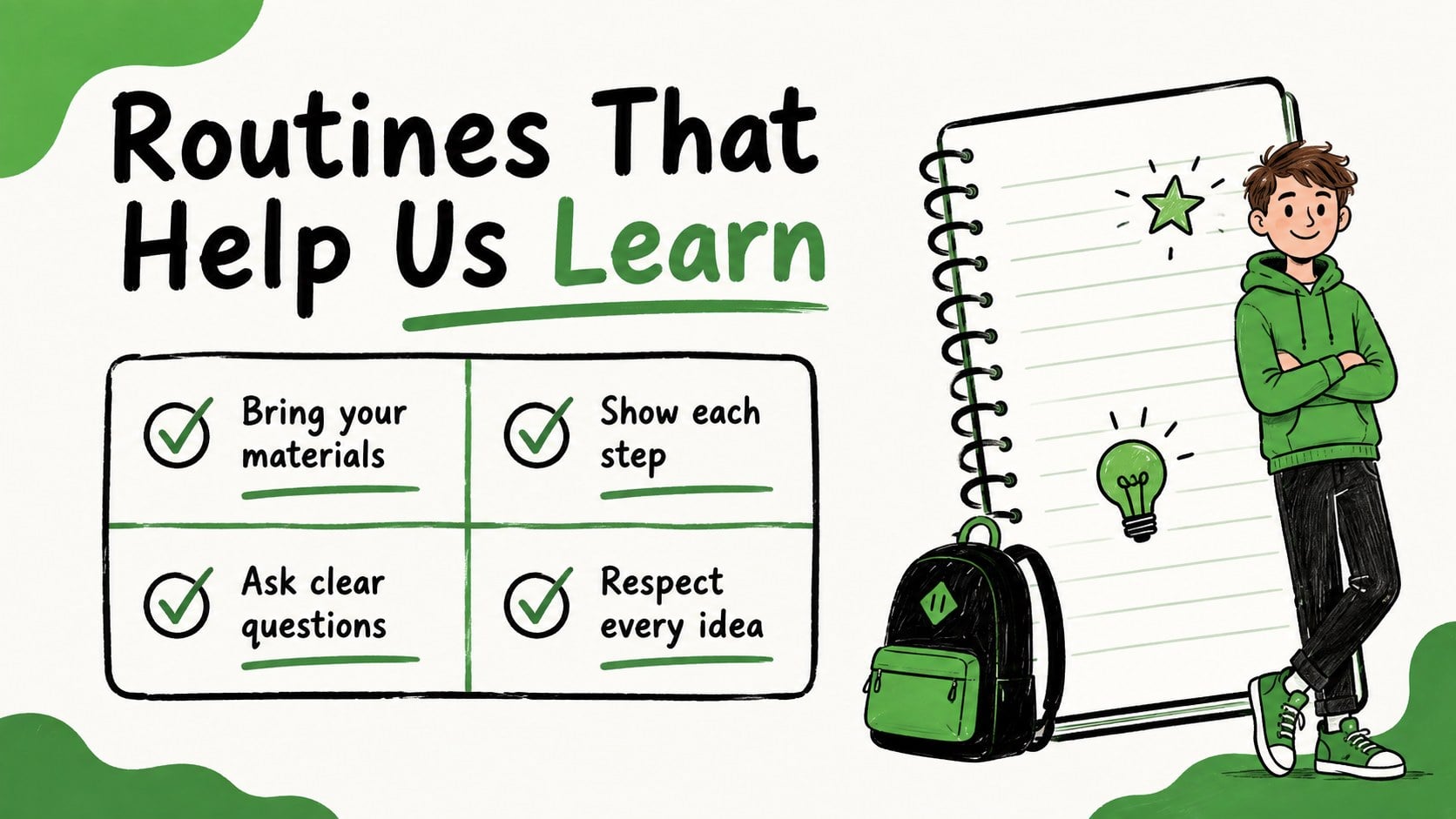
Set a positive tone for the term with this Math Classroom Kickoff Deck, a cheerful collection of green-and-black slides created for engaging introductions and early lessons. Friendly doodles, playful shapes, and clear typography help teachers present important information without making the classroom feel overly formal.
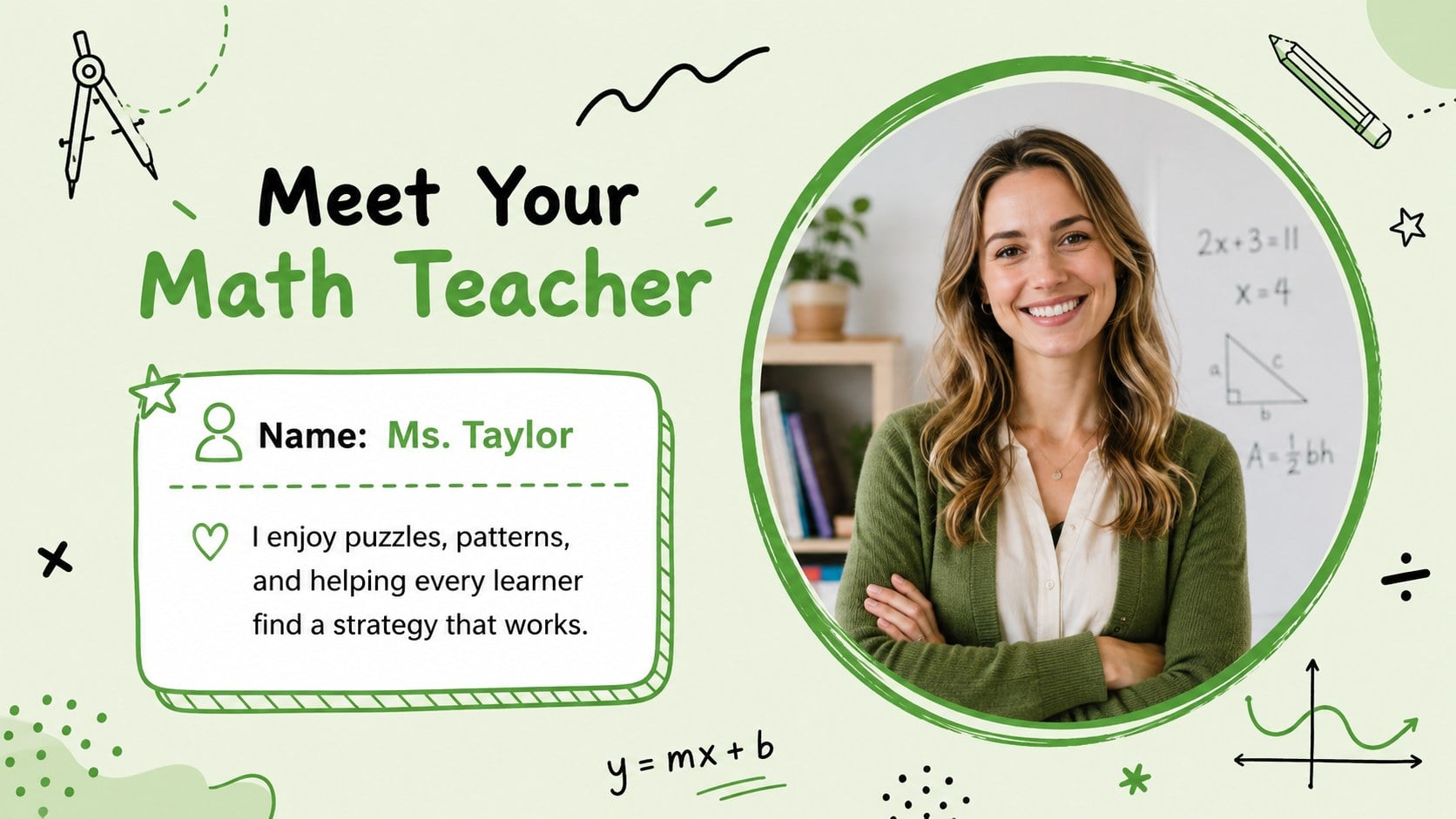
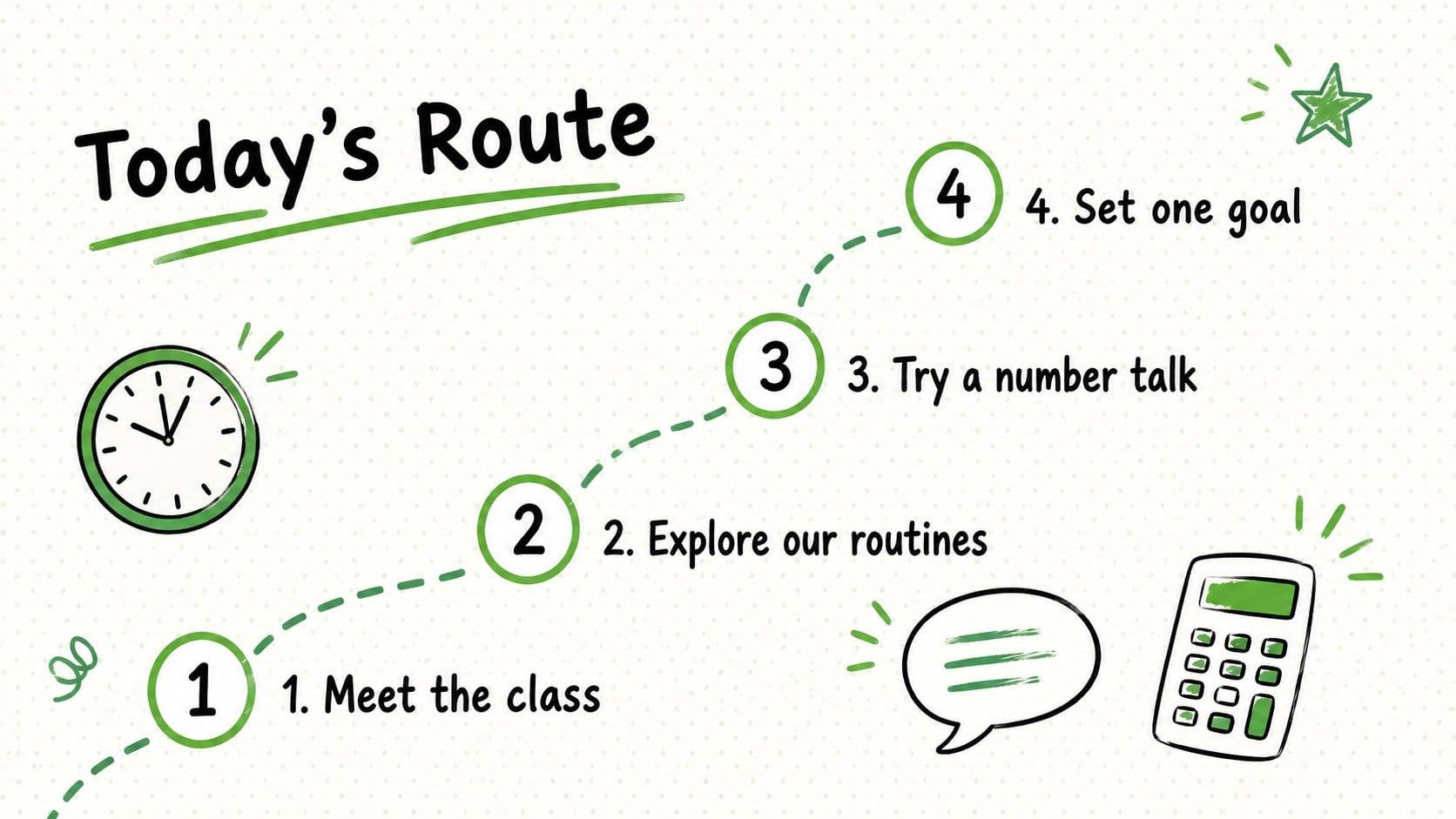
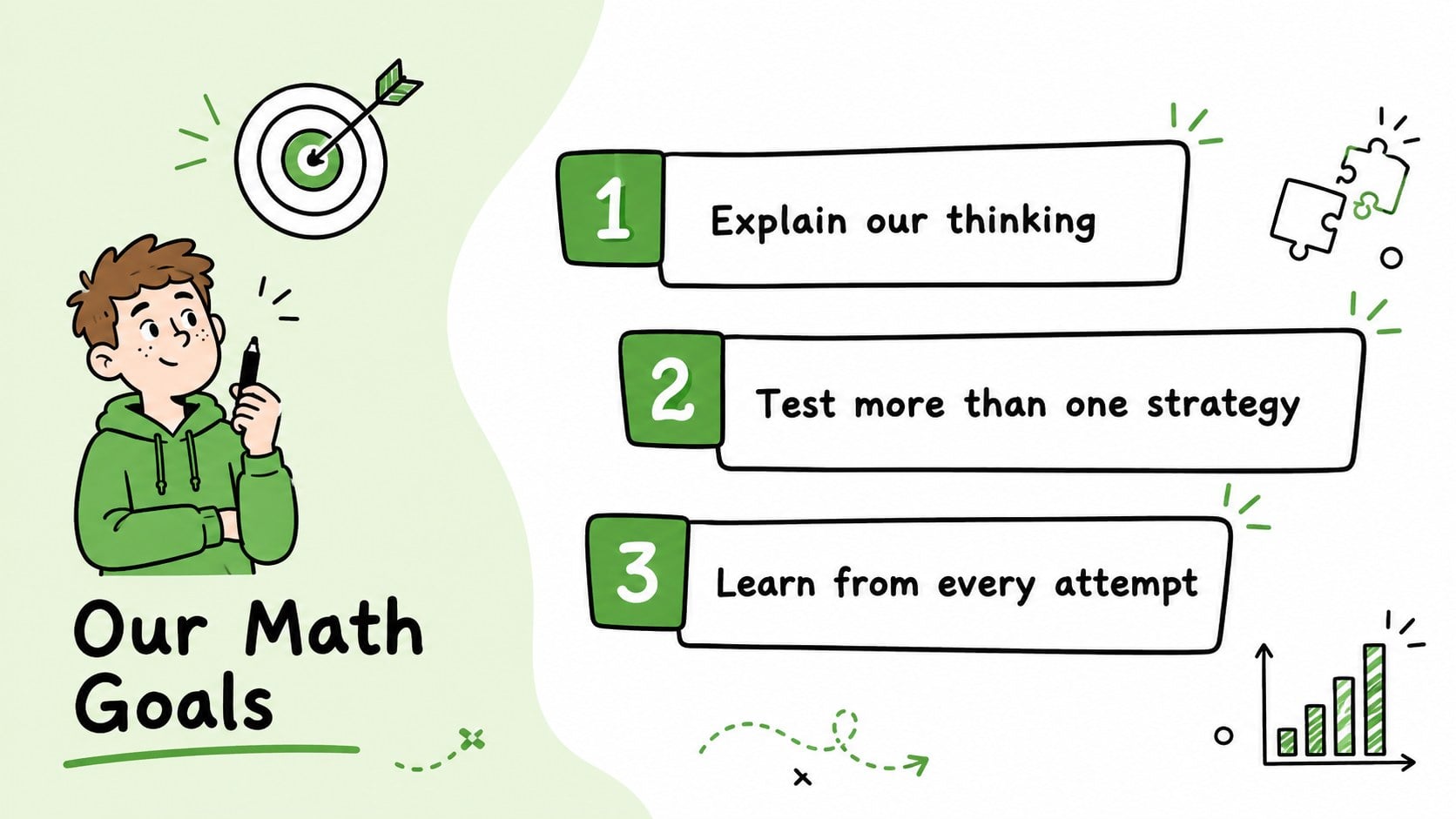
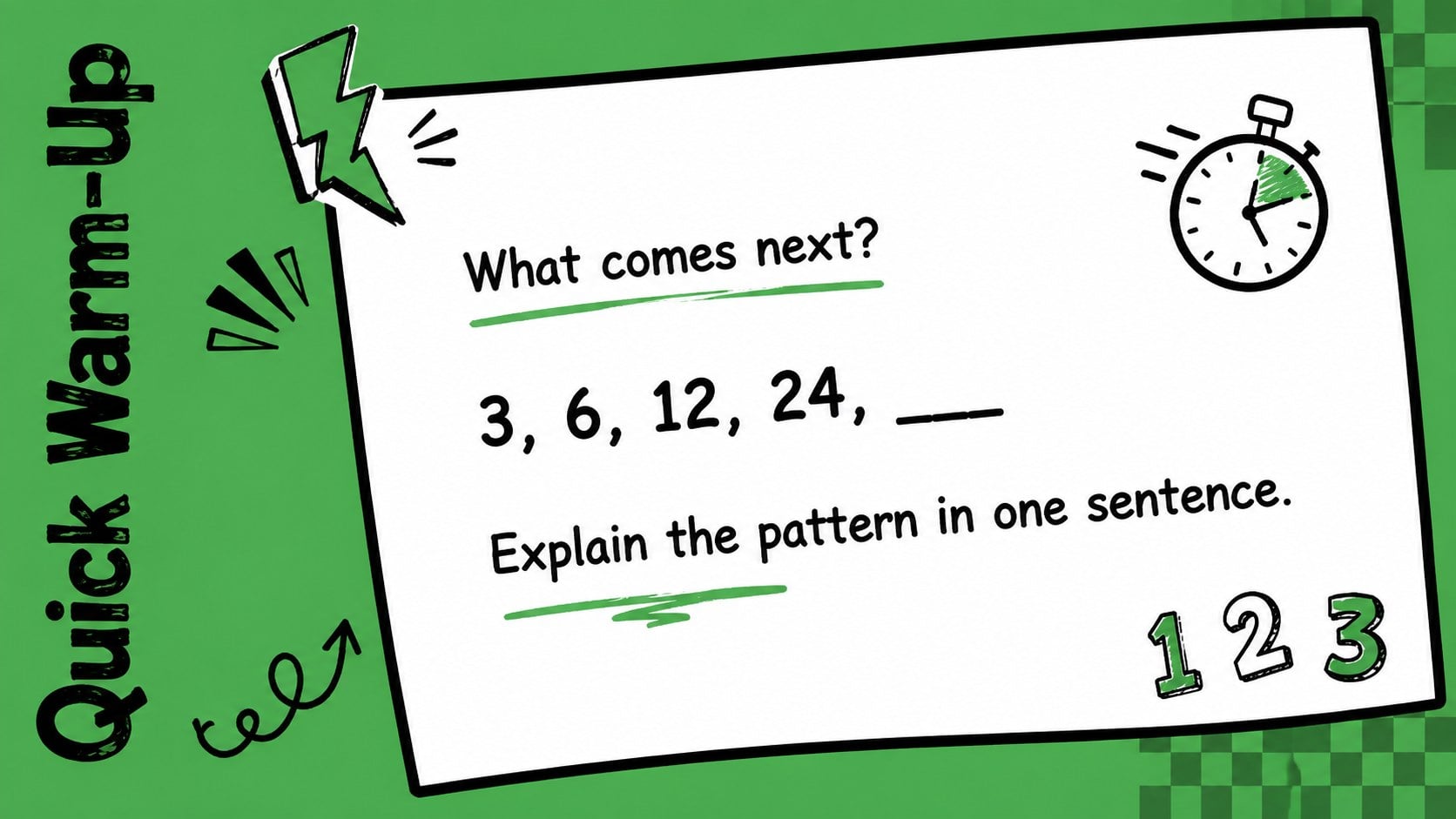
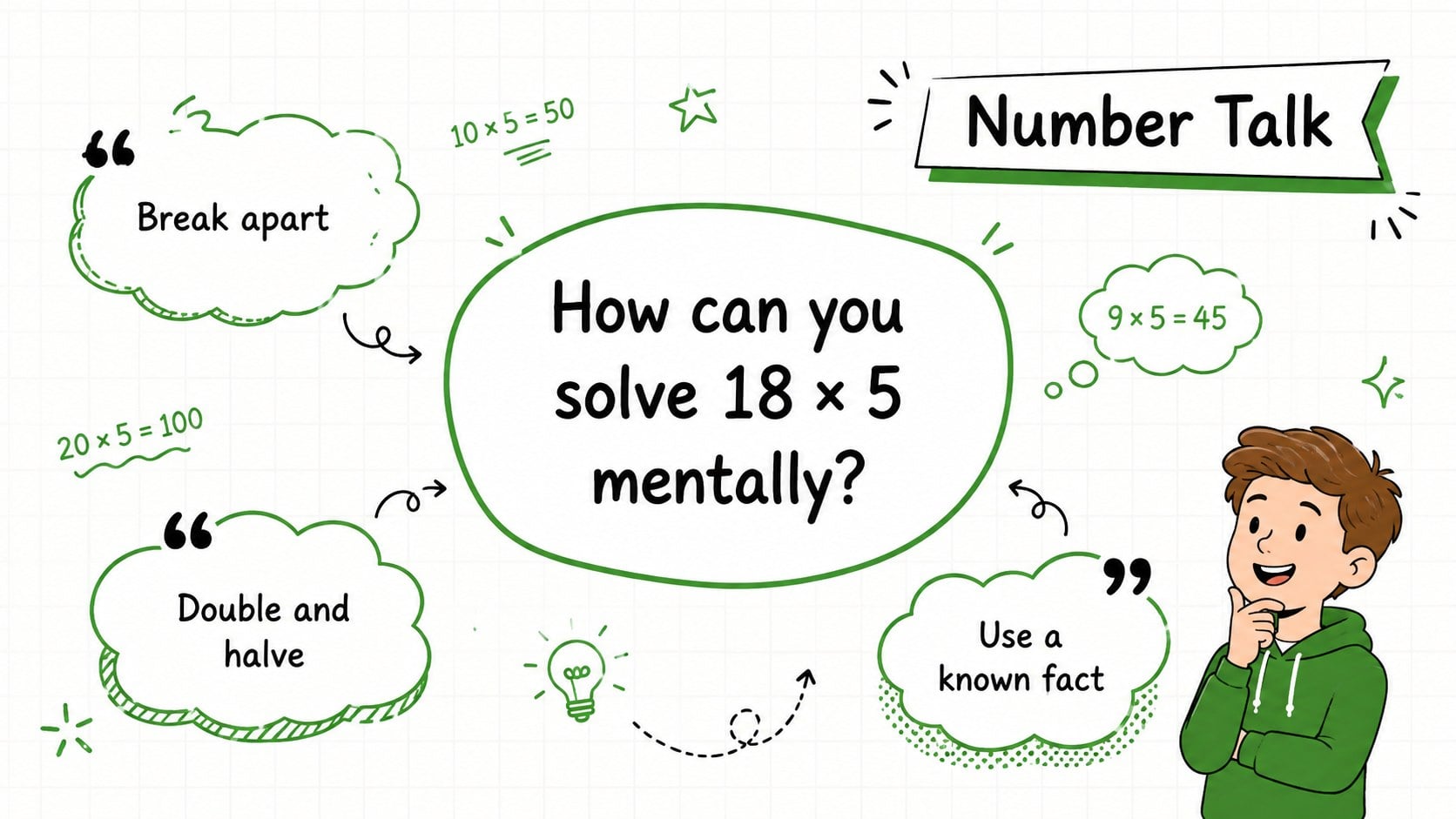
The deck includes layouts for an opening agenda, teacher introduction, class goals, learning routines, math mindset prompts, number talks, warm-up questions, weekly plans, progress charts, quick quizzes, and collaborative challenges. Use it as a first day math classroom deck, an editable math agenda presentation, or a visual guide for a new unit. Charts, icons, text blocks, photos, and activity instructions can be adapted to suit different age groups and teaching plans.
Designed for elementary and middle school educators, tutors, learning support teams, and homeschool families, these slides work in PowerPoint and Google Slides. Change the wording, reorder sections, duplicate activity pages, or adjust the green and black palette while retaining the upbeat doodle style. The 16:9 layout also provides room for classroom displays, online lessons, printable reference pages, and interactive number talk activities. Whether you are introducing expectations or beginning a lesson sequence, the deck offers a practical framework that keeps students focused and involved.
Perfect for: first day math class; new unit introduction; classroom routines overview; student number talk; weekly math planning; family curriculum night.
Frequently asked questions
Can I edit the activities and lesson text? Yes. All headings, instructions, examples, and activity prompts can be replaced with material for your grade level or curriculum. You can also duplicate, remove, and reorder slides.
Practical details
Yes. All headings, instructions, examples, and activity prompts can be replaced with material for your grade level or curriculum. You can also duplicate, remove, and reorder slides.
The deck is designed for PowerPoint and Google Slides. Both platforms allow you to edit the text, colors, shapes, charts, and slide order.
Yes. The colors can be adjusted to match school branding, classroom decor, or a specific math unit. For a consistent result, update recurring background, accent, and text colors throughout the deck.
The playful design is especially appropriate for elementary and middle school learners. Teachers can simplify the prompts for younger students or replace them with more advanced examples for older classes.
Keep exploring
15Build stronger academic arguments with a college essay thesis builder featuring guided examples, revision prompts, and editable PowerPoint and Google Slides.
 15
15Build an engaging World UFO Day session with this flying saucer history lesson deck, featuring retro green-and-brown slides for PowerPoint and Google Slides.
 14
14Plan a memorable Lunar New Year campaign with the 2036 Dragon Year Celebration Theme, featuring bold red-and-yellow slides for lessons and events.
 15
15Build a thoughtful classroom discussion with this interfaith awareness lesson deck, featuring editable blue-and-white slides for PowerPoint and Google Slides.
 15
15Use this environmental awareness lesson deck to teach climate action through illustrated activities, discussion prompts, and ready-to-edit visuals.
 15
15Build playful lessons and party stories with a kid-friendly zombie celebration theme in purple, green and pastel blue for PowerPoint and Google Slides.
 15
15Build eerie lessons, campaigns, and story pitches with an undead survival scenario theme featuring editable slides for PowerPoint and Google Slides.
 16
16Turn environmental research into a clear story with a Watercolor Ecology Presentation Theme for PowerPoint and Google Slides in calming green and blue.