
 15
15presentation
College Essay Thesis Builder Slides
Build stronger academic arguments with a college essay thesis builder featuring guided examples, revision prompts, and editable PowerPoint and Google Slides.
Google SlidesPowerPoint
presentation · English
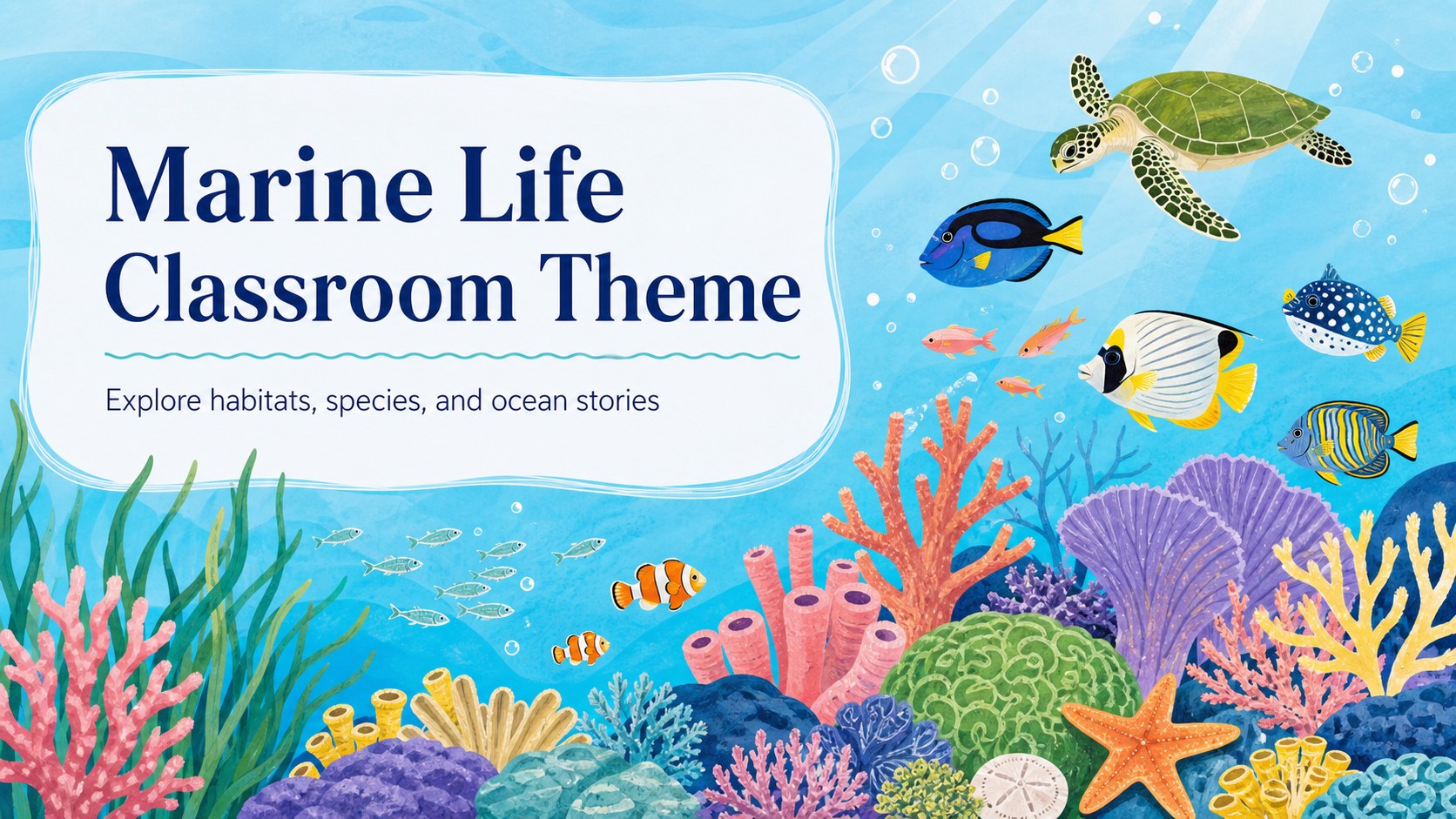
Build a marine life classroom theme for lessons, research, and outreach with editable blue-green slides, underwater illustrations, charts support.
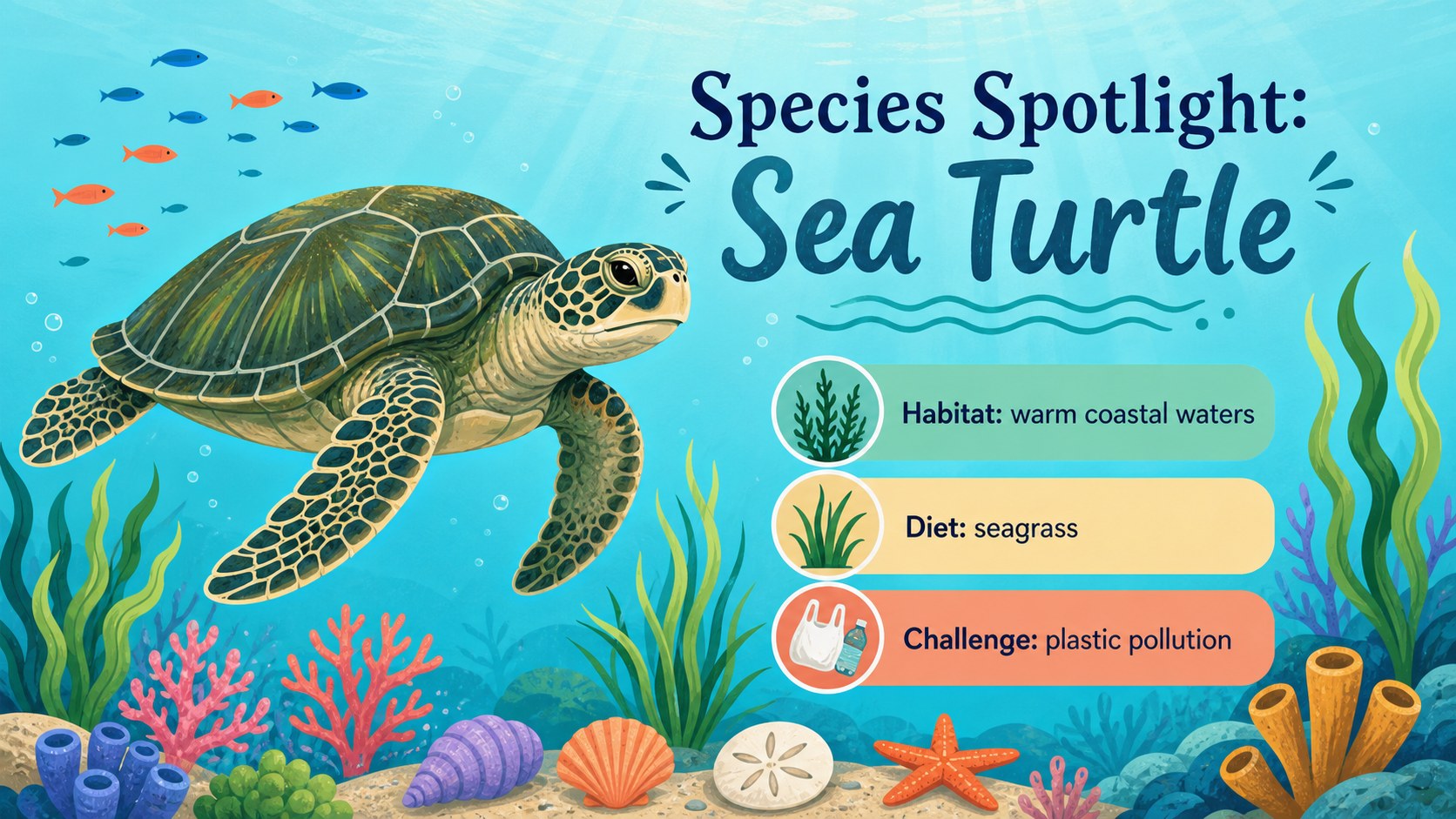
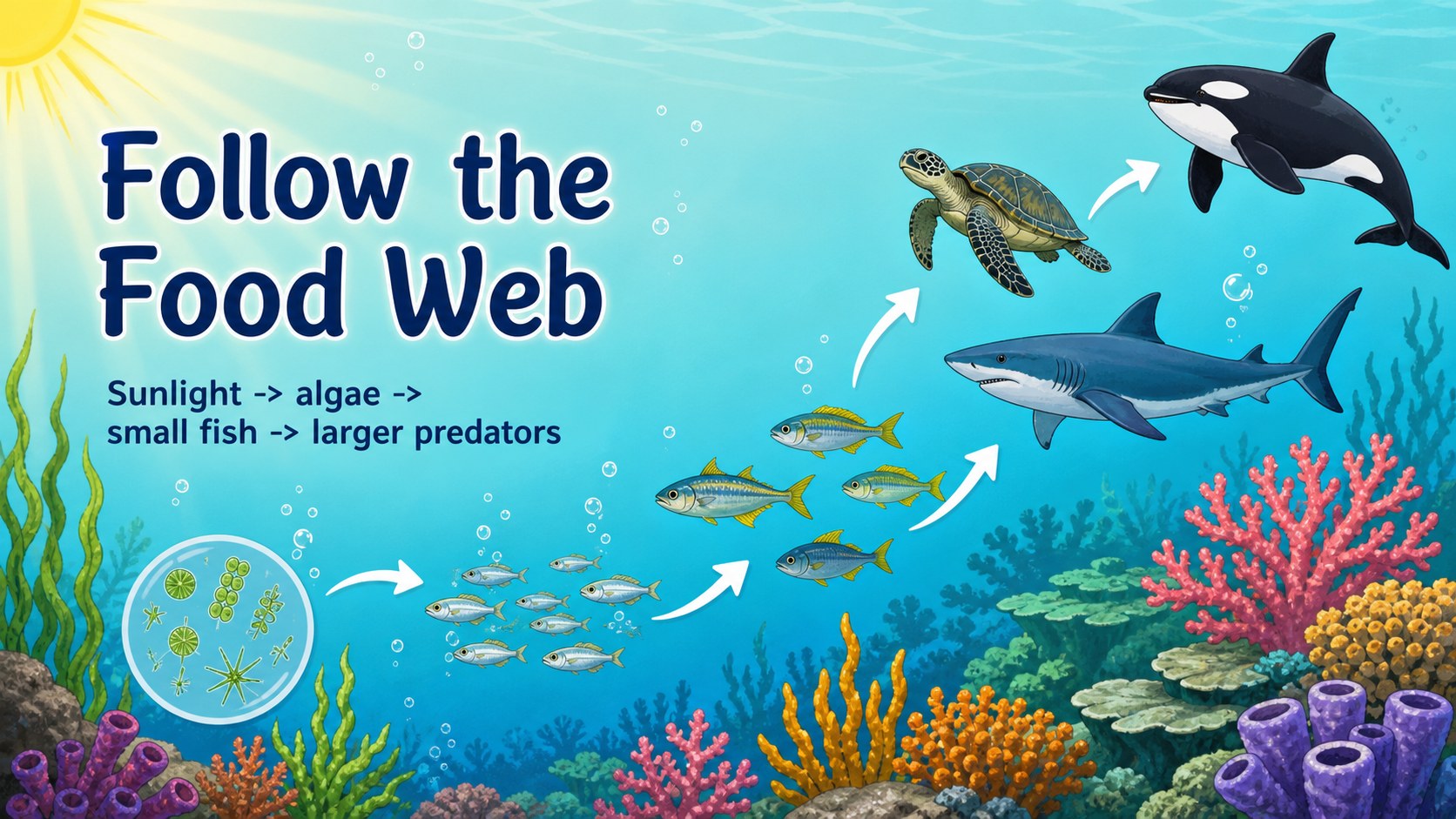
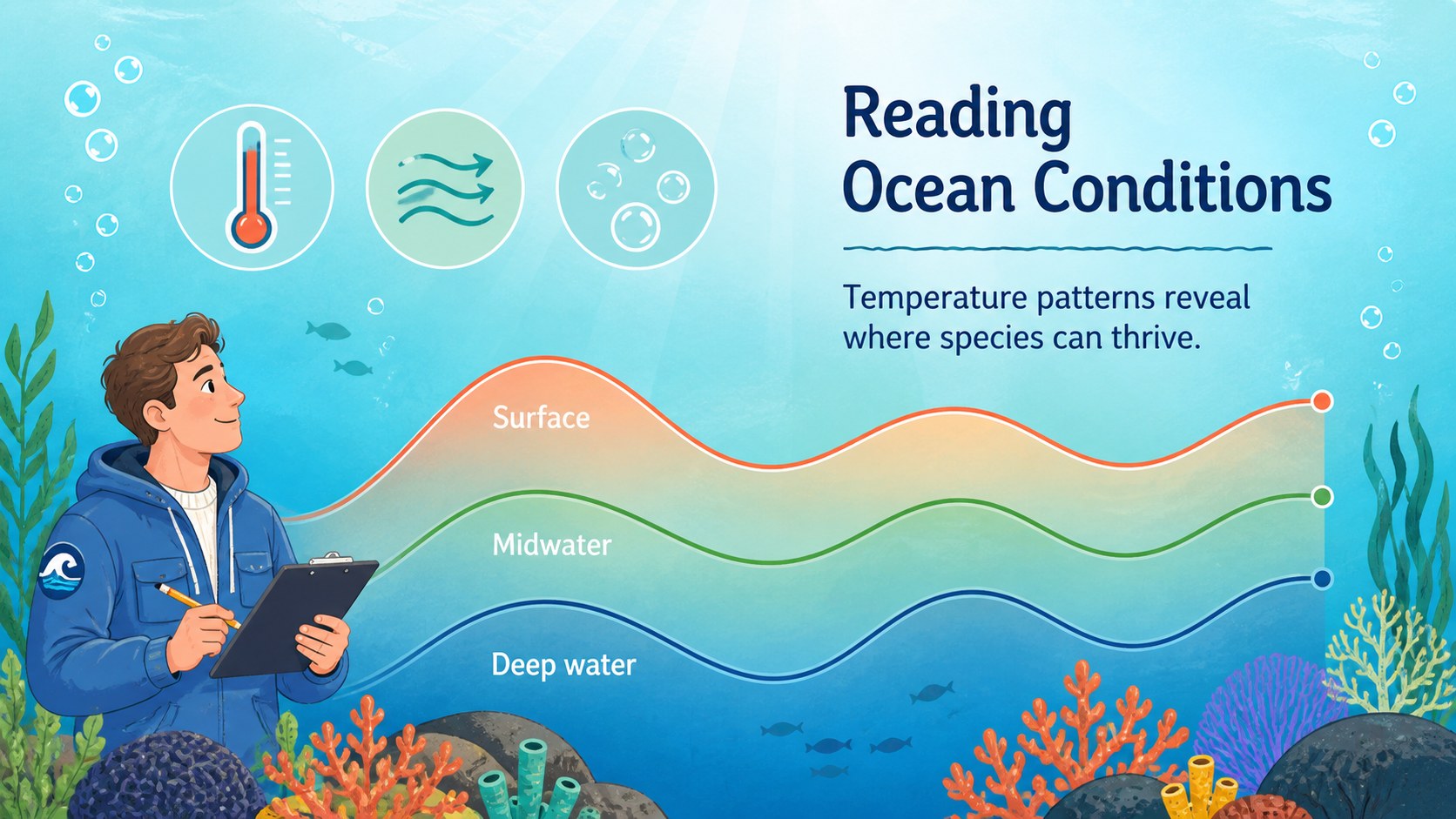
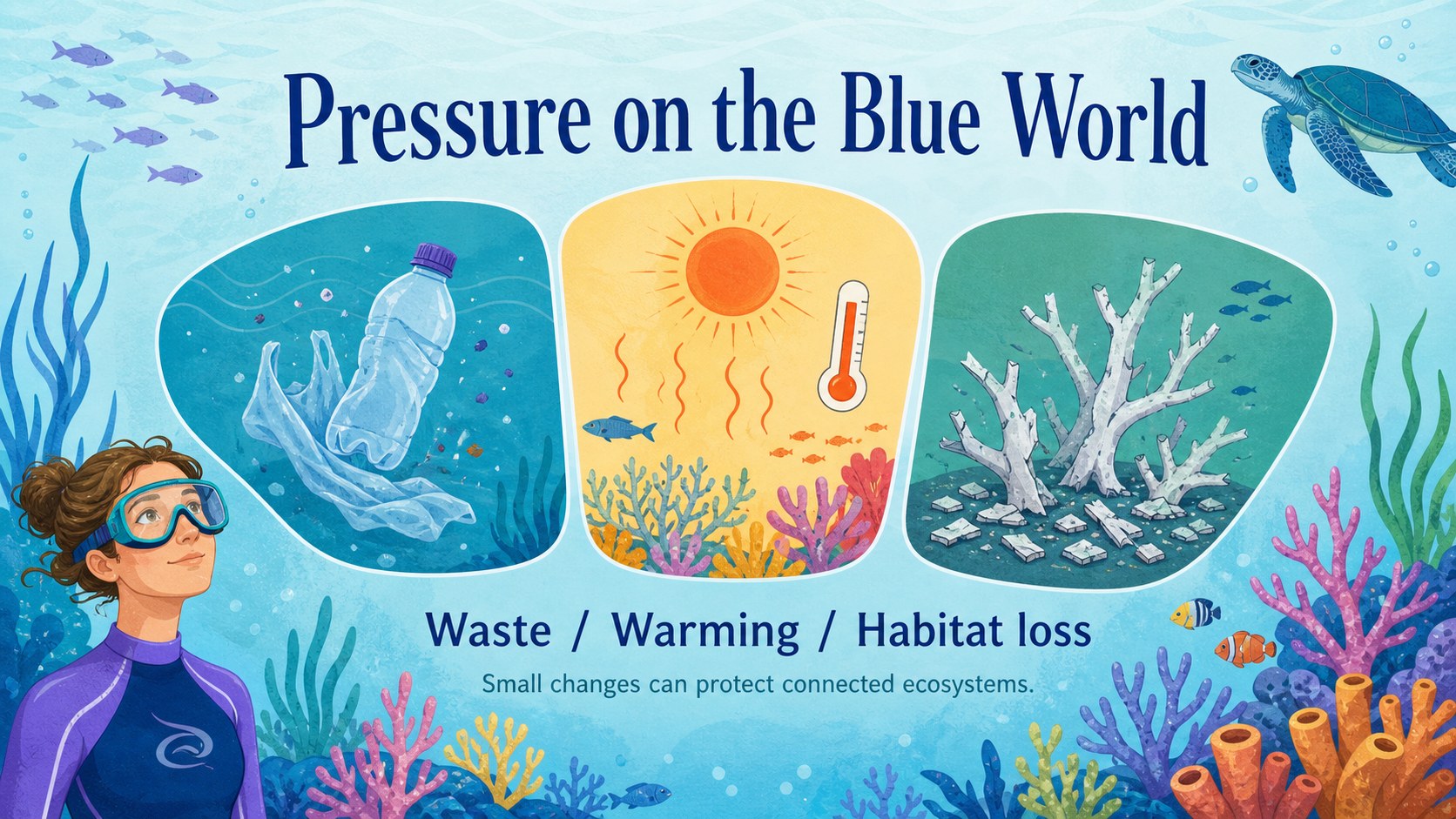
Design notes
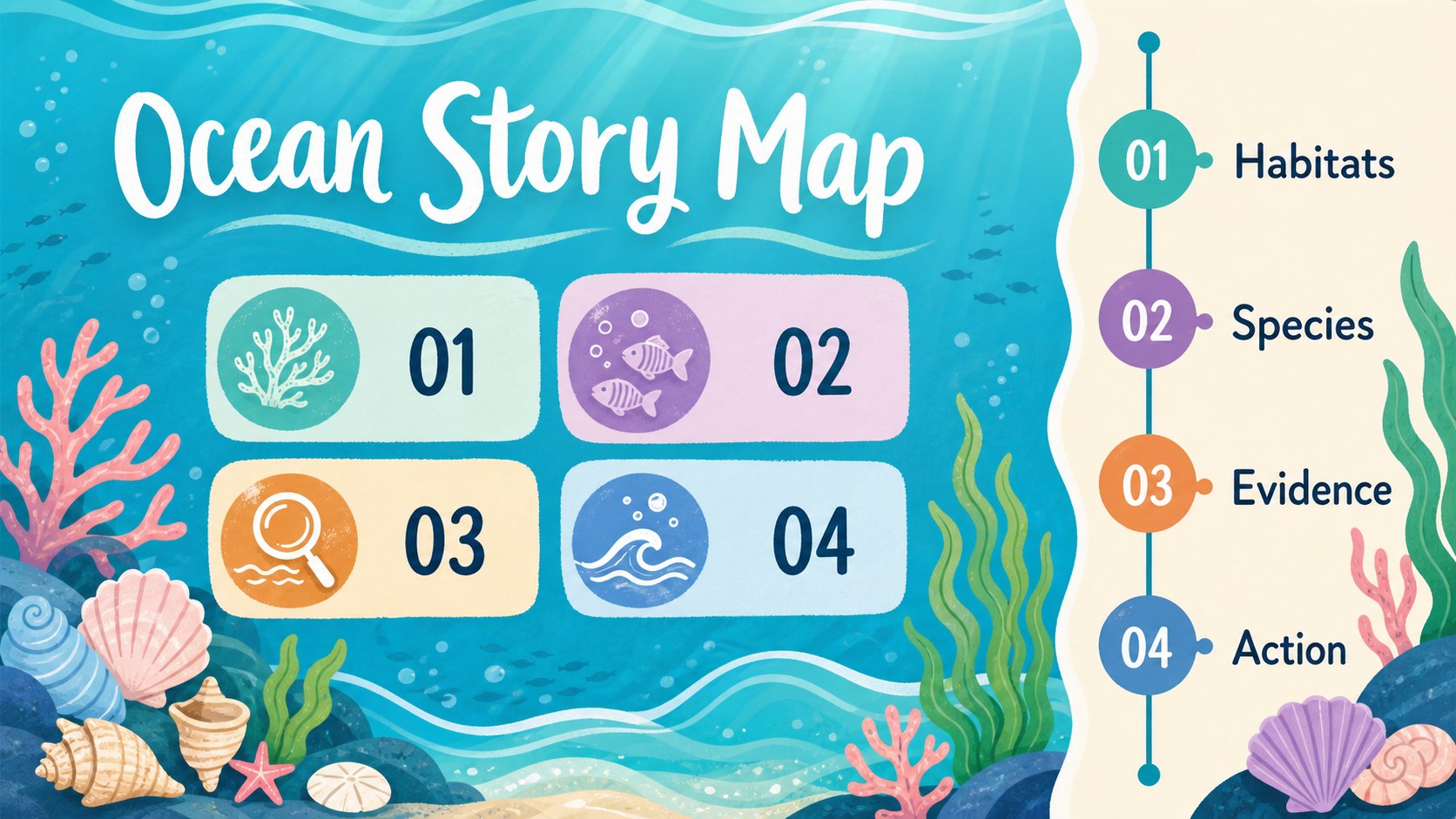
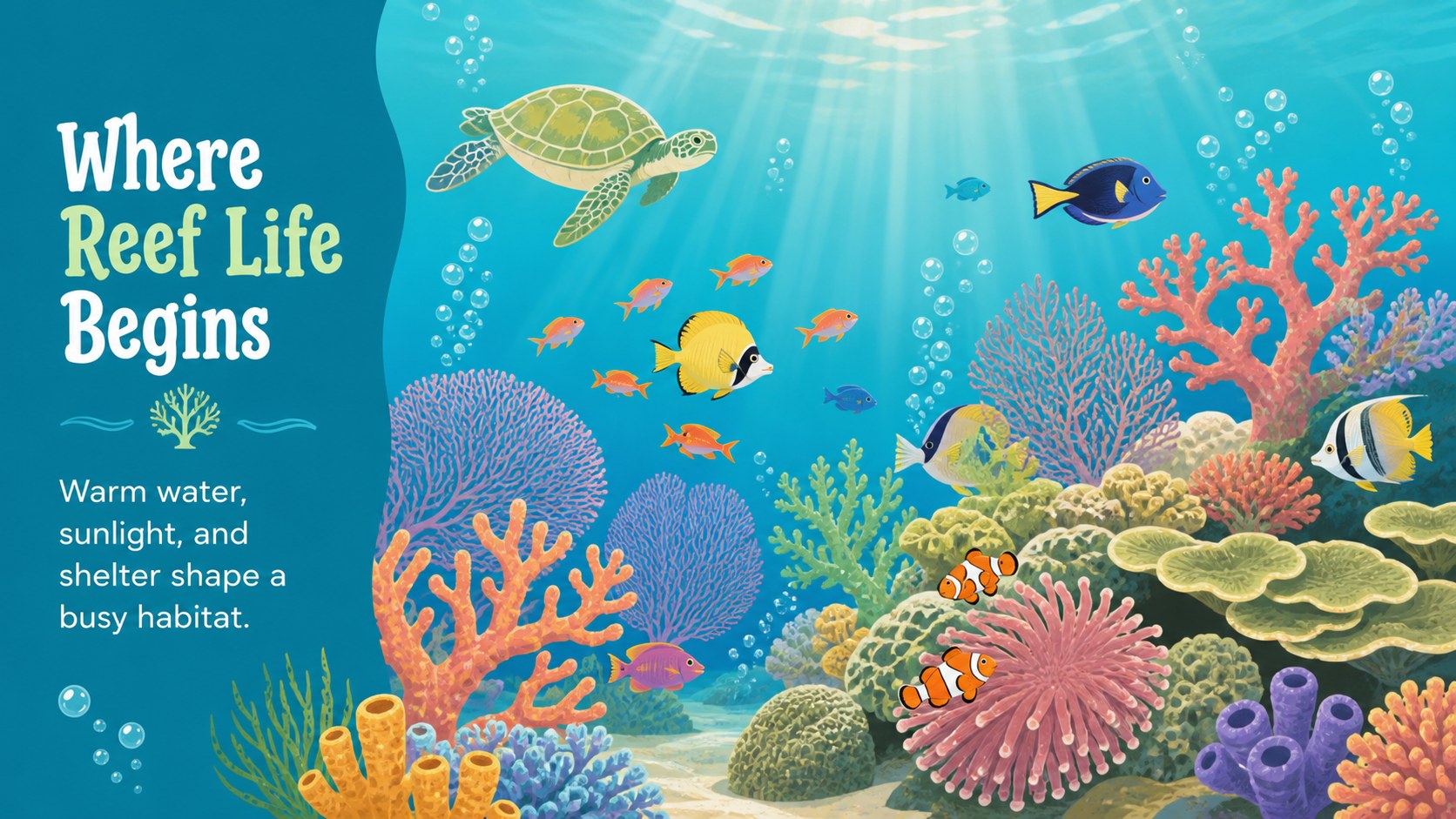
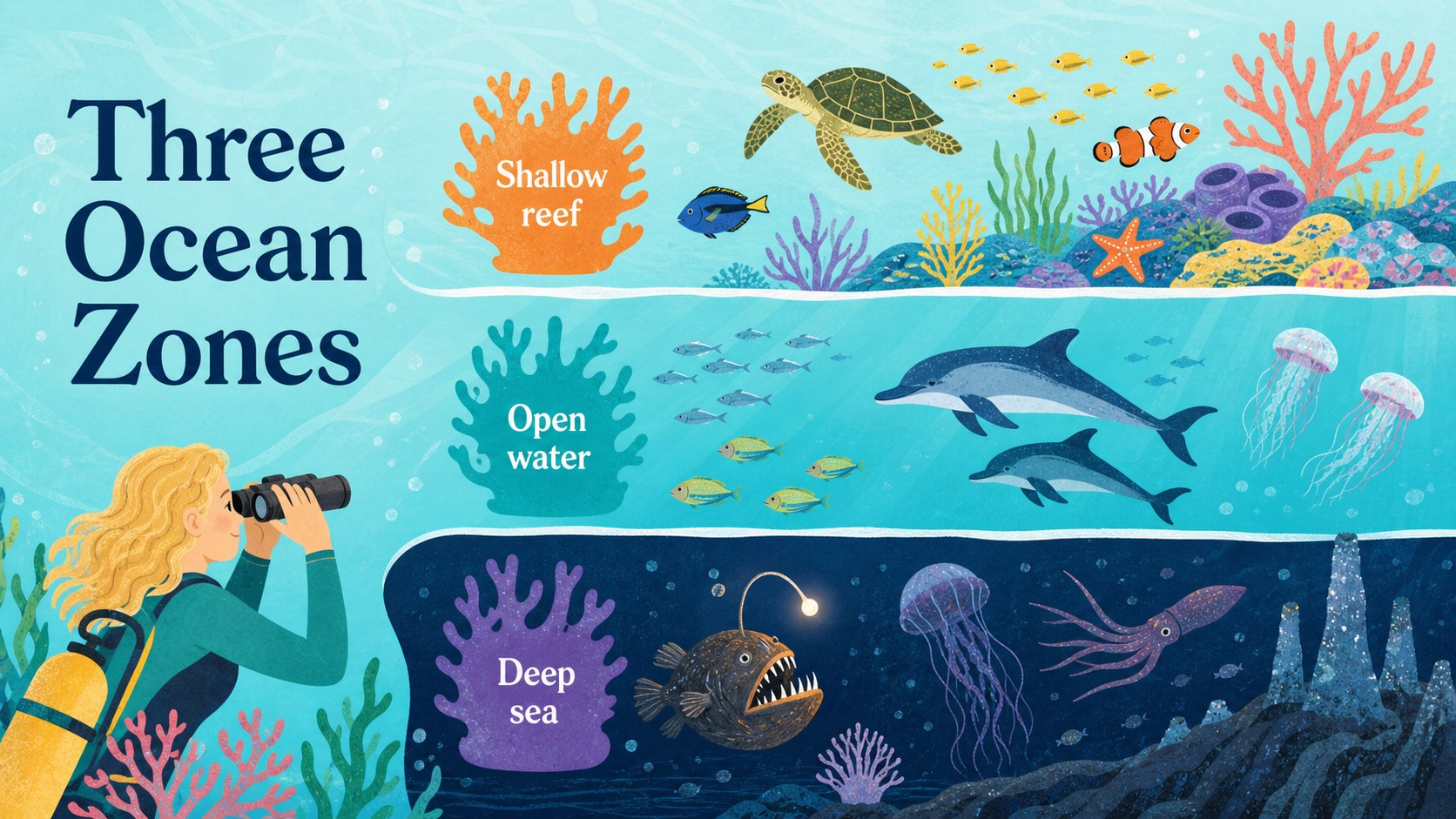
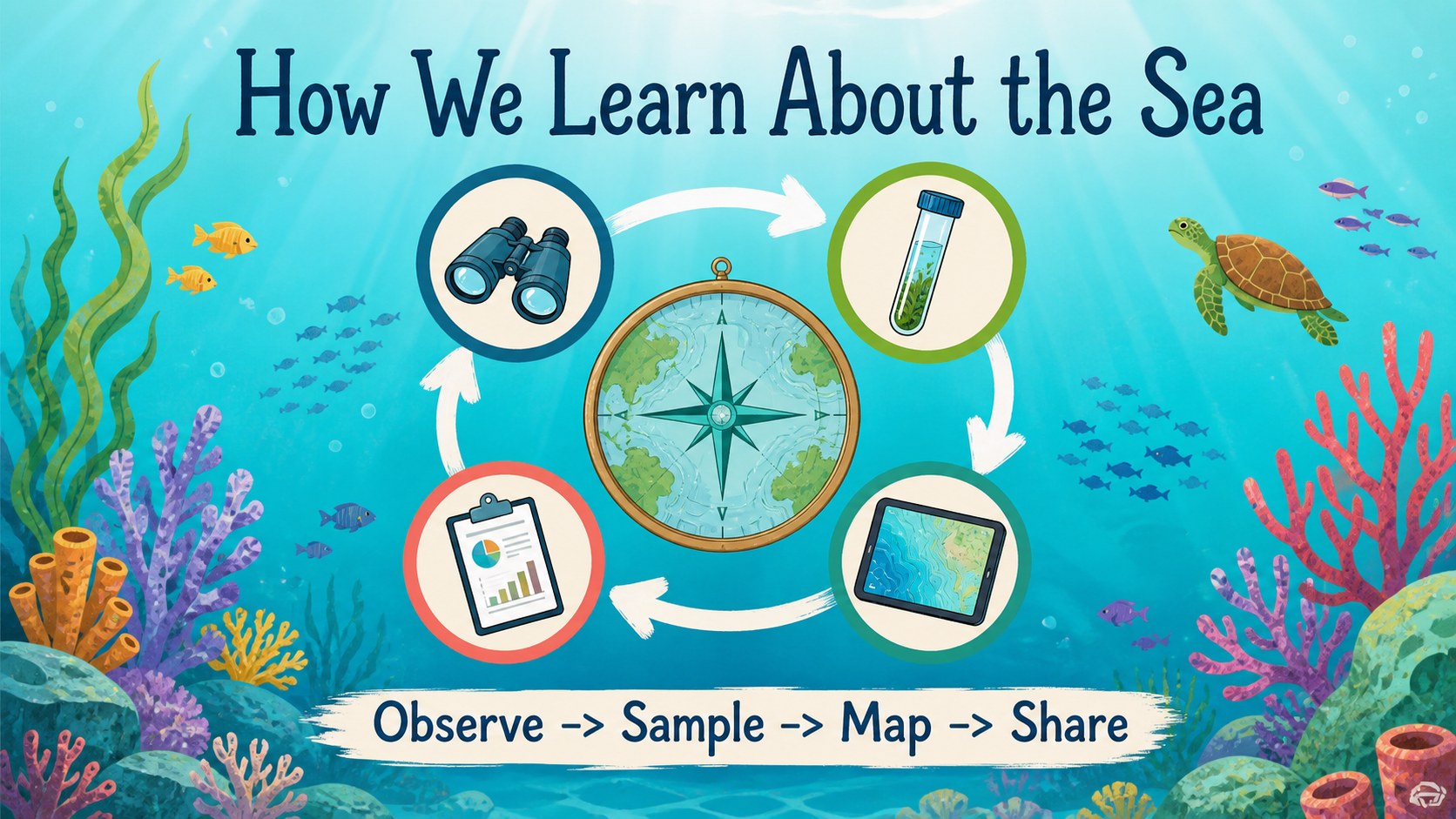
Turn ocean topics into an engaging visual lesson with a flexible marine life classroom theme. This illustrated slide deck combines tranquil underwater scenes, coral-inspired details, and clear layouts that help audiences follow a story from the shoreline to the deep sea. Use it for a marine biology lesson, an aquarium outreach session, or a conservation presentation with a friendly, storybook-inspired look.
Inside, you will find more than 25 editable slides for introductions, section dividers, species profiles, habitat comparisons, process explanations, data highlights, image-led storytelling, and closing calls to action. Blue, green, coral, and multicolor accents create a consistent aquatic palette while leaving room for your own photography, diagrams, and research notes. Charts, frames, icons, lines, and shapes make it easy to adapt the deck to different subjects and age groups.
The template works well for educators, students, nonprofit teams, science presenters, and creative marketers. Customize it with drag-and-drop editing, then export to PowerPoint or Google Slides when needed. Its approachable visual language makes complex marine ecosystems easier to explain without losing a polished presentation feel.
Perfect for: marine biology classroom lesson; aquarium visitor education; ocean conservation nonprofit pitch; student science project; aquatic ecosystem workshop.
Frequently asked questions
Can I edit this marine life classroom theme? Yes. The layouts can be customized using editable text, colors, shapes, charts, and image areas. You can replace the sample content with your own lesson material or research.
Practical details
Yes. The layouts can be customized using editable text, colors, shapes, charts, and image areas. You can replace the sample content with your own lesson material or research.
Yes. Open the design and use the available export or sharing options to create a PowerPoint file or save an editable copy to Google Drive. Some -specific animations and effects may need adjustment after export.
The deck suits marine biology lessons, species profiles, habitat studies, conservation campaigns, and aquarium education. It also supports marketing or nonprofit presentations that need a calm, illustrated underwater style.
Yes. lets you update the document colors, individual shapes, backgrounds, and typography. Keep a few blue, green, and coral accents if you want to preserve the original aquatic character.
Keep exploring
15Build stronger academic arguments with a college essay thesis builder featuring guided examples, revision prompts, and editable PowerPoint and Google Slides.
 15
15Build an engaging World UFO Day session with this flying saucer history lesson deck, featuring retro green-and-brown slides for PowerPoint and Google Slides.
 14
14Plan a memorable Lunar New Year campaign with the 2036 Dragon Year Celebration Theme, featuring bold red-and-yellow slides for lessons and events.
 15
15Build a thoughtful classroom discussion with this interfaith awareness lesson deck, featuring editable blue-and-white slides for PowerPoint and Google Slides.
 15
15Use this environmental awareness lesson deck to teach climate action through illustrated activities, discussion prompts, and ready-to-edit visuals.
 15
15Build playful lessons and party stories with a kid-friendly zombie celebration theme in purple, green and pastel blue for PowerPoint and Google Slides.
 15
15Build eerie lessons, campaigns, and story pitches with an undead survival scenario theme featuring editable slides for PowerPoint and Google Slides.
 16
16Turn environmental research into a clear story with a Watercolor Ecology Presentation Theme for PowerPoint and Google Slides in calming green and blue.