
 15
15presentation
College Essay Thesis Builder Slides
Build stronger academic arguments with a college essay thesis builder featuring guided examples, revision prompts, and editable PowerPoint and Google Slides.
Google SlidesPowerPoint
presentation · English
Build festive greetings, cultural briefings, and event announcements with a free lunar new year monkey theme in elegant red-and-gold PowerPoint and Google…


Design notes
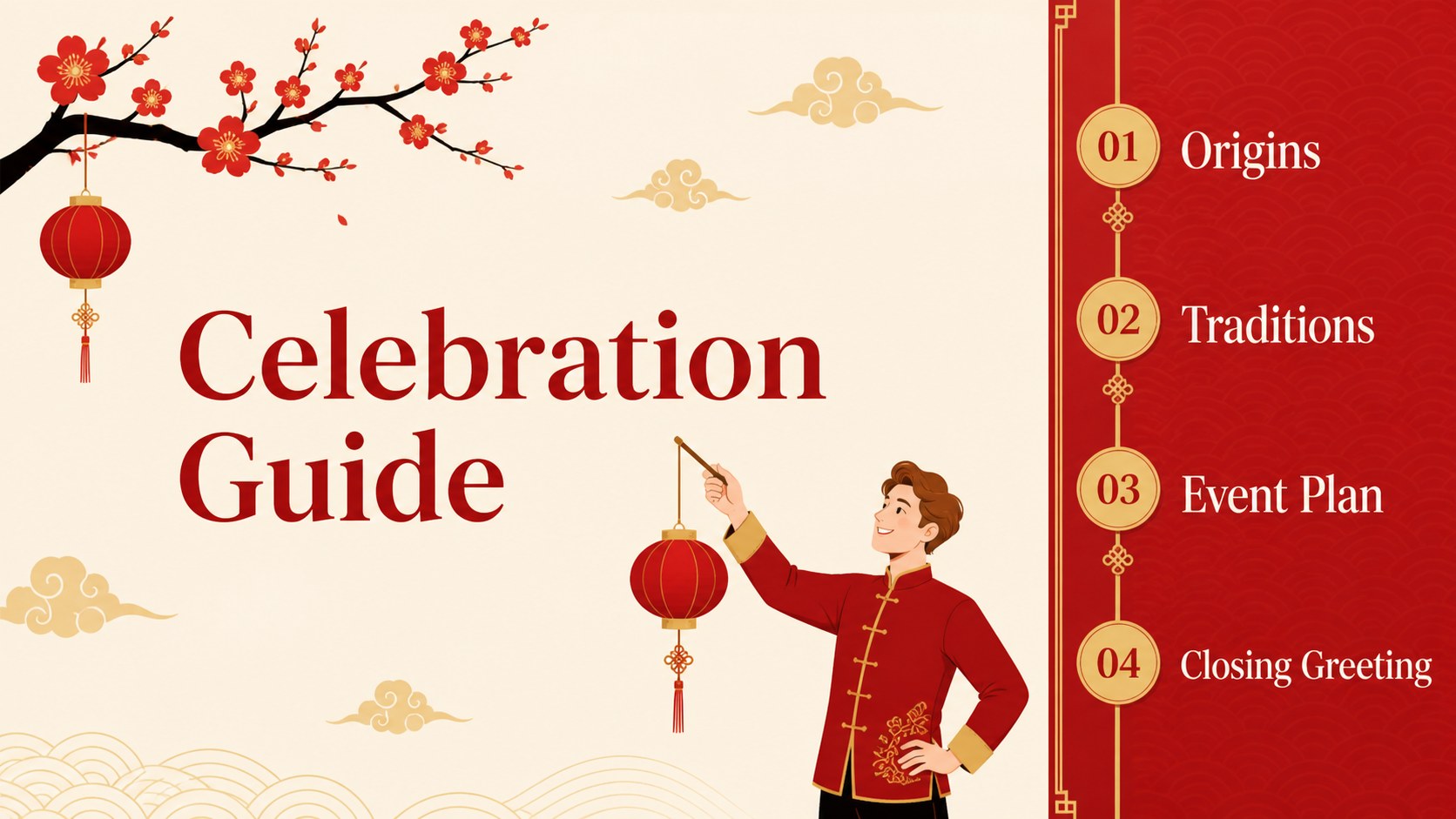
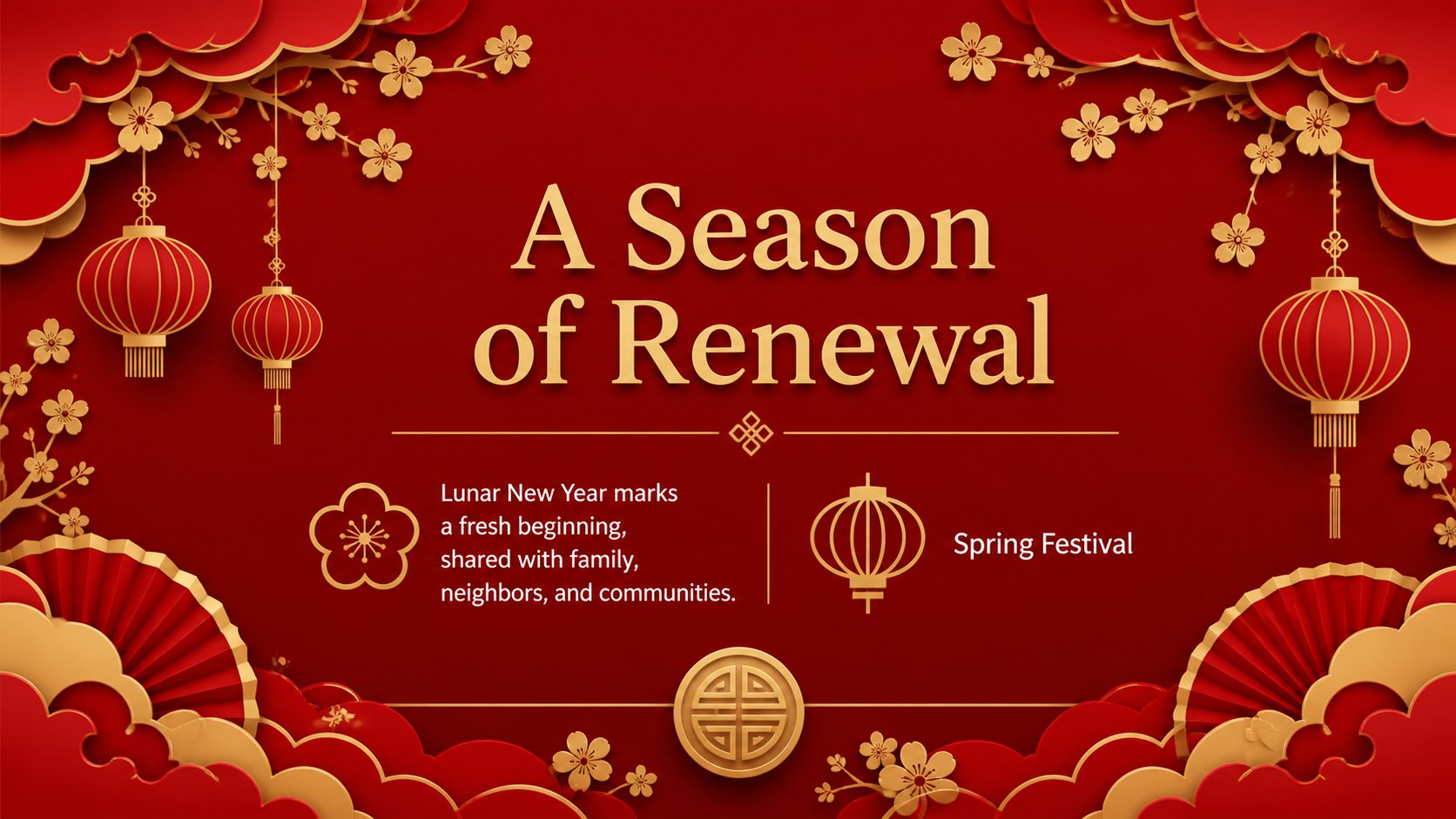
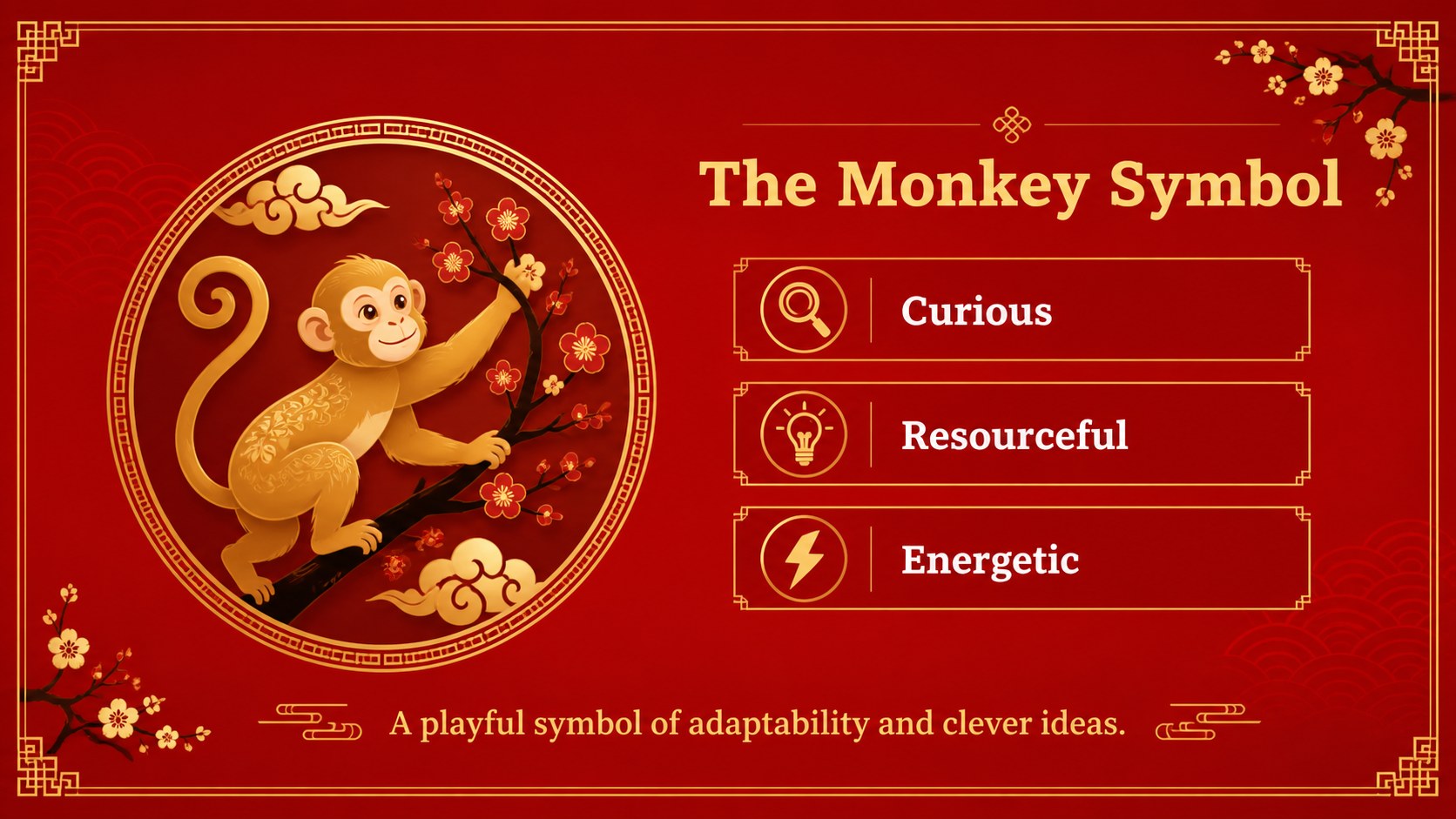
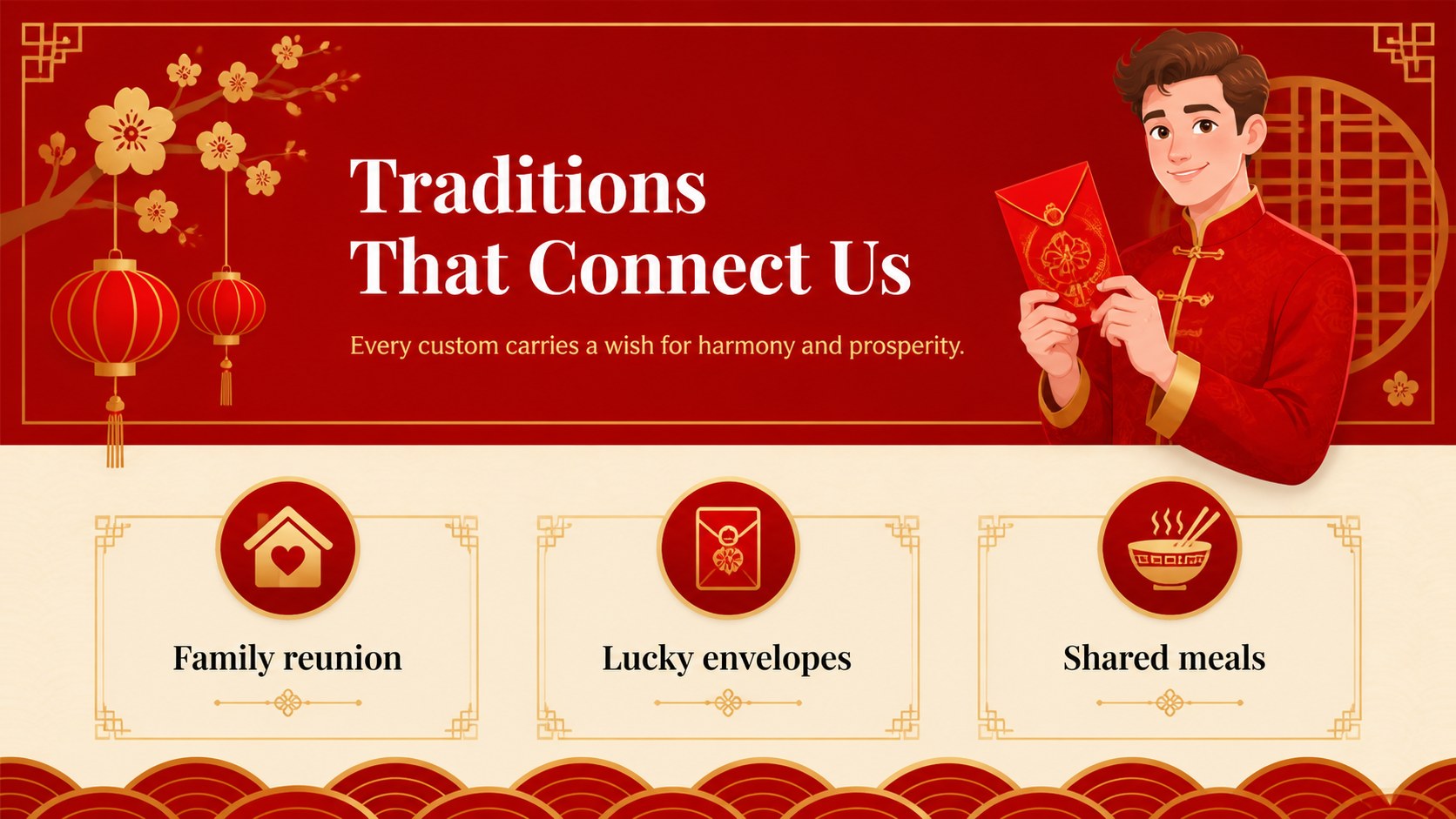
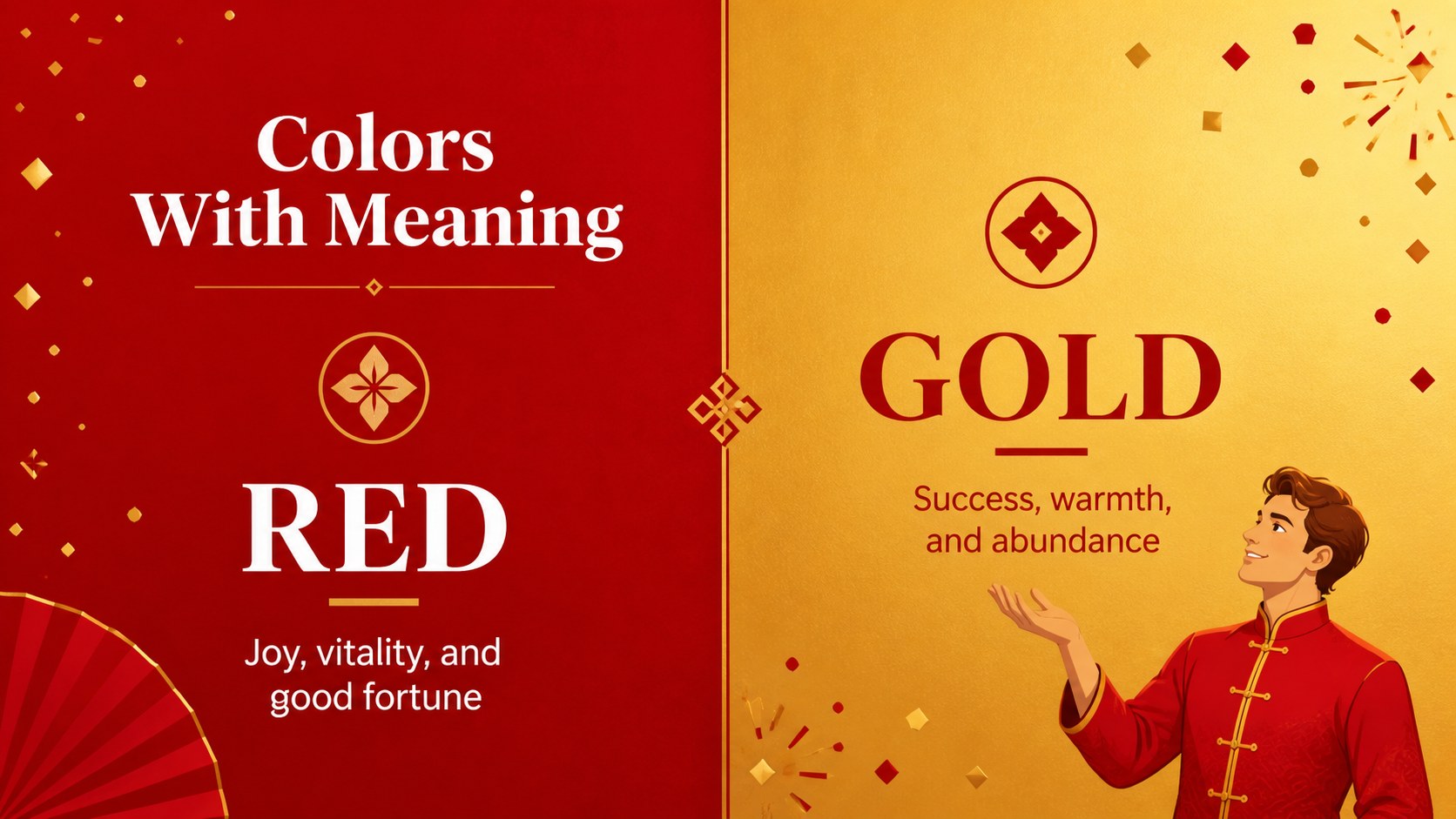
Create a memorable seasonal presentation with this lunar new year monkey theme, designed for holiday greetings, cultural introductions, and celebration planning. The refined red-and-gold palette creates a festive impression while keeping every page readable and adaptable for both formal and creative audiences.
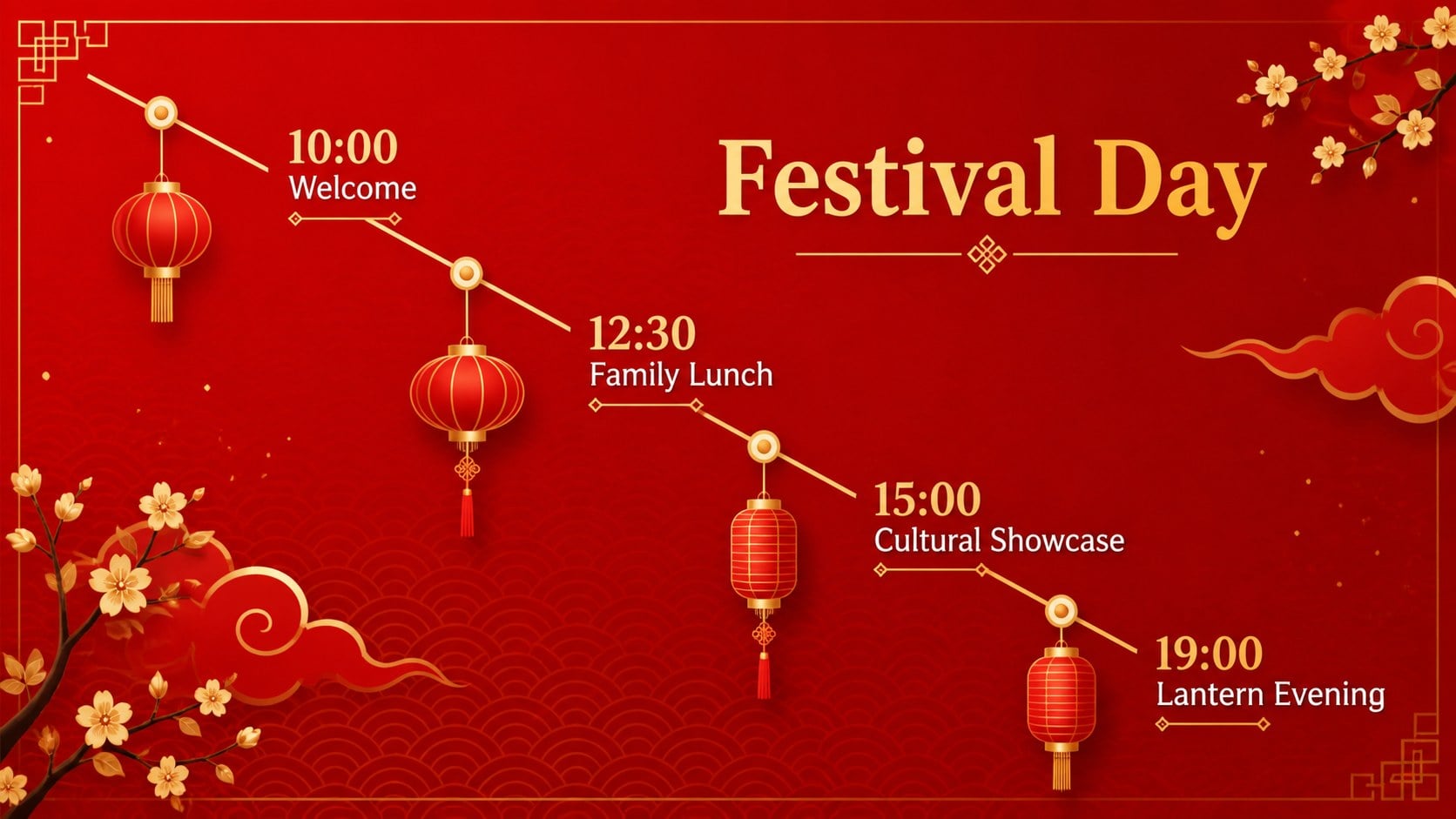
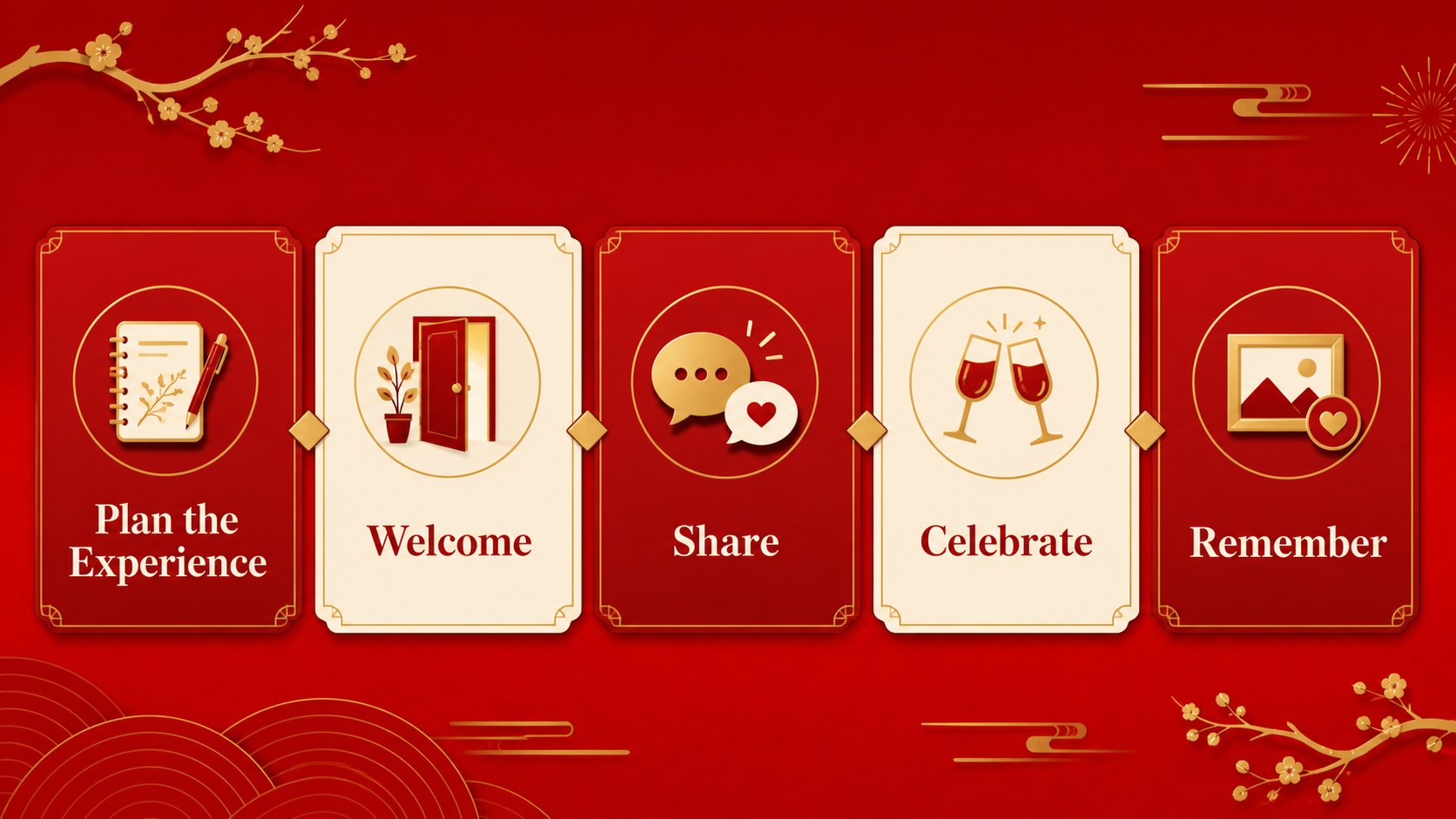
The deck includes 16:9 layouts for an opening message, agenda, cultural background, festival customs, symbolic colors, event schedule, image-led storytelling, comparison tables, charts, process steps, and a closing greeting. A flexible collection of illustrated icons, editable diagrams, maps, and data slides helps you shape a polished Lunar New Year presentation without rebuilding the visual system from scratch. The layouts use Kaushan Script and Roboto Slab for a distinctive editorial contrast.
Use this free lunar new year monkey theme for school culture lessons, nonprofit announcements, restaurant promotions, family celebration guides, community programs, or corporate holiday messages. Edit the text, images, colors, and slide order in PowerPoint or Google Slides, then export the finished deck as a PDF or image sequence for sharing.
Perfect for: school culture lesson; restaurant holiday promotion; community festival announcement; nonprofit celebration briefing; corporate holiday greeting.
Frequently asked questions
Can I edit the presentation in PowerPoint? Yes. The layouts, text, colors, diagrams, icons, and images are editable in PowerPoint. You can also rearrange or remove slides to match your message.
Practical details
Yes. The layouts, text, colors, diagrams, icons, and images are editable in PowerPoint. You can also rearrange or remove slides to match your message.
Yes. Import the presentation into Google Slides and customize the deck online. Check the font availability after importing and replace any unavailable font with a similar serif or script style if needed.
The layouts also support cultural lessons, event schedules, restaurant campaigns, and community announcements. Replace the sample copy and imagery while retaining the red-and-gold visual direction.
You can export the completed deck from PowerPoint or Google Slides as a PDF or image files. The 16:9 format is suited to screens, online meetings, and event displays.
Keep exploring
15Build stronger academic arguments with a college essay thesis builder featuring guided examples, revision prompts, and editable PowerPoint and Google Slides.
 15
15Build an engaging World UFO Day session with this flying saucer history lesson deck, featuring retro green-and-brown slides for PowerPoint and Google Slides.
 14
14Plan a memorable Lunar New Year campaign with the 2036 Dragon Year Celebration Theme, featuring bold red-and-yellow slides for lessons and events.
 15
15Build a thoughtful classroom discussion with this interfaith awareness lesson deck, featuring editable blue-and-white slides for PowerPoint and Google Slides.
 15
15Use this environmental awareness lesson deck to teach climate action through illustrated activities, discussion prompts, and ready-to-edit visuals.
 15
15Build playful lessons and party stories with a kid-friendly zombie celebration theme in purple, green and pastel blue for PowerPoint and Google Slides.
 15
15Build eerie lessons, campaigns, and story pitches with an undead survival scenario theme featuring editable slides for PowerPoint and Google Slides.
 16
16Turn environmental research into a clear story with a Watercolor Ecology Presentation Theme for PowerPoint and Google Slides in calming green and blue.