
 15
15presentation
College Essay Thesis Builder Slides
Build stronger academic arguments with a college essay thesis builder featuring guided examples, revision prompts, and editable PowerPoint and Google Slides.
Google SlidesPowerPoint
presentation · English
Organize lessons, events, and deadlines with this Love Month 2026 Day-by-Day Planner, a sweet pink-and-red deck for PowerPoint and Google Slides.

Design notes
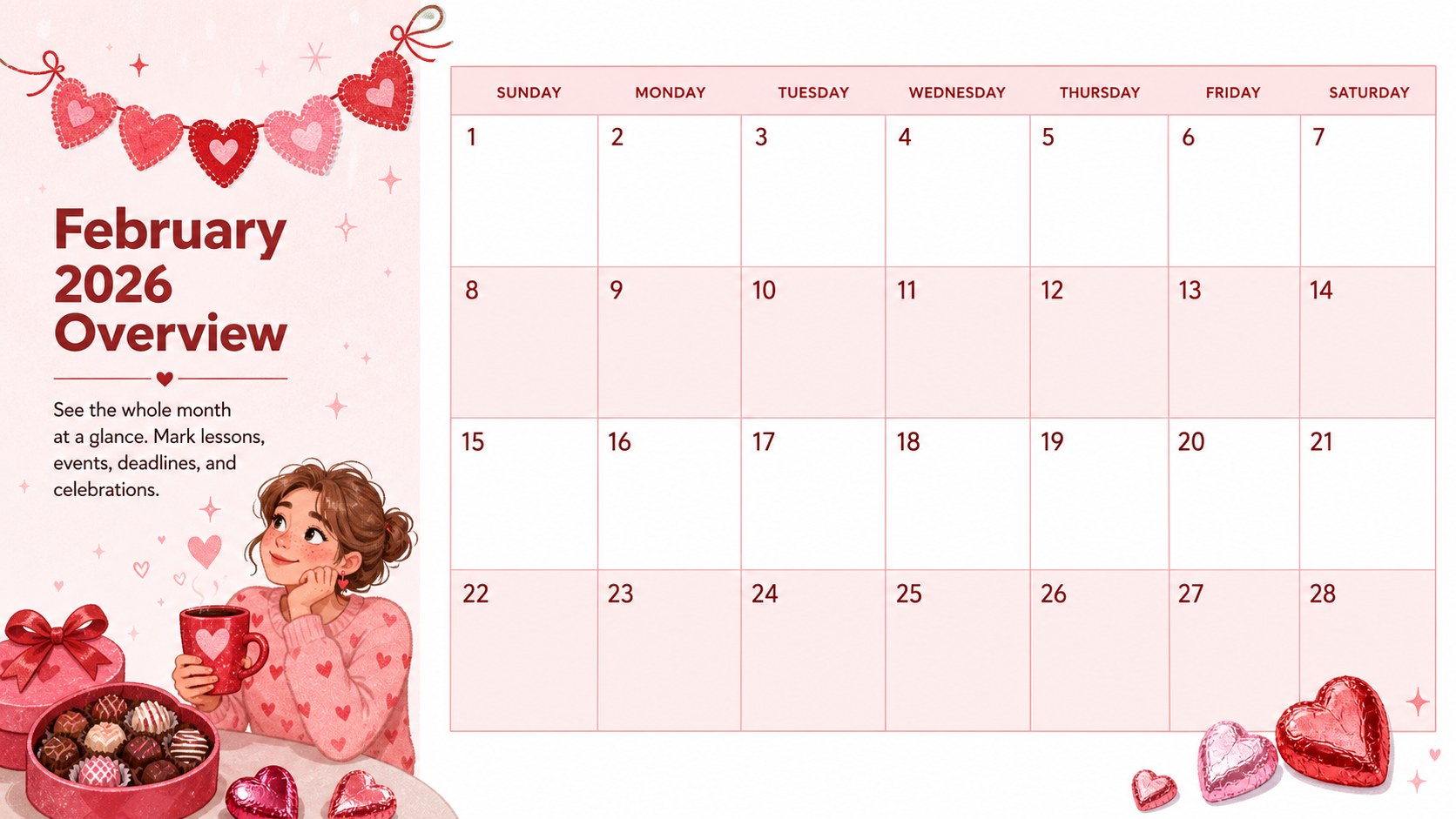
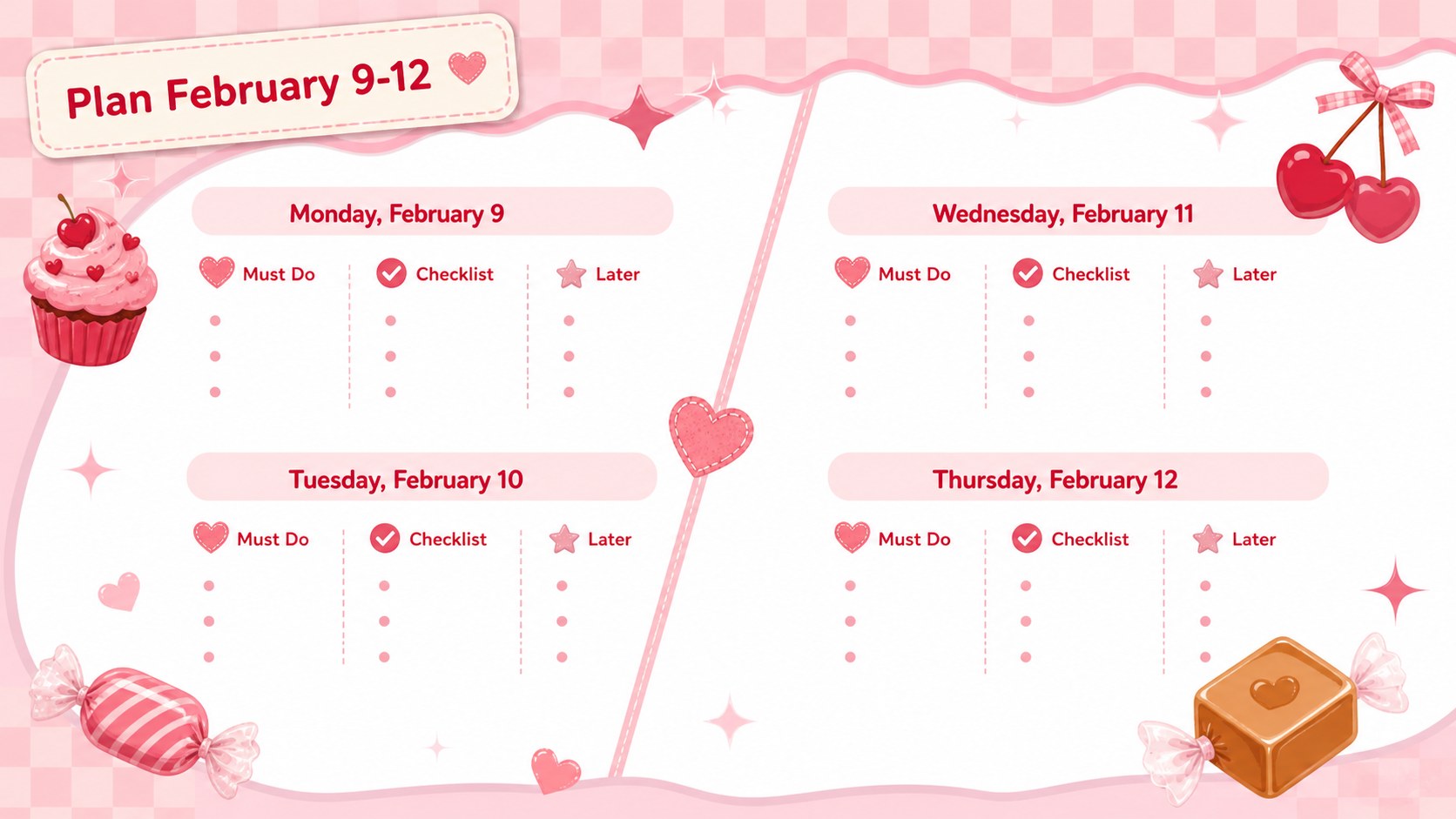
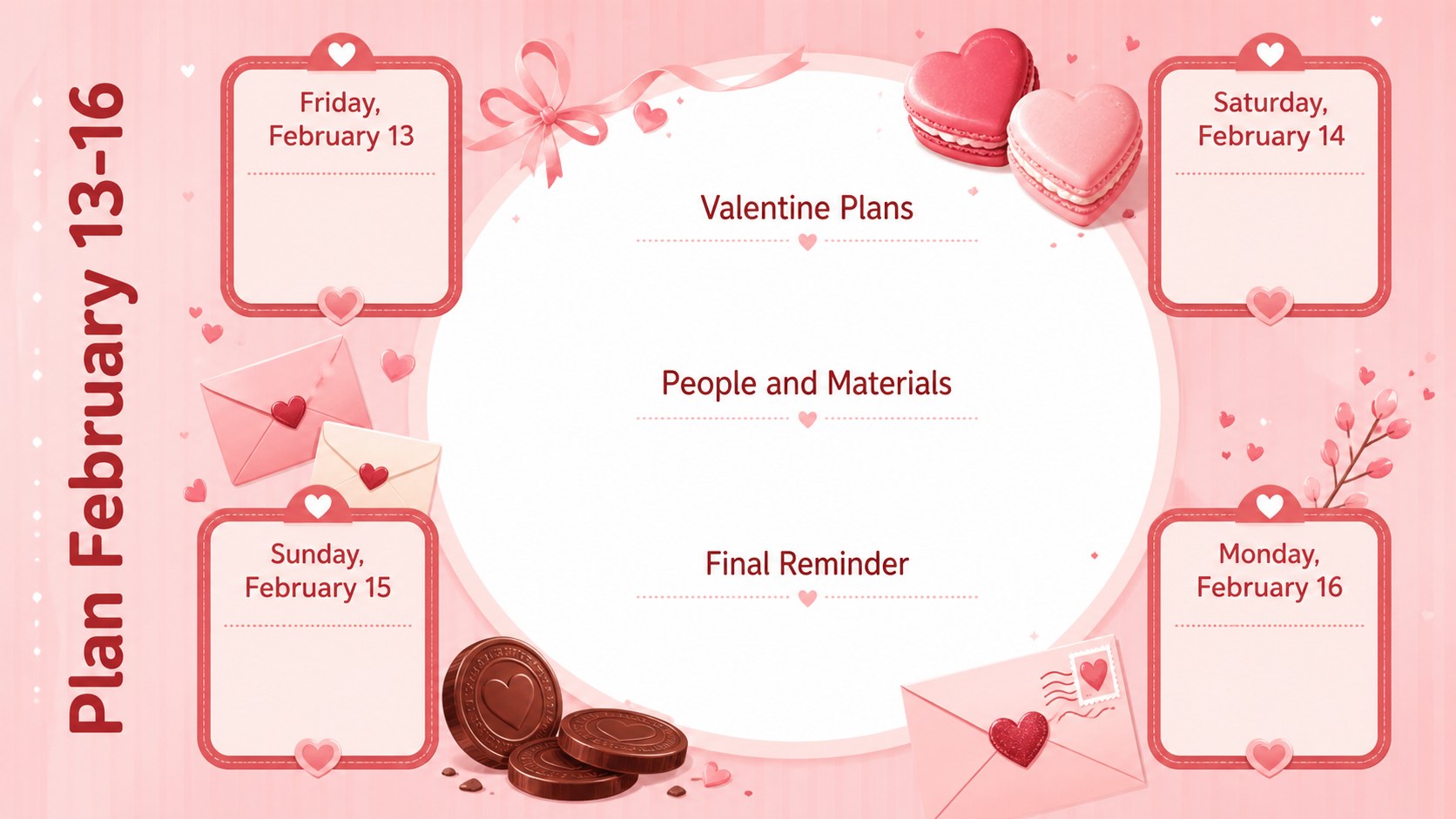
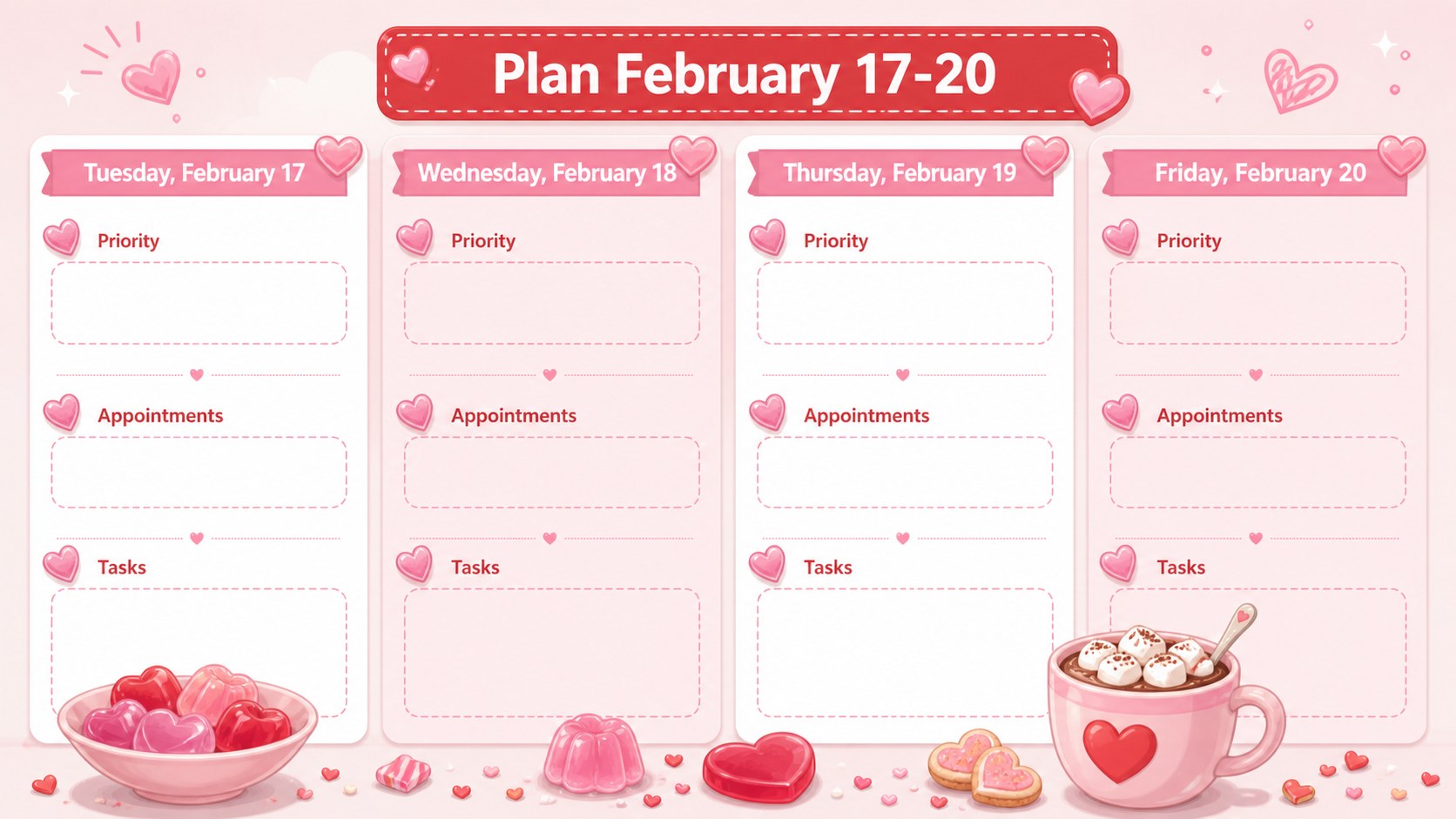
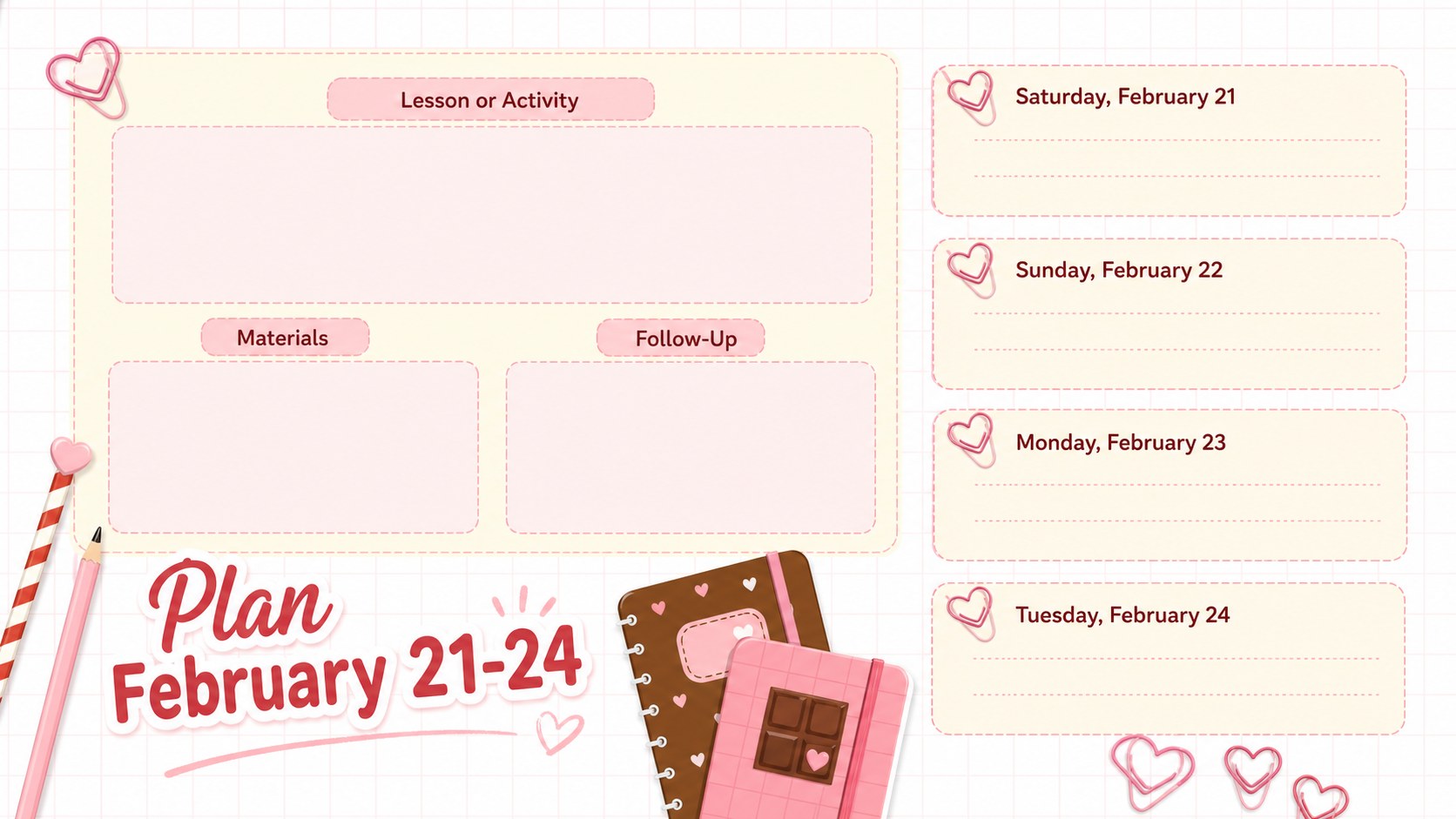
Bring structure and a playful seasonal touch to February with the Love Month 2026 Day-by-Day Planner. Designed in a pastel pink and red palette, this editable presentation combines practical scheduling spaces with charming illustrations inspired by chocolates, candy hearts, and wrapped sweets. Use it to keep daily priorities visible without losing the warmth of the Valentine season.
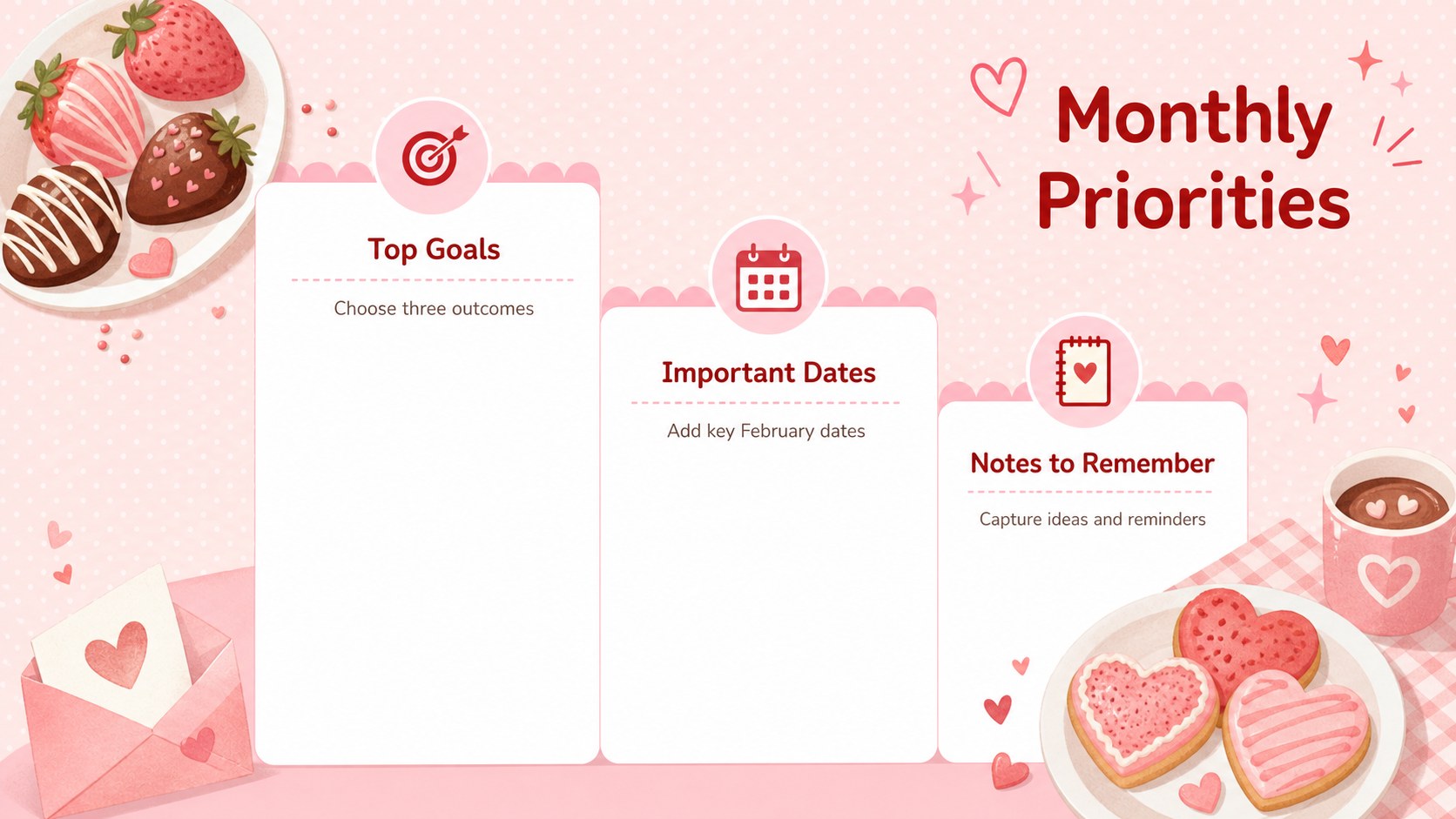
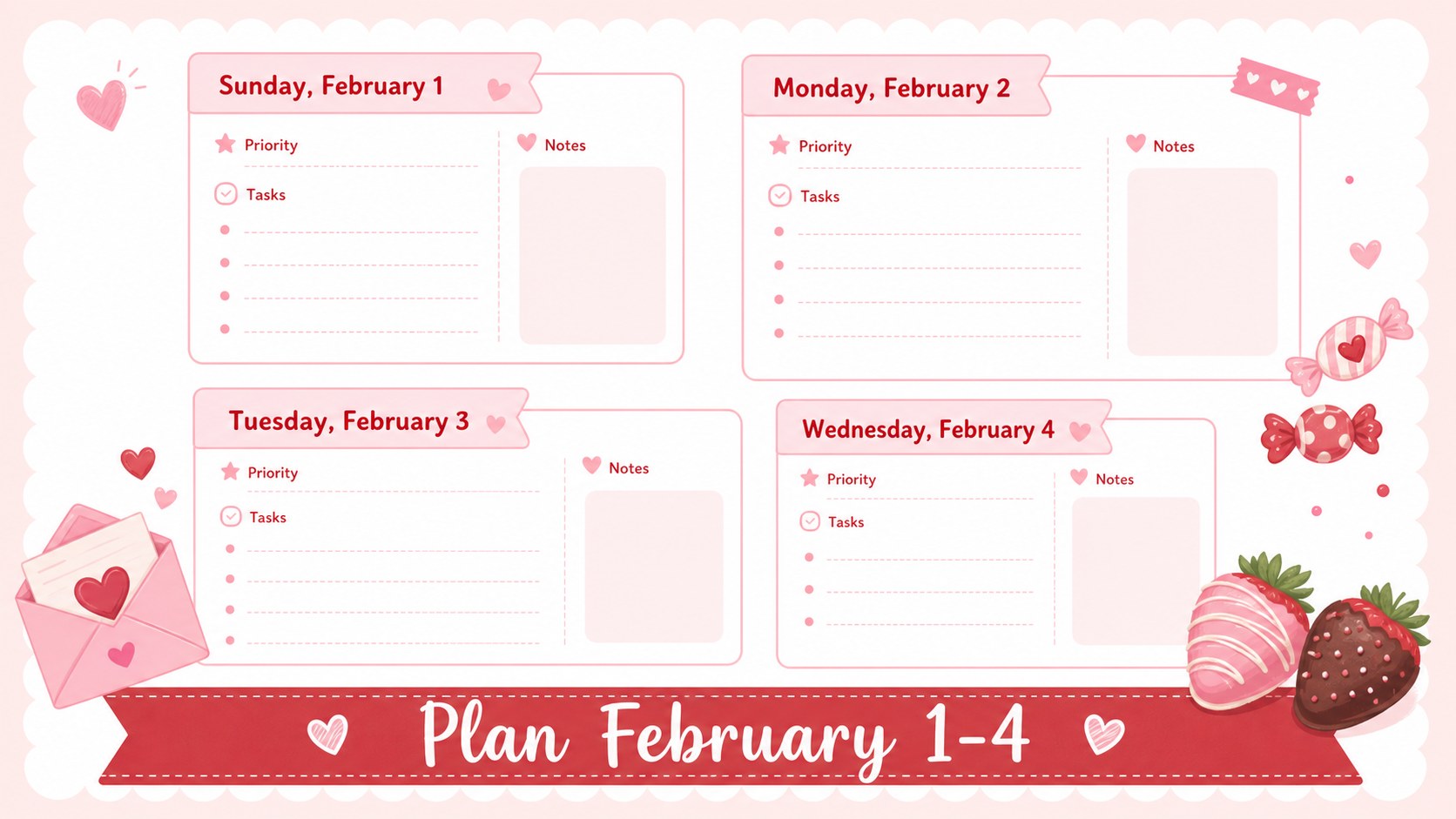
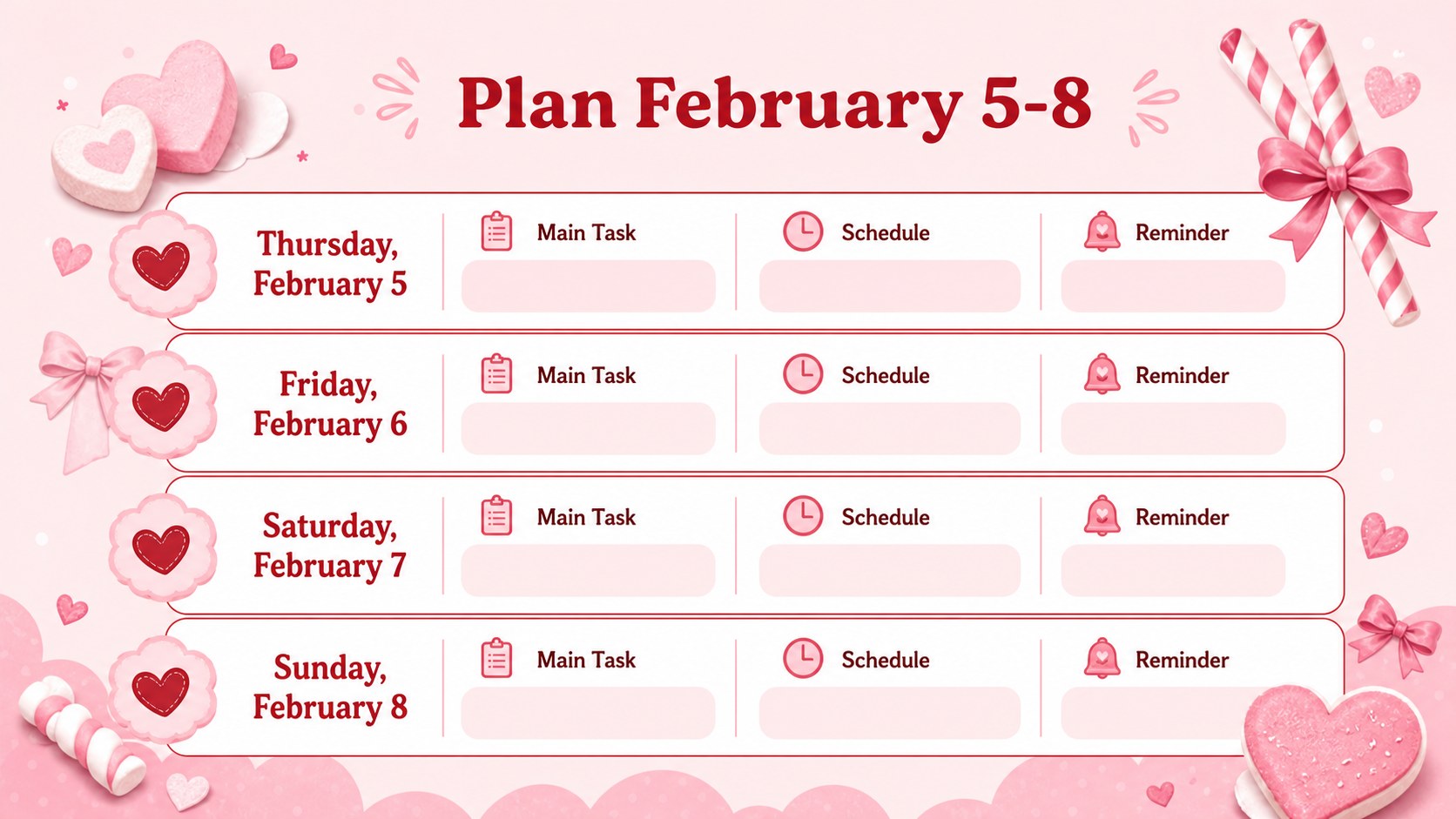
Inside, you will find a complete monthly overview, grouped daily planning pages, a priority list, a habit tracker, an assignment organizer, an event plan, a project timeline, and an end-of-month reflection. The layouts also work as a February classroom activity planner for mapping lessons, celebrations, assessments, and student tasks. Every page can be adapted into a sweet themed monthly schedule presentation with your own dates, notes, colors, and images.
This pink red classroom planner deck is especially useful for teachers, students, school coordinators, families, and anyone managing several February commitments. Edit the slides in PowerPoint or Google Slides, duplicate planning pages when more writing space is needed, and present the calendar on screen or prepare it for printing. Clear typography, compact content areas, and illustrated accents help important dates stand out while keeping the overall design friendly, organized, and consistent.
Perfect for: February lesson scheduling; Student assignment planning; Valentine event coordination; Family activity organization; Monthly project tracking.
Frequently asked questions
Can I edit every date and planning section? Yes. Dates, headings, task lists, colors, and decorative elements can be edited in PowerPoint or Google Slides.
Practical details
Yes. Dates, headings, task lists, colors, and decorative elements can be edited in PowerPoint or Google Slides.
Yes. The presentation is designed for PowerPoint and Google Slides, although minor font or spacing adjustments may be needed after importing.
Yes. Duplicate any planning slide and replace its date, checklist, or notes to create more space for lessons, events, or personal tasks.
Yes. Adjust the content for your preferred paper size, then export the completed presentation as a PDF for printing.
Keep exploring
15Build stronger academic arguments with a college essay thesis builder featuring guided examples, revision prompts, and editable PowerPoint and Google Slides.
 15
15Build an engaging World UFO Day session with this flying saucer history lesson deck, featuring retro green-and-brown slides for PowerPoint and Google Slides.
 14
14Plan a memorable Lunar New Year campaign with the 2036 Dragon Year Celebration Theme, featuring bold red-and-yellow slides for lessons and events.
 15
15Build a thoughtful classroom discussion with this interfaith awareness lesson deck, featuring editable blue-and-white slides for PowerPoint and Google Slides.
 15
15Use this environmental awareness lesson deck to teach climate action through illustrated activities, discussion prompts, and ready-to-edit visuals.
 15
15Build playful lessons and party stories with a kid-friendly zombie celebration theme in purple, green and pastel blue for PowerPoint and Google Slides.
 15
15Build eerie lessons, campaigns, and story pitches with an undead survival scenario theme featuring editable slides for PowerPoint and Google Slides.
 16
16Turn environmental research into a clear story with a Watercolor Ecology Presentation Theme for PowerPoint and Google Slides in calming green and blue.