
 15
15presentation
College Essay Thesis Builder Slides
Build stronger academic arguments with a college essay thesis builder featuring guided examples, revision prompts, and editable PowerPoint and Google Slides.
Google SlidesPowerPoint
presentation · English
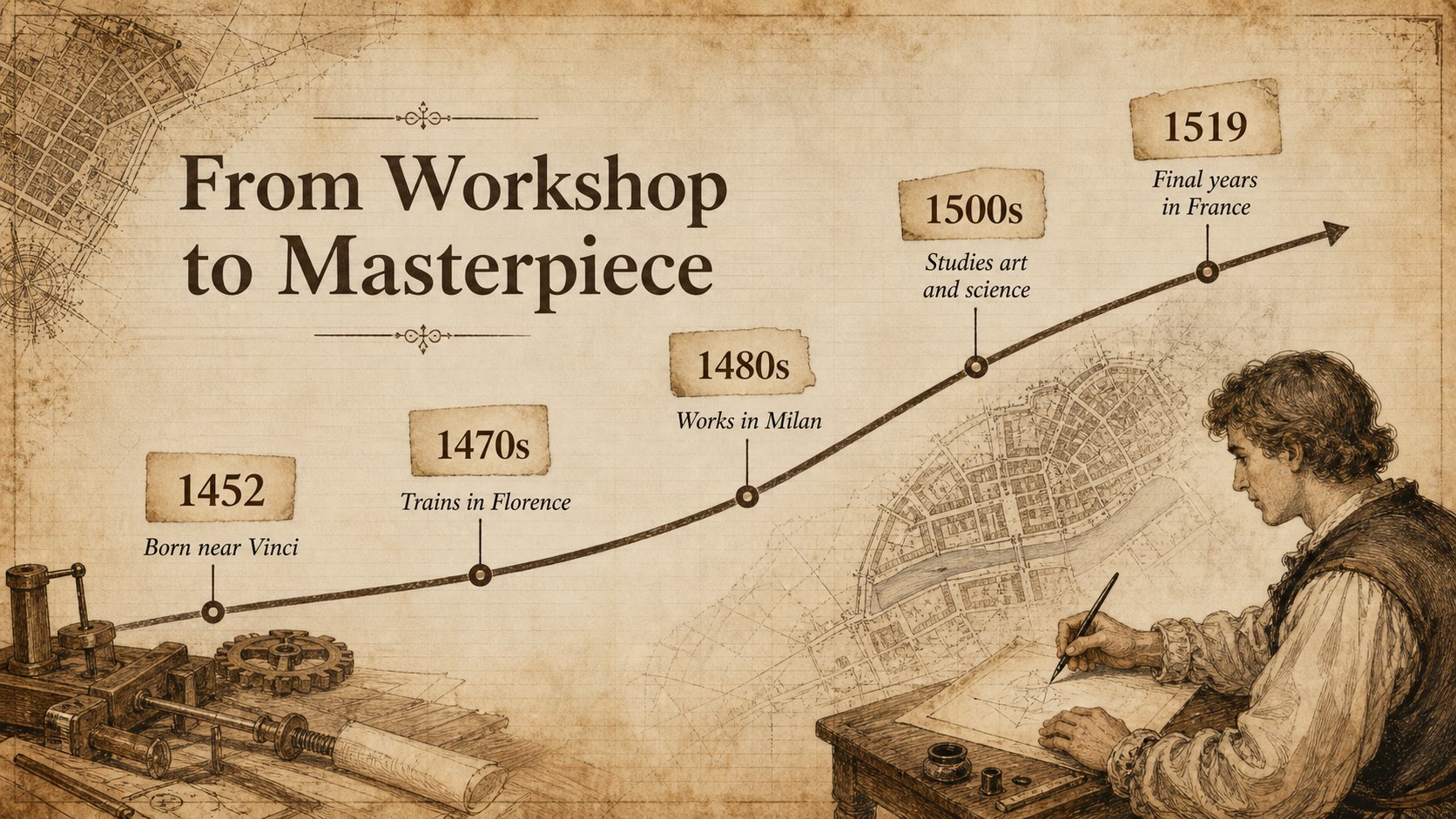
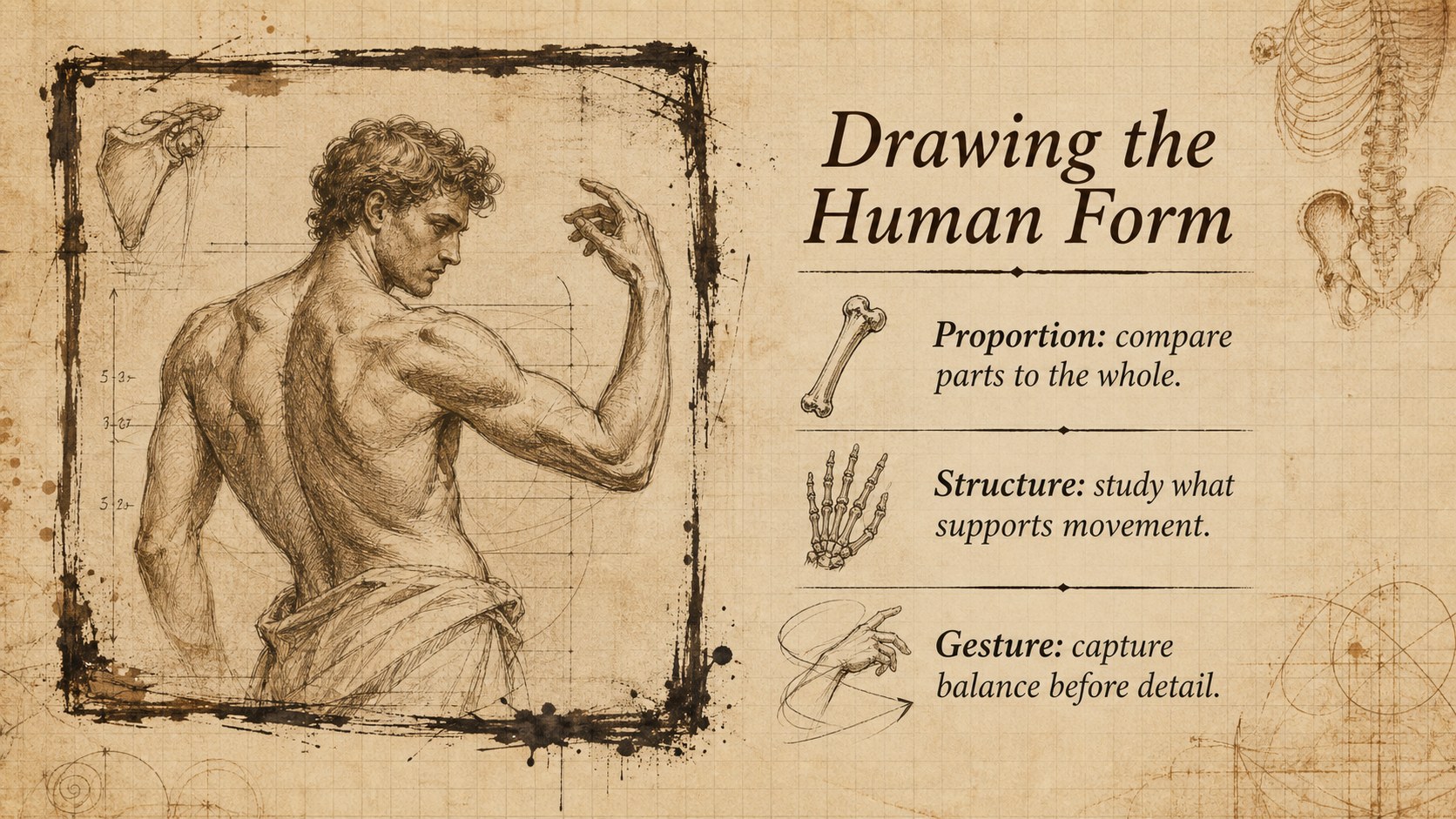
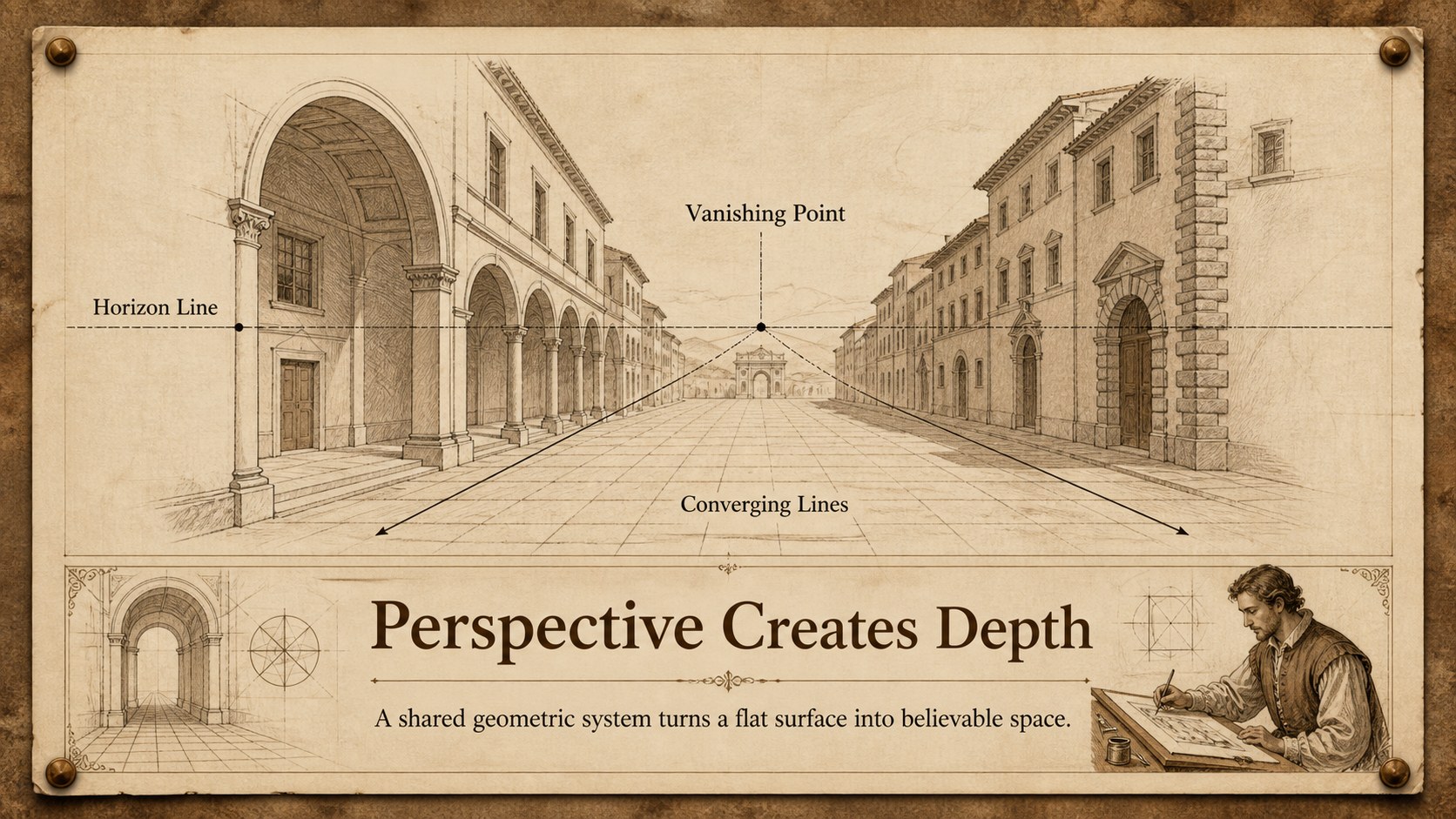
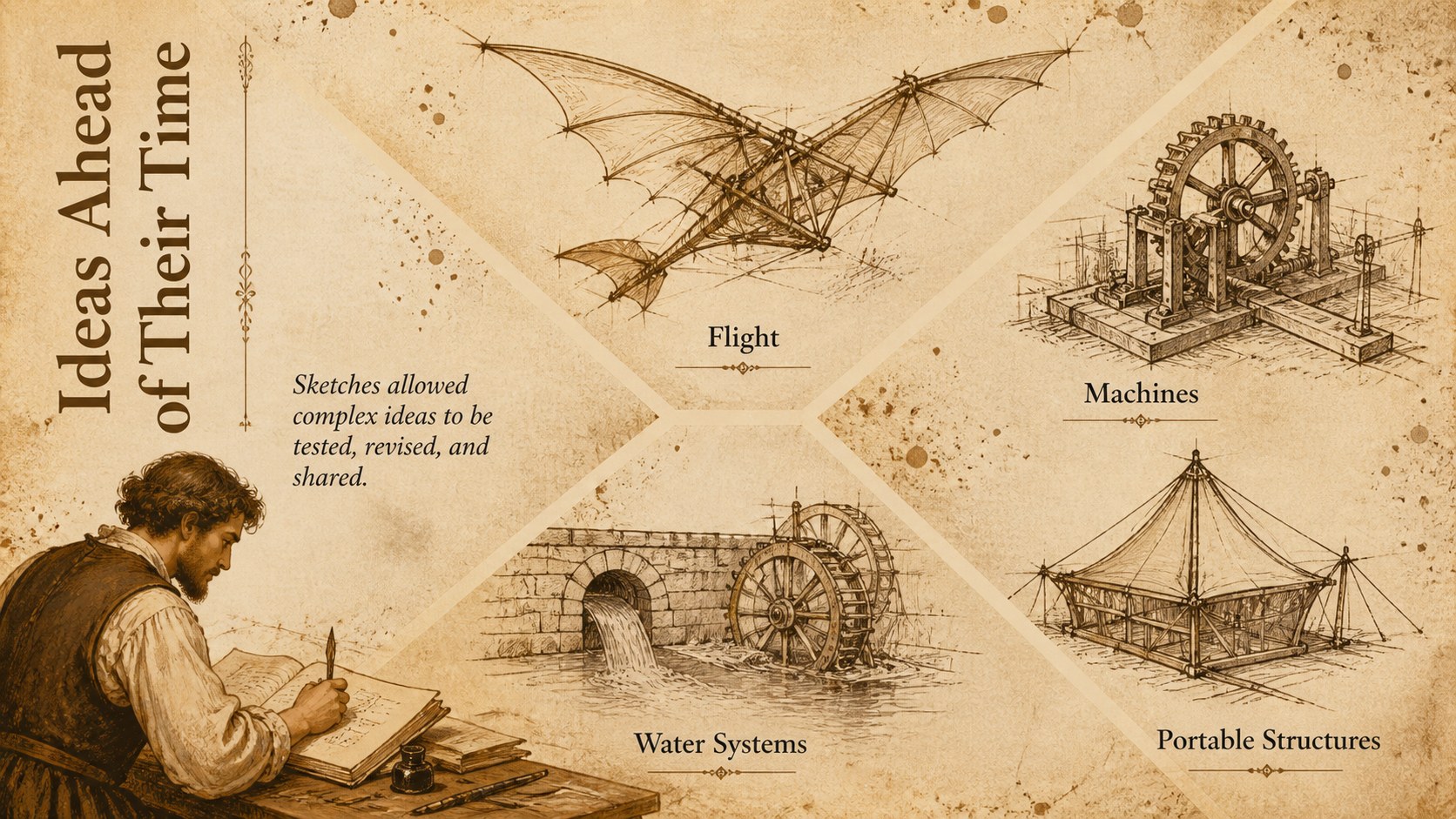
Bring art and history lessons to life with a Leonardo sketchbook history theme, featuring sepia paper textures and editable layouts for classes and talks.
Design notes
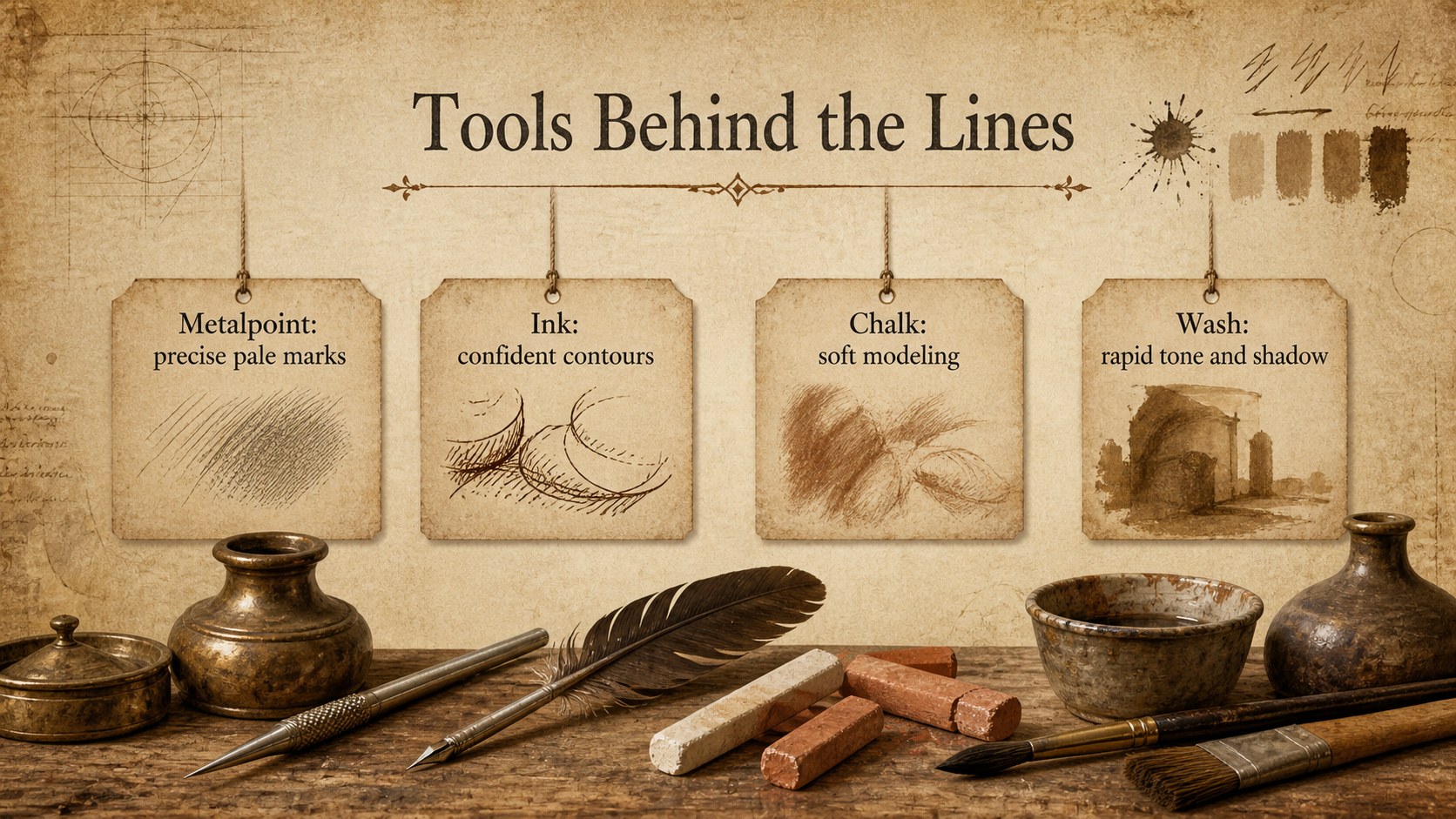
The Leonardo sketchbook history theme gives educators, students, curators, and speakers an atmospheric setting for exploring Renaissance art and thought. Sepia paper textures, hand-drawn details, and balanced classical typography evoke a historical notebook while keeping modern presentation content clear and organized.
Use the flexible layouts to build Renaissance art lesson slides, introduce major discoveries, examine drawing techniques, or present a visual biography. The deck includes opening pages, section dividers, timelines, comparisons, image-focused layouts, maps, charts, tables, quotations, and closing prompts. Every element can be edited, recolored, resized, duplicated, or rearranged to suit your story. The warm brown palette works especially well with artwork reproductions, manuscript details, museum photography, and archival material.
This Leonardo da Vinci sketchbook presentation is suited to secondary classrooms, university lectures, museum programs, history conferences, and classic literature discussions. It also provides a distinctive sepia history presentation template for research projects that need more character than a standard academic design. Edit the slides in PowerPoint or Google Slides, replace the sample wording and images, and adapt the layout for widescreen teaching, presenting, or PDF distribution.
Perfect for: Renaissance art history lesson; Leonardo biography presentation; Museum education talk; Historical drawing analysis; Classic literature lecture; Student research project.
Frequently asked questions
Can I edit this theme in PowerPoint and Google Slides? Yes. The layouts, text, colors, illustrations, and image placeholders can be customized in both PowerPoint and Google Slides. Some font substitutions may occur if a typeface is not installed on your device.
Practical details
Yes. The layouts, text, colors, illustrations, and image placeholders can be customized in both PowerPoint and Google Slides. Some font substitutions may occur if a typeface is not installed on your device.
Replace the sample images with public-domain artwork, manuscript scans, or your own photographs. You can also crop images, adjust transparency, and recolor decorative elements to maintain the warm sepia appearance.
Yes. It includes layouts for learning objectives, timelines, comparisons, artwork analysis, maps, data, discussion questions, and summaries. Teachers can duplicate or remove pages to match the length of a lesson.
Yes. Theme colors can be adjusted to create a lighter parchment look or a darker archival style. Check text contrast after changing background colors so projected slides remain easy to read.
Keep exploring
15Build stronger academic arguments with a college essay thesis builder featuring guided examples, revision prompts, and editable PowerPoint and Google Slides.
 15
15Build an engaging World UFO Day session with this flying saucer history lesson deck, featuring retro green-and-brown slides for PowerPoint and Google Slides.
 14
14Plan a memorable Lunar New Year campaign with the 2036 Dragon Year Celebration Theme, featuring bold red-and-yellow slides for lessons and events.
 15
15Build a thoughtful classroom discussion with this interfaith awareness lesson deck, featuring editable blue-and-white slides for PowerPoint and Google Slides.
 15
15Use this environmental awareness lesson deck to teach climate action through illustrated activities, discussion prompts, and ready-to-edit visuals.
 15
15Build playful lessons and party stories with a kid-friendly zombie celebration theme in purple, green and pastel blue for PowerPoint and Google Slides.
 15
15Build eerie lessons, campaigns, and story pitches with an undead survival scenario theme featuring editable slides for PowerPoint and Google Slides.
 16
16Turn environmental research into a clear story with a Watercolor Ecology Presentation Theme for PowerPoint and Google Slides in calming green and blue.