
 15
15presentation
College Essay Thesis Builder Slides
Build stronger academic arguments with a college essay thesis builder featuring guided examples, revision prompts, and editable PowerPoint and Google Slides.
Google SlidesPowerPoint
presentation · English
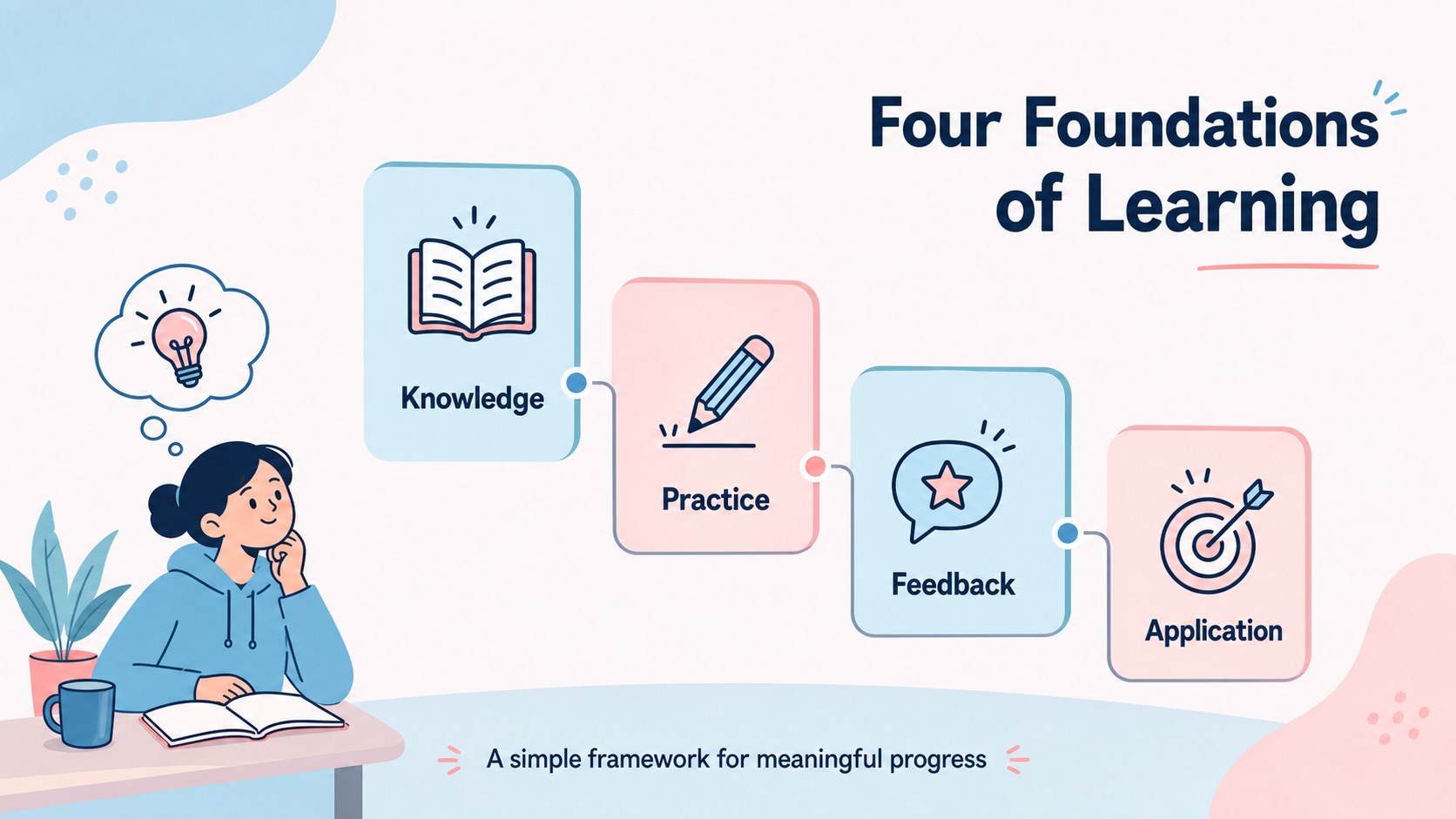
Build a clear learning framework with this pastel blue and pink infographic deck. Edit the visuals for training, education, workshops, and team development.

Design notes
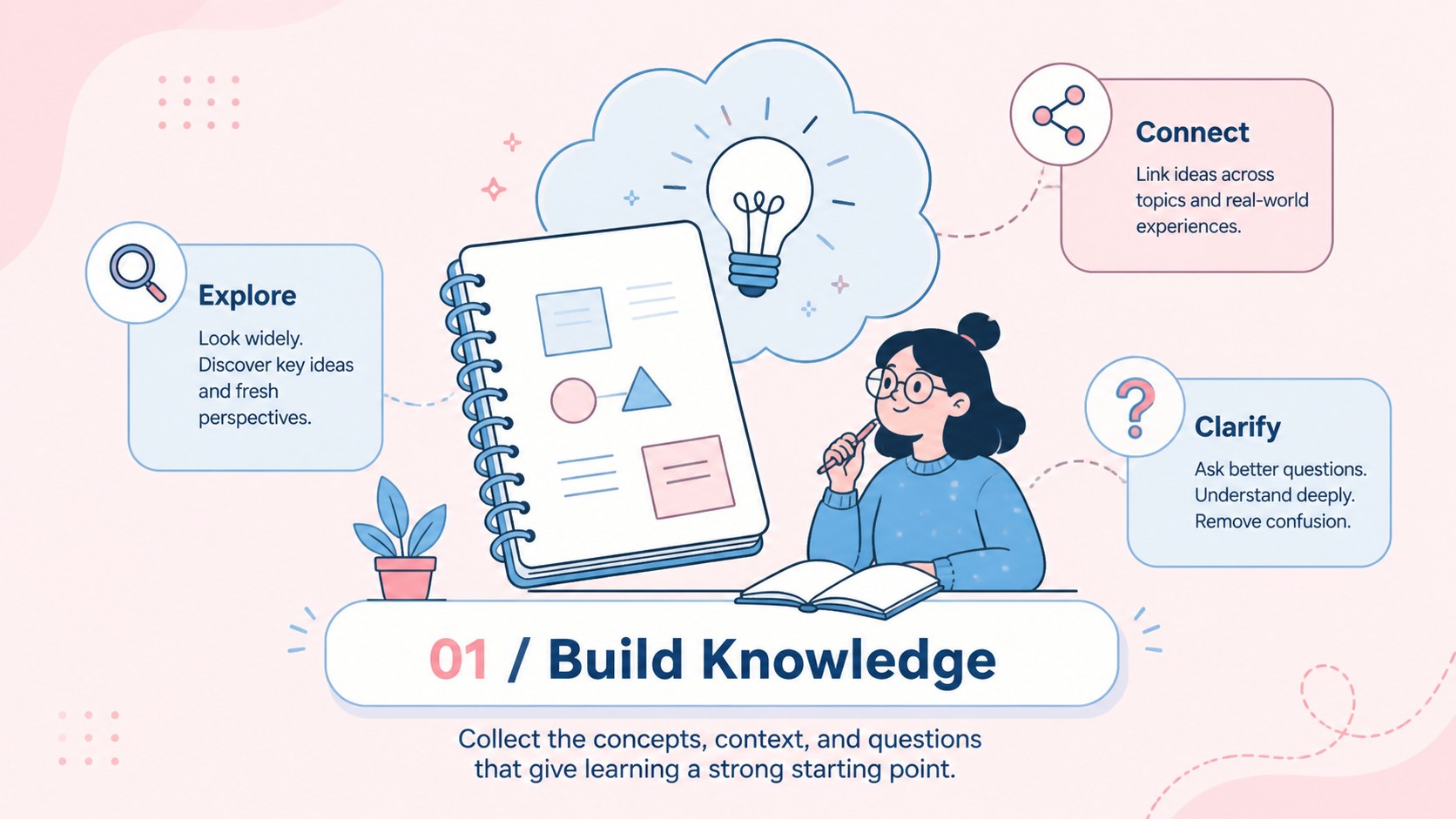
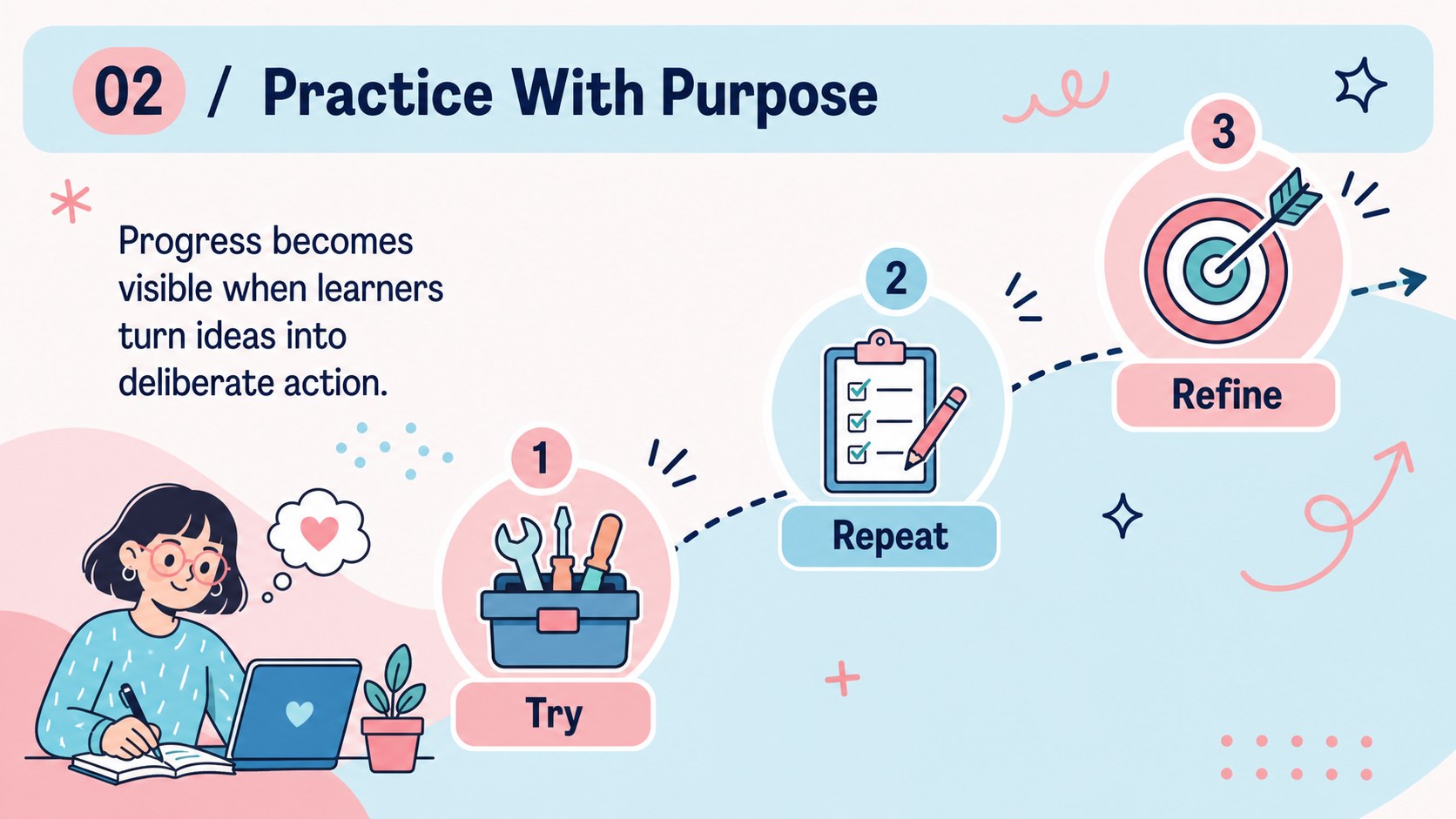
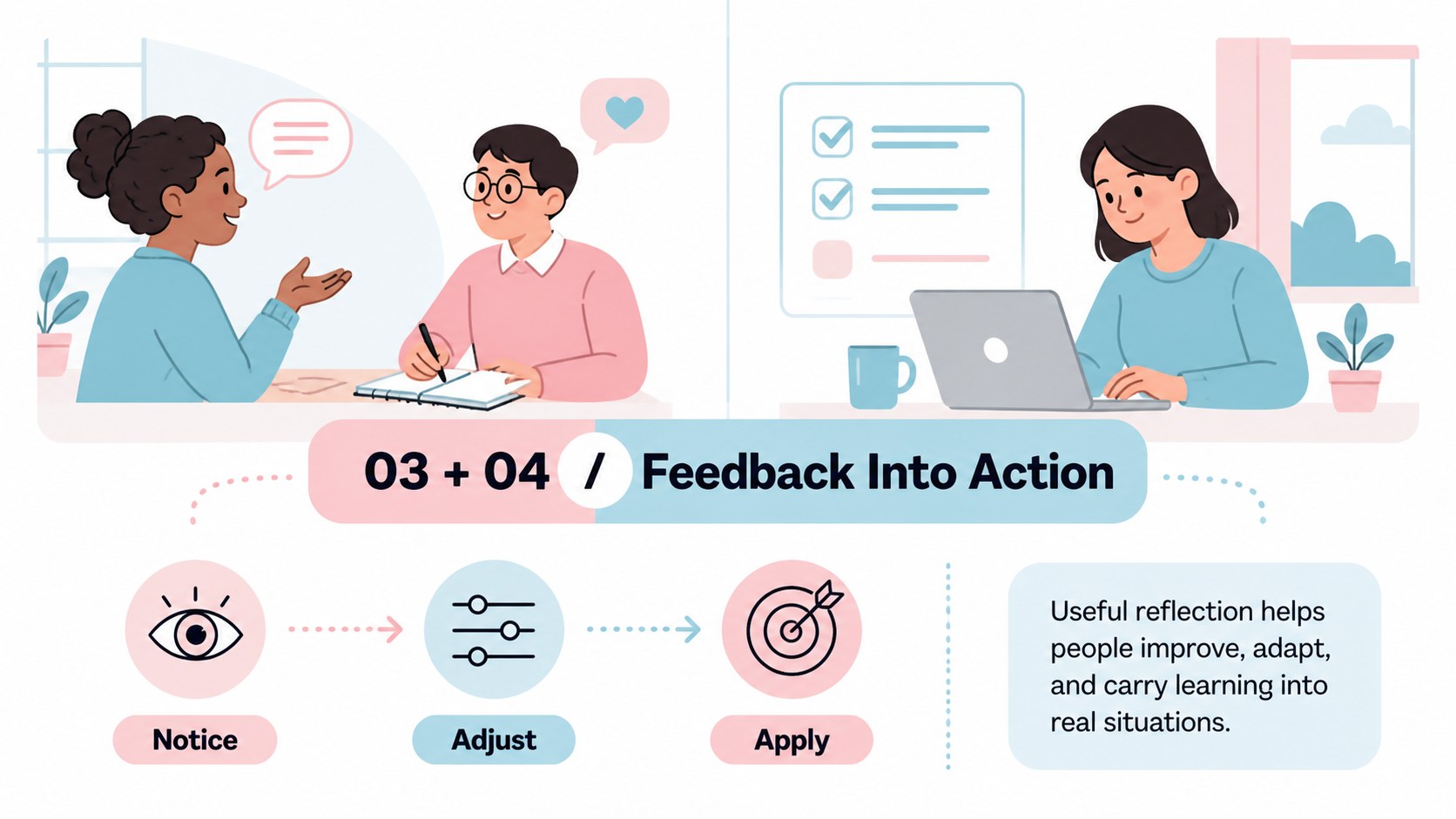
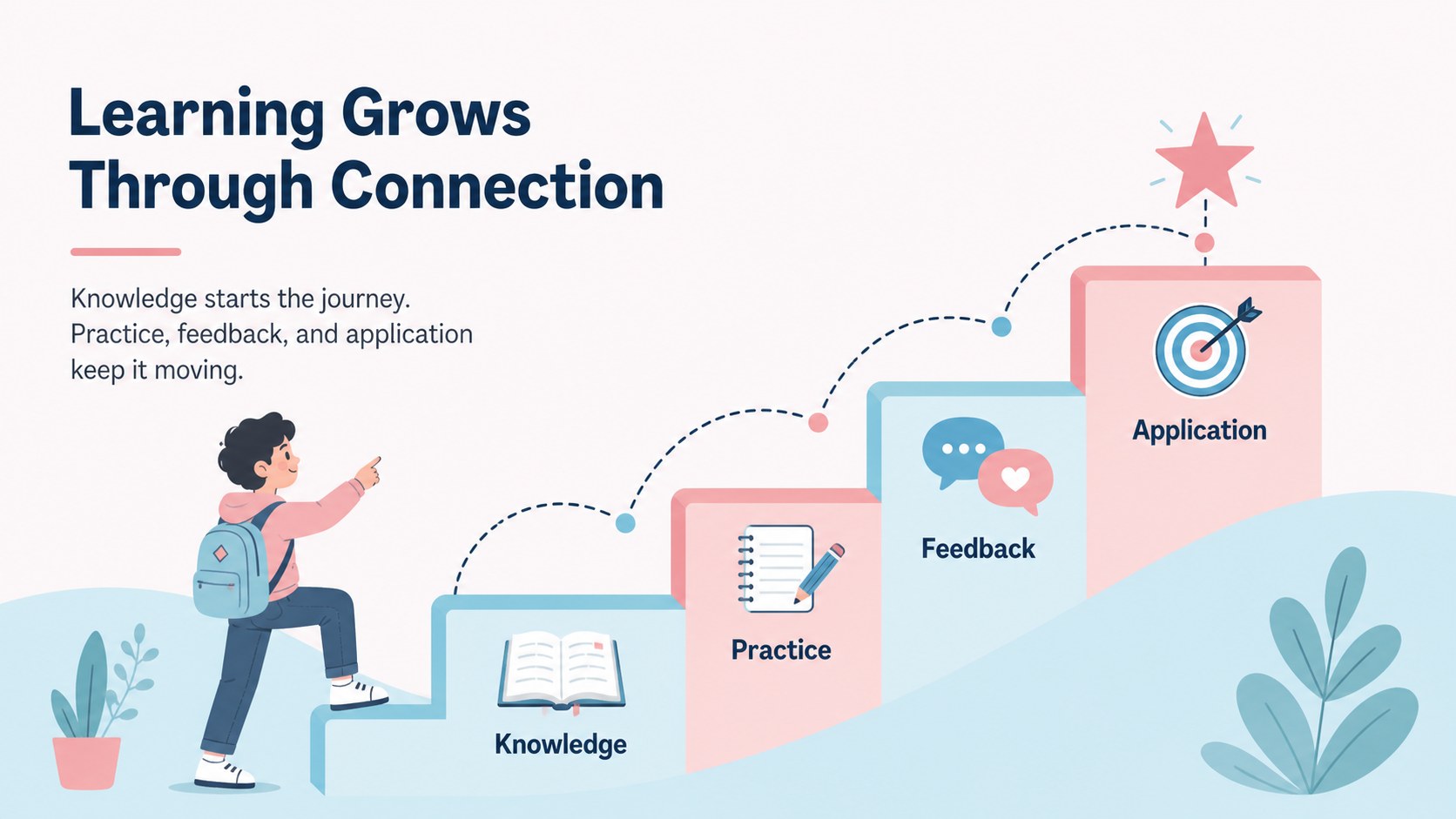
Learning Foundations Visual Guide turns four essential dimensions of learning into a clear, memorable presentation system. Its pastel blue and pink palette, illustrated icons, and spacious infographic layouts help audiences understand relationships between ideas without overwhelming them with text. The result is a polished learning framework presentation for explaining how people build knowledge, practice skills, and apply new insights.
Inside, you’ll find a cover, a four-part overview, focused pillar layouts, comparison-style content, and a closing synthesis slide. Replace the sample labels, icons, diagrams, and supporting copy with your own material, then export the finished deck for PowerPoint or Google Slides. The flexible 16:9 format also works well for classroom screens, virtual sessions, and team meetings.
This template suits instructional designers, teachers, HR teams, coaches, workshop facilitators, and business professionals preparing a learning and development presentation. Use it for employee training programs, curriculum planning, onboarding workshops, or an education strategy briefing. It is also a practical choice for anyone searching for a customizable learning infographic deck or a four pillars education presentation that communicates structure at a glance.
Perfect for: employee training program; classroom learning overview; onboarding workshop; curriculum planning session; professional development briefing.
Frequently asked questions
Can I edit the text and illustrations? Yes. Open the template to replace headings, body copy, icons, colors, and supporting graphics. The layouts are designed to remain readable after you add your own learning content.
Practical details
Yes. Open the template to replace headings, body copy, icons, colors, and supporting graphics. The layouts are designed to remain readable after you add your own learning content.
The template is built for and can be exported to PowerPoint or saved to Google Slides. Export options may vary slightly depending on the account and the elements used in the design.
Yes. lets you apply a different palette to editable shapes, text, and illustrations. Keeping the original pastel contrast can help preserve the deck’s visual hierarchy, especially when presenting in a classroom or meeting room.
Yes. The 16:9 format works for video calls, recorded lessons, and shared screens. Short labels and visual sections make the four learning foundations easy to discuss one at a time.
Keep exploring
15Build stronger academic arguments with a college essay thesis builder featuring guided examples, revision prompts, and editable PowerPoint and Google Slides.
 15
15Build an engaging World UFO Day session with this flying saucer history lesson deck, featuring retro green-and-brown slides for PowerPoint and Google Slides.
 14
14Plan a memorable Lunar New Year campaign with the 2036 Dragon Year Celebration Theme, featuring bold red-and-yellow slides for lessons and events.
 15
15Build a thoughtful classroom discussion with this interfaith awareness lesson deck, featuring editable blue-and-white slides for PowerPoint and Google Slides.
 15
15Use this environmental awareness lesson deck to teach climate action through illustrated activities, discussion prompts, and ready-to-edit visuals.
 15
15Build playful lessons and party stories with a kid-friendly zombie celebration theme in purple, green and pastel blue for PowerPoint and Google Slides.
 15
15Build eerie lessons, campaigns, and story pitches with an undead survival scenario theme featuring editable slides for PowerPoint and Google Slides.
 16
16Turn environmental research into a clear story with a Watercolor Ecology Presentation Theme for PowerPoint and Google Slides in calming green and blue.