
 15
15presentation
College Essay Thesis Builder Slides
Build stronger academic arguments with a college essay thesis builder featuring guided examples, revision prompts, and editable PowerPoint and Google Slides.
Google SlidesPowerPoint
presentation · English
Guide reflection before and after lessons with a know-wonder-learn classroom organizer in bright yellow layouts for PowerPoint and Google Slides.
Design notes
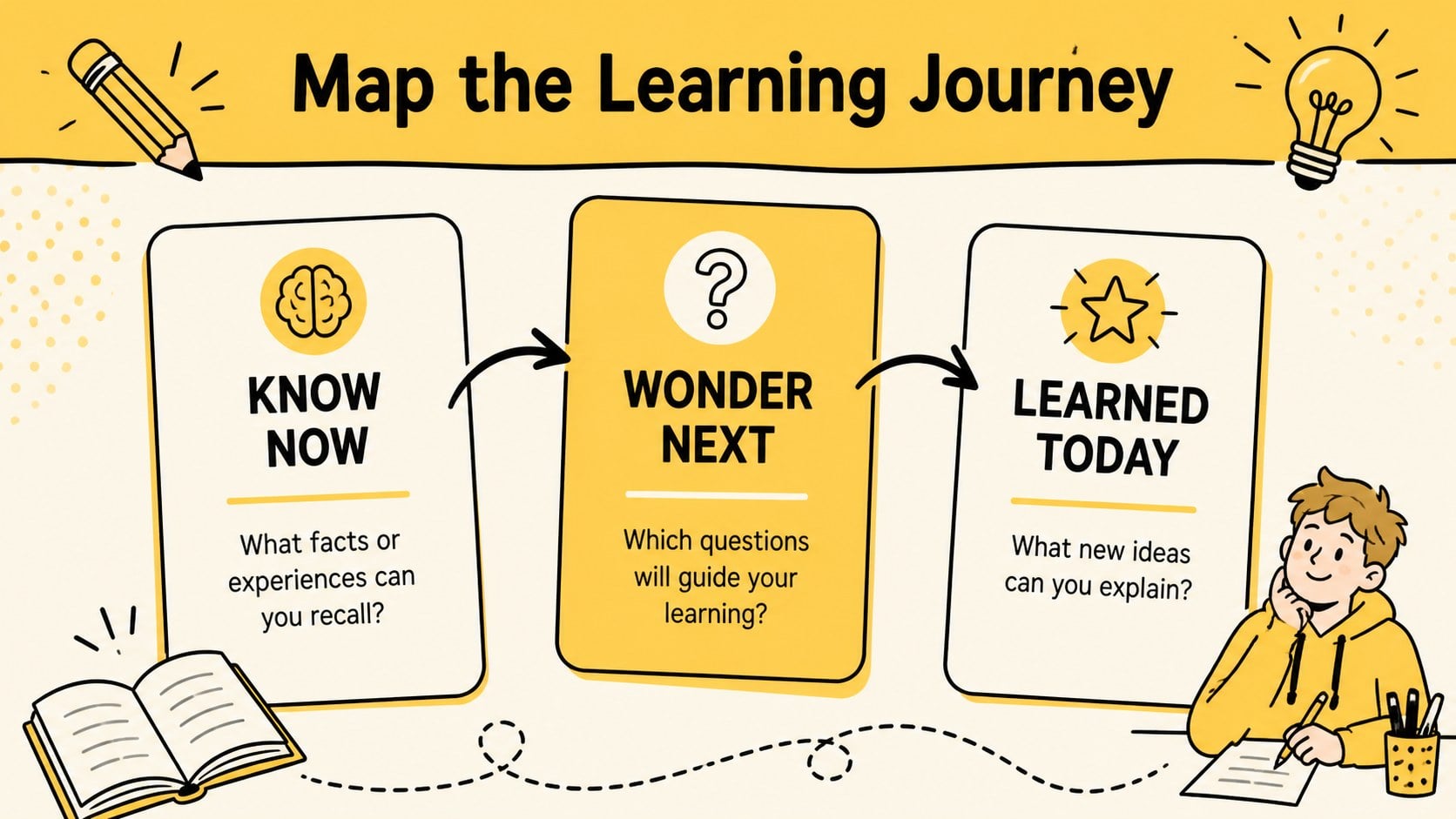
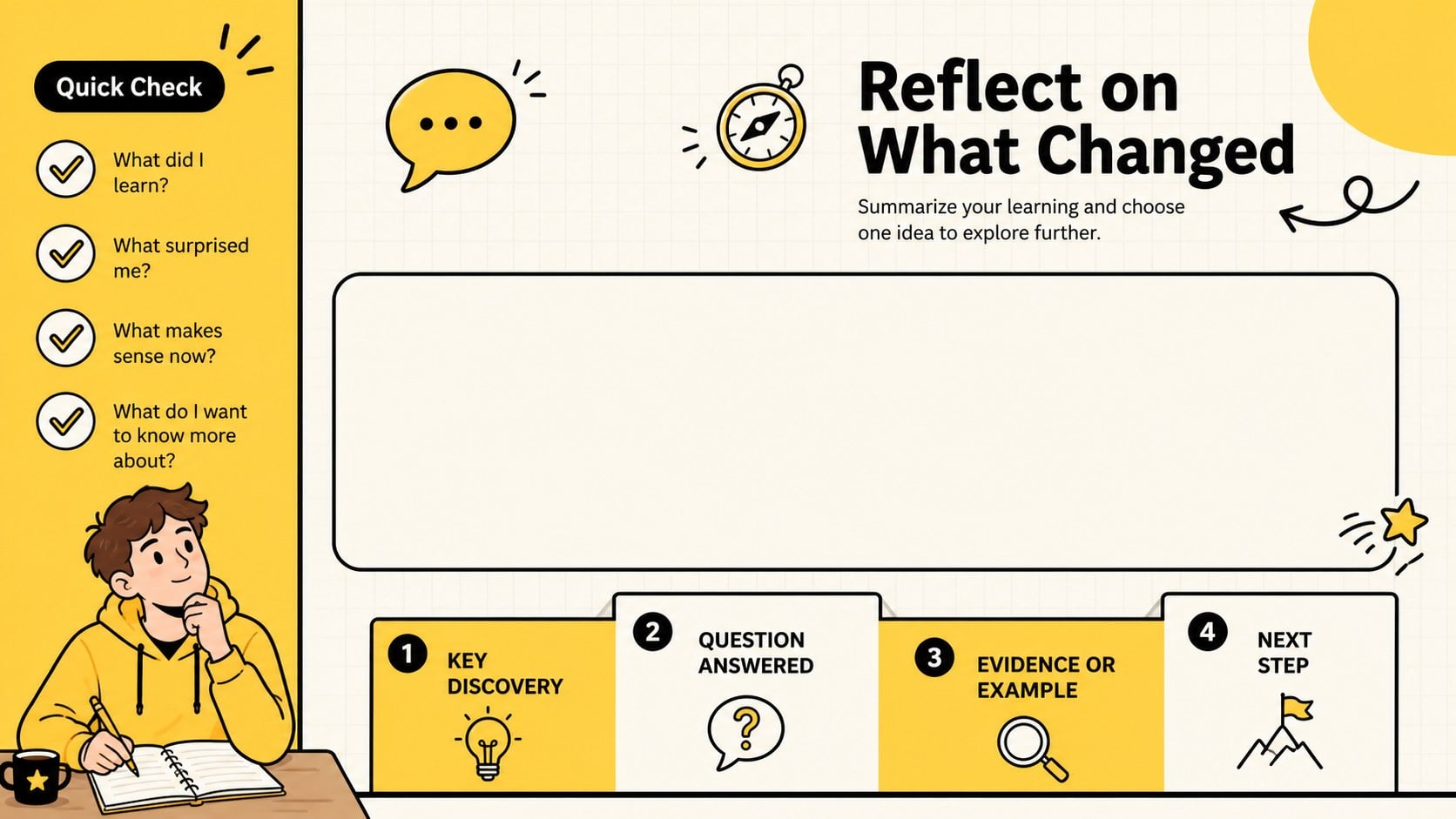
Turn lesson reflection into a simple, visible process with this know-wonder-learn classroom organizer. Its bold yellow palette, clean typography, playful doodles, and uncluttered sections help learners capture what they already understand, identify questions worth exploring, and summarize new discoveries. Use it as a whole-class discussion aid, an individual thinking routine, or a collaborative group activity in PowerPoint or Google Slides.
The deck includes three coordinated layouts: an introductory cover, a structured three-column organizer, and a guided reflection page for reviewing progress. Editable text areas provide space for concise notes, while arrows, icons, frames, and illustrated accents make each stage easy to scan. Teachers can adapt the slides into a prior knowledge assessment graphic organizer, a project research board, or a yellow lesson reflection template without changing the visual system.
Designed for elementary through secondary classrooms, tutoring sessions, professional development, and workshop facilitation, the template supports both live instruction and independent work. Replace the sample prompts, adjust the section sizes, duplicate pages for different topics, or add subject-specific examples. The layout also works as an editable know want learned diagram for science investigations, reading responses, history units, training sessions, and team retrospectives. Every slide is ready to personalize while retaining a bright, modern, and approachable classroom style.
Perfect for: lesson opening assessment; student inquiry planning; reading response activity; science investigation reflection; workshop learning review; team training retrospective.
Frequently asked questions
Can I edit every section of the organizer? Yes. You can replace the prompts, resize the response areas, change colors, and duplicate slides to cover additional lessons or topics.
Practical details
Yes. You can replace the prompts, resize the response areas, change colors, and duplicate slides to cover additional lessons or topics.
The template is designed for Microsoft PowerPoint and Google Slides. Upload the PowerPoint file to Google Drive when you want to edit or present it in Google Slides.
Replace the sample wording with unit-specific questions, vocabulary, or success criteria. The three-stage structure can support reading, science, history, mathematics, language learning, and professional training.
Yes. Assign a separate copy to each learner for independent reflection, or display one shared version for a class discussion and collaborative note-taking.
Keep exploring
15Build stronger academic arguments with a college essay thesis builder featuring guided examples, revision prompts, and editable PowerPoint and Google Slides.
 15
15Build an engaging World UFO Day session with this flying saucer history lesson deck, featuring retro green-and-brown slides for PowerPoint and Google Slides.
 14
14Plan a memorable Lunar New Year campaign with the 2036 Dragon Year Celebration Theme, featuring bold red-and-yellow slides for lessons and events.
 15
15Build a thoughtful classroom discussion with this interfaith awareness lesson deck, featuring editable blue-and-white slides for PowerPoint and Google Slides.
 15
15Use this environmental awareness lesson deck to teach climate action through illustrated activities, discussion prompts, and ready-to-edit visuals.
 15
15Build playful lessons and party stories with a kid-friendly zombie celebration theme in purple, green and pastel blue for PowerPoint and Google Slides.
 15
15Build eerie lessons, campaigns, and story pitches with an undead survival scenario theme featuring editable slides for PowerPoint and Google Slides.
 16
16Turn environmental research into a clear story with a Watercolor Ecology Presentation Theme for PowerPoint and Google Slides in calming green and blue.