
 15
15presentation
College Essay Thesis Builder Slides
Build stronger academic arguments with a college essay thesis builder featuring guided examples, revision prompts, and editable PowerPoint and Google Slides.
Google SlidesPowerPoint
presentation · English
Teach kinetic energy, motion, and impacts with colorful collision science slides for middle school. Edit the playful PPT or Google Slides lesson quickly.
Design notes
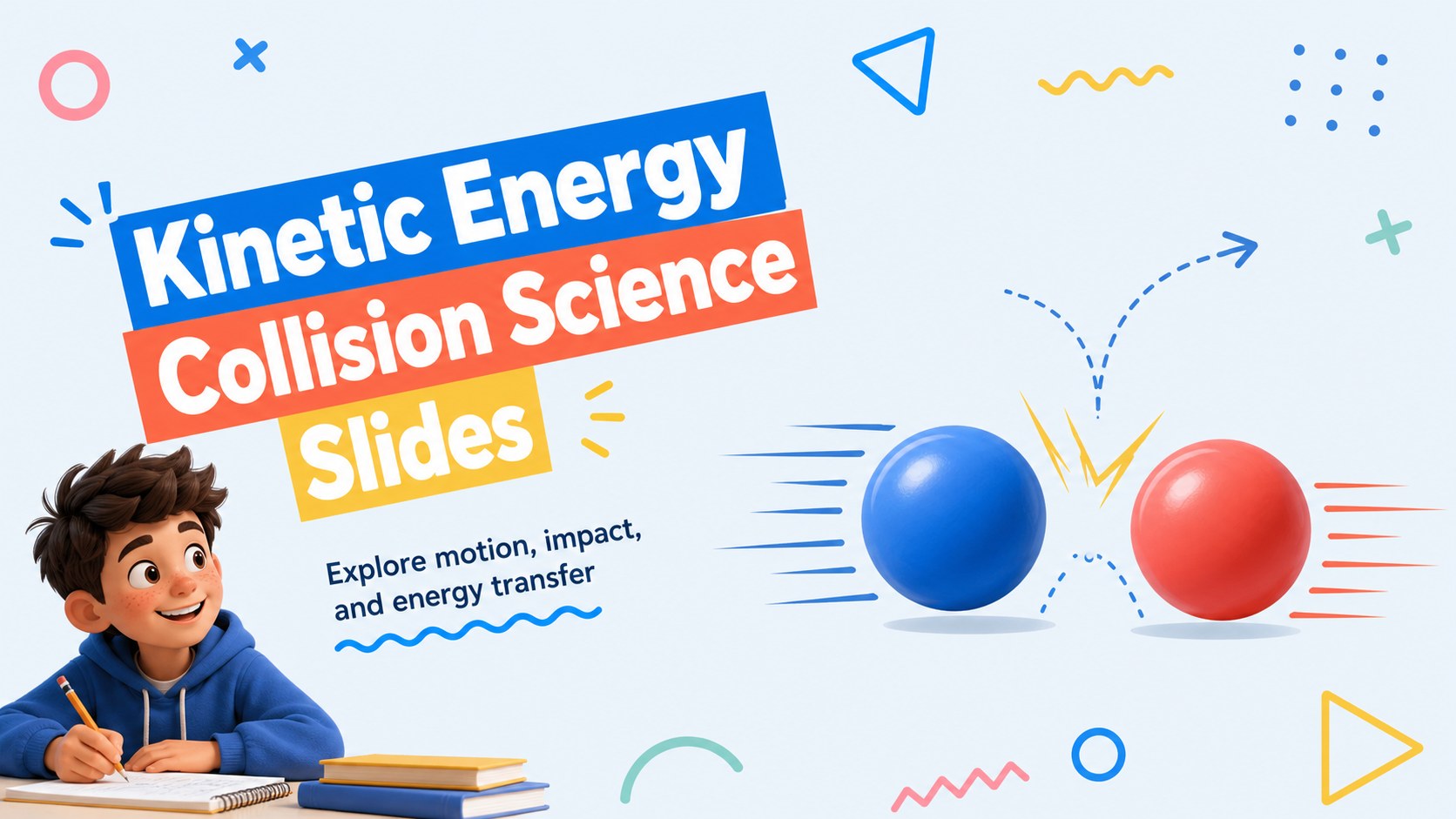
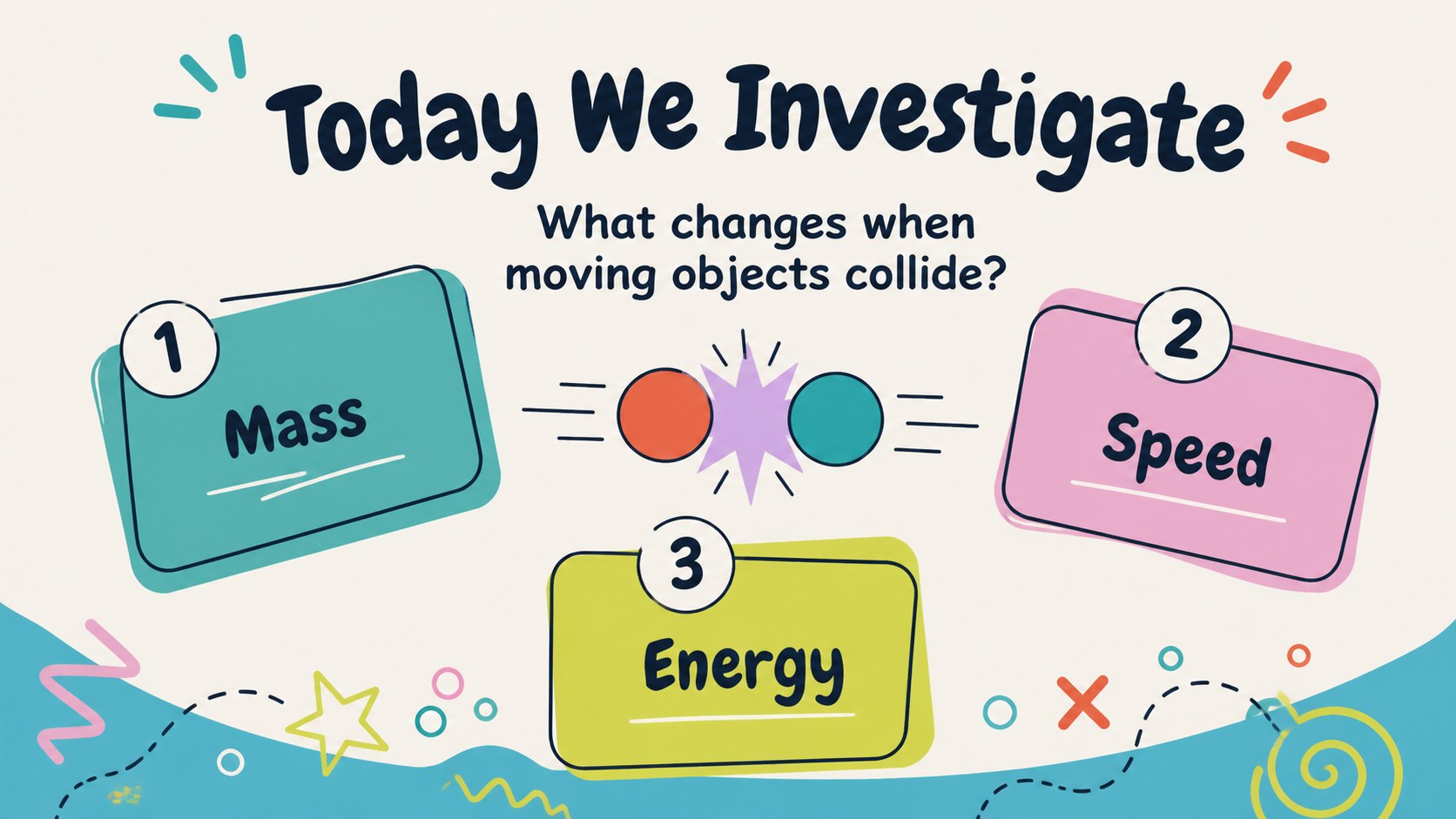
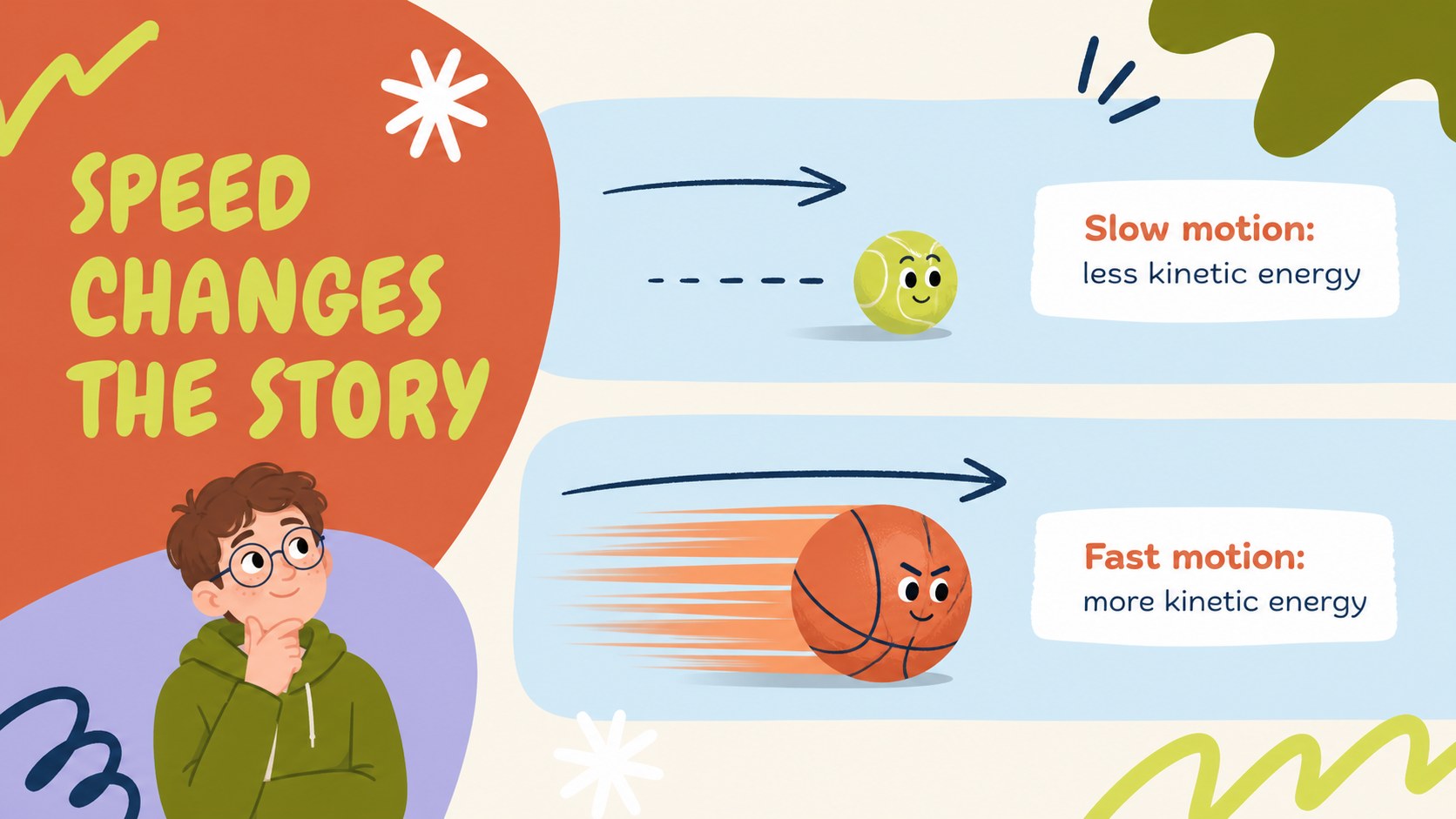
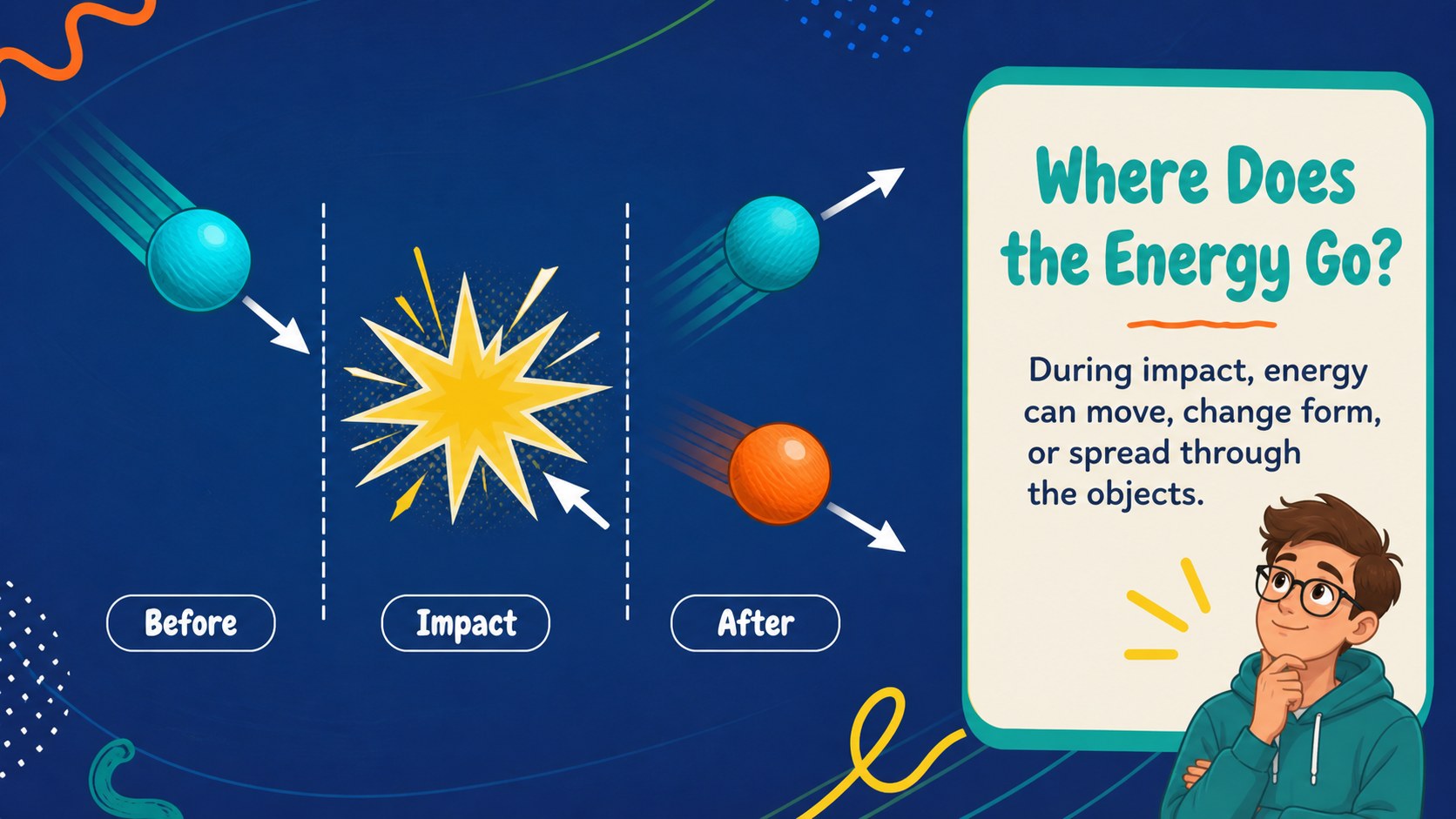
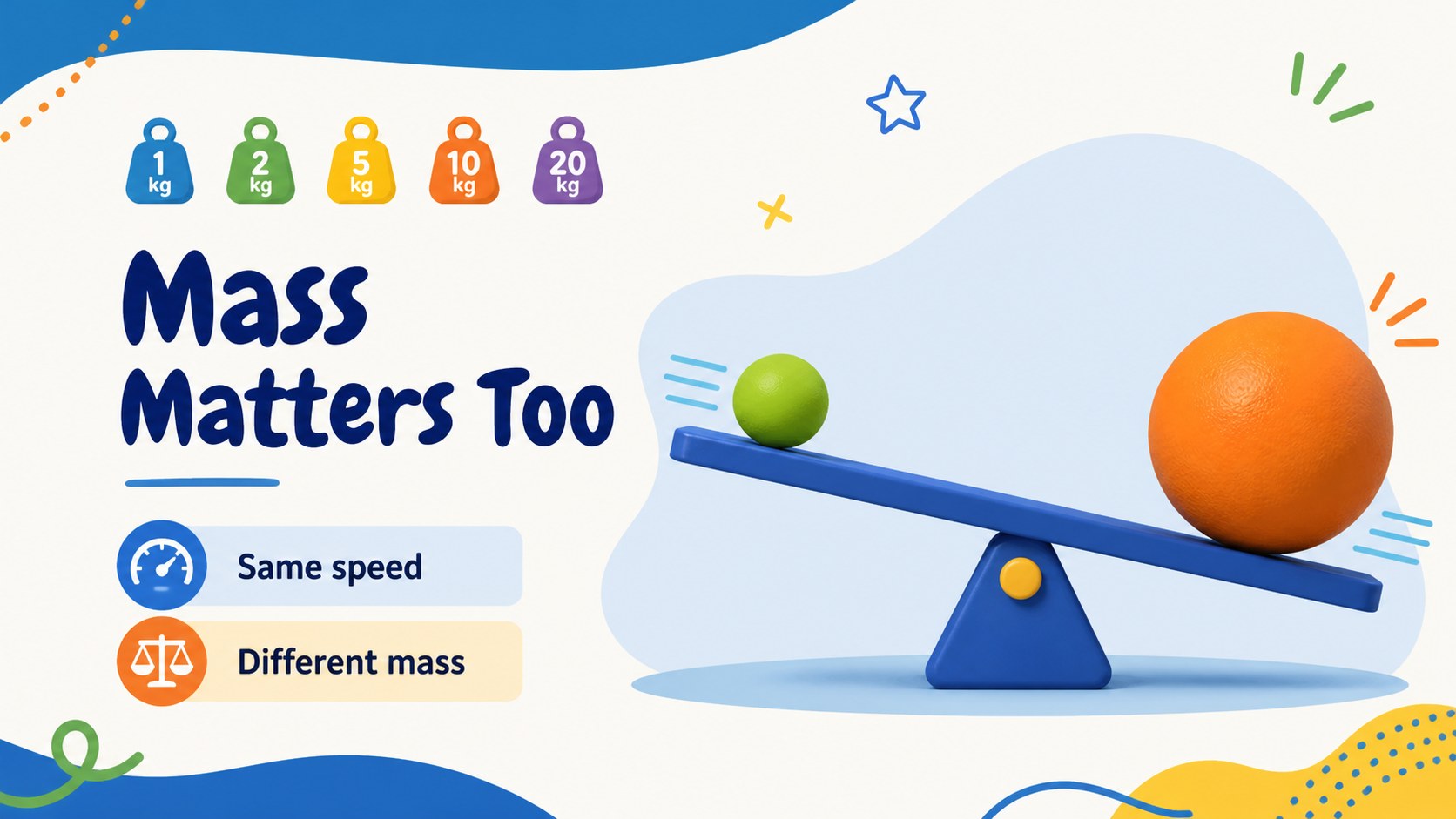
Make collisions easier to explain with a lively, student-friendly physics presentation built for middle school classrooms. Kinetic Energy Collision Science Slides uses bright blue accents, multicolored doodles, and playful illustrated objects to turn motion and impact into a visual learning experience. The layout helps students connect speed, mass, and movement with the energy involved in a collision.
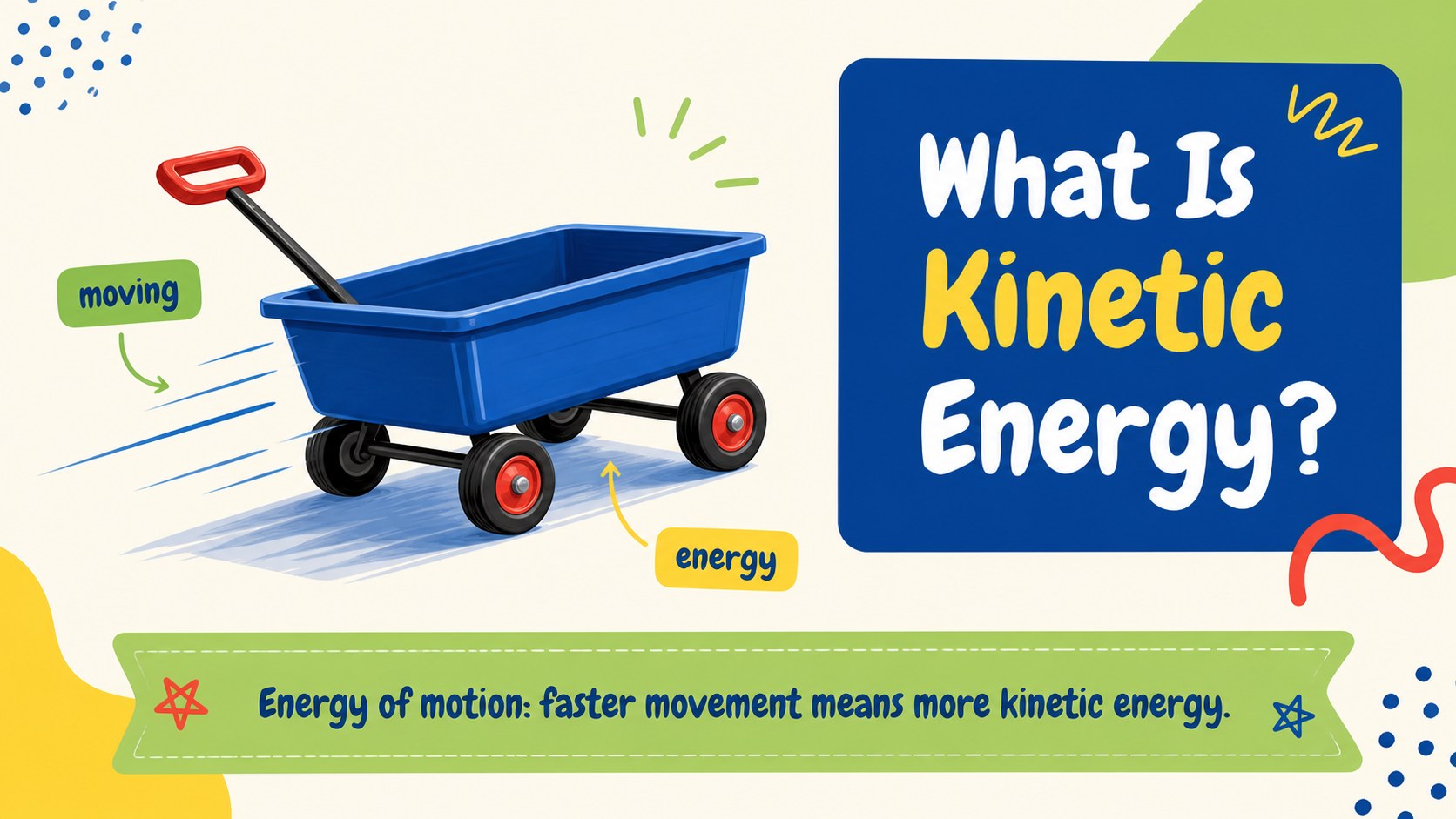
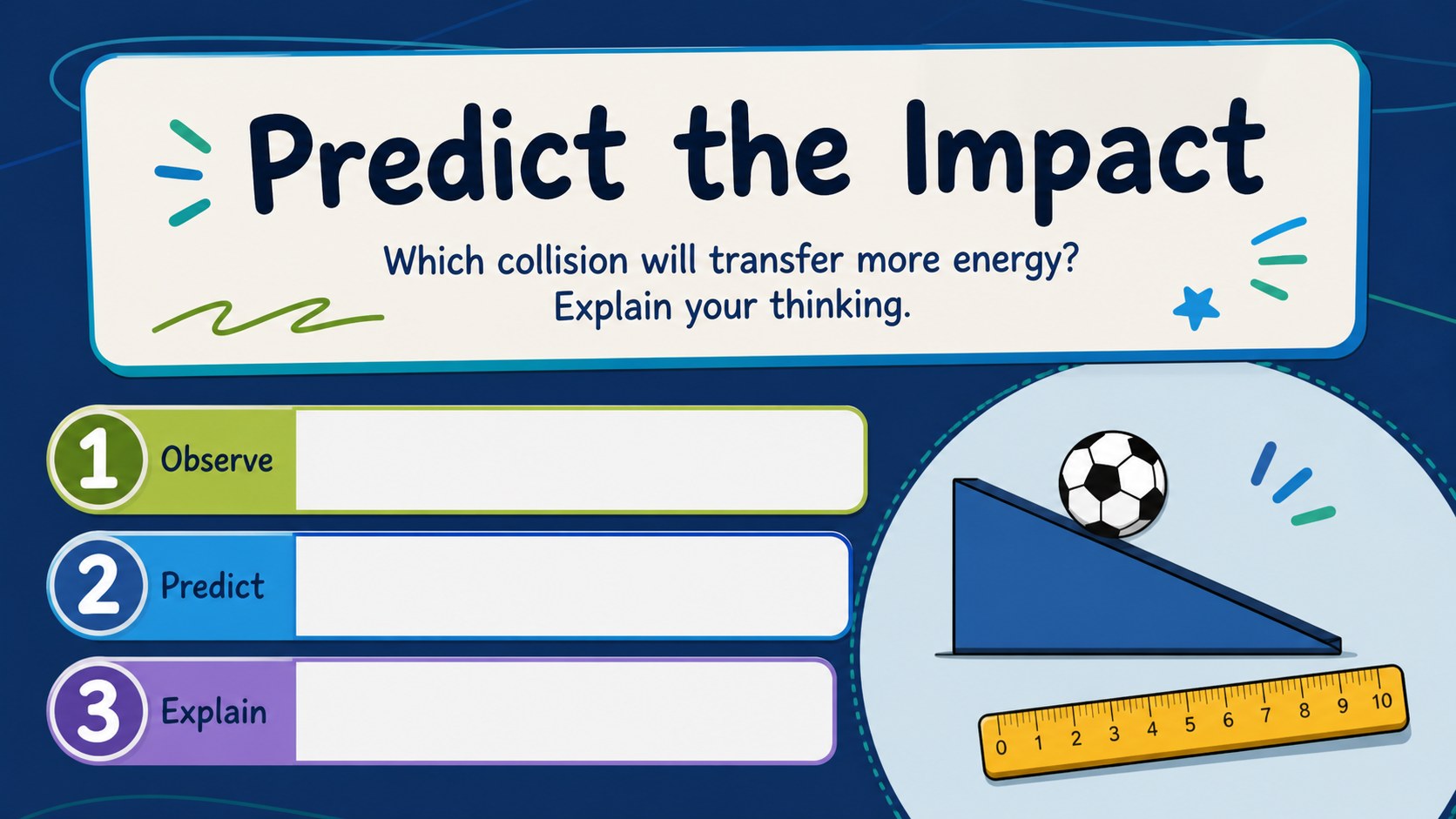
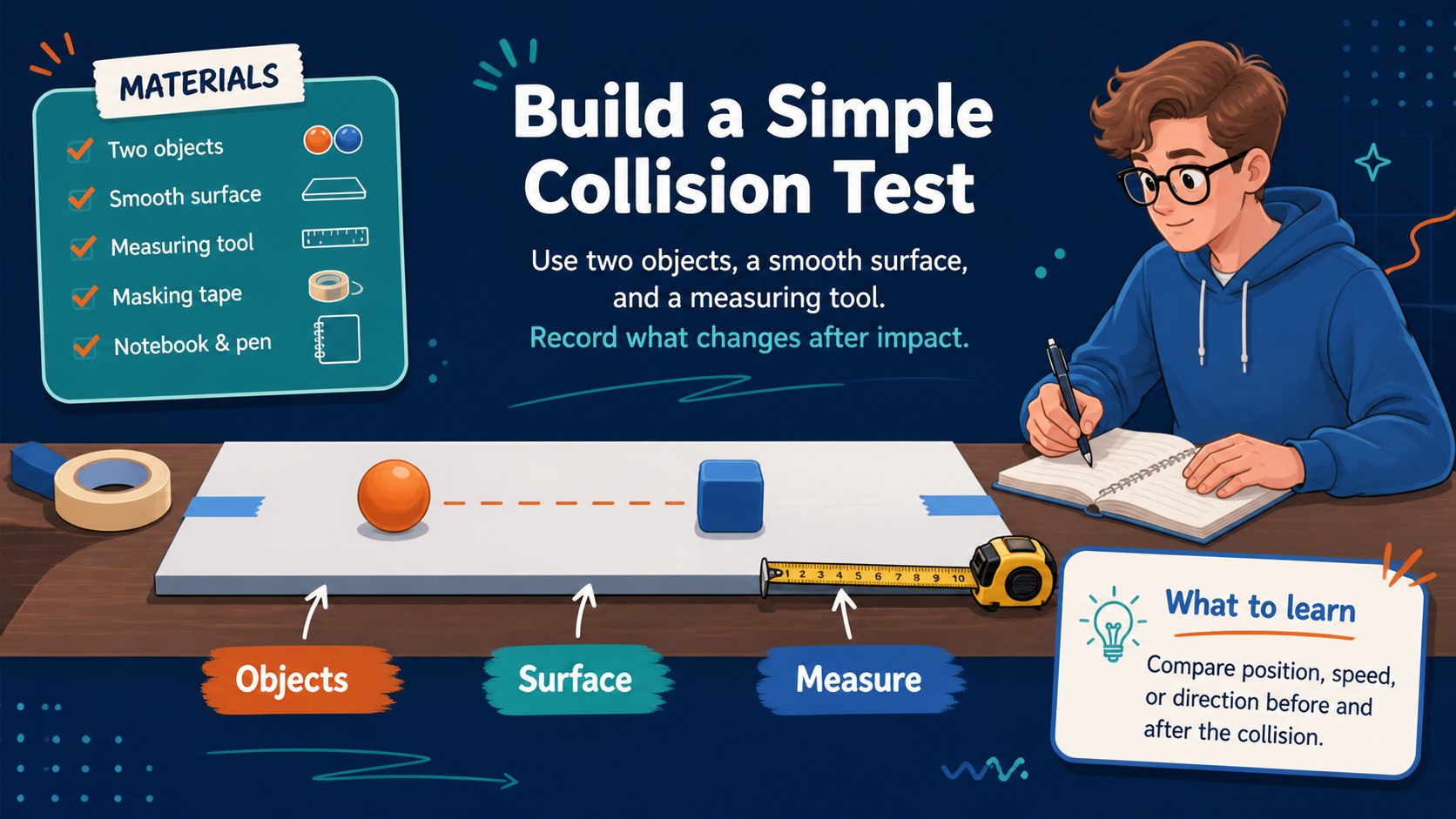
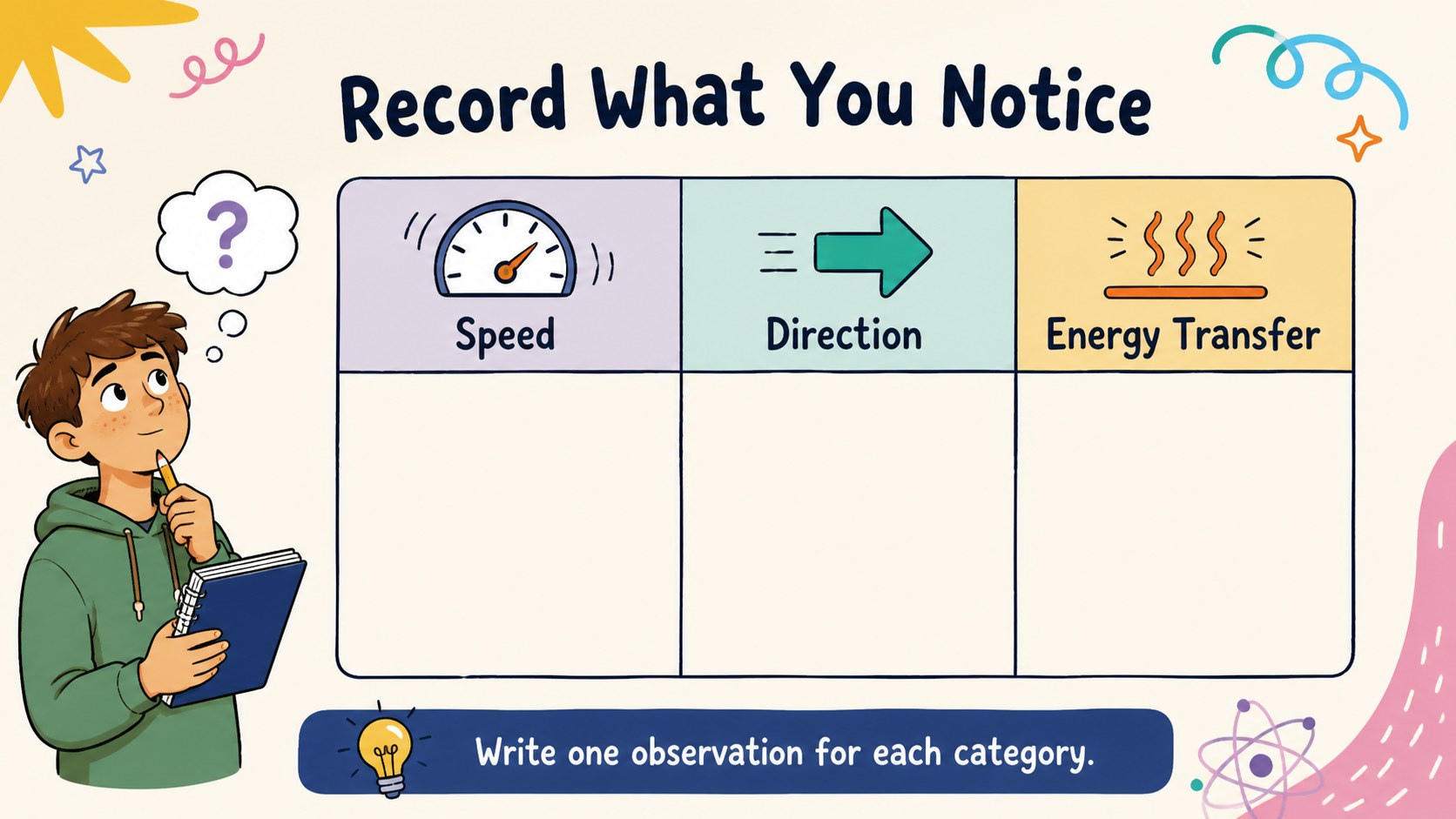
Inside, you will find editable lesson pages for introducing key vocabulary, comparing moving objects, explaining energy transfer, and organizing prediction activities. Add your own examples, diagrams, classroom data, or collision experiments to create a hands-on kinetic energy lesson that fits your curriculum. The deck also includes space for discussion prompts, observation notes, review questions, and a final knowledge check.
This template is suited to science teachers, homeschool educators, tutoring sessions, and student project presentations. It works with PowerPoint and Google Slides, so you can revise text, adjust colors, insert photos, and share the finished lesson with students or colleagues. Use the included collision physics presentation layouts to guide a complete class period or select individual slides for a shorter demonstration.
Perfect for: middle school physics introduction; collision experiment briefing; kinetic energy review lesson; science fair project presentation; homeschool motion activity.
Frequently asked questions
Can I edit these collision science slides in PowerPoint? Yes. The presentation is compatible with PowerPoint, where you can change the wording, colors, diagrams, and examples. Add your own experiment results or classroom images without rebuilding the layout.
Practical details
Yes. The presentation is compatible with PowerPoint, where you can change the wording, colors, diagrams, and examples. Add your own experiment results or classroom images without rebuilding the layout.
Yes, you can open and edit the deck in Google Slides. This makes it convenient to collaborate with teaching partners, present from a browser, or share a lesson with students.
The layouts support kinetic energy, motion, mass, speed, impact, and energy transfer. You can also adapt the slides for prediction questions, collision demonstrations, group observations, and review activities.
Yes. Replace the sample text, edit the illustrations, insert photographs or diagrams, and adjust the blue and multicolored palette to suit your classroom. The flexible structure works for both a full lesson and a short science presentation.
Keep exploring
15Build stronger academic arguments with a college essay thesis builder featuring guided examples, revision prompts, and editable PowerPoint and Google Slides.
 15
15Build an engaging World UFO Day session with this flying saucer history lesson deck, featuring retro green-and-brown slides for PowerPoint and Google Slides.
 14
14Plan a memorable Lunar New Year campaign with the 2036 Dragon Year Celebration Theme, featuring bold red-and-yellow slides for lessons and events.
 15
15Build a thoughtful classroom discussion with this interfaith awareness lesson deck, featuring editable blue-and-white slides for PowerPoint and Google Slides.
 15
15Use this environmental awareness lesson deck to teach climate action through illustrated activities, discussion prompts, and ready-to-edit visuals.
 15
15Build playful lessons and party stories with a kid-friendly zombie celebration theme in purple, green and pastel blue for PowerPoint and Google Slides.
 15
15Build eerie lessons, campaigns, and story pitches with an undead survival scenario theme featuring editable slides for PowerPoint and Google Slides.
 16
16Turn environmental research into a clear story with a Watercolor Ecology Presentation Theme for PowerPoint and Google Slides in calming green and blue.