
 15
15presentation
College Essay Thesis Builder Slides
Build stronger academic arguments with a college essay thesis builder featuring guided examples, revision prompts, and editable PowerPoint and Google Slides.
Google SlidesPowerPoint
presentation · English
Build an engaging anti bullying workshop slides deck with soft watercolor visuals, practical discussion prompts, and editable layouts for schools and…

Design notes
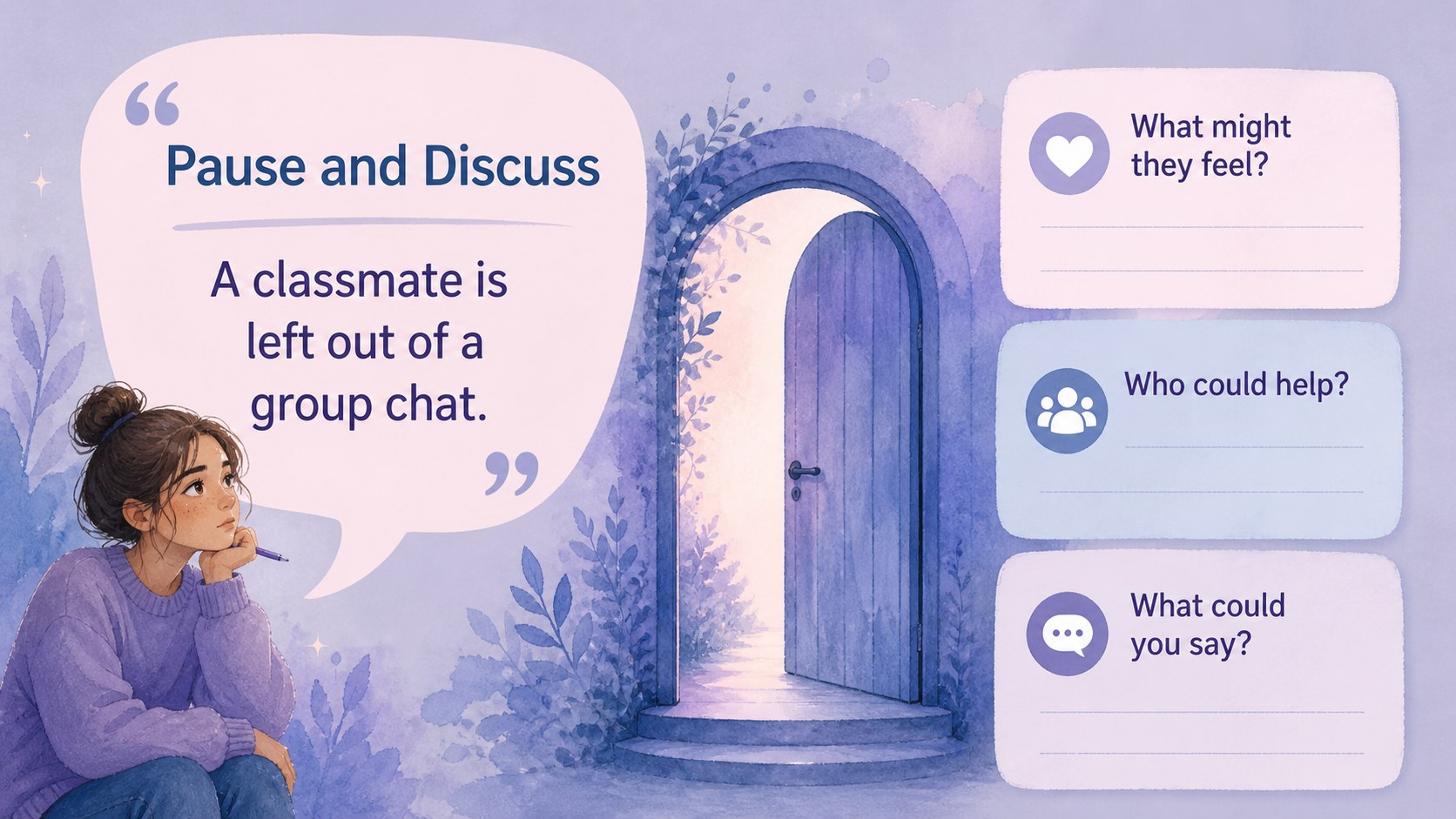
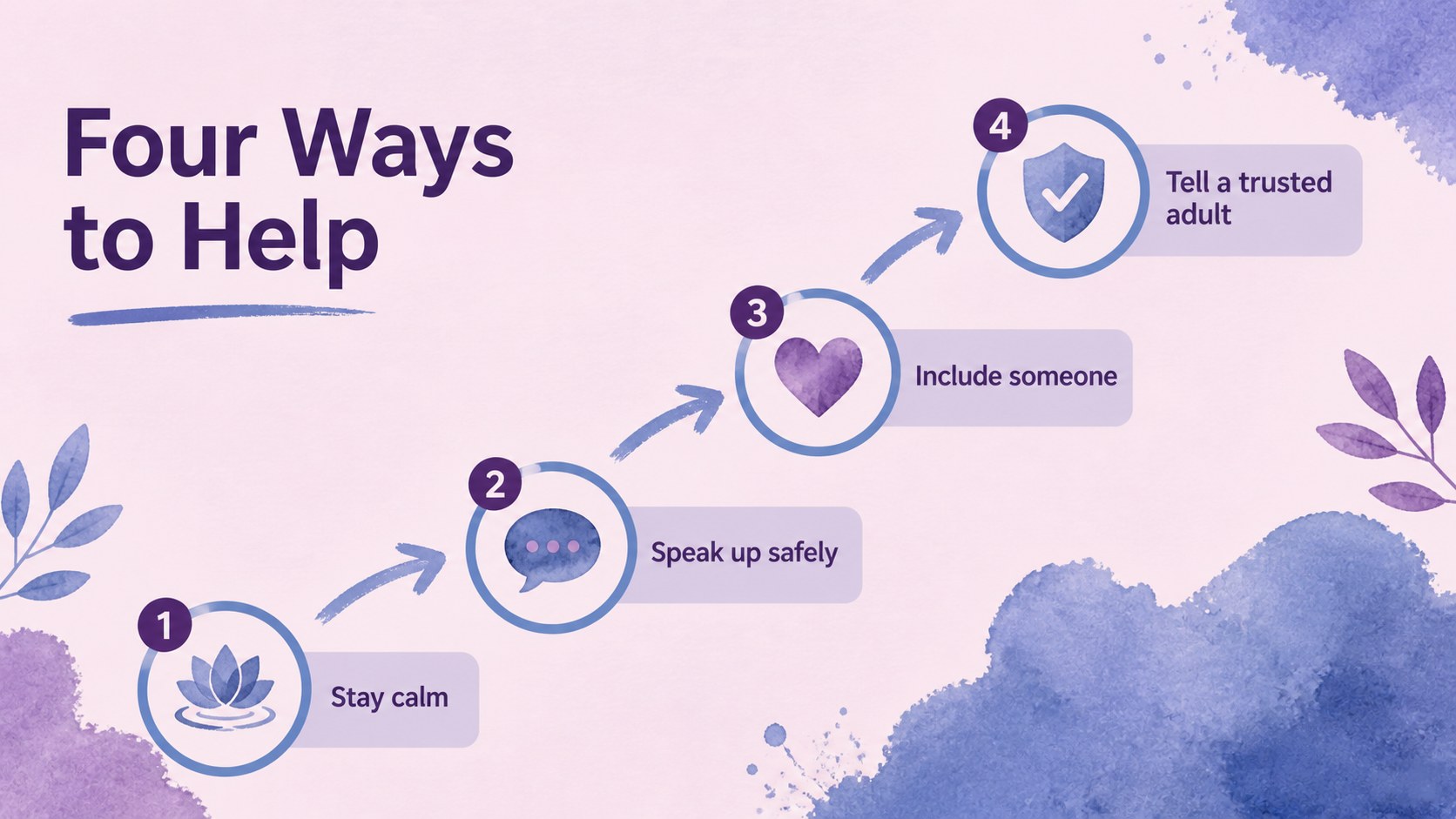
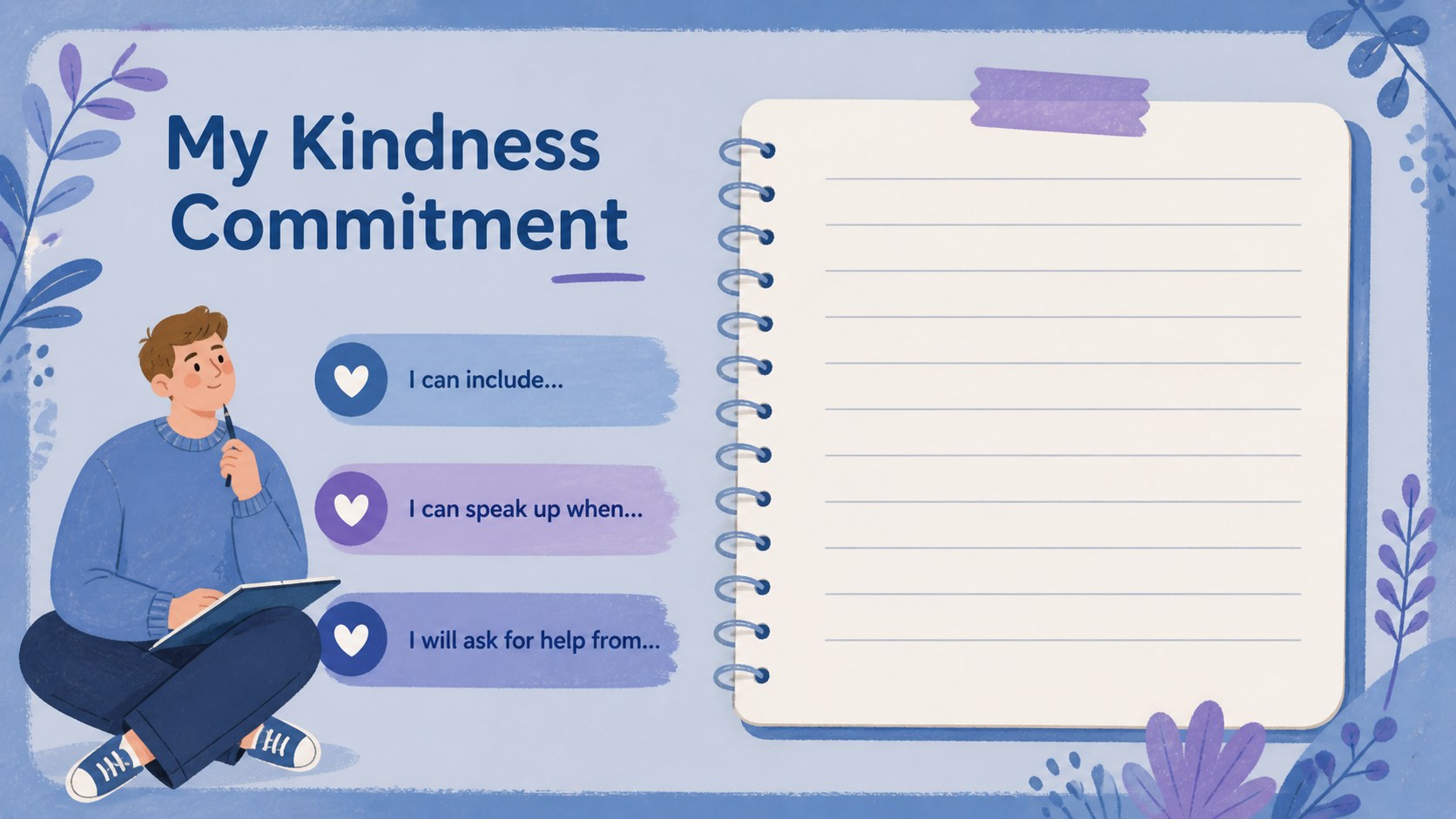
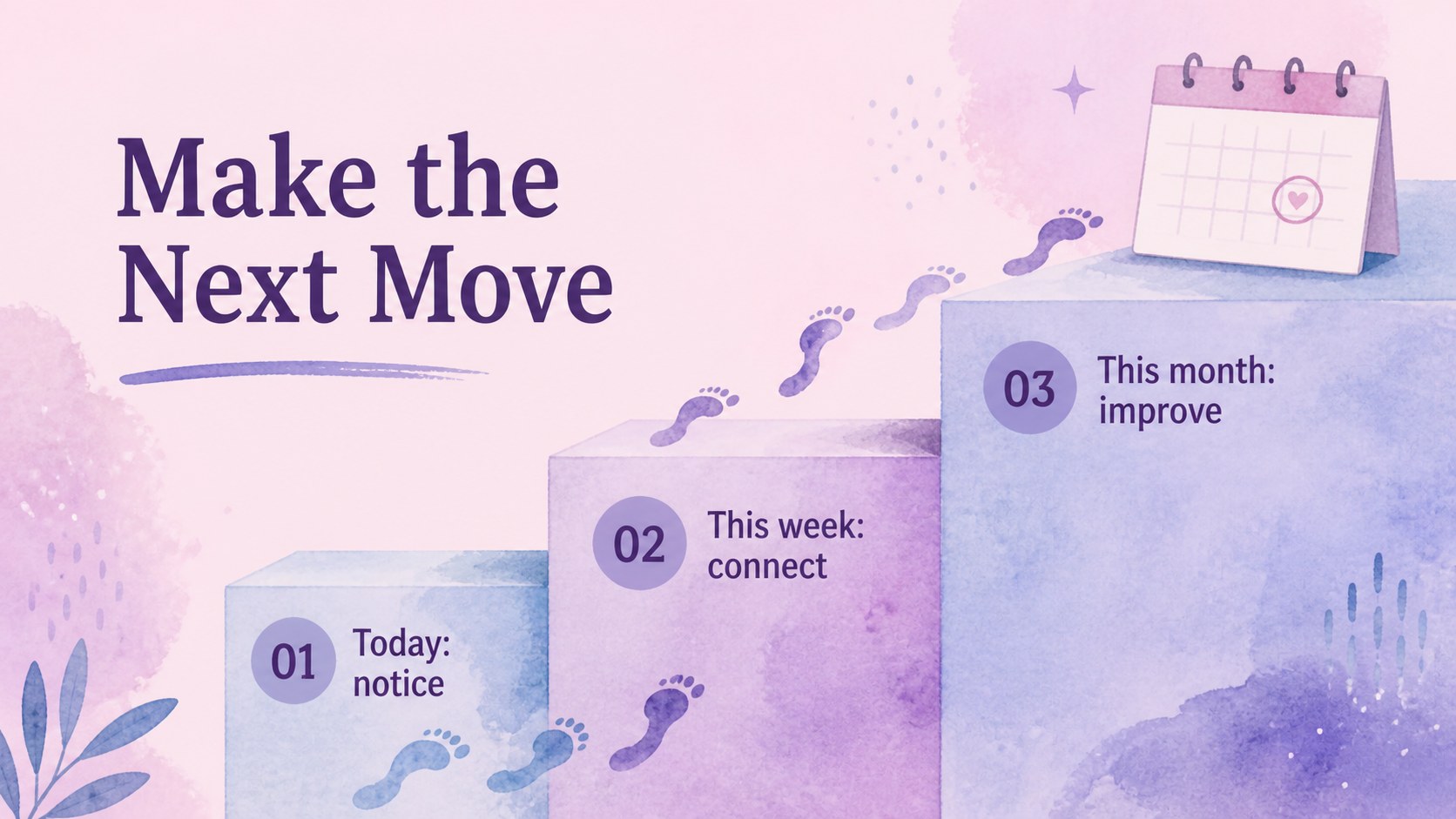
Kindness Initiative Workshop Slides helps educators, counselors, youth leaders, and community organizers guide thoughtful conversations about bullying, empathy, and positive action. The soft blue and violet watercolor design creates a welcoming atmosphere while giving important topics enough visual clarity for group discussion.
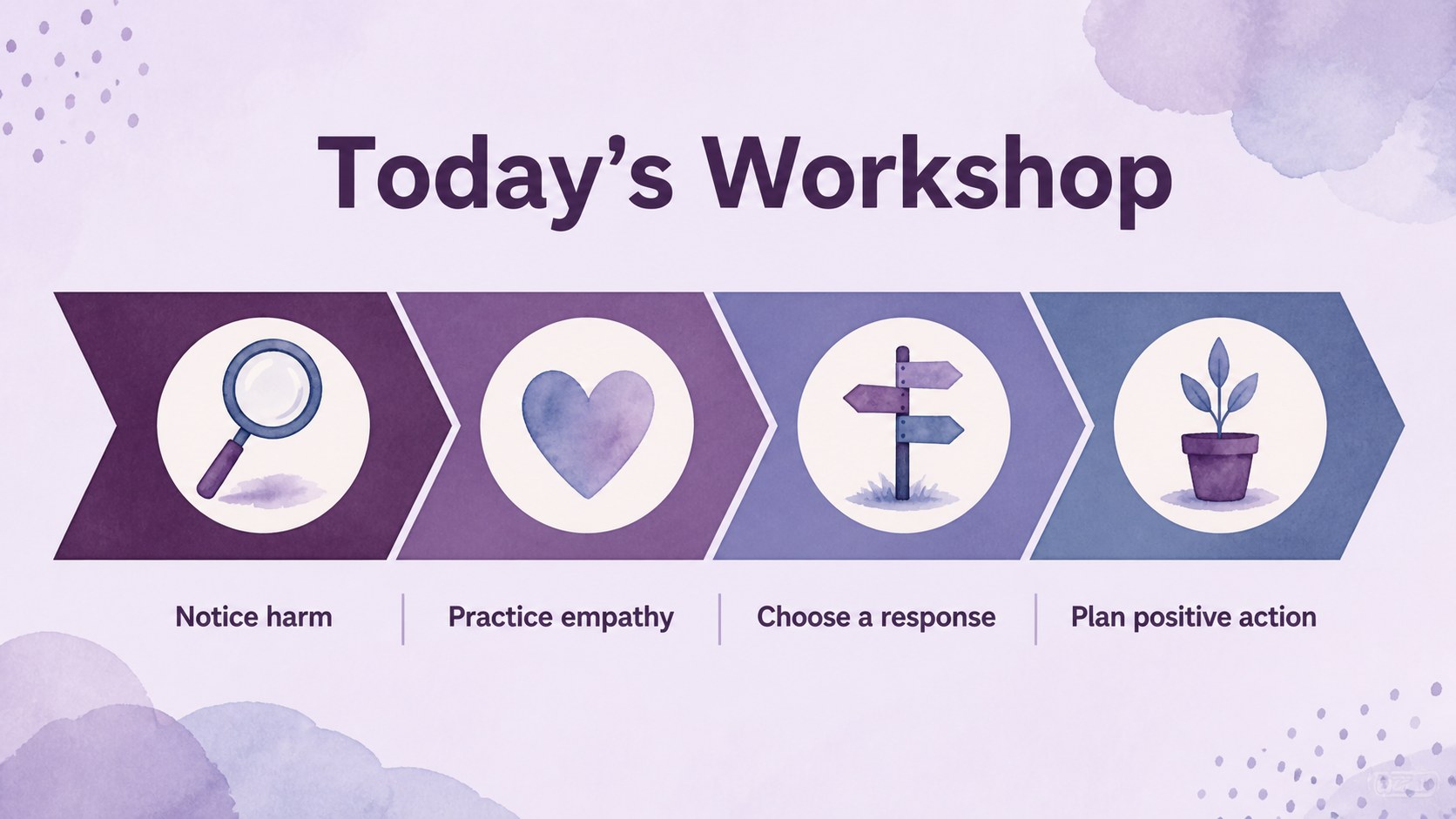
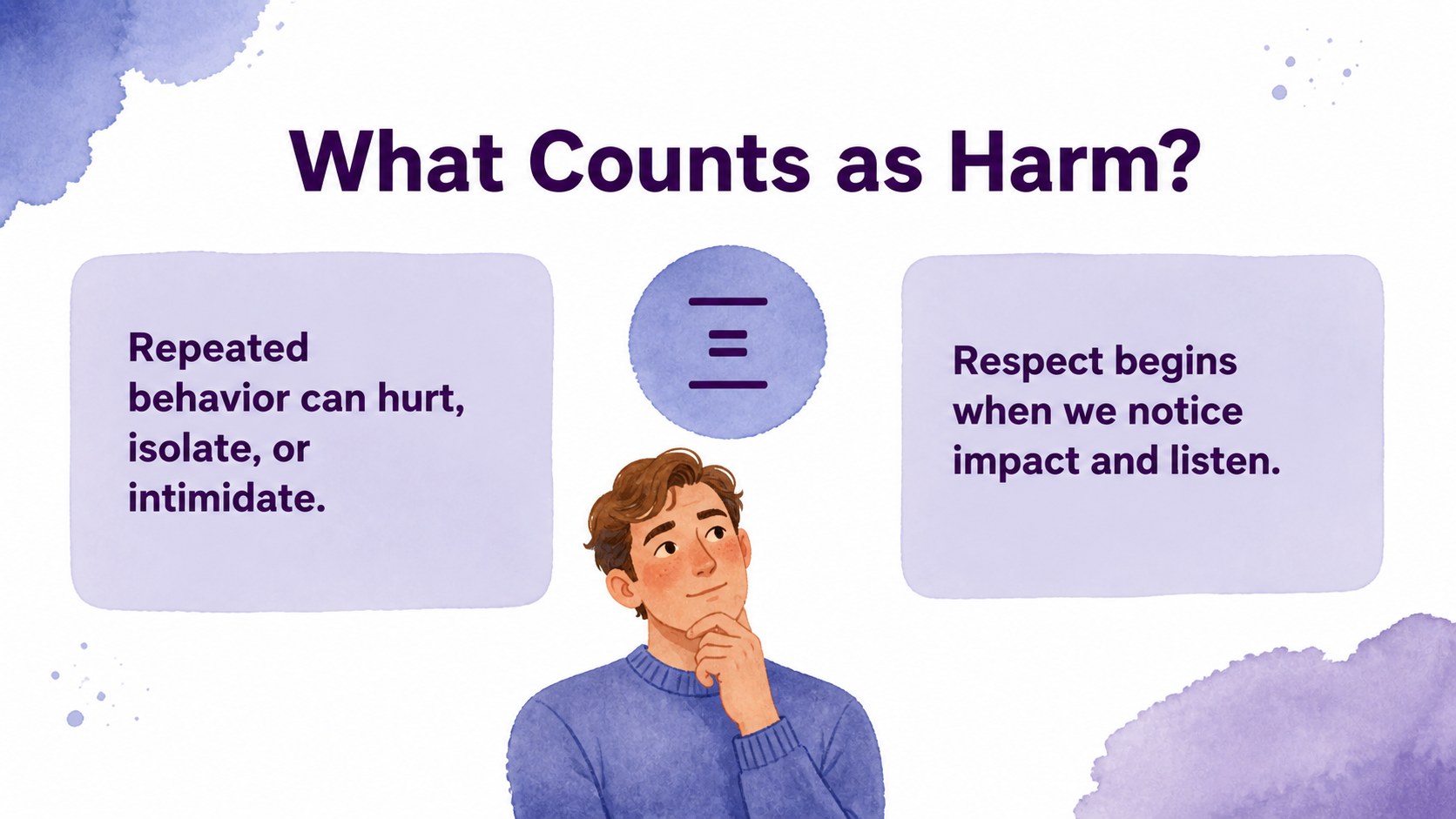
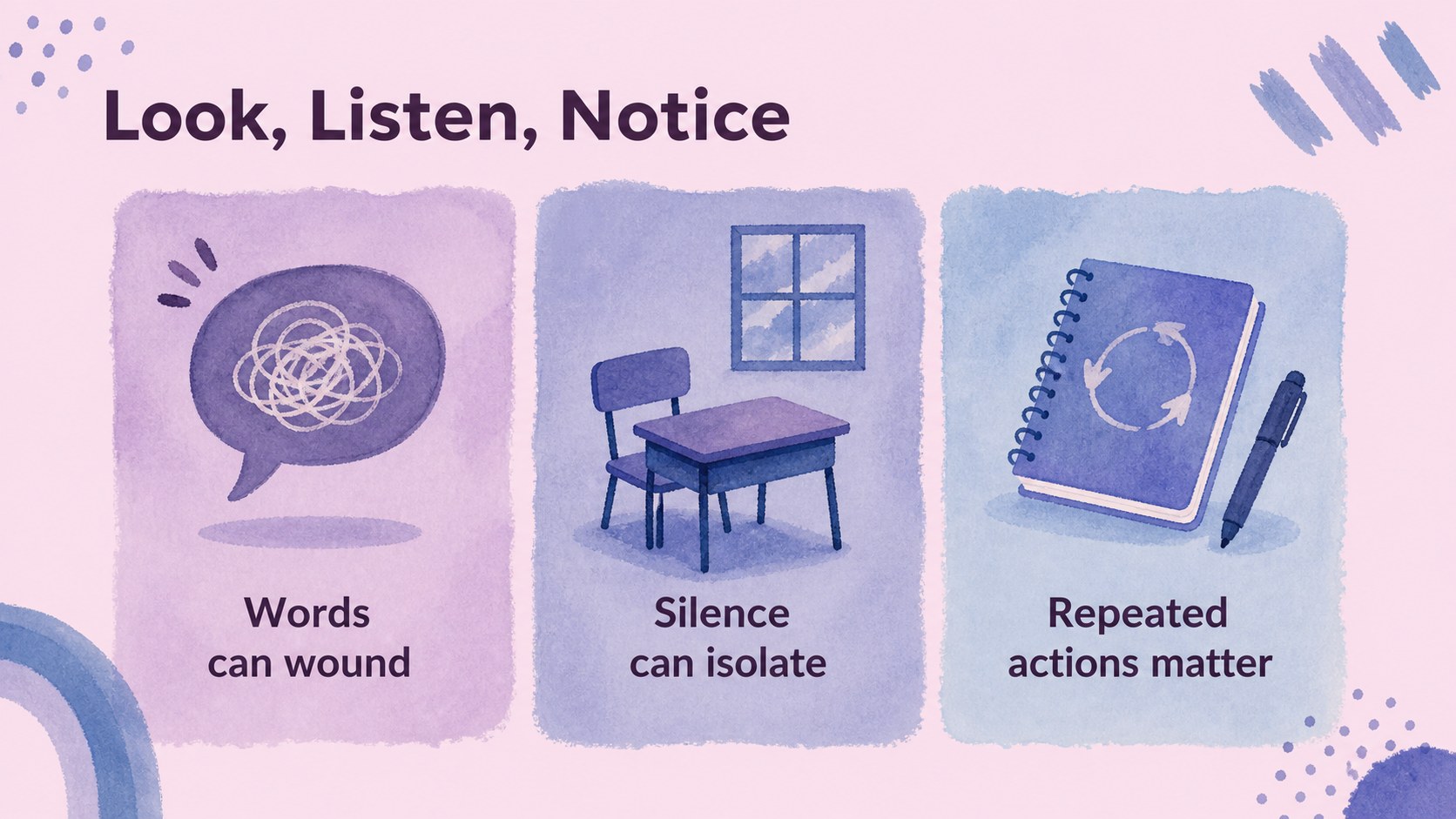
This anti bullying workshop slides deck includes an opening message, workshop objectives, definitions, scenario prompts, response strategies, kindness activities, reflection pages, and a practical action plan. Its 16:9 layouts work well for classroom screens, assemblies, staff development sessions, parent meetings, and youth programs. Use the editable text areas to add school policies, local resources, discussion questions, or campaign details.
The presentation is available for Google Slides and PowerPoint, with 19 customizable layouts, charts, frames, shapes, lines, animations, and transitions. users can also adjust fonts, color palettes, illustrations, photos, audio, and speaker notes. The friendly visual system is designed to support sensitive conversations without making the subject feel harsh or overwhelming. Customize the deck for a kindness week, peer support initiative, school safety lesson, or community awareness event.
Perfect for: school kindness week; classroom empathy lesson; peer support training; staff safeguarding workshop; parent information night.
Frequently asked questions
Can I edit the wording and activities? Yes. All text, prompts, labels, illustrations, and layout elements can be adjusted. Replace the sample scenarios with age-appropriate examples, school policies, or local support information.
Practical details
Yes. All text, prompts, labels, illustrations, and layout elements can be adjusted. Replace the sample scenarios with age-appropriate examples, school policies, or local support information.
The template works with Google Slides and PowerPoint. Choose the platform that fits your workflow, then export or share the finished presentation in the format your audience needs.
Yes. The blue and violet palette can be modified while preserving the soft illustrated style. You can also update font combinations, add a school logo-free custom identity, or introduce approved campaign colors.
The friendly illustrations and clear layouts are suitable for elementary and middle school audiences when the language is adapted appropriately. Review every scenario and discussion prompt before presenting it to a specific age group.
Keep exploring
15Build stronger academic arguments with a college essay thesis builder featuring guided examples, revision prompts, and editable PowerPoint and Google Slides.
 15
15Build an engaging World UFO Day session with this flying saucer history lesson deck, featuring retro green-and-brown slides for PowerPoint and Google Slides.
 14
14Plan a memorable Lunar New Year campaign with the 2036 Dragon Year Celebration Theme, featuring bold red-and-yellow slides for lessons and events.
 15
15Build a thoughtful classroom discussion with this interfaith awareness lesson deck, featuring editable blue-and-white slides for PowerPoint and Google Slides.
 15
15Use this environmental awareness lesson deck to teach climate action through illustrated activities, discussion prompts, and ready-to-edit visuals.
 15
15Build playful lessons and party stories with a kid-friendly zombie celebration theme in purple, green and pastel blue for PowerPoint and Google Slides.
 15
15Build eerie lessons, campaigns, and story pitches with an undead survival scenario theme featuring editable slides for PowerPoint and Google Slides.
 16
16Turn environmental research into a clear story with a Watercolor Ecology Presentation Theme for PowerPoint and Google Slides in calming green and blue.