
 15
15presentation
College Essay Thesis Builder Slides
Build stronger academic arguments with a college essay thesis builder featuring guided examples, revision prompts, and editable PowerPoint and Google Slides.
Google SlidesPowerPoint
presentation · English
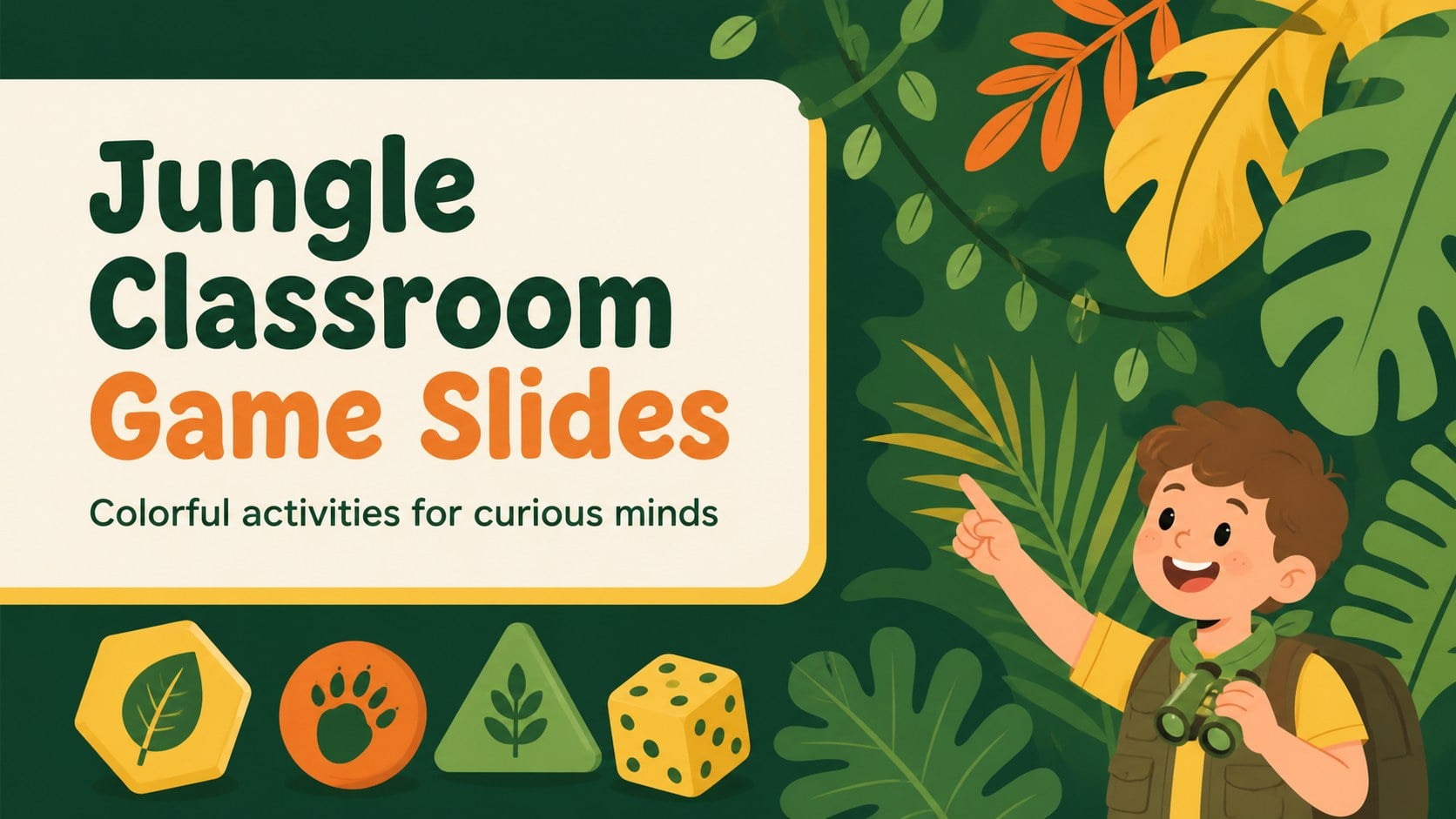
Build lively lessons with jungle classroom game slides for quizzes, team challenges, and science activities in editable PowerPoint and Google Slides formats.

Design notes
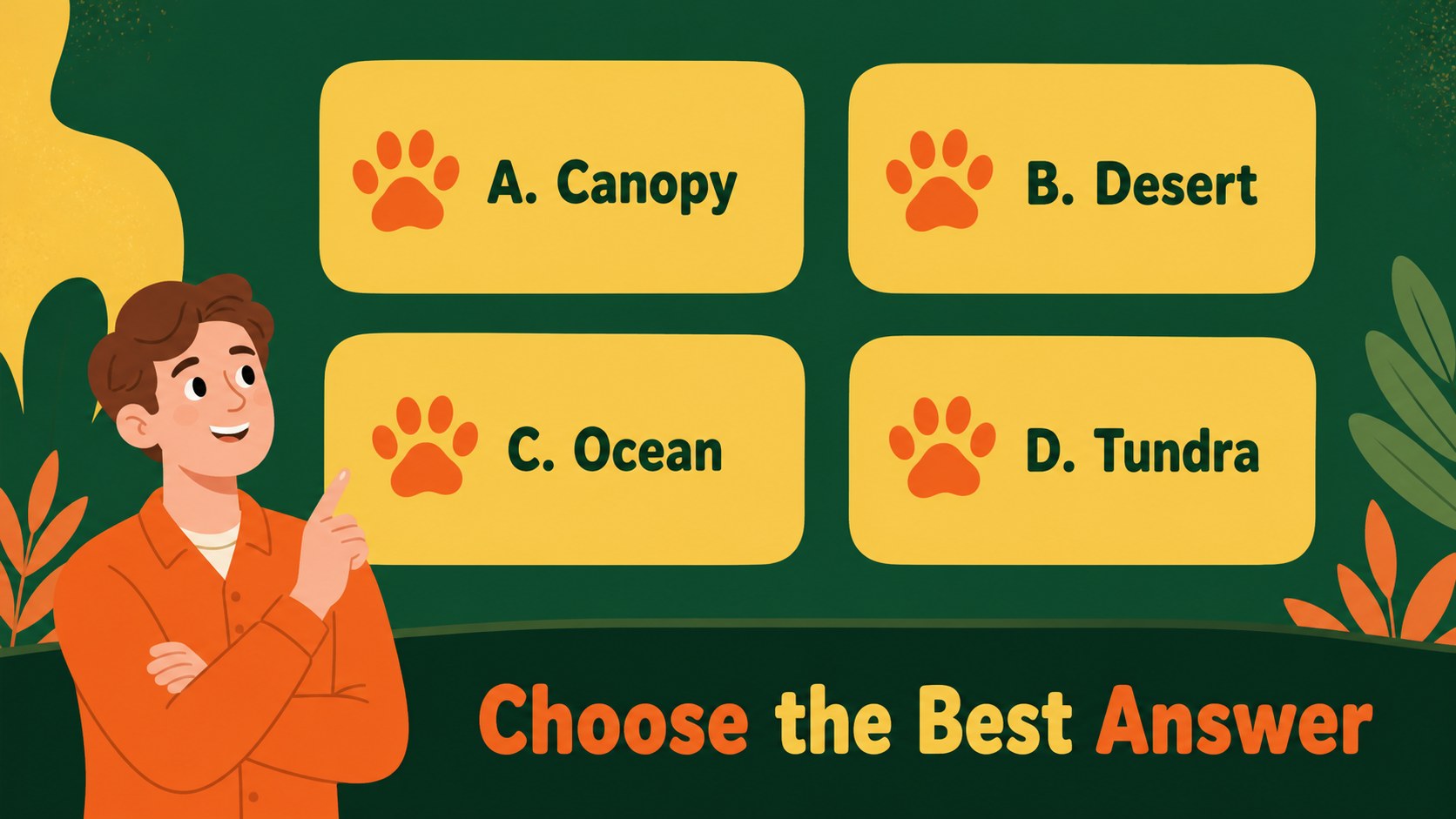
Bring movement, curiosity, and friendly competition into lessons with jungle classroom game slides designed for active participation. The bright orange, yellow, and green palette creates an inviting setting for teachers, workshop facilitators, and team leaders who want their audiences to think, respond, and collaborate.
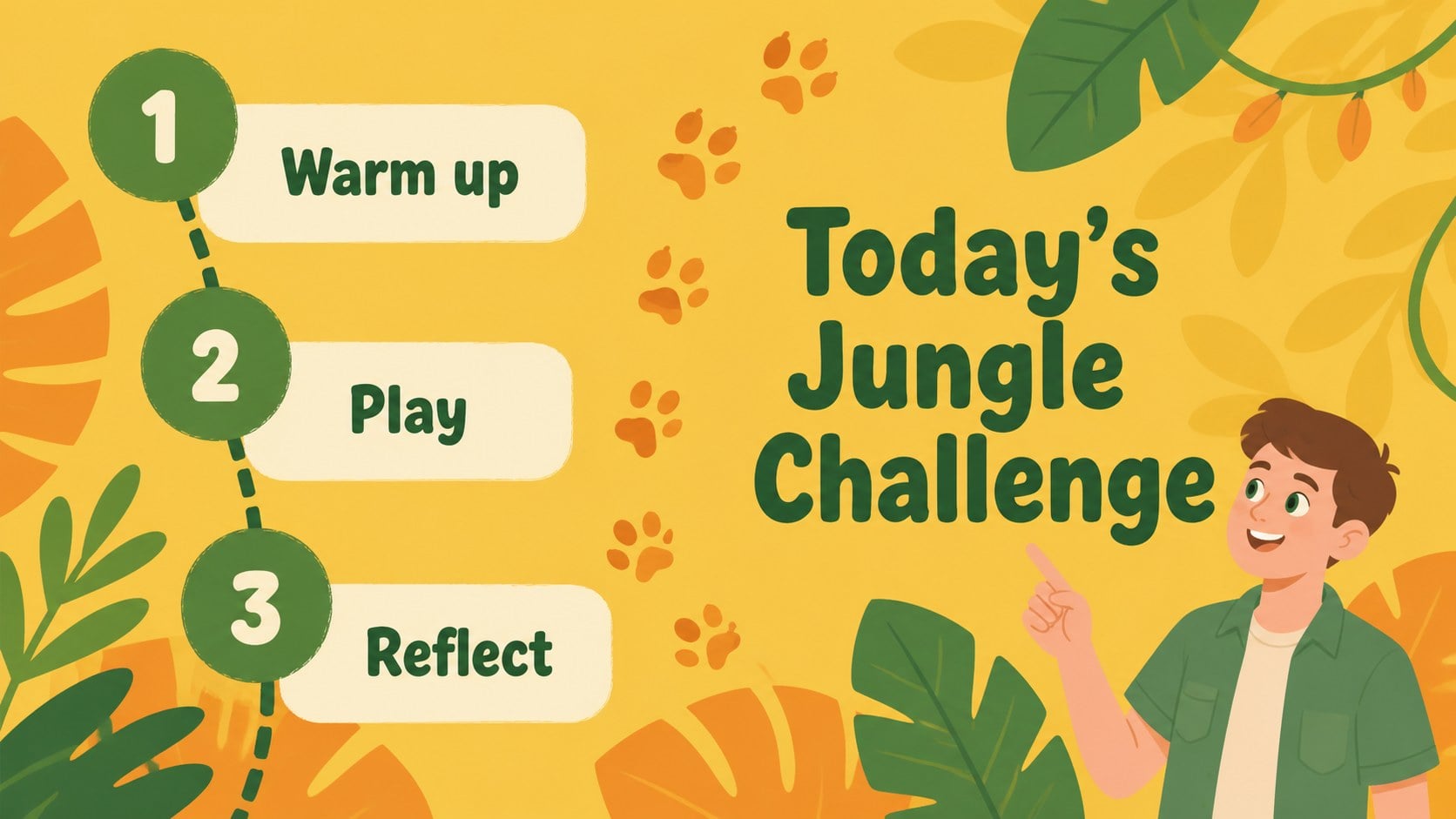
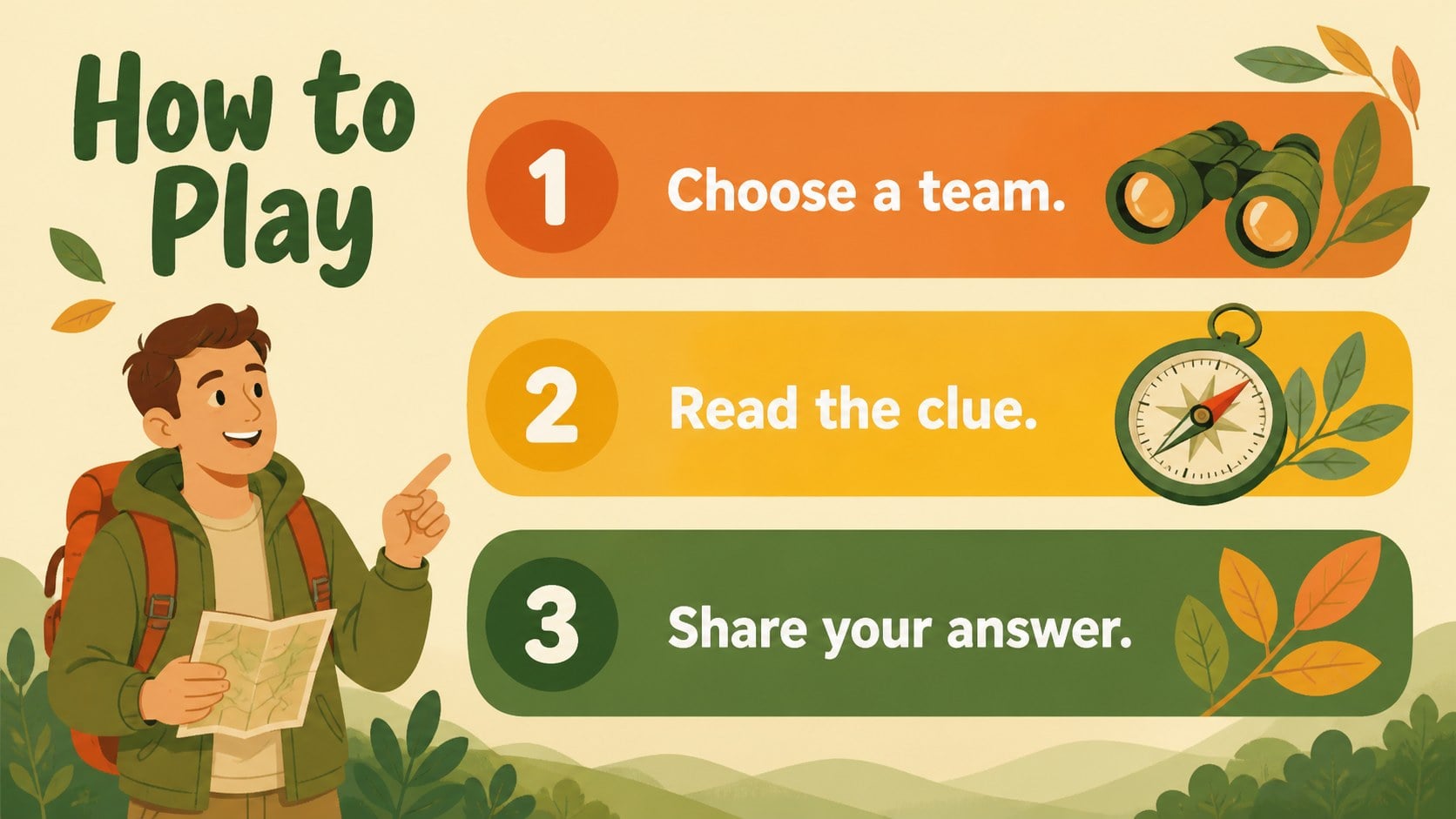
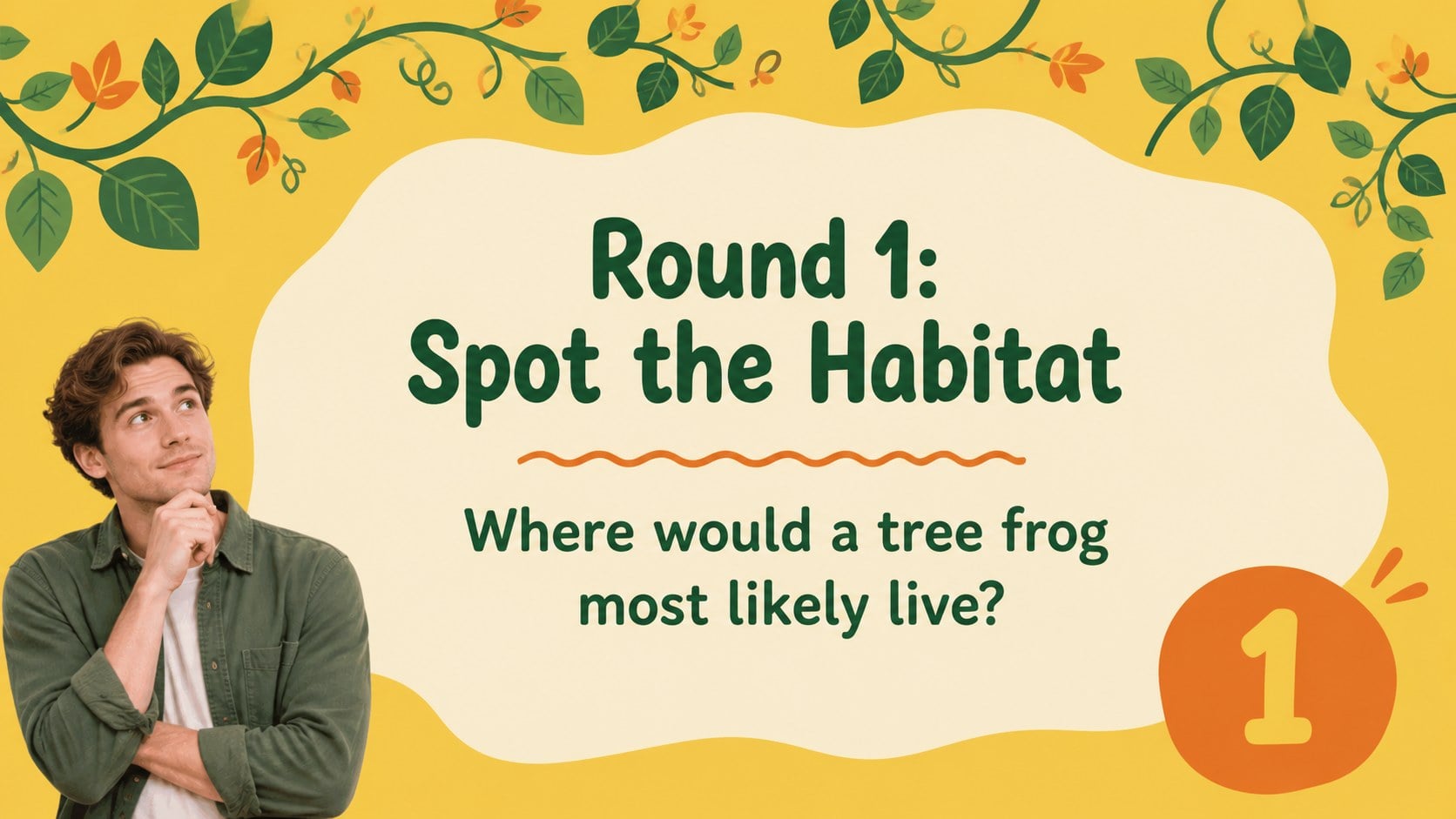
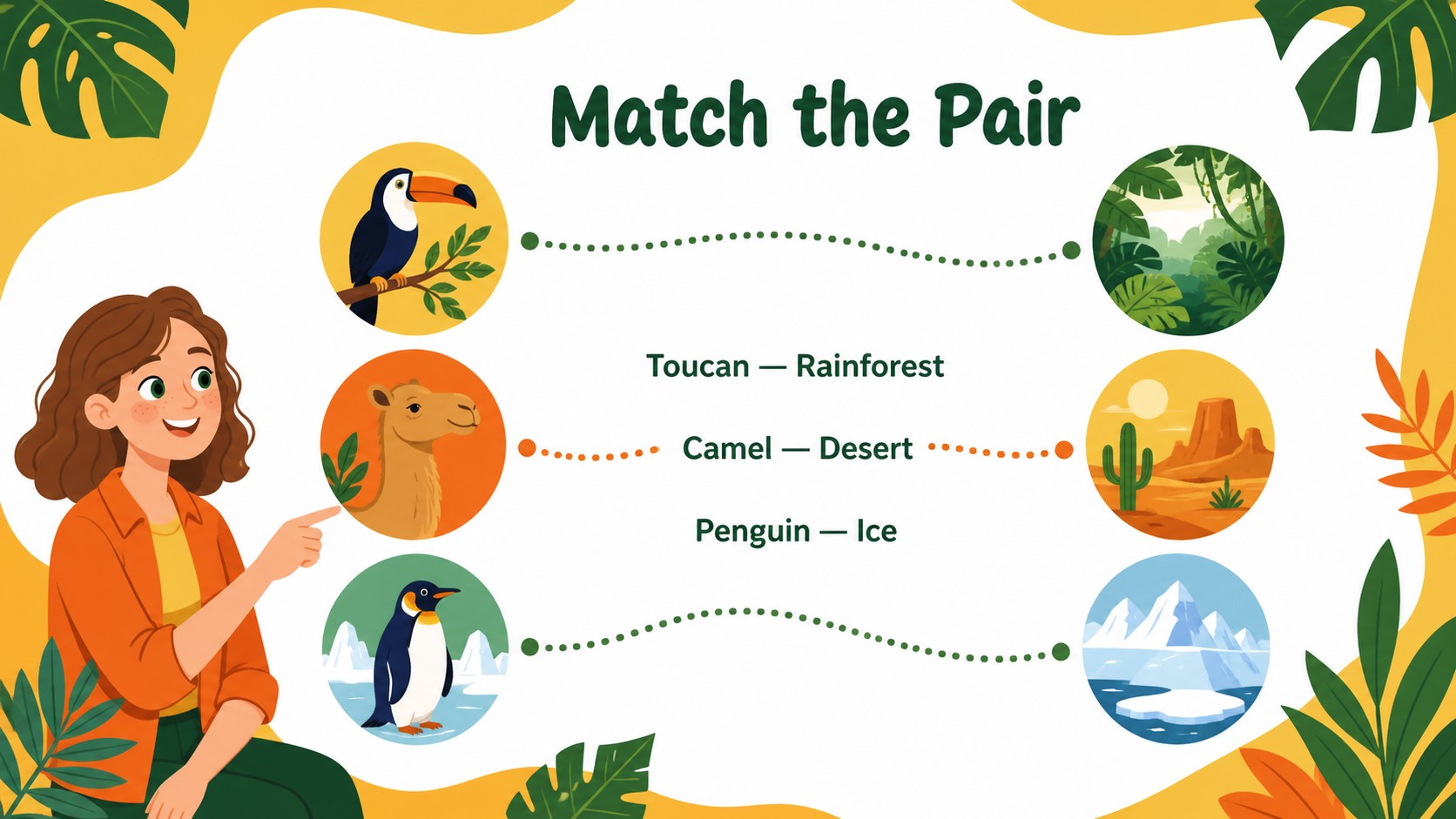
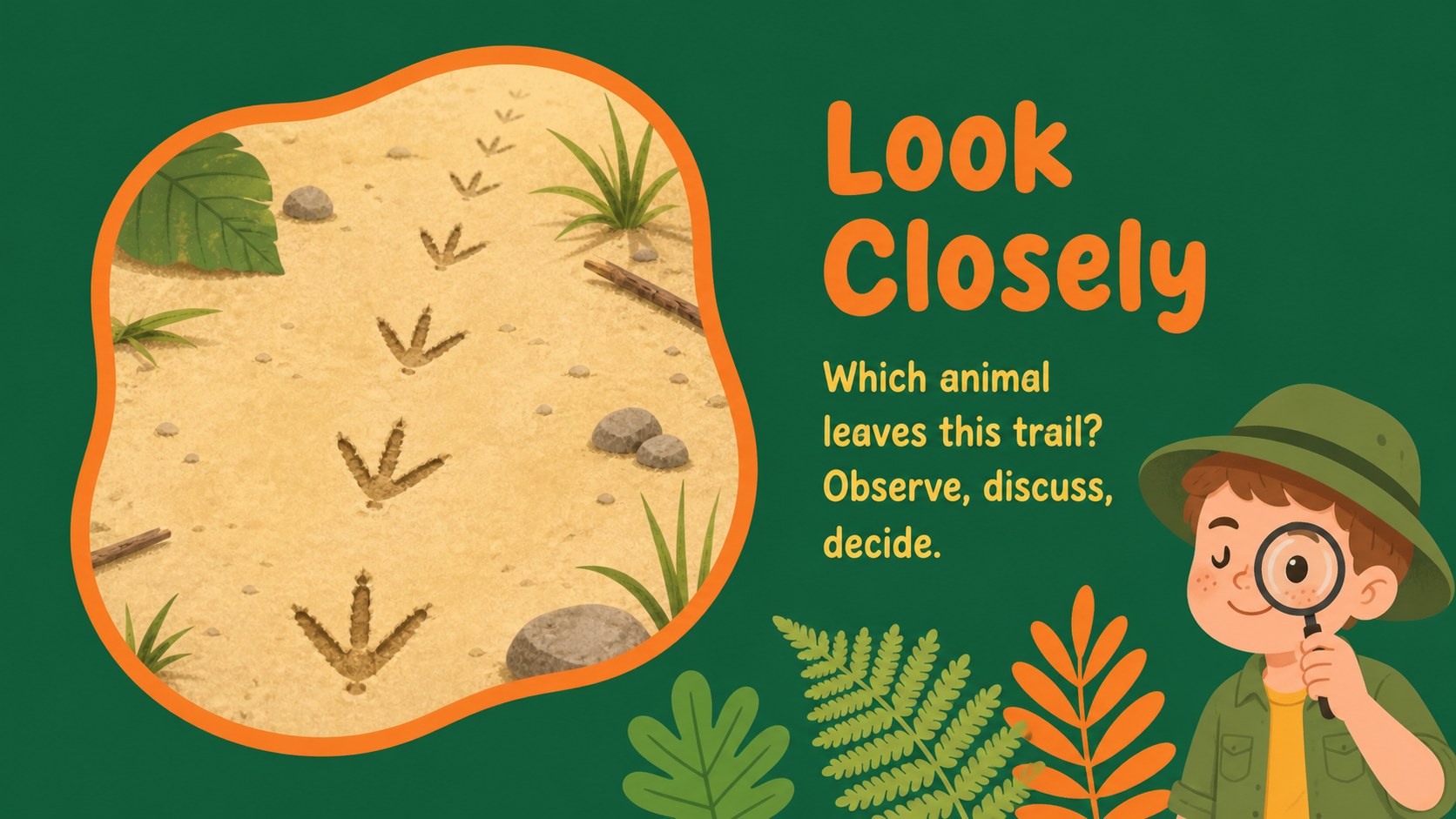
Inside, you’ll find a cover, activity instructions, quiz rounds, question-and-answer layouts, scoring boards, matching challenges, visual clue pages, mind map structures, and a closing slide. Use the layouts for animal science reviews, vocabulary games, icebreakers, workshop recaps, or team-building sessions. The editable structure also makes it easy to adapt the deck for different ages, subjects, and group sizes.
This interactive jungle lesson presentation works in PowerPoint and Google Slides, with editable text, shapes, diagrams, and illustrations. Swap in your own questions, add class rules, adjust the scoring system, or reorganize the sequence for a faster activity flow. Whether you are preparing a primary classroom challenge or a jungle-themed team quiz, these colorful educational game slides help keep instructions clear and participation high.
Perfect for: primary science review; animal vocabulary quiz; classroom icebreaker; team-building workshop; group learning challenge.
Frequently asked questions
Can I edit these jungle classroom game slides in PowerPoint? Yes. The deck is designed for PowerPoint editing, so you can change the wording, colors, shapes, illustrations, and activity sequence. Add your own questions and scoring rules to match the session.
Practical details
Yes. The deck is designed for PowerPoint editing, so you can change the wording, colors, shapes, illustrations, and activity sequence. Add your own questions and scoring rules to match the session.
Yes, you can open and edit the presentation in Google Slides. Review fonts, spacing, and animation settings after importing because some effects may display differently between platforms.
Use the layouts for quizzes, matching games, clue rounds, review competitions, vocabulary practice, and group challenges. The flexible pages also work for science lessons, workshops, and informal team activities.
Yes. Replace visual elements, revise the text, and adapt the orange, yellow, and green palette to your subject or event. Keep the high-contrast combinations when you need instructions and score information to remain easy to read.
Keep exploring
15Build stronger academic arguments with a college essay thesis builder featuring guided examples, revision prompts, and editable PowerPoint and Google Slides.
 15
15Build an engaging World UFO Day session with this flying saucer history lesson deck, featuring retro green-and-brown slides for PowerPoint and Google Slides.
 14
14Plan a memorable Lunar New Year campaign with the 2036 Dragon Year Celebration Theme, featuring bold red-and-yellow slides for lessons and events.
 15
15Build a thoughtful classroom discussion with this interfaith awareness lesson deck, featuring editable blue-and-white slides for PowerPoint and Google Slides.
 15
15Use this environmental awareness lesson deck to teach climate action through illustrated activities, discussion prompts, and ready-to-edit visuals.
 15
15Build playful lessons and party stories with a kid-friendly zombie celebration theme in purple, green and pastel blue for PowerPoint and Google Slides.
 15
15Build eerie lessons, campaigns, and story pitches with an undead survival scenario theme featuring editable slides for PowerPoint and Google Slides.
 16
16Turn environmental research into a clear story with a Watercolor Ecology Presentation Theme for PowerPoint and Google Slides in calming green and blue.