
 15
15presentation
College Essay Thesis Builder Slides
Build stronger academic arguments with a college essay thesis builder featuring guided examples, revision prompts, and editable PowerPoint and Google Slides.
Google SlidesPowerPoint
presentation · English
Map lessons, routines, and school tasks with a July 2026 lesson planner deck in a warm hand-drawn style for PowerPoint and Google Slides.
Design notes
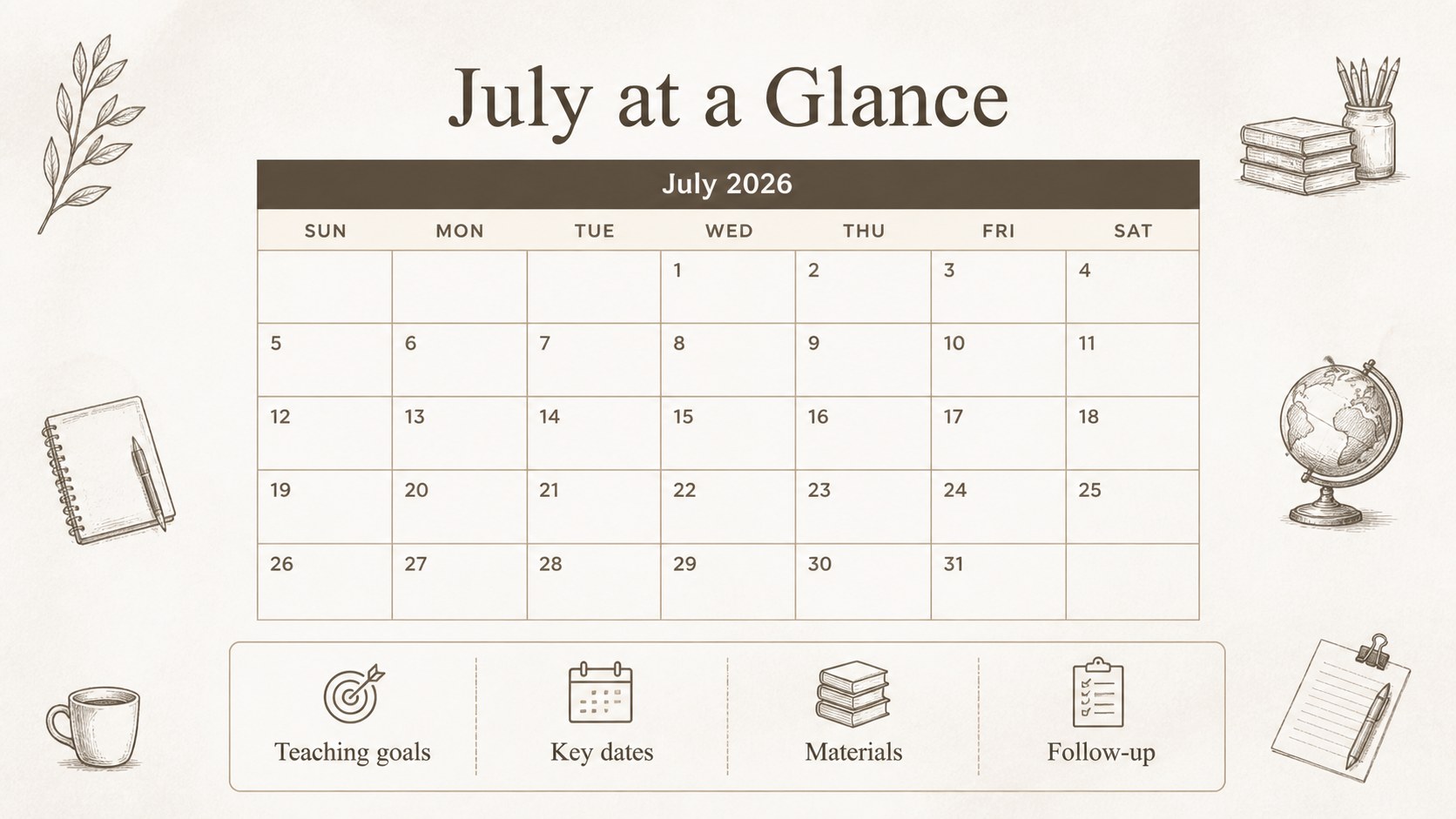
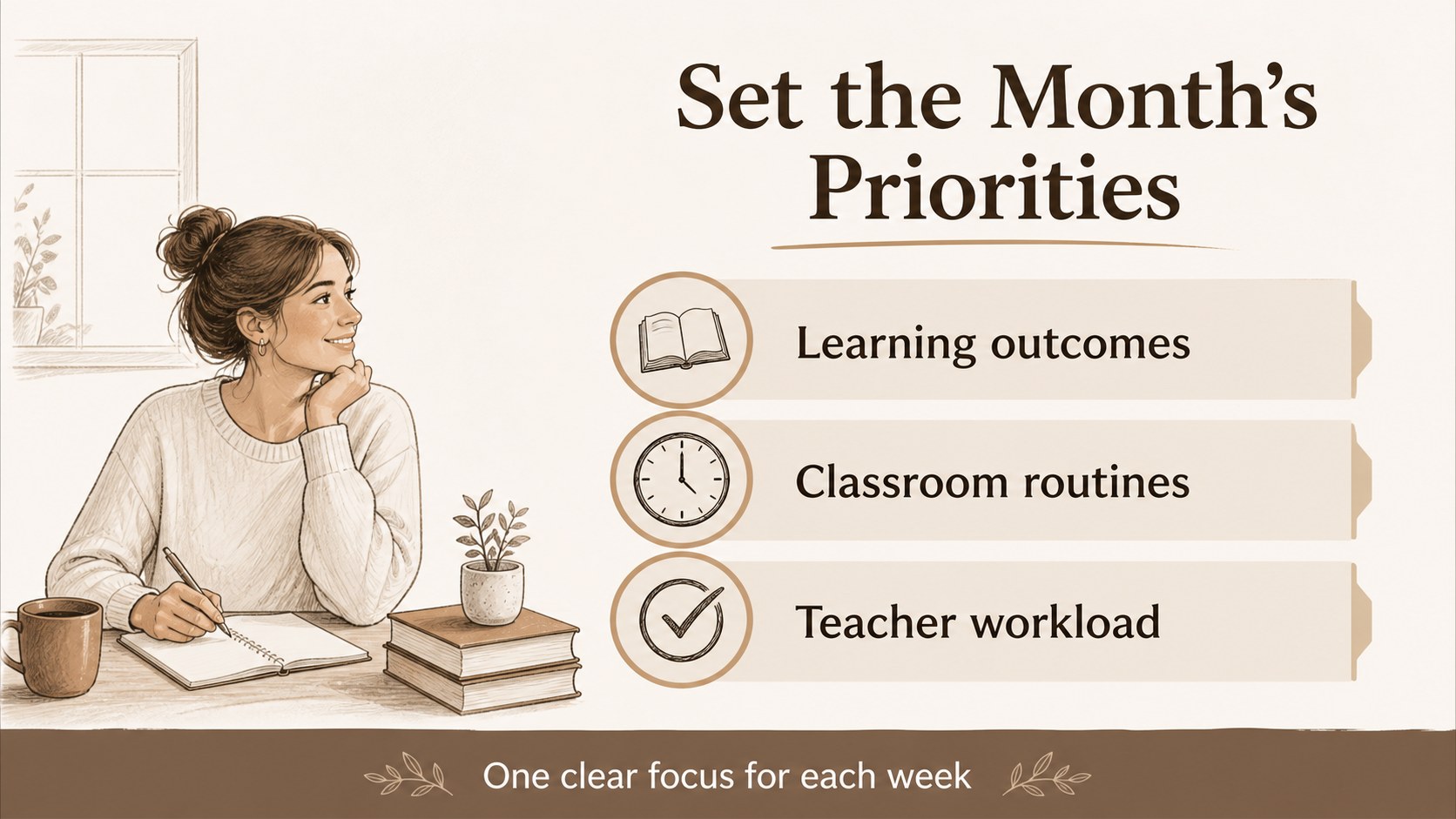
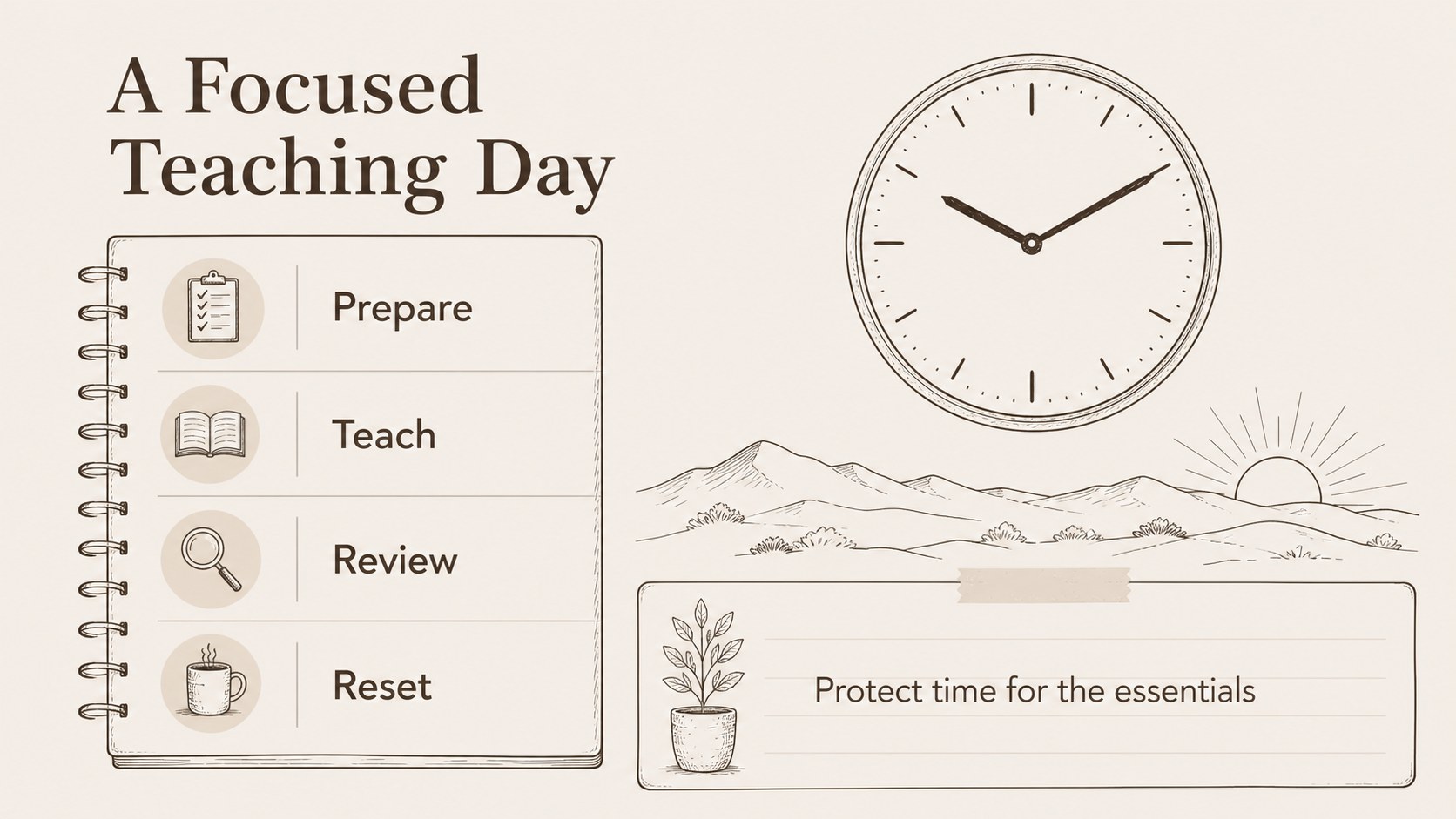
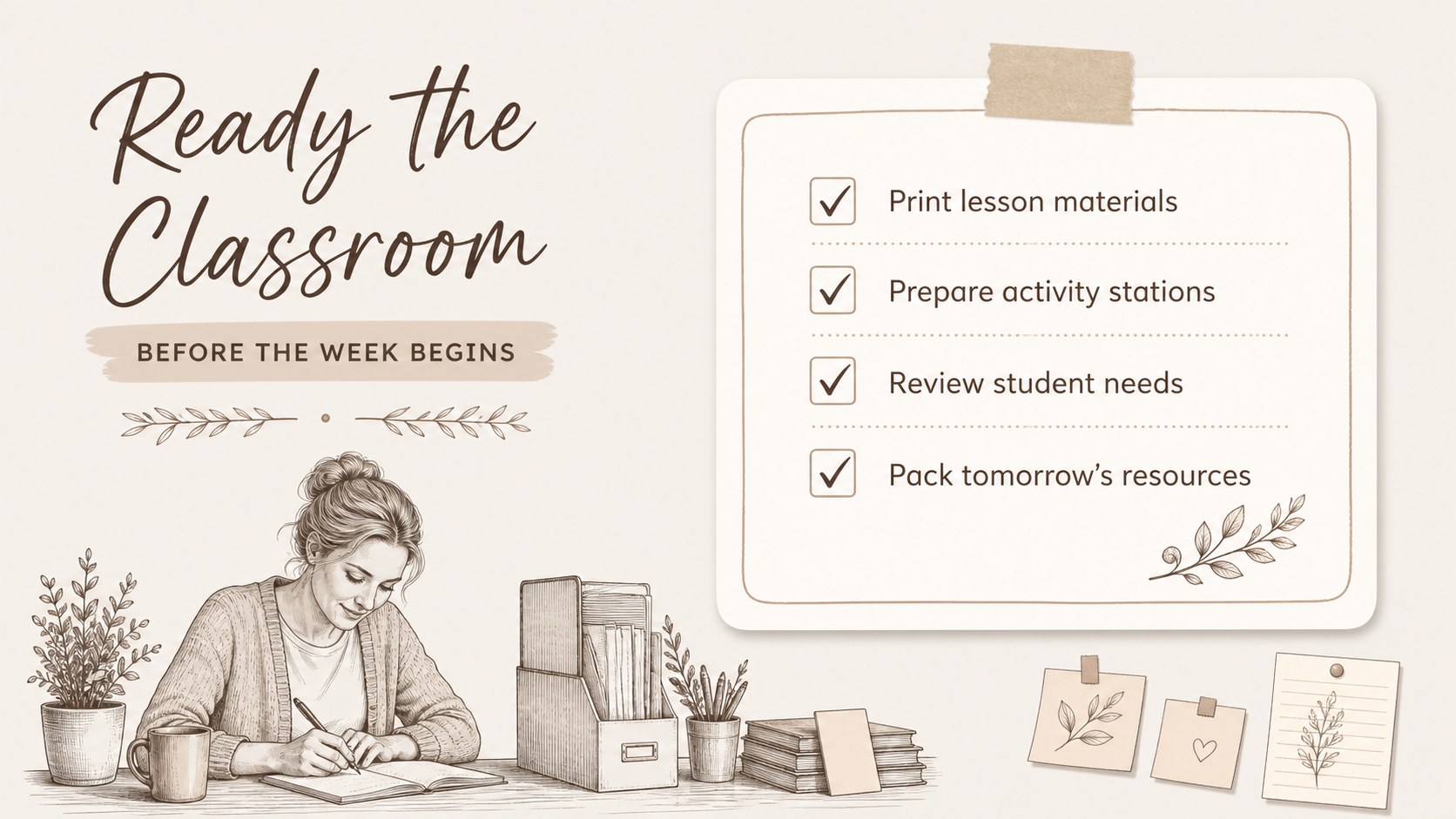
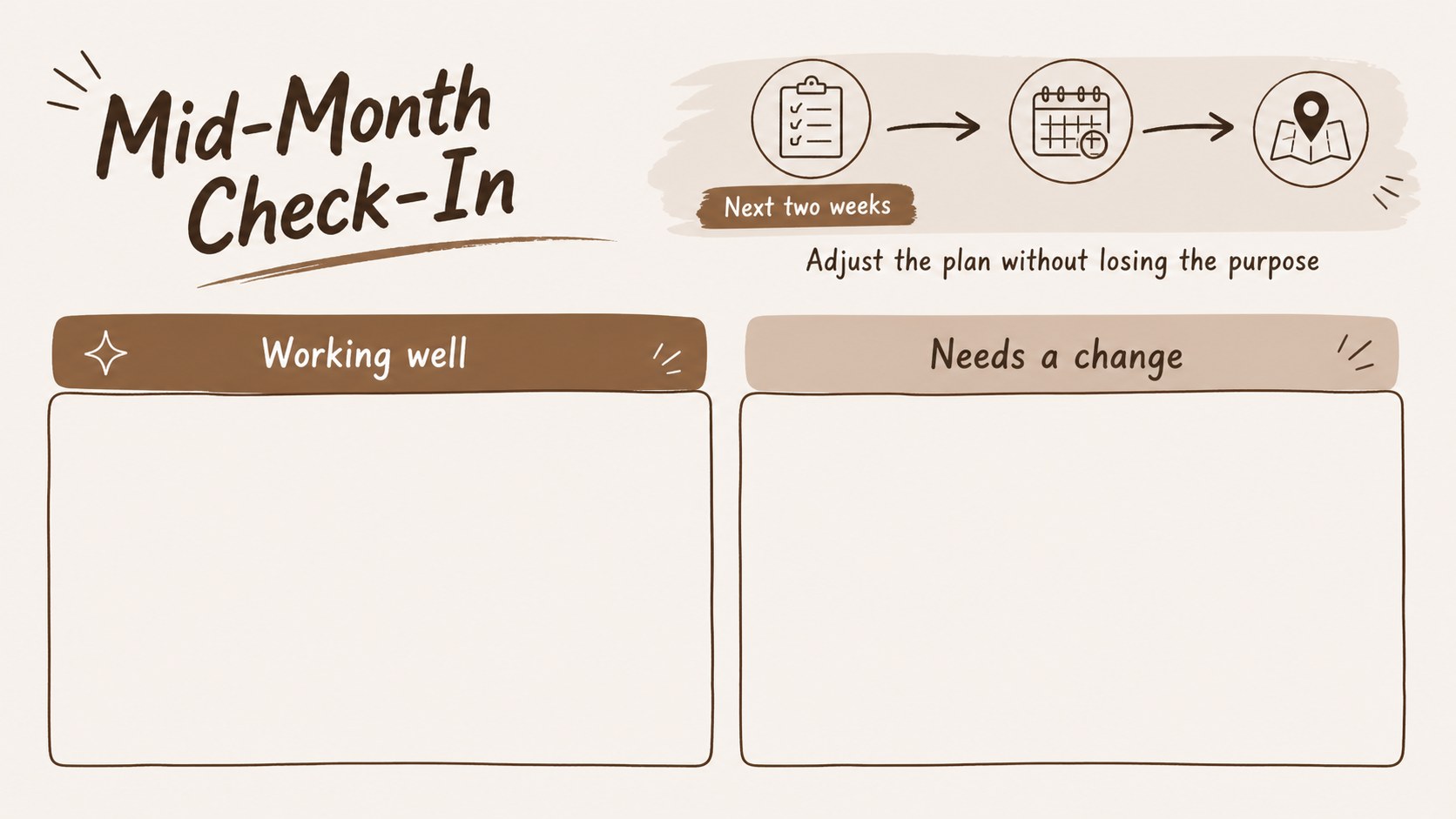
July 2026 Lesson Planner Deck helps educators shape a clear, manageable month before the classroom gets busy. Its warm brown-and-white palette, hand-drawn details, and restrained academic style make planning feel practical while adding a little personality to daily preparation. Use the deck to map teaching priorities, coordinate routines, and keep important school tasks visible at a glance.
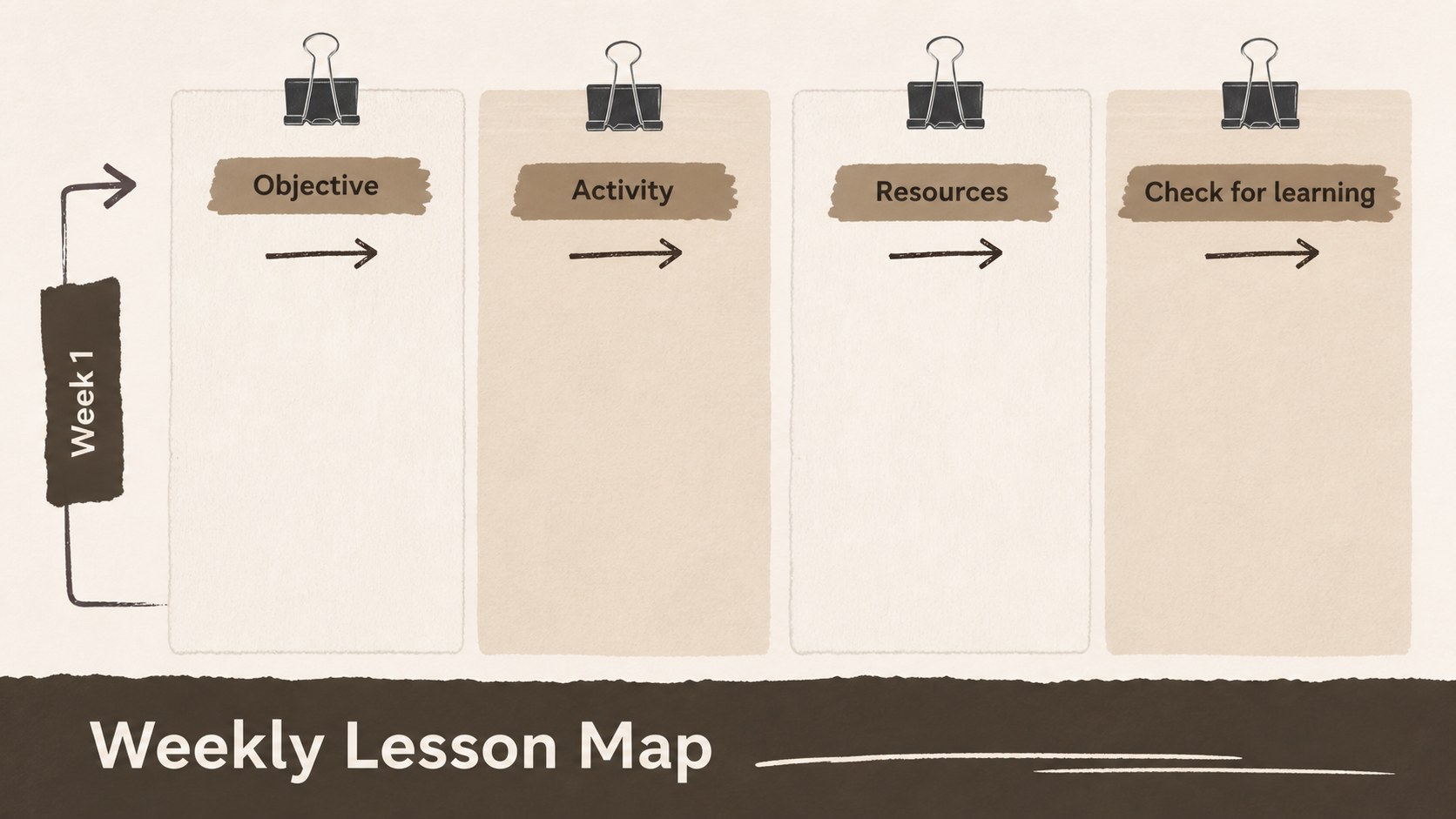
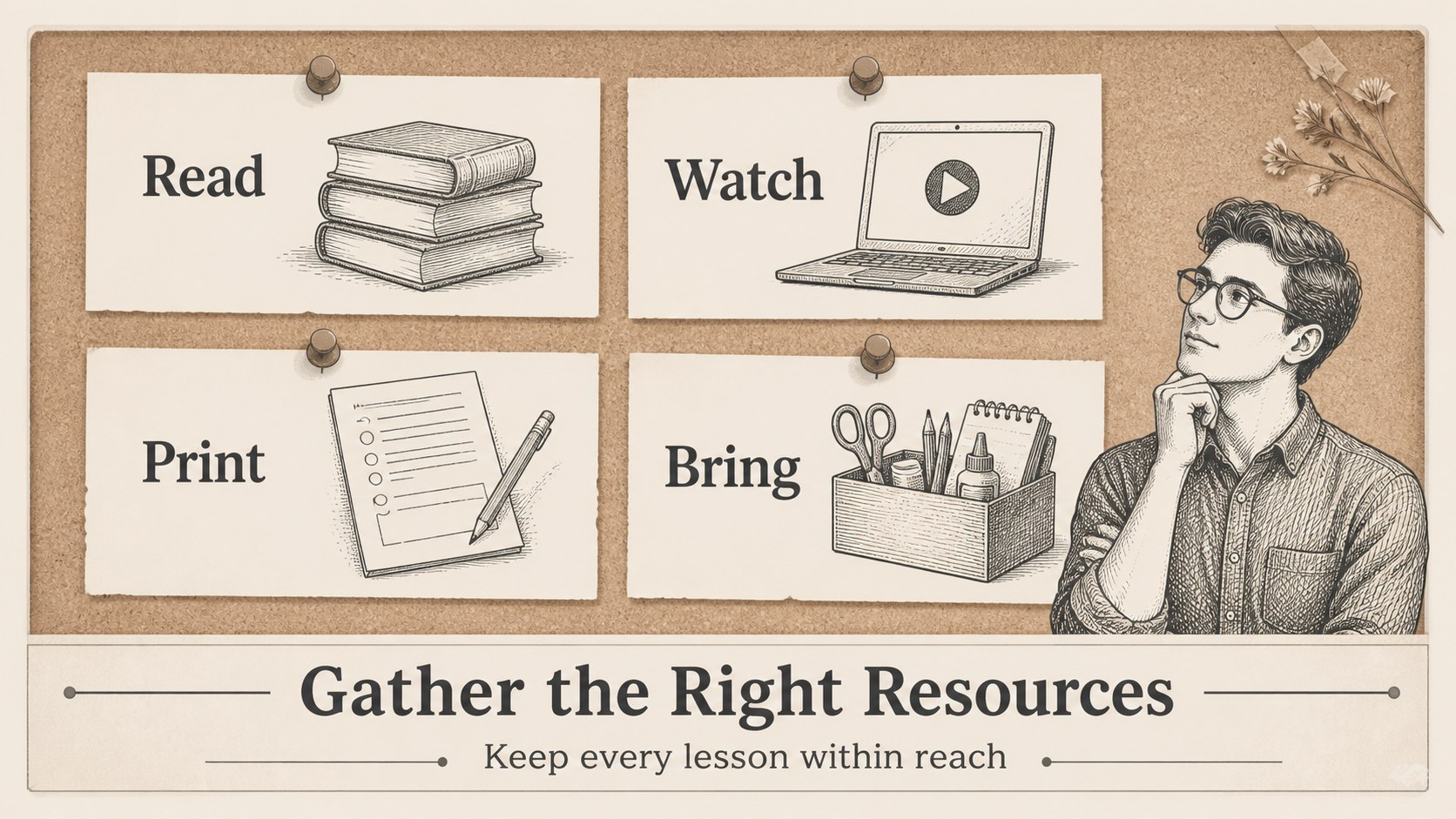
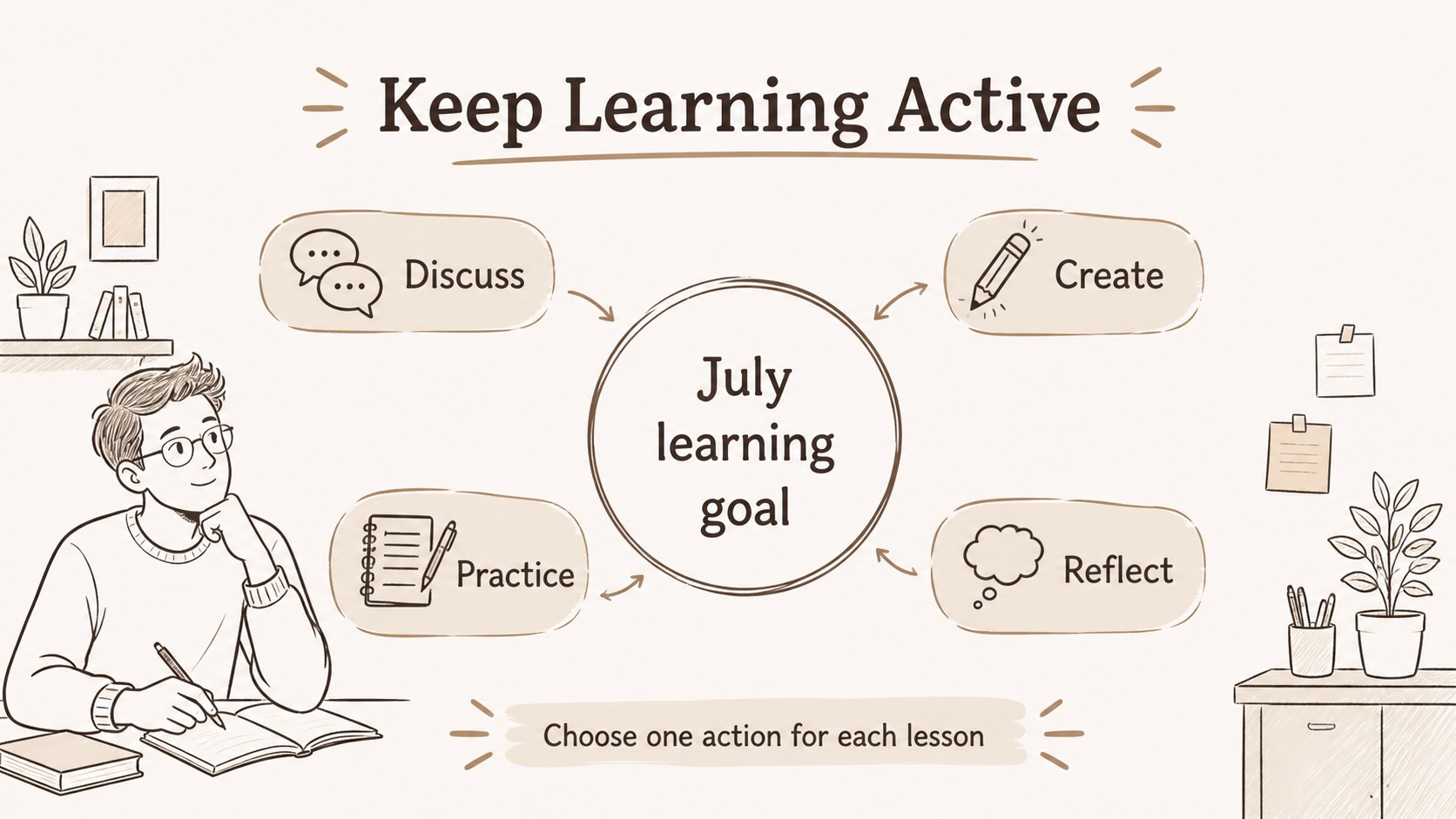
Inside, you will find editable layouts for monthly goals, weekly lesson maps, daily checklists, timetable planning, classroom notes, priority lists, and end-of-week reflections. The 25+ slide system also includes flexible timeline, comparison, list, and note layouts that can be adapted for different subjects or grade levels. Simple shapes, frames, lines, and visual markers help you build a useful july 2026 lesson planner deck without starting from a blank page.
This template is designed for teachers, tutors, department leads, homeschool educators, and academic coordinators. Edit it in Microsoft PowerPoint or Google Slides, then export or share it in the format that suits your workflow. It is also useful for staff planning meetings, summer curriculum preparation, and personal time management during a busy school month.
Perfect for: monthly teacher planning; summer curriculum preparation; weekly lesson mapping; department staff meeting; homeschool scheduling.
Frequently asked questions
Can I edit this planner in PowerPoint? Yes. The layouts are designed for Microsoft PowerPoint and can be edited with standard text, shape, and image tools. You can adjust colors, fonts, labels, and planning sections to match your classroom.
Practical details
Yes. The layouts are designed for Microsoft PowerPoint and can be edited with standard text, shape, and image tools. You can adjust colors, fonts, labels, and planning sections to match your classroom.
Yes, you can open and customize the presentation in Google Slides. Check each imported layout for font substitutions and make small spacing adjustments if needed.
Yes. Replace the sample labels with project milestones, study goals, office tasks, or personal routines. The monthly, weekly, checklist, and reflection layouts are flexible enough for many planning workflows.
Yes. Update the theme colors or individual shapes while keeping the hand-drawn structure intact. A muted accent color can be added for subjects, priority levels, or recurring tasks.
Keep exploring
15Build stronger academic arguments with a college essay thesis builder featuring guided examples, revision prompts, and editable PowerPoint and Google Slides.
 15
15Build an engaging World UFO Day session with this flying saucer history lesson deck, featuring retro green-and-brown slides for PowerPoint and Google Slides.
 14
14Plan a memorable Lunar New Year campaign with the 2036 Dragon Year Celebration Theme, featuring bold red-and-yellow slides for lessons and events.
 15
15Build a thoughtful classroom discussion with this interfaith awareness lesson deck, featuring editable blue-and-white slides for PowerPoint and Google Slides.
 15
15Use this environmental awareness lesson deck to teach climate action through illustrated activities, discussion prompts, and ready-to-edit visuals.
 15
15Build playful lessons and party stories with a kid-friendly zombie celebration theme in purple, green and pastel blue for PowerPoint and Google Slides.
 15
15Build eerie lessons, campaigns, and story pitches with an undead survival scenario theme featuring editable slides for PowerPoint and Google Slides.
 16
16Turn environmental research into a clear story with a Watercolor Ecology Presentation Theme for PowerPoint and Google Slides in calming green and blue.