
 15
15presentation
College Essay Thesis Builder Slides
Build stronger academic arguments with a college essay thesis builder featuring guided examples, revision prompts, and editable PowerPoint and Google Slides.
Google SlidesPowerPoint
presentation · English
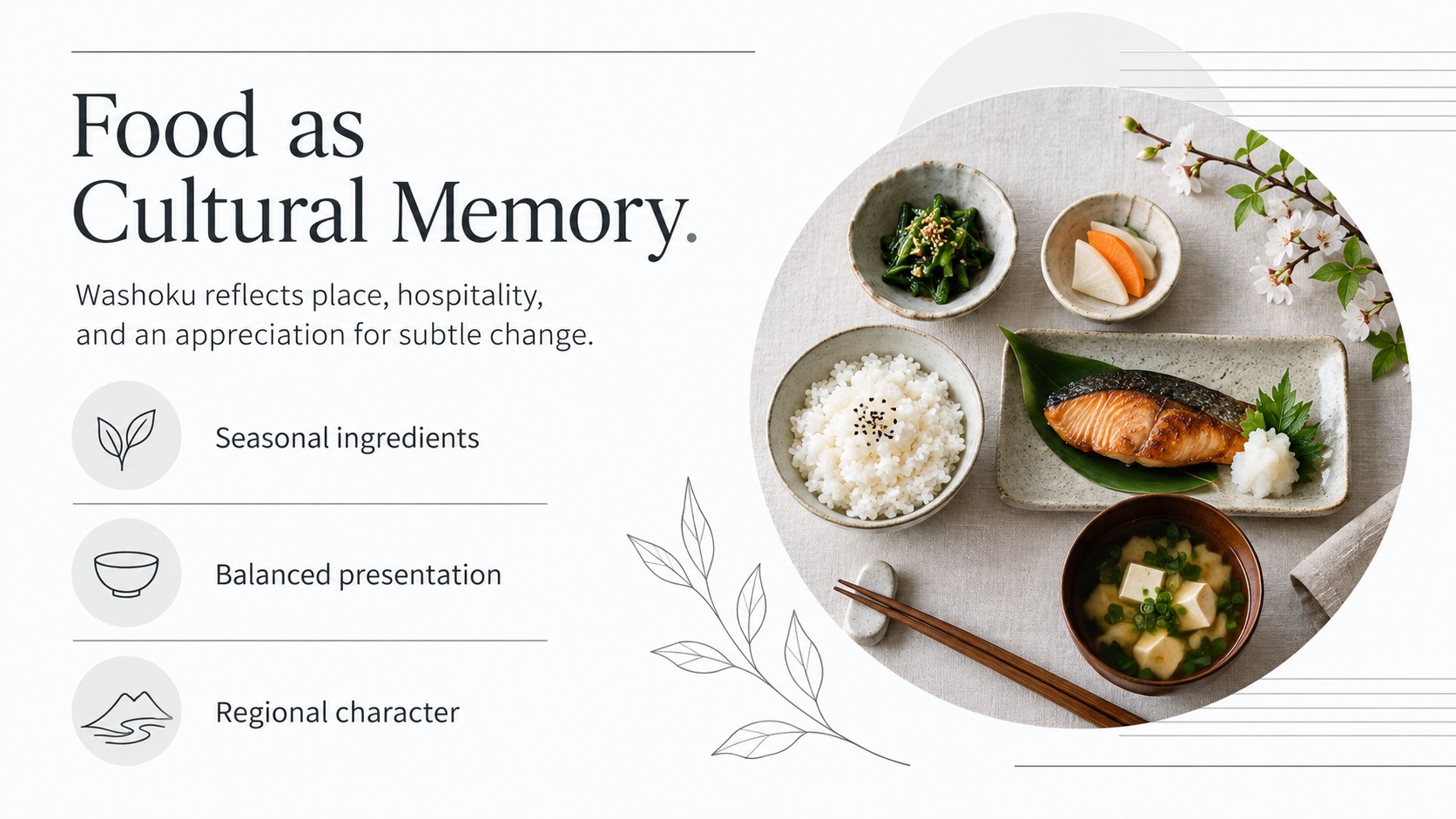
Shape memorable lessons and cultural talks with a Japanese heritage storytelling deck featuring crisp white layouts for PowerPoint and Google Slides.
Design notes
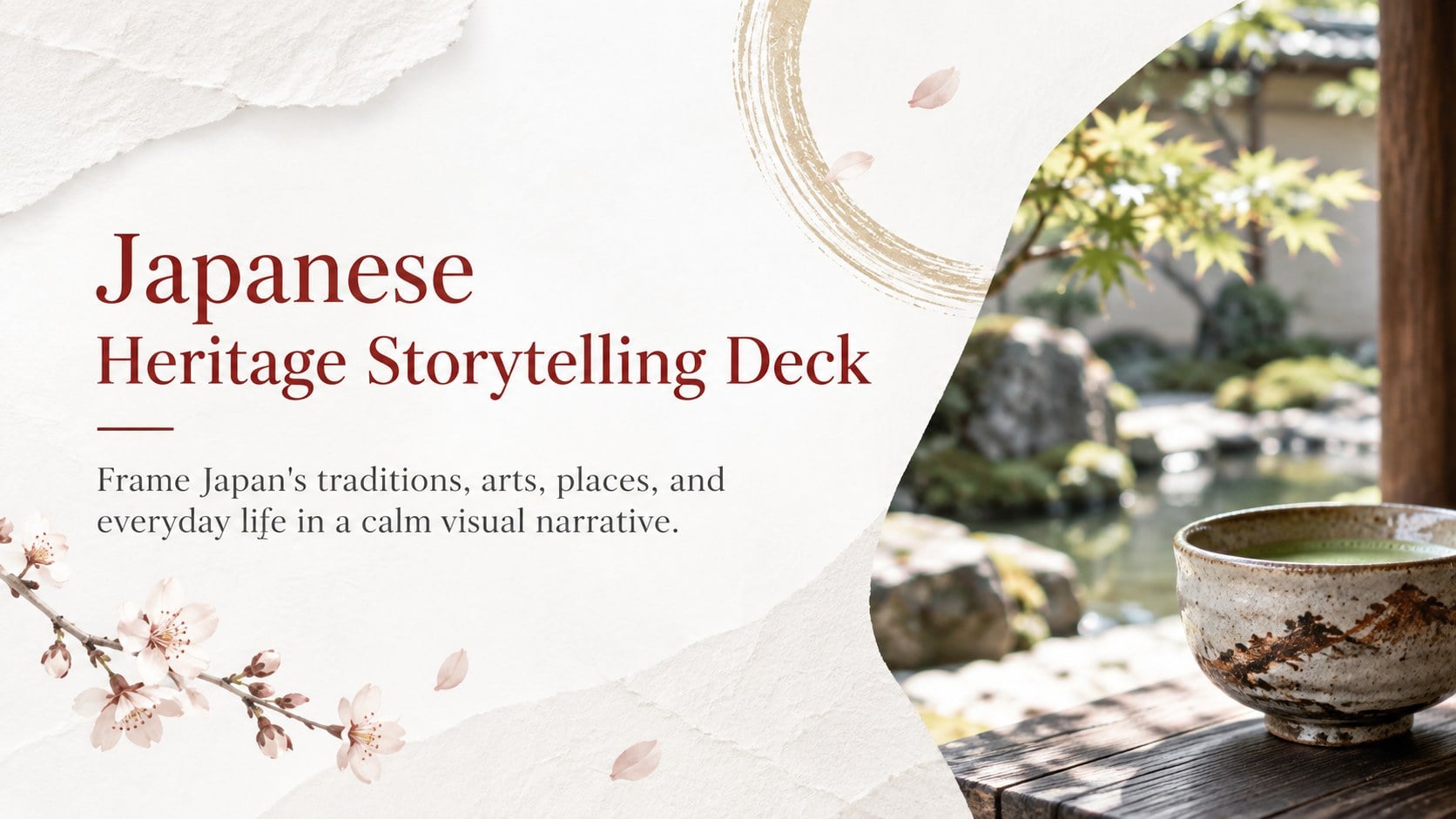
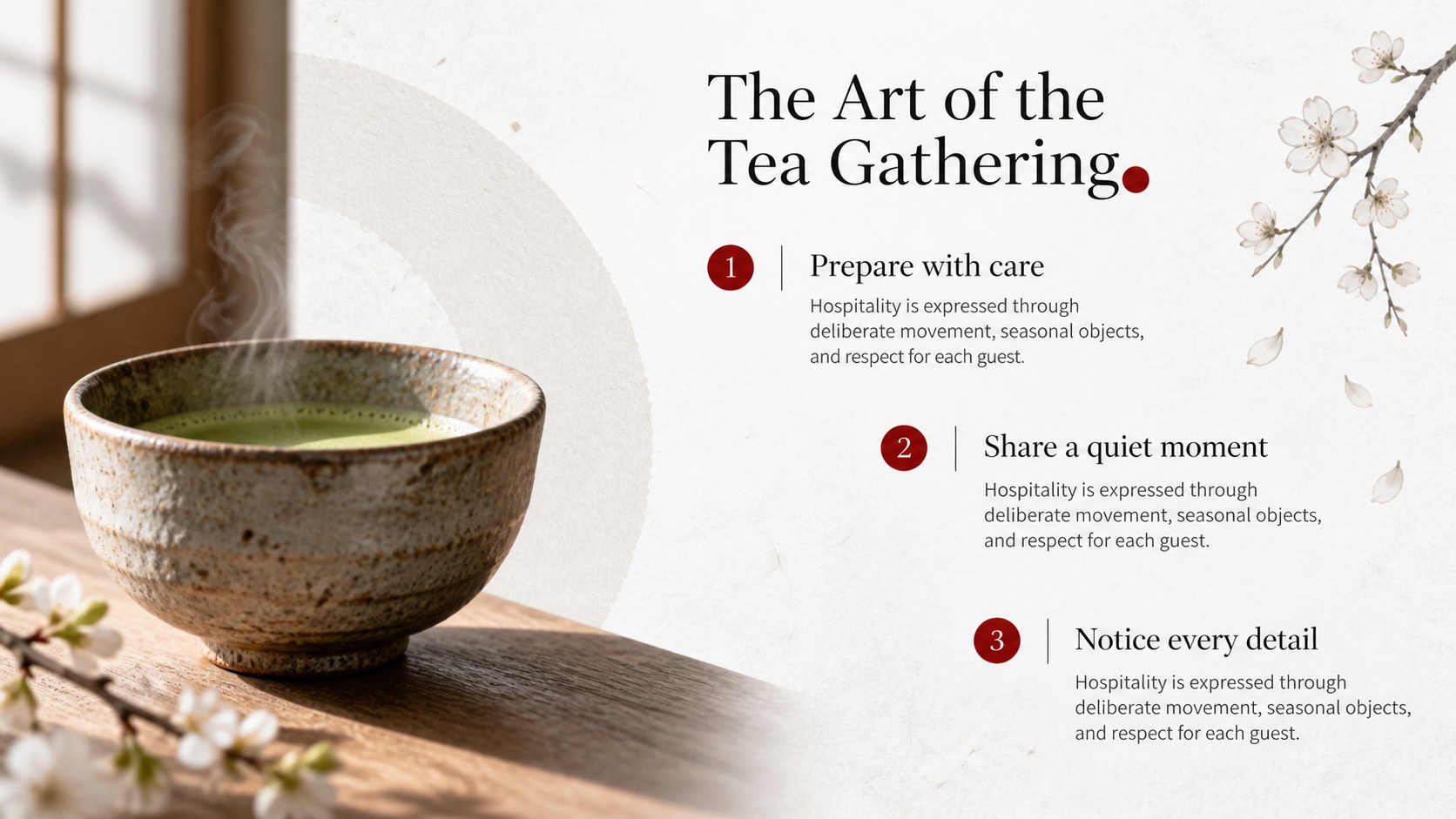
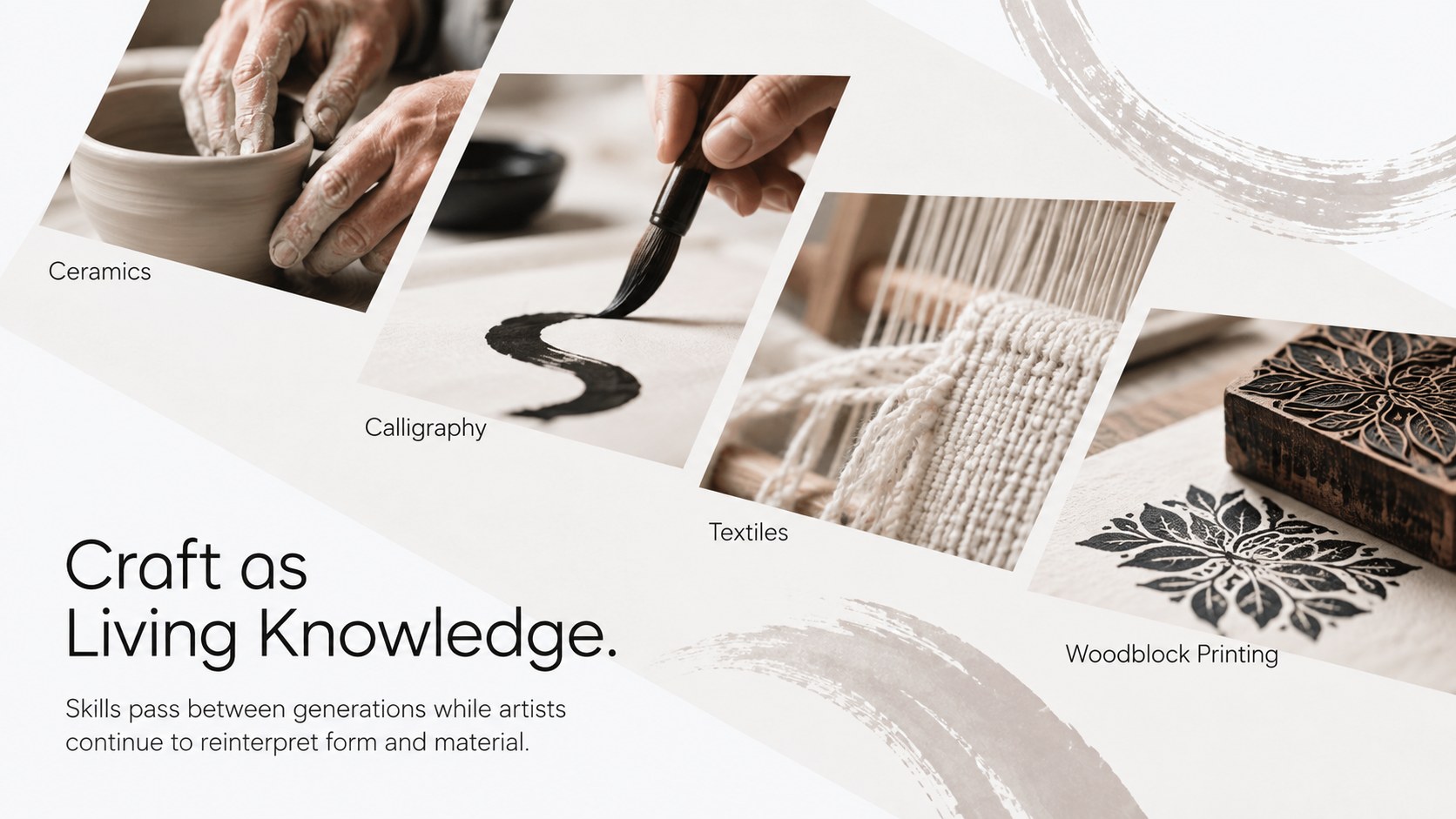
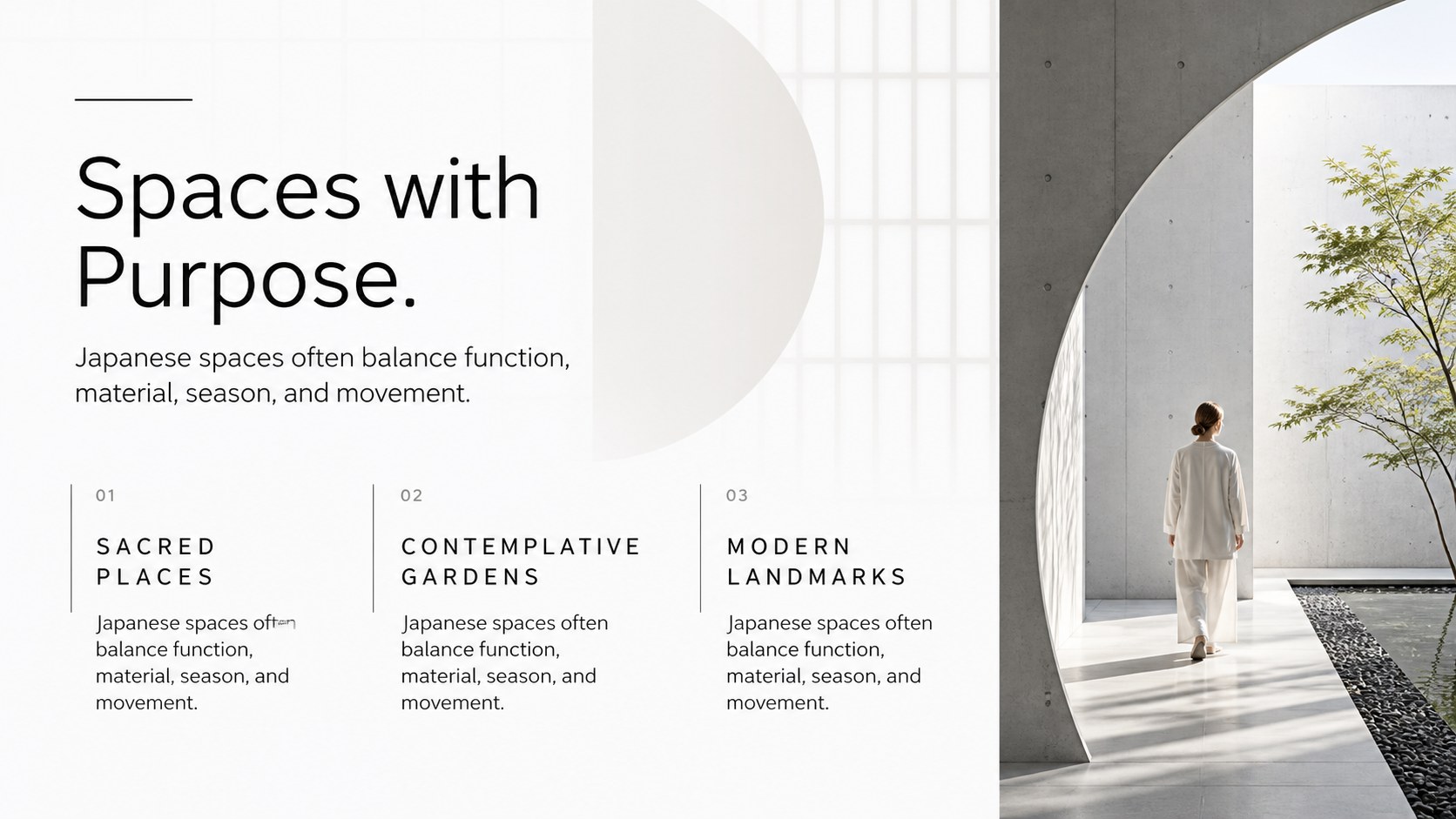
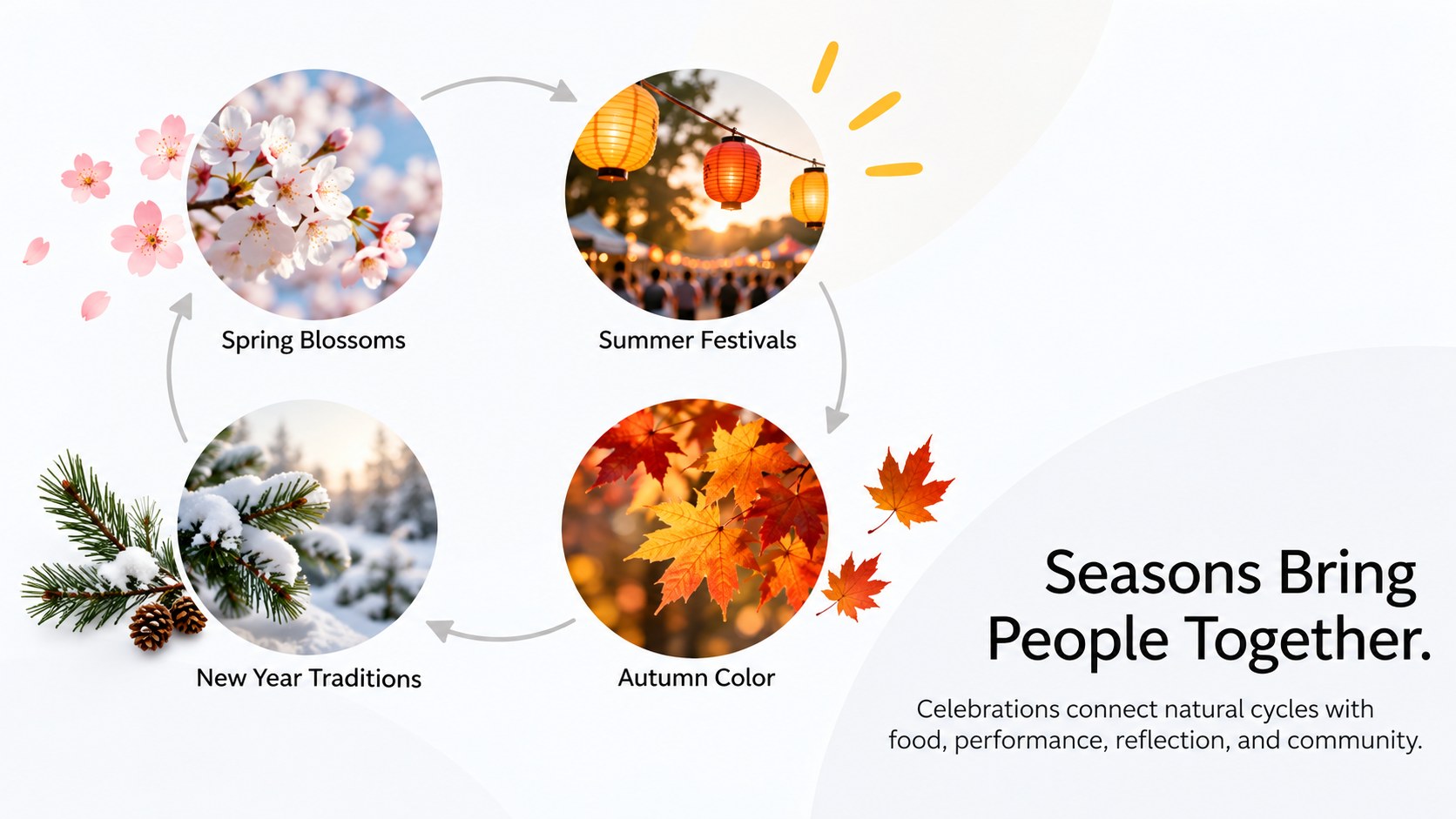
Create an engaging cultural narrative with this Japanese heritage storytelling deck for PowerPoint and Google Slides. Its modern white canvas, restrained typography, and spacious layouts give photographs, historical details, and key ideas room to breathe. The visual style feels polished and serene, making it suitable for classrooms, travel talks, cultural programs, and community events.
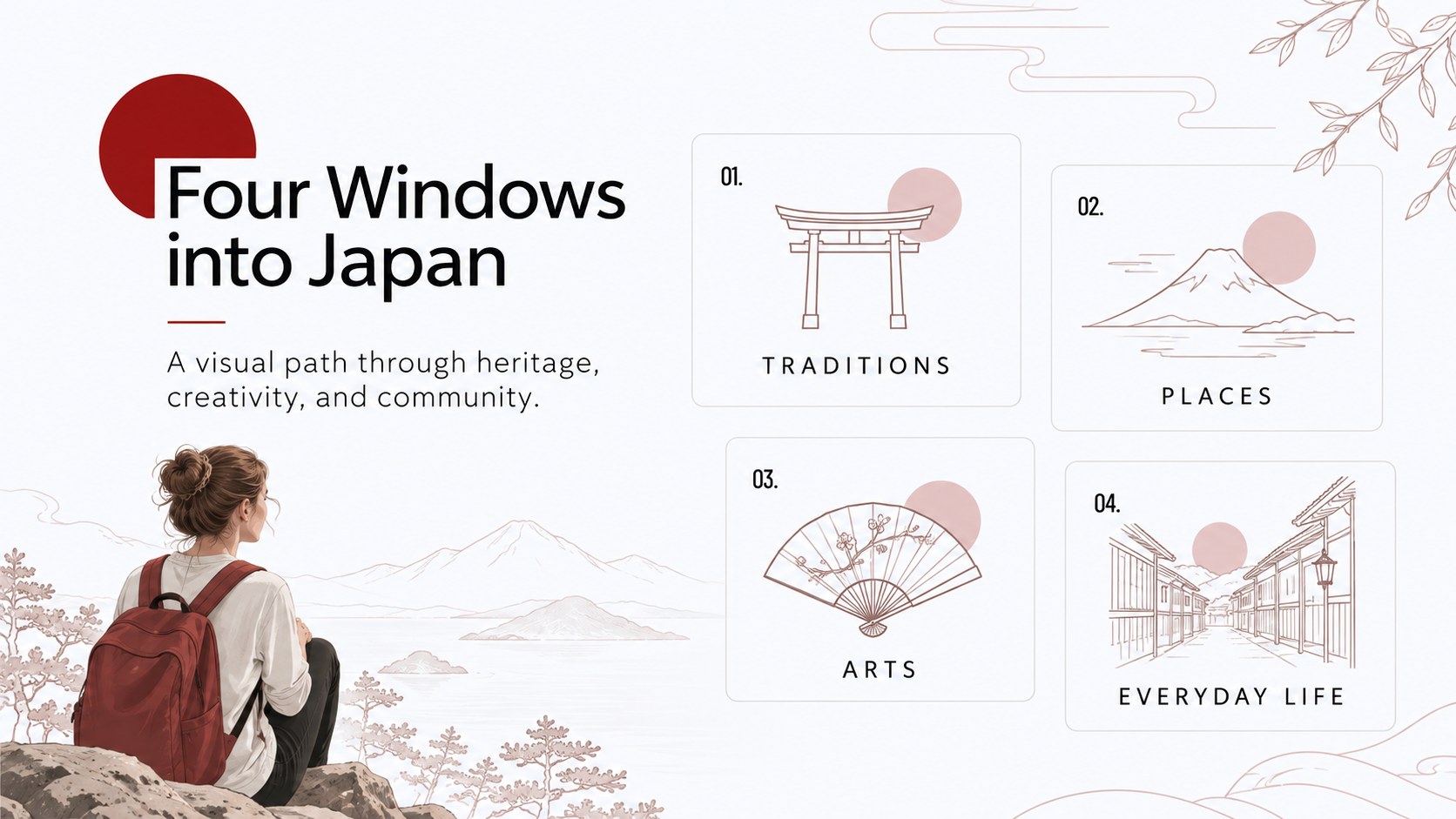
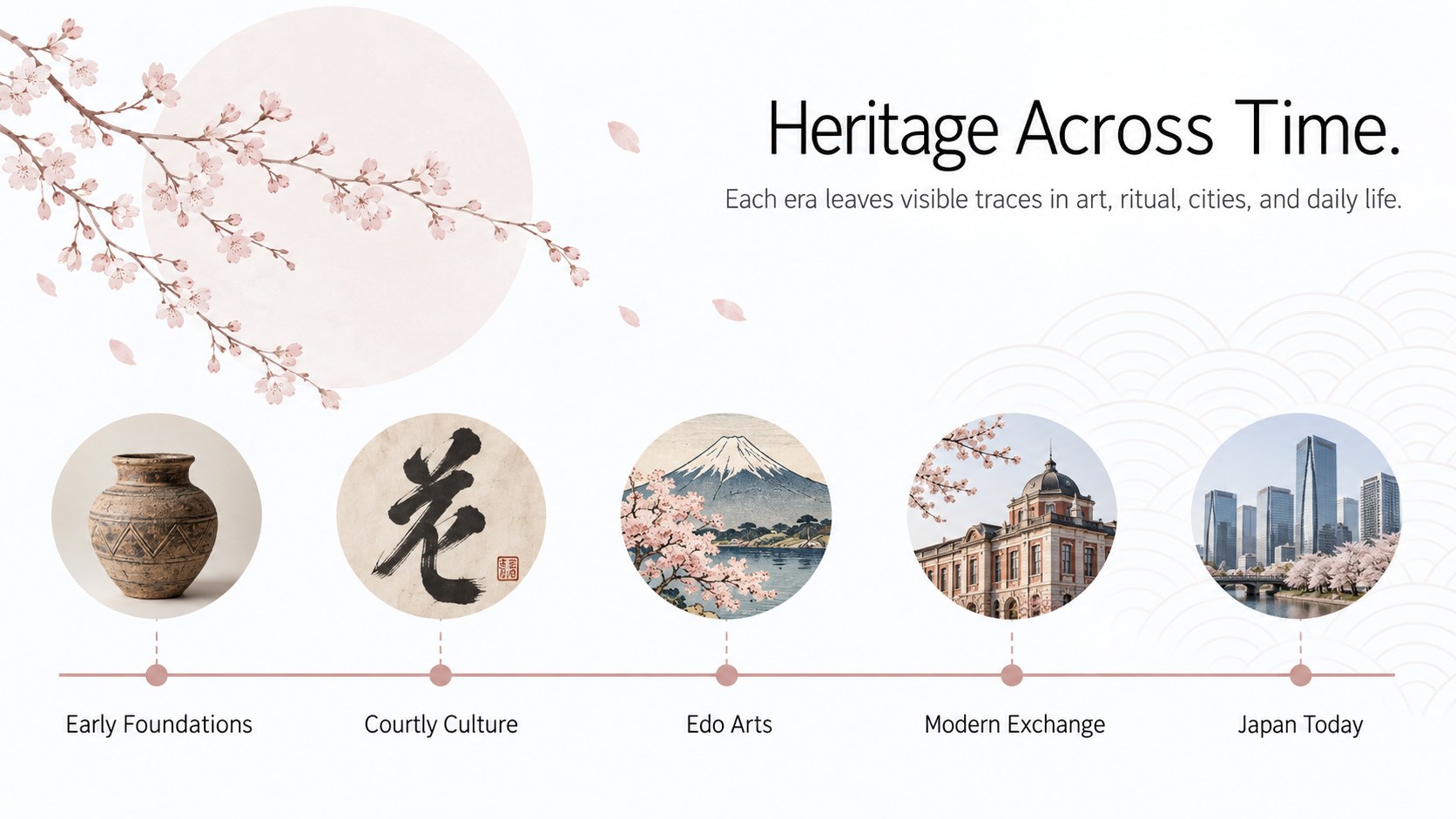
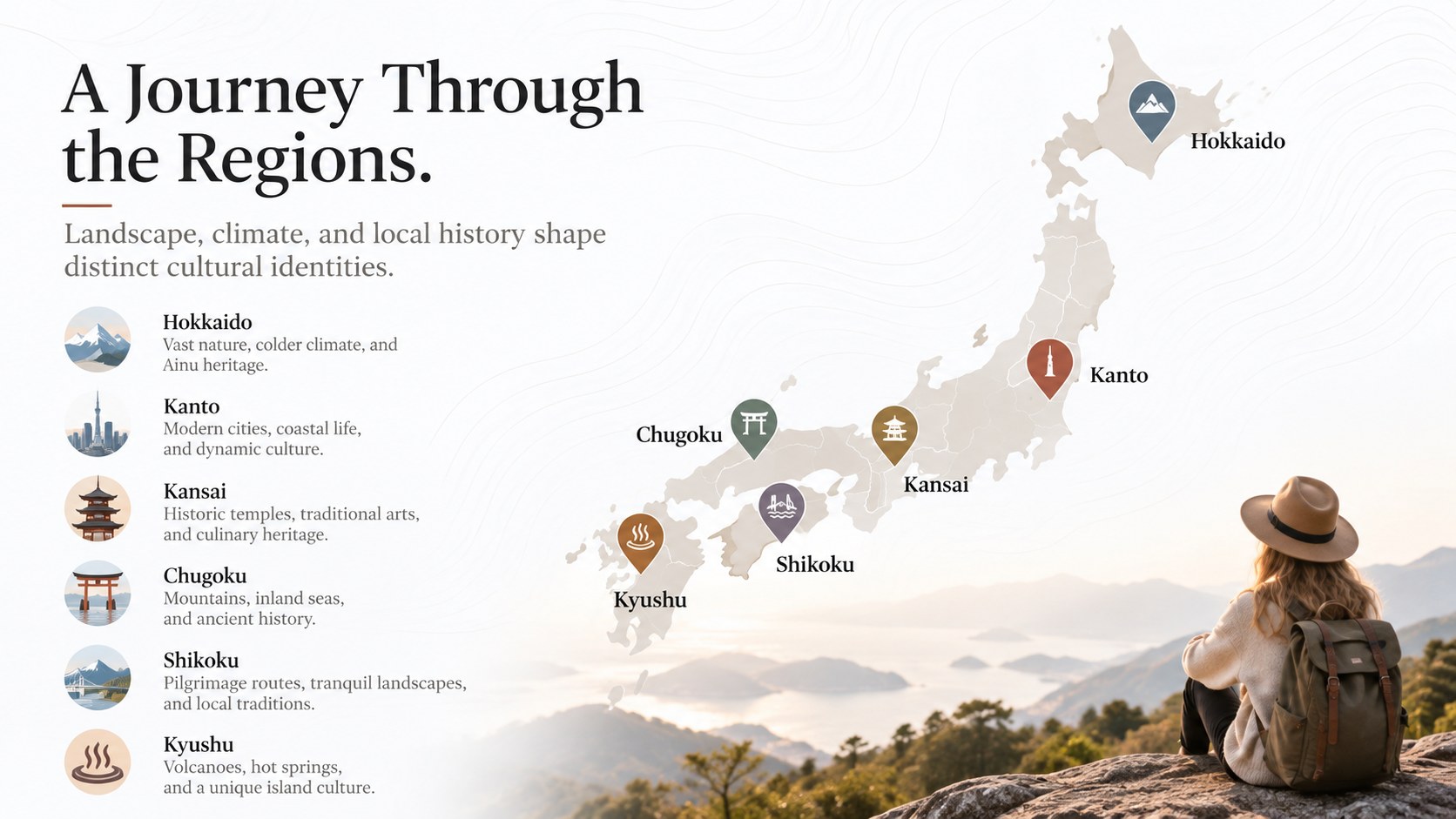
The 15-slide collection includes an opening cover, topic overview, historical timeline, regional map, tradition profiles, food and craft features, architectural highlights, comparison layouts, and a concise closing page. Use it as a Japanese culture presentation for students, adapt it into a Japanese traditions PowerPoint template, or prepare Japan travel culture Google Slides for an upcoming tour. Flexible image frames, charts, short text sections, and visual callouts support both informative and story-led presentations.
This deck is designed for educators, students, travel planners, museum teams, cultural organizations, and speakers introducing Japan to a Western audience. Replace the sample wording, add your own photographs, adjust the sequence, and apply transitions directly in your chosen platform. The minimal structure works equally well for a focused lesson, an event introduction, or a broader exploration of Japanese heritage.
Perfect for: Japanese culture classroom lesson; Japan travel orientation; Museum education talk; Cultural festival introduction; Heritage research presentation.
Frequently asked questions
Can I edit this deck in PowerPoint and Google Slides? Yes. All slide text, images, colors, and layout elements can be edited in PowerPoint or Google Slides. You can also duplicate or reorder pages to match your presentation.
Practical details
Yes. All slide text, images, colors, and layout elements can be edited in PowerPoint or Google Slides. You can also duplicate or reorder pages to match your presentation.
Replace the sample sections with your learning objectives, source material, and discussion questions. Add maps, historical photographs, or vocabulary prompts while keeping the spacious layout intact.
Yes. Insert your photographs into the existing image areas, then crop them to emphasize the subject. Clear, well-lit images work best with the minimal white design.
Yes. The layouts can cover contemporary design, regional travel, food, architecture, language, or social customs. Update the headings and visuals while preserving a consistent narrative.
Keep exploring
15Build stronger academic arguments with a college essay thesis builder featuring guided examples, revision prompts, and editable PowerPoint and Google Slides.
 15
15Build an engaging World UFO Day session with this flying saucer history lesson deck, featuring retro green-and-brown slides for PowerPoint and Google Slides.
 14
14Plan a memorable Lunar New Year campaign with the 2036 Dragon Year Celebration Theme, featuring bold red-and-yellow slides for lessons and events.
 15
15Build a thoughtful classroom discussion with this interfaith awareness lesson deck, featuring editable blue-and-white slides for PowerPoint and Google Slides.
 15
15Use this environmental awareness lesson deck to teach climate action through illustrated activities, discussion prompts, and ready-to-edit visuals.
 15
15Build playful lessons and party stories with a kid-friendly zombie celebration theme in purple, green and pastel blue for PowerPoint and Google Slides.
 15
15Build eerie lessons, campaigns, and story pitches with an undead survival scenario theme featuring editable slides for PowerPoint and Google Slides.
 16
16Turn environmental research into a clear story with a Watercolor Ecology Presentation Theme for PowerPoint and Google Slides in calming green and blue.