
 15
15presentation
College Essay Thesis Builder Slides
Build stronger academic arguments with a college essay thesis builder featuring guided examples, revision prompts, and editable PowerPoint and Google Slides.
Google SlidesPowerPoint
presentation · English
Support balanced classroom discussion with an Israel-Palestine conflict classroom briefing featuring editable timelines, maps, key terms, and source prompts.
Design notes
Help students organize a complex subject with this Israel-Palestine conflict classroom briefing for PowerPoint and Google Slides. Designed for history, civics, and social studies instruction, the deck combines a measured academic tone with a beige grunge scrapbook look. Layered paper, archival-style frames, restrained textures, and clear typography create visual interest without distracting from sensitive material.
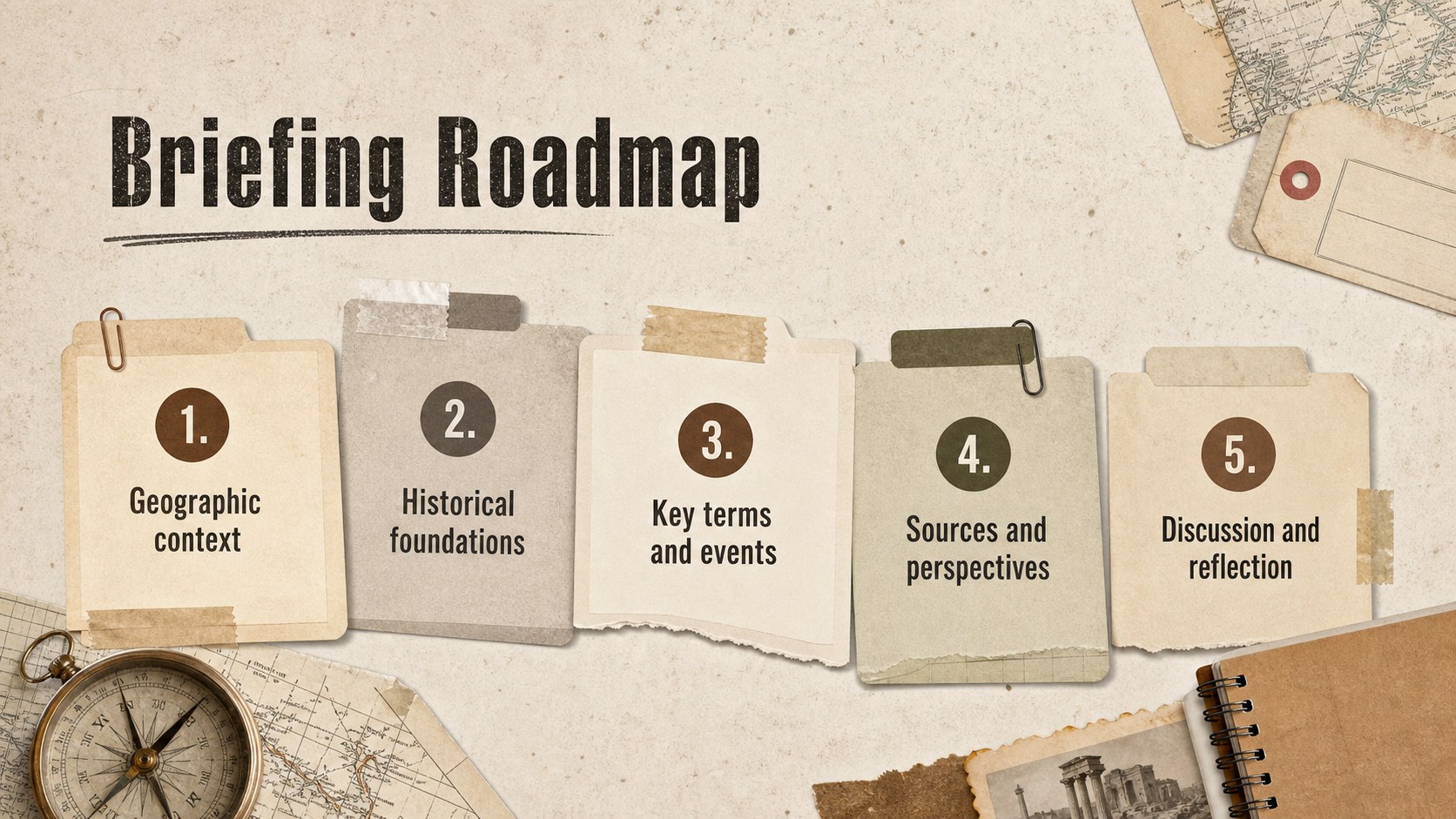
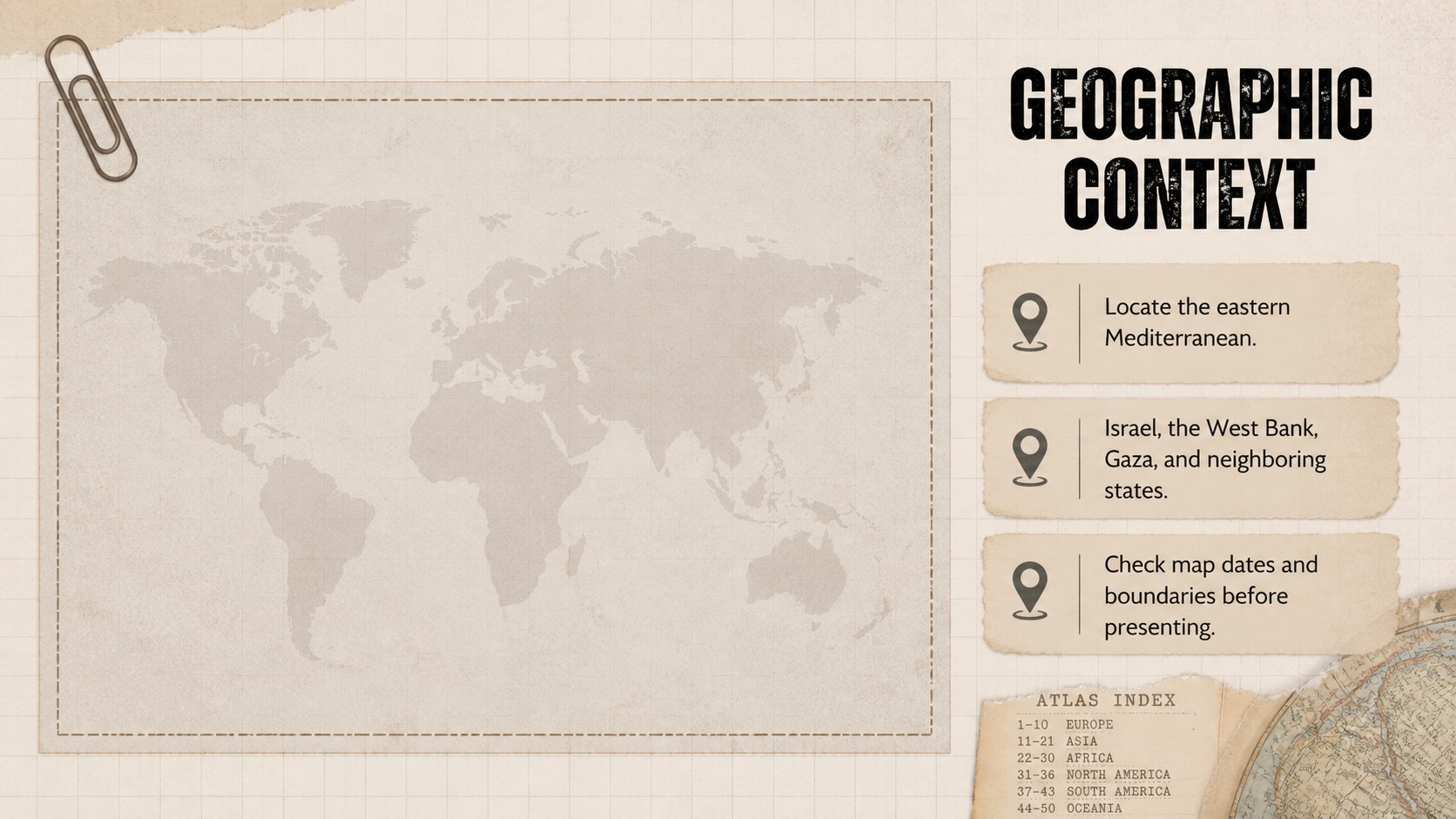
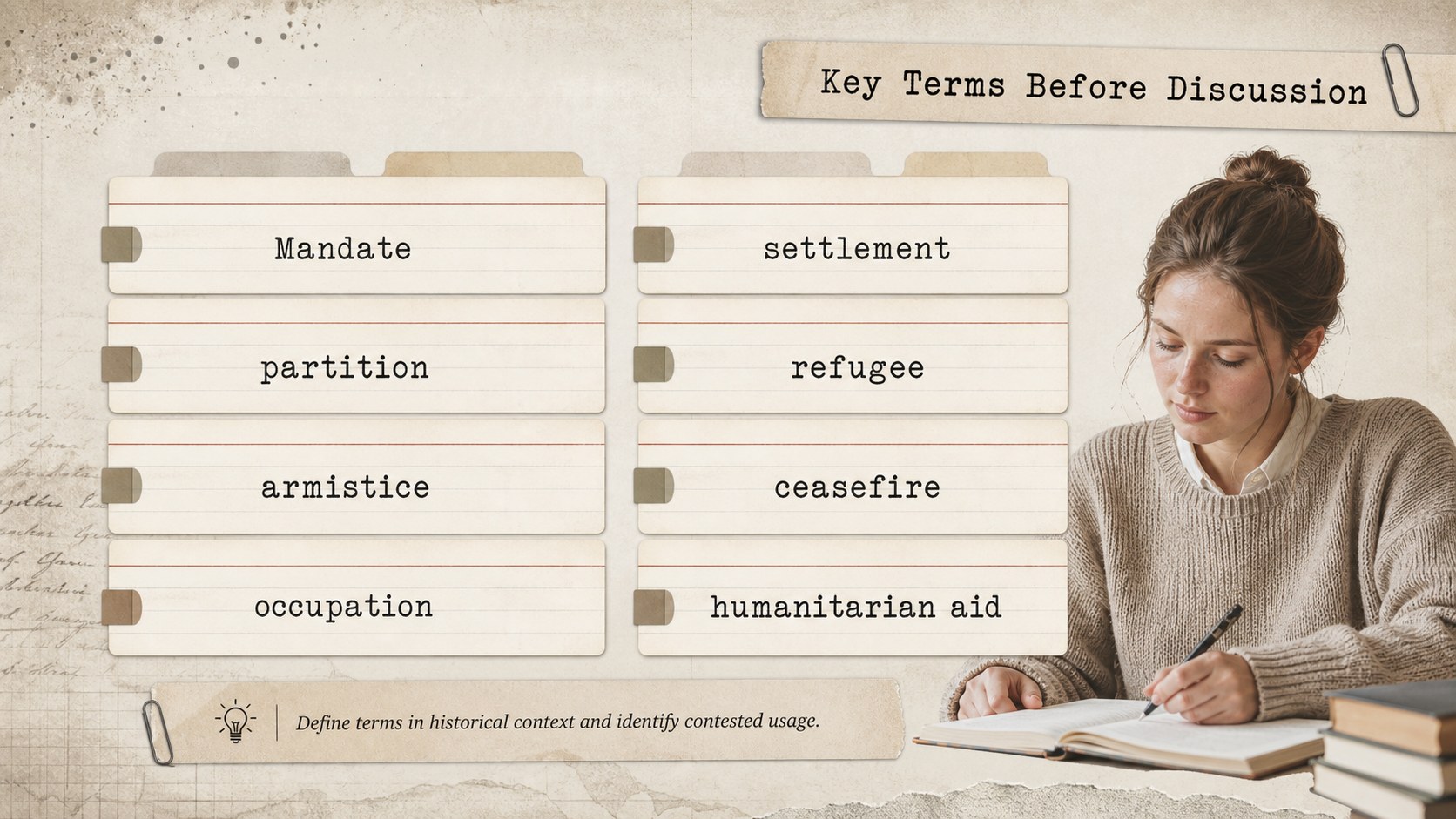
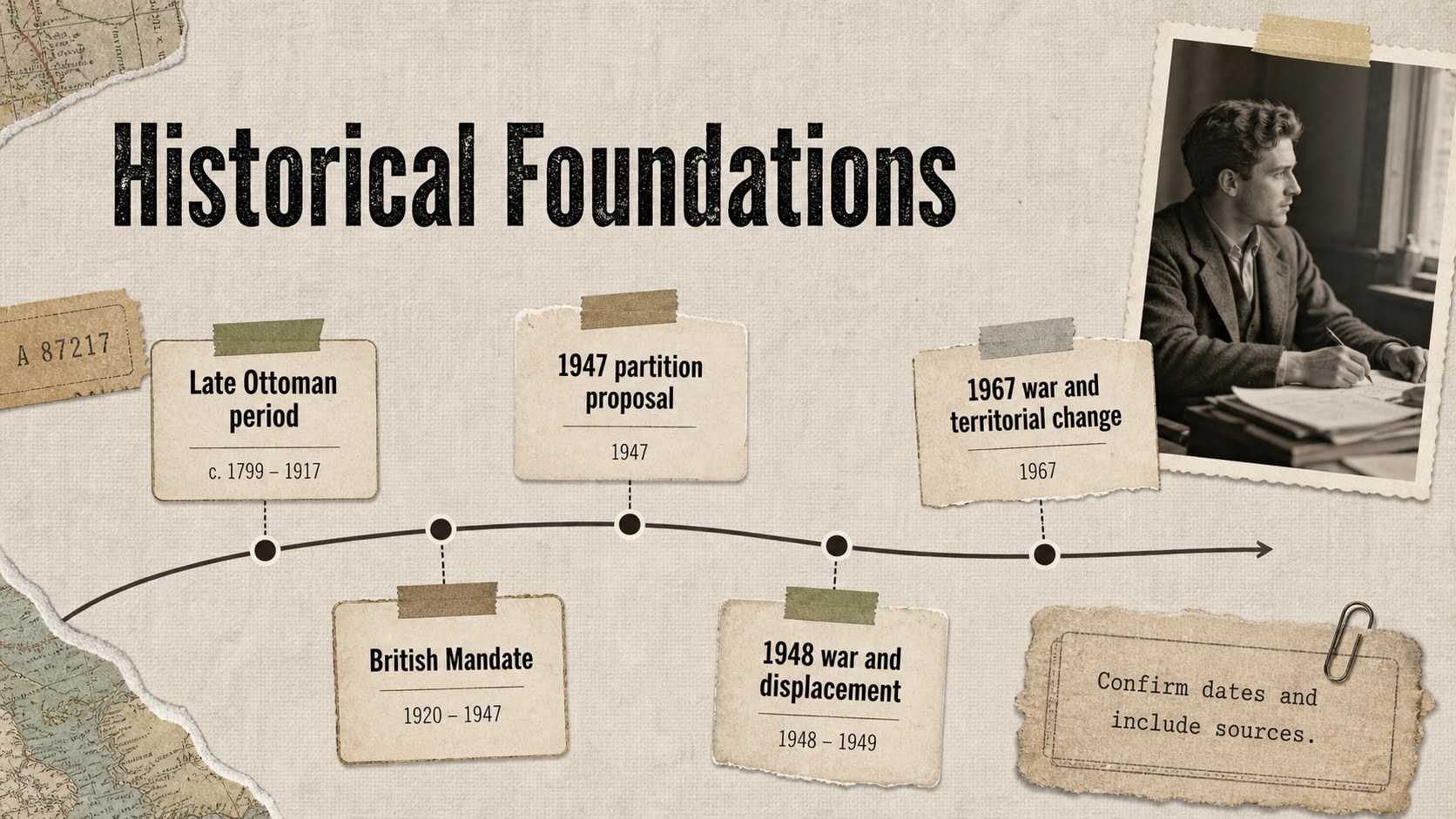
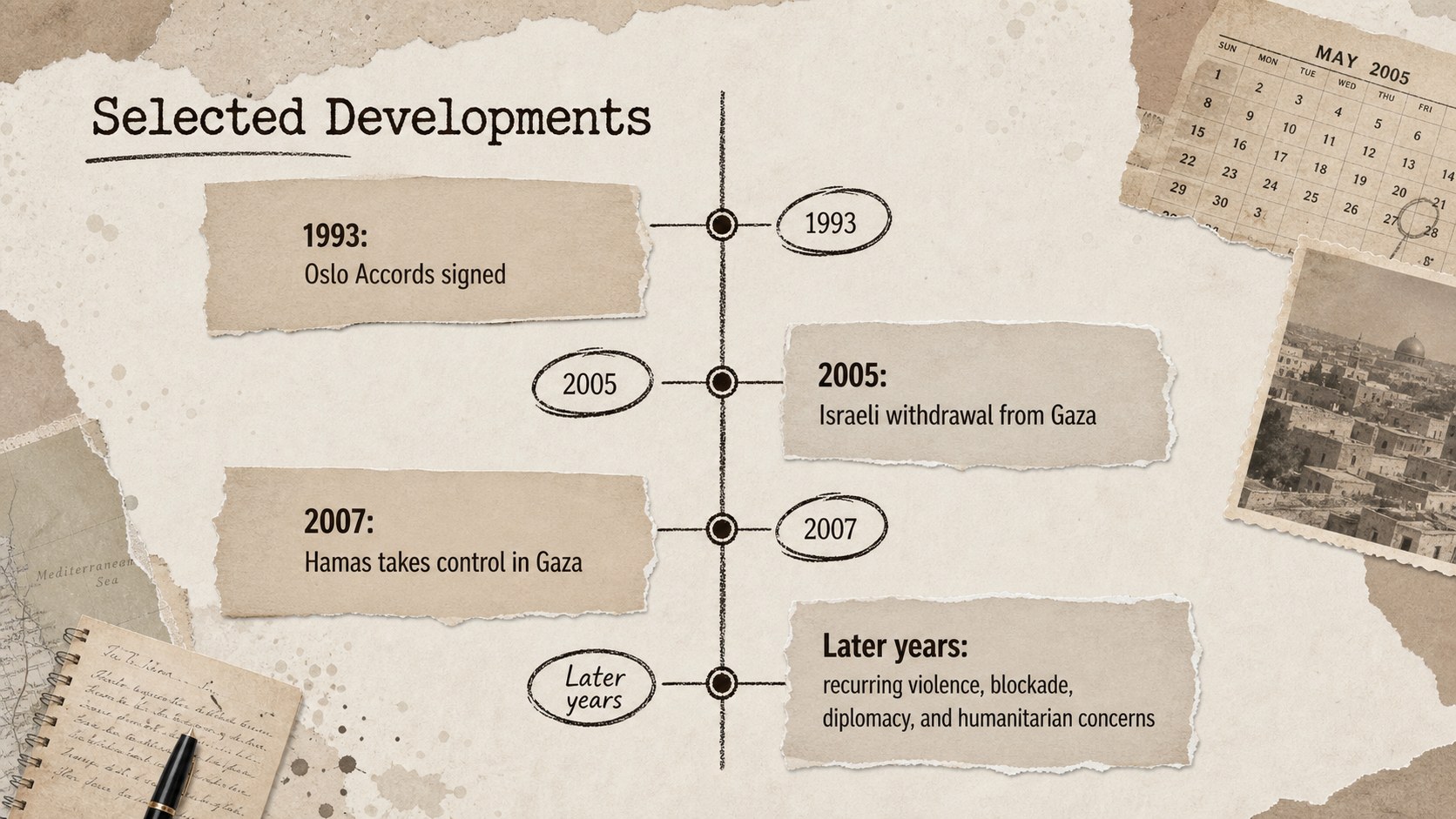
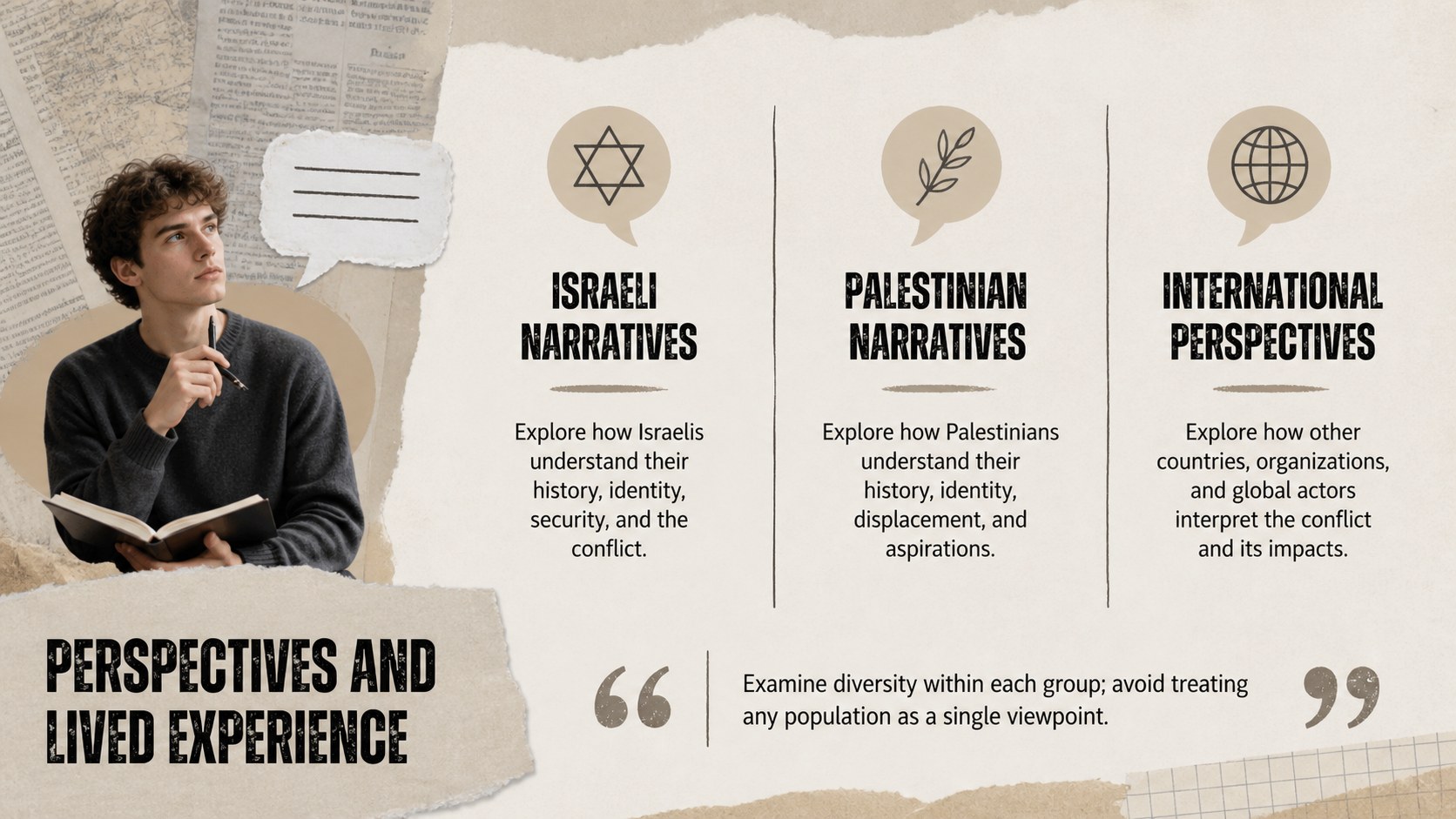
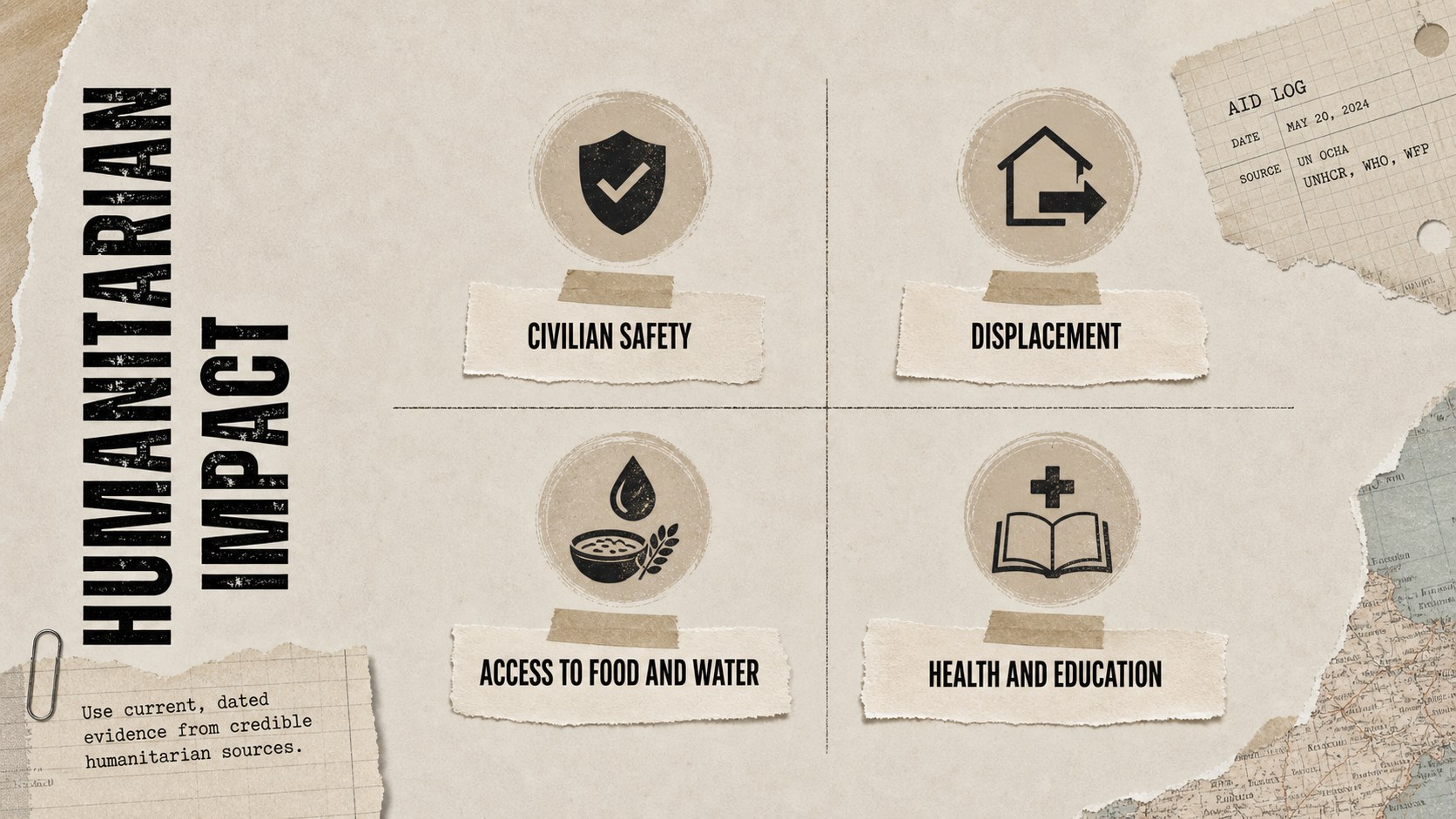
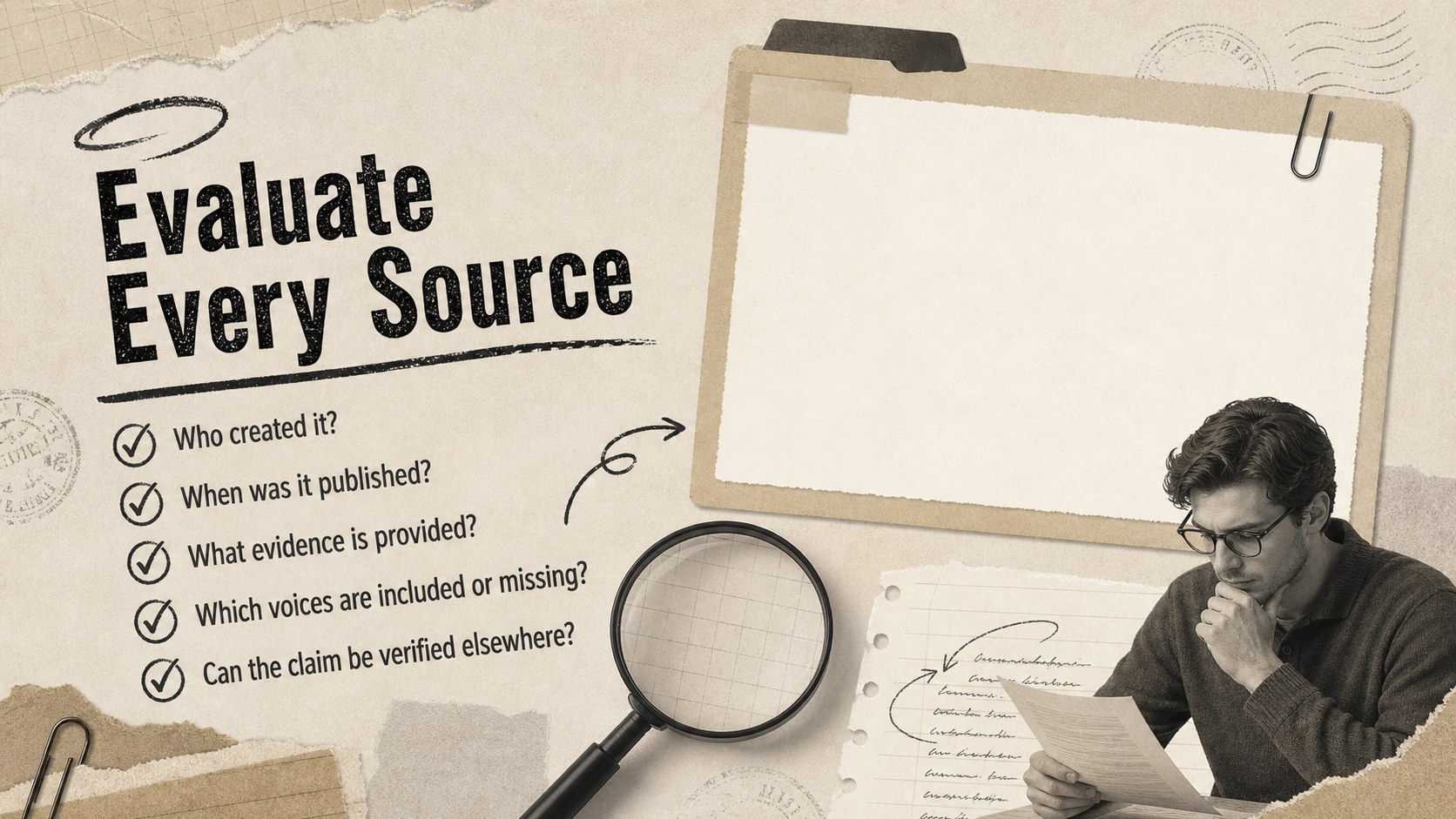
The 15-slide conflict history lesson presentation includes an opening question, geographic context, key terminology, a historical timeline, perspectives for discussion, humanitarian impact, source evaluation, and a closing reflection. Flexible layouts provide room for maps, quotations, dates, comparison tables, and teacher-selected evidence. Prompts encourage students to distinguish documented facts from claims, identify source context, and discuss difficult issues respectfully.
Use this editable Middle East history slide deck for a multi-day unit, a guided seminar, an introductory lecture, or an independent research assignment. Teachers can replace sample wording, reorder sections, add citations, and adapt the depth for secondary school or introductory college classes. Every layout is editable in PowerPoint and Google Slides, making it straightforward to update information as events develop. The neutral beige history presentation theme also works well for document-based questions, media literacy exercises, and classroom discussions that require careful framing.
Perfect for: secondary history lesson; social studies seminar; source evaluation workshop; document-based classroom discussion; introductory college lecture.
Frequently asked questions
Can I edit the slides in PowerPoint and Google Slides? Yes. Text, colors, images, maps, and layout elements can be edited in both PowerPoint and Google Slides. Font substitutions may occur if a typeface is not installed on your device.
Practical details
Yes. Text, colors, images, maps, and layout elements can be edited in both PowerPoint and Google Slides. Font substitutions may occur if a typeface is not installed on your device.
Yes. Shorten the timelines and simplify terminology for younger students, or add primary sources, citations, and deeper discussion questions for advanced classes. The slide order can also be changed to match your curriculum.
Check dates, statistics, maps, and quotations against current, credible sources before presenting. Add visible citations and distinguish established facts, reported claims, interpretations, and personal viewpoints.
Yes. Dedicated layouts support quotation analysis, source context, evidence checks, and reflection questions. You can duplicate these slides to examine additional documents or media reports.
Keep exploring
15Build stronger academic arguments with a college essay thesis builder featuring guided examples, revision prompts, and editable PowerPoint and Google Slides.
 15
15Build an engaging World UFO Day session with this flying saucer history lesson deck, featuring retro green-and-brown slides for PowerPoint and Google Slides.
 14
14Plan a memorable Lunar New Year campaign with the 2036 Dragon Year Celebration Theme, featuring bold red-and-yellow slides for lessons and events.
 15
15Build a thoughtful classroom discussion with this interfaith awareness lesson deck, featuring editable blue-and-white slides for PowerPoint and Google Slides.
 15
15Use this environmental awareness lesson deck to teach climate action through illustrated activities, discussion prompts, and ready-to-edit visuals.
 15
15Build playful lessons and party stories with a kid-friendly zombie celebration theme in purple, green and pastel blue for PowerPoint and Google Slides.
 15
15Build eerie lessons, campaigns, and story pitches with an undead survival scenario theme featuring editable slides for PowerPoint and Google Slides.
 16
16Turn environmental research into a clear story with a Watercolor Ecology Presentation Theme for PowerPoint and Google Slides in calming green and blue.