
 15
15presentation
College Essay Thesis Builder Slides
Build stronger academic arguments with a college essay thesis builder featuring guided examples, revision prompts, and editable PowerPoint and Google Slides.
Google SlidesPowerPoint
presentation · English
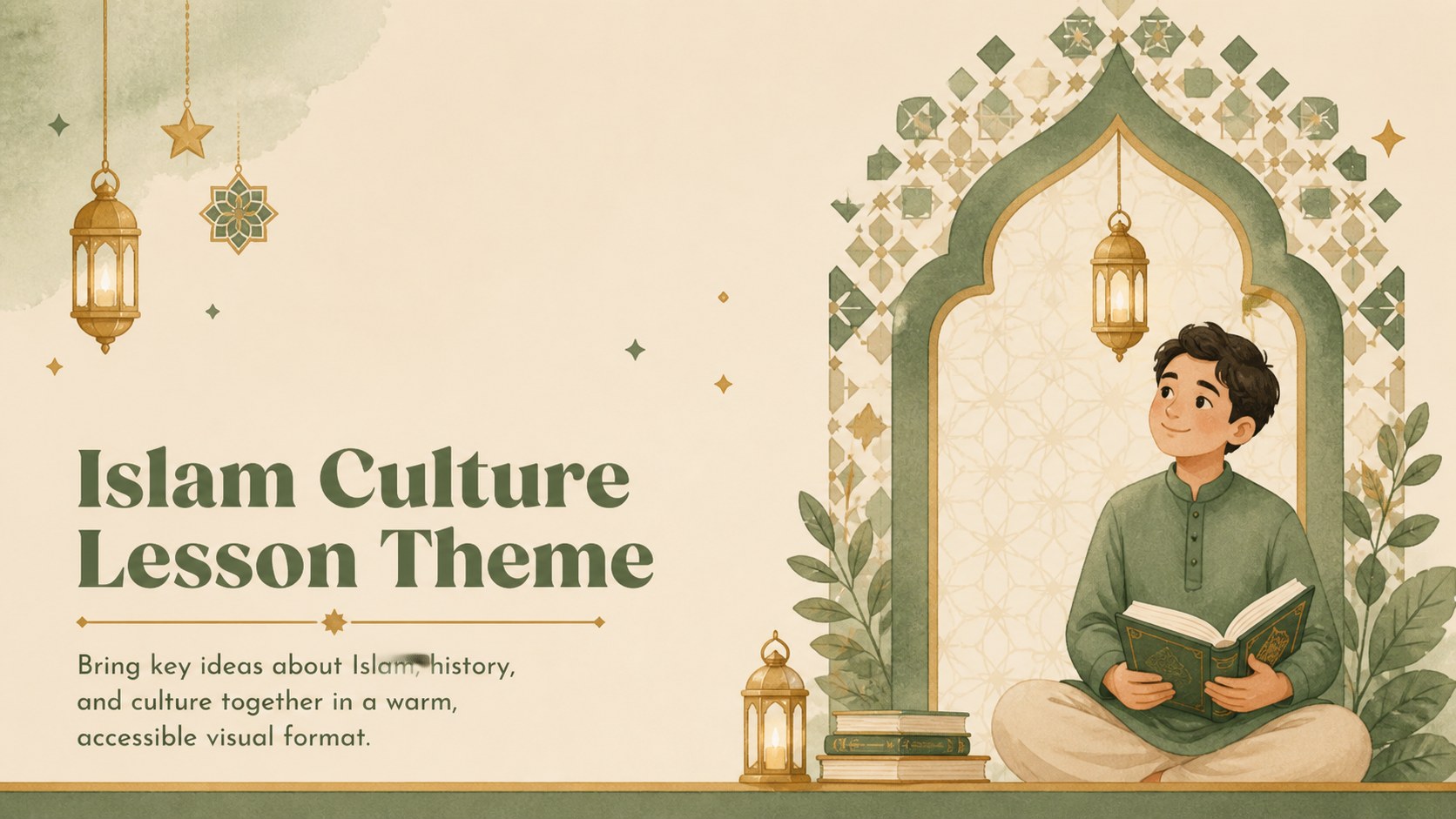
Build an engaging Islam culture lesson theme with friendly beige and green illustrations, editable slides, and flexible layouts for school and community…
Design notes
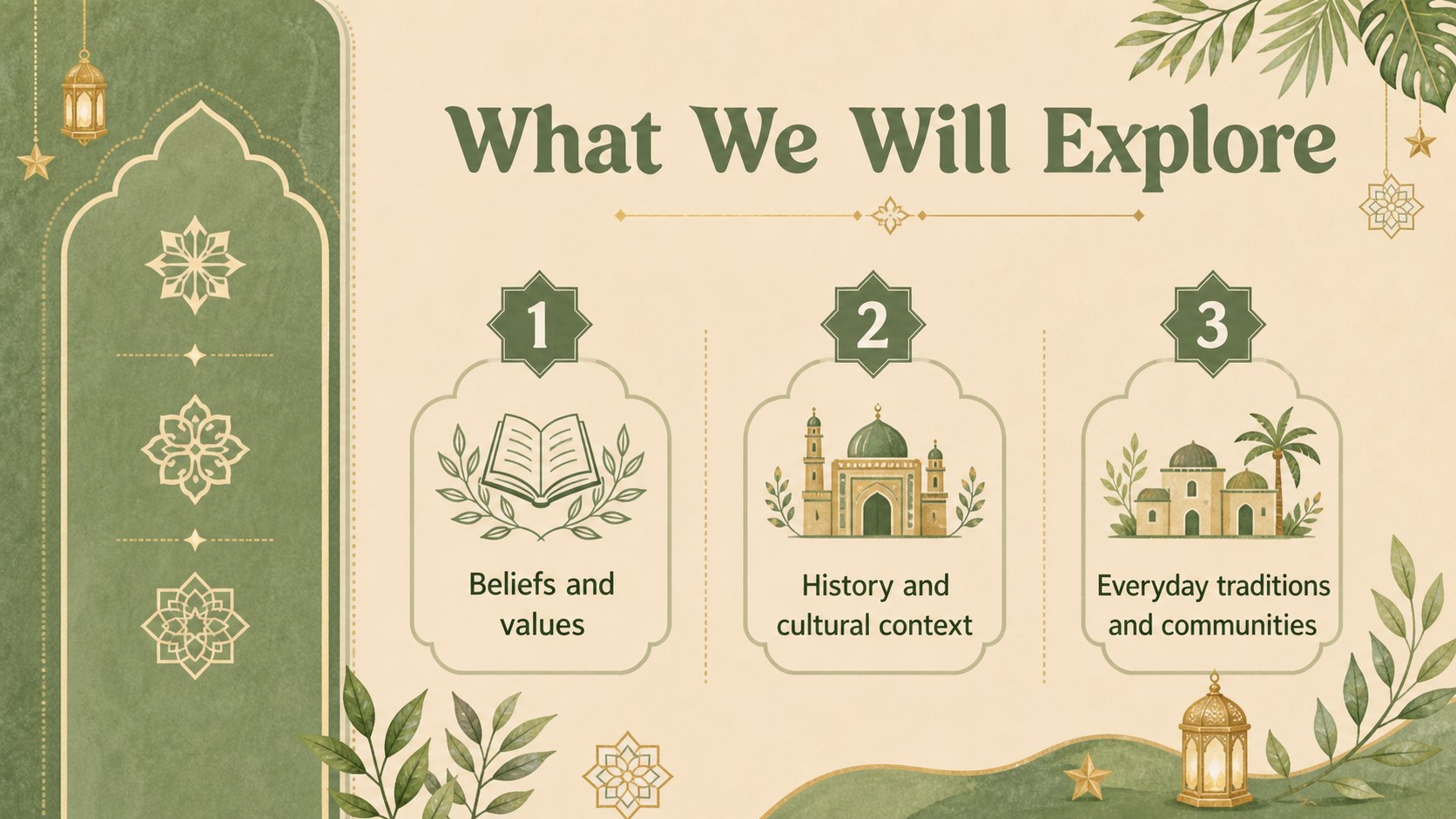
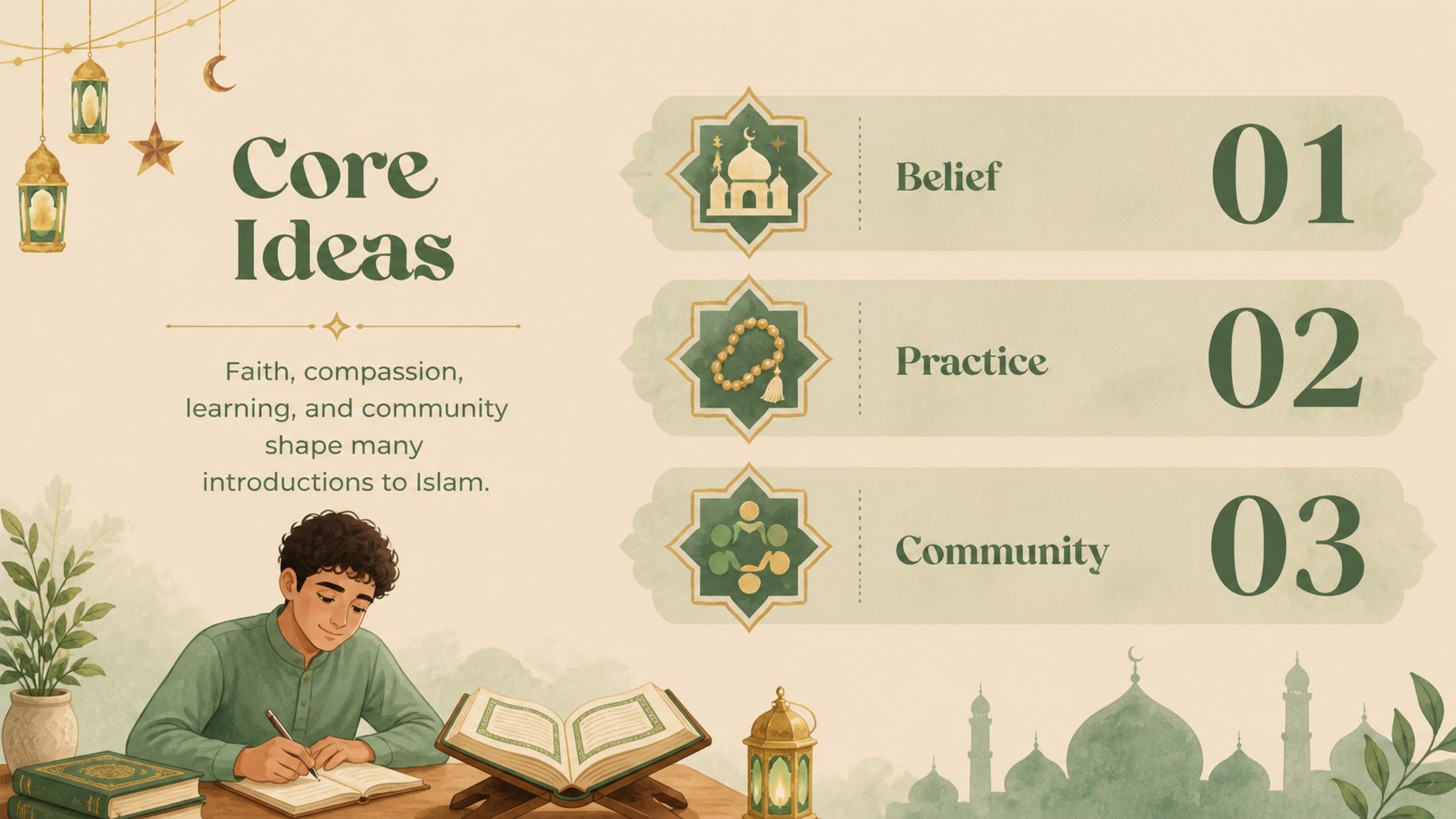
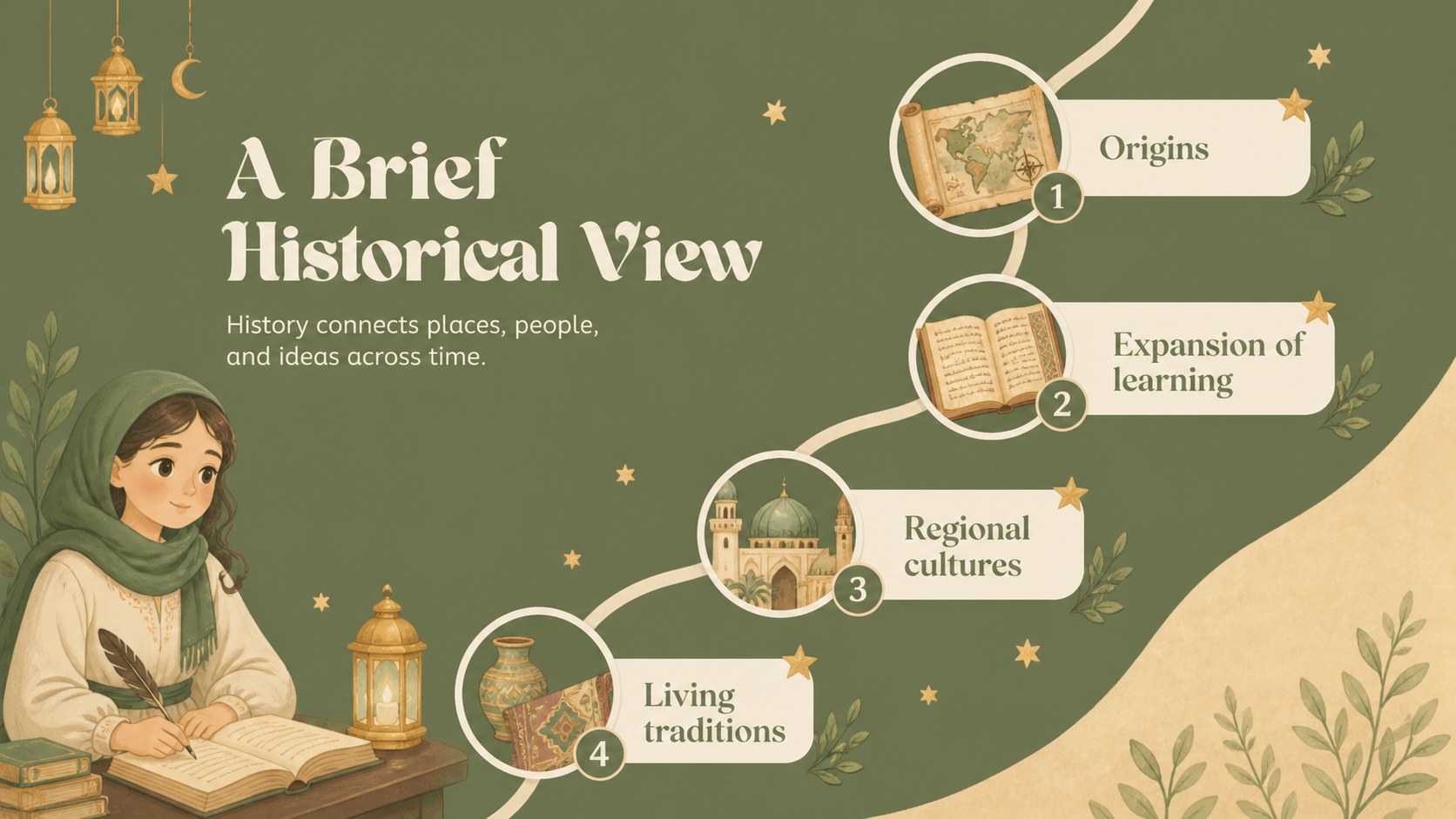
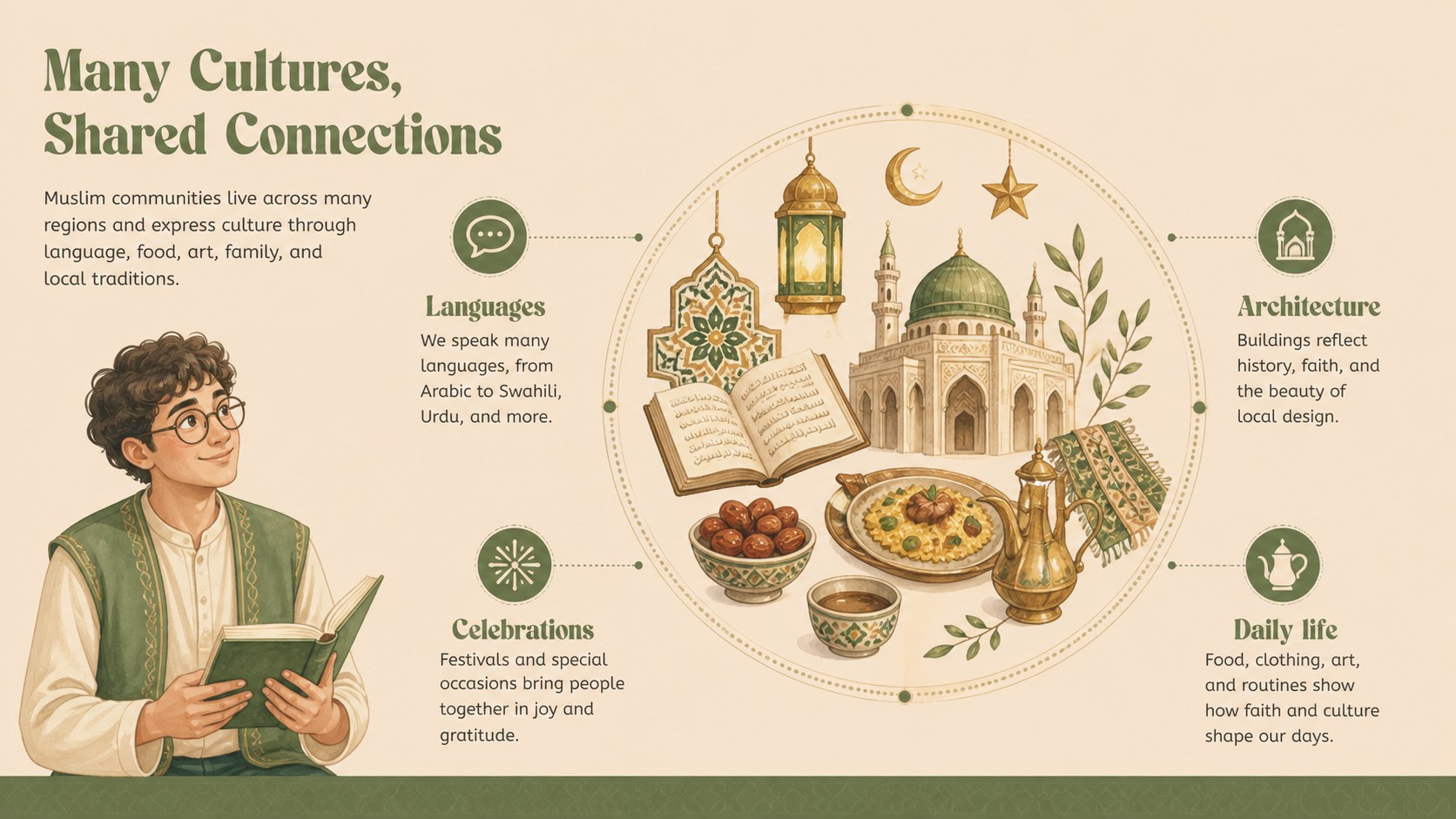
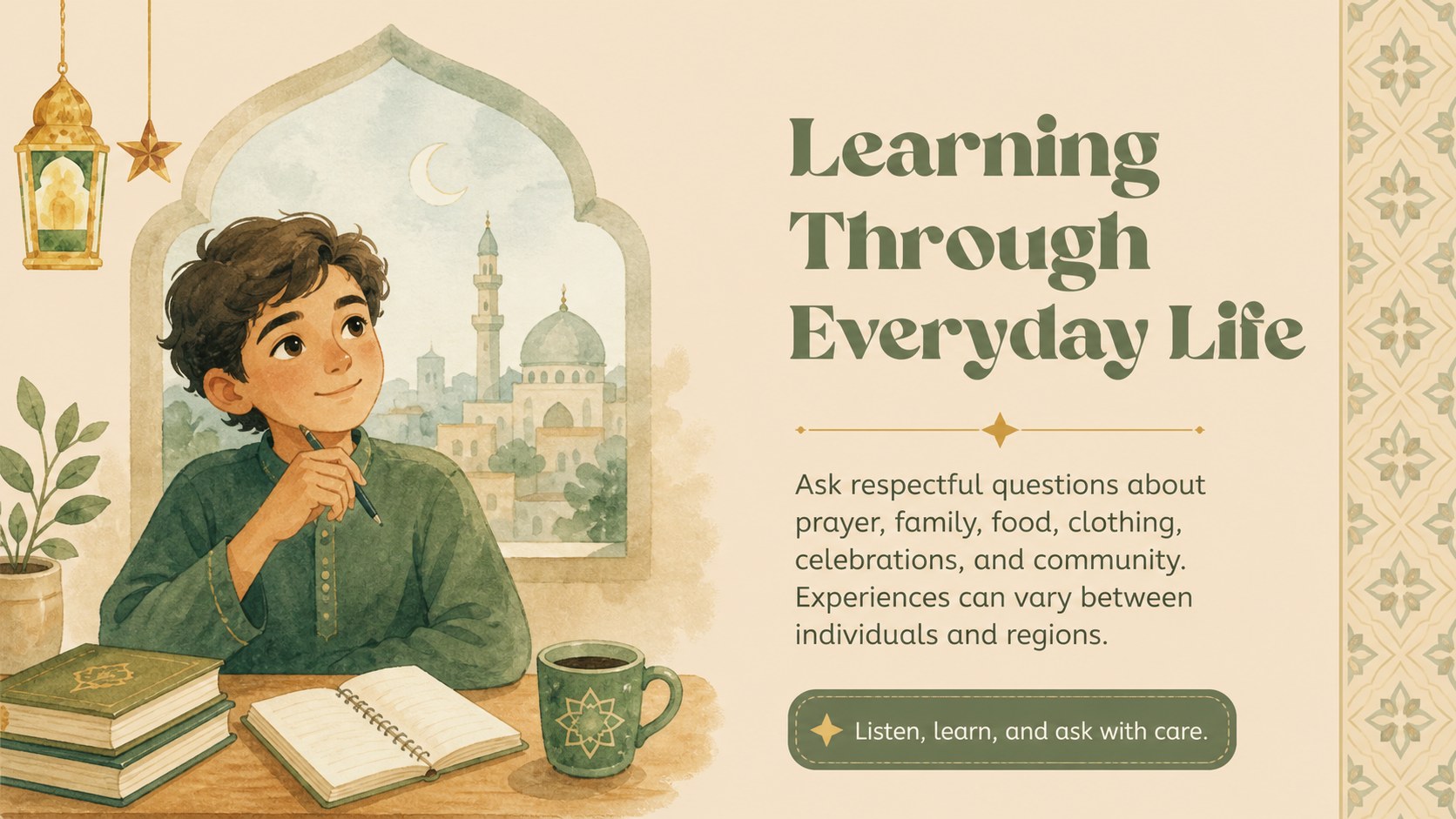
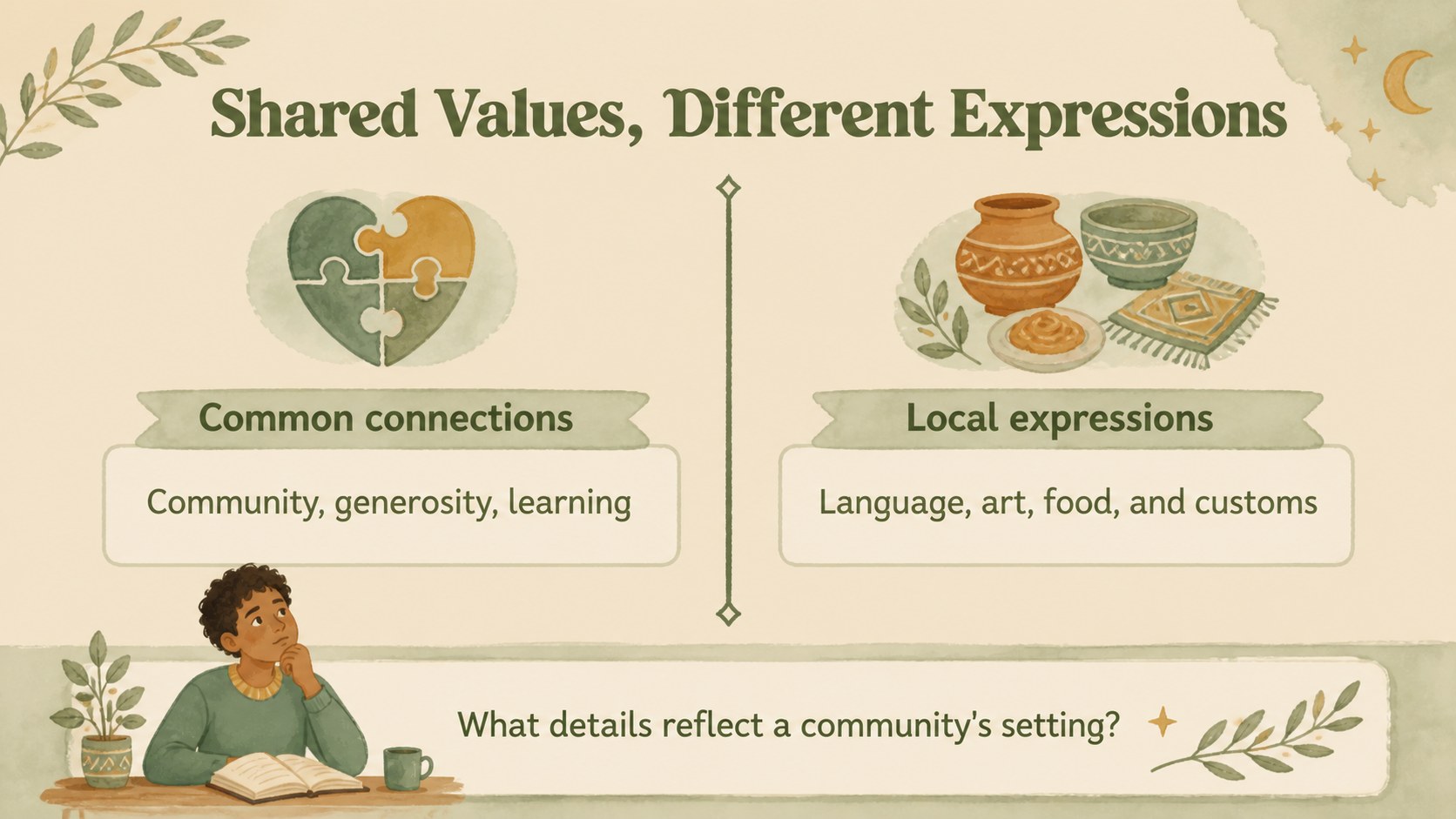
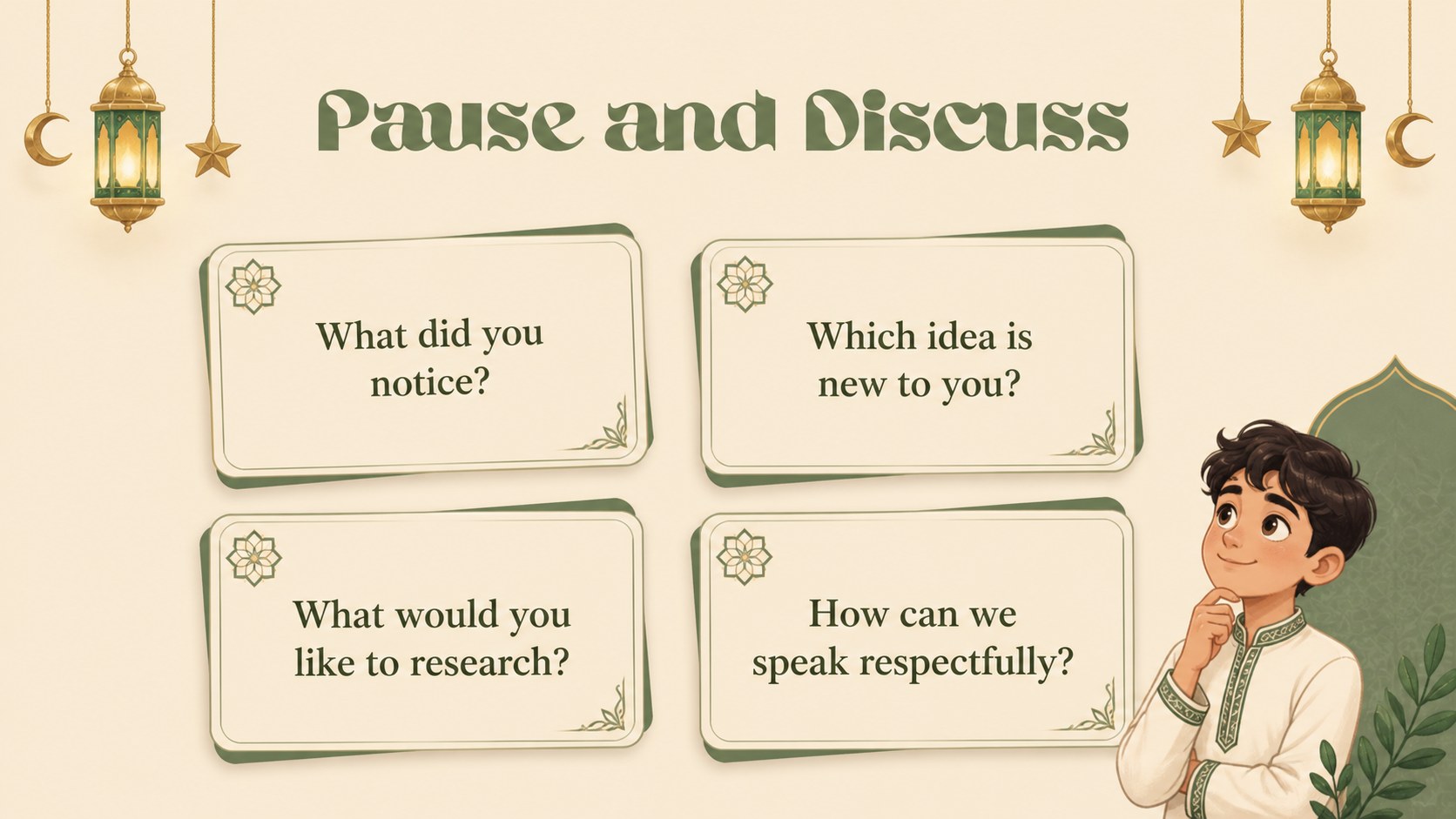
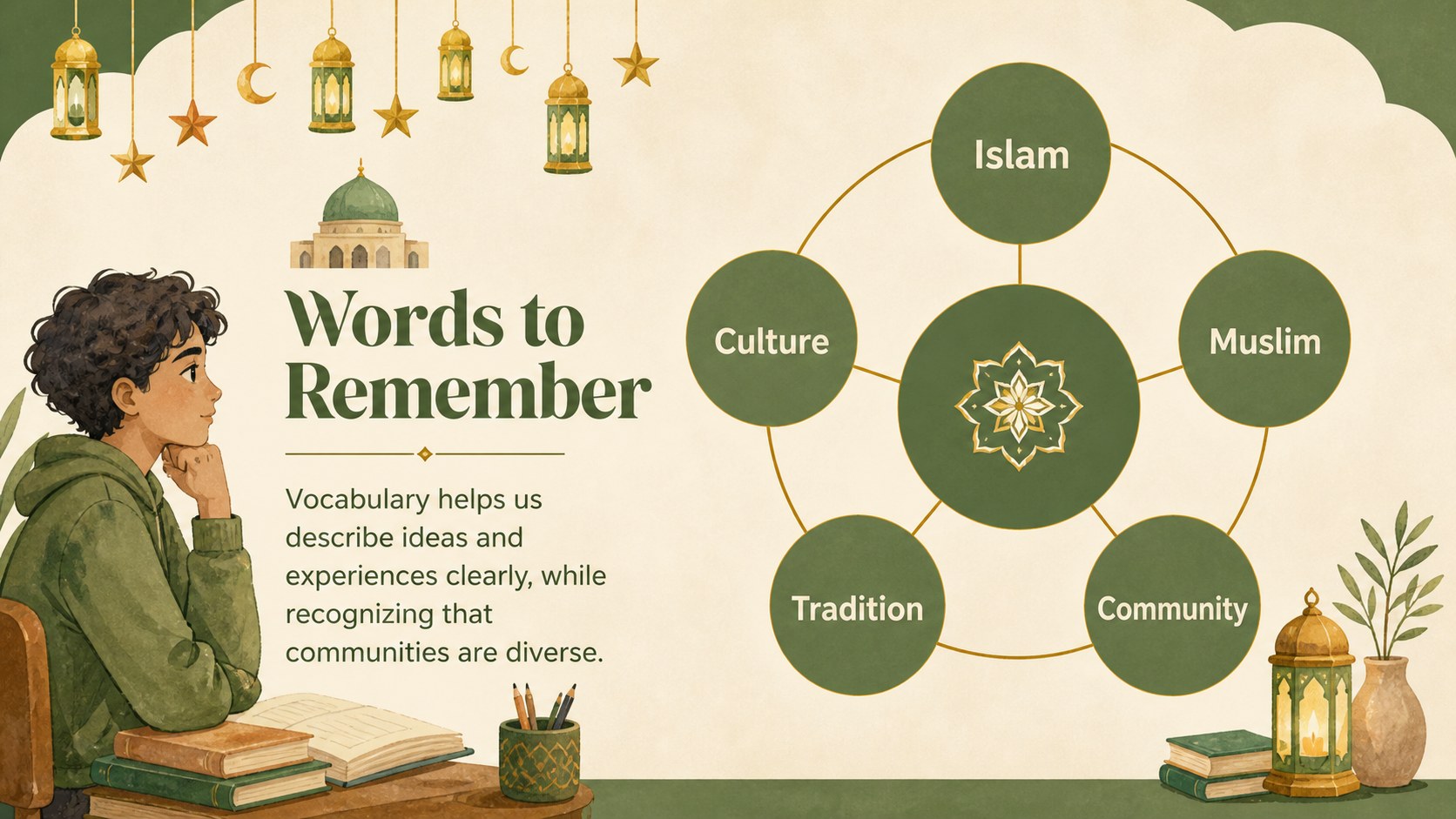
Make complex cultural and religious topics easier to introduce with this Islam culture lesson theme. Its welcoming beige and green palette, soft illustrated details, and clear structure create a respectful setting for educational presentations about Islam, Muslim communities, traditions, and historical context. The visual language is friendly enough for younger learners while remaining useful for classroom and community settings.
Inside, you will find 10 editable 16:9 slides for a cover, learning goals, key concepts, cultural context, timeline content, image-led explanations, comparison layouts, discussion prompts, and a closing summary. Use the flexible layouts to build islam culture lesson slides, an islam history classroom deck, or a short workshop about Muslim culture and religious practices. Charts, frames, shapes, transitions, and animated elements can be adjusted, while text and imagery remain easy to replace.
This resource is designed for teachers, students, youth groups, cultural educators, community speakers, and anyone preparing an accessible introduction to Islam. Add your own sources, vocabulary, maps, quotations, or discussion questions to adapt the presentation to different ages and learning goals. The Abeezee and Borel font pairing supports the approachable illustrated style, while the beige and green palette keeps the finished deck calm and cohesive.
Perfect for: school religion lesson; Muslim culture workshop; history classroom presentation; community education talk; student research project.
Frequently asked questions
Can I edit this presentation? Yes. The template is designed for, where you can replace text, illustrations, photos, colors, and fonts using the drag-and-drop editor. You can also duplicate or remove slides as your lesson develops.
Practical details
Yes. The template is designed for, where you can replace text, illustrations, photos, colors, and fonts using the drag-and-drop editor. You can also duplicate or remove slides as your lesson develops.
Yes. After opening the design, use Share and then Download or See all to choose PowerPoint or Google Drive. Exported files may need a quick formatting check because some animations and fonts do not transfer exactly.
The approachable illustrations and short content blocks work well for younger learners, youth groups, and introductory lessons. Adjust the vocabulary, examples, and amount of text to match the age group and curriculum.
Yes. The beige and green palette and Abeezee and Borel font pairing establish the original visual style, but both can be changed. Keep strong contrast between text and backgrounds so educational content remains easy to read.
Keep exploring
15Build stronger academic arguments with a college essay thesis builder featuring guided examples, revision prompts, and editable PowerPoint and Google Slides.
 15
15Build an engaging World UFO Day session with this flying saucer history lesson deck, featuring retro green-and-brown slides for PowerPoint and Google Slides.
 14
14Plan a memorable Lunar New Year campaign with the 2036 Dragon Year Celebration Theme, featuring bold red-and-yellow slides for lessons and events.
 15
15Build a thoughtful classroom discussion with this interfaith awareness lesson deck, featuring editable blue-and-white slides for PowerPoint and Google Slides.
 15
15Use this environmental awareness lesson deck to teach climate action through illustrated activities, discussion prompts, and ready-to-edit visuals.
 15
15Build playful lessons and party stories with a kid-friendly zombie celebration theme in purple, green and pastel blue for PowerPoint and Google Slides.
 15
15Build eerie lessons, campaigns, and story pitches with an undead survival scenario theme featuring editable slides for PowerPoint and Google Slides.
 16
16Turn environmental research into a clear story with a Watercolor Ecology Presentation Theme for PowerPoint and Google Slides in calming green and blue.