
 15
15presentation
College Essay Thesis Builder Slides
Build stronger academic arguments with a college essay thesis builder featuring guided examples, revision prompts, and editable PowerPoint and Google Slides.
Google SlidesPowerPoint
presentation · English
Build an interactive quiz night slide deck for classrooms, team events, and parties with editable blue game-show layouts for PowerPoint and Google Slides.



Design notes
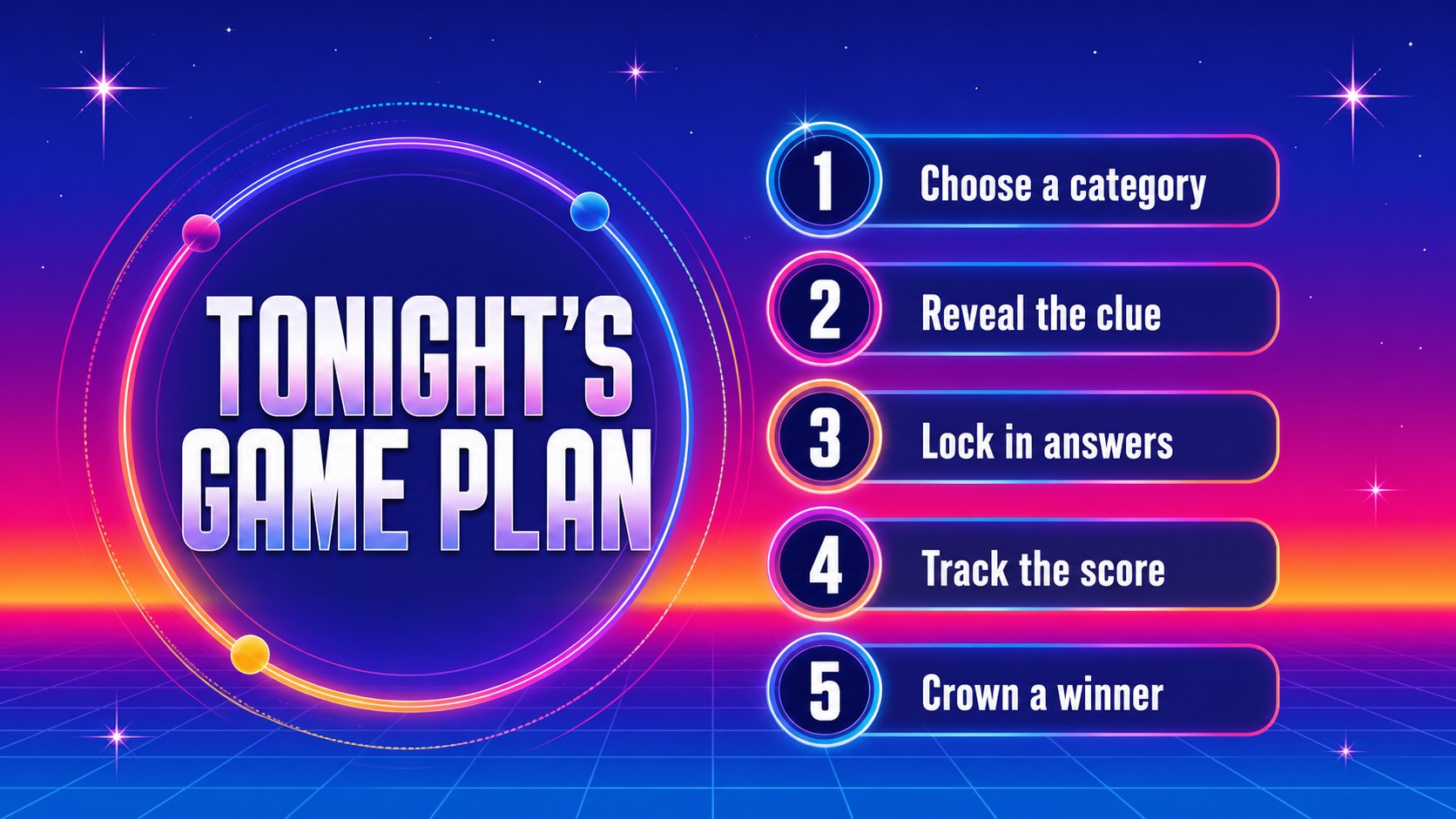
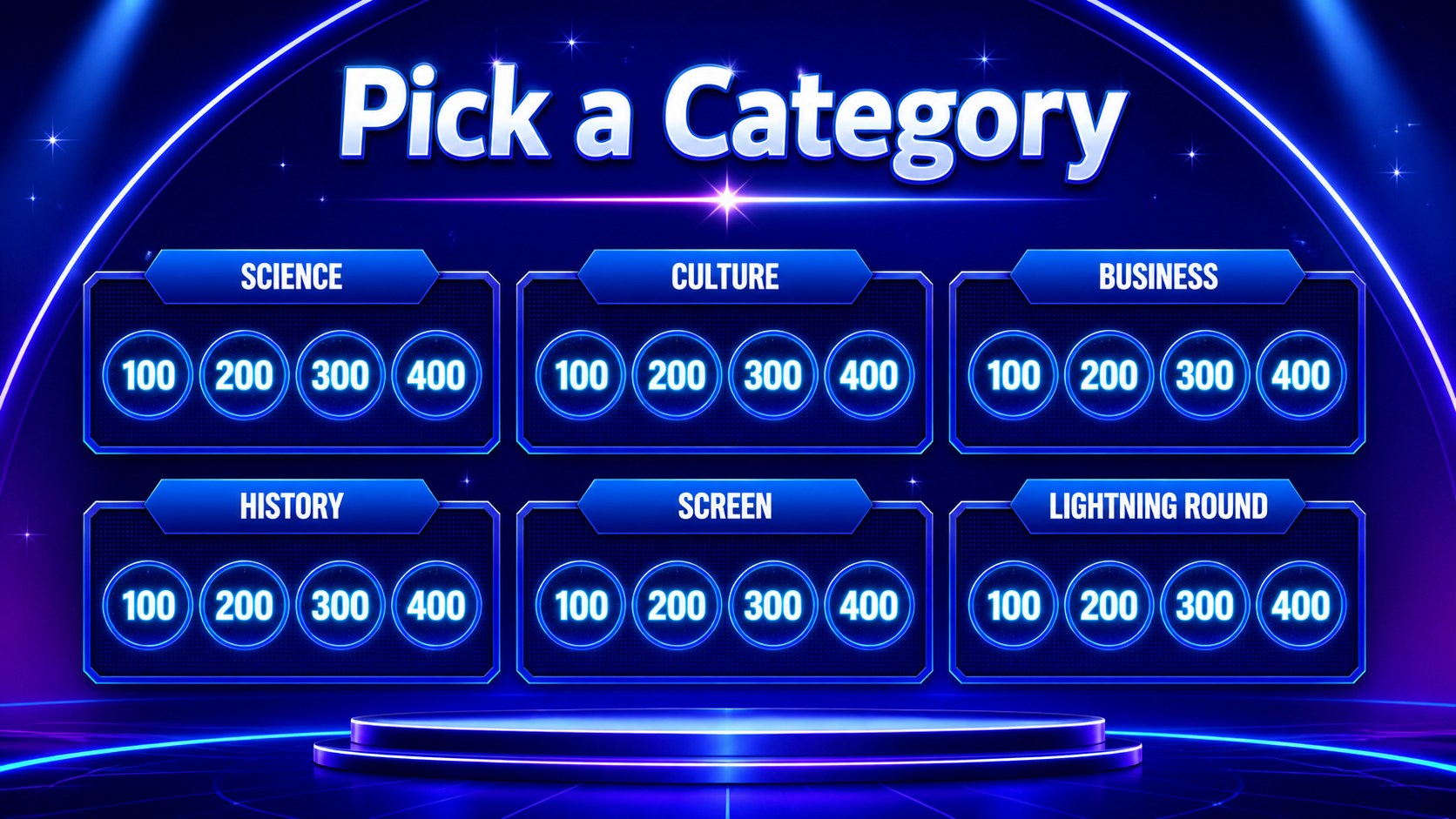
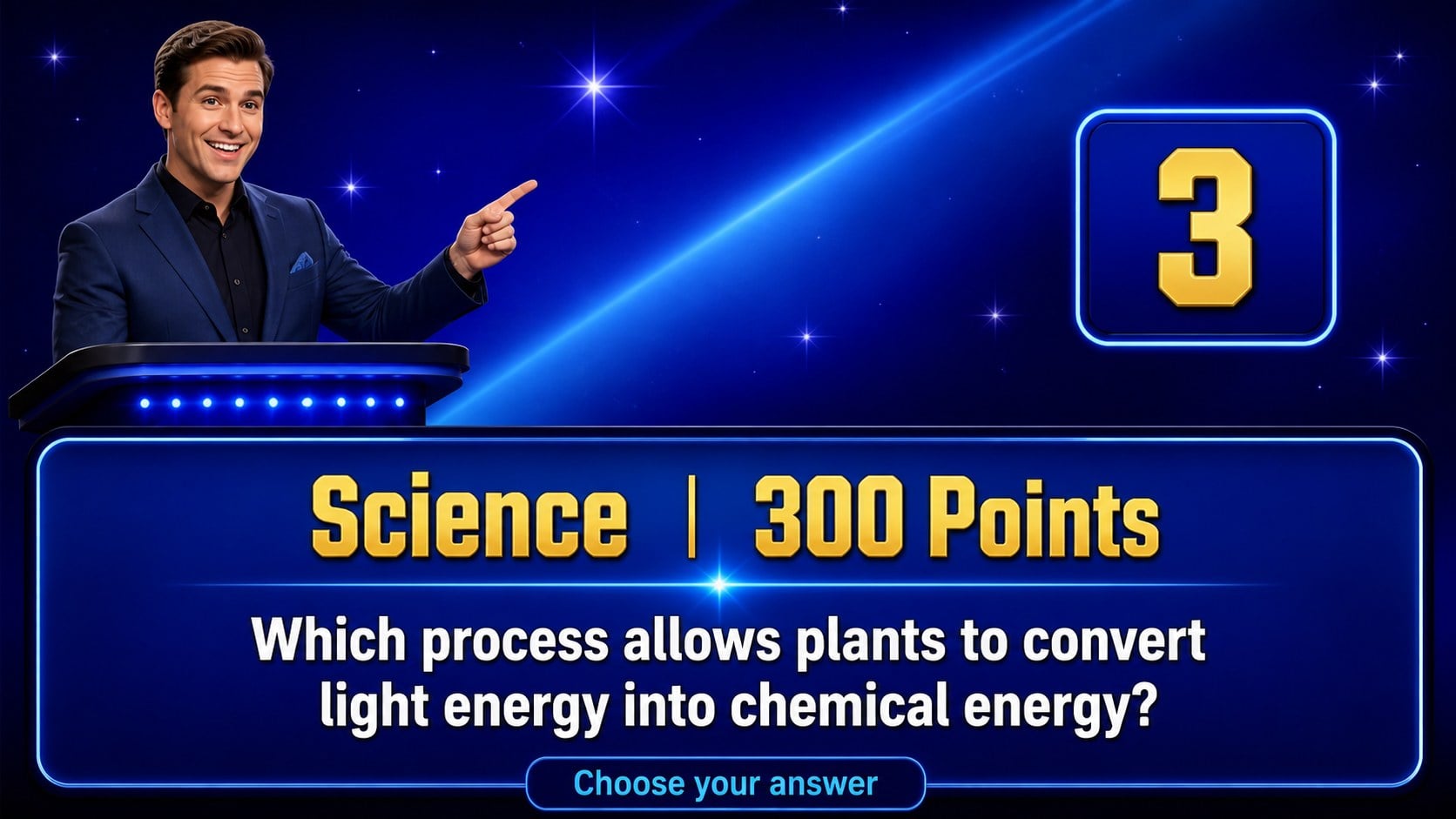
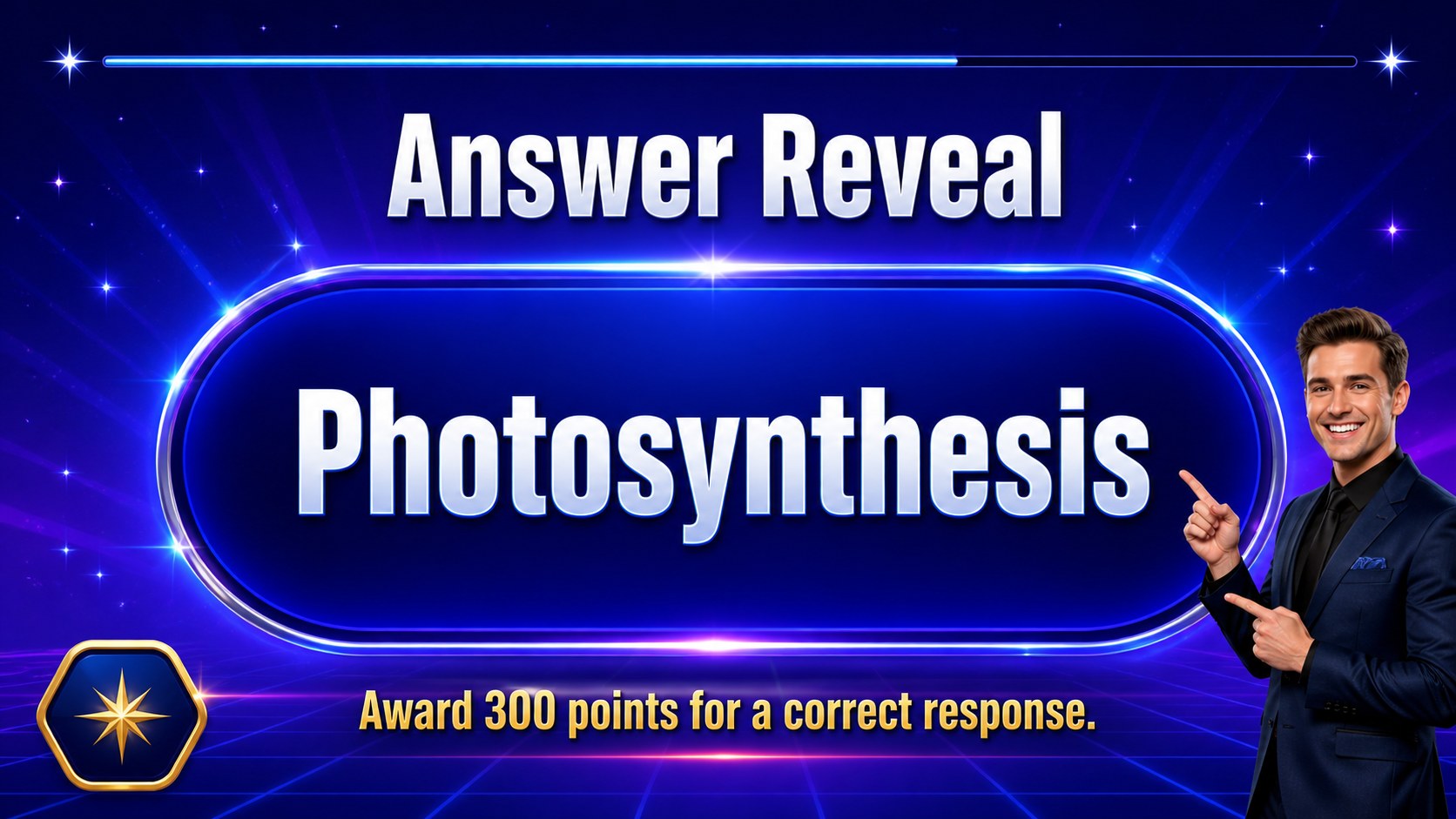
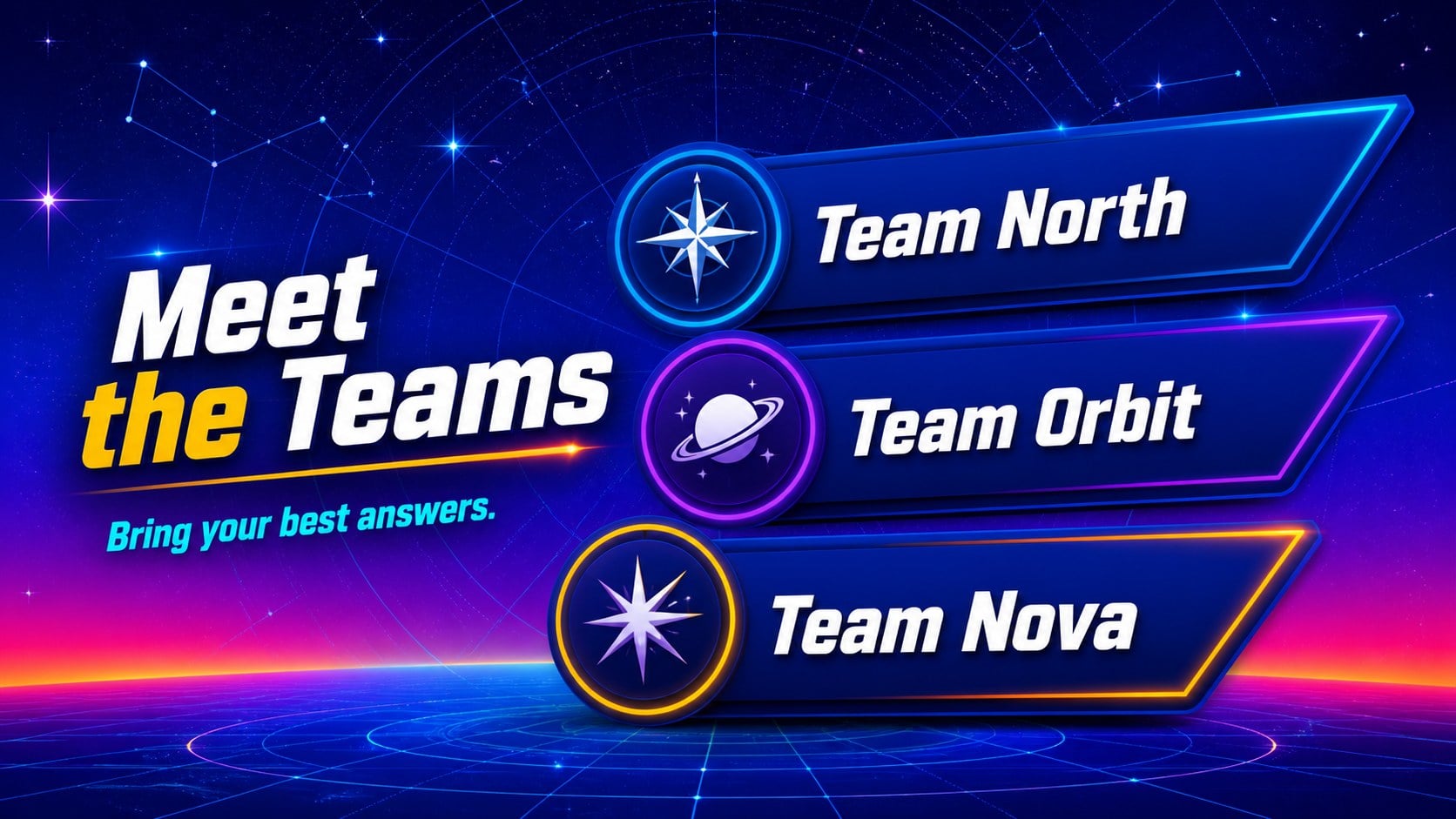
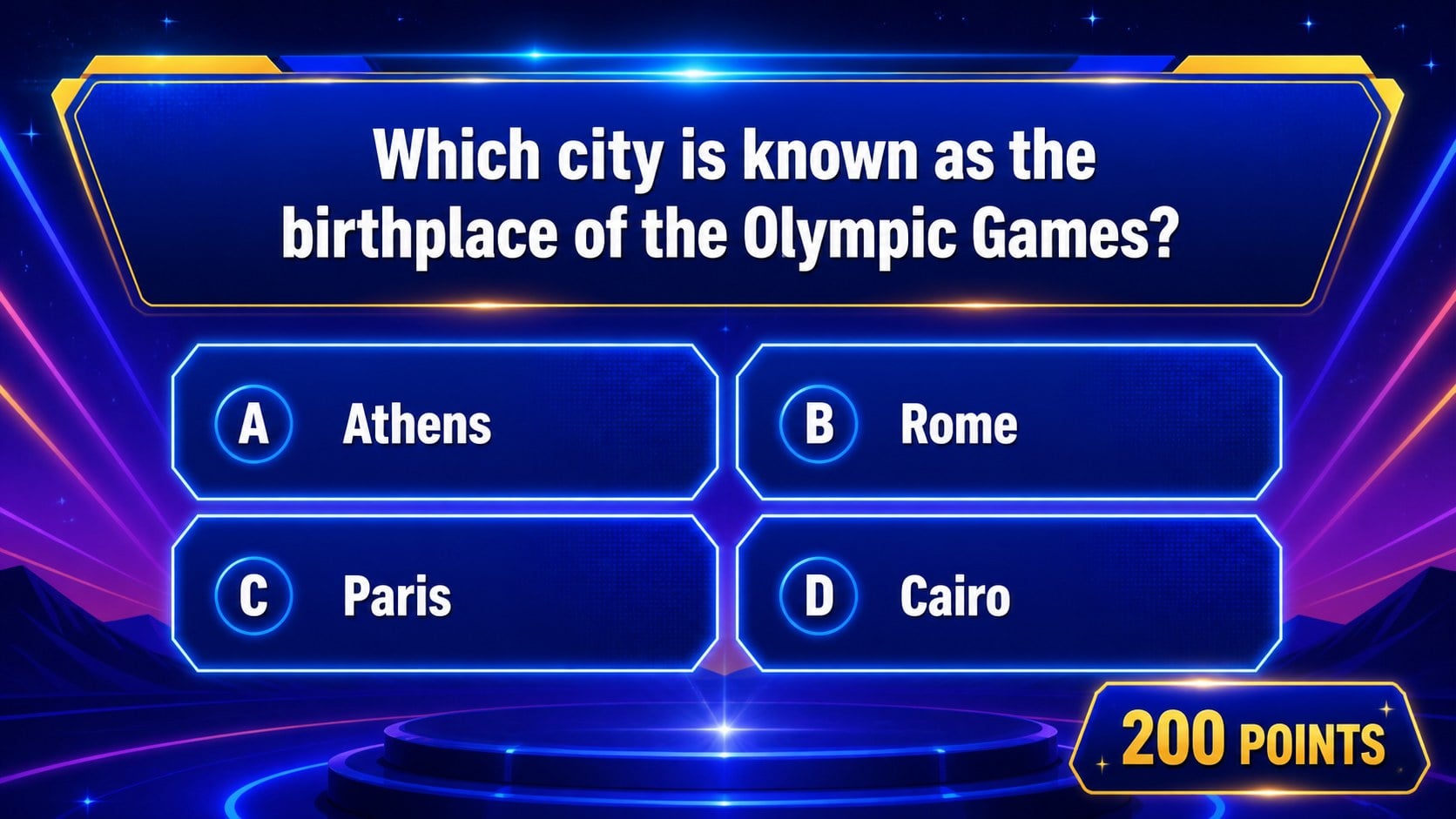
Interactive quiz night slide deck for classrooms, team events, training sessions, and parties. This editable presentation turns a familiar televised quiz format into a flexible activity where players choose categories, answer clues, and track points across multiple rounds. The bold blue palette, starry accents, oversized values, and high-contrast typography create an energetic game-show atmosphere while keeping the content readable on a large screen.
Inside, you’ll find a title screen, game instructions, category boards, question-and-answer layouts, scorekeeping slides, bonus-round screens, team introduction pages, and a closing results slide. Linked navigation makes it simple to move from a selected value to its clue and back to the board during live play. Use the included diagrams, icons, world map, and editable master layouts to tailor the experience to your subject, event, or brand.
This quiz presentation template is suited to teachers creating review activities, facilitators running workshops, HR teams hosting team-building sessions, and event organizers planning casual competitions. Edit text, colors, and graphics in PowerPoint or Google Slides, then present from a 16:9 screen. Add your own questions, answer keys, categories, team names, and scoring rules for a customized interactive quiz night.
Perfect for: classroom knowledge review; corporate team-building event; training workshop recap; pub-style trivia night; student club competition.
Frequently asked questions
Can I edit the questions and answers? Yes. Every text area can be replaced with your own categories, clues, answers, team names, and instructions. You can also adjust colors, icons, diagrams, and layouts to match your activity.
Practical details
Yes. Every text area can be replaced with your own categories, clues, answers, team names, and instructions. You can also adjust colors, icons, diagrams, and layouts to match your activity.
The deck works with Microsoft PowerPoint and Google Slides. Download it as a PowerPoint file or open it in Google Slides, then check the links after importing before presenting.
Category values link to their corresponding question slides, and navigation buttons can return players to the board. Duplicate or relink slides when adding rounds so the paths match your custom questions.
Yes. Replace the sample content with vocabulary, history, science, onboarding, product knowledge, or workshop review questions. The game-show structure works for both educational and social settings.
Keep exploring
15Build stronger academic arguments with a college essay thesis builder featuring guided examples, revision prompts, and editable PowerPoint and Google Slides.
 15
15Build an engaging World UFO Day session with this flying saucer history lesson deck, featuring retro green-and-brown slides for PowerPoint and Google Slides.
 14
14Plan a memorable Lunar New Year campaign with the 2036 Dragon Year Celebration Theme, featuring bold red-and-yellow slides for lessons and events.
 15
15Build a thoughtful classroom discussion with this interfaith awareness lesson deck, featuring editable blue-and-white slides for PowerPoint and Google Slides.
 15
15Use this environmental awareness lesson deck to teach climate action through illustrated activities, discussion prompts, and ready-to-edit visuals.
 15
15Build playful lessons and party stories with a kid-friendly zombie celebration theme in purple, green and pastel blue for PowerPoint and Google Slides.
 15
15Build eerie lessons, campaigns, and story pitches with an undead survival scenario theme featuring editable slides for PowerPoint and Google Slides.
 16
16Turn environmental research into a clear story with a Watercolor Ecology Presentation Theme for PowerPoint and Google Slides in calming green and blue.