
 15
15presentation
College Essay Thesis Builder Slides
Build stronger academic arguments with a college essay thesis builder featuring guided examples, revision prompts, and editable PowerPoint and Google Slides.
Google SlidesPowerPoint
presentation · English
Build an energetic map-reading lesson with interactive geography quiz slides for PowerPoint and Google Slides, using neon routes, quick challenges, and…
Design notes
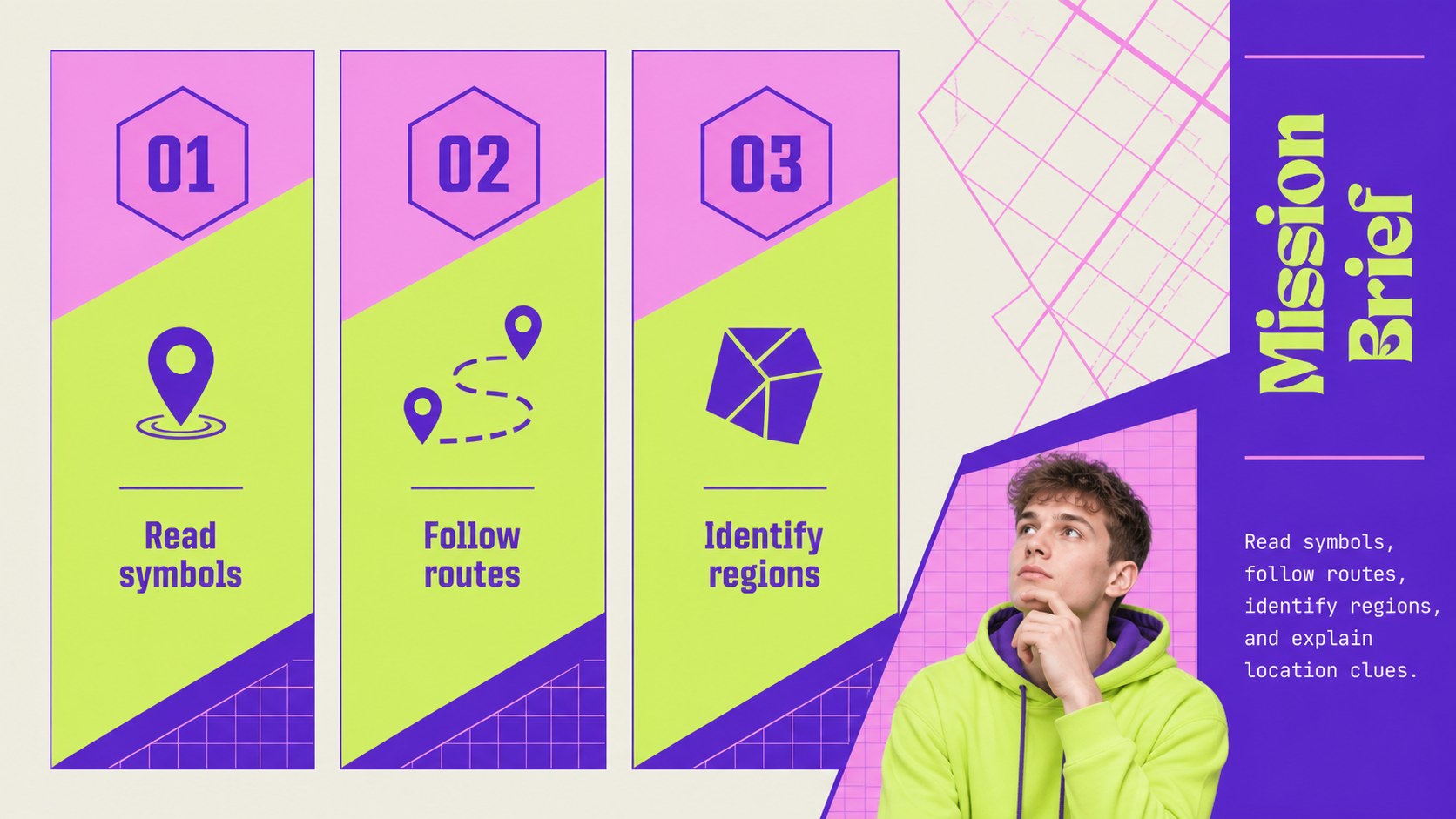
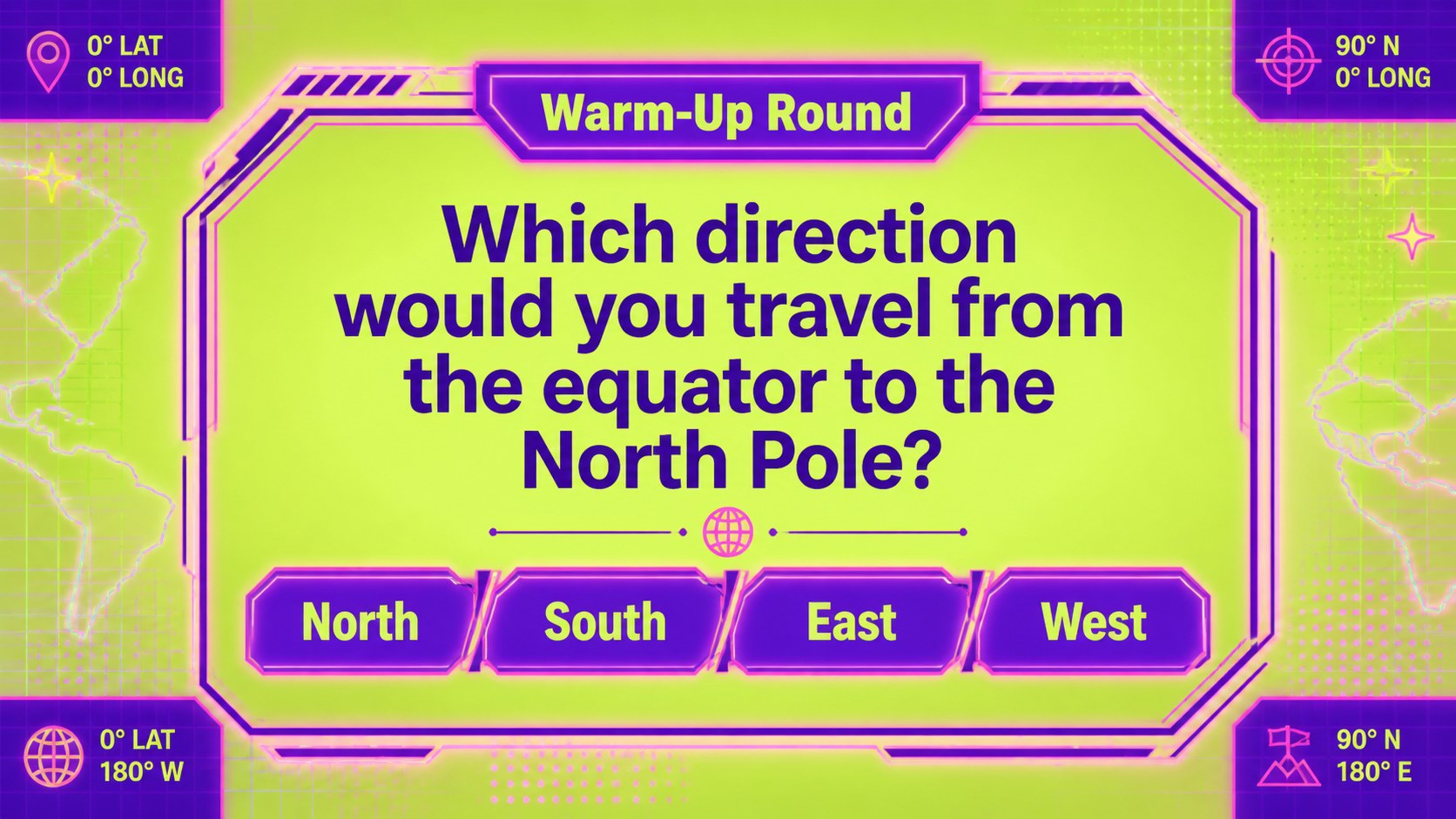
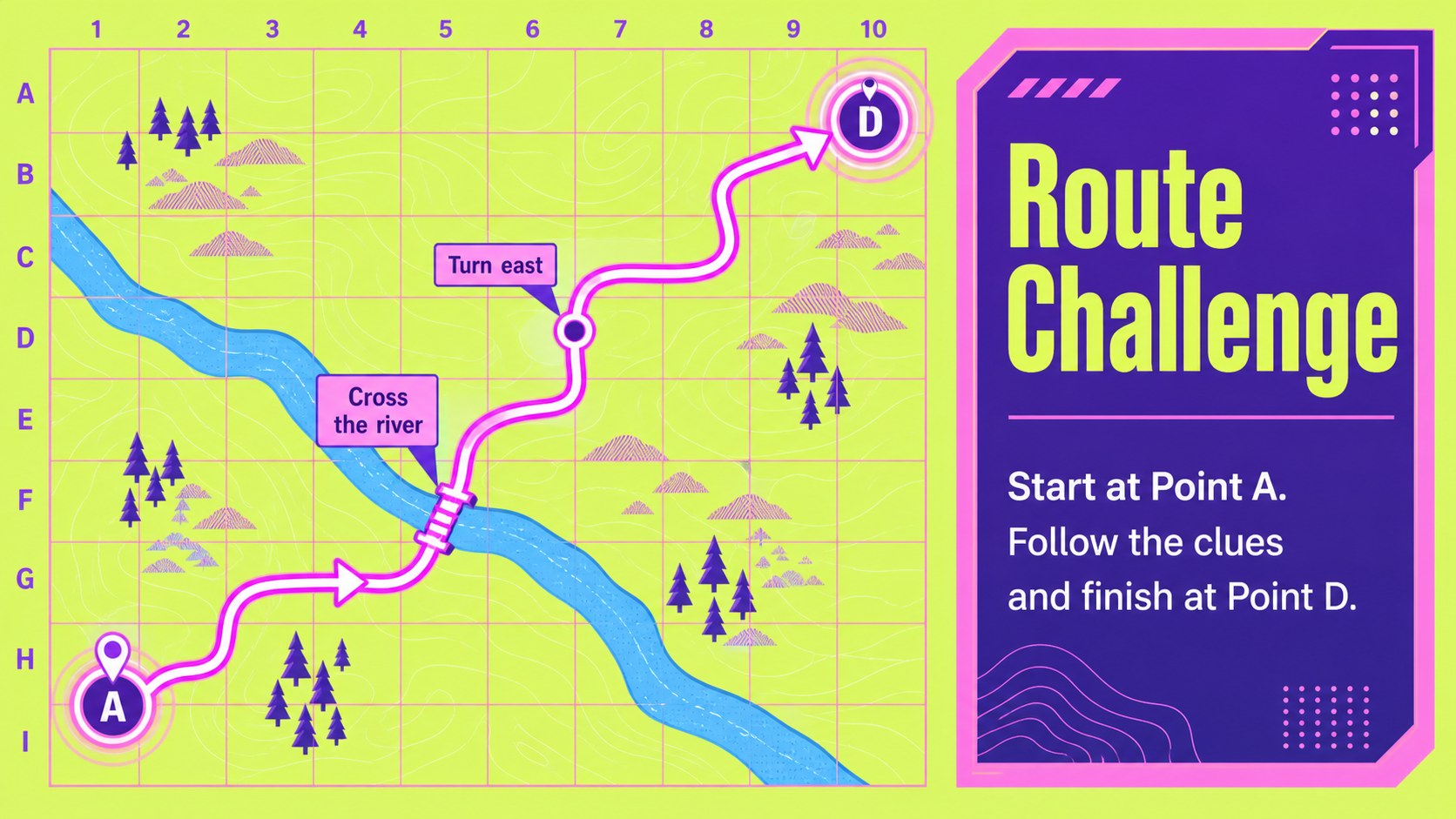
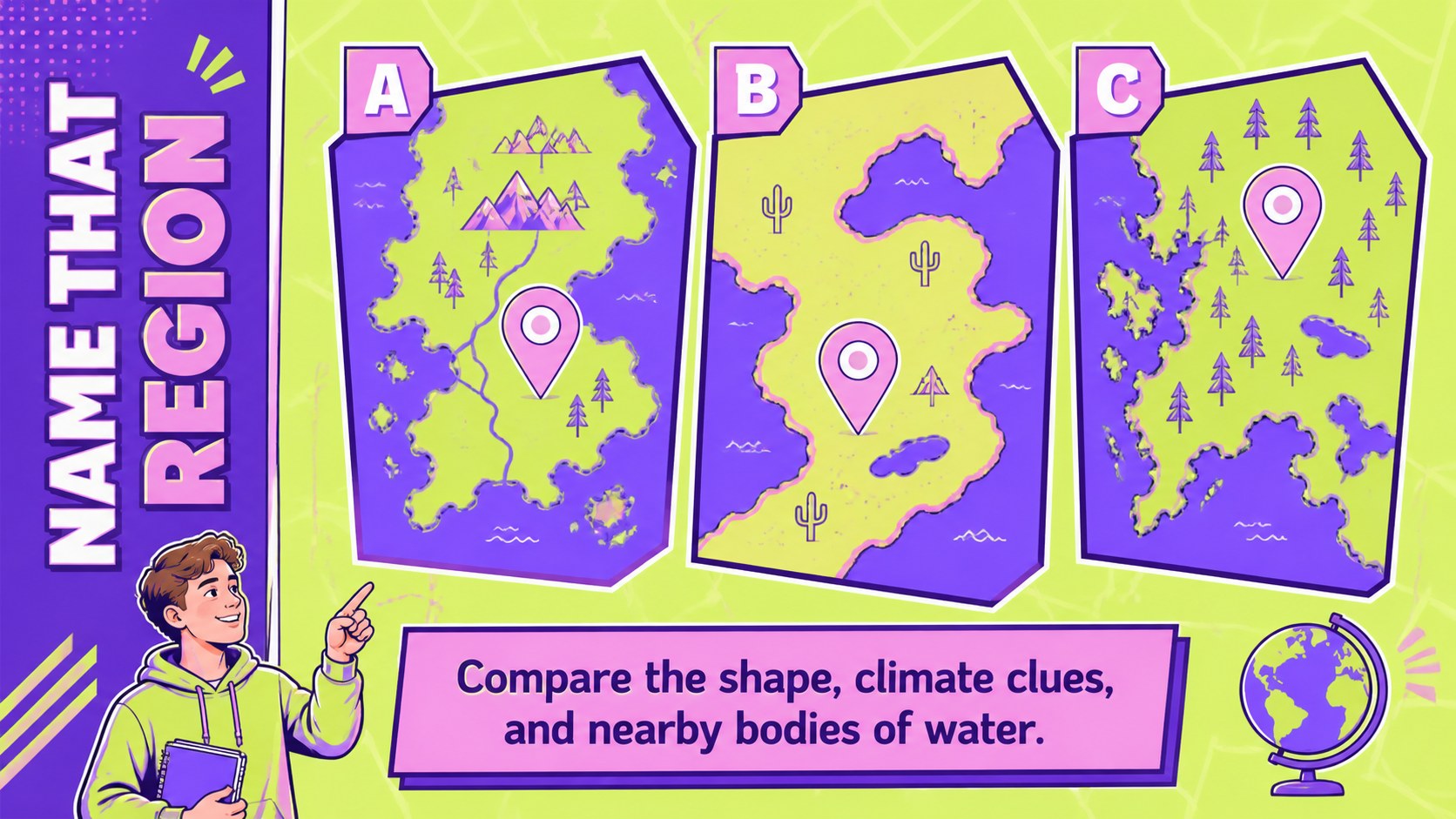
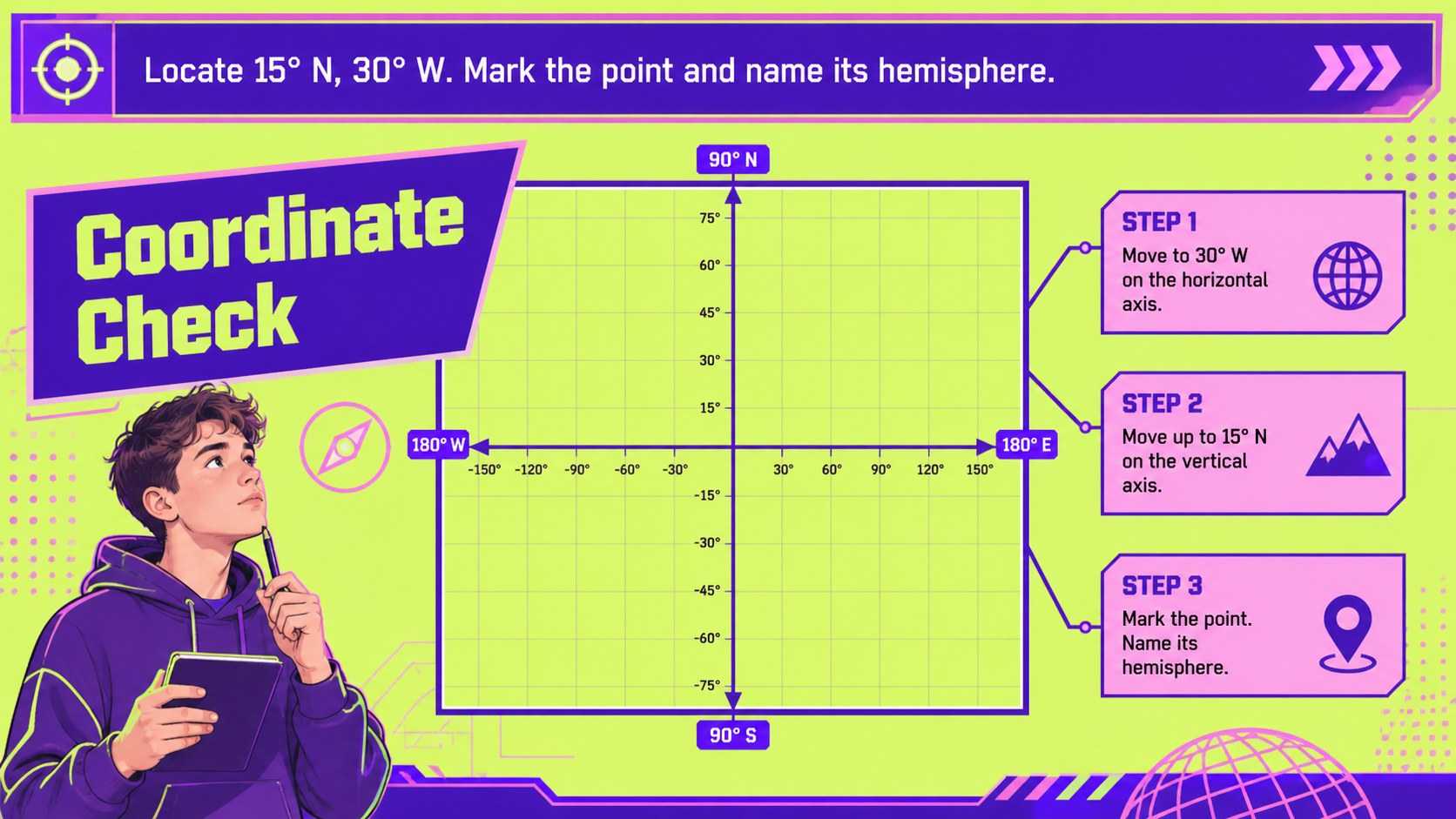
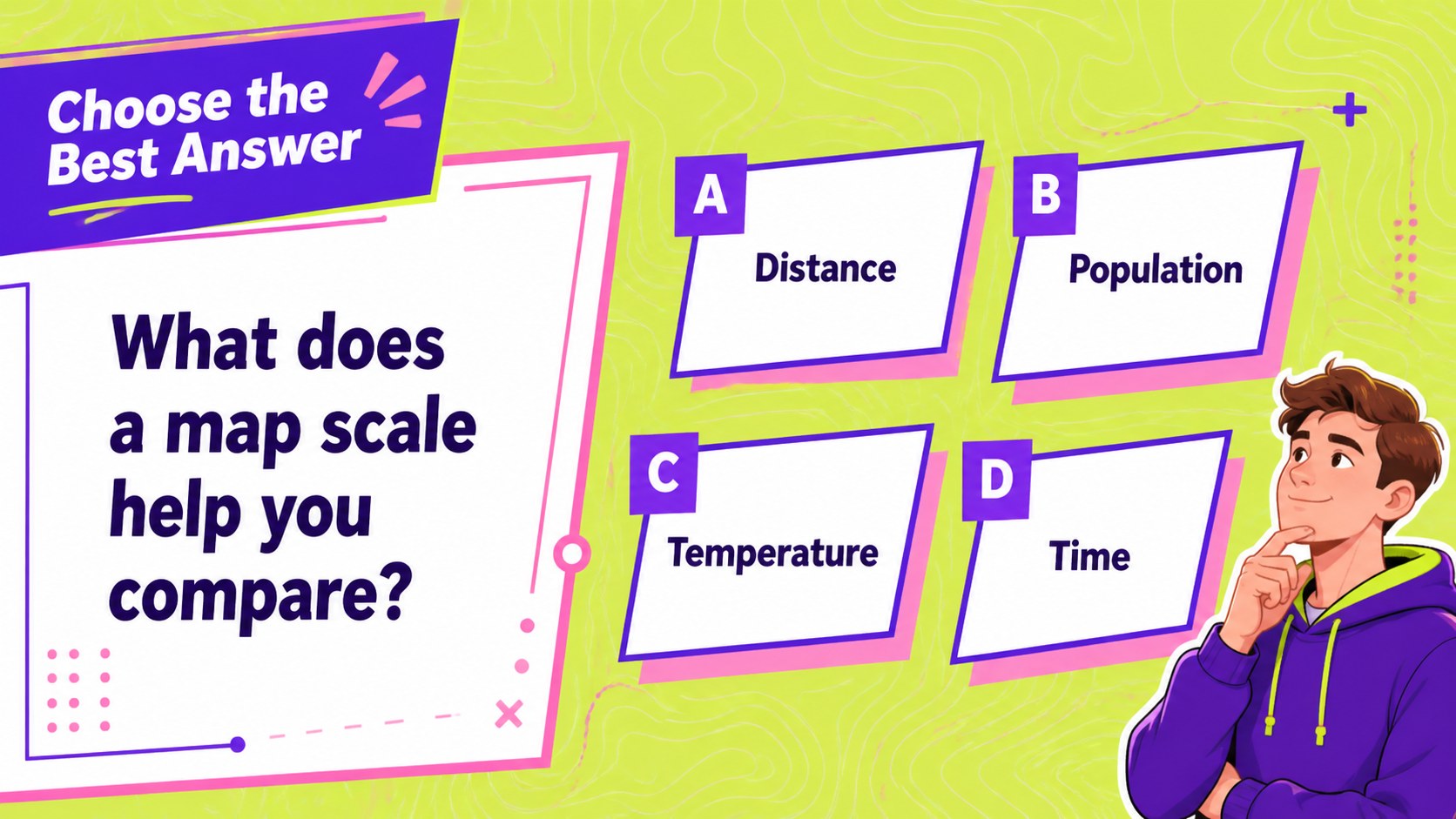
Make map-reading practice more active with interactive geography quiz slides built for lively classroom participation. Map Quest uses a vivid neon palette of purple, green, and pink, paired with a geometric visual system and a monospaced type style. Students can follow routes, interpret symbols, identify regions, and solve location clues while the teacher guides the pace.
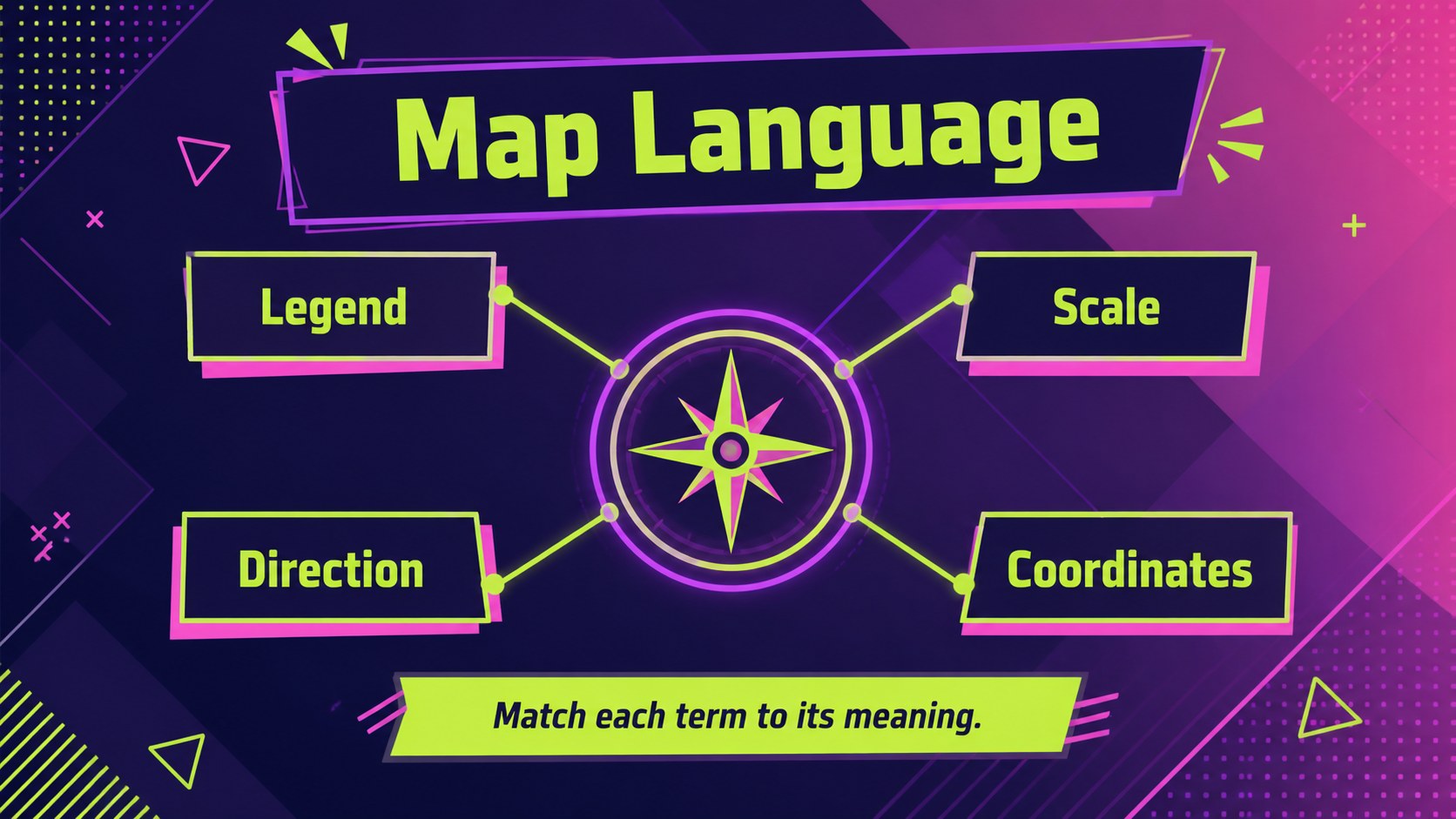
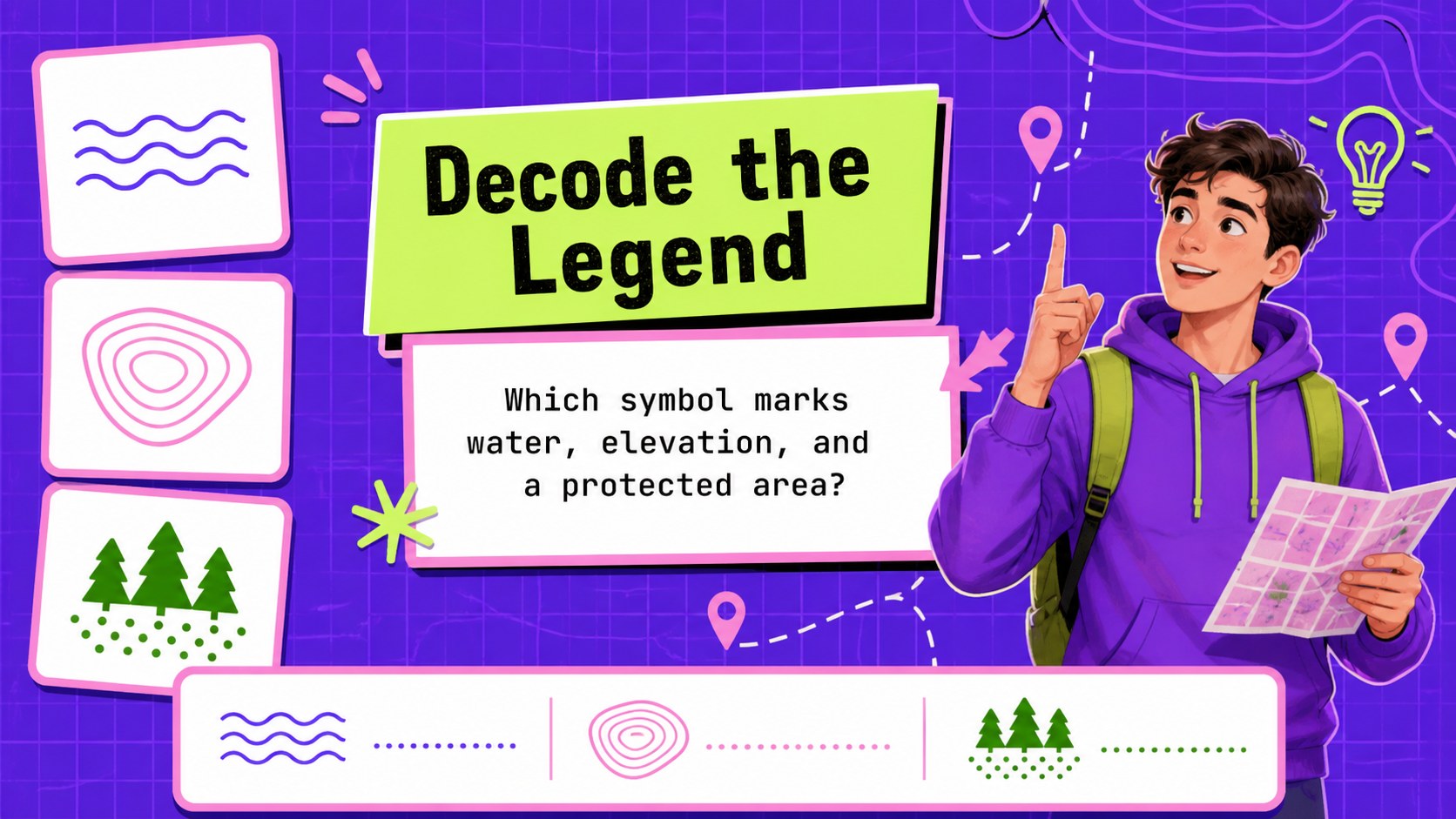
Inside, you will find a cover, learning goals, map vocabulary, visual legends, warm-up questions, route challenges, regional identification activities, answer-reveal layouts, scorekeeping pages, and a final recap. The flexible layouts work well for projected instruction, small-group competitions, review sessions, and independent practice. Use the editable text areas to change locations, difficulty levels, question formats, or curriculum terminology.
Designed for educators, tutors, and workshop leaders, this social studies map lesson deck supports geography units for upper elementary, middle school, and introductory secondary classes. It can also serve as a student map reading game or a colorful geography review activity. Download the presentation for PowerPoint or Google Slides, then adjust the prompts, charts, icons, and diagrams to match your lesson plan.
Perfect for: upper elementary map skills lesson; middle school social studies review; small-group geography competition; geography vocabulary warm-up; student map reading game.
Frequently asked questions
Can I edit these slides in PowerPoint? Yes. The presentation is designed for PowerPoint editing, so you can replace the questions, labels, locations, colors, and diagrams. Use the editable layouts to adapt the challenge for different grade levels.
Practical details
Yes. The presentation is designed for PowerPoint editing, so you can replace the questions, labels, locations, colors, and diagrams. Use the editable layouts to adapt the challenge for different grade levels.
Yes, you can open and customize the presentation in Google Slides. Check the imported fonts, animations, and chart formatting after upload, then make any small adjustments needed for your classroom setup.
Replace the sample clues with countries, states, cities, landforms, coordinates, or map symbols from your curriculum. Duplicate the challenge and answer layouts when you need additional rounds or a different difficulty level.
The layouts are suitable for upper elementary, middle school, and introductory secondary geography lessons. Teachers can simplify the wording for younger learners or add more detailed regional and coordinate questions for advanced groups.
Keep exploring
15Build stronger academic arguments with a college essay thesis builder featuring guided examples, revision prompts, and editable PowerPoint and Google Slides.
 15
15Build an engaging World UFO Day session with this flying saucer history lesson deck, featuring retro green-and-brown slides for PowerPoint and Google Slides.
 14
14Plan a memorable Lunar New Year campaign with the 2036 Dragon Year Celebration Theme, featuring bold red-and-yellow slides for lessons and events.
 15
15Build a thoughtful classroom discussion with this interfaith awareness lesson deck, featuring editable blue-and-white slides for PowerPoint and Google Slides.
 15
15Use this environmental awareness lesson deck to teach climate action through illustrated activities, discussion prompts, and ready-to-edit visuals.
 15
15Build playful lessons and party stories with a kid-friendly zombie celebration theme in purple, green and pastel blue for PowerPoint and Google Slides.
 15
15Build eerie lessons, campaigns, and story pitches with an undead survival scenario theme featuring editable slides for PowerPoint and Google Slides.
 16
16Turn environmental research into a clear story with a Watercolor Ecology Presentation Theme for PowerPoint and Google Slides in calming green and blue.