
 15
15presentation
College Essay Thesis Builder Slides
Build stronger academic arguments with a college essay thesis builder featuring guided examples, revision prompts, and editable PowerPoint and Google Slides.
Google SlidesPowerPoint
presentation · English
Build confident beginner coders with an interactive coding workshop slides deck for lessons, demos, practice tasks, and group activities in PowerPoint or…





Design notes
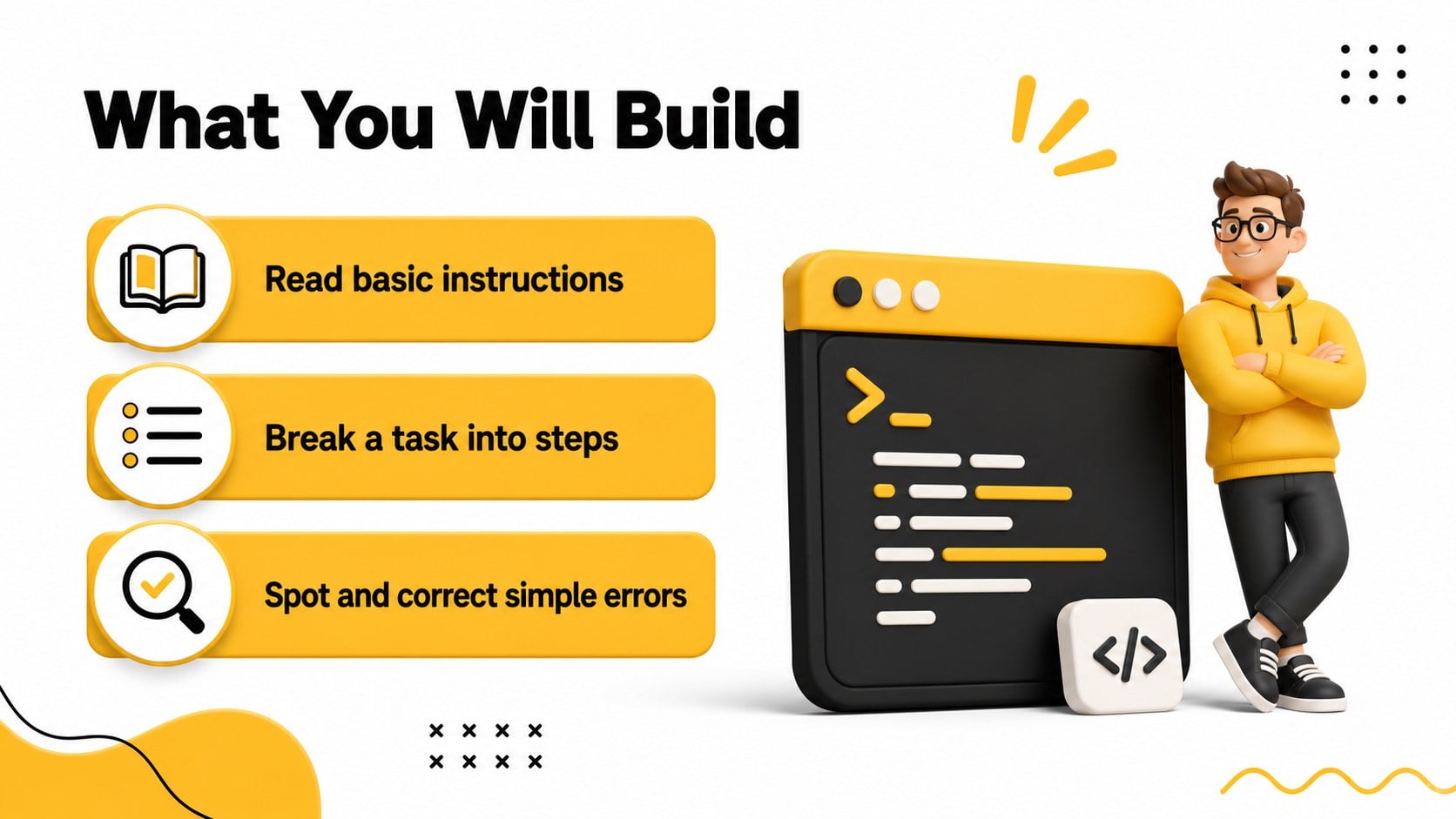
Make programming easier to teach with an interactive coding workshop slides deck designed for clear explanations and active participation. The energetic yellow, black, and white visual system uses bold typography, playful 3D-inspired graphics, and high-contrast layouts to keep beginner audiences focused without overwhelming them.
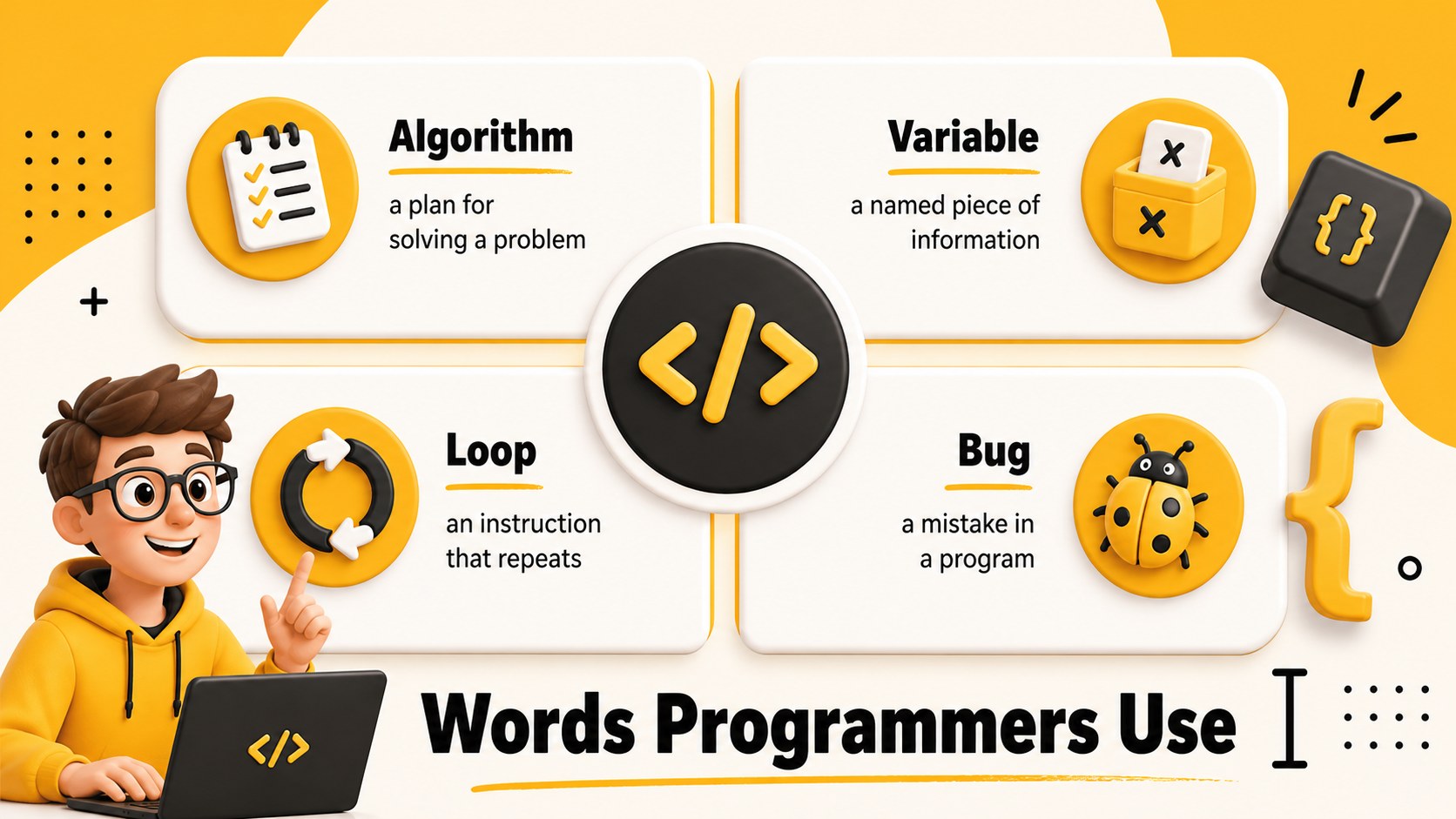
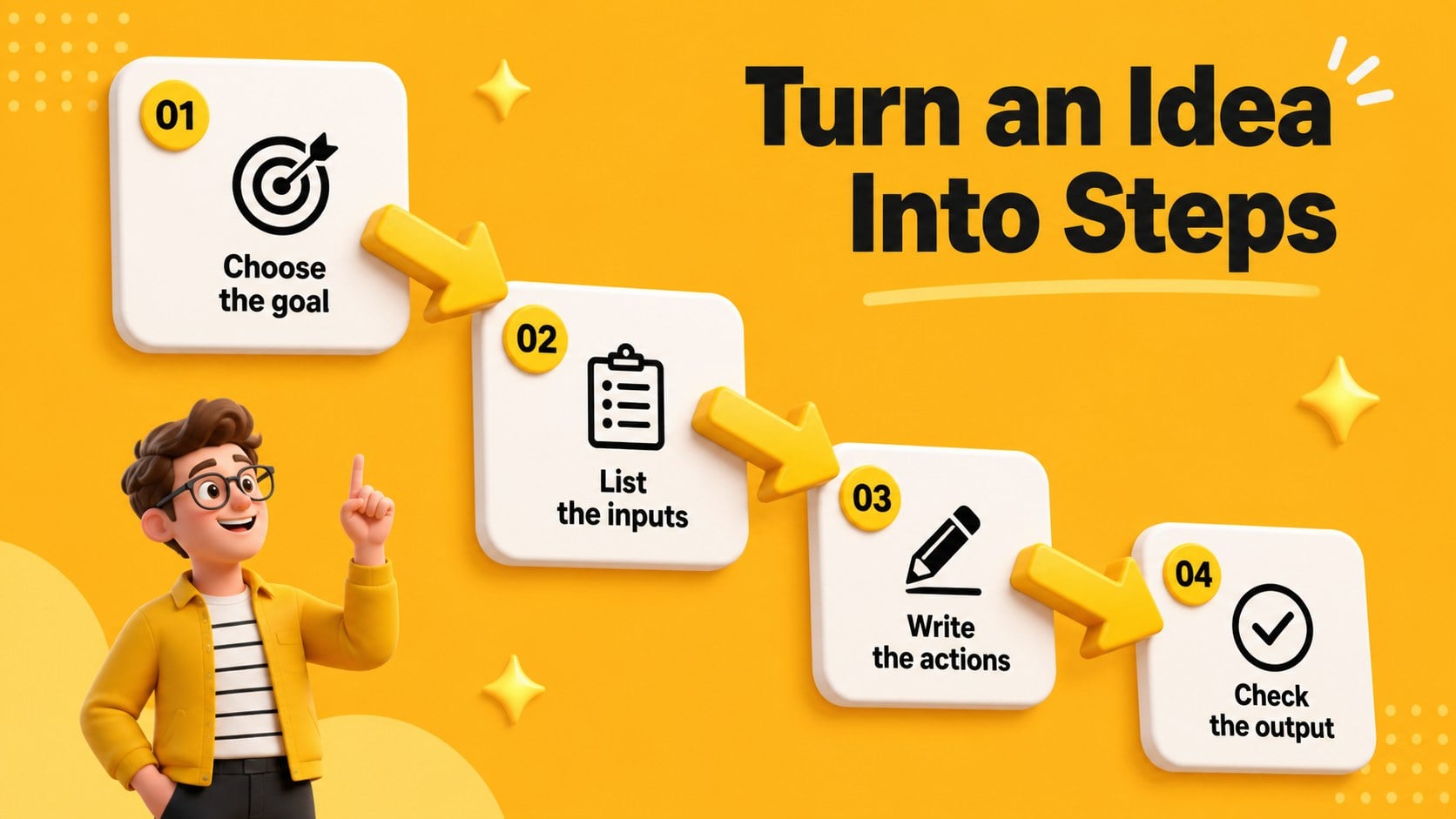
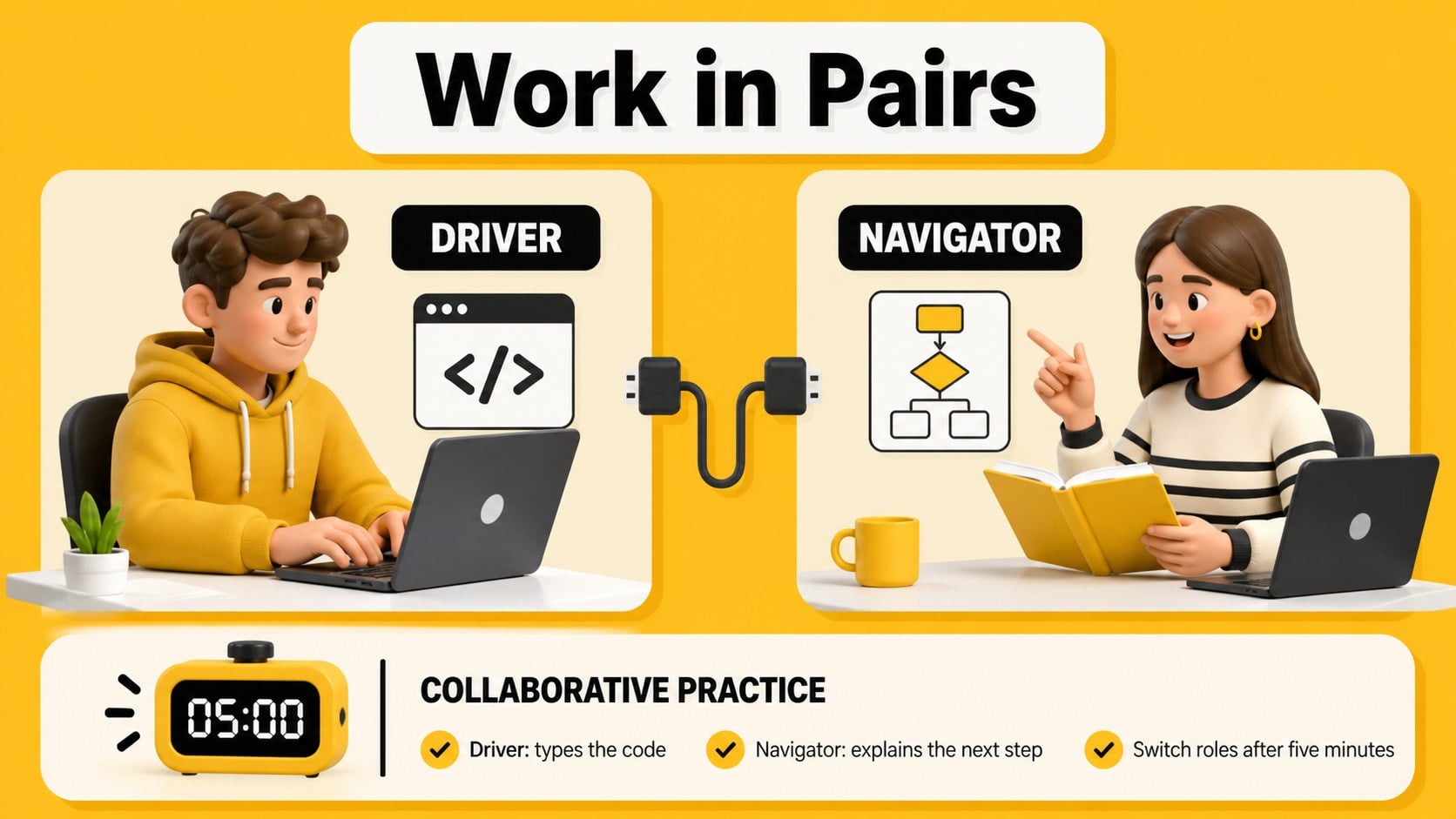
Inside, you will find an opening title slide, learning goals, workshop agenda, coding vocabulary, step-by-step logic examples, syntax reminders, debugging tips, practice challenges, resource pages, and a closing action plan. The layouts can support live demonstrations, pair programming, small-group exercises, or a short introduction to web development. Use the visual examples to explain how instructions become working code, then adapt the activity pages for your own lesson sequence.
This beginner coding lesson presentation is useful for teachers, technology coaches, community instructors, bootcamp mentors, and workplace trainers. Edit the wording, replace diagrams, add screenshots, and adjust the challenge prompts in PowerPoint or Google Slides. The deck works well for classroom instruction, after-school programs, coding clubs, and introductory professional development sessions. Its modular structure also makes it simple to reuse individual pages for a coding fundamentals workshop or a compact programming tutorial.
Perfect for: beginner programming class; coding club orientation; school technology workshop; web development introduction; employee coding fundamentals session.
Frequently asked questions
Can I edit this deck in PowerPoint? Yes. The presentation is designed for PowerPoint editing, including text, colors, shapes, illustrations, and activity prompts. You can also remove or duplicate slides to match your workshop length.
Practical details
Yes. The presentation is designed for PowerPoint editing, including text, colors, shapes, illustrations, and activity prompts. You can also remove or duplicate slides to match your workshop length.
Yes, the deck can be opened and customized in Google Slides. Review imported fonts and spacing after upload, then update diagrams and examples directly in your browser.
Yes. The sequence introduces vocabulary, logic, syntax, and debugging before moving into guided practice. Instructors can replace the sample code with examples from Python, JavaScript, HTML, or another beginner-friendly language.
Replace the sample challenges, add screenshots of your coding environment, and adjust the reflection prompts for individual or group work. The yellow, black, and white palette can remain intact while you personalize the instructional content.
Keep exploring
15Build stronger academic arguments with a college essay thesis builder featuring guided examples, revision prompts, and editable PowerPoint and Google Slides.
 15
15Build an engaging World UFO Day session with this flying saucer history lesson deck, featuring retro green-and-brown slides for PowerPoint and Google Slides.
 14
14Plan a memorable Lunar New Year campaign with the 2036 Dragon Year Celebration Theme, featuring bold red-and-yellow slides for lessons and events.
 15
15Build a thoughtful classroom discussion with this interfaith awareness lesson deck, featuring editable blue-and-white slides for PowerPoint and Google Slides.
 15
15Use this environmental awareness lesson deck to teach climate action through illustrated activities, discussion prompts, and ready-to-edit visuals.
 15
15Build playful lessons and party stories with a kid-friendly zombie celebration theme in purple, green and pastel blue for PowerPoint and Google Slides.
 15
15Build eerie lessons, campaigns, and story pitches with an undead survival scenario theme featuring editable slides for PowerPoint and Google Slides.
 16
16Turn environmental research into a clear story with a Watercolor Ecology Presentation Theme for PowerPoint and Google Slides in calming green and blue.