
 15
15presentation
College Essay Thesis Builder Slides
Build stronger academic arguments with a college essay thesis builder featuring guided examples, revision prompts, and editable PowerPoint and Google Slides.
Google SlidesPowerPoint
presentation · English
Build lively classroom presentations with interactive chalkboard lesson slides in cheerful green and yellow, ready for PowerPoint and Google Slides.



Design notes
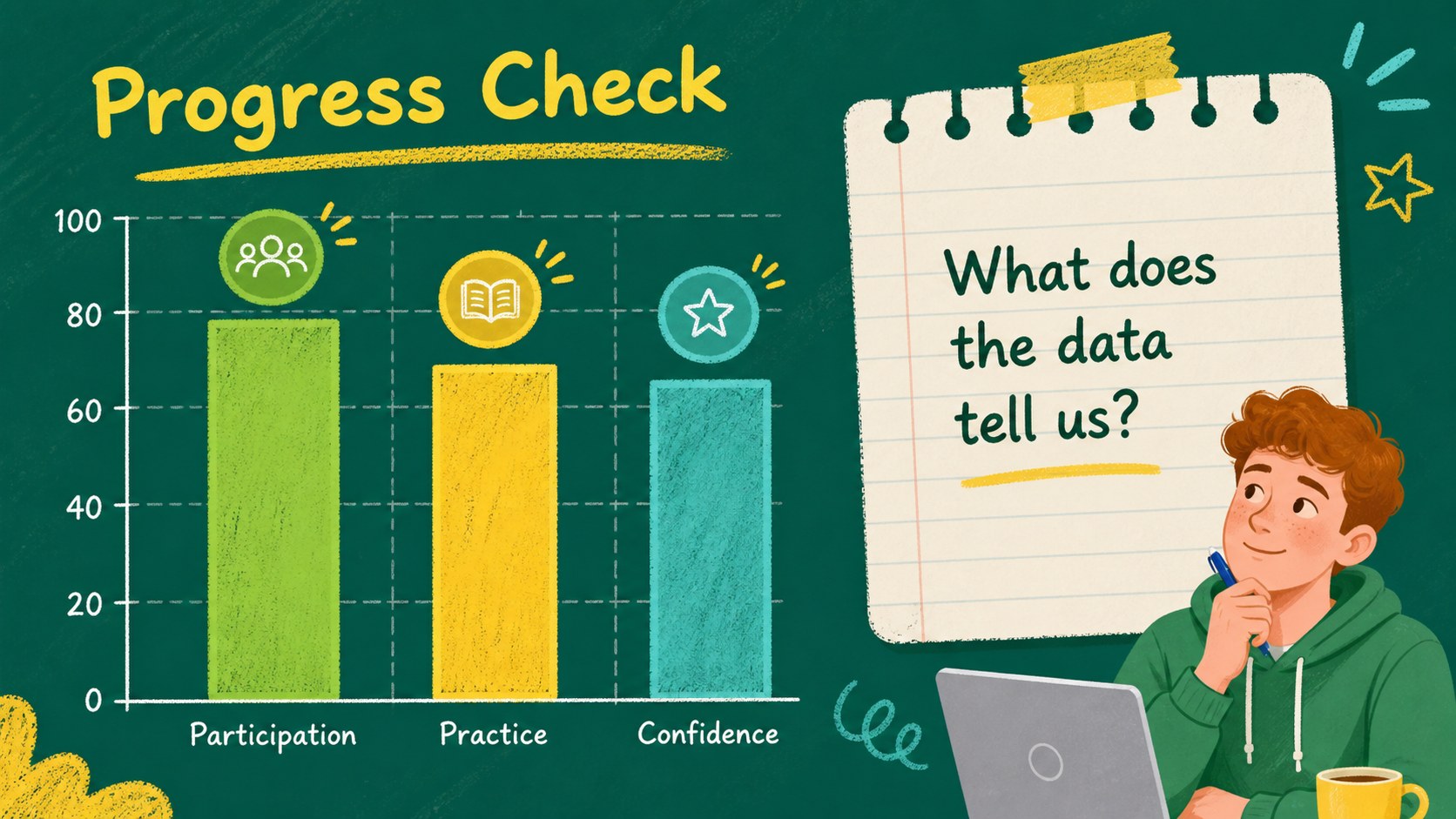
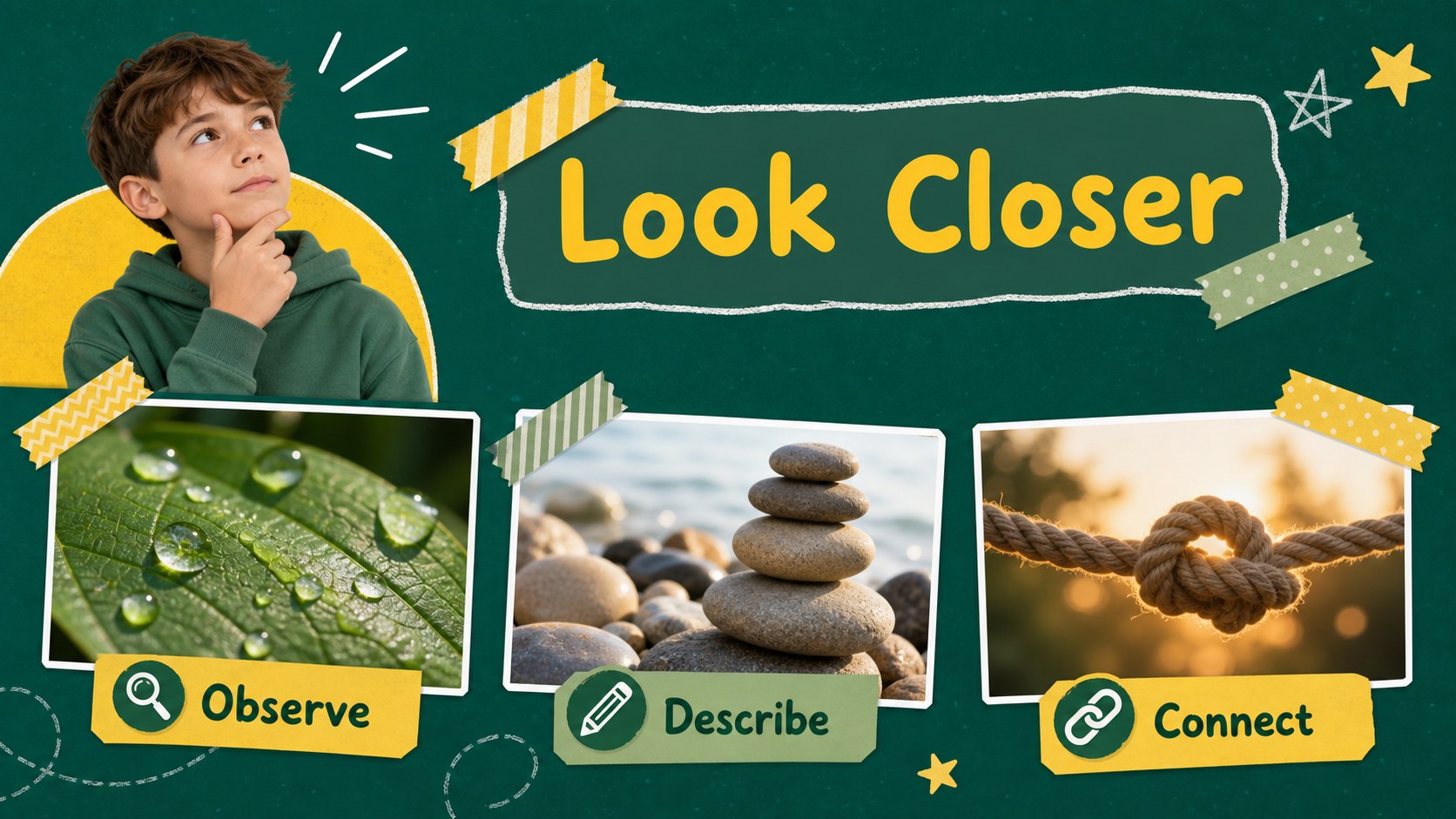
Make classroom explanations more memorable with interactive chalkboard lesson slides designed for teachers, tutors, and course instructors. The cheerful green and yellow palette creates a familiar schoolroom mood, while hand-drawn accents and light animation keep each topic approachable without distracting from the content. Use this deck for daily instruction, workshop activities, review sessions, or student-facing project presentations.
Inside, you will find more than 25 editable layouts for lesson objectives, topic introductions, key statements, inspirational quotes, timelines, statistics, comparisons, charts, photo collages, and recap slides. The structure works equally well as an interactive lesson presentation, a green chalkboard PowerPoint theme, or an animated classroom lesson deck. Add images, illustrations, icons, logos, audio, and video clips, then adjust fonts and colors to match your subject or school identity.
The template is made for PowerPoint and Google Slides, with layouts that are easy to download, edit, present, and share. It suits elementary educators, homeschool teachers, training facilitators, education students, and anyone who wants a friendly teacher presentation with doodles. Use the included guidance slide to understand the layout system, animation options, and customization workflow before building your lesson.
Perfect for: elementary classroom lesson; homeschool teaching session; teacher training workshop; student project presentation; course review activity.
Frequently asked questions
Can I edit these slides in PowerPoint? Yes. The template is compatible with PowerPoint and includes editable text, shapes, charts, colors, and image areas. You can also use its animation and transition features when presenting.
Practical details
Yes. The template is compatible with PowerPoint and includes editable text, shapes, charts, colors, and image areas. You can also use its animation and transition features when presenting.
Yes, you can open and customize the presentation in Google Slides. Text, layouts, colors, and visual elements can be adapted to suit your lesson content.
Yes. The chalkboard style works for language lessons, science topics, classroom routines, workshops, tutoring, and review activities. Replace the sample content with subject-specific text and visuals.
Yes. Update the theme colors and font combinations to align with your classroom, school, or course identity. The original palette can also remain in place for a bright illustrated teaching style.
Keep exploring
15Build stronger academic arguments with a college essay thesis builder featuring guided examples, revision prompts, and editable PowerPoint and Google Slides.
 15
15Build an engaging World UFO Day session with this flying saucer history lesson deck, featuring retro green-and-brown slides for PowerPoint and Google Slides.
 14
14Plan a memorable Lunar New Year campaign with the 2036 Dragon Year Celebration Theme, featuring bold red-and-yellow slides for lessons and events.
 15
15Build a thoughtful classroom discussion with this interfaith awareness lesson deck, featuring editable blue-and-white slides for PowerPoint and Google Slides.
 15
15Use this environmental awareness lesson deck to teach climate action through illustrated activities, discussion prompts, and ready-to-edit visuals.
 15
15Build playful lessons and party stories with a kid-friendly zombie celebration theme in purple, green and pastel blue for PowerPoint and Google Slides.
 15
15Build eerie lessons, campaigns, and story pitches with an undead survival scenario theme featuring editable slides for PowerPoint and Google Slides.
 16
16Turn environmental research into a clear story with a Watercolor Ecology Presentation Theme for PowerPoint and Google Slides in calming green and blue.