
 15
15presentation
College Essay Thesis Builder Slides
Build stronger academic arguments with a college essay thesis builder featuring guided examples, revision prompts, and editable PowerPoint and Google Slides.
Google SlidesPowerPoint
presentation · English
Build lively high school reading lessons with informational reading connections slides in a pink-and-green illustrated style for PowerPoint and Google Slides.
Design notes
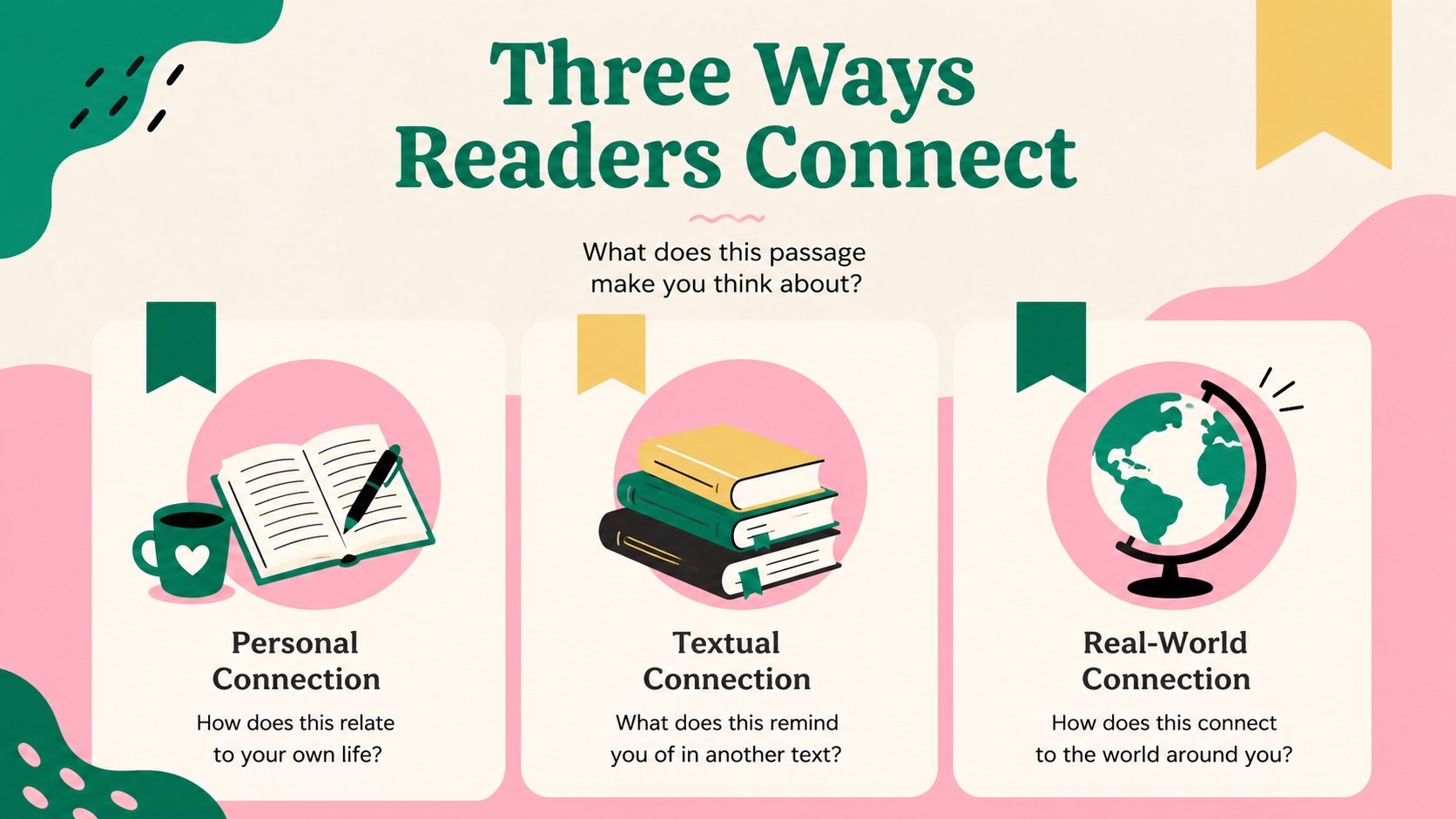
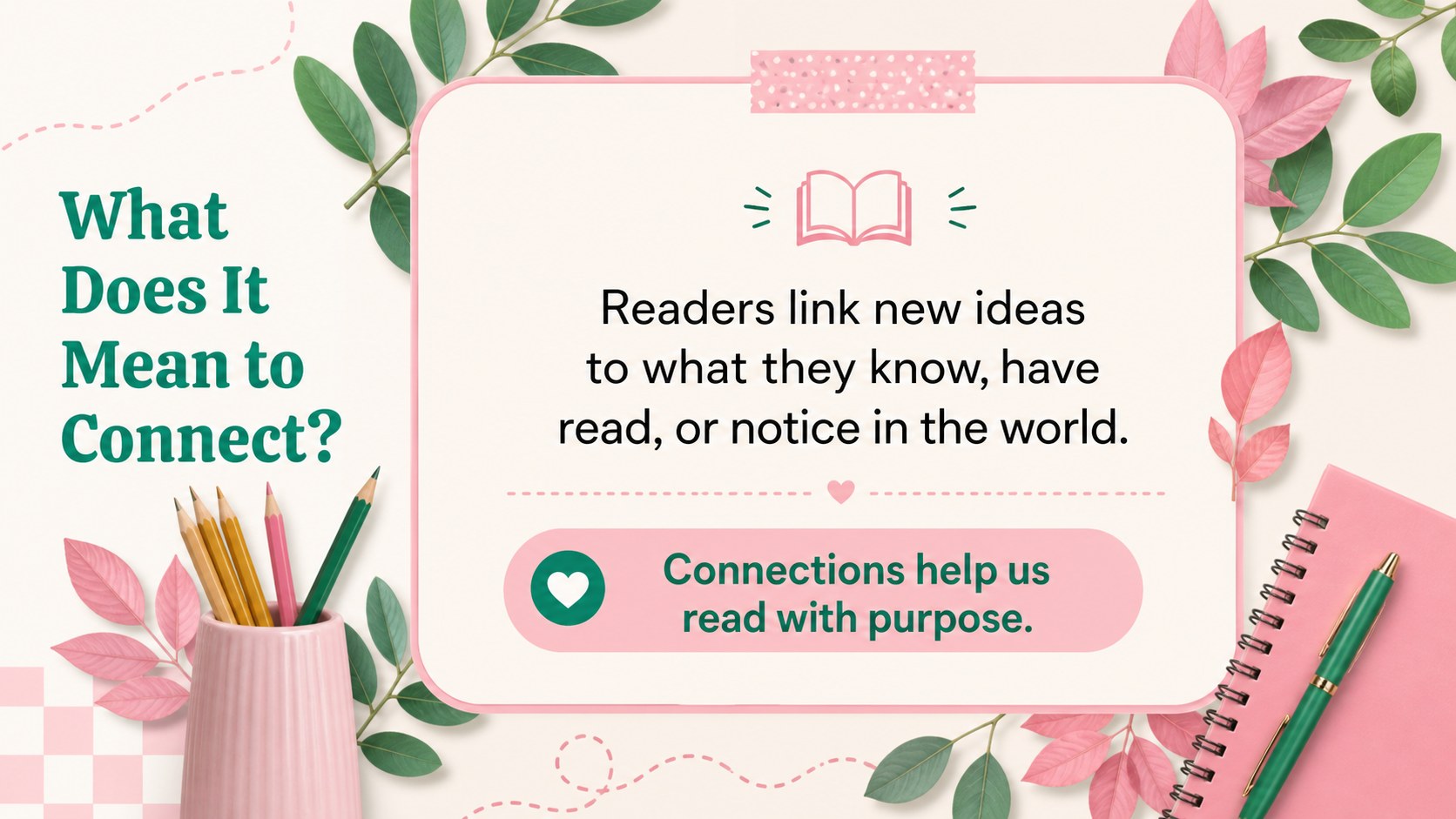
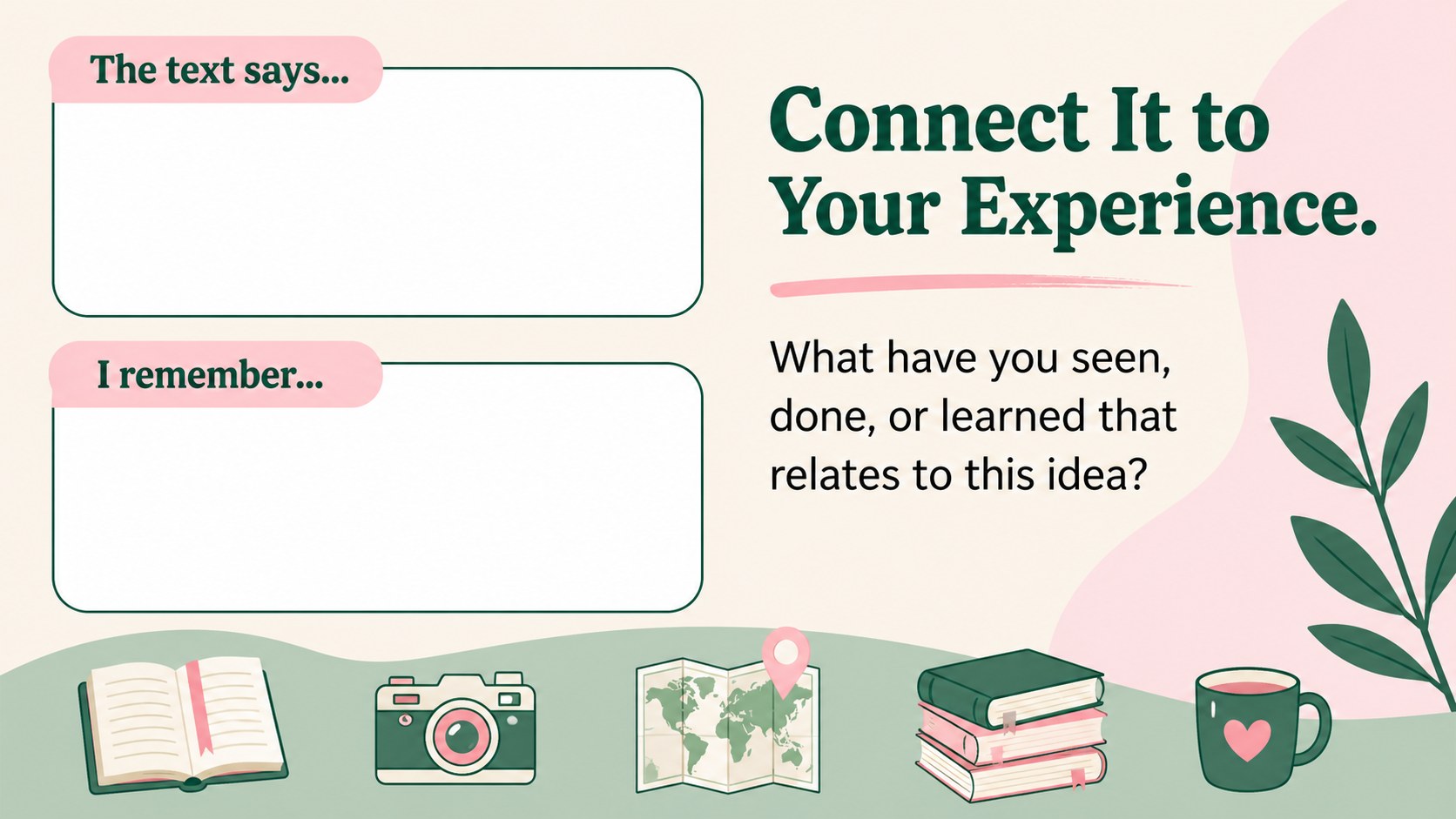
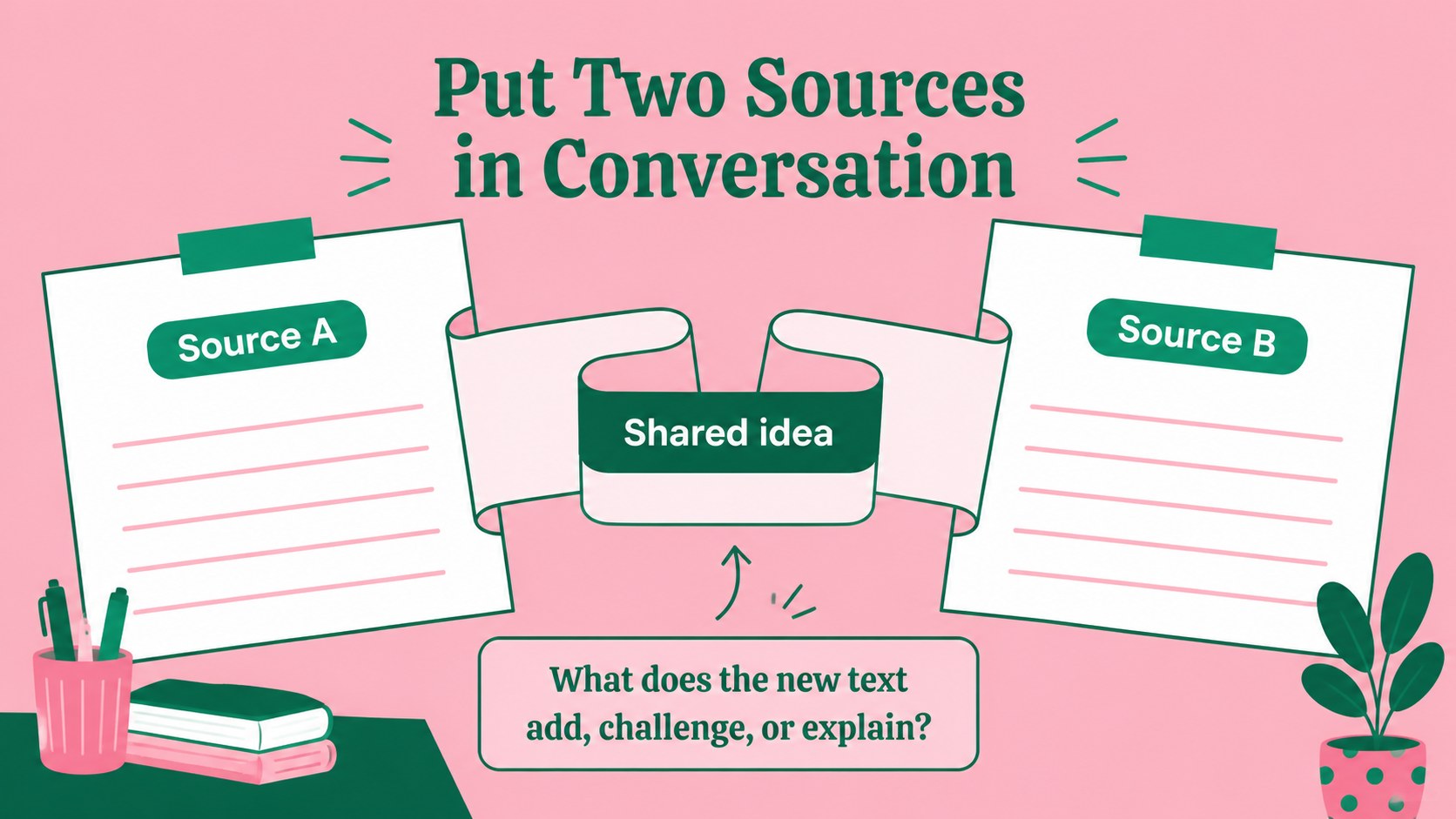
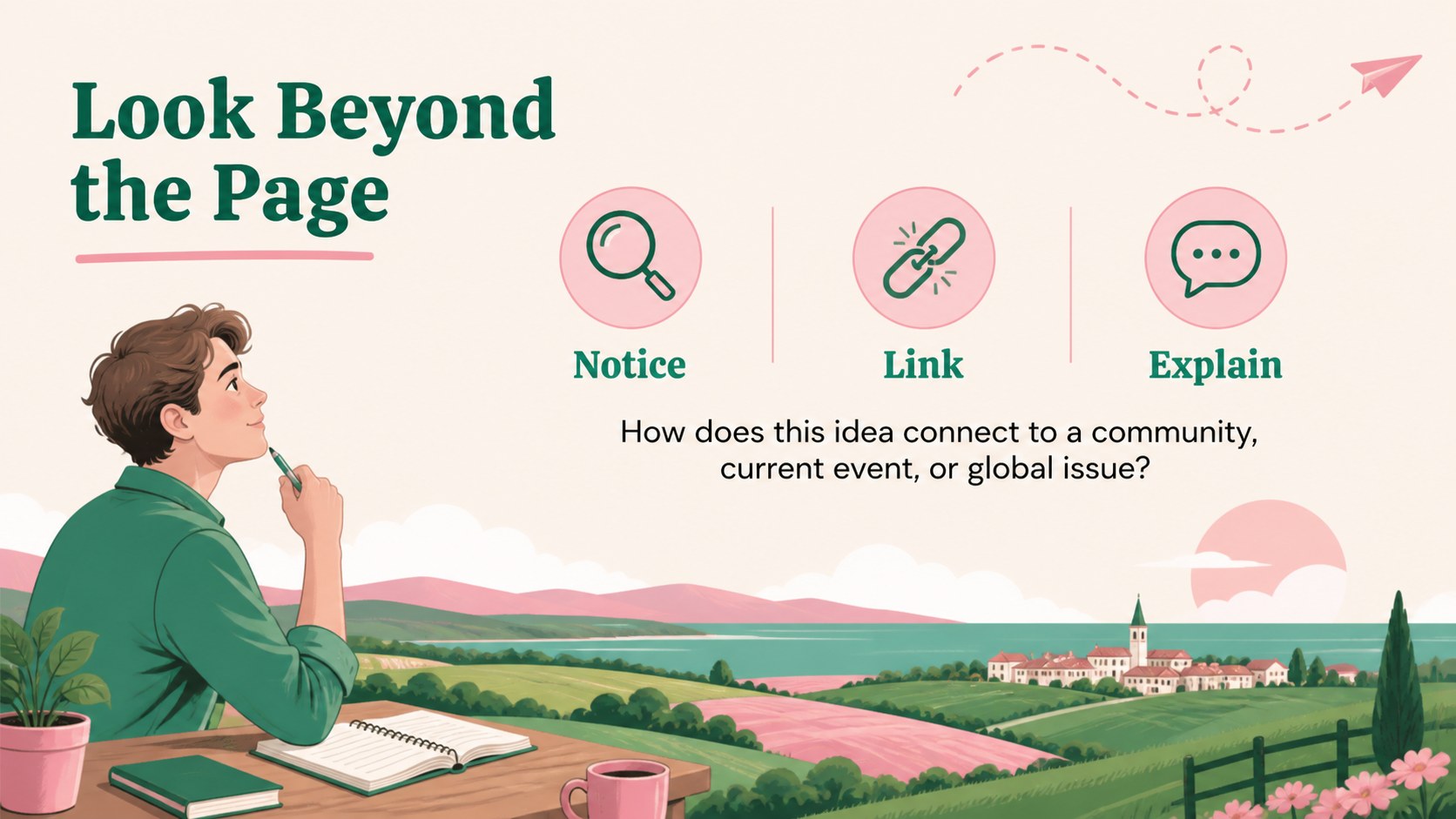
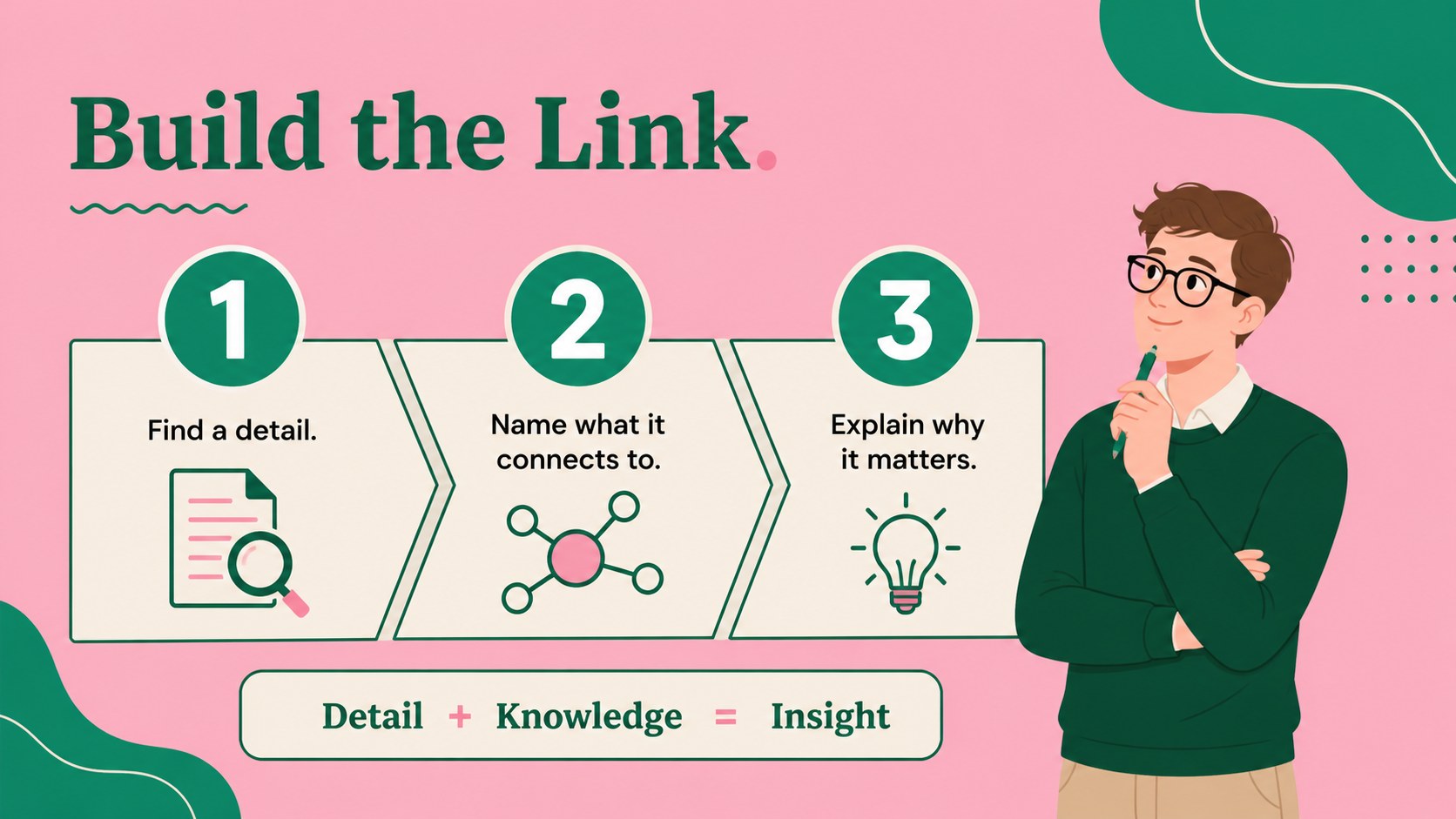
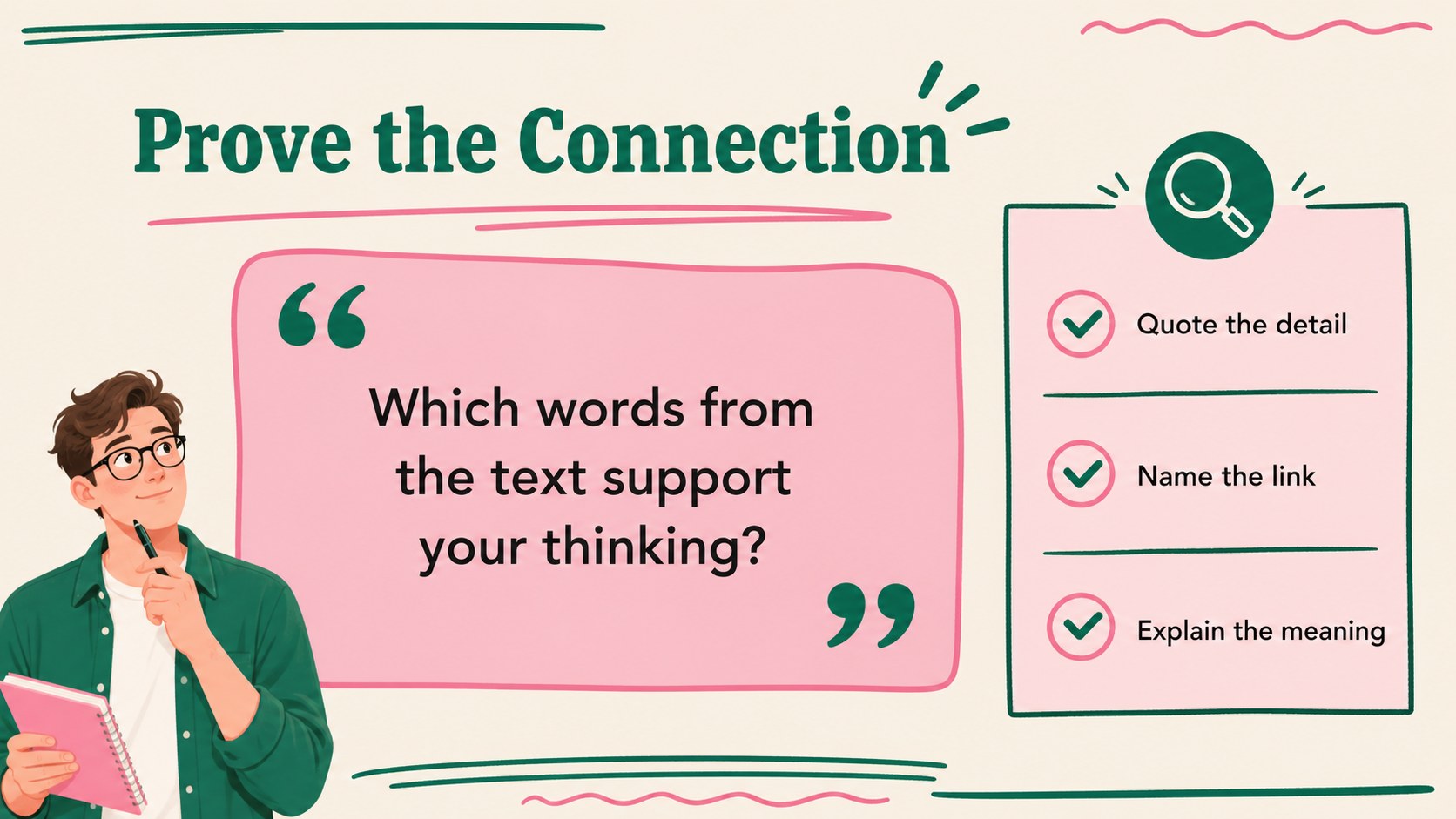
Make complex nonfiction reading more approachable with informational reading connections slides designed for high school classrooms. The cheerful pink-and-green illustrated style gives teachers a memorable visual framework for helping students connect a text to themselves, other texts, and the wider world.
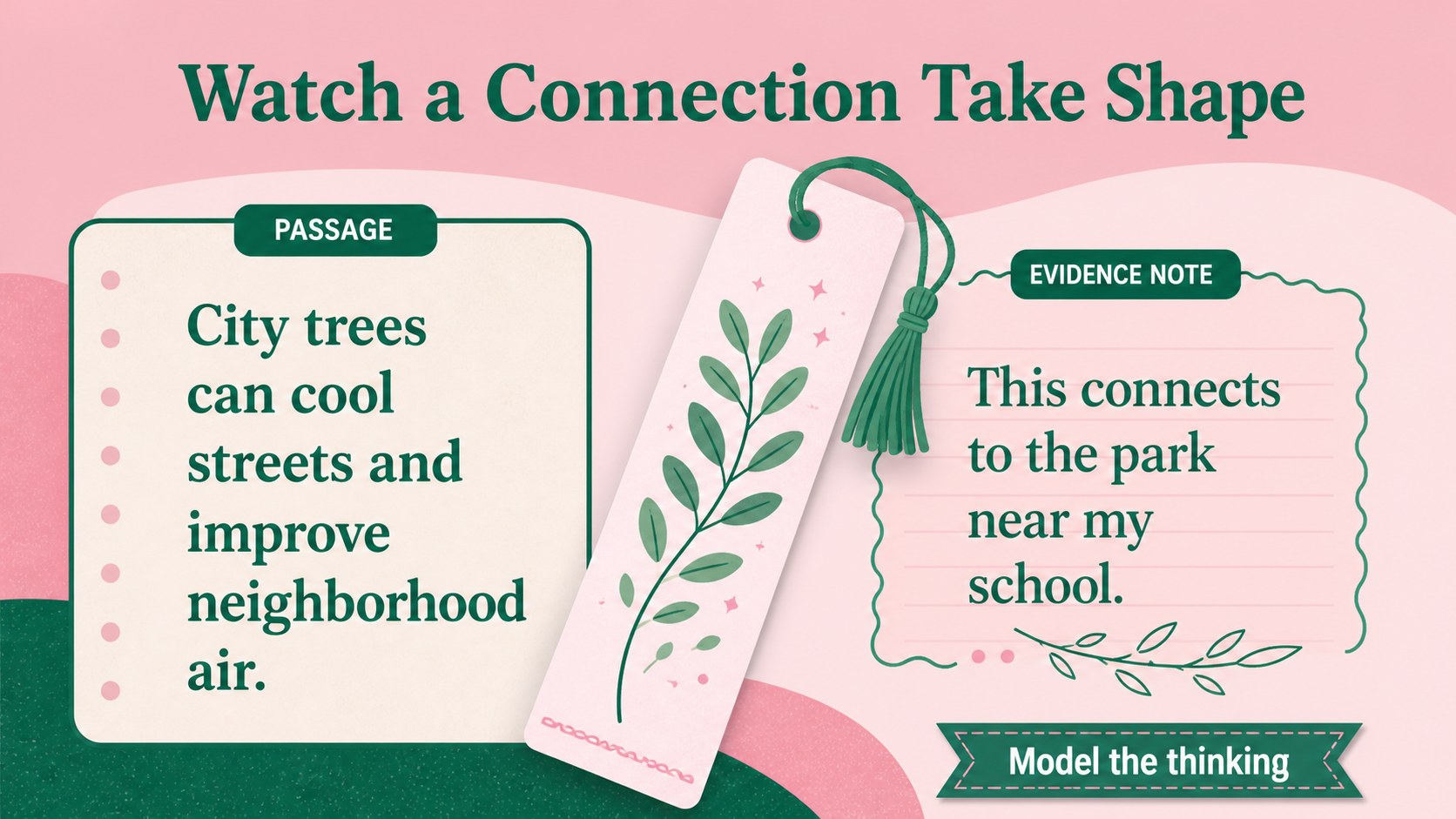
Inside, you will find 15 editable 16:9 slides for introducing the strategy, modeling a passage, sorting connection types, recording evidence, comparing ideas, checking understanding, and leading discussion. Use the layouts as a complete lesson or select individual pages for bell ringers, guided reading, small-group work, or assessment review. Prompts, diagrams, question spaces, and quiz-style activities keep students involved while leaving room for your own examples and excerpts.
This high school reading lesson deck works in PowerPoint and Google Slides, with flexible text boxes, shapes, charts, and illustration areas that are easy to adapt. It suits English language arts teachers, literacy coaches, intervention groups, and substitute-ready lesson planning. Use the informational text comprehension activity slides to support annotation, close reading, and evidence-based responses, or adapt the reading strategy presentation for a unit on articles, essays, reports, and primary sources.
Perfect for: high school ELA mini-lesson; nonfiction reading workshop; small-group literacy intervention; close reading review; teacher professional development; substitute-ready reading lesson.
Frequently asked questions
Can I edit these slides in PowerPoint? Yes. The deck is designed for PowerPoint and includes editable text, shapes, colors, and layout elements. Replace the sample prompts with passages, questions, and vocabulary from your curriculum.
Practical details
Yes. The deck is designed for PowerPoint and includes editable text, shapes, colors, and layout elements. Replace the sample prompts with passages, questions, and vocabulary from your curriculum.
Yes, you can open and customize the presentation in Google Slides. Check the imported fonts and adjust any spacing if your account substitutes a different typeface.
The slides support text-to-self, text-to-text, and text-to-world connections, along with annotation, evidence gathering, inference, and discussion. They can be adapted for articles, essays, reports, and primary sources.
Yes. The colors, type, illustrations, and content areas can be customized to match your classroom or school style. Keep the original palette for a bright illustrated lesson or use your own accessible contrast choices.
Keep exploring
15Build stronger academic arguments with a college essay thesis builder featuring guided examples, revision prompts, and editable PowerPoint and Google Slides.
 15
15Build an engaging World UFO Day session with this flying saucer history lesson deck, featuring retro green-and-brown slides for PowerPoint and Google Slides.
 14
14Plan a memorable Lunar New Year campaign with the 2036 Dragon Year Celebration Theme, featuring bold red-and-yellow slides for lessons and events.
 15
15Build a thoughtful classroom discussion with this interfaith awareness lesson deck, featuring editable blue-and-white slides for PowerPoint and Google Slides.
 15
15Use this environmental awareness lesson deck to teach climate action through illustrated activities, discussion prompts, and ready-to-edit visuals.
 15
15Build playful lessons and party stories with a kid-friendly zombie celebration theme in purple, green and pastel blue for PowerPoint and Google Slides.
 15
15Build eerie lessons, campaigns, and story pitches with an undead survival scenario theme featuring editable slides for PowerPoint and Google Slides.
 16
16Turn environmental research into a clear story with a Watercolor Ecology Presentation Theme for PowerPoint and Google Slides in calming green and blue.